Open Source Snagit Alternatives
A curated collection of the 3 best open source alternatives to Snagit.
The best open source alternative to Snagit is ShareX. If that doesn't suit you, we've compiled a ranked list of other open source Snagit alternatives to help you find a suitable replacement. Other interesting open source alternatives to Snagit are: Screenity and Kap.
Snagit alternatives are mainly Screen Capture & Recording but may also be Browsers & Extensions. Browse these if you want a narrower list of alternatives or looking for a specific functionality of Snagit.

Windows screen capture, recording and file sharing tool that chains annotation, upload and link copying into one hotkey workflow.
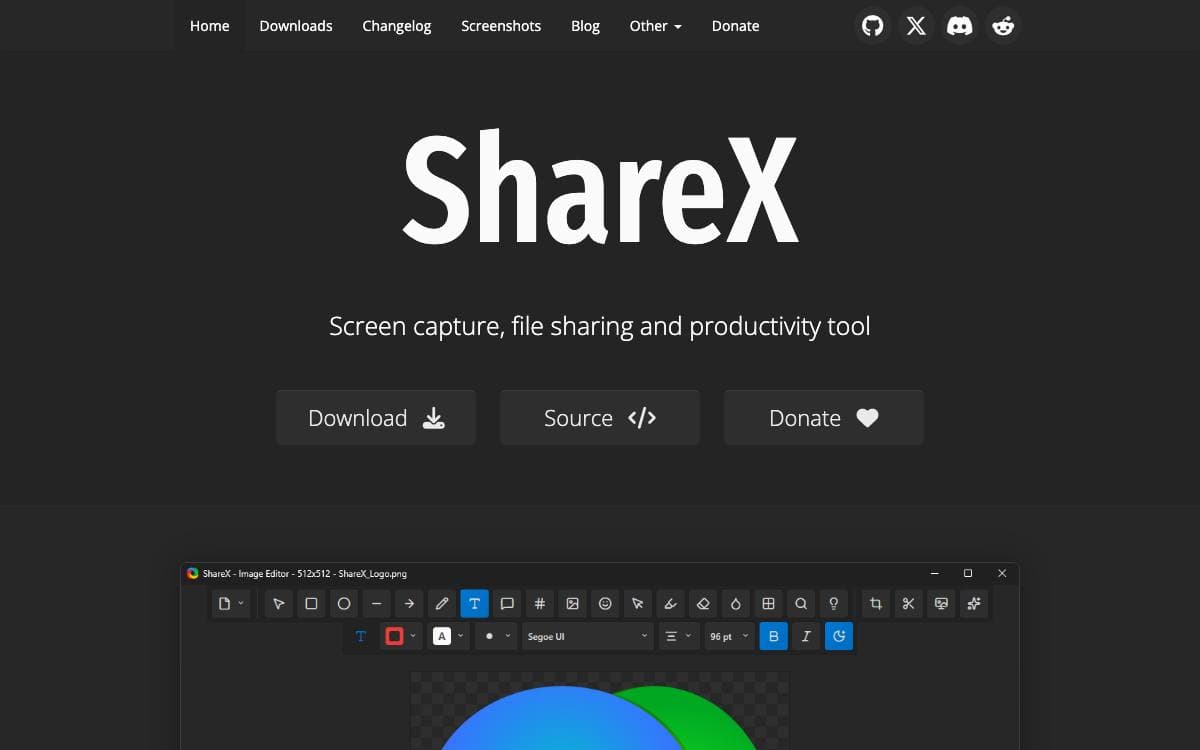
ShareX folds screen capture, screen recording, image editing, file uploading and a pile of small utilities into one Windows application, replacing the several tools those jobs are usually split between. It is free, carries no advertisements and needs no account.
The organizing idea is the workflow. A hotkey triggers a capture method, an after capture task decides what happens next, and an after upload task handles the result, so one key press can capture a region, open the editor, save locally, upload, shorten the link and leave the URL on the clipboard.
The pieces that make up those chains are many.
- Capture methods: fullscreen, active window, active monitor, region, scrolling, last region, custom region, screen recording, GIF recording and auto capture.
- Annotation: rectangles, arrows, text, speech balloons, step numbers, highlights, magnification and spotlight effects drawn during region capture.
- Redaction: blur, pixelate and a smart eraser for hiding sensitive details before a screenshot leaves your machine.
- Upload destinations: images, text, files, folders, clipboard content and URLs sent to many services, with custom uploaders and guides for Amazon S3, Google Cloud Storage and Cloudflare R2.
- Utilities: OCR, QR codes, color picker, ruler, hash checker, image effects, video converter and more.
The project names developers, designers, support teams, content creators, technical writers and QA testers as its audience. Installers, a portable build and development builds are distributed through the website, GitHub releases, the Microsoft Store and Steam.

Chrome extension for unlimited screen recording and annotation, made for people who want demos and tutorials without an account.
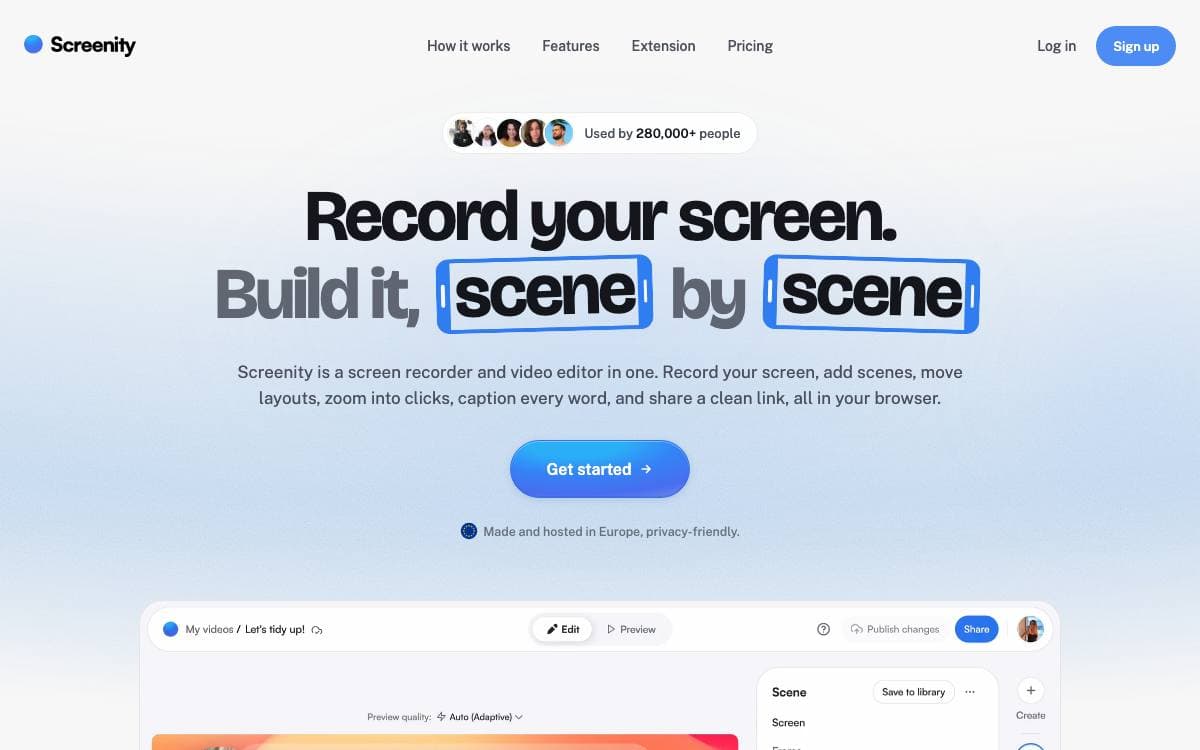
Screenity is a screen recorder and annotation tool that lives in Chrome. There is no time limit, no watermark and no sign in, which removes the usual reason people ration what they record.
Capture covers a tab, a selected area, the whole desktop, a single application or the camera alone, with microphone or internal audio and push to talk. Videos stay on your own machine, no data is collected, and the extension keeps working offline.
Most of the tool sits in what happens around the raw capture.
- Annotation: draw anywhere on the screen and add text, arrows and shapes as you record.
- Focus tools: smooth zoom, click and cursor highlighting, spotlight mode and blur over sensitive parts of a page.
- Editor: cut, trim and crop, remove or add audio, and set an alarm that stops the recording for you.
- Camera effects: AI-powered backgrounds or blur applied to the camera feed.
- Export: save as mp4, gif or webm, or send the video to Google Drive for a shareable link.
Install it from the Chrome Web Store, or load a release build yourself, in which case it runs local-only with no API calls, sign-in flows or platform features. A development version needs Node.js 14 or newer, and enabling Google Drive uploads means swapping in your own OAuth client id. The current MV3 releases are licensed GPLv3.

A macOS screen recorder that lives in the menu bar, for anyone who needs a quick clip of part of their screen.
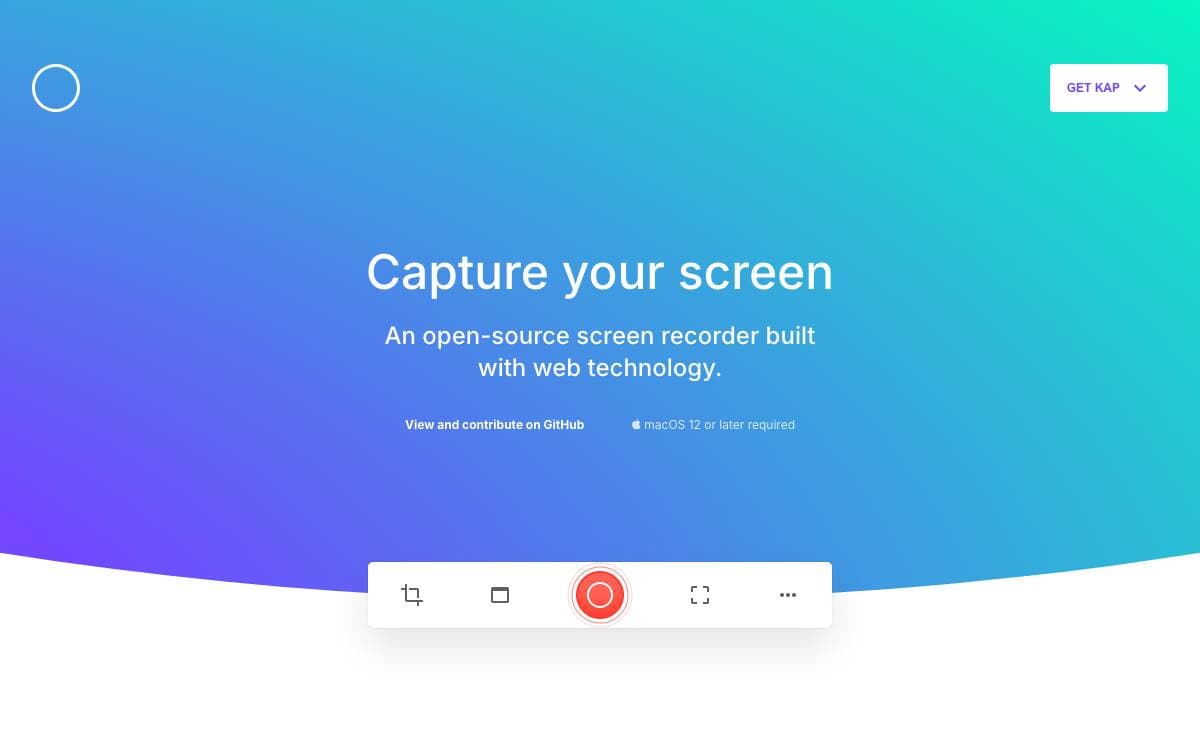
Recording part of a macOS screen with Kap starts and ends in the menu bar. The recorder is open source and built with web technology, and it removes the ceremony of opening an application, arranging its window and hunting for an export button before anything gets captured.
Clicking the menu bar icon brings up the recorder. You select the portion of the screen to capture, press record, then click the icon again to stop. Holding Option while clicking pauses a recording in progress, and a right click opens further options mid-capture.
A few practical details shape how the project is used day to day.
- Installation: downloads for Apple silicon and for Intel machines, or a single Homebrew cask command.
- Plugins: a documented plugin system, with a guide for anyone writing their own.
- Development builds: the main branch and any other branch can be downloaded directly, though those builds are unsupported and may misbehave.
- Contribution guide: a dedicated document explains how to work on the application itself.
- Related repositories: the website and Aperture are maintained alongside the main project.
Kap is macOS only, with separate builds for the two processor families rather than one universal download. Hosting, builds and error reporting are donated by Vercel, CircleCI and Sentry, and the application is kept going by the contributors listed in the repository.


