
ShareX
Windows screen capture, recording and file sharing tool that chains annotation, upload and link copying into one hotkey workflow.


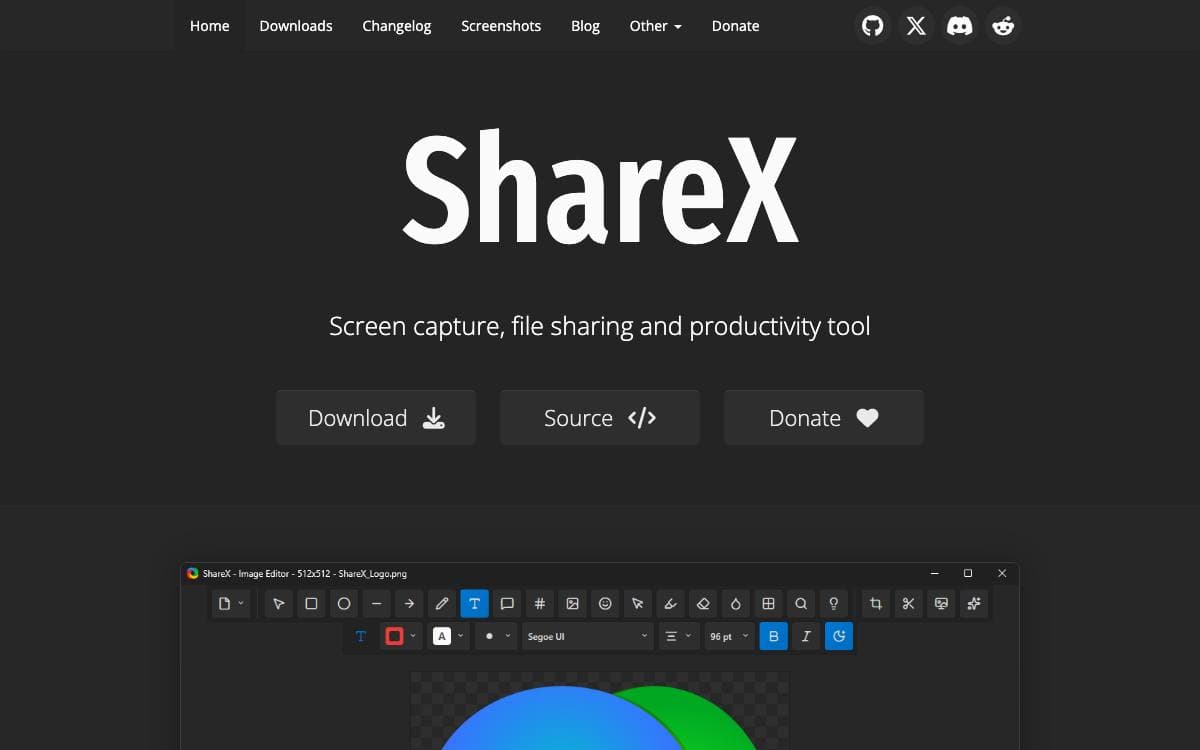
ShareX folds screen capture, screen recording, image editing, file uploading and a pile of small utilities into one Windows application, replacing the several tools those jobs are usually split between. It is free, carries no advertisements and needs no account.
The organizing idea is the workflow. A hotkey triggers a capture method, an after capture task decides what happens next, and an after upload task handles the result, so one key press can capture a region, open the editor, save locally, upload, shorten the link and leave the URL on the clipboard.
The pieces that make up those chains are many.
- Capture methods: fullscreen, active window, active monitor, region, scrolling, last region, custom region, screen recording, GIF recording and auto capture.
- Annotation: rectangles, arrows, text, speech balloons, step numbers, highlights, magnification and spotlight effects drawn during region capture.
- Redaction: blur, pixelate and a smart eraser for hiding sensitive details before a screenshot leaves your machine.
- Upload destinations: images, text, files, folders, clipboard content and URLs sent to many services, with custom uploaders and guides for Amazon S3, Google Cloud Storage and Cloudflare R2.
- Utilities: OCR, QR codes, color picker, ruler, hash checker, image effects, video converter and more.
The project names developers, designers, support teams, content creators, technical writers and QA testers as its audience. Installers, a portable build and development builds are distributed through the website, GitHub releases, the Microsoft Store and Steam.
Stars
40,465Forks
4,008Last commit
1 day agoRepository age
13 yearsLicense
GPL-3.0Version
21.0.0Repository
ShareX/ShareX
Auto-fetched from GitHub .
Open source alternatives similar to ShareX:
Stars
Forks
Last commit
Stars
Forks
Last commit
Stars
Forks
Last commit


