Open Source Notion Alternatives
A curated collection of the 20 best open source alternatives to Notion.
The best open source alternative to Notion is AppFlowy. If that doesn't suit you, we've compiled a ranked list of other open source Notion alternatives to help you find a suitable replacement. Other interesting open source alternatives to Notion are: Affine, SiYuan, Logseq and Outline.
Notion alternatives are mainly Note Taking & Knowledge Management but may also be Project & Work Management or Collaboration & Communication. Browse these if you want a narrower list of alternatives or looking for a specific functionality of Notion.

AI workspace for notes, wikis and projects that keeps your data on your own machine or server, an alternative to Notion.
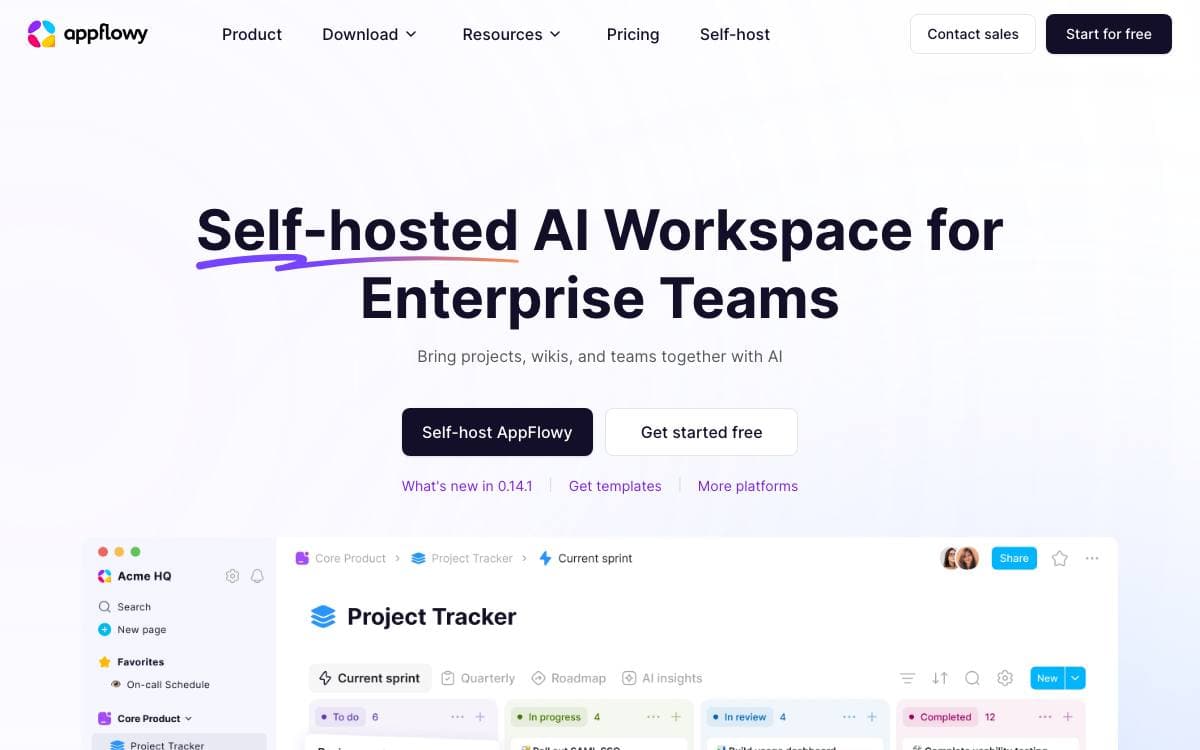
The team behind AppFlowy used Notion daily and paid for it, then ran into its limits on data security and mobile. AppFlowy is their answer: an open source AI workspace for documents, wikis and project management, and an alternative to the tool it grew out of.
It is written in Flutter and Rust, a single codebase covering desktop and mobile with a native feel and long-term maintainability. Self-hosting is documented, so an individual or a company can keep the data on infrastructure they control.
The project is shaped around who is running it.
- Desktop: macOS, Windows and Linux builds, plus FlatHub, Snapcraft and SourceForge channels.
- Mobile: iPhone through the App Store and Android 10 or above through the Play Store, with ARMv7 unsupported.
- Self-hosting: run the backend yourself and keep full control over where the data lives.
- Building blocks: collaboration infrastructure for enterprises and hackers who want to build their own apps on top.
- Translations: edit the JSON files by hand, use the inlang online editor, or run a machine translation command.
Development instructions are documented per operating system, the roadmap is public, and feature requests and bug reports go through their own templates. The stated values put data privacy first, and the codebase is open to anyone who wants to modify AppFlowy for their own needs.

An all-in-one workspace merging documents, whiteboards and databases, built local-first for teams that want to own their knowledge base.
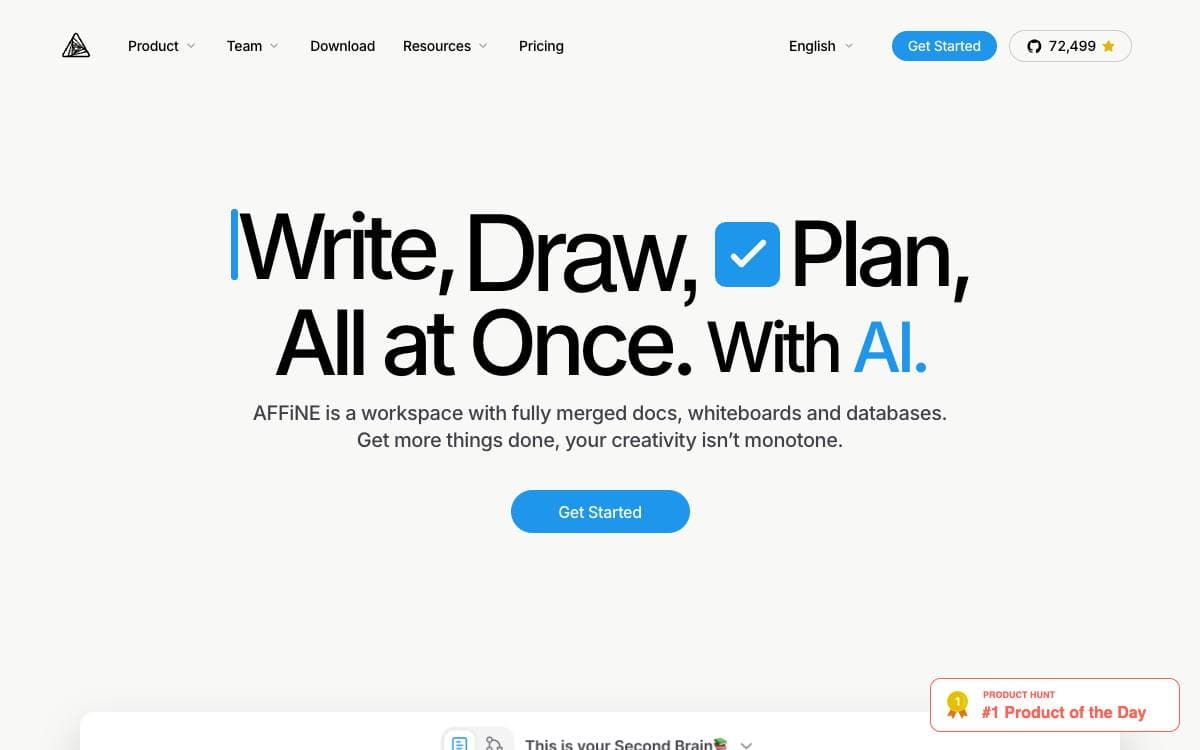
AFFiNE is an open source workspace that treats docs, canvas and tables as one surface, removing the split between the app where you write and the app where you draw. The project positions itself as an alternative to Notion and Miro.
It is built on BlockSuite, its own collaborative editor, with y-octo and yjs providing CRDT sync and OctoBase acting as the local-first data engine. Every building block, rich text, sticky notes, embedded web pages, multi-view databases, linked pages, shapes and even slides, can sit on an edgeless canvas.
The feature set covers ground that a knowledge base and a whiteboard usually split between them.
- Edgeless canvas: any block form lives on the same infinite surface, from shapes to slides.
- AFFiNE AI: turns outlines into slides, articles into mindmaps and prompts into prototype pages.
- Local-first storage: your data stays on your disk rather than only in a vendor cloud.
- Real-time collaboration: web and cross-platform clients sync while people edit together.
- Self-hosting: you can manage, fork and run your own instance, with documented setup.
Templates published by the team cover planners, one pagers, lesson plans and note taking layouts. Contributors sign a license agreement before pull requests merge. It suits people who want Notion-style structure and Miro-style freedom without keeping two subscriptions running side by side.

Privacy-first knowledge management app built on content blocks, with Markdown WYSIWYG editing, two-way links and local or Docker hosted storage.
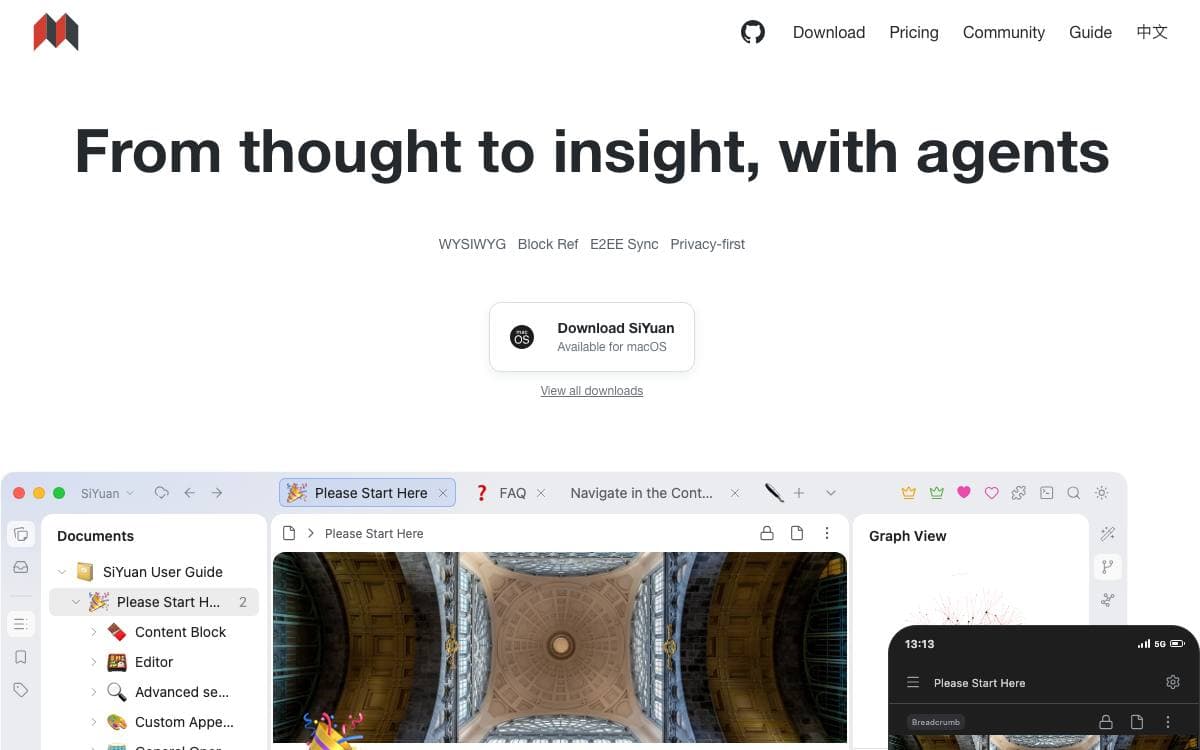
SiYuan is a personal knowledge management system organized around content blocks. Instead of files referencing each other loosely, every block can be referenced, linked both ways, zoomed into and queried, so notes stay connected without a separate index to maintain.
The editor is Markdown WYSIWYG with list outlining and support for documents running to a million words. It renders mathematical formulas, charts, flowcharts, Gantt charts, timing diagrams and staves, and it handles web clipping and PDF annotation links.
The surrounding features go well past note taking.
- SQL queries: embed query results directly inside a document.
- Database views: organize content in a table view.
- Flashcards: spaced repetition is built into the app rather than bolted on.
- Export: standard Markdown with assets, PDF, Word and HTML, plus copy targets for WeChat MP, Zhihu and Yuque.
- Snippets: template, JavaScript and CSS snippets adjust behavior and appearance.
- AI: writing and question answering through the OpenAI API, with Tesseract OCR alongside.
Desktop and mobile apps cover Android, iOS and HarmonyOS, and a Docker image serves a workspace over port 6806 with a lock screen access code and configurable user and group ids for host mounted directories. An HTTP API and a community marketplace extend it further. Most features are free including commercial use, while some are reserved for paid members.

Privacy-first outliner for knowledge management and collaboration, storing notes as local Markdown or Org-mode files you keep control of.
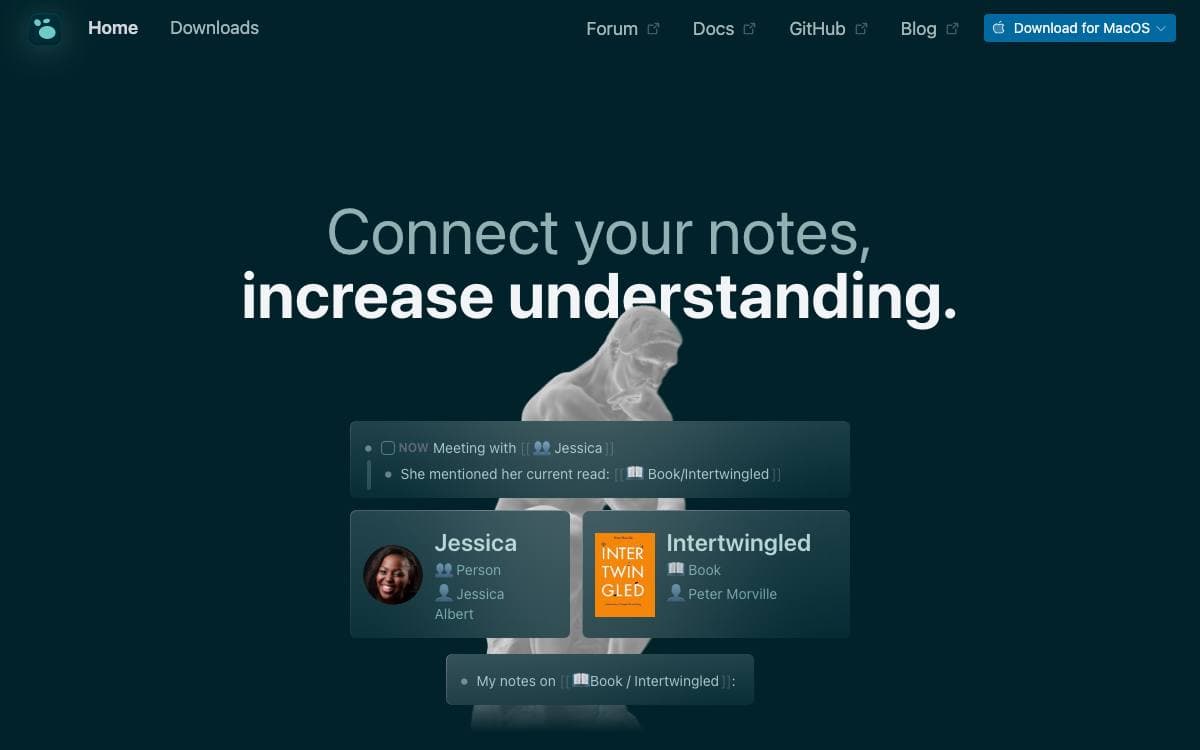
Logseq is a knowledge management and collaboration platform built around privacy, longevity and user control. Notes live in formats readable without the app, Markdown and Org-mode among them, so the archive outlives whatever software happens to open it today.
Beyond note taking it handles PDF annotation and task management, and a growing ecosystem of plugins and themes shapes it to different workflows. A plugin API is published for building your own. Mobile apps provide access to most of what the desktop application does.
A database version is under active development and worth understanding before committing to it.
- DB graphs: the database version introduces a new graph format, with its own feature overview and a list of changes for existing users.
- Real time collaboration: an RTC sync approach syncs graphs across devices or between people, currently in alpha.
- New mobile app: the database version ships a separate app, on iOS with Android to follow.
- Beta status: data loss is possible, so the maintainers advise automated backups or regular SQLite exports.
- Test channels: a stable branch updates over days or weeks while master changes hourly.
Installing the released version is a download and a launch. Linux users get an installer script that can pin a specific version or install without root for a single user. For the database version the maintainers suggest a dedicated test graph and a project that is not crucial, rather than pointing it at work that matters.

Team knowledge base built with React and Node.js, for groups that want a fast wiki they can host themselves.
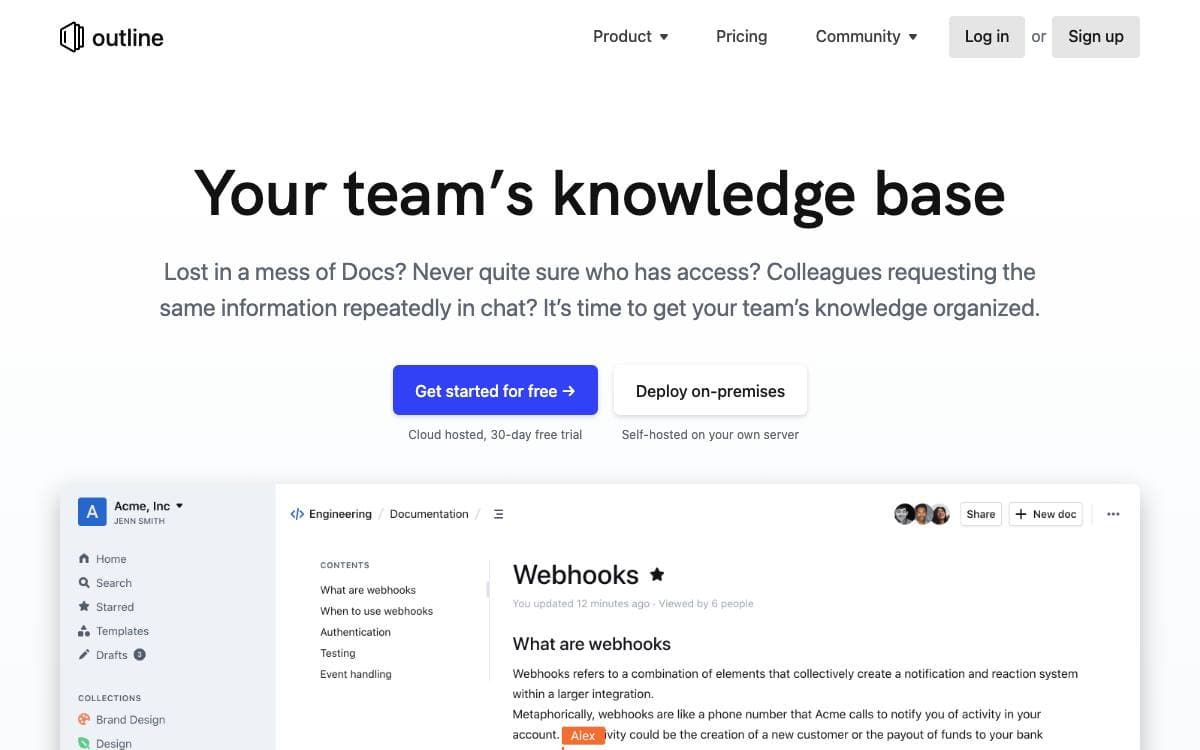
Outline is a collaborative knowledge base for a team, written in React and Node.js, and this repository is the source that runs the hosted product together with its supporting services. Anyone who simply wants to use it does not need the code at all, since a hosted version is offered by the maintainers.
The repository exists for two audiences: people running their own copy and people contributing changes. Production hosting is documented separately, and container images are published for both.
Running your own instance means dealing with a handful of moving parts.
- Logging: category prefixed console output in development and JSON logs in production, ready for a log ingestion pipeline.
- Debug switches: environment variables that widen output for HTTP, for the database, or for every category at once.
- Migrations: Sequelize commands to create, apply and roll back schema changes, including against the test database.
- Tests: Vitest files placed next to the code they cover, with API endpoints and anything authentication related tested thoroughly.
Contributors are asked to open or comment on an issue before writing code, so an approach is agreed first. The maintainers state plainly that AI generated pull requests are unwelcome, having received a high volume of mass produced ones that are almost never mergeable. Translation, performance work and documentation are named as good places to start instead. The project is licensed under BSL 1.1.

Framework and application suite covering chat, project management, CRM, HRM and recruitment, self-hostable by teams wanting one workspace.
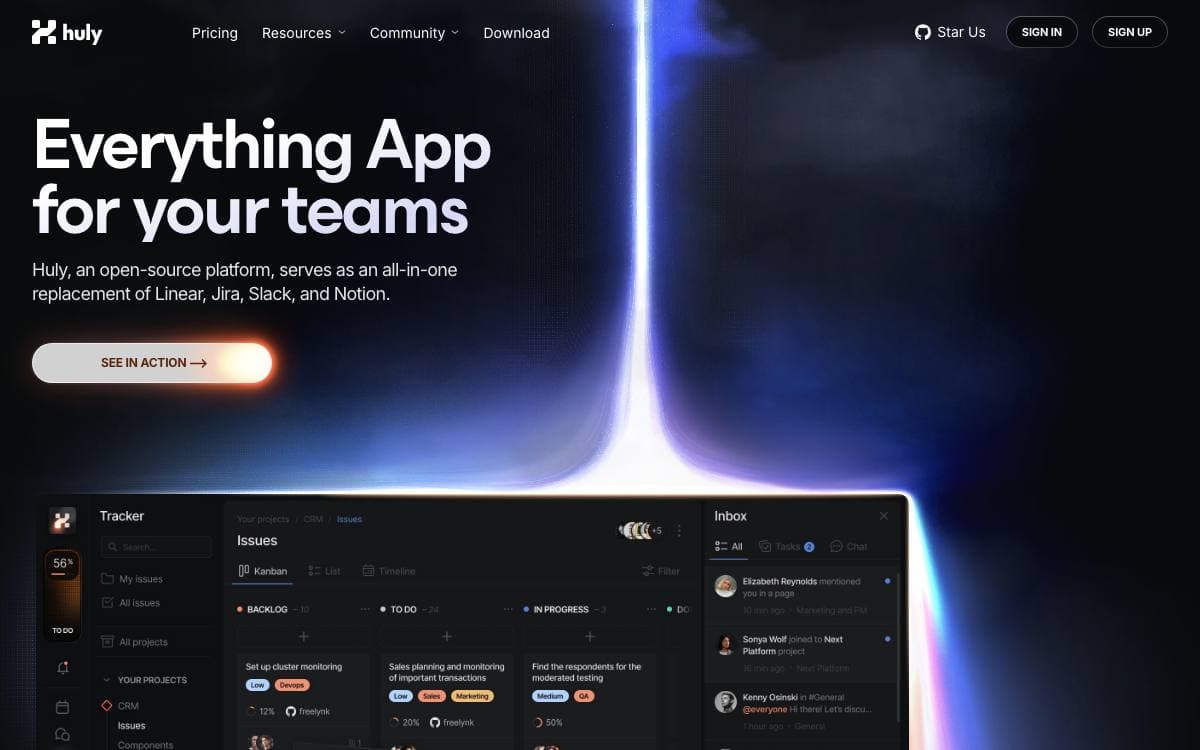
The Huly Platform is a framework for building business applications, and the repository already ships several of them, namely Chat, Project Management, CRM, HRM and an applicant tracking system. Other teams build products on top of the same platform, including Huly itself and TraceX.
One status note matters before adopting it. The hosted Huly service is being discontinued because its hosting is no longer funded, with shutdown expected on July 20, and existing users are asked to export their data and move to a self-hosted setup or another hosted option. Self-hosted deployments are not affected.
Reading the repository is easier with a few of its conventions in mind.
- Self-hosting: A separate huly-selfhost project brings the platform up with Docker for people who only want to run it.
- Version tags: Tags starting with v are production releases, while s tags are pre-release builds unsuited to production.
- Branches: Contributions target develop, staging carries pre-release testing, and main drives production deployments.
- API client: A typed client covers platform operations for integrations, with a separate repository of usage examples.
- Build setup: Development needs Docker, the repository Node version and a GitHub token with read access to packages.
An architecture overview and a changelog sit alongside the code, and a backup and restore guide walks through exporting data and bringing it up elsewhere. The platform suits teams willing to run and update it themselves.

Desktop app for markdown knowledge bases where every vault is a git repository, for note takers who want plain files.
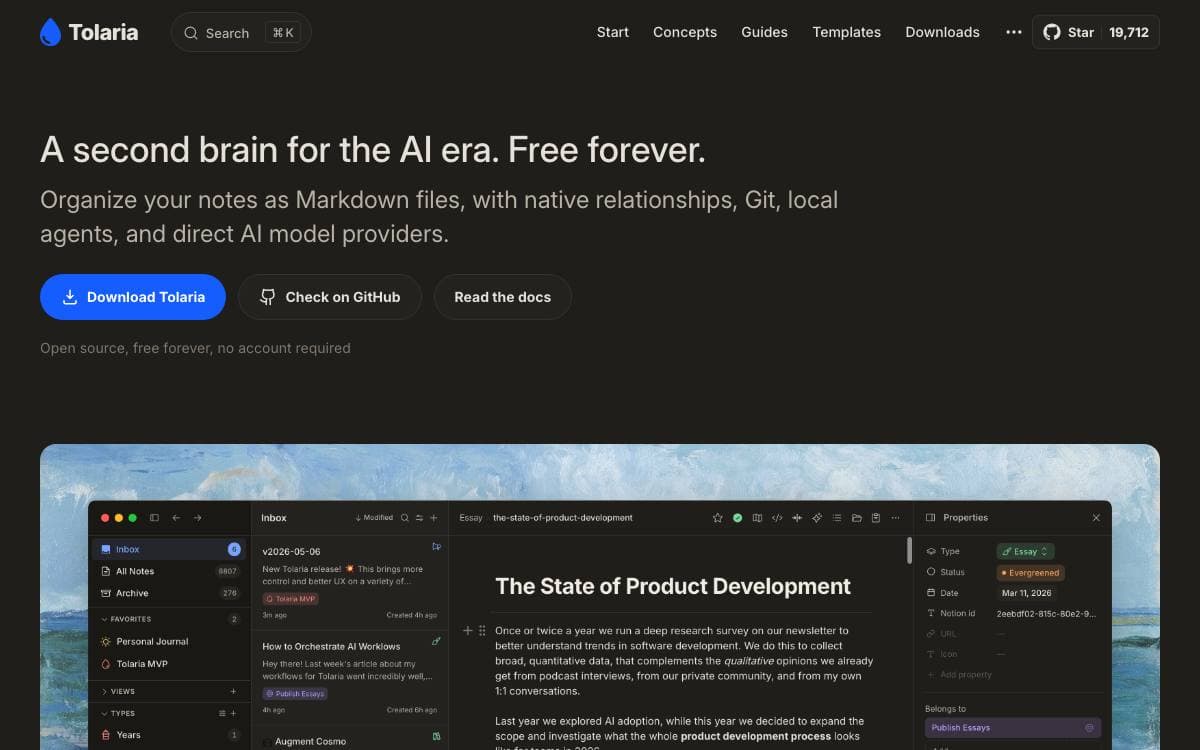
Tolaria manages markdown knowledge bases on macOS, Windows and Linux. Notes are plain markdown files with YAML frontmatter, so there is no export step and nothing to rescue if you leave. People run second brains in it, organize company docs as context for AI, and store assistant memory and procedures.
Every vault is a git repository, which brings full version history and any git remote you like with no Tolaria server in the path. There are no accounts and no subscriptions, the vault works offline, and the app itself is built with Tauri, React and TypeScript.
The stated principles show up directly in the product.
- Files first: your notes stay portable markdown, readable by any editor and any standard tool.
- Types as lenses: types are navigation aids rather than schemas, with no required fields and no validation to fight.
- Keyboard first: the editor and the command palette are designed for people who would rather not reach for the mouse.
- AI friendly, not AI only: setup paths exist for Claude Code, Codex CLI and Gemini CLI, and an AGENTS file explains the vault to any agent.
- Built from real use: the author keeps a personal vault of more than 10,000 notes in it every day.
Install through Homebrew on macOS or download a release for any of the three platforms, with Windows installers Authenticode signed. First launch offers to clone a getting started vault that walks through the app. Building from source needs Node 20, pnpm 8, stable Rust, and WebKit2GTK with GTK 3 on Linux.

An open source collaborative wiki and documentation app for teams that want spaces, permissions and real-time editing on their own servers.
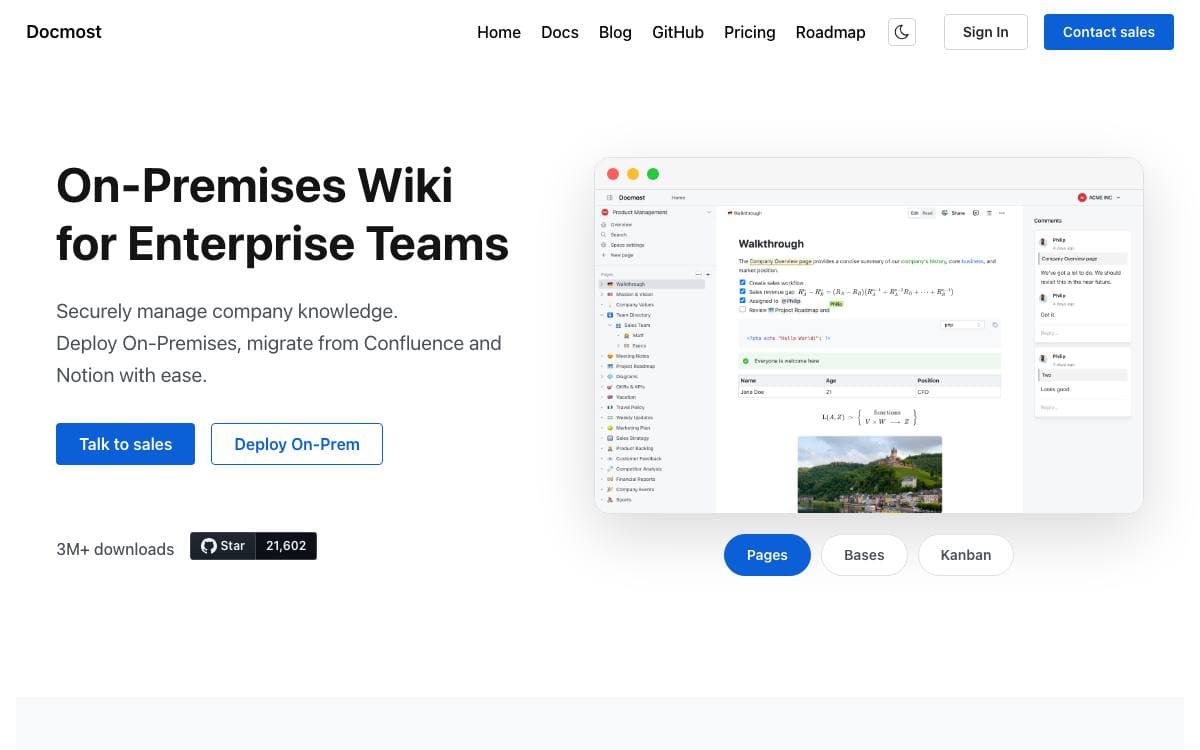
Docmost is open source software for collaborative wikis and documentation, built for teams that would rather keep internal knowledge on infrastructure they control than in a hosted notes product.
Content is organized into spaces, with groups and permissions management deciding who reads and writes where. Pages keep their history, comments sit next to the text, and several people can edit the same page at the same time.
The editor is where most of the differences show up.
- Diagrams: Draw.io, Excalidraw and Mermaid diagrams are created inside a page.
- Embeds: content from Airtable, Loom, Miro and other services is embedded directly.
- Attachments: files can be attached to any page.
- Search: pages are searchable across the whole workspace.
- Translations: the interface is available in more than ten languages.
The codebase splits a server and a client application, with enterprise directories held apart from the core. Docmost core is licensed AGPL 3.0, while the files under those enterprise directories fall under a separate enterprise license, a distinction that matters if you plan to modify and redistribute.
Self-hosting and development instructions live in the documentation, and a hosted cloud version exists for teams that would rather not deploy anything themselves.

Collaborative text editor for teams writing and organizing knowledge together, built by the French and German public administrations.
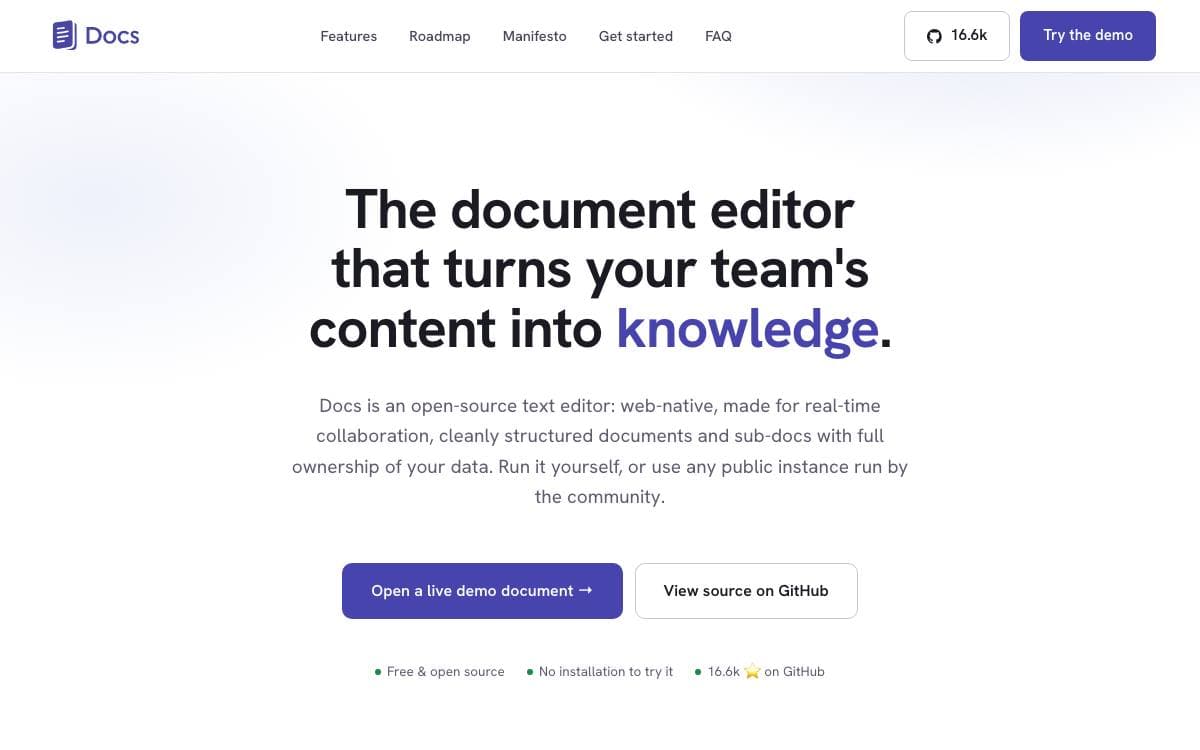
Docs is a collaborative editor for teams whose notes should turn into shared knowledge. It comes out of a joint initiative between the French and German governments, through DINUM and ZenDiS, and is aimed at public organizations, companies and open communities that want to keep their documents on their own infrastructure.
The editor is built on ProseMirror and BlockNote, with Yjs and HocusPocus handling live collaboration, a Django Rest Framework backend and a Next.js front end. Writing is rich text and Markdown with slash commands, a block system and offline editing.
Day to day, the workspace covers more than typing.
- Live collaboration: cursors and presence, comments, sharing and granular access control per document.
- Knowledge structure: subpages and hierarchy, with search across the content inside them.
- Presentations: a delimiter turns any document into slides, with full screen, keyboard navigation, a share link and PDF export.
- Import and export: bring in docx and Markdown, send out docx, odt and pdf.
- Optional AI: model and gateway agnostic rewriting, summarising and translating, configured with an API key and an address.
An interoperability API lets other services push content in, and the project's own video tool uses it to file meeting transcripts. Self-hosting runs on Kubernetes or Docker Compose, with community recipes for Nix and YunoHost. The license is MIT, though PDF export pulls in GPL packages, so a build flag produces an image without them.

End-to-end encrypted note taking across web, desktop and mobile, for people who want privacy without giving up a usable app.
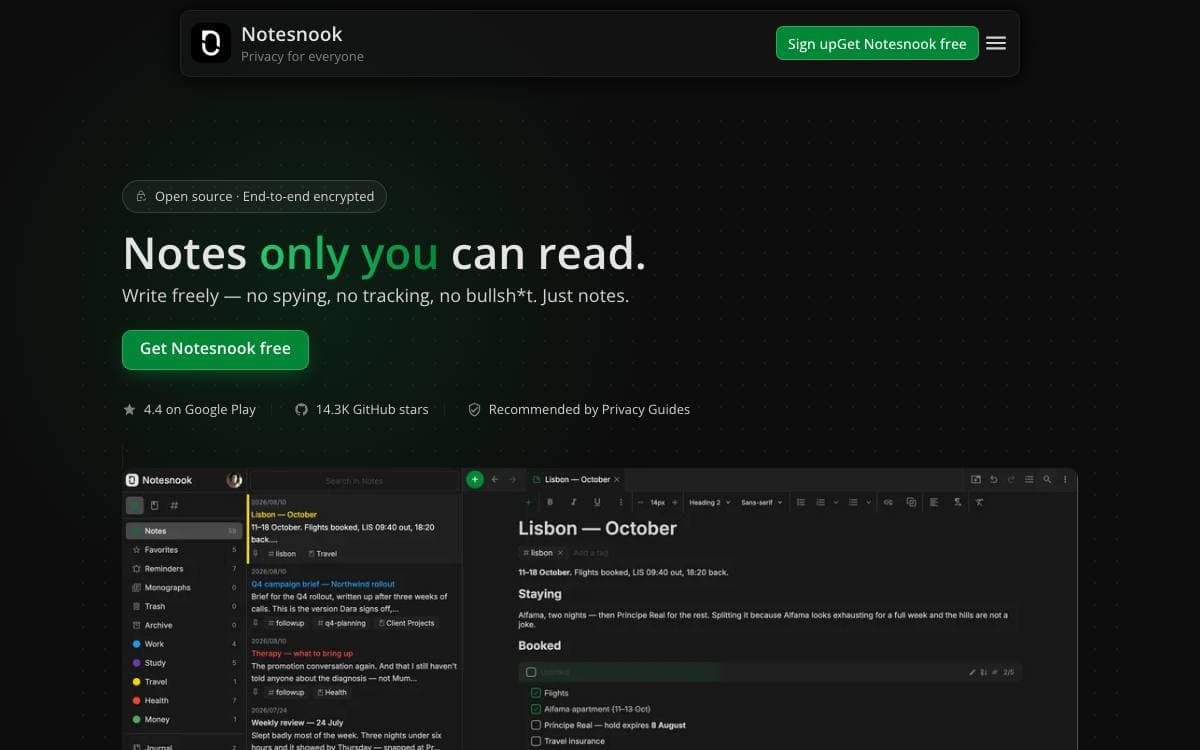
Notesnook is a note-taking app built to prove that privacy does not have to cost convenience. Everything is encrypted on the device before it leaves, using XChaCha20-Poly1305 and Argon2, which keeps the service itself unable to read a single note. Going fully open source was, in the authors' words, the crucial step toward earning that trust.
This repository is a monorepo holding every client, so the web app, the desktop build and the Android and iOS apps all sit here with the packages they share. A single core carries the logic common to all platforms, with separate packages for cryptography, the editor, the web clipper, a streaming file system over IndexedDB, logging and theming.
The stack is deliberately small and consistent.
- TypeScript and JavaScript: newer code is TypeScript, and the older JavaScript is being ported over gradually.
- React: the front end on every platform.
- React Native: the Android and iOS clients.
- Electron: the desktop client.
- npm: the package manager across every project, with no Yarn or pnpm anywhere.
An importer covers migration from other apps, and Vericrypt exists so the encryption claims can be verified rather than taken on faith. Contribution guidelines, style rules and commit conventions are documented, and each project inside the monorepo carries its own architecture notes for anyone going deeper.

A self-hosted note app for capturing fleeting thoughts fast, with natural language retrieval over everything you have written.
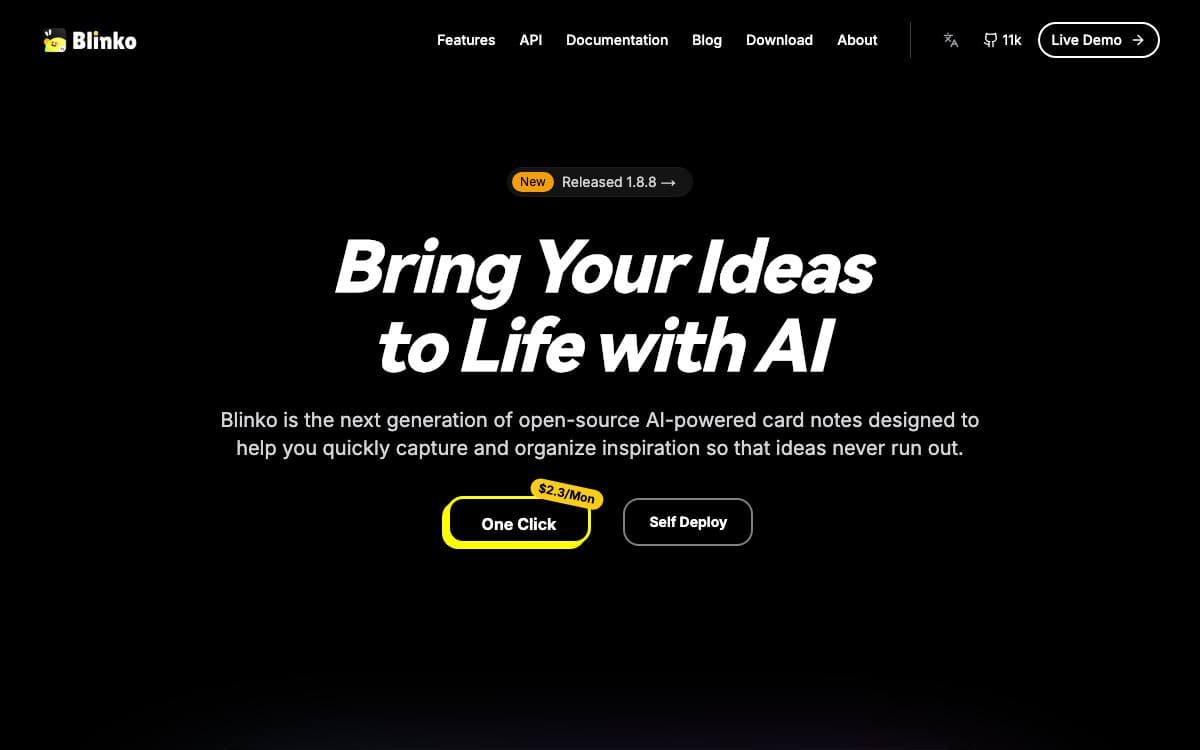
Blinko is built around the moment an idea arrives. Notes are cards, capture is immediate, and the working assumption is that a thought you have to file before you can write it down is a thought you lose.
Notes are stored as plain text with full Markdown support, which keeps them readable outside the app and quick to share. Retrieval is handled by retrieval-augmented generation, so you can ask for a note in ordinary language rather than recalling the exact words you typed.
Much of the appeal is in how it is packaged.
- Your own storage: notes and data stay in the environment you host, which is where the privacy claim comes from.
- Tauri builds: a light architecture with native apps for macOS, Windows, Android and Linux.
- One-line install: a single script sets up the Docker deployment.
- Managed options: PikaPods and ZimaOS both offer a one-click deployment.
- Live demo: a public instance runs with shared credentials for anyone wanting to try it first.
The project is open source and leans on community contributions, sponsorship and a share of the fees from PikaPods deployments. One rough edge is documented up front: on macOS the unnotarized build is reported as damaged on first launch, and clearing the quarantine attribute by hand is the fix.

Local-first, end-to-end encrypted knowledge workspace for macOS, Windows and Linux where you define your own data model.
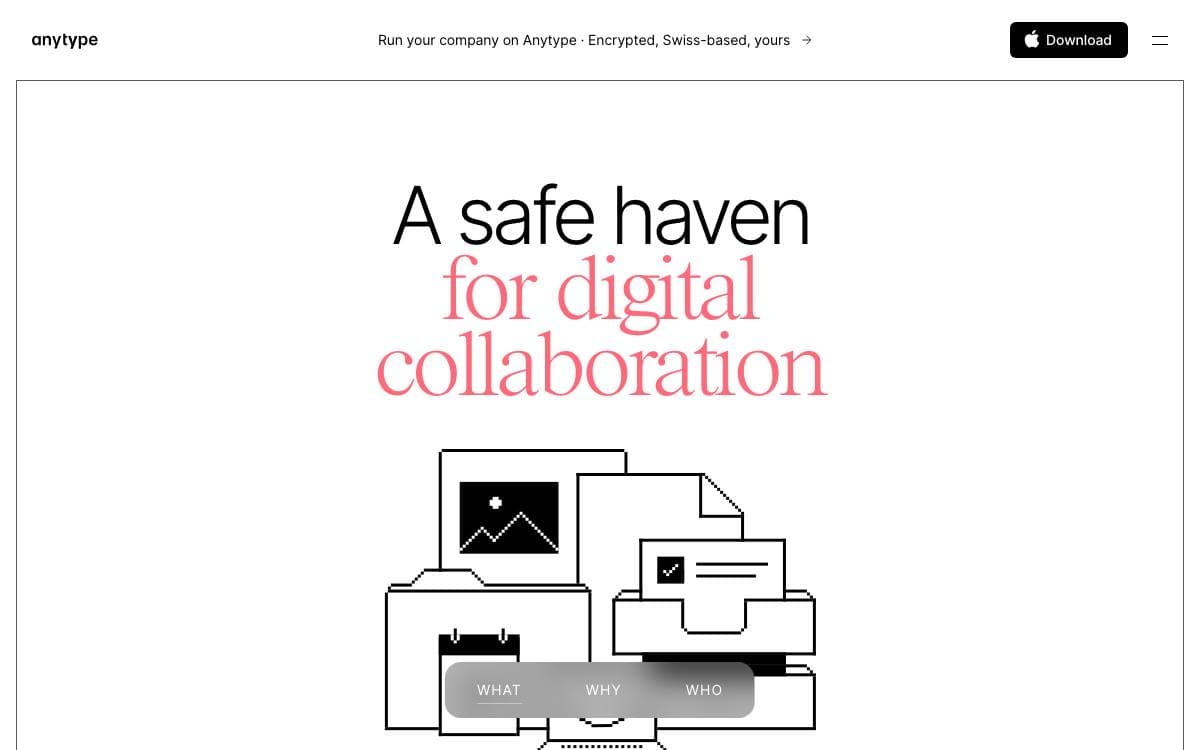
Anytype Desktop is a personal knowledge base that keeps everything on your own machine first. Pages, tasks, wikis and journals are assembled from composable blocks, and you define the types behind them instead of accepting someone else's idea of how your notes should be shaped.
Sync is peer-to-peer and end-to-end encrypted through any-sync, so devices exchange data without a server able to read it. The client is an Electron and TypeScript application talking to a separate core engine over gRPC bindings generated from protobuf definitions, and that engine is extensible through the same API.
Building from source is a multi-step job, and the repository is explicit about each stage.
- Prerequisites: a protobuf compiler on Linux and, on ARM machines, a C++ compiler with Python setuptools so keytar can be rebuilt.
- Middleware: a prebuilt binary and proto assets fetched by a script before anything compiles.
- Protobuf bindings: generated either from a checkout of the core engine or straight from the fetched assets.
- Development server: hot reload through Vite with Electron on top, plus a browser-only web mode.
- Packaging: Electron builds for Linux, Windows and macOS, with flags to skip notarizing and Sentry uploads.
Ready-made installers sit on the releases page for anyone who just wants to use the thing, and translations are managed through Crowdin. The code is published under the Any Source Available License 1.0, which is worth reading before planning anything commercial on top of it.

An end-to-end encrypted notes app that syncs across desktop, mobile and web for people who want their notes unreadable to the host.
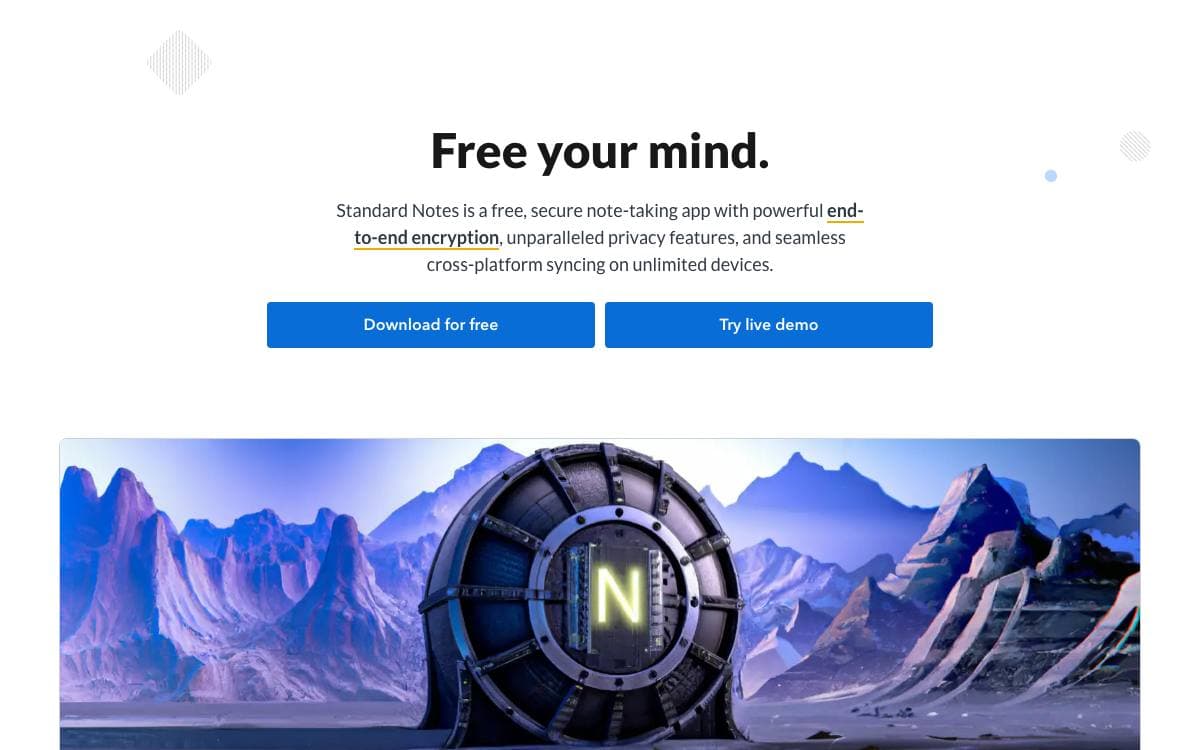
Standard Notes keeps notes, files and long-running work in one encrypted place. Sync is end-to-end encrypted, so whoever stores the data cannot read it, which removes the usual trade-off between having your notes everywhere and trusting the service that holds them.
Clients exist for Mac, Windows, Linux, iOS and Android alongside the web app, and cross-platform sync is free on an unlimited number of devices. The project puts explicit weight on longevity and sustainability, meaning notes written today should still open years from now.
This repository holds the app itself, and it is meant to be run by anyone who wants to.
- Self-hosting: the web app compiles to static HTML, JavaScript and CSS files served behind any web server.
- Custom sync server: an environment variable points login and registration at a backend of your own.
- Development mode: a yarn install and build pair serves the app locally while you change it.
- Extensions: developers can create and publish plugins, with a documentation hub covering the work.
- Listed: a companion publishing platform turns notes into an online publication with email newsletters.
Getting started needs no installation at all. Register in the web app, download the clients you want, and encrypted sync is on from the first note. For anyone uneasy about a vendor holding even encrypted material, the same account model works against a server you host in a few documented steps.

Local-first collaboration workspace you self-host, combining chat, wiki pages, databases, and file storage for teams that want to own their data.
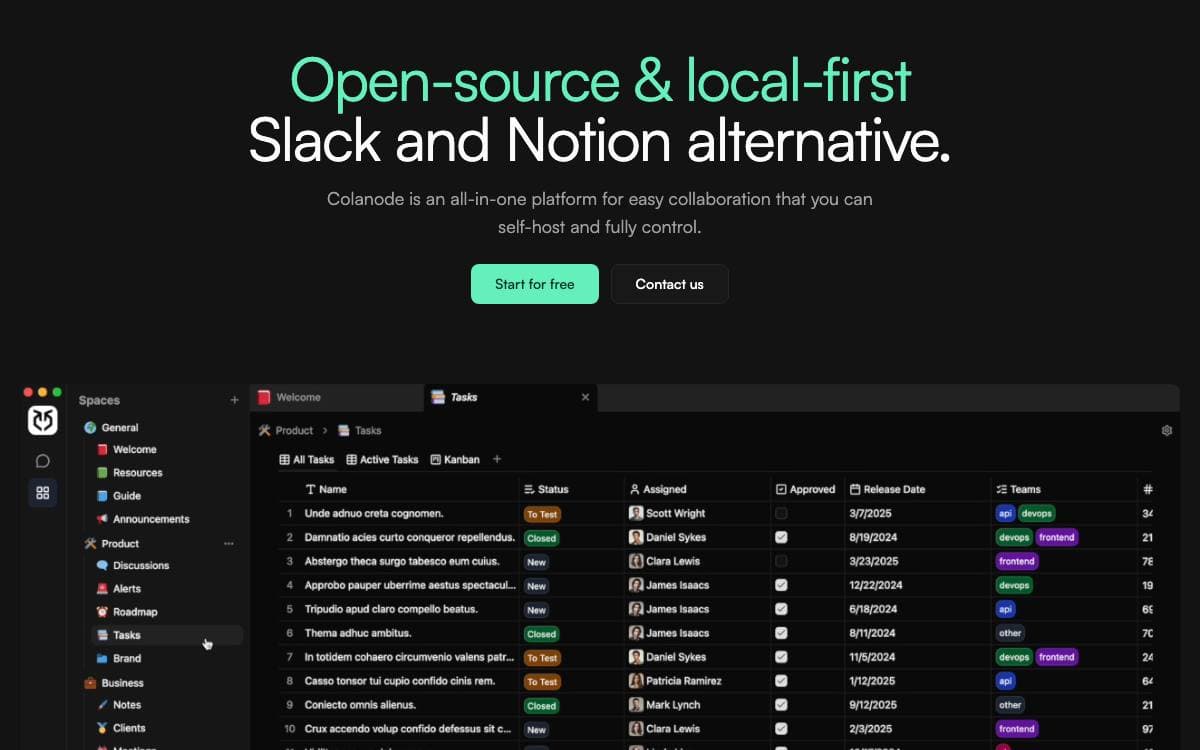
Colanode puts team chat, documents, and structured data in one self-hosted application, so a team stops spreading its work across a messaging tool, a wiki, and a spreadsheet owned by three different vendors.
It ships as a client app, web or desktop, plus a server you run yourself. A single client can connect to several servers, each holding one or more workspaces for different teams or projects. Every change is written to a local SQLite database first and synced by a background process, so reading and writing continue when your machine or the server goes offline.
The workspace covers the surfaces a team actually collaborates on.
- Real-time chat: instant messaging for teams and individuals.
- Rich text pages: documents, wikis, and notes in an editor along the lines of Notion.
- Customizable databases: structured records with custom fields and table, kanban, and calendar views.
- File management: store, share, and manage files inside a workspace.
- Concurrent edits: conflict-free replicated data types, powered by Yjs, merge simultaneous edits to pages and database records.
Self-hosting needs Postgres with the pgvector extension, Redis or a compatible service such as Valkey, and a storage backend for user files, local filesystem by default with S3-compatible, Google Cloud Storage, and Azure Blob Storage available. Docker Compose files and Kubernetes Helm charts ship in the repository, and the server image now carries a full config file, so only the Postgres and Redis connection strings are strictly required to boot.

A Java wiki platform that doubles as an application runtime, letting teams build structured collaborative applications on top of their own documentation.
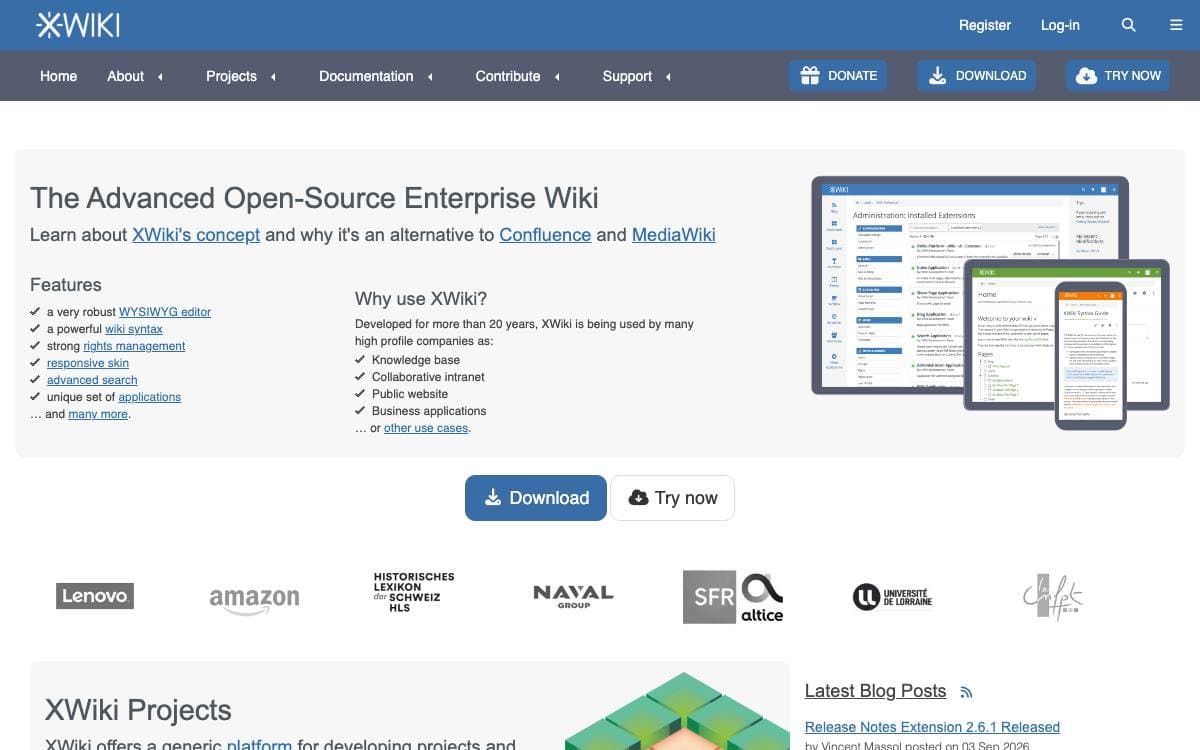
XWiki Platform offers runtime services for applications built on top of it, making it a generic wiki platform in the literal sense. The distinction matters: rather than a place to write pages, it is a substrate other tools are written against, which is why a wiki, a knowledge base, and a small internal application can all be the same deployment.
The platform is a large Java build released in step with XWiki Commons and XWiki Rendering, three projects sharing a version number and the same software forge. Its core splits into modules that each cover a single service, so a deployment carries only what it uses.
Those modules are where the platform's capabilities live.
- Editing: a CKEditor-based WYSIWYG surface alongside real-time collaborative editing built on Netflux and Yjs.
- Structured content: App Within Minutes, classes, sheets, and LiveData tables turn pages into structured records.
- Collaboration: notifications, mentions, annotations, ratings, and likes attach to the content people work on.
- Extension management: an extension repository and a flavor system install and update components at runtime.
- Integration: a REST API, WebSocket support, office document import, and feed handling connect the wiki to a wider stack.
- Administration: permissions, cryptography, CSRF protection, a scheduler, and statistics cover the operational side.
Distributions are published as a WAR for an existing servlet container, as a standalone Jetty and HSQLDB bundle for a quick start, and as a Debian package. The code is LGPL-2.1, continuous integration builds every commit, and issues are tracked in the project's own JIRA rather than on GitHub.

A single-binary self-hosted notes app that stores standard markdown in SQLite, organizes by tags, and searches with BM25 ranking.
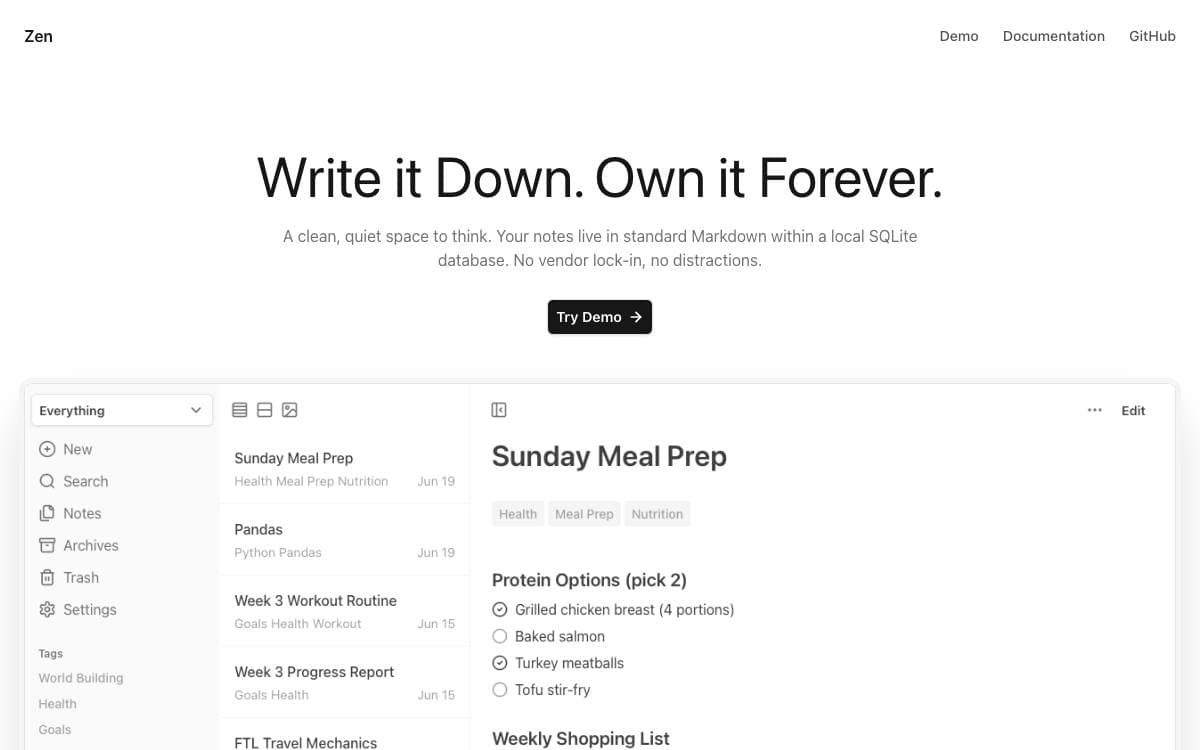
Zen is a notes app for people who want their writing to stay in plain markdown files on hardware they control. It replaces the rigid folder tree most tools impose with flexible tags, and it keeps the whole thing small enough to forget about once it is running.
The app is a single Go binary or a Docker Compose stack, backed by a local SQLite database, with a minimal dependency footprint and low resource usage. Full-text search is ranked with BM25.
The feature list stays close to what a notes app actually needs day to day.
- Tags over folders: notes are organized by flexible tags rather than a fixed hierarchy.
- Markdown depth: tables, code blocks, task lists, highlights and the rest of the standard syntax.
- Internal links: linked notes open in a side panel preview instead of pulling you away.
- Housekeeping: templates, pinned notes, archive and soft delete, and bulk archive and delete.
- Portability: import and export with your data intact, with companion projects covering automated backups and imports from other services.
- Experimental additions: a canvas for spatial organization stored as JSON Canvas, semantic search for notes and images, and an MCP server for searching, listing and reading notes.
Installation is a make build from source. Be aware of the maintainer's own framing before you depend on it: this is a personal project built for personal use, the codebase is there to fork and modify, and pull requests or issues may not get a reply.

An opinionated company operating system for goals, projects and teams, aimed at growing startups and nonprofits of five to a hundred people.
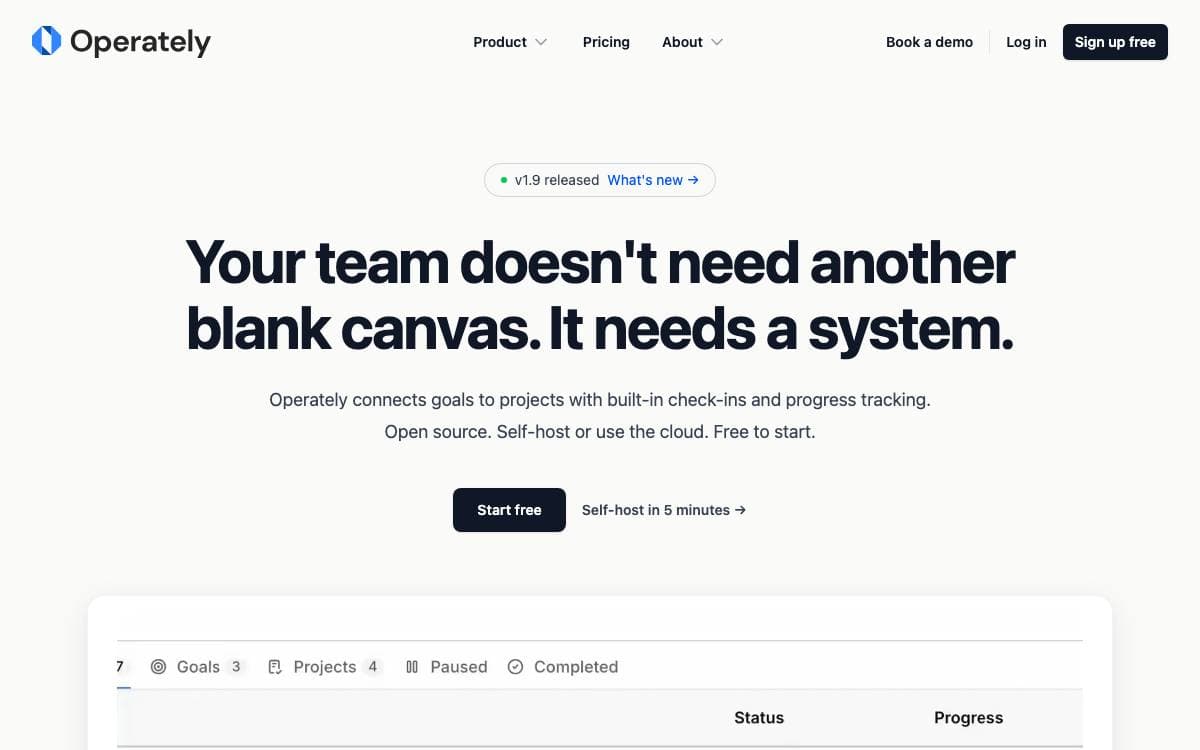
Generic work management tools hand you infinite flexibility and no opinion about how to run a company. Operately takes the opposite position, shipping the workflows that keep an organization moving so a growing team does not have to invent goal reviews, check-ins and accountability from scratch.
Goals sit at the top and link down to daily work, projects carry task boards and milestones, and each department gets a space holding its own goals, documents and discussions. Installation is a single host archive with an install script and a Docker Compose stack behind it.
The feature set stays narrow on purpose.
- Goals and OKRs: company wide targets tied directly to the projects that move them.
- Execution cadence: built-in check-ins and automated progress updates set a steady rhythm.
- Team spaces: departments keep goals, projects and documents in one organized home.
- Message boards: threaded discussion replaces scattered email threads.
- Documents and files: content is created, stored and shared in one place.
- CLI and API: full programmatic access, with published agent skills for Codex, Claude Code and OpenClaw.
Operately is Apache 2.0 licensed and self-hostable, and its hosted plan is priced flat rather than per seat. The project aims itself at technology companies, startups, nonprofits, consulting firms and compliance focused organizations, and says it works best for teams of five to a hundred.

End-to-end encrypted document editor for teams that want Google Docs style collaboration without handing the contents to a hosted service.
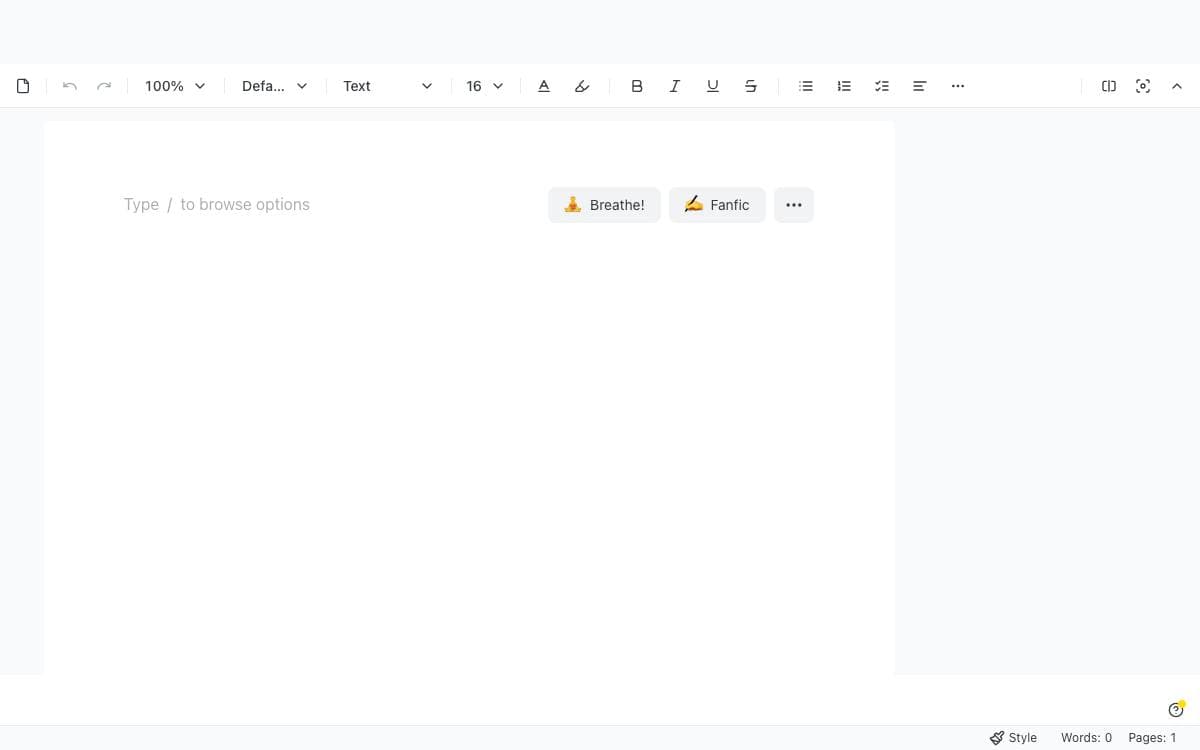
Collaborative editing normally means handing the text to a server that can read it. dDocs is an end-to-end encrypted document editor where the contents stay readable only to the people holding the keys, built as a privacy focused alternative to Google Docs.
The project ships as a React package called DdocEditor that drops into an application already using Tailwind CSS. Peer dependencies for drag and drop, the Fileverse UI and crypto libraries, viem and animation stay outside the bundle, so an app that already has them does not ship two copies. Props control preview mode, initial content, change callbacks and collaboration.
The editor covers what a shared document is expected to do.
- Collaboration modes: real-time and asynchronous editing, with suggestion mode for tracked changes and commenting.
- Authoring formats: Markdown and LaTeX input plus MermaidJS diagrams inside the document.
- Import and export: documents move in and out as docx, md, pdf and html among other formats.
- Offline work: older documents stay open and editable with no connection, then sync across desktop and mobile.
- Zero-knowledge access: proofs gate private access permissions and drive social recovery of an account or its files.
- Agent API: an opt-in encrypted programmable interface aimed at automated clients.
Version history, dark mode and color themes round out the editor, and the web app is optimized for mobile and installable as a progressive web app. It suits a team that wants document collaboration inside its own product rather than a hosted office suite.

Offline note-taking app with a rich editor, custom themes and fonts, for people who want notes stored only on their device.
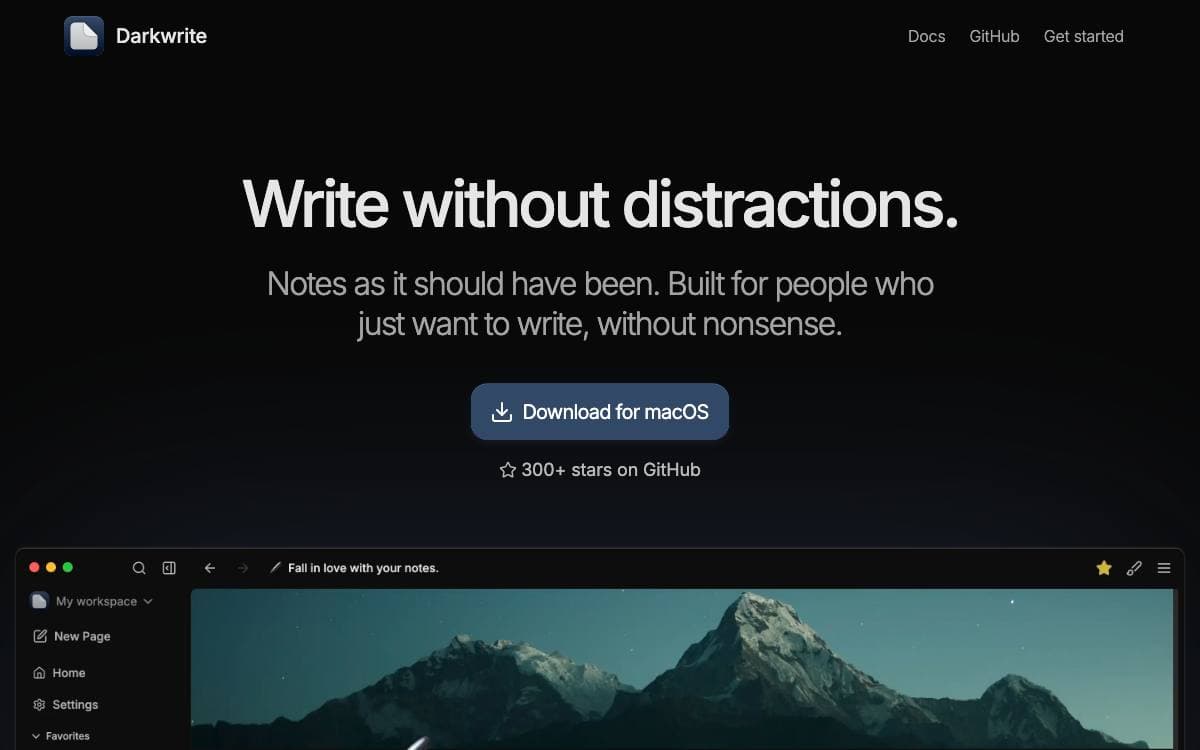
Darkwrite is a note-taking application that stays out of the way and stays on your machine. Notes are stored locally, none of your data is collected, and there is no server to depend on, so an outage somewhere else never leaves you without your writing.
The editor is the center of it. Formatting, headings, todo lists, numbered lists, links, images and tables are all supported, and a cover image can be added to any note. The application is distributed as a desktop build from the releases page.
Customization goes further than most note apps allow.
- Themes: a set of themes ships with the app and you can write your own instead of choosing between light and dark.
- Fonts: the default note font can be changed, overridden for a single note, or set for the interface with everything else following.
- Export: every note exports as HTML and works elsewhere, so there is no lock-in.
- Backups: a one-click archive captures your notes and restores them later.
- No assistant: the app is built to work without an AI bot attached to it.
Darkwrite is licensed under the GNU Affero General Public License version 3 or later, with build and development documentation in the repository and a Simplified Chinese translation contributed by the community. It suits someone who wants a private notebook on one machine rather than a shared workspace.

A team workspace where docs, collections and boards live together, for teams tired of splitting knowledge and delivery across two tools.
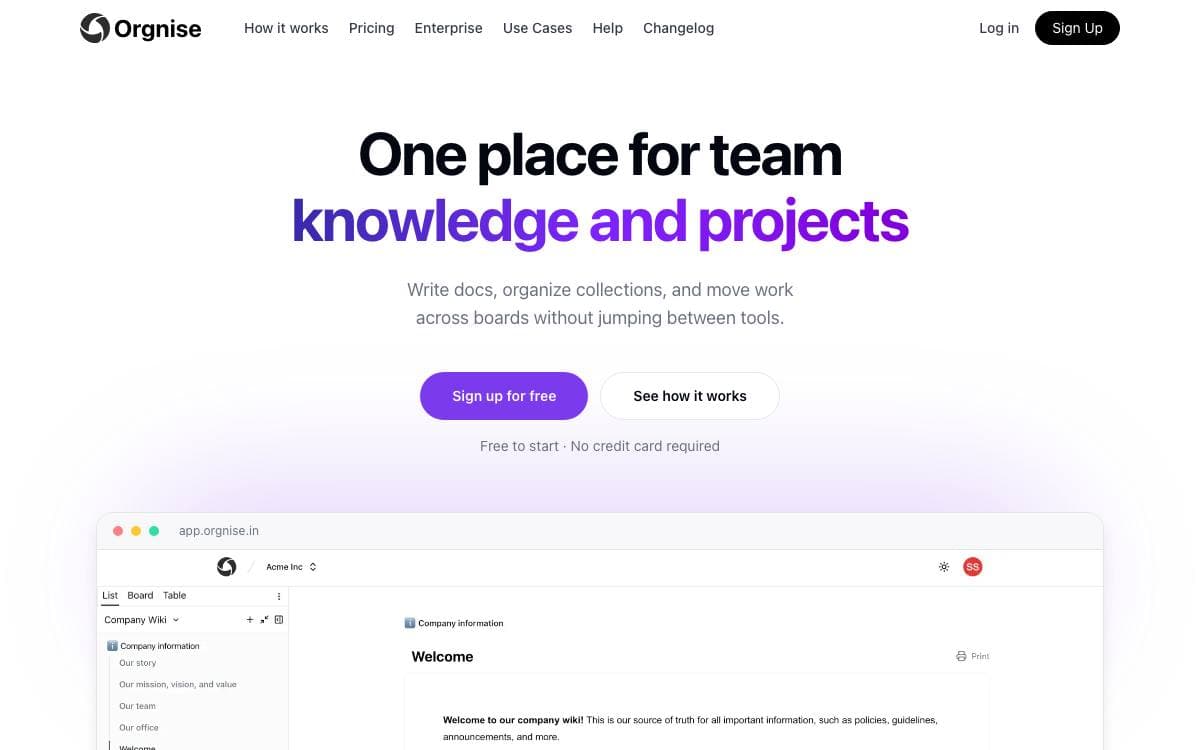
Orgnise is one place for a team's knowledge and its projects: use cases, wikis, technical documentation, policies, guidelines and announcements on one side, work moving through a board on the other. It removes the split where the handbook sits in a wiki, delivery sits in a tracker, and nothing connects the two.
A team invites people into one shared space, then groups work into workspaces by project or function such as design, marketing or engineering. Pages are drafted in a Notion-style editor and belong to a collection rather than to a separate wiki. It is a Next.js and TypeScript application that keeps content in MongoDB, signs people in through NextAuth and deploys to Vercel.
Writing and delivery share the same pages.
- Notion-style editor: docs are drafted with headings, lists and embeds on a single page.
- Slash commands: blocks are inserted straight from the keyboard while writing.
- Collections: pages are grouped by project or function instead of scattered across chats and drives.
- Board view: a collection becomes columns, and a page moves from idea to done without being copied elsewhere.
- Team spaces: everyone invited sees the institutional knowledge and the progress against it.
Teams run it as an engineering source of truth, a customer support knowledge base or a project tracker, and a workspace is free to start with no credit card. The repository holds the whole application, so a developer who has shipped a Next.js project will recognize every dependency in it. Issues and pull requests are welcome for bugs and features.


