Open Source Airtable Alternatives
A curated collection of the 10 best open source alternatives to Airtable.
The best open source alternative to Airtable is NocoDB. If that doesn't suit you, we've compiled a ranked list of other open source Airtable alternatives to help you find a suitable replacement. Other interesting open source alternatives to Airtable are: Directus, NocoBase, Teable and AITable.
Airtable alternatives are mainly Frameworks & Platforms but may also be Databases or Collaboration & Communication. Browse these if you want a narrower list of alternatives or looking for a specific functionality of Airtable.

A no-code interface that turns a relational database into a spreadsheet with grid, kanban, calendar and form views for whole teams.
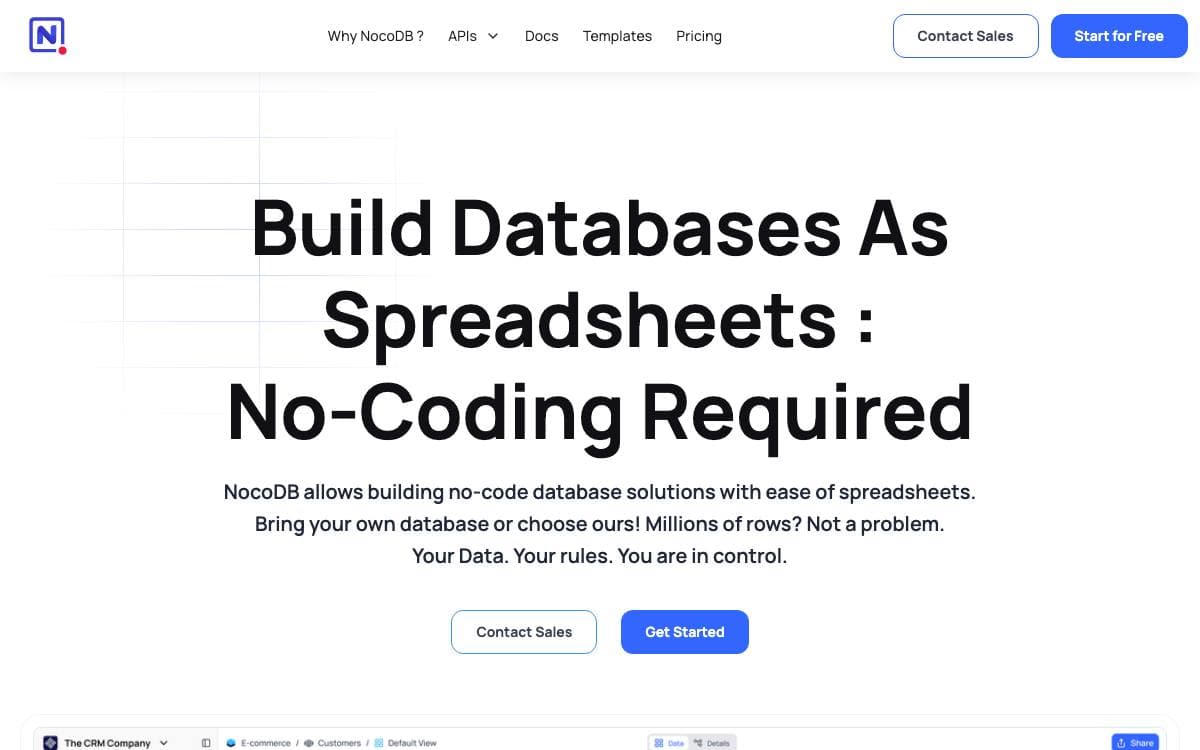
NocoDB puts a spreadsheet in front of a database so people who will never write SQL can work with the data directly. Tables, columns and rows are created and edited in the browser, backed by SQLite or PostgreSQL.
Installation is a single Docker command for a local instance. For production there is an auto-upstall script that installs Docker, brings up NocoDB with PostgreSQL, Redis and a Traefik gateway, sets up and renews SSL for a domain you supply, and upgrades the deployment whenever you run it again.
The interface covers what a team actually does with shared data.
- Multiple view types: grid, gallery, form, kanban and calendar over the same underlying table.
- Field operations: sort, filter, group and hide columns without touching the schema.
- Varied cell types: links, lookups, rollups, formulas, attachments, currency and user fields.
- Sharing controls: bases and views publish publicly or stay protected behind a password.
- Role-based access: fine-grained permissions apply at several levels, including locked views.
An app store adds workflow integrations across chat, email and storage, covering Slack, Discord, Mattermost, SES, SMTP, S3, Google Cloud Storage and Minio among others. REST APIs and an SDK handle programmatic access with signed tokens, and binaries exist for macOS, Linux and Windows for quick local testing.

A backend that wraps any SQL database with instant REST and GraphQL APIs plus a visual studio for non-technical teammates.
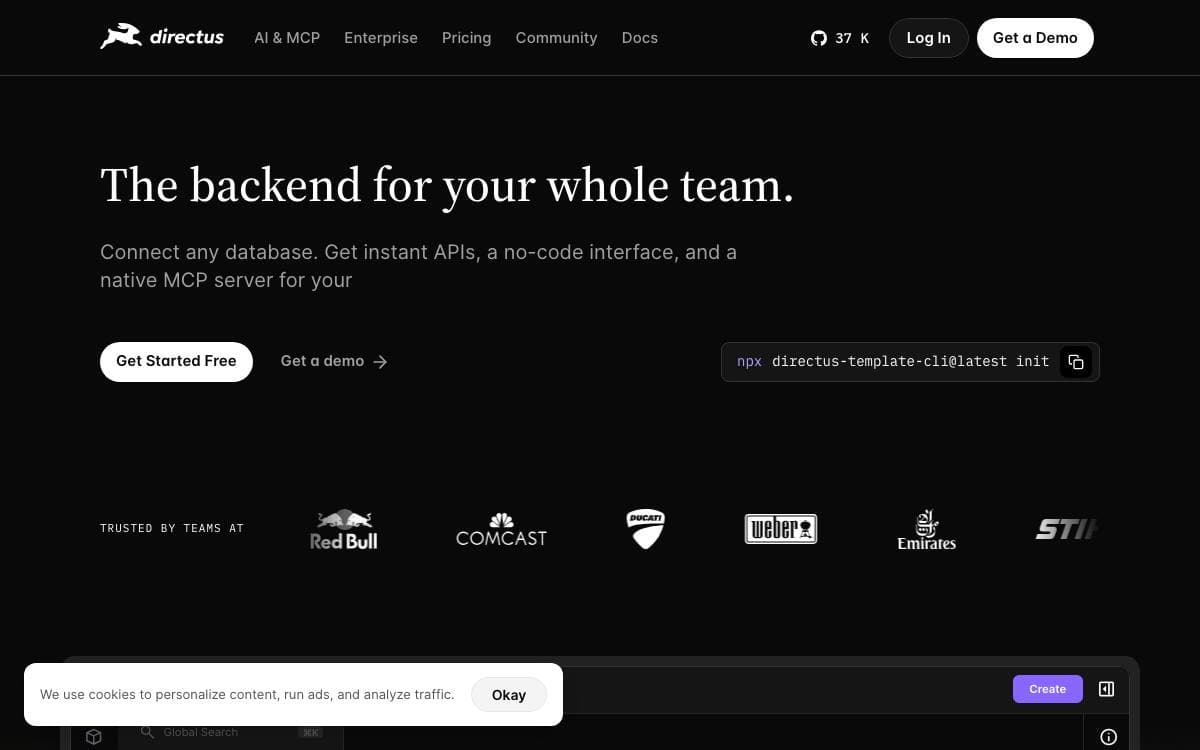
Directus points at a SQL database you already have and turns it into a working backend. There is no migration to a proprietary format and no boilerplate CRUD layer to write, because the API and the admin interface are generated from the tables exactly as they stand.
Two surfaces sit on top of that database. Engineers keep control of schema and access rules, while non-technical teammates and AI agents work with live data through the Studio, a full management interface. Postgres, MySQL, MariaDB, MS SQL, SQLite, OracleDB and CockroachDB are among the supported engines.
The parts worth knowing before you install it are below.
- REST and GraphQL APIs: generated automatically from your schema with no configuration step.
- Policy-based access control: permissions reach down to individual fields, applied to people and agents alike.
- Native MCP server: Claude, Cursor, ChatGPT or any MCP-compatible tool connects to the same data under the same policies.
- AI Assistant: embedded in the Studio to create content, run translations and trigger workflows.
- Extensibility: custom endpoints, hooks, interfaces and modules extend the platform in place.
Run it locally, on your own infrastructure, or on Directus Cloud, which provisions a managed project with database, storage and CDN in under ninety seconds. The license is source-available, and organizations under five million dollars in revenue with fewer than fifty employees can use it free through an Open Innovation Grant.

No-code platform for business systems where AI agents and people build against the same data models, workflows and permissions.
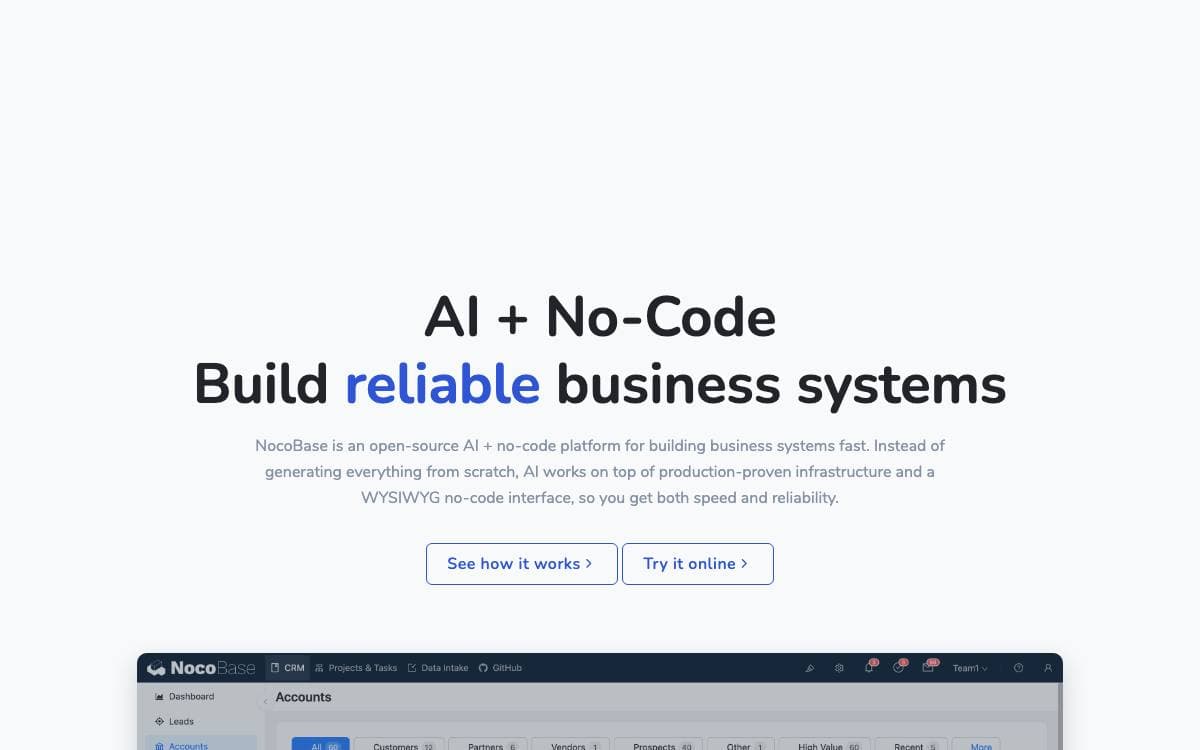
NocoBase builds internal business systems without writing them from scratch. Data models, permissions, workflows and audit logs arrive as infrastructure already proven in production, and what you add sits on top of them. That is a different bet from regenerating an entire application as fresh code each time.
Two ways in exist and they meet in the middle. Coding agents such as Claude Code, Cursor, Codex, OpenCode and TRAE drive a CLI with skills for setup, development, migration and release. People use a WYSIWYG interface that switches between usage and configuration mode in one click. Either side can refine what the other built.
What holds the two together is the architecture underneath.
- Data model driven: business data stays in standard relational structures decoupled from the interface, sourced from the main database, external databases or third party APIs.
- AI employees: agents work inside the system on analysis, form filling, document recognition, risk monitoring and task routing, joining workflows instead of sitting beside them.
- Permission bound AI: every AI employee has its own role with field level read and write rights, and audit logs make each change traceable.
- Open interfaces: MCP, HTTP APIs, a CLI and skills let external platforms and messaging apps query data and trigger workflows.
- Microkernel plugins: everything is a plugin, so official and custom extensions follow the same conventions.
Getting started is an npm CLI: install it, run init, and optionally let a coding agent build alongside you. Your data stays in your own database, which is the concrete form the no lock-in claim takes here.

A PostgreSQL-backed database that works like a spreadsheet, with AI chat and an app builder, for teams building internal tools.
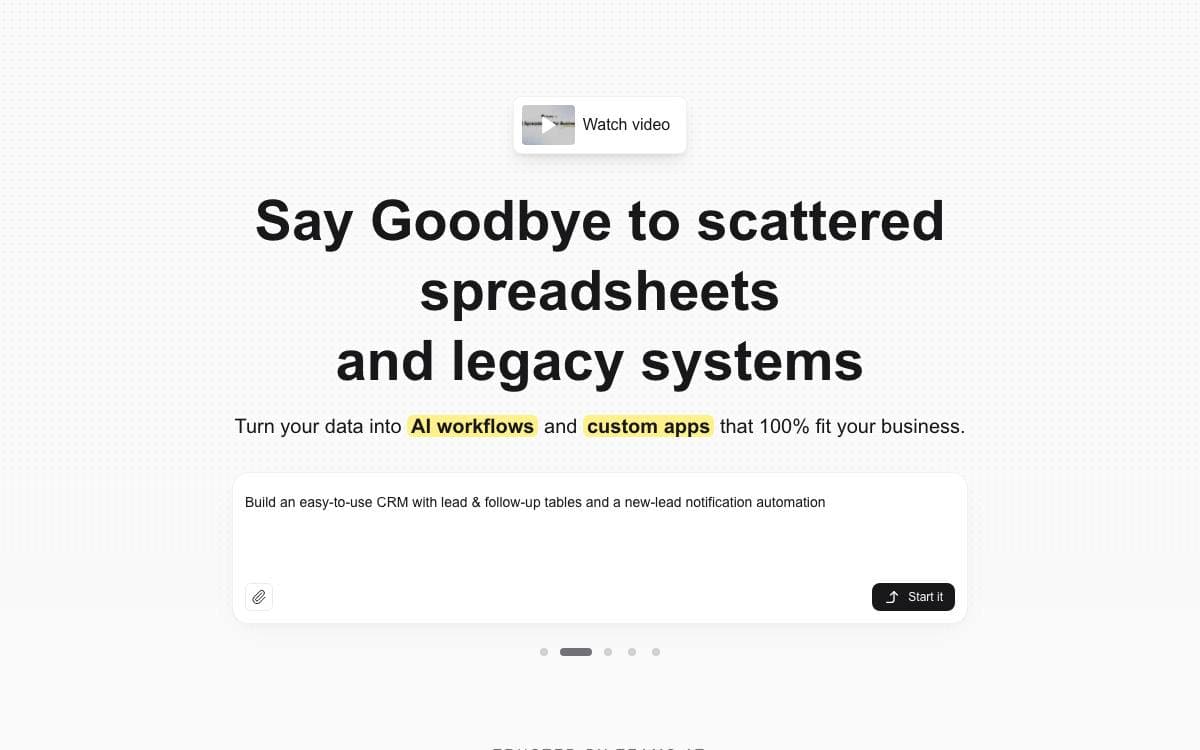
Teable is a database collaboration platform on PostgreSQL that presents tables through a spreadsheet-style interface, so data stays in a real database while the people using it never have to write SQL.
Self-hosting deploys four platforms at once. The database platform sits alongside an AI workflow engine, an agent sandbox that gives every AI session its own isolated container started on demand, and a deployment platform where each app your team publishes runs as its own long-lived container.
Both halves of the product, the classic base and the AI layer, cover a lot of ground.
- Views: grid, form, kanban, gallery and calendar views over the same tables.
- Spreadsheet mechanics: formulas, field conversion, filtering, grouping, sorting and aggregation.
- Collaboration: comments, record history, undo and redo, and real-time editing.
- AI chat: ask questions of your data and operate on it in natural language.
- App Builder: describe an app, an agent builds it in a sandbox and deploys it to its own address.
- Automations: record changes, schedules and webhooks trigger workflows that include AI steps.
Three deployment paths exist. Standalone self-hosting gives tables, collaboration, API and automation; the full-featured self-host adds the AI features and App Builder; and a hosted cloud runs everything for you. An existing standalone installation can gain the runtime plane while its data stays in place.

A visual database and spreadsheet with a full REST API, for teams replacing scattered trackers with one collaborative source of records.
APITable looks like a spreadsheet and behaves like a database, with an API in front of both. Tables link to one another without limit, records and metadata are equally reachable over REST, and one workspace takes the place of the pile of trackers a growing team tends to accumulate.
The grid is drawn by a canvas rendering engine and stays responsive past a hundred thousand rows, while an operational transformation algorithm merges simultaneous edits from several people. The stack is TypeScript with Next.js and NestJS alongside Java with Spring Boot, released under the AGPL.
The workspace arrives with the pieces most teams otherwise bolt on separately.
- Seven view types: grid, gallery, mindmap, kanban, Gantt, calendar and form views over the same underlying data.
- Full-stack API: an API panel opens from the corner of any table, and access covers data and metadata alike.
- Widgets and automation: more than twenty open source widgets, customizable charts, formulas and robot actions.
- Permissions: folder, file and column permissions, with mirrors turning a view into row-level access.
- Enterprise controls: SAML, single sign-on, audit, automatic database backup, data export and watermarking.
Self-hosting runs through a docker compose install script, and four CPUs with eight gigabytes of memory are the recommended minimum. Container images are amd64 only, so Apple silicon hosts should expect poor performance for now. A hosted version and an online demo are both available for evaluation.

A relational spreadsheet that combines spreadsheet flexibility with database structure, for teams organizing data that outgrew a plain sheet.
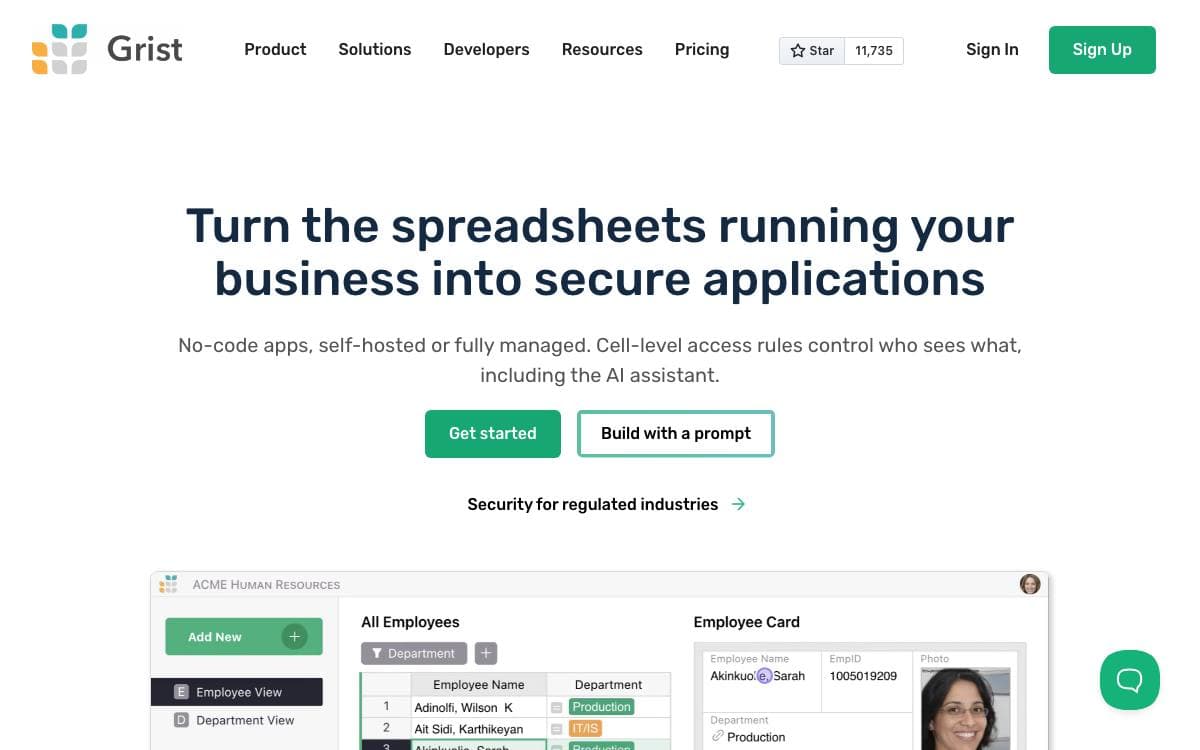
Grist is a hybrid of a spreadsheet and a database. Columns are named and hold one kind of data, as in a database table, yet they can still be filled by formula and recalculate when a referenced cell changes. That combination rescues the spreadsheet that quietly became a system of record.
Formulas are written in Python, with the full syntax and standard library alongside many familiar Excel functions. A formula timer diagnoses the slow ones, and an AI formula assistant drafts them using OpenAI, Llama or any OpenAI-compatible endpoint.
This repository, the Community edition, carries most of what the product does.
- SQLite storage: a document is a self-contained SQLite file, readable by any tool that reads SQLite.
- Access rules: control access to individual rows, columns and tables, based on cell values and user attributes.
- Dashboards: charts, card views, calendars and summary tables, laid out as linked widgets instead of one crowded table.
- Native forms: forms feeding the spreadsheet directly, with attachments, hidden fields and pre-population.
- Collaboration: threaded cell comments with mentions, live presence, and suggested changes for review.
Integrations include a REST API with an interactive console, configurable outgoing webhooks, import and export with Google Drive, Excel and CSV, and SCIM provisioning. Incremental imports let you add a month of new bank activity without duplicating what is already there.
grist-core is Apache 2.0 and self-hostable, with a desktop app and an in-browser build in separate repositories. Features exclusive to the hosted edition are listed explicitly rather than left to discover.

A no-code database platform where teams build tables, apps, automations and dashboards, self-hosted or in the cloud, as an Airtable alternative.
Baserow is a spreadsheet and database hybrid that grows into applications. A team starts by structuring data in a familiar grid, then adds the internal tools, workflows and dashboards that would otherwise be a separate build, and none of it requires code.
The stack is Django, Vue.js and PostgreSQL. The platform is headless and API first, with published documentation and an OpenAPI schema, and a built-in AI assistant named Kuma creates databases and workflows from natural language.
Several building blocks sit on top of the underlying tables.
- Applications: create portals and apps, then publish them on your own domain.
- Automations: run repetitive workflows without manual steps.
- Dashboards: visualize what the tables hold.
- Multiple views: work with records as grids, kanban boards or forms.
- Compliance: the project reports GDPR, HIPAA and SOC 2 Type II compliance.
One Docker command with a mounted data volume runs the whole thing, and guides cover Helm, Docker Compose, Heroku, Render, DigitalOcean, AWS, Cloudron, Railway and Elestio, with no storage restrictions when self-hosted. Everything outside the premium and enterprise tiers carries the MIT license, allowing commercial and private use. Note that the project moved from GitLab to GitHub, and while issues came across, merged and closed merge requests did not.

A spreadsheet-style interface for Firestore that pairs table editing with cloud functions written in the browser, for Firebase teams.
Rowy puts an Airtable-like table in front of a Firestore database and attaches a code editor for the cloud functions that fire when data changes. Non-technical teammates get a spreadsheet they already understand, while the automation behind it stays real code rather than a drag-and-drop approximation.
Installation targets your own Google Cloud project. Data and cloud functions remain in your Firestore and GCP, managed through a Cloud Run instance that operates exclusively inside that project, so Rowy neither accesses nor stores what you keep there.
The table is where most of the product lives.
- Spreadsheet CRUD: sort, filter, bulk import and export as CSV, JSON or TSV, with several views over one collection.
- Field types: more than thirty, from text and select pickers to file uploaders and JSON, code, markdown and rich text editors.
- Derived fields: aggregate a row's sub-table, connect records across collections or pull values from an HTTP endpoint.
- Function workflows: trigger cloud functions on field-level changes using any NPM module or external API.
- Prebuilt blocks: wire up SendGrid, Algolia, Twilio or BigQuery, or write your own block instead.
- Access control: table-level and field-level permissions with roles, user management and views tailored per role.
A guided deploy button sets everything up on a GCP project, and manual installation is documented but recommended only for people who intend to contribute. Note that the repository now sits under the BuildShip organization while the README still points at its original home.

Spreadsheet-like web interface for PostgreSQL that lets users of any skill level view, edit, query and collaborate on data directly.
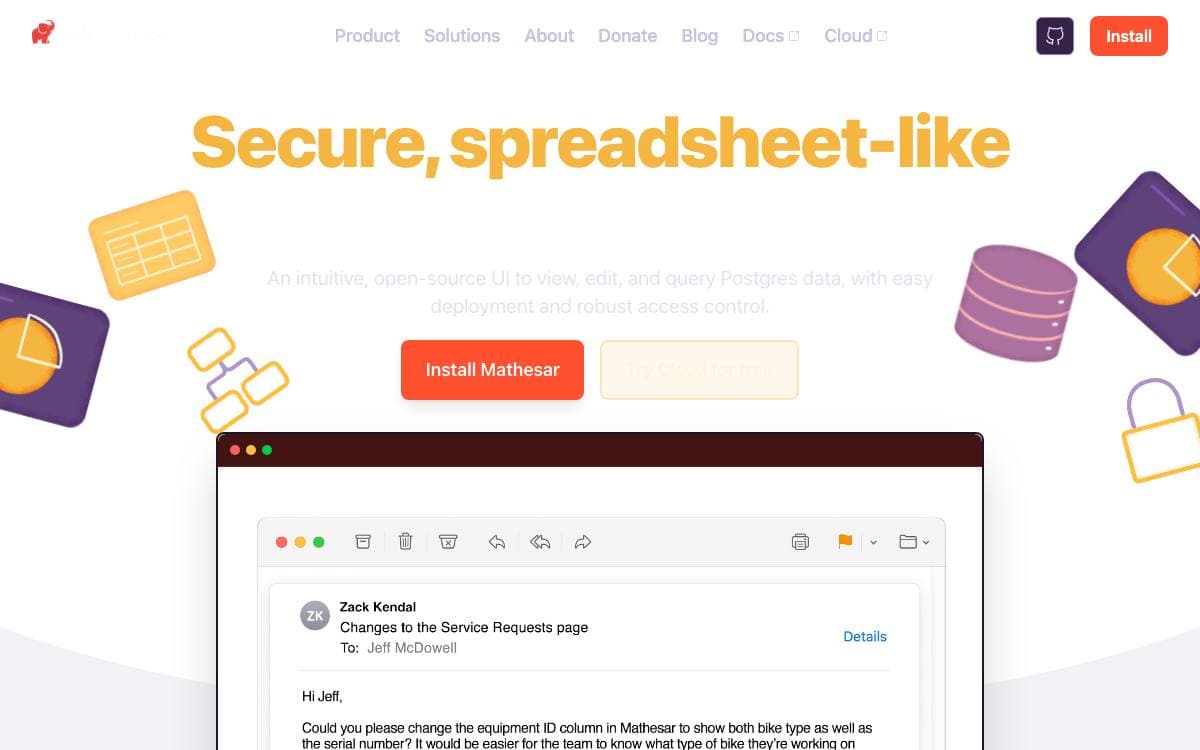
Mathesar sits on top of an existing PostgreSQL database and presents it as something much closer to a spreadsheet. Colleagues who will never write SQL can read and change real data without waiting for a developer to build them a custom admin panel first.
There is no extra abstraction in between. Mathesar works directly with Postgres schemas, tables, primary keys, foreign keys, constraints and data types, so a relationship in the interface is a foreign key in the database, and access control uses existing Postgres roles and privileges instead of a parallel permission system. Anything else in the Postgres ecosystem keeps working alongside it.
The interface handles both data entry and light analysis.
- Table editing: view, create, update and delete records in a spreadsheet-like grid.
- Filter, sort and group: slice a table several ways without leaving the page.
- Data Explorer: build queries and joins through the UI, with no knowledge of SQL or joins assumed.
- Forms: share a link that collects submissions from anyone and saves them automatically as new records.
- Schema work: create and update schemas and tables, move columns between tables in two clicks, and use custom types for emails and URLs validated at the database level.
Installation is a Docker deployment against a new or existing Postgres database, and because it is self-hosted the data never leaves your servers. The project is in public beta, which its maintainers call stable and feature-rich enough for production, and it is developed by the Mathesar Foundation, a nonprofit committed to keeping it open source.

No-code database and backend as a service built on SQLite, running from a single binary, a Docker container or the cloud.
undb is a no-code platform that doubles as a backend for applications. Tables are managed through a browser interface, data sits in SQLite, and the same project can be one file on a laptop or a service running for a whole team, which removes the usual jump between a spreadsheet and a real backend.
Because the storage engine is SQLite, the whole thing stays light. Bun can package it into a single binary, or it runs as a Docker container listening on one port with a mounted volume for the data directory. A one-click Render deployment and a hosted cloud version cover the other end of the range.
Table management goes well past storing rows.
- Views: kanban, gallery, calendar and pivot layouts over the same underlying table.
- Forms: collect entries from people who never see the table behind them.
- Formula fields: calculated columns in the style of Excel or Airtable.
- REST API: an OpenAPI-described interface, which is what makes it usable as a backend service.
- Playground mode: try the product without setting anything up first.
- Progressive deployment: begin as a single local file and grow into a cloud stack later.
Local development needs Bun and a clone, with dependencies installed and a dev server started in two commands, or a Docker Compose file for the same result. The project calls itself private and local first, which is the appeal for anyone wanting Airtable-shaped tooling without their data leaving the building.


