Open Source Slack Alternatives
A curated collection of the 13 best open source alternatives to Slack.
The best open source alternative to Slack is Buzz. If that doesn't suit you, we've compiled a ranked list of other open source Slack alternatives to help you find a suitable replacement. Other interesting open source alternatives to Slack are: Rocket.Chat, Mattermost, Zulip and Huly.
Slack alternatives are mainly Collaboration & Communication but may also be Data Security & Privacy or Project & Work Management. Browse these if you want a narrower list of alternatives or looking for a specific functionality of Slack.

Self-hostable workspace where people and AI agents share the same channels, built on a Nostr relay with a signed event log.

Buzz is a workspace where humans and AI agents work in the same rooms. It collapses the tools a team normally stitches together, chat, a forge, bots, CI dashboards and search, into one substrate instead of seven tabs pretending to know about each other.
Underneath it is a Nostr relay. Every message, reaction, workflow step, review approval and git event becomes a signed event in a single log, with the same shape and identity model whether a person or a process wrote it. A community is the workspace reached at a relay URL, and state under that URL stays local to it.
Agents here are members rather than bots, which changes what they can do.
- Scoped identity: agents hold their own keys, channel memberships and audit trail, scoped by identity rather than permission flags.
- Branch as room: patches land as NIP-34 events, CI posts results and the merge decision sits with the evidence.
- Unified search: conversation, patch, workflow run and approval are the same kind of event, so one query finds them all.
- Workflows: YAML definitions trigger on messages, reactions, schedules or webhooks.
- Full surface area: agents open channels, edit canvases, run workflows and join voice huddles.
Working today are the relay, channels, threads, DMs, canvases, media, search, an audit log, a Tauri and React desktop app, an agent first CLI, and git hosting. Mobile clients, workflow approval gates and huddle lifecycle events are still being wired up. Desktop builds cover macOS, Linux and Windows, and a relay runs from source or deploys to Railway.

A self-hosted communications platform for organizations with strict data protection needs, covering messaging, voice, federation and customer conversations.
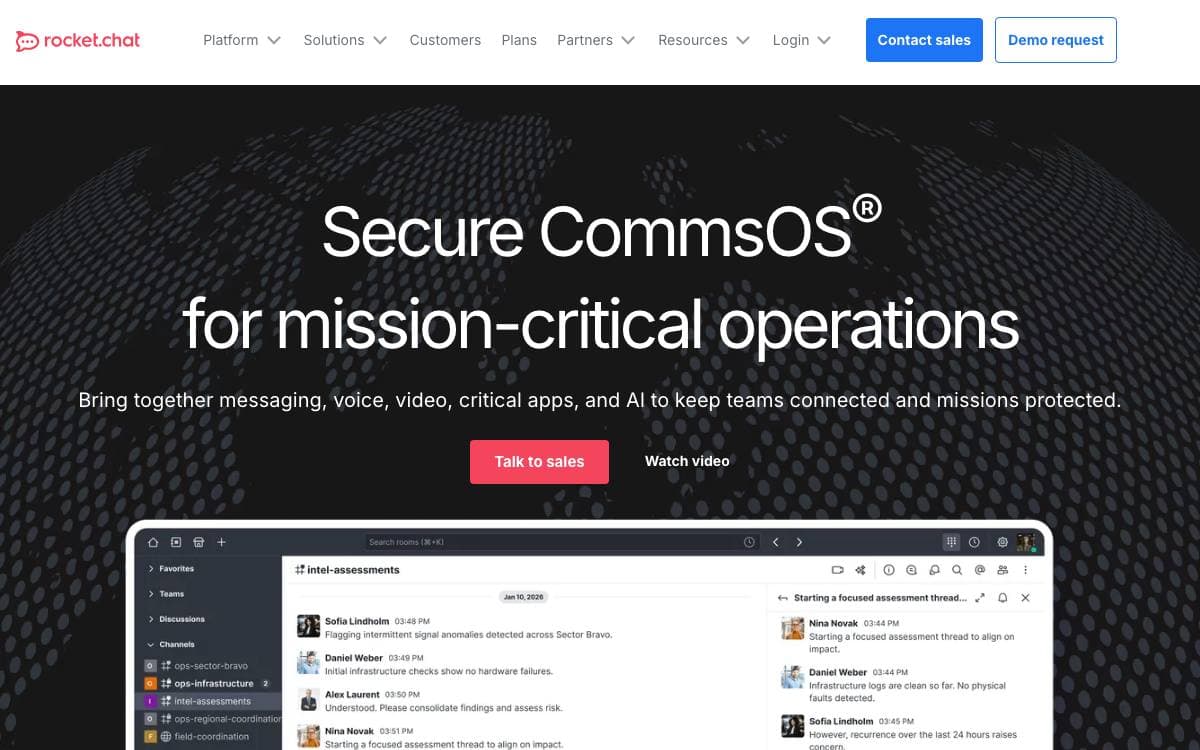
Written in TypeScript for organizations that hold themselves to high standards of data protection, Rocket.Chat carries real-time conversations between colleagues, with other companies, and with customers or citizens, whichever channel they happen to arrive on. It is fully customizable, and the whole platform can sit on infrastructure you own.
The capabilities are organized into four areas.
- Deployment and workspace management: self-hosted, cloud and air-gapped options with a scalable architecture and performance monitoring.
- Security and sovereignty: identity management, end-to-end encryption, and role and attribute-based access control.
- Team collaboration: asynchronous and real-time messaging, voice calls and federation in one experience.
- Extend and integrate: install public apps from the marketplace, build your own with the Apps-Engine, or connect external systems.
Deployment follows whatever constraints you are under. Docker, Podman and Kubernetes are the recommended routes on your own servers, Launchpad handles a Kubernetes setup without you managing each dependency by hand, an air-gapped workspace runs with no internet access at all, and federation links separate workspaces across a decentralized network.
Alongside the web application there are mobile apps for iOS and Android and desktop builds for macOS, Windows and Linux. The architecture targets governments, defense and critical infrastructure, and a public trust center documents how data is protected. The project cites tens of millions of users across more than 150 countries.

Self-hosted collaboration platform with chat, workflow automation, voice calling and screen sharing for teams that must control their own deployment.

Mattermost is an open core, self-hosted collaboration platform covering chat, workflow automation, voice calling, screen sharing and AI integration. Teams that cannot put mission-critical conversations on somebody else's servers get the same daily tools while keeping custody of every message.
The platform is written in Go and React, runs as a single Linux binary and relies on PostgreSQL, which keeps the operational surface small for whoever ends up running it. A newly compiled version is released under an MIT license every month on the sixteenth, so upgrades arrive on a predictable rhythm rather than at random.
Deployment and access follow several documented routes.
- Self-hosted install: a working instance in minutes via Docker, Ubuntu or a tar archive, with further guides for other environments.
- Native clients: desktop and mobile apps sit alongside the web interface.
- Developer setup: a separate guide covers building from source for anyone writing code for the platform.
- Extensibility: integrations can be built with APIs, webhooks, slash commands, Apps and plugins.
- Security bulletins: a mailing list carries notice of critical security releases to operators.
This repository is the primary source for core development on the platform, and contributors are pointed at a contribution guide and community channels before opening a pull request. Mattermost fits engineering and operations groups whose requirements start with running the whole stack themselves.

Team chat organized by topic inside each channel, built for distributed teams that mix live conversation with asynchronous catch-up.
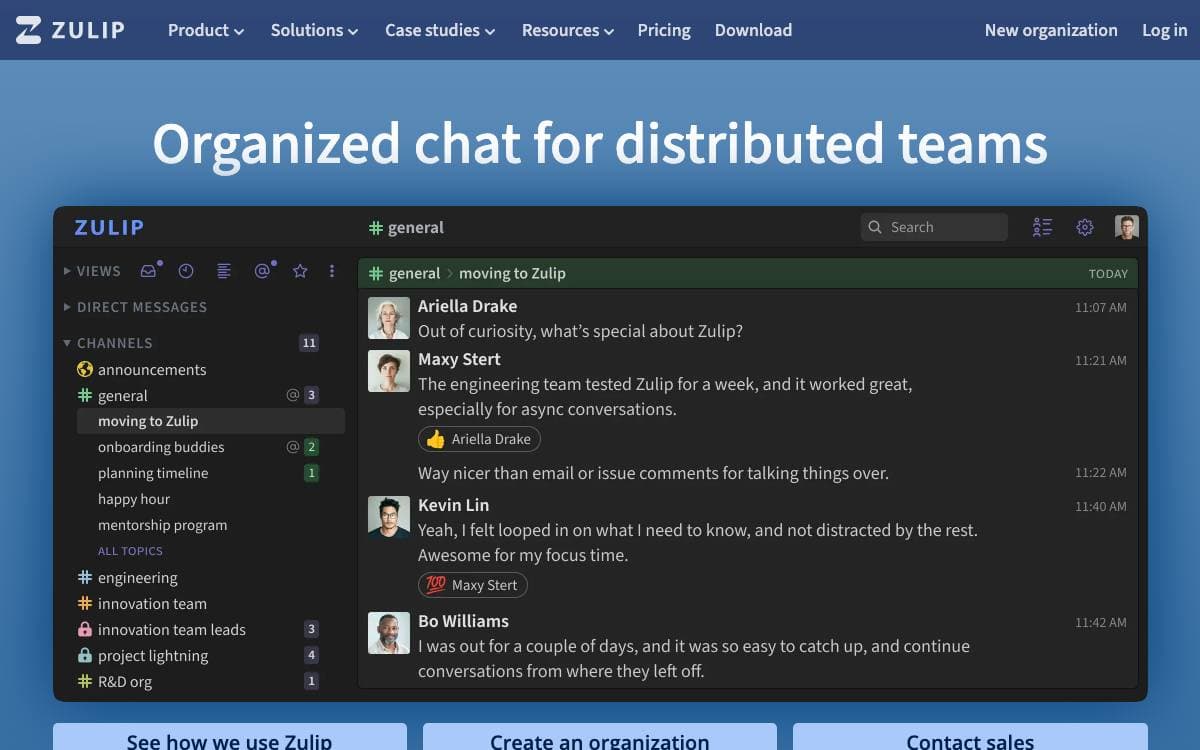
Group chat usually forces a choice between reading everything and missing everything. Zulip removes that trade by threading every message under a named topic, so a conversation can be followed, deferred or ignored on its own terms rather than as one undifferentiated scroll.
The project calls this topic-based threading, and describes it as combining the best of email and chat. Fortune 500 companies, leading open source projects and thousands of other organizations use it every day, and the codebase itself is maintained by a distributed community, with over 1,500 contributors merging more than 500 commits a month.
What a team gets from adopting it breaks down like this.
- Topic threading: every message belongs to a named topic within a channel, keeping parallel discussions apart.
- Self-hosting: install on Ubuntu or Debian directly, in Docker, or from prebuilt images for Digital Ocean and Render.
- Cloud hosting: a managed option exists, and free Standard plans are sponsored for hundreds of worthy organizations including fellow open source projects.
- Contributor documentation: roughly 185,000 words are written for the people working on the code itself.
- Translation and outreach: volunteers localize the interface, and the project takes part in programs such as Google Summer of Code.
Zulip is distributed under the Apache 2.0 license. Its own development community runs on a public Zulip server that anyone can drop into without an account, which remains the fastest way to judge whether the topic model suits how your team actually talks.

Framework and application suite covering chat, project management, CRM, HRM and recruitment, self-hostable by teams wanting one workspace.
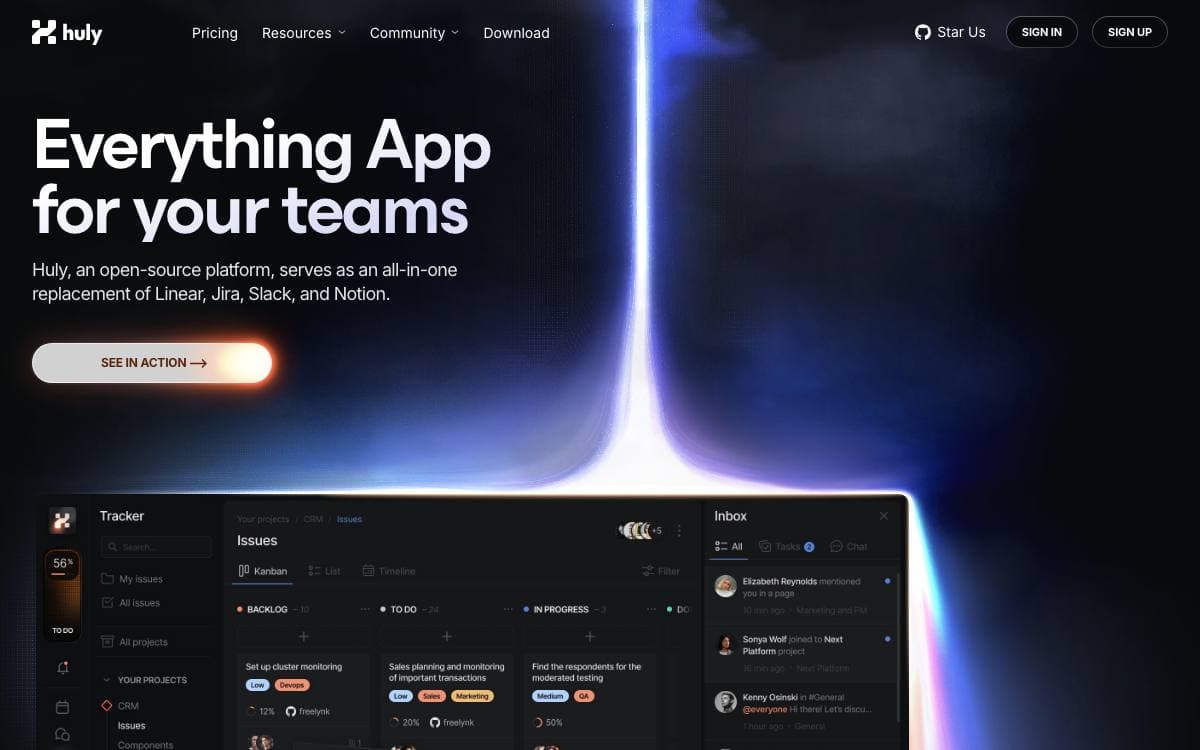
The Huly Platform is a framework for building business applications, and the repository already ships several of them, namely Chat, Project Management, CRM, HRM and an applicant tracking system. Other teams build products on top of the same platform, including Huly itself and TraceX.
One status note matters before adopting it. The hosted Huly service is being discontinued because its hosting is no longer funded, with shutdown expected on July 20, and existing users are asked to export their data and move to a self-hosted setup or another hosted option. Self-hosted deployments are not affected.
Reading the repository is easier with a few of its conventions in mind.
- Self-hosting: A separate huly-selfhost project brings the platform up with Docker for people who only want to run it.
- Version tags: Tags starting with v are production releases, while s tags are pre-release builds unsuited to production.
- Branches: Contributions target develop, staging carries pre-release testing, and main drives production deployments.
- API client: A typed client covers platform operations for integrations, with a separate repository of usage examples.
- Build setup: Development needs Docker, the repository Node version and a GitHub token with read access to packages.
An architecture overview and a changelog sit alongside the code, and a backup and restore guide walks through exporting data and bringing it up elsewhere. The platform suits teams willing to run and update it themselves.

A Matrix client for the web and desktop, giving teams and individuals decentralized chat they are free to host themselves.
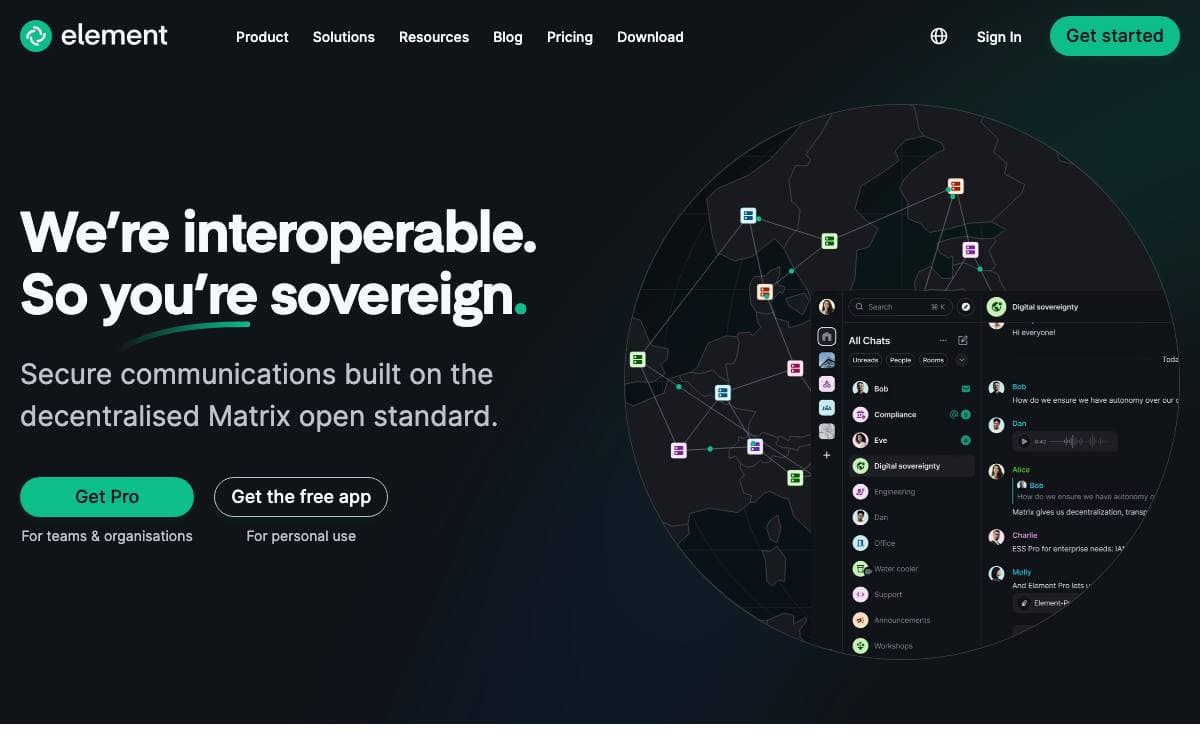
Element, known previously as Vector and Riot, is a Matrix web and desktop client built on the Matrix JS SDK. Conversations travel over an open federated protocol instead of one company's servers, so both the client and the homeserver behind it can be yours.
The repository is a monorepo. Element Web sits in its own subdirectory with separate documentation, the desktop build wraps the same application in Electron, and related projects live alongside them. A hosted copy exists for trying it without installing anything, and the develop branch is continuously deployed for those who like living dangerously.
Environment support is stated in tiers rather than left vague.
- Supported: the last two major versions of Chrome, Firefox and Edge on desktop operating systems, the last two Safari versions, and the latest Element Desktop release.
- Best effort: Firefox ESR and Chrome or Edge Extended Stable, where issues are accepted but regressions do not block a release.
- Community supported: mobile web on current stable Chrome, Firefox and Safari, where contributions are welcome.
- Not supported: everything else, with issues closed if they affect only those environments.
On phones the project points to the separate native Android and iOS apps rather than mobile web. Self-hosting is documented, as is building the desktop app yourself, and default settings can be overridden per install. The software is multi-licensed, free under AGPL-3.0 or GPL-3.0, or available under a paid commercial agreement.

Web-based team chat with rooms, direct messages and file previews, packaged as one Docker image for a single machine.
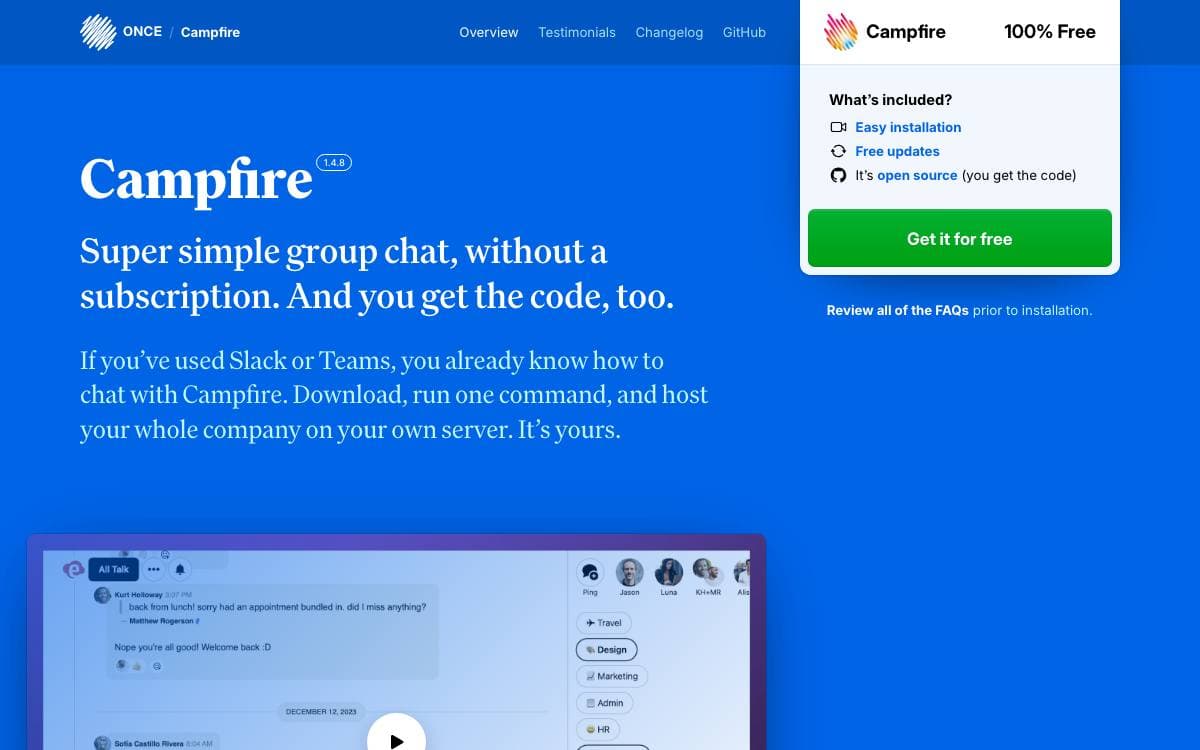
Campfire is a web-based chat application that covers what a team expects from group messaging and stops there. Running your own instance keeps the conversation, the files and the history on hardware you control.
The Docker image carries everything a working deployment needs on one machine, the web app, background jobs, caching, file serving and SSL. You can pull the prebuilt image published by Basecamp or build your own from the repository.
The feature list stays close to the essentials.
- Rooms: create as many as you need and control who has access to each.
- Direct messages: talk to one person outside the shared rooms.
- Attachments: share files and see previews inline.
- Search: find past messages across the history.
- Notifications: reach people through Web Push and @mentions.
- API: drive Campfire from scripts and bot integrations.
The simplest route to self-hosting is ONCE, which walks through setup and then keeps the instance updated by itself, from a dashboard or with a single deploy command naming your host. Plain Docker works too. The first start runs a wizard that creates the admin account, and the email address you give appears on the sign-in page so people know who to contact. Modifying the code is encouraged, with a development guide included.

Local-first collaboration workspace you self-host, combining chat, wiki pages, databases, and file storage for teams that want to own their data.
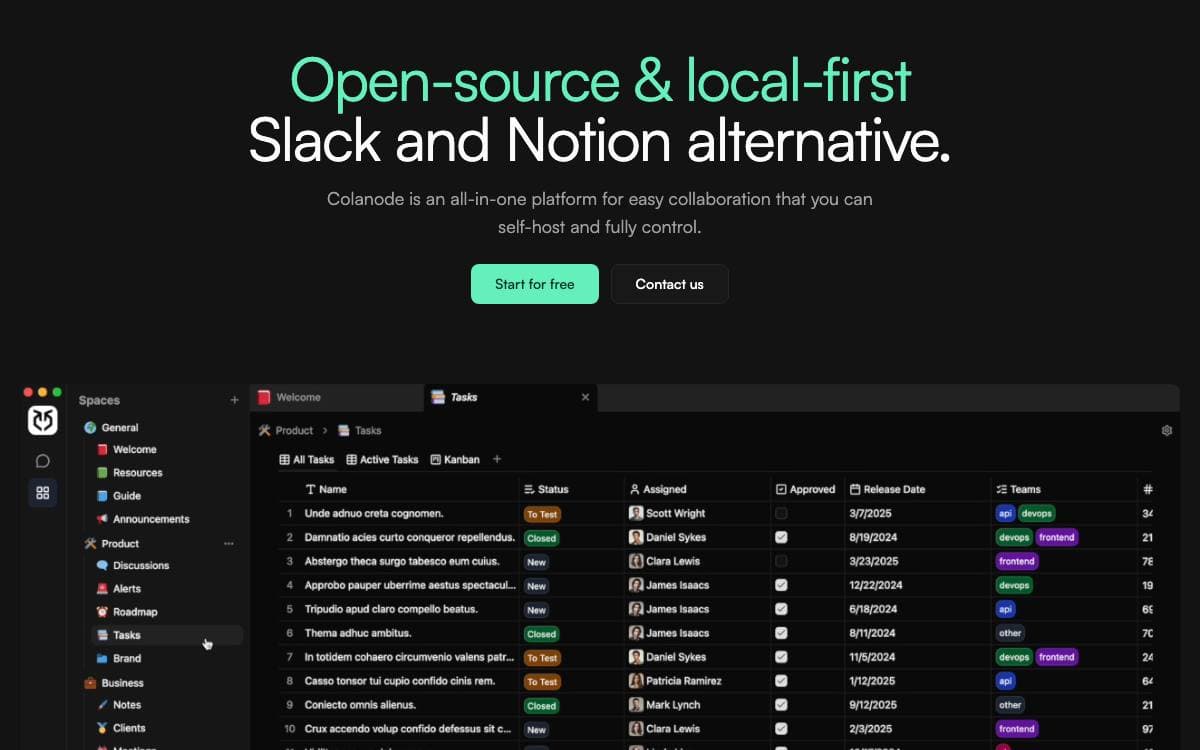
Colanode puts team chat, documents, and structured data in one self-hosted application, so a team stops spreading its work across a messaging tool, a wiki, and a spreadsheet owned by three different vendors.
It ships as a client app, web or desktop, plus a server you run yourself. A single client can connect to several servers, each holding one or more workspaces for different teams or projects. Every change is written to a local SQLite database first and synced by a background process, so reading and writing continue when your machine or the server goes offline.
The workspace covers the surfaces a team actually collaborates on.
- Real-time chat: instant messaging for teams and individuals.
- Rich text pages: documents, wikis, and notes in an editor along the lines of Notion.
- Customizable databases: structured records with custom fields and table, kanban, and calendar views.
- File management: store, share, and manage files inside a workspace.
- Concurrent edits: conflict-free replicated data types, powered by Yjs, merge simultaneous edits to pages and database records.
Self-hosting needs Postgres with the pgvector extension, Redis or a compatible service such as Valkey, and a storage backend for user files, local filesystem by default with S3-compatible, Google Cloud Storage, and Azure Blob Storage available. Docker Compose files and Kubernetes Helm charts ship in the repository, and the server image now carries a full config file, so only the Postgres and Redis connection strings are strictly required to boot.

Matrix client built around a simple, elegant interface, available as a hosted web app, a desktop build or a static site you serve yourself.
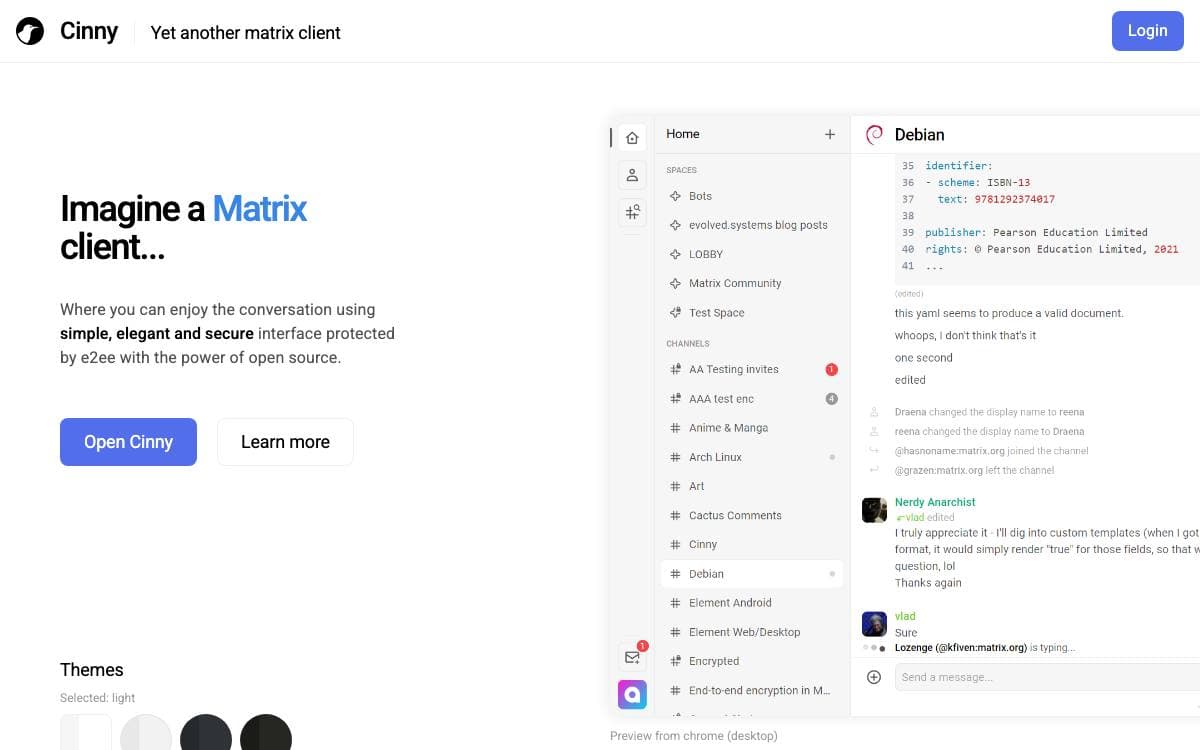
Cinny is a Matrix client that puts the interface first. The stated goal is an instant messaging application that is easy on people, simple, elegant and secure, with a modern touch rather than the density of a power user tool.
It ships as a static web build. The hosted app updates on every release, a dev branch is continuously deployed for anyone who wants the newer and rougher version, and a separate repository packages the same client as a desktop application.
Self-hosting comes down to a handful of decisions.
- Tarball or container: serve the built files with any web server, or pull the published image from Docker Hub or the GitHub Container Registry.
- Homeserver defaults: the default homeservers and explore page live in a config file you edit before deploying.
- Redirects: example configurations for netlify, nginx and caddy ship with the repository.
- Hash routing: an option that avoids web server redirect configuration, at the cost of a hash segment in the address.
- Subdirectory deploys: change the base path in the build config and rebuild.
Releases are verifiable against a PGP public key published in the repository. Local development needs a current Node.js and two npm commands, and the included Dockerfile builds from source and serves the result with Nginx. One caveat for contributors: the team is replacing matrix-js-sdk with an SDK of its own and is not accepting pull requests until that work is done.

Serverless team chat for privacy minded groups, syncing messages directly between member devices over Tor with no phone number required.
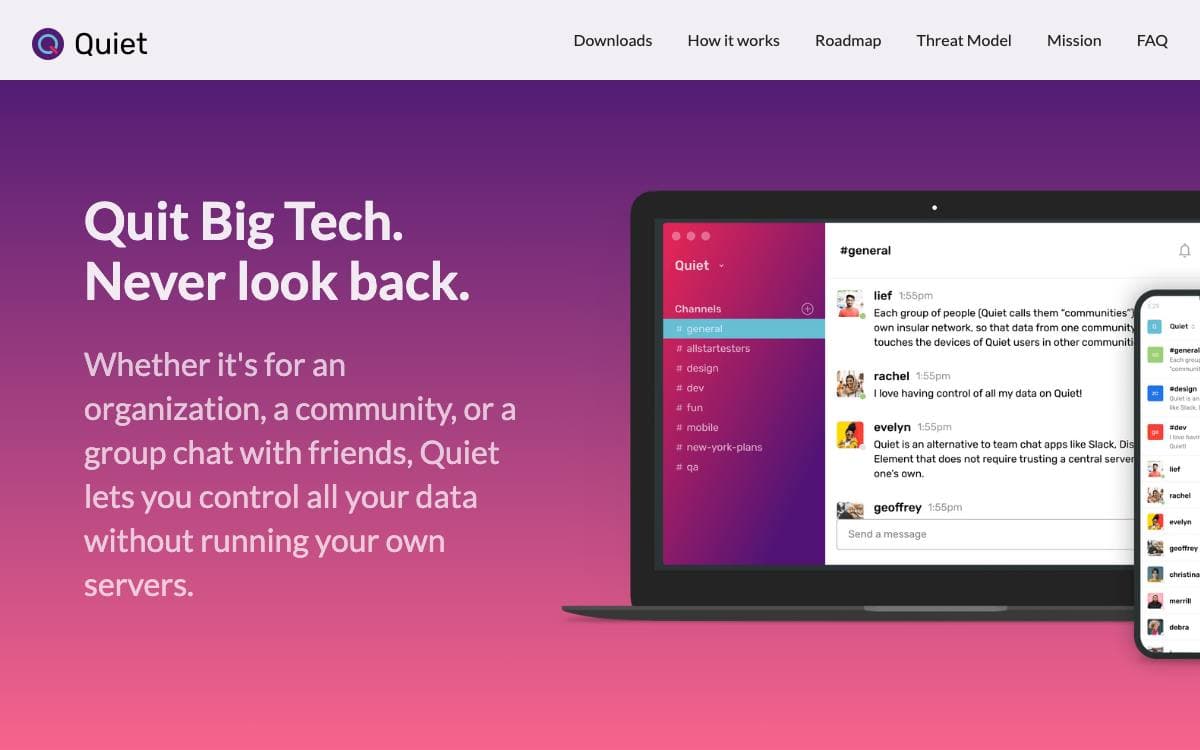
Quiet replaces Slack, Discord and Element for teams that would rather not trust a central server or run one. All data syncs directly between team devices, so there is no host to bill, subpoena or take offline.
Each group, which the project calls a community, gets its own insular network, so data from one never touches the devices of another. Peers connect through Tor onion services and sync with OrbitDB, an IPFS based CRDT behaving like a mix of Git, a gossip protocol and BitTorrent, so members receive what was sent while offline. The community owner acts as its certificate authority, handing out an invitation code that lets an invitee register a username and prove membership to other peers.
The shipped release covers the basics of a team chat app.
- Channels: organize conversations the way Slack does, with keyboard navigation between them.
- Files and images: send both without arbitrary size limits, with drag and drop and previews.
- Invite links: share one the way WhatsApp or Signal does, with no email address or phone number.
- Apps: desktop builds for Mac, Windows and Linux, plus a fully peer to peer Android app.
- Notifications: desktop alerts with optional sounds, though iOS has none yet.
The backend is Node.js, with Electron on desktop and React Native on mobile. Direct messages, mentions, reactions and search are named as planned rather than done, and communities hold roughly 30 to 100 members today. The maintainers state plainly that Quiet is unaudited and should not be used where privacy and security are critical.

A real-time communication platform for gaming, work, and community spaces, with native clients and a C server stack built for low latency.
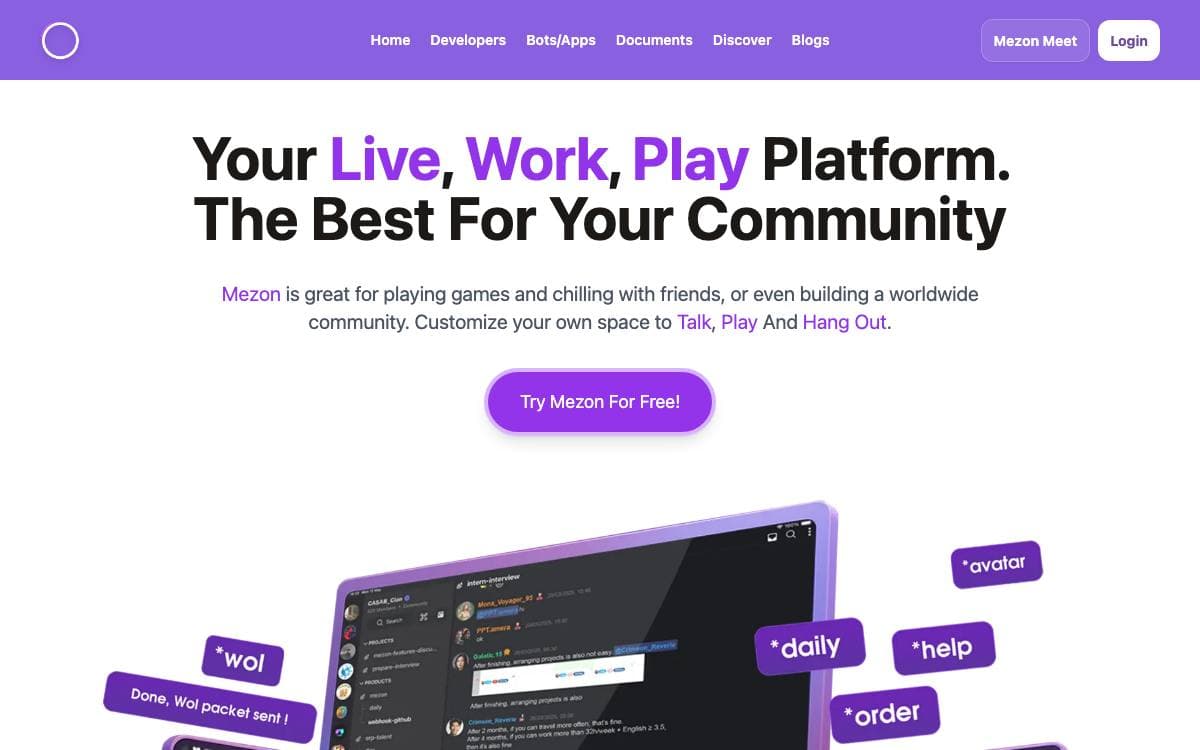
Mezon is a live, work, and play platform for building custom spaces where people talk, play, and hang out. It claims sub-millisecond response times and support for millions of concurrent connections, aiming at the gap between a chat app fast enough for gaming and one an organization can run at scale.
That performance comes from owning the hot path end to end. The Android and iOS clients are native rather than hybrid, the desktop app is Rust and renders directly on the GPU, and the server stack is written in C over a custom WebRTC SFU, a C11 media engine, io_uring, and a binary data plane rather than generic HTTP and WebRTC middleware.
Features cover the communication layer and everything around it.
- Messaging: Markdown rich text with threads, reactions, and file sharing up to 500MB.
- Voice and video: HD calls for up to 1000 users, with screen sharing, recording, and streaming.
- Security: end-to-end encryption on messages, voice and video, a zero-knowledge architecture, and XSS protection.
- AI features: content moderation, real-time translation across 100 languages, and auto-generated meeting summaries.
- Organization: custom roles with granular permissions, notification filtering, and event scheduling with RSVPs.
- Extensibility: REST and WebSocket APIs, a bot framework with SDK support, and more than 100 integrations.
This repository is the web client, an Nx and React monorepo that starts with a yarn install and a dev command on port 4200. The desktop, iOS, Android, SFU, media engine, and protocol layers each live in their own repository, with builds published for every platform.

Wire is an end-to-end encrypted messaging and collaboration platform for organizations, with its clients and server components published as source.
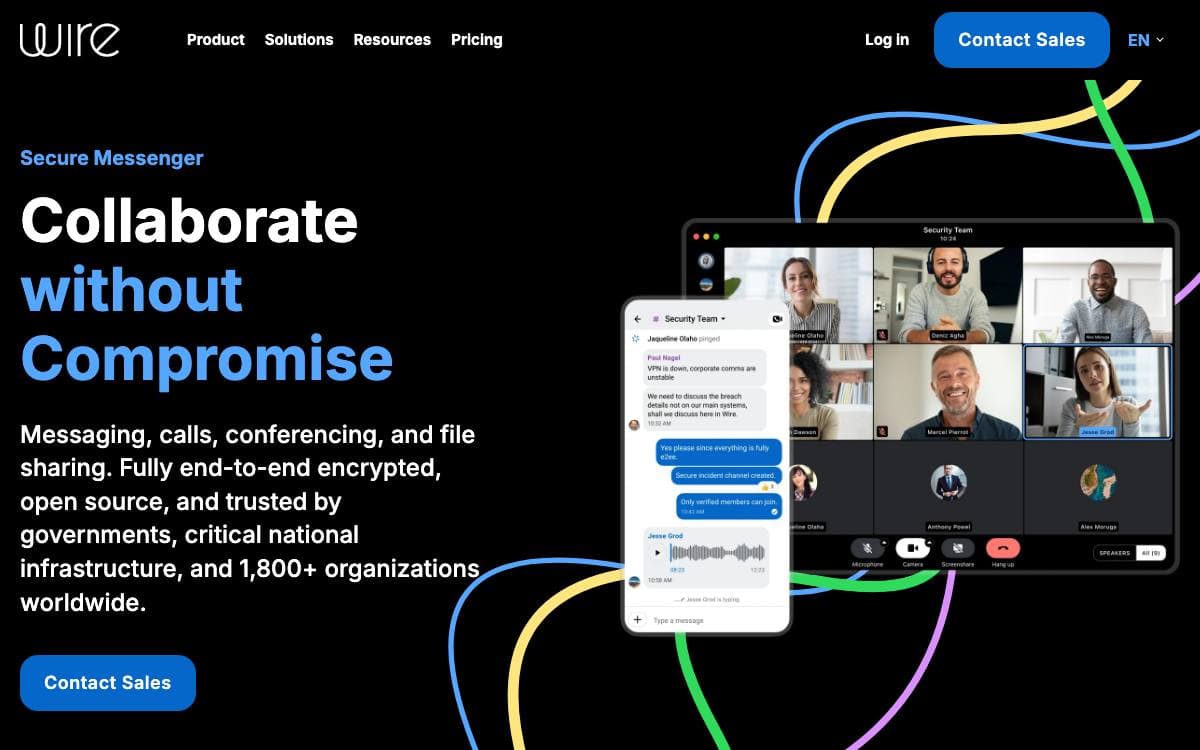
Wire is a secure messenger aimed at organizations, and the whole of it is published: the mobile, desktop, and web clients, the encryption layer, the audio and video stack, and the server that ties them together. A team that needs to audit what its messaging tool does, or run the backend itself, can do both.
Each piece is written in the language its job calls for. Core Crypto, which holds the Axolotl protocol implementation along with the supporting cryptographic and utility libraries, is Rust cross-compiled for iOS, Android, and WebAssembly. The audio, video, and signaling library is ANSI C and C++, cross-compiled the same way, with Java and Objective-C wrappers for the mobile platforms. Protocol buffer definitions shared by every client govern both client-to-client and backend communication.
The server splits into services along the lines of what each one owns.
- brig: accounts.
- galley: conversations and teams.
- gundeck: the push notification hub.
- cannon: WebSocket push notifications.
- cargohold: storage for images, files, and other assets.
- spar: single sign-on.
- nginz: the public API reverse proxy, an Nginx build carrying a custom authorization module.
Self-hosting is documented for Kubernetes, with Helm charts in the repository and mirrored for use through a chart repository. Contributions require signing a contributor agreement and are limited to bug fixes and code improvements, since features and interface changes are decided by the Wire team. Translations are crowdsourced on Crowdin, and privacy and security whitepapers document the algorithms and protocols in detail.

A Matrix chat client from Linagora that hides protocol complexity, for teams and individuals wanting decentralized, encrypted messaging.
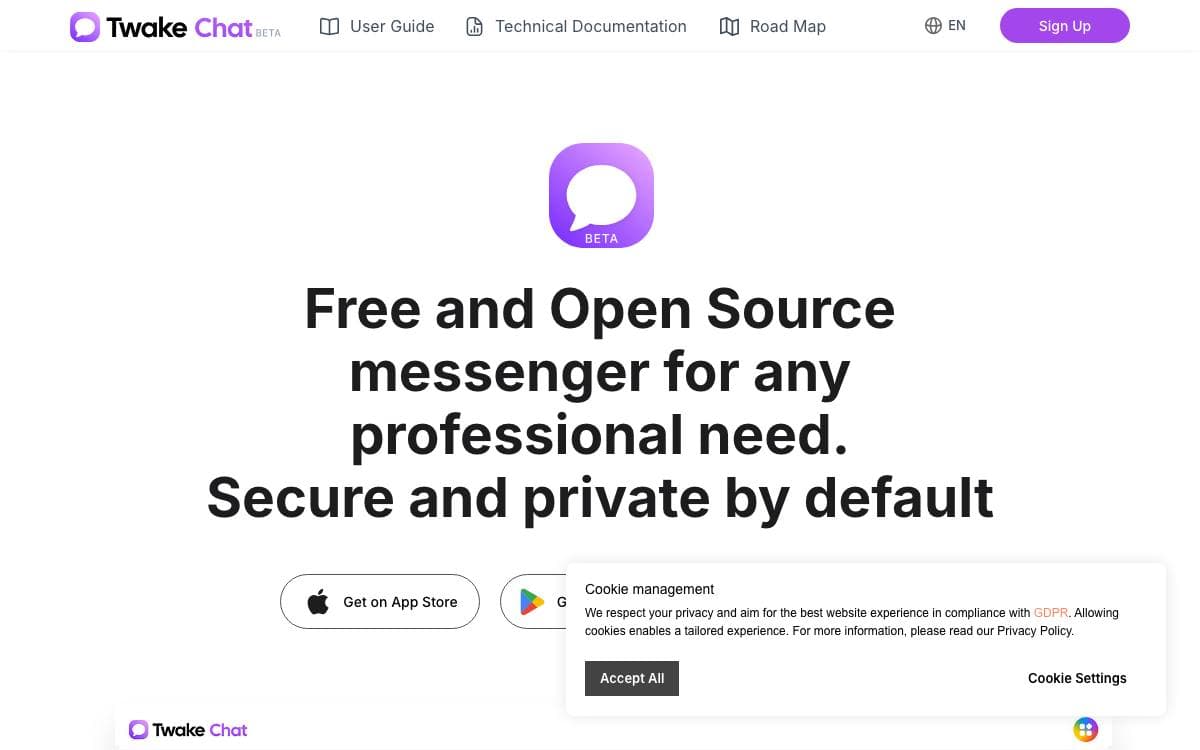
Matrix gives an organization a decentralized, encrypted chat network and then asks its users to think about homeservers and user identifiers. Twake Chat is a client that hides most of that, developed by Linagora for people and organizations that want the properties of Matrix without the vocabulary.
The app is written in Flutter and ships for web, Android, iOS and Linux, with a JSON configuration file naming the default homeserver, the welcome message, the privacy page and rendering options. Being a Matrix client, it interoperates with Element, Nheko, NeoChat and every other app on the protocol.
Day to day it behaves like any team messenger.
- Messages: text, images, files, voice messages and location sharing.
- Rooms: unlimited private and public group chats, public channels with thousands of participants, and spaces.
- Discovery: browse and join public groups, with QR codes standing in for Matrix identifiers.
- Moderation: the full set of group moderation controls the protocol provides.
- Encryption: end to end encryption with emoji verification and cross signing.
- Appearance: dark mode, custom themes, custom emotes and stickers.
Building it needs Flutter, a web ready libolm build for the browser target, and platform toolchains for Android and Linux, with a Nix development environment provided to assemble them. Translation happens on Weblate, a public demo runs against the beta site, and mobile builds are published on both app stores.


