Open Source Asana Alternatives
A curated collection of the 13 best open source alternatives to Asana.
The best open source alternative to Asana is Plane. If that doesn't suit you, we've compiled a ranked list of other open source Asana alternatives to help you find a suitable replacement. Other interesting open source alternatives to Asana are: Wekan, OpenProject, Kaneo and Leantime.
Asana alternatives are mainly Project & Work Management but may also be Collaboration & Communication or Time & Task Management. Browse these if you want a narrower list of alternatives or looking for a specific functionality of Asana.

Open source project management covering work items, cycles, modules and roadmaps, for teams that want to self-host their tracker.
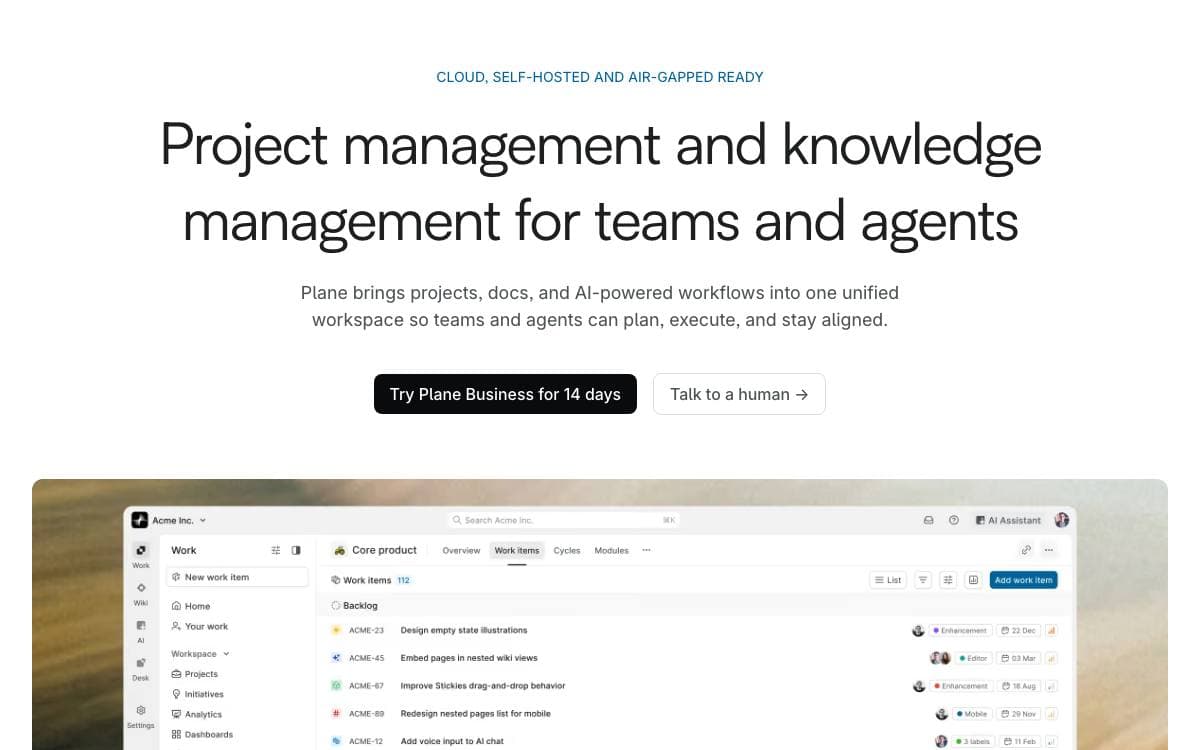
Plane tracks issues, runs cycles and manages product roadmaps without the tool itself turning into the project. It is aimed at teams who want the tracker under their own control rather than behind another hosted subscription.
Self-hosting goes through Docker Compose or Kubernetes, with deployment guides for each, and instance administrators configure the whole installation from an admin mode the project calls God mode. A free cloud account exists for anyone who would rather skip infrastructure entirely.
The product is organized around a small set of concepts.
- Work items: tasks written in a rich text editor with file uploads, sub-properties and references.
- Cycles: time-boxed pushes tracked with burn-down charts so momentum stays visible.
- Modules: large projects split into smaller pieces that can be managed on their own.
- Views: saved and shareable filters showing only the issues relevant to someone.
- Pages: notes with AI assistance and rich text that convert into actionable items.
Analytics sit on top of all of it, giving real-time insight across the data already in the system so blockers surface early. The stack is Django on the backend with Node and React Router on the frontend, and the team collects suggestions through a public forum and GitHub issues.

Self-hosted kanban board for personal lists and team projects, for anyone who wants a visual board without handing over their data.
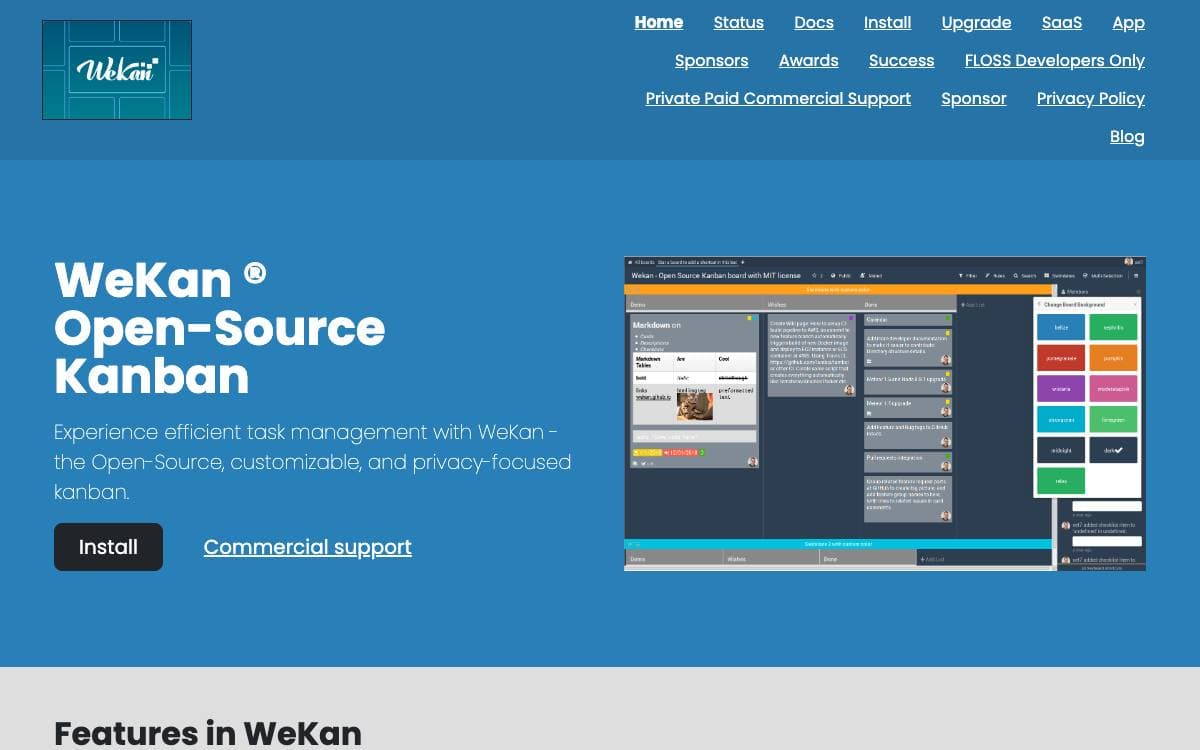
WeKan is a collaborative kanban board you install yourself. Boards give a visual read on where a project stands and keep attention on the few cards that matter, whether the project is a personal todo list, a holiday with friends or a company workflow.
Because it is free software running on your own computer or server, you never have to trust anyone else with the contents, and the project provides one-click installation across a number of platforms. The interface updates in real time, and the app has been translated into 234 languages, essentially all of them complete.
Running it in production carries real requirements worth reading first.
- Memory: one gigabyte free as a minimum, with four gigabytes total on a production server.
- Disk space: watch it and alert on it, because running out corrupts the MongoDB database.
- Updates: only the newest release is supported, and old versions carry security issues from outdated runtimes.
- Backups: daily at minimum, since there is no undo for a deleted list or card and some bugs stop a board loading.
- Scaling: large deployments split several frontend containers from one database server with many CPUs.
Containers are published on GitHub, Quay and Docker Hub, with a compose file in the repository, and the main branch runs on Meteor 3.5 with Node.js 24. Translations are accepted through Transifex rather than as pull requests. Commercial support is available, and the largest known deployment serves 30,000 users at one company.

Self-hosted project management covering classic, agile and hybrid work, for organizations that need transparency and full control of their data.
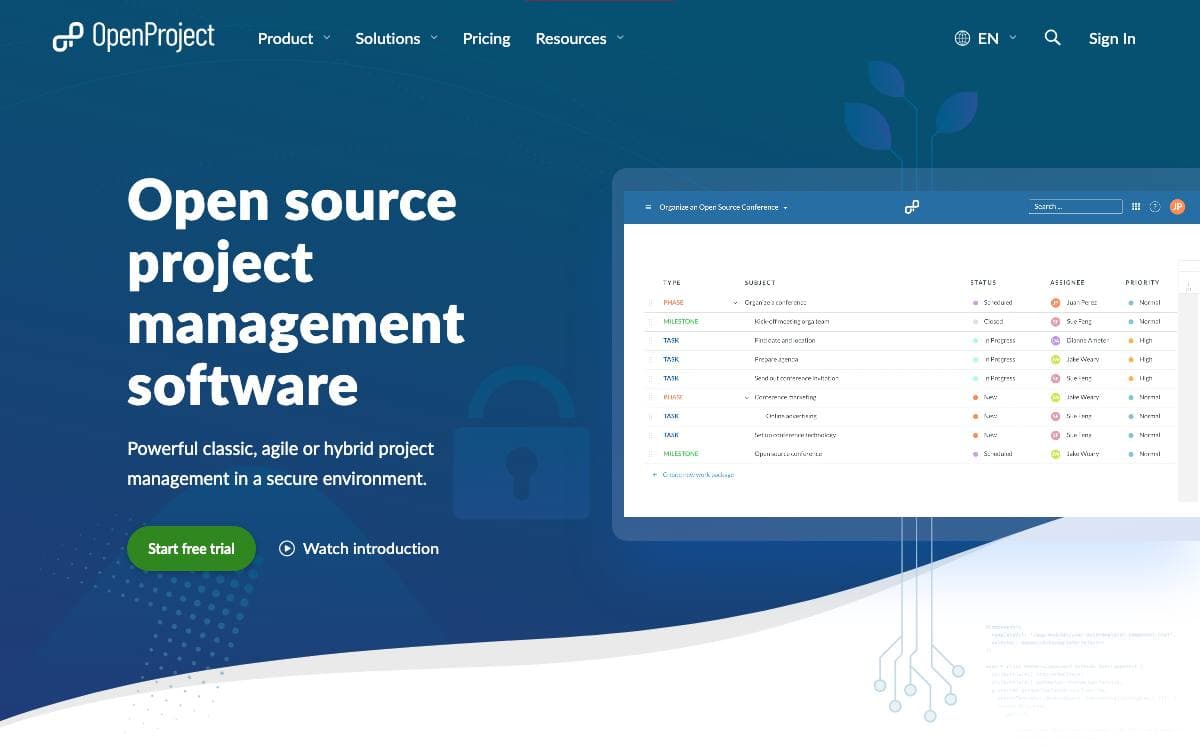
Classic, agile and hybrid work all fit inside OpenProject, web-based project management for teams and organizations that require transparency, flexibility and data sovereignty. Projects, portfolios, products, tasks, bugs, roadmaps and team collaboration live in one platform rather than in a separate subscription for each of them.
It is aimed at organizations wanting an open source, enterprise-ready alternative to Jira, MS Project, Monday, Asana and YouTrack while keeping full control of their data and infrastructure. The project reports use by enterprises, public institutions and highly regulated industries.
The platform stretches across several ways of running work.
- Agile and classic planning: boards for Kanban, Scrum and SAFe alongside Gantt charts for scheduling.
- Portfolio management: project and portfolio views, extended to product and release planning.
- Time and cost: time tracking, cost reporting and budgeting attached to the work itself.
- Collaboration: wikis, forums, news, and meeting agendas with their minutes.
- Integrations: Nextcloud, XWiki, GitHub and GitLab among others.
The Community Edition is free of charge and self-hosted, with in-depth installation guides for production use, while an Enterprise Edition adds support and further add-ons in the cloud or on premises. Security issues are handled through private disclosure so users have time to upgrade, and the code is licensed under GPL version 3.

A self-hosted project management tool for development teams that prefer a small, deliberate feature set over a crowded dashboard.
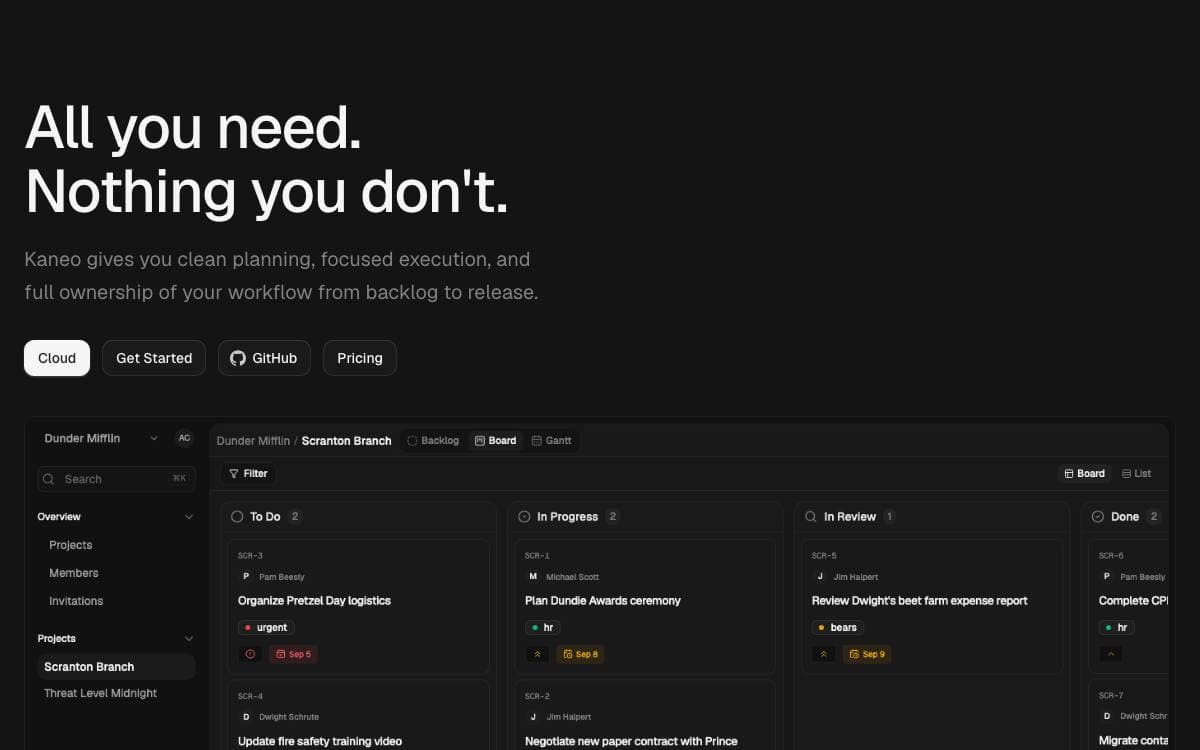
Kaneo was written in reaction to project management platforms that pull attention away from the work. Its argument is that most tools fail by having too many features rather than too few, so every notification and button has to earn its place.
The application runs as a single container beside PostgreSQL, which keeps deployment close to trivial. Images are published to a container registry, and a Compose file with a handful of environment variables is the whole setup.
Several deployment routes are documented for teams with different appetites for configuration.
- One-command install: a CLI called drim sets up HTTPS, the database, and every service in a single step.
- Docker Compose: the bundled container plus PostgreSQL, configured through an env file.
- Coolify: a dedicated compose file, with the auth secret and database password generated for you.
- Kubernetes: a Helm chart covers cluster installs, production configuration, and TLS setup.
- Split images: advanced setups can still run separate API and web images.
Configuration comes down to a client URL, an auth secret, and a database password, and the documentation covers the CORS and hostname mistakes that trip up first installs. Kaneo is MIT licensed and self-hosted, so project data stays on the team's own infrastructure, and a hosted version exists for anyone who would rather not run it.

An open source project management system for people who are not project managers, designed with ADHD, dyslexia, and autism in mind.
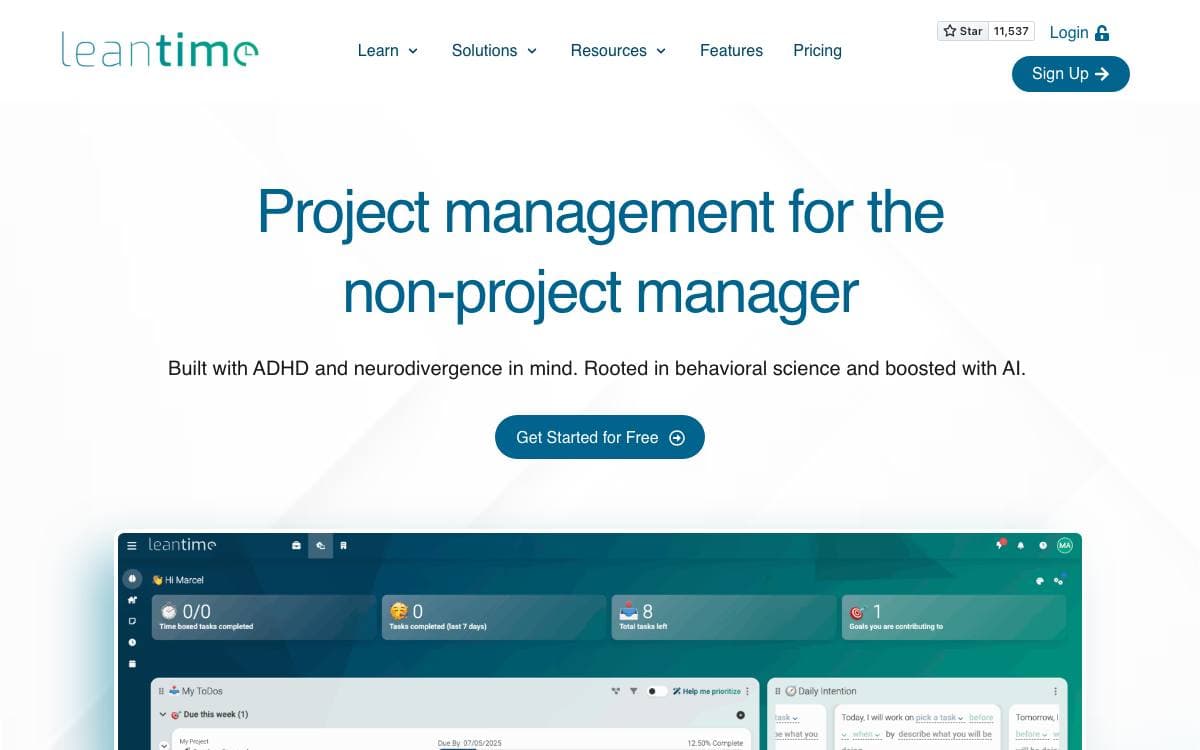
Leantime is a project management system aimed at the people who end up running projects without the title. It brings strategy, planning, and execution together, and it was built with ADHD, dyslexia, and autism in mind rather than treating that as an accessibility afterthought.
The comparison the project draws is being as simple as Trello while as feature-rich as Jira, positioned against ClickUp, Monday, and Asana. Everything below ships in the open source version, with nothing held back for a paid tier.
The feature set follows a project from first idea to timesheet.
- Task views: kanban boards, gantt charts, tables, lists, and calendars over the same work, with unlimited subtasks and dependencies.
- Goals and reporting: goal and metrics tracking alongside project dashboards, reports, and status updates.
- Documents: built-in wikis and docs, plus idea boards for work that has not become a task yet.
- Time tracking: time tracking and timesheets across projects.
- Risk and capture: risk analysis, with screen and webcam recording for context that is easier to show than to write.
- Roles and extensions: multiple user roles, per-project permissions, and extension through plugins and the API.
Running it needs PHP 8.2 or newer, MySQL 8.0 or MariaDB 10.6, and Apache or Nginx, with IIS workable once the PATCH method is allowed. An official Docker image is the alternative to a local install, and anyone using plugins should mount the plugins folder so they survive a restart.

A self-hosted project management web application written in Ruby on Rails, covering issues, wikis, time tracking and repository browsing in one place.
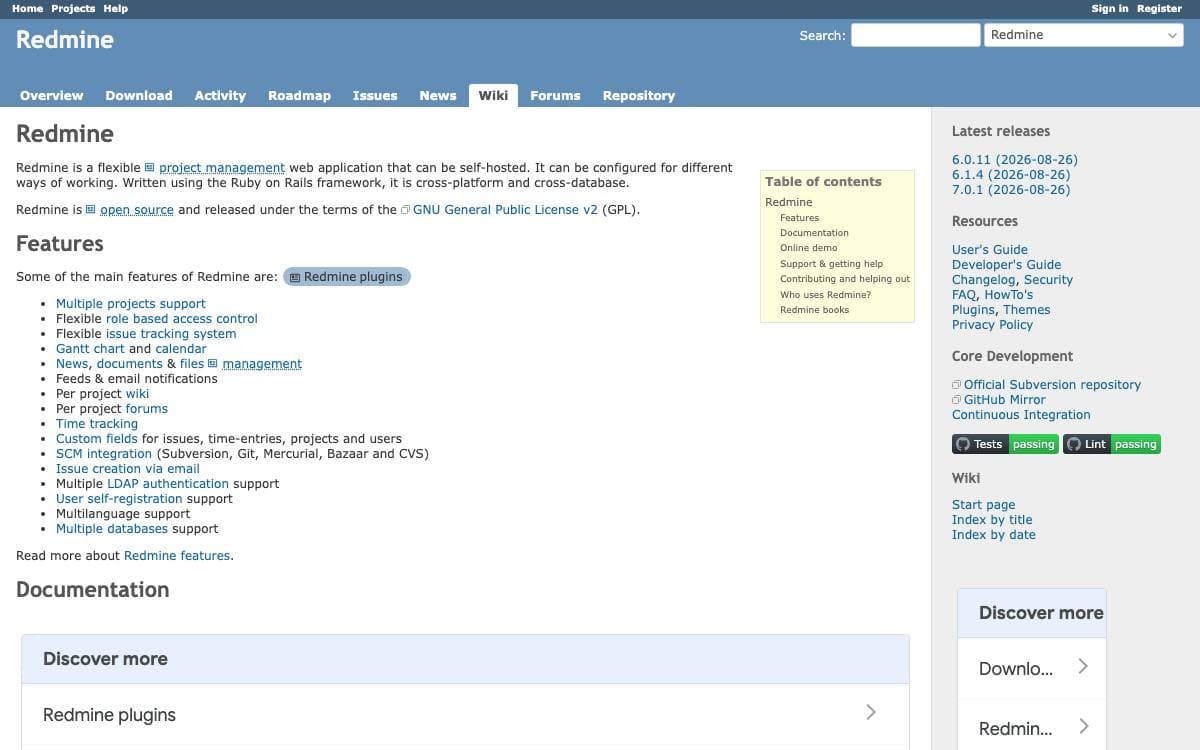
Redmine is a flexible project management web application that can be self-hosted. A team that wants issue tracking, a wiki, time tracking and a repository browser normally assembles three or four hosted services and pays for each. Redmine puts them in one Rails application running on your own server.
Everything is scoped by project, and projects nest into subprojects. A project can be public or private, permissions are granted through roles rather than to individual people, and workflow transitions are configurable by role and issue type. Custom fields extend issues, time entries, projects and users when the built-in shape does not fit.
The application covers what most teams reach for.
- Issue tracking: a flexible tracker with customizable statuses and issue types.
- Gantt chart and calendar: both generated automatically from issue dates.
- Time tracking: entries reported by user, type, category or activity.
- Repository browser and diff viewer: works across Subversion, CVS, Mercurial, Bazaar and Git.
- Wiki, forums, news and files: kept per project, written in textile syntax.
- Feeds and email notifications: activity and changes pushed out of the app.
Authentication supports multiple LDAP servers and user self-registration with three activation methods. Redmine is cross-platform and cross-database, running on MySQL, PostgreSQL or SQLite, and the interface is translated into forty-nine languages. It is released under version 2 of the GNU General Public License, with the documentation kept in the repository's doc directory and on the project's own site.

An open source kanban board for teams that want Trello-style project management running on infrastructure they control.
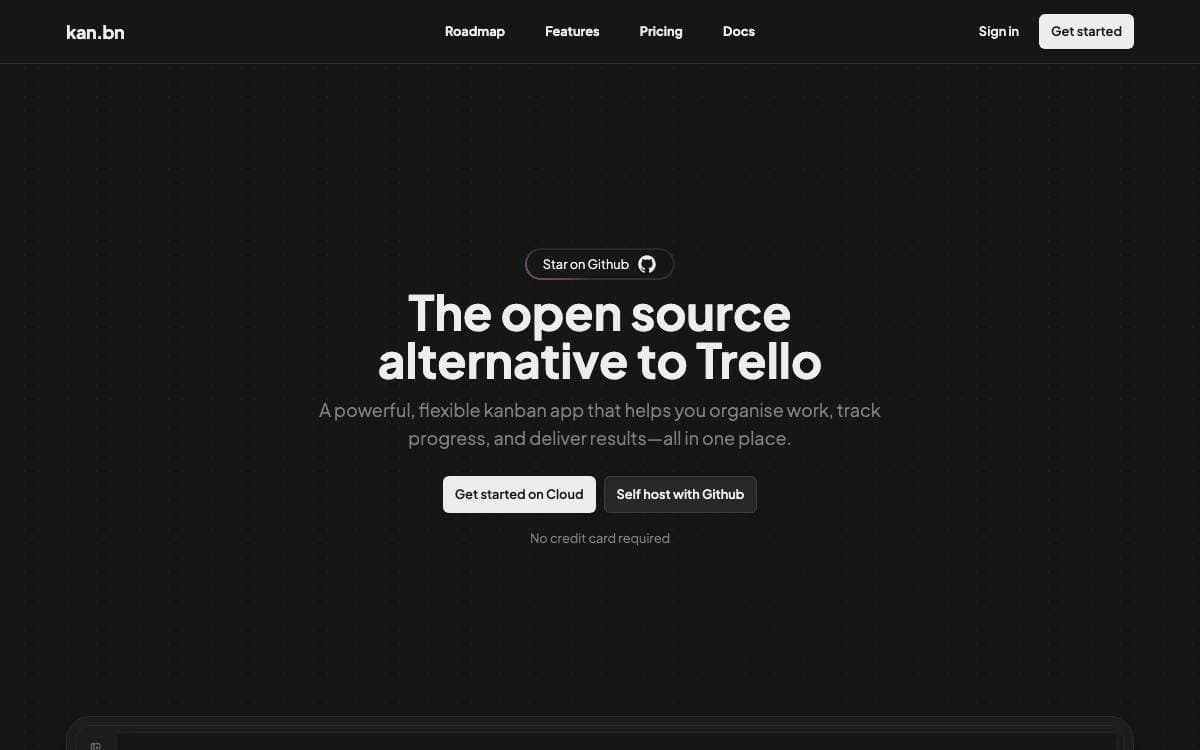
Kan is an open source project management tool built as an alternative to Trello. Boards, cards and workspaces behave the way people already expect them to, with the difference that the whole thing runs on a server you own and a database you can back up.
It is a Next.js application using tRPC, Drizzle ORM, Better Auth, Tailwind CSS and React Email over Postgres. A Docker Compose file starts the database, runs migrations and brings the web service up once those finish, so a working instance is one command away.
Day-to-day features cover what a small team needs from a board.
- Board visibility: control who can view and who can edit each board.
- Workspace members: invite people and work together inside a shared workspace.
- Trello imports: bring existing boards across using Trello API credentials.
- Labels and filters: organize cards and find them again without scrolling.
- Comments and activity log: discuss a card and read the detailed history of every change to it.
- Templates: save reusable board layouts instead of rebuilding the same columns.
Configuration is environment variables throughout, with Redis for optional rate limiting, SMTP for email, Google, Discord, GitHub or generic OIDC for login, and S3-compatible storage for uploads. Railway offers a one-click deployment for anyone who does not want to run Compose, and integrations with other tools are listed as coming soon.

Self-hosted task manager with a documented API, desktop client and hosted option, aimed at people who would rather own their to-do list.
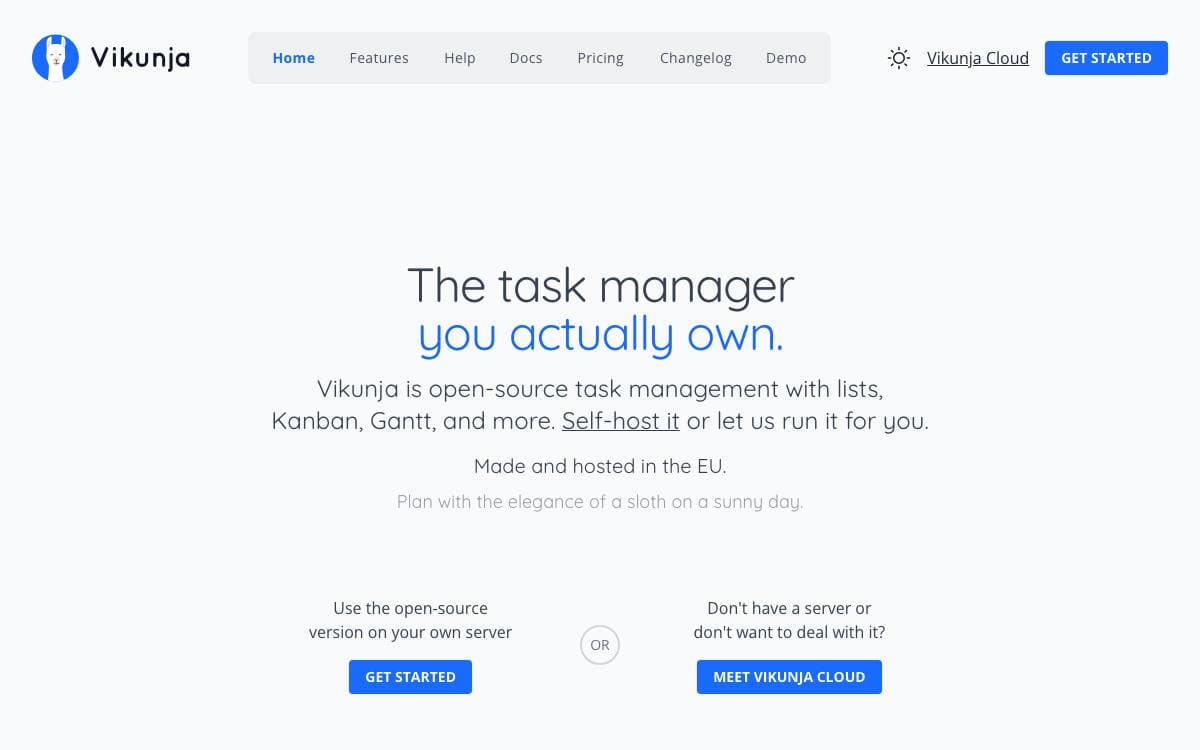
Task management usually means handing your list to somebody else's service. Vikunja is the self-hosted answer, summed up by its own tagline as the task manager you actually own, with the code for every part of it in one repository.
That repository holds the API server, whose OpenAPI documentation is served by each running instance, along with a desktop client kept in its own directory. Builds run through a Magefile, and the documentation covers installing, building from source, setting up a development environment and running the tests.
Getting a copy running can go several ways.
- Docker images: published on Docker Hub for the usual container deployments.
- Build from source: the docs walk through compiling it yourself.
- Public demo: a try instance runs the current build, so the interface can be judged before anything is installed.
- Hosted version: the maintainers operate a paid instance for people who want the software without the operations.
- Pro edition: an admin panel, audit logs and time tracking are sold separately for companies that need them.
Most of the repository is licensed AGPL-3.0-or-later, the desktop directory under GPL-3.0-or-later, and the background images come from Unsplash under terms that require crediting the photographer. The maintainers also state plainly that LLM-assisted coding tools are used in various parts of the codebase, and that most contributions from their bot account are built that way, which is more disclosure than most projects offer.

A project management tool for organizations that want tasks, time tracking and workload reporting running on their own infrastructure.
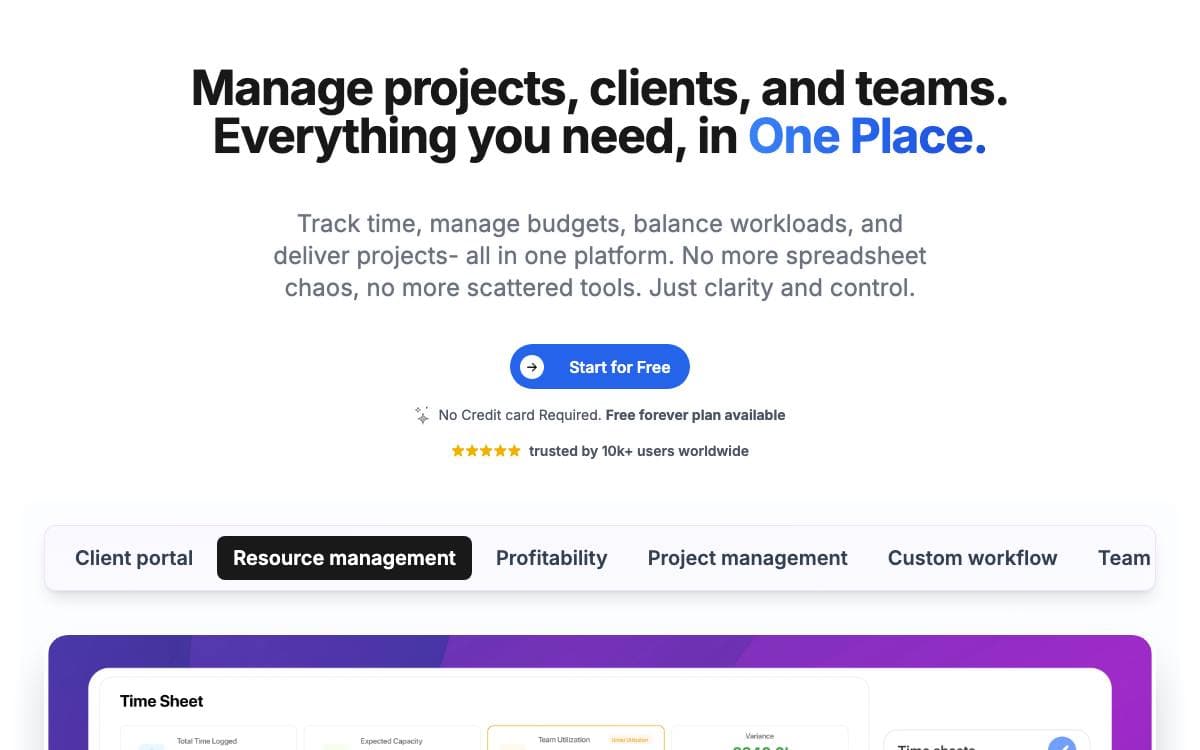
Worklenz covers the ground between a task list and a resource planner, holding projects, tasks, hours spent and reports on who is carrying what. It is built for organizations that would rather run that stack themselves than rent another seat-priced service.
The frontend is React with Ant Design, the backend is TypeScript on Express, and PostgreSQL stores the data. File storage targets any S3-compatible service, with MinIO wired up by default so a fresh install needs no cloud account at all.
Day-to-day work is organized around a handful of capabilities.
- Project planning: projects are created and tasks assigned to the people who will do them.
- Task management: work is broken down with due dates, priorities and progress tracking.
- Collaboration: files are shared and comments left against the task they concern.
- Time tracking: hours are recorded per task for resource allocation and billing.
- Reporting: reports cover project status, team workload and performance metrics.
Docker Compose is the quickest route in. Clone the repository, run one command, and the frontend answers on port 5000 with the API on port 3000; a script rewrites the environment files for a remote hostname when you deploy to a server. A manual setup needs Node 18 or newer and PostgreSQL 15 or newer, with the SQL files applied in a documented order. Worklenz follows an open-core model, its core released under AGPLv3 and free to self-host, modify and redistribute.

Agile project management for cross-functional teams, with Scrum and Kanban boards, backlogs, issue tracking, and a wiki in one self-hosted tool.
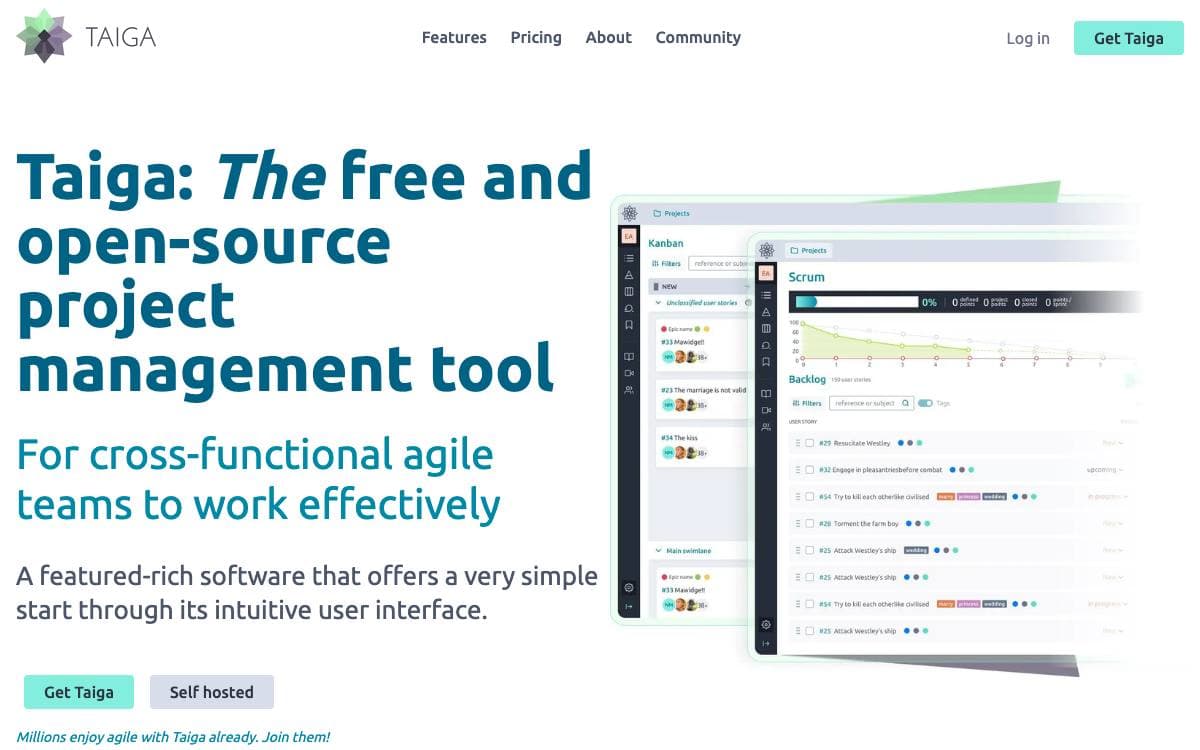
Taiga is a project management tool for cross-functional teams that want to run Scrum or Kanban without a training program first. This repository holds taiga-back, the server that stores projects and exposes the REST API every Taiga client talks to.
The project keeps three documentation hubs, one for the API, one for installing Taiga on your own server, and a community site that doubles as the support desk. Bug reports go to Taiga's own issue tracker, which the team prefers over GitHub issues, and a separate address exists for security reports.
The product itself, as described on the Taiga website, covers the ceremonies an agile team actually runs.
- Kanban: boards with swimlanes, WIP limits, zoom levels, extensive filters, and a user story archive.
- Scrum: backlog and sprint planning with epics and sub-tasks, estimation per role, and burndown charts at project and sprint level.
- Issues: integrated tracking with custom types, priorities, and severities, plus a way to promote an issue into a user story.
- Reporting: team performance dashboards, a full project timeline, personal notifications, and a wiki.
- Self-hosting: on-premise installs keep all data on your own servers, with more than twenty translations available.
Switching a project between Kanban and Scrum works in both directions, so the method can change without moving tools. Every accepted patch is licensed under MPL 2.0, and the contribution policy asks you to keep it that way.

Work and project management platform with time and activity tracking, for teams that want to run their own instance.
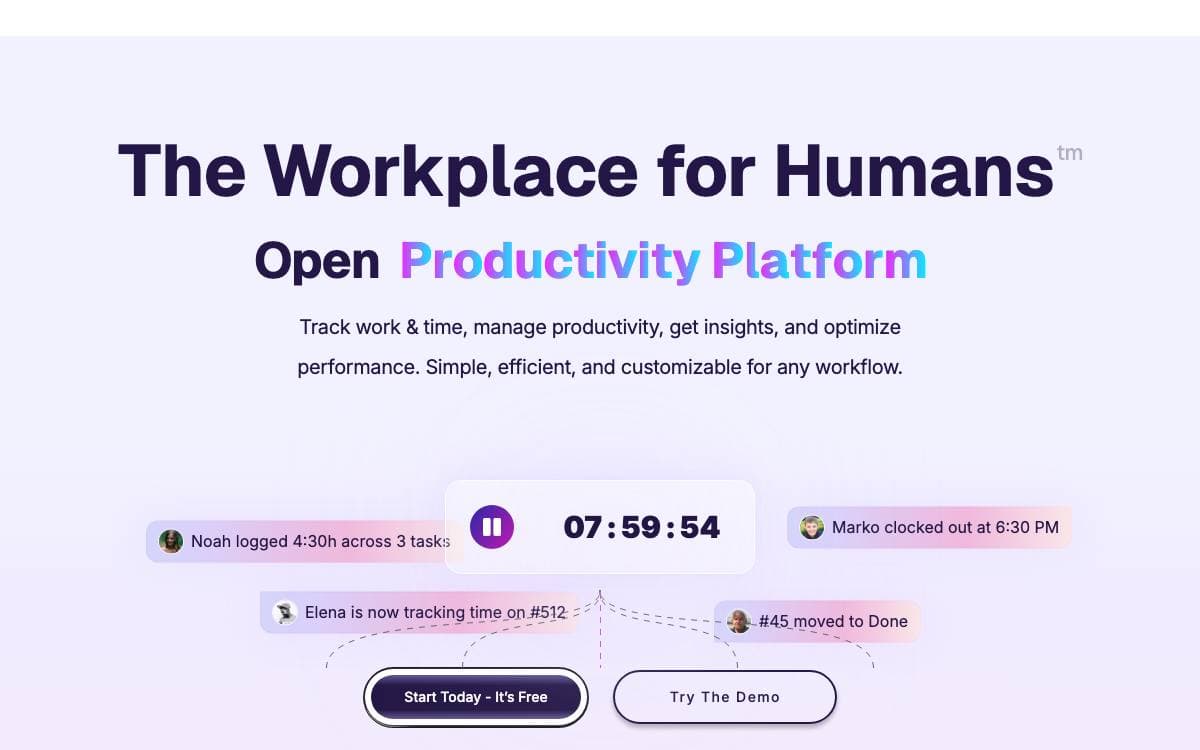
Ever Teams covers workforce management, time and activity tracking, productivity metrics, tasks and issues, organizations and teams in one web application. The README is explicit that the platform is in an active development stage and should be used with caution, which is worth knowing before it lands in front of a working team.
It is a front end rather than a whole system. The web application talks to the headless APIs of Ever Gauzy, the same maintainers' business management platform, and by default it connects to their production endpoint. Two environment variables repoint it at a Gauzy server or API you run yourself, which is the difference between borrowing their backend and owning the stack.
Getting an instance up has several documented routes.
- Docker Compose: a demo file for exploring, a production file, and a build file that compiles everything locally.
- Docker image: prebuilt web application images published to Docker Hub and GitHub packages.
- Manual build: a yarn install followed by a web build and start, served on port 3030.
- Self-hosted backend: run Gauzy separately, then set the two API server variables before starting.
- Gitpod: a ready-to-code workspace configured in the repository.
The stack is a Turborepo and Nx monorepo in TypeScript, with Next.js and React on the web, React Native and Expo on mobile, and Tailwind with shadcn/ui, Radix and Headless UI for the interface. Integrations with GitHub, GitLab, Bitbucket and Jira are planned alongside tags, labels and dark, black and light themes. It is licensed under AGPL v3.

An opinionated company operating system for goals, projects and teams, aimed at growing startups and nonprofits of five to a hundred people.
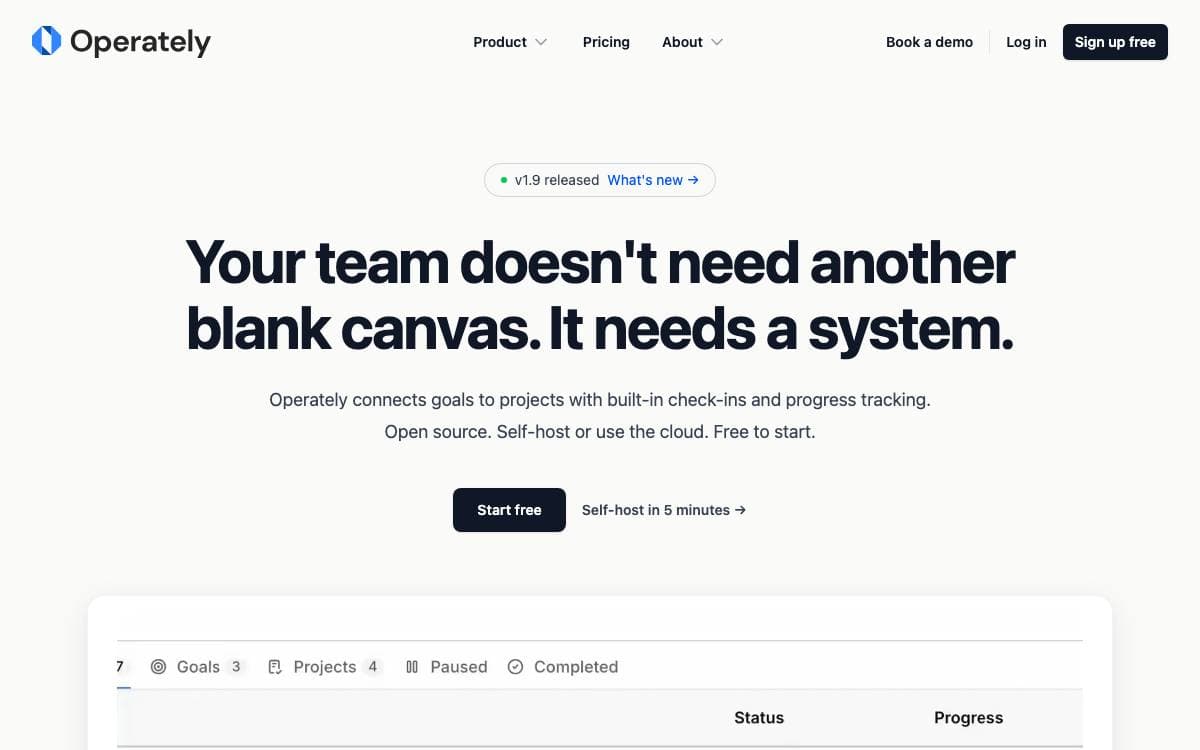
Generic work management tools hand you infinite flexibility and no opinion about how to run a company. Operately takes the opposite position, shipping the workflows that keep an organization moving so a growing team does not have to invent goal reviews, check-ins and accountability from scratch.
Goals sit at the top and link down to daily work, projects carry task boards and milestones, and each department gets a space holding its own goals, documents and discussions. Installation is a single host archive with an install script and a Docker Compose stack behind it.
The feature set stays narrow on purpose.
- Goals and OKRs: company wide targets tied directly to the projects that move them.
- Execution cadence: built-in check-ins and automated progress updates set a steady rhythm.
- Team spaces: departments keep goals, projects and documents in one organized home.
- Message boards: threaded discussion replaces scattered email threads.
- Documents and files: content is created, stored and shared in one place.
- CLI and API: full programmatic access, with published agent skills for Codex, Claude Code and OpenClaw.
Operately is Apache 2.0 licensed and self-hostable, and its hosted plan is priced flat rather than per seat. The project aims itself at technology companies, startups, nonprofits, consulting firms and compliance focused organizations, and says it works best for teams of five to a hundred.

An early stage, minimalist task manager for tracking personal and team projects without the weight of enterprise issue trackers.
Task management gets stripped back to the essentials here. Mimrai tracks tasks and projects, and its maintainers position it as an early, lightweight alternative to Jira, Asana, Linear and Monday.com. They call the project a first stage of development shaped by feedback, though the repository is now archived.
The codebase is a Turborepo monorepo written in TypeScript and running on Bun. React and Next.js drive the interface, Supabase backs the data layer, and Tailwind CSS with Shadcn UI supplies the styling and components.
Hosting is split across three services.
- Supabase: database, storage and realtime updates.
- Vercel: the marketing website and the dashboard.
- Fly.io: the API.
Around that core sit the pieces that keep it running day to day. Trigger.dev handles background jobs, Resend delivers email, GitHub Actions runs continuous integration, Upstash provides Redis caching, Sentry captures errors, OpenPanel records events and analytics, and OpenAI powers the AI features.
Licensing follows two paths. Non commercial use falls under AGPL-3.0, and by using the software you accept those terms. For commercial use, or a deployment that needs a setup fee arrangement, the founders ask you to contact them directly for a commercial license instead.


