Open Source Voiceflow Alternatives
A curated collection of the 10 best open source alternatives to Voiceflow.
The best open source alternative to Voiceflow is Dify. If that doesn't suit you, we've compiled a ranked list of other open source Voiceflow alternatives to help you find a suitable replacement. Other interesting open source alternatives to Voiceflow are: Langflow, Flowise, CopilotKit and FastGPT.
Voiceflow alternatives are mainly AI Development Platforms but may also be AI Interaction & Interfaces or Frameworks & Platforms. Browse these if you want a narrower list of alternatives or looking for a specific functionality of Voiceflow.

An open source platform for building LLM applications, combining visual workflows, RAG pipelines, agents and model management in one interface.
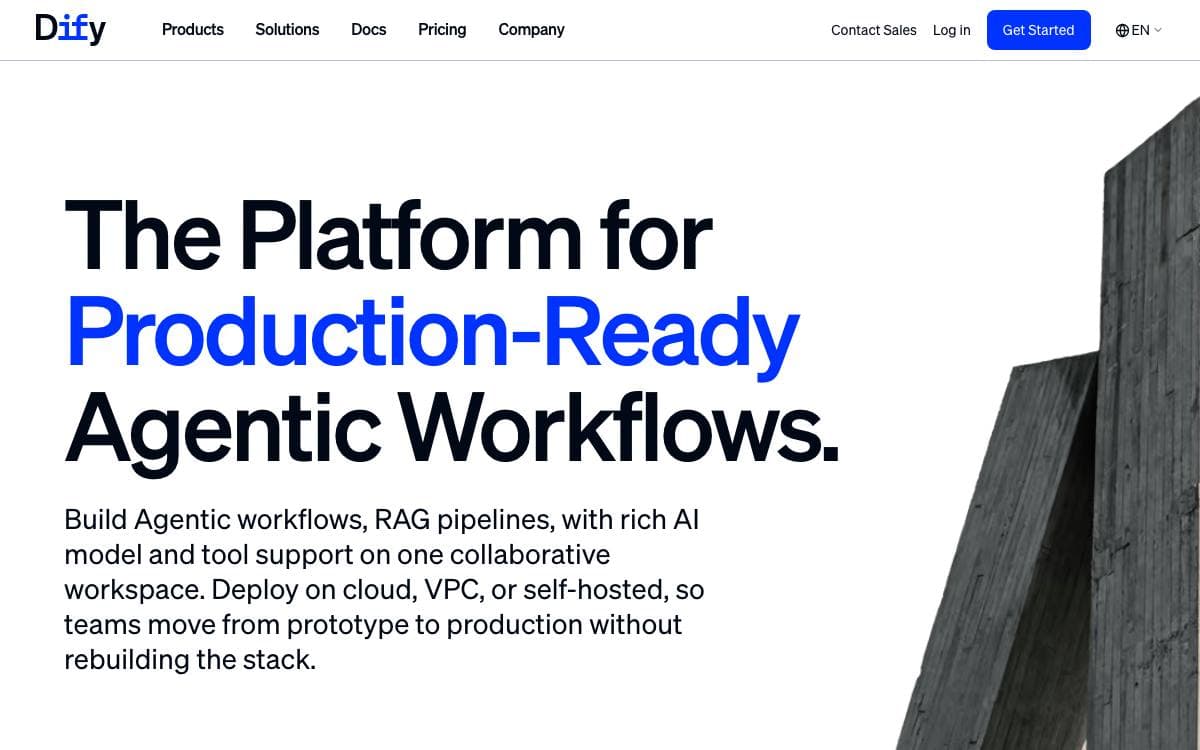
Dify is a development platform for applications built on language models. Its interface gathers AI workflows, retrieval pipelines, agent definitions, model management and observability in one place, which removes the usual scattering of prompt files, vector stores and glue scripts across a codebase.
Work starts on a visual canvas where a workflow is built and tested, with a prompt IDE beside it for drafting instructions and comparing how models respond. Everything built this way is also exposed through an API, so the platform sits behind your own product rather than replacing it.
The platform is organized around a handful of pieces.
- Model coverage: hundreds of proprietary and open models from dozens of inference providers, including any OpenAI-compatible endpoint.
- RAG pipeline: document ingestion through retrieval, with text extraction from PDFs, presentations and other common formats.
- Agents: defined through function calling or ReAct, with more than fifty built-in tools alongside your own.
- LLMOps: logs and performance are tracked over time so prompts, datasets and models improve on production data.
- Observability integrations: Opik, Langfuse and Arize Phoenix connect for tracing.
The quickest path is Docker Compose from the repository, on a machine with at least two CPU cores and four gigabytes of memory, after which the dashboard initializes in a browser. Deploying from source is documented for anyone extending it. A hosted cloud and an enterprise edition exist, but the community edition is the one you run yourself.

A visual builder for AI agents and workflows that turns every flow into an API endpoint or an MCP server for other applications.
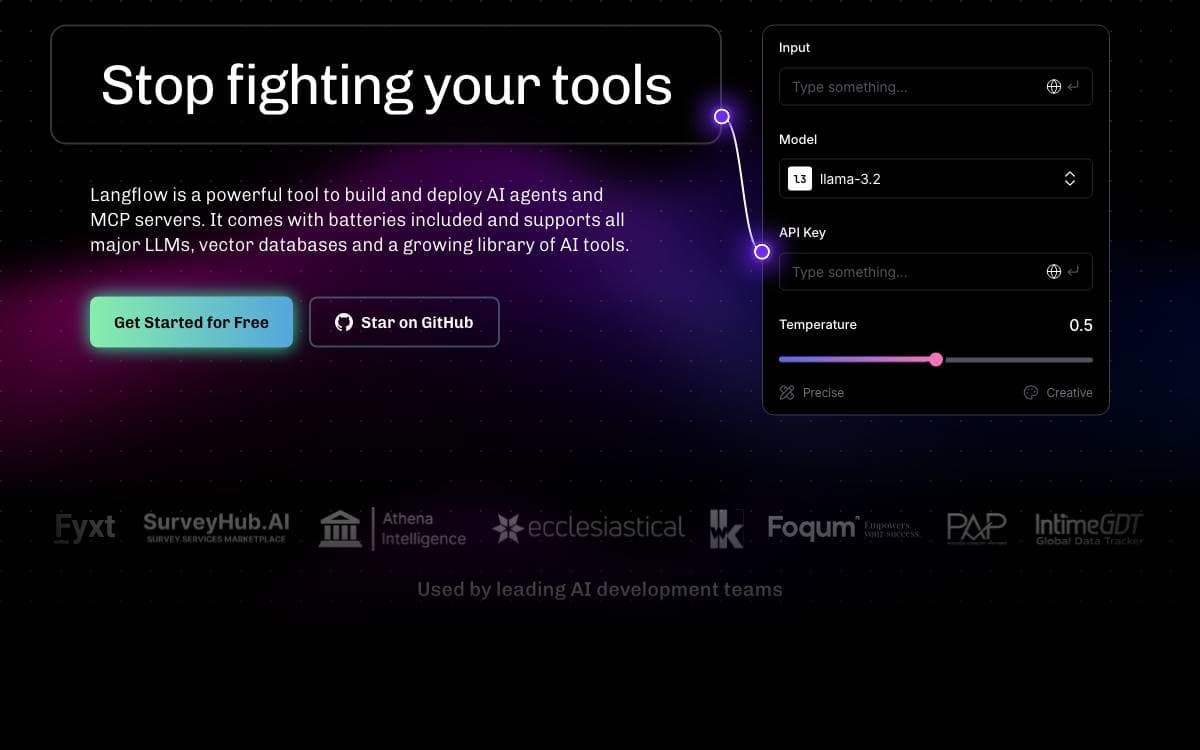
Langflow gives agents and AI workflows a visual authoring surface and then publishes what you build. Each flow becomes an API endpoint or an MCP server, so the thing you sketched in a browser is immediately callable from an application on any framework or stack.
Components are Python underneath and the source is open at every node, which means a built-in block can be adapted instead of worked around. An interactive playground runs a flow with step-by-step control while you refine it.
The pieces that matter once a flow leaves the canvas.
- Deploy as an API: flows are called from applications, or exported as JSON for Python apps.
- MCP server: a flow becomes a tool that any MCP client can call.
- Multi-agent orchestration: conversation management and retrieval across several agents in one flow.
- Observability: LangSmith, LangFuse and other integrations connect for tracing.
- Batteries included: major model providers, vector databases and a growing library of AI tools ship with it.
Installing locally needs Python 3.10 to 3.14 and the uv package manager, and the server comes up on port 7860, with a Docker image and a source build documented as well. Langflow Desktop bundles every dependency for Windows and macOS, which is the shortest path for anyone who would rather not manage Python environments. Deployment guides cover the major clouds.

A low-code tool for building AI agents visually, aimed at teams that prefer wiring nodes to writing orchestration code.
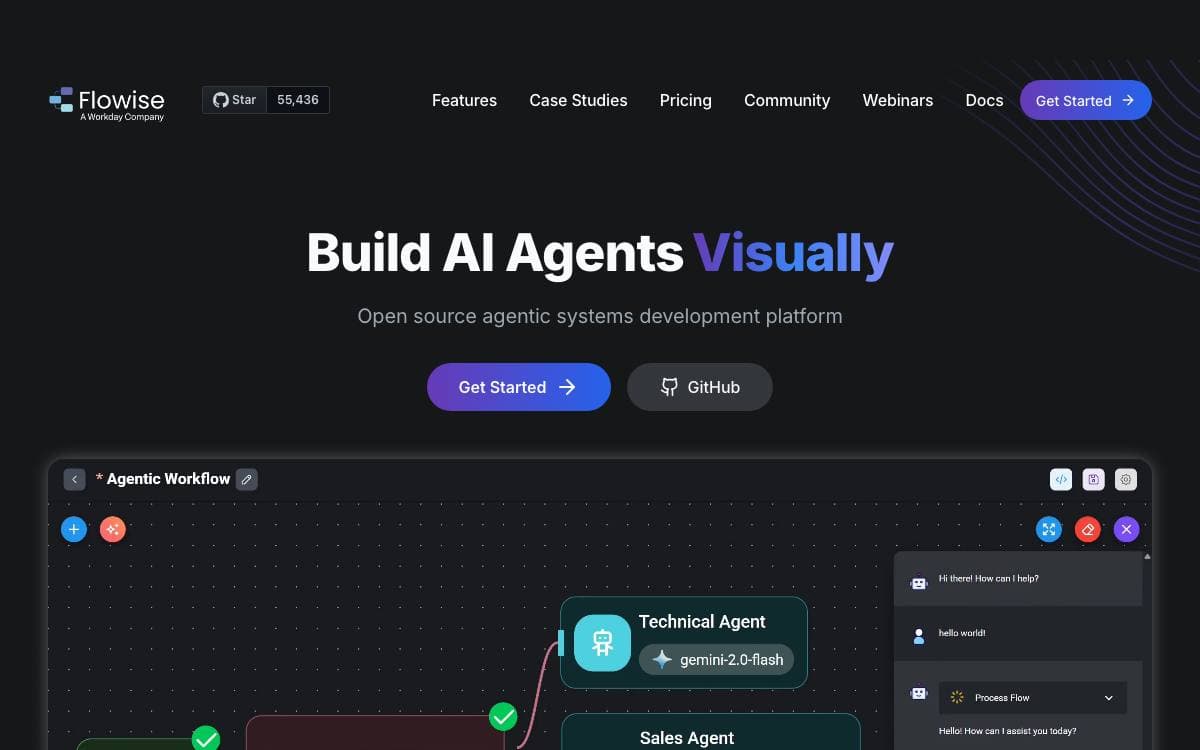
Flowise puts agent building on a canvas, where nodes are connected into agentflows and the result runs as an application you host yourself. Getting started is a global npm package and a start command on Node 20 or later, with Docker Compose or a locally built image as the alternatives.
The repository is a monorepo whose parts make the extension points clear.
- Server: the Node backend that serves the API logic.
- UI: the React frontend where flows are assembled.
- Components: the third-party node integrations.
- API documentation: Swagger interface docs generated from the Express routes.
Configuration goes through environment variables in a file inside the server package, and a development build reloads the running app whenever code changes. Self-hosting guides cover AWS, Azure, Google Cloud, DigitalOcean and Alibaba Cloud, along with Railway, Northflank and Render, while Flowise Cloud exists for teams that would rather not operate it.
One caveat matters before adopting it: the repository has been archived, and the README points readers to a discussion about the future of Flowise.
Licensing is split. Most of the code is Apache 2.0, third-party components keep their own terms, and an enterprise directory inside the server package is covered by a commercial license instead.

SDK for developers building agent-native apps, adding chat, generative UI, shared state and human-in-the-loop across web, mobile and chat platforms.
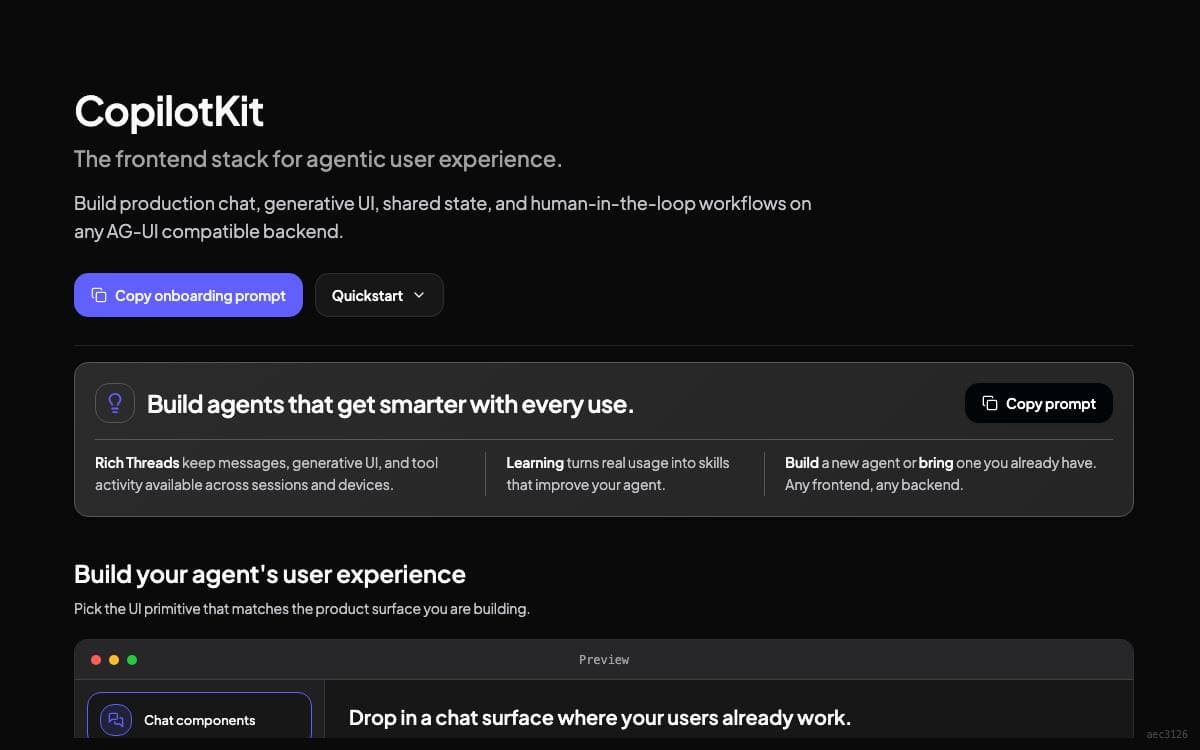
CopilotKit started as a React library and now sits as a horizontal layer between your agents and your users, so one agent backend can serve a web app, a mobile app and a team workspace. It removes the work of rebuilding a chat surface and a state bridge for every frontend you ship.
The SDK is built on AG-UI, the wire protocol the same team maintains, which carries the transport while CopilotKit supplies the interface layer for each framework. React and Next.js are generally available, with Angular, Vue, React Native, Slack and Microsoft Teams supported. The npx copilotkit create command scaffolds a working setup in minutes and needs only an LLM key.
The library groups its work into a few building blocks.
- Chat UI: a customizable interface that handles message streaming, tool calls and agent responses.
- Generative UI: agents create and update components at runtime according to user intent and agent state.
- Shared state: a synchronized layer that agents and interface components both read from and write to in real time.
- Human-in-the-loop: execution pauses so a person can confirm, edit or supply input before the agent continues.
- Channels SDK: an agent you already built drops into Slack or Microsoft Teams with the same tools and approvals.
A self-learning capability in early access lets agents improve from user interactions without fine-tuning, adapting per user and keeping threads across sessions, available in the cloud or self-hosted. Installable agent skills also teach coding assistants how to set up, integrate, debug and upgrade CopilotKit inside a project directory.

AI agent building platform with knowledge bases and visual workflow orchestration, for teams shipping retrieval backed assistants without writing glue code.
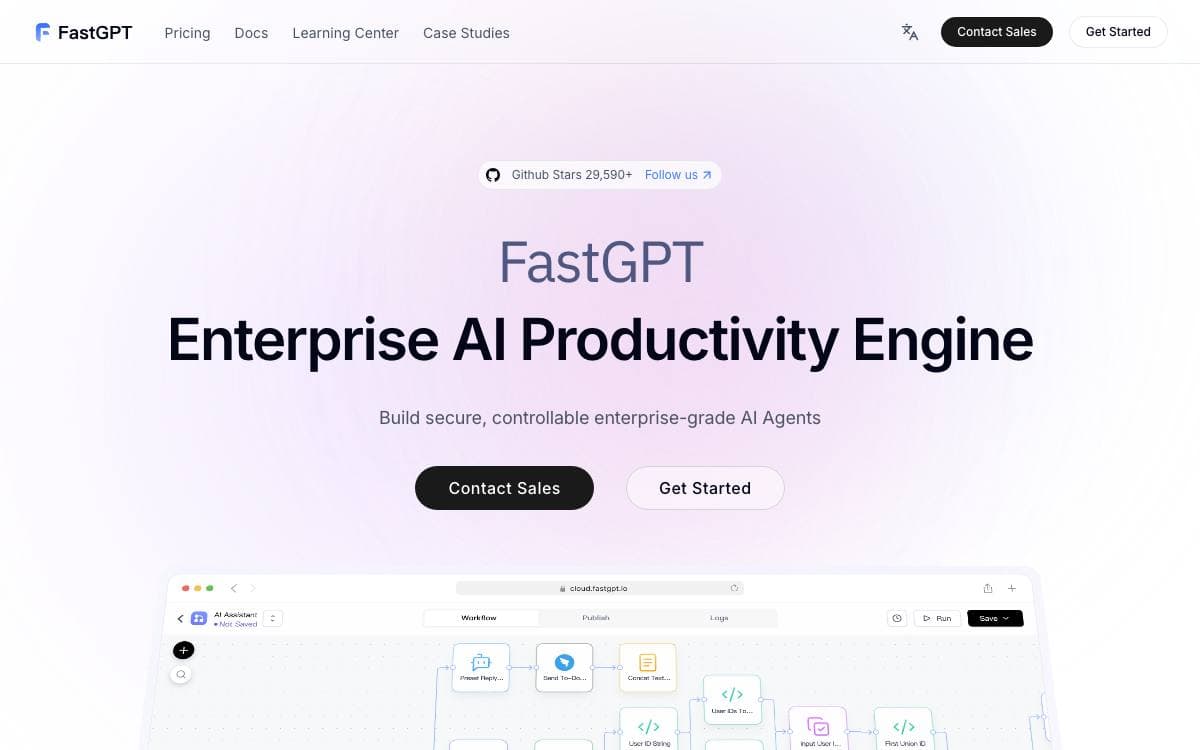
FastGPT is a platform for building AI agents, bundling document processing, retrieval and model calls so a team can assemble an assistant over its own material instead of joining those pieces together by hand.
Applications are composed in a visual Flow editor, where conversation workflows and plugin workflows are wired from nodes, including basic RPA steps, user interaction points and two way MCP. Knowledge bases sit underneath, feeding answers with citations the operator can inspect.
The feature set is organized around building, debugging and running an assistant.
- Knowledge bases: multiple libraries reused and mixed, hybrid retrieval with reranking, and an API backed knowledge base.
- Ingestion: TXT, MD, HTML, PDF, Docx, PPTX, CSV and XLSX files, plus URL reading, manual entry, direct segmentation and QA split import.
- Debugging: single point search tests, full call chain logs, editable and deletable citations, and application evaluation.
- Operations: login free share windows, one click iframe embedding, unified conversation records with annotation, and application logs.
Self hosting runs through Docker Compose with a configuration script, reaching the interface on port 3000 with a default root account, and a Sealos one click deployment is documented as an alternative. A hosted cloud edition and a commercial edition exist for teams wanting deeper support. The repository uses the FastGPT Open Source License, which permits direct commercial use as a backend service but not offering it as SaaS.

Chatbot and assistant platform with a CLI, SDK and integration hub, for developers shipping conversational products on Botpress Cloud.
This repository is the open part of Botpress, a platform for building chatbots and assistants. Rather than the product itself, it holds the integrations published on the Botpress Hub, the developer tooling behind them, example bots written entirely as code, and the plugins the Studio will use.
Development starts with the Botpress CLI. Install it globally, run bp init to generate an integration from one of the templates, then edit the definition and implementation files it produces. A deploy pushes the current version into your workspace where every bot can use it, and a public deploy publishes it to the Hub, after which that version is frozen.
The repository is organized around four kinds of content.
- Integrations: the public integrations maintained by Botpress, open to community contributions and new submissions.
- Devtools: the CLI for building and deploying, a type-safe client for the APIs, and the SDK integrations are written against.
- Bots: examples built only from the client, SDK and CLI, offered as a programmatic route rather than the recommended one.
- Plugins: Studio plugins, listed in the repository as coming soon.
Local development needs git, Node.js and pnpm, plus the Microsoft Visual C++ redistributable on Windows, after which install, build and check all run as pnpm scripts. Everything here is MIT licensed. Questions about on-premise Botpress v12 belong in its own repository rather than this one.

A visual chatbot builder with more than 34 blocks, embeddable anywhere, for teams collecting answers in real time.
Typebot replaces the form nobody finishes with a conversation. You assemble the flow visually from blocks, embed it in a web or mobile app, and watch responses arrive as people answer.
The builder ships more than 34 blocks: bubbles for text, images, video, audio and embeds; inputs running from plain text and email through picture choice, date pickers and Stripe payments; and logic for conditional branching, redirects, scripting and A/B testing. Integrations reach webhooks, OpenAI, Google Sheets, Google Analytics, Meta Pixel, Zapier, Make.com and Chatwoot.
Everything after the flow is about fitting the bot to your own product.
- Theming: fonts, background, colors, roundness and shadows, with custom CSS and reusable templates.
- Embedding: a native JavaScript library renders a container, popup or chat bubble, with no iframe and no external dependencies.
- Custom domain: bots are served from your domain instead of a shared one.
- Results: drop-off and completion analytics, with CSV export of the responses.
- API: bots are executable over HTTP requests, and the endpoints are documented for developers.
A managed cloud service is the fastest way to start and funds continued development, while self-hosting instructions cover running it on your own server. Typebot is Fair Source, released under a Functional Source License whose compliance requirements are worth reading before you deploy it commercially.

An open source voice agent platform for teams that want to build, test and self-host production phone assistants.
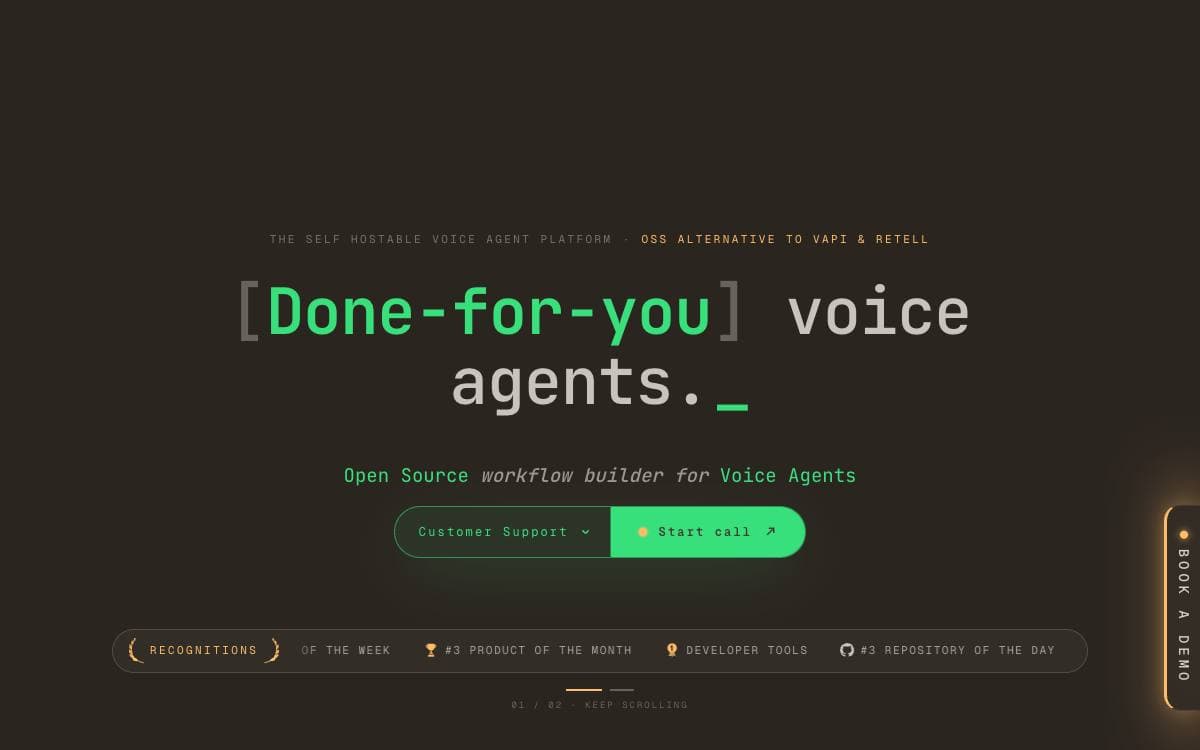
For teams that want phone and voice assistants without a SaaS contract, a single Docker command brings Dograh up locally. The first assistant is created in the browser: choose inbound or outbound, name the bot, describe the use case in a few words, then talk to it.
Agents are drawn on a visual canvas with start nodes, agent nodes, global instructions, tools, transitions and end-call outcomes. Test Audio holds a spoken conversation in the browser, while Test Chat iterates in text and lets you edit or replay a turn so replies and node transitions are regenerated from that point on.
- Bring your own models: any LLM, speech to text and text to speech provider, or the bundled stack that needs no API keys.
- Telephony: Twilio, Vonage, Telnyx, Plivo, Vobiz, Cloudonix and Asterisk ARI, with human handoff on supported providers.
- Storage: call artifacts land in the bundled MinIO or any S3 compatible service.
- MCP server: coding assistants inspect agents, fetch node schemas, create workflows and save draft edits from plain language.
- SDKs: Python and Node packages create agents and place outbound calls from your own code.
QA nodes, knowledge bases, webhooks, embeds and tool calling round out the builder, and the Python backend keeps providers modular for customization.
The code is BSD 2-Clause licensed and a managed cloud runs the same platform. Anonymous usage data is collected unless telemetry is switched off before the startup script runs.

Self-hosted platform for building agentic workflows in YAML and running them across conversational channels with tools, memory and RAG.
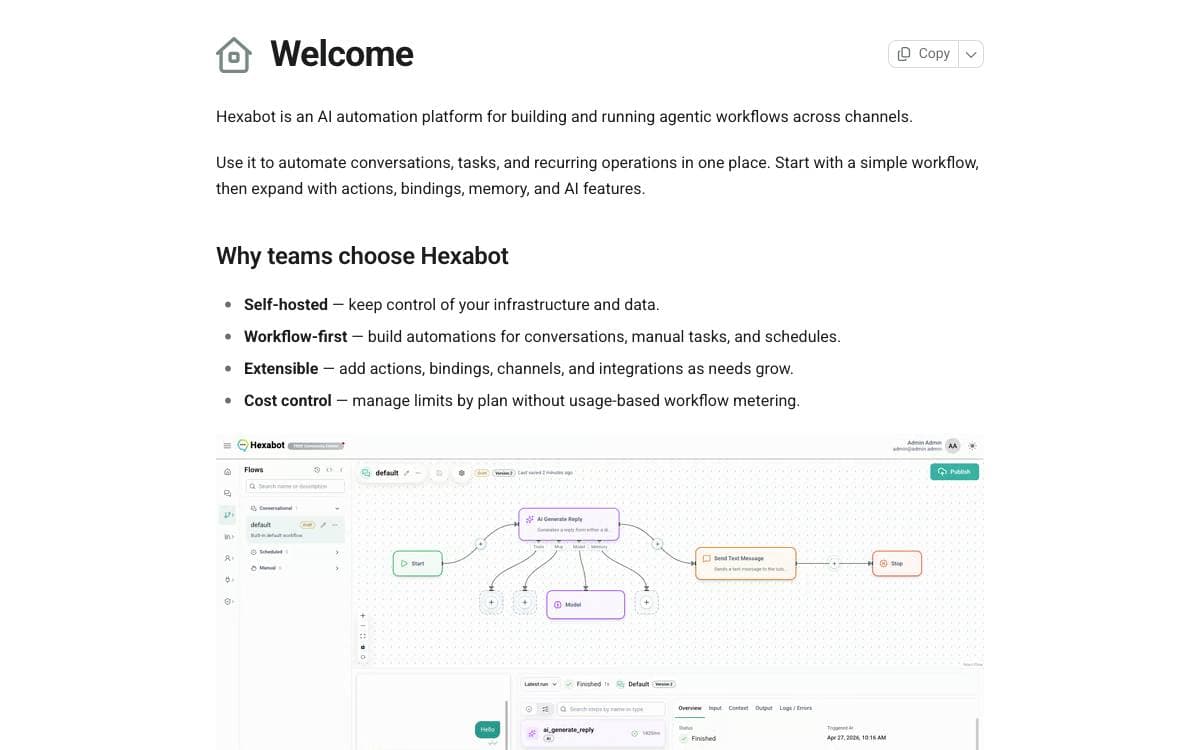
Hexabot v3 is an automation platform where the AI parts are built in rather than added later. Workflows, actions and conversational channels share a single runtime, so the agent that answers a message and the workflow that does the work behind it are not separate systems.
Workflows are defined in YAML against typed runtime contracts, and Zod validation runs through the architecture as the shared contract layer. TypeORM is the standard data layer, with SQLite as the default for local work and Postgres treated as first-class for production, selected through DB_TYPE and the related environment variables.
The runtime is assembled from a few named concepts.
- Actions: workflow behavior is defined by actions with schema-validated inputs, outputs and settings.
- Bindings: reusable capability and configuration bindings stay separate from task logic.
- Memory: memory is defined explicitly and wired into the runtime rather than left implicit.
- MCP integration: Model Context Protocol support covers tool and context interoperability.
- Channels: channels and helpers remain core concepts, so a conversation keeps continuity across them.
Projects are generated with a CLI installed globally from npm or run through npx. The create command scaffolds a project and prompts for admin credentials, so it needs an interactive terminal, and the dev command then serves an admin UI, an API and API docs on port 3000. Node.js 24.17 or later is required, any of the four major package managers works, and Docker is optional for backing services. The license is FCL-1.0-ALv2, so read the terms before commercial use.

An open source live chat and chatbot platform for building customer support across web, WhatsApp, Messenger and Telegram from one script.
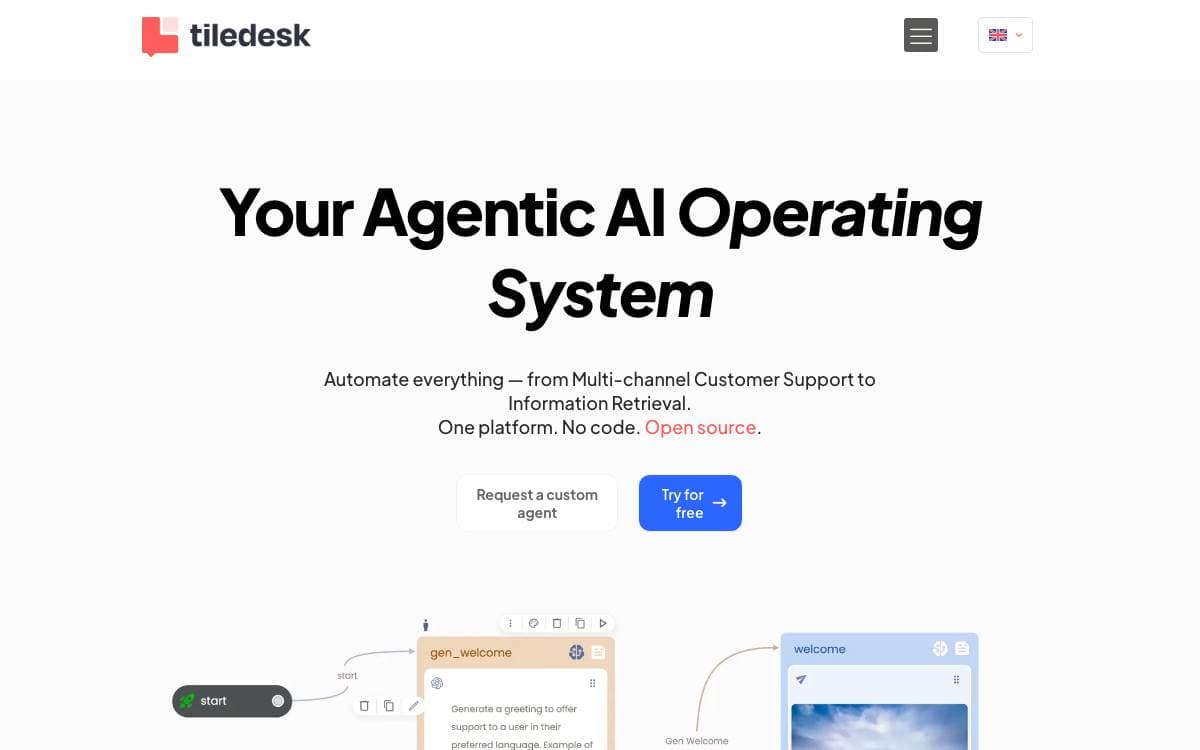
Written in Node.js and Express, Tiledesk is a live chat platform with chatbots built in, for teams running their own customer support instead of renting a widget. Conversations can be automated with its native chatbot technology, connected to other systems through APIs and webhooks, and given entire visual applications to run inside the chat itself.
Its multichannel model removes the duplicated work of maintaining one bot per channel. Chatbot scripts are written once with images, buttons and whatever elements a channel supports, and replies auto-adapt to wherever they land. This repository is the dashboard, an Angular back office, while the chat components come from the Chat21 project.
The back office covers the day-to-day of a support desk.
- Conversations: unlimited chats with labels, notes, canned responses and full history.
- Routing: departments and agent groups direct conversations, with operating hours respected.
- Ticketing: a ticketing system sits beside live chat for anything that outlives a session.
- Widget: the web widget is customizable, with iOS and Android apps available as separate components.
- Reporting: data export, analytics and a built-in CRM track what the desk is handling.
The quickest install is the published Docker Compose setup, which brings up every component at once. From source you need Node, the Angular CLI and a running Tiledesk server, with settings held in environment files or a remote dashboard config. The dashboard is MIT licensed, and the cloud service offers the same modules under the same license.


