Open Source Taia Alternatives
A curated collection of the 3 best open source alternatives to Taia.
The best open source alternative to Taia is LibreTranslate. If that doesn't suit you, we've compiled a ranked list of other open source Taia alternatives to help you find a suitable replacement. Other interesting open source alternatives to Taia are: Weblate and Tolgee.
Taia alternatives are mainly Publishing. Browse these if you want a narrower list of alternatives or looking for a specific functionality of Taia.

Self-hosted machine translation API that runs entirely on your own hardware, with no dependency on Google or Azure.
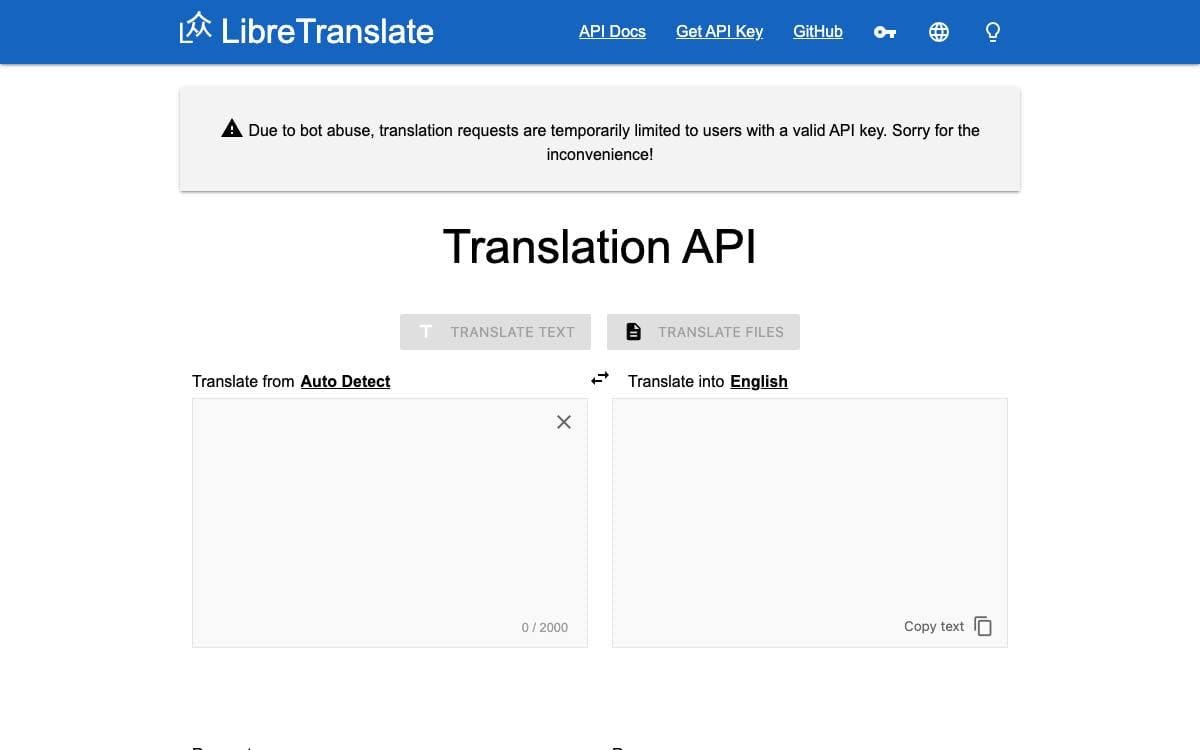
Machine translation usually means shipping every string to a commercial API and trusting whatever happens next. LibreTranslate is the self-hosted alternative: a free and open source translation API where the whole pipeline, models included, runs on machines you control.
The translation engine is Argos Translate, an open source library, which is what lets the project avoid proprietary software such as Google or Azure anywhere in the path. LibreTranslate itself is Python, tested in continuous integration and shipped both as a package and as a container image.
A few practical points matter before deploying it.
- Self-hosted by design: the entire service runs on your own hardware, with nothing forwarded elsewhere.
- No proprietary backend: unlike other translation APIs, no commercial engine sits behind the endpoint.
- Python package: distributed on PyPI, with the supported Python versions declared alongside it.
- Container image: a Docker image is built and published automatically by the project's own workflow.
- Documented API: a quickstart and usage guide cover calling the endpoints, next to a list of community resources.
A public instance is available for anyone who wants to try the API before running one, and a community forum handles questions. The code is AGPLv3, with separate trademark guidelines covering use of the LibreTranslate name.

Web based continuous localization used by thousands of libre projects and companies translating software across many languages.
Weblate moves localization into the browser, a libre continuous localization system used by more than 2500 libre projects and companies across over 165 countries. Translators work in one place instead of passing spreadsheets of strings back and forth.
Teams can install it on their own infrastructure, taking the package published on PyPI, or use the Hosted Weblate service the project runs. Setup instructions and full documentation live in the docs directory of the source and are published online as well.
A few things distinguish how the project is run.
- Hosted or self-installed: both paths are supported, with administration documentation covering the install.
- Professional support: is available optionally, alongside the cloud hosting offering.
- Accessibility: has a stated target, an issue template for reporting problems, and guidance in the project's accessibility file.
- Best practices: an OpenSSF best practices badge and REUSE compliance cover process and licensing metadata.
- Visual testing: interface changes are covered by Argos visual testing.
Weblate is copyright Michal Cihar and distributed under the GNU General Public License version 3 or, at your option, any later version, with no warranty of any kind. Feature requests and bugs go to the issue tracker on GitHub, and the project's own translation status is published publicly, which is a fair demonstration of the workflow the tool asks you to adopt.

Localization platform where developers edit translations in context inside the running app, with screenshots, translation memory and machine translation.
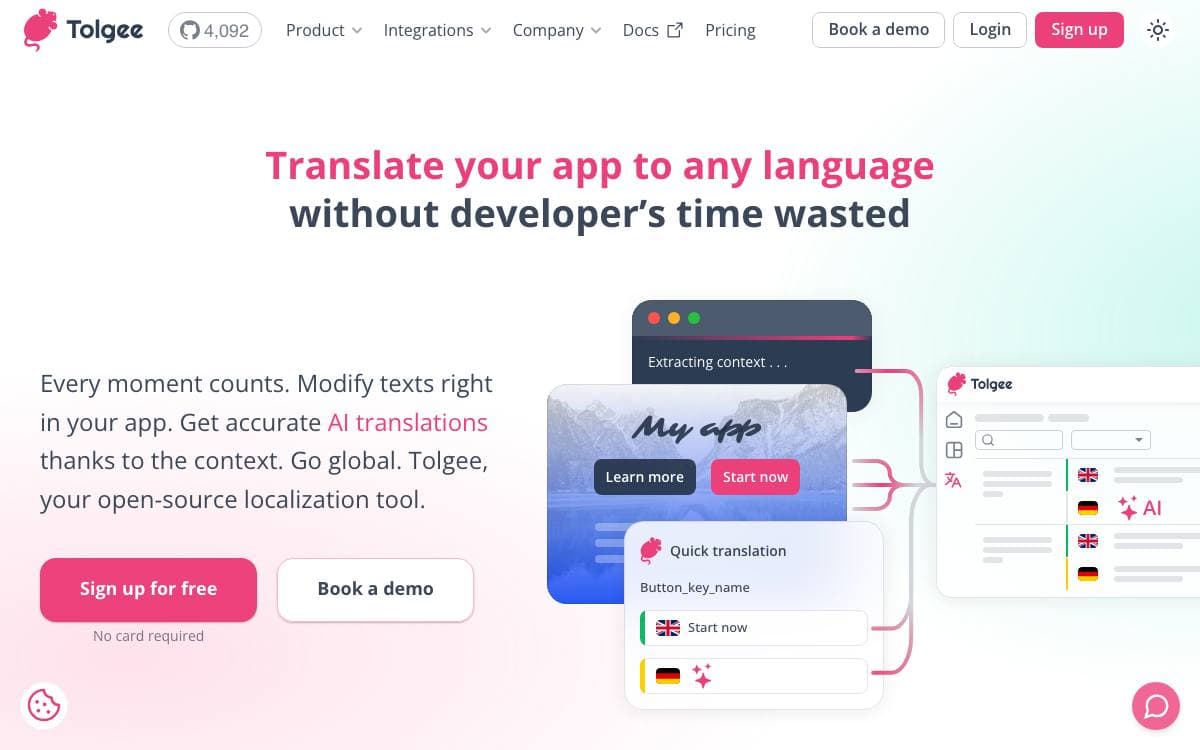
Tolgee is an open source localization platform, positioned as an alternative to Crowdin, Phrase and Lokalise. It removes the part of translation work that wears people down, hunting through bulky JSON or PO files to change a single string.
Rather than syncing local files with a backend, Tolgee embeds into the application through its SDKs. Holding ALT and clicking an element opens a dialog where the string is edited directly, and this in-context editing keeps working in the deployed production app, where a Chrome plugin and an API key are enough for someone with no coding skills to contribute.
Around that core sit the pieces a translation workflow needs.
- One click screenshots: ALT click a string, press the camera button, and the phrase is captured highlighted in place.
- Machine translation: DeepL, Google Translate, AWS Translate and Azure Translator, chosen in settings.
- AI translator: reads the situation around a string, screenshots, key descriptions, language notes and memory matches, then reports which reading it picked.
- Translation memory: suggests earlier translations with a similarity percentage, the key and the original text.
- Auto translation: new keys are translated the moment they are created, from memory or a machine service.
- Review trail: an activity log, comments on any translation and per key history show who changed what.
The platform ships as a Docker image, with a JavaScript SDK, a CLI and integration guides for each framework. An MCP server lets AI coding assistants search keys, create translations and trigger machine translation without leaving the editor.


