Open Source Raycast Alternatives
A curated collection of the 2 best open source alternatives to Raycast.
The best open source alternative to Raycast is Ueli. If that doesn't suit you, we've compiled a ranked list of other open source Raycast alternatives to help you find a suitable replacement. Other interesting open source alternative to Raycast is Sol.
Raycast alternatives are mainly Time & Task Management. Browse these if you want a narrower list of alternatives or looking for a specific functionality of Raycast.

Cross-platform keystroke launcher for Windows, macOS and Linux that finds apps, files and answers from one search box.
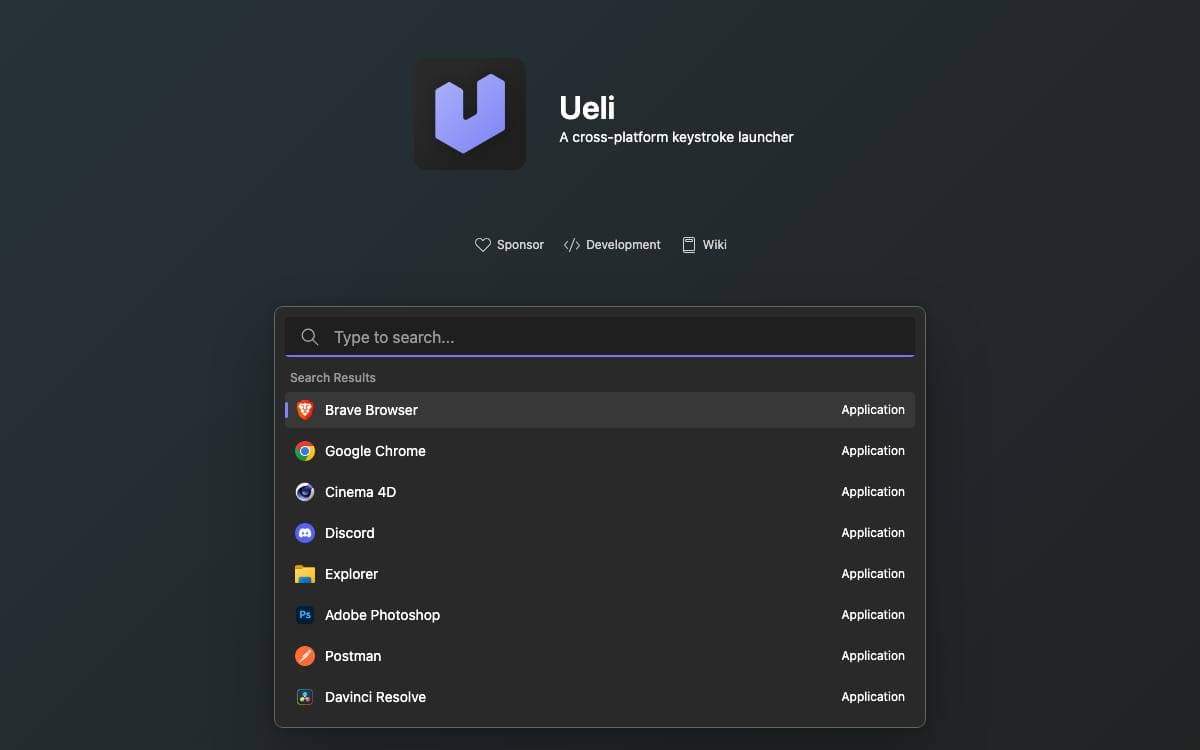
Ueli is a cross-platform keystroke launcher. Press the hotkey, start typing, and what you were looking for is one Enter away, so nothing breaks the flow into a start menu or a folder tree.
Alt+Space shows and hides the main window. Arrow keys move through the result list, Enter launches the selected item, and Ctrl+K, or Cmd+K on macOS, opens a menu of additional actions for that result. Anything used constantly can be pinned with Add to Favorites, which floats it to the top of every search.
Behavior comes from extensions, each enabled or disabled on its own in the settings.
- Search: applications, files, browser bookmarks, custom and general web searches, JetBrains Toolbox and Visual Studio Code projects.
- Converters: base64, colors, currencies and DeepL translation.
- Generators: passwords and UUIDs.
- System control: system commands, system settings, the Windows Control Panel, a terminal launcher and an appearance switcher.
- Utilities: a calculator, a quick formatter and a small text editor.
On Windows the app comes from the Microsoft Store or winget. macOS and Linux builds are downloaded from the releases page, but those binaries are unsigned for cost reasons, so the operating system blocks the first launch until you allow it explicitly. Global hotkeys may not fire under Wayland, where binding a system shortcut to the toggle command is the workaround, and a debug view in the settings collects logs when something misbehaves.

A macOS app launcher for people who want search, window management and clipboard history in one native, keyboard-driven tool.
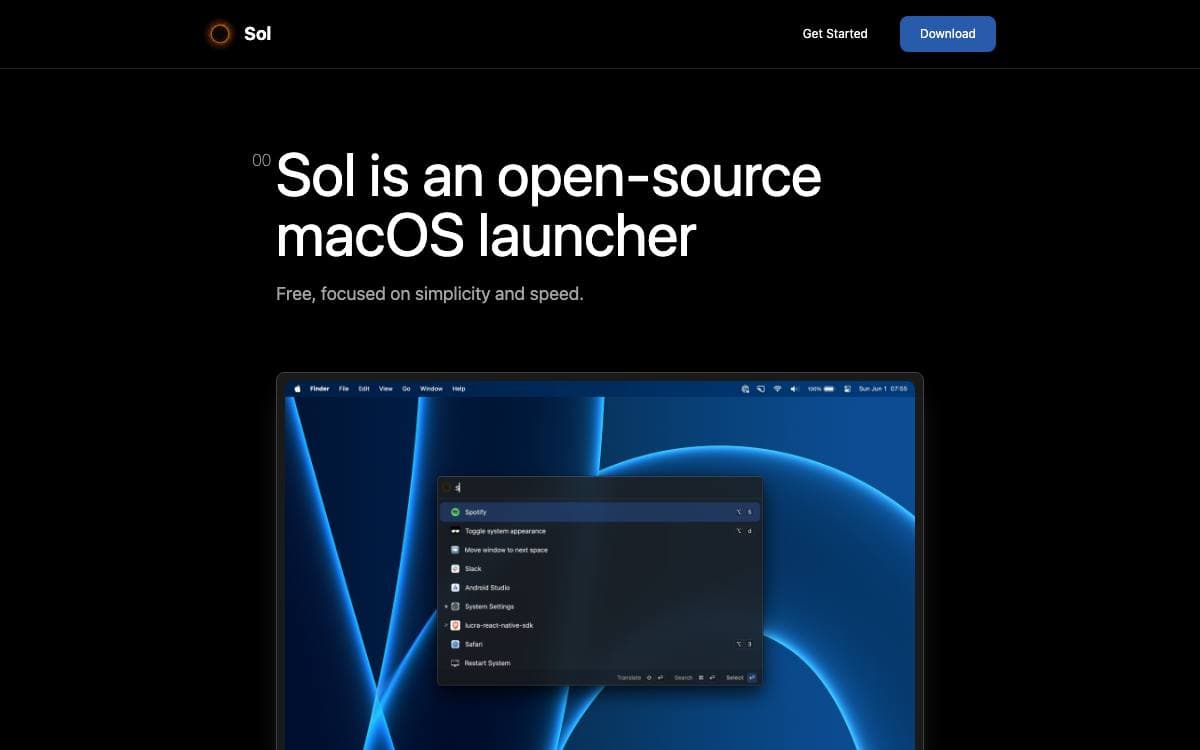
Sol is an open source app launcher for macOS built around ease of use and speed. It keeps configuration to a minimum and runs natively, so the handful of menu bar utilities most people install separately end up behind a single shortcut instead.
The app is written with React Native for macOS. Contributors set up Mise, Xcode and CocoaPods, then start the project with one Bun command, while finished builds arrive through a Homebrew cask or straight from the releases page.
Sol covers considerably more than app search.
- Window manager: arrange and resize windows without reaching for the mouse.
- Clipboard manager: keep recent copies to paste back later, including formatted JSON.
- Calendar: show the next appointment in the menu bar and start a Google Meet from it.
- Scratchpad and scripts: hold quick notes, run custom AppleScript commands and saved scripts.
- Small utilities: pick emoji, evaluate math, generate UUIDs, read the Wi-Fi password, kill processes.
- Shortcuts: define your own, import browser bookmarks and forward media keys to Spotify or Apple Music.
It suits macOS users who prefer keyboard shortcuts to a crowded menu bar and who want the tool sitting on their most-used key combination to be one they can read. Installation is a single Homebrew command, the source is MIT licensed, and a Discord community handles questions.


