
Ueli
Cross-platform keystroke launcher for Windows, macOS and Linux that finds apps, files and answers from one search box.


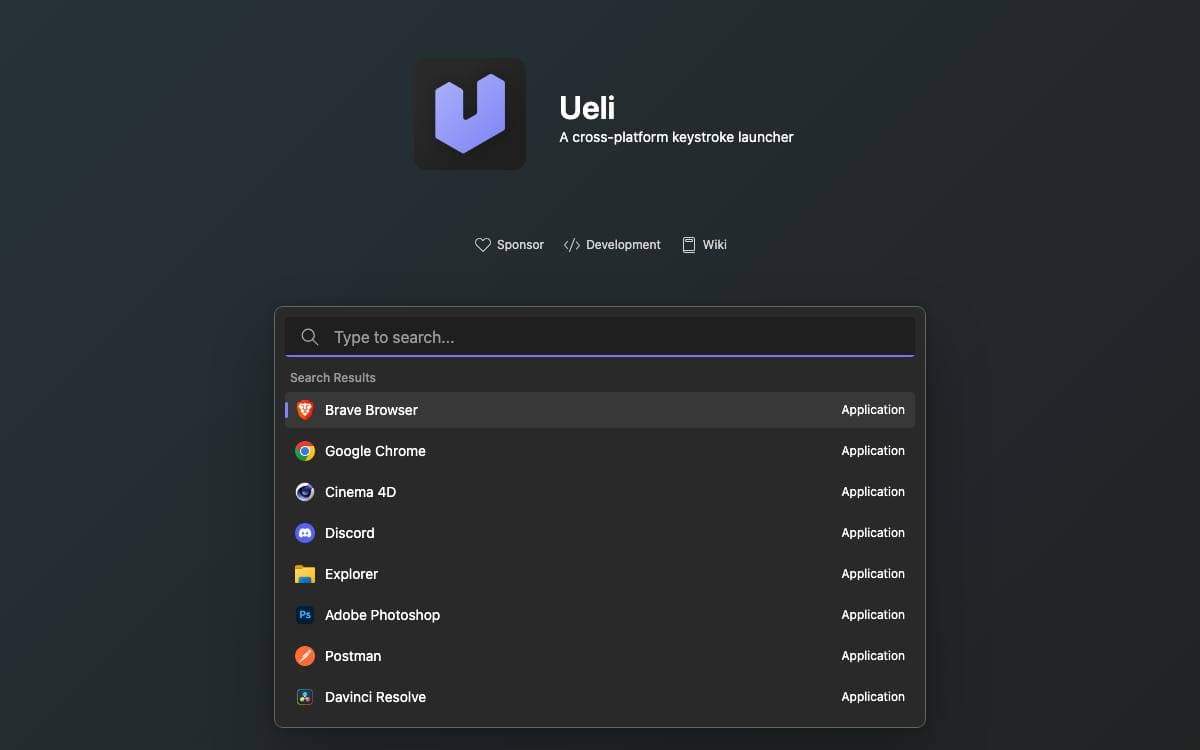
Ueli is a cross-platform keystroke launcher. Press the hotkey, start typing, and what you were looking for is one Enter away, so nothing breaks the flow into a start menu or a folder tree.
Alt+Space shows and hides the main window. Arrow keys move through the result list, Enter launches the selected item, and Ctrl+K, or Cmd+K on macOS, opens a menu of additional actions for that result. Anything used constantly can be pinned with Add to Favorites, which floats it to the top of every search.
Behavior comes from extensions, each enabled or disabled on its own in the settings.
- Search: applications, files, browser bookmarks, custom and general web searches, JetBrains Toolbox and Visual Studio Code projects.
- Converters: base64, colors, currencies and DeepL translation.
- Generators: passwords and UUIDs.
- System control: system commands, system settings, the Windows Control Panel, a terminal launcher and an appearance switcher.
- Utilities: a calculator, a quick formatter and a small text editor.
On Windows the app comes from the Microsoft Store or winget. macOS and Linux builds are downloaded from the releases page, but those binaries are unsigned for cost reasons, so the operating system blocks the first launch until you allow it explicitly. Global hotkeys may not fire under Wayland, where binding a system shortcut to the toggle command is the workaround, and a debug view in the settings collects logs when something misbehaves.








Stars
4,614Forks
272Last commit
5 days agoRepository age
10 yearsLicense
MITVersion
9.29.1Repository
oliverschwendener/ueli
Auto-fetched from GitHub .
Open source alternatives similar to Ueli:
Stars
Forks
Last commit
Stars
Forks
Last commit
Stars
Forks
Last commit
