Open Source OpenAI Codex Alternatives
A curated collection of the 11 best open source alternatives to OpenAI Codex.
The best open source alternative to OpenAI Codex is OpenCode. If that doesn't suit you, we've compiled a ranked list of other open source OpenAI Codex alternatives to help you find a suitable replacement. Other interesting open source alternatives to OpenAI Codex are: pi, OpenHands, Cline and Grok Build.
OpenAI Codex alternatives are mainly AI Assisted Coding but may also be AI Development Platforms or AI Interaction & Interfaces. Browse these if you want a narrower list of alternatives or looking for a specific functionality of OpenAI Codex.

An open source AI coding agent for the terminal, with a beta desktop build and installs through every major package manager.
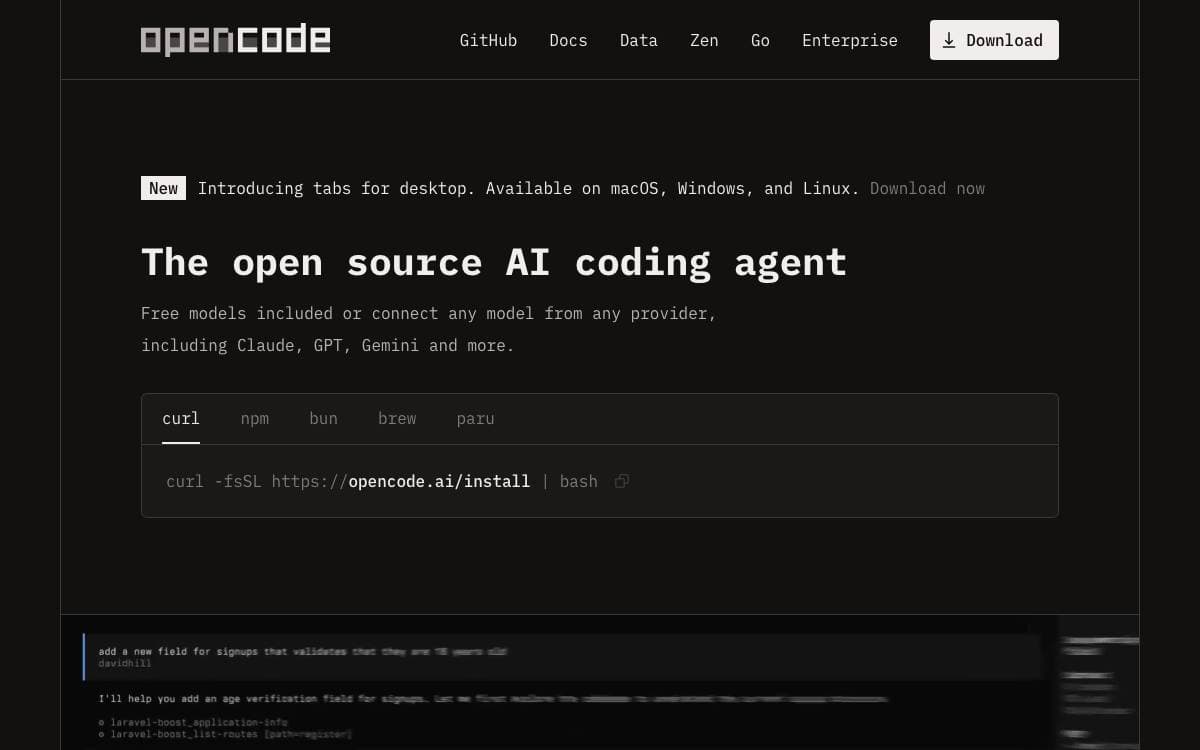
OpenCode is an open source AI coding agent that works from the terminal, with a desktop build for people who would rather have a window. It closes the gap between an assistant locked inside one editor and the shell where the rest of the work happens.
Installation is deliberately unopinionated. A single script covers macOS and Linux, and the same release lands in npm, Homebrew, Scoop, Chocolatey, pacman, mise and Nix. The script resolves where to place the binary through an ordered list of environment variables and directories, so it fits a managed setup instead of fighting it.
The parts you interact with day to day are few.
- Build agent: the default, with full access for development work.
- Plan agent: read-only, denying file edits and asking before it runs shell commands, meant for exploring an unfamiliar codebase.
- Tab switching: the two agents swap with one key, no restart and no reconfiguration.
- General subagent: an at-mention hands off complex searches and multistep tasks.
- Desktop app: DMG, exe, deb, rpm and AppImage builds, still marked beta.
Configuration lives in the project documentation, and the readme is maintained in more than twenty languages. The team asks anyone shipping a related project with opencode in its name to state plainly that it is unaffiliated, which is a fair signal of how much third-party tooling has grown around it.

A self-extensible terminal coding agent published as TypeScript packages covering the agent runtime, a multi-provider LLM API and a terminal UI.
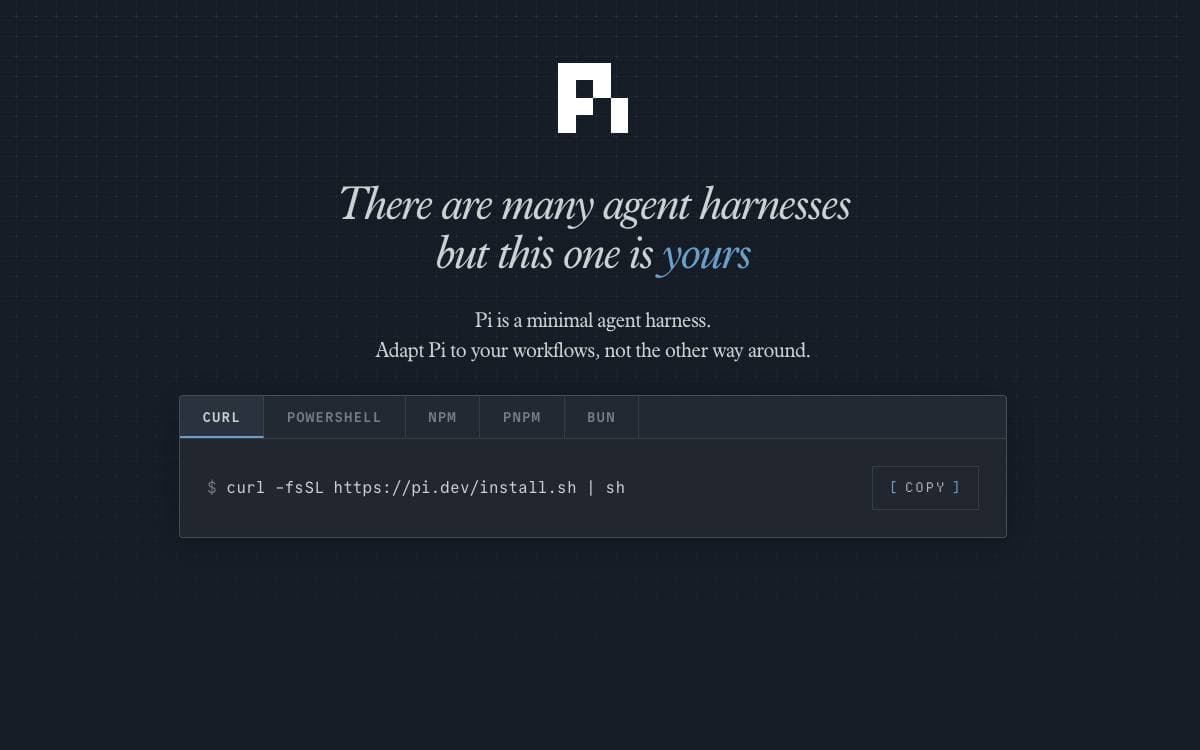
Pi is an agent harness with a self-extensible coding agent at the front of it. Rather than a single binary, the project is a set of packages you can use separately, so the agent runtime or the model API can be lifted into your own tool without the CLI coming along.
The coding agent sits on top of an agent core that handles tool calling and state, a unified API across OpenAI, Anthropic, Google and other providers, and a terminal UI library with differential rendering. A separate composition runtime covers services, replicated state, RPC and plugins, and a telemetry package defines vendor-neutral contracts.
Several characteristics set expectations before you install it.
- No built-in permission system: filesystem, process, network and credential access run with the rights of whoever launched it.
- Containerization patterns: three documented approaches, a Linux micro-VM extension, plain Docker, and a policy-controlled sandbox.
- Self-explaining: the agent can be asked to explain its own workings before reaching for the docs.
- Supply-chain hardening: external dependencies are pinned exactly, same-day releases are avoided and the lockfile is treated as ground truth.
- Reproducible builds: release archives carry checksums and model data so standalone binaries can be rebuilt offline.
Development runs on npm, and tests that need a model provider are skipped without API keys. New issues and pull requests from new contributors are auto-closed by default and reviewed daily, worth knowing before you file anything. Chat and workflow automation live in a separate repository.

Self-hosted control center for running coding agents and scheduled automations across local, remote and cloud backends.
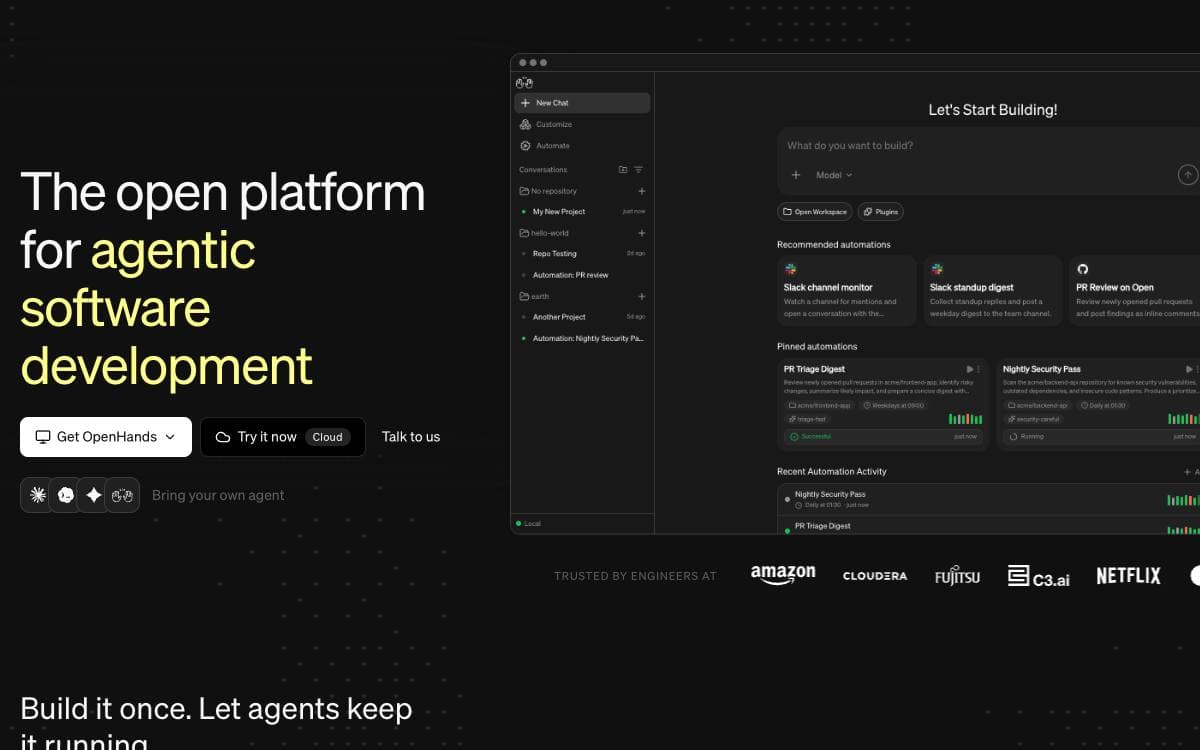
OpenHands ships Agent Canvas, a self-hosted developer control center that turns coding agents into an always-on engineering team. It handles both the conversations you start yourself and the everyday chores you would rather delegate, such as publishing a report to Slack or decomposing a GitHub issue into tasks.
It runs on your own machine by default and connects to agent backends elsewhere, whether those are Docker containers, virtual machines or servers inside company infrastructure. Underneath sits the OpenHands Agent Server, a REST API for running several agents on one host, usually paired with an automation service that decides when work runs.
The control center is built around a few choices you keep open.
- Any agent: OpenHands, Claude Code, Codex, Gemini or anything speaking the Agent Client Protocol.
- Backend switching: move between local, remote and cloud agents from the same frontend.
- Automations: schedule runs or trigger them from webhook events.
- Integrations: connect workflows to Slack, GitHub, Linear, Notion and others.
- Bring your own model: point the agents at whichever LLM you prefer.
Installation is an npm package needing Node 22.12 or later, a Docker image with your projects directory mounted, or a build from source. Running without the Docker sandbox gives the agent full access to your filesystem, so the self-hosting notes on security hardening are worth reading first. The project is in beta.

Open source coding agent that works in VS Code, JetBrains IDEs, the terminal and a kanban board, with any model you choose.
Cline reads a project's structure, works out how files relate to each other and makes coordinated changes across a codebase. It watches linter and compiler output while it works, catching missing imports, type mismatches and syntax errors before you see them.
One engine sits behind every client: the VS Code extension, the JetBrains plugin, the CLI, the kanban board and a Node SDK for building your own. In the editors, each change appears as a reviewable diff, and checkpoints let you undo the agent's work wholesale.
The pieces that decide how much rope the agent gets are yours to set.
- Plan and Act: explore and agree a strategy first, then switch to execution, approving each edit or letting it run unattended.
- Bash commands: runs commands and reads output live, staying with dev servers to react to crashes and test failures.
- Rules and skills: clinerules files carry coding standards and conventions, picked up by every client automatically.
- Kanban board: many agents in parallel, each card getting its own worktree, auto-commit and dependency chains.
- Model choice: Anthropic, OpenAI, Google, Bedrock, Vertex, OpenRouter, Groq, Ollama, LM Studio or any OpenAI-compatible endpoint.
- Plugins and MCP: register tools and lifecycle hooks through the SDK for logging, auditing or policy enforcement.
The CLI and kanban board install from npm and the extensions from their marketplaces. The JetBrains client is not open source, though the agent core it talks to is.

Terminal coding agent that reads a codebase, edits files, runs shell commands and manages long tasks from a full-screen interface.
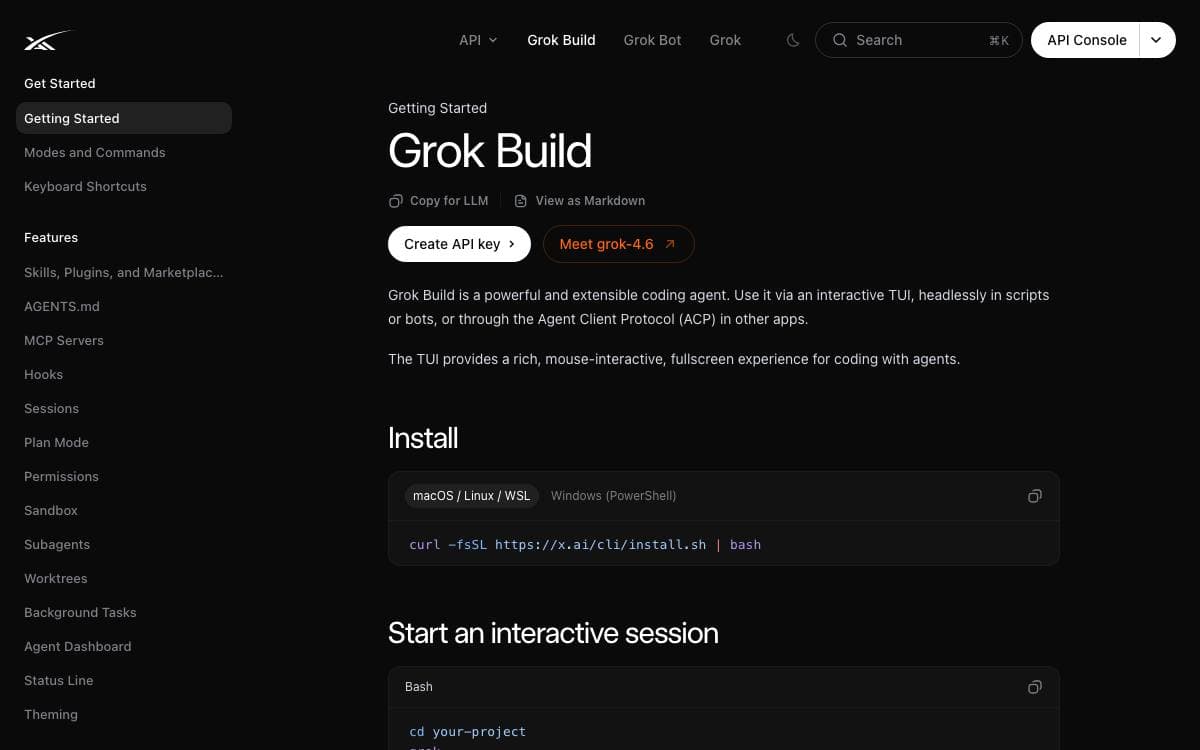
Grok Build is a terminal-based AI coding agent published by SpaceXAI. It runs as a full-screen text interface that understands your codebase, edits files, executes shell commands, searches the web and manages long-running tasks, keeping the work in one window instead of spread across an editor, a browser and a chat client.
Three modes of operation are supported, interactive at the terminal, headless for scripting and continuous integration, and embedded in editors through the Agent Client Protocol. This repository carries the Rust source for the CLI and its agent runtime, synced periodically from the SpaceXAI monorepo, with a revision file recording the exact upstream commit for the tree you have.
The codebase splits into crates that map onto the parts of the agent.
- Pager: the terminal interface itself, covering scrollback, the prompt, modals and rendering.
- Shell: the agent runtime together with the leader, stdio and headless entry points.
- Tools: implementations for the terminal, file editing, search and the rest of the tool surface.
- Workspace: host filesystem access, version control, execution and checkpoints.
- Support crates: configuration, MCP, markdown and sandboxing complete the closure.
Prebuilt binaries are published for macOS, Linux and Windows through an install script. Building from source needs the pinned Rust toolchain, DotSlash on the path so hermetic tools can run, and protoc for proto codegen, with macOS and Linux as supported build hosts and Windows best-effort. The user guide that ships with the pager covers keyboard shortcuts, slash commands, theming, MCP servers, skills, plugins, hooks, headless mode and sandboxing.

A desktop app and MCP server for sharing AI skills, plugins and connected services across your agents, teammates and machines.
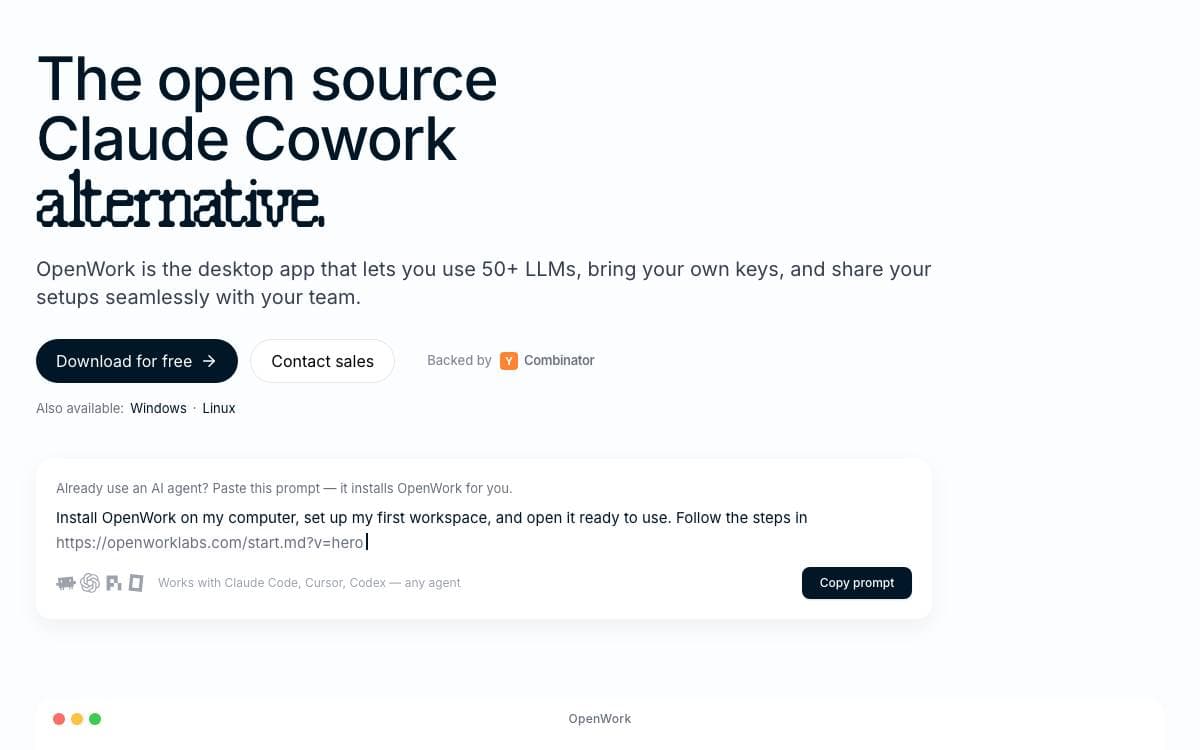
OpenWork exists so that a skill or a connection you configure once does not have to be rebuilt inside every agent you use. It is a free desktop app for macOS, Windows and Linux, an open source alternative to Claude Cowork and Codex, though the desktop shell is optional.
The part that does the sharing is a single MCP server. Add it to Codex, Claude Code, Cursor, OpenCode or any compatible client and it exposes two tools, one that searches your capabilities and one that executes them. Signing in through the browser attaches your organization, after which assigned skills, plugins, MCP connections, Google Workspace and Microsoft 365 capabilities appear inside that client.
For larger organizations there is a control plane called OpenWork Den.
- Access management: invite teammates, create teams and manage who reaches what from one place.
- Inference control: provision models at scale and decide which members may use each provider.
- Marketplaces: publish skills and plugins, then assign them to the organization, a team or named people.
- Desktop policy: restrict local model access and pin which app versions the organization may run.
- Plugin import: bring in Agent Plugins or Anthropic-compatible plugins and expose their skills and remote MCPs.
The repository uses a split license. Everything outside the ee directory, meaning the desktop app and core platform, is MIT. The Den control plane is source-available, free for organizations of up to five users, free to evaluate for thirty days at any size, and converts to MIT two years after each release.

Framework for stateful AI agents whose memory persists across sessions, now developed in a separate repository from this one.
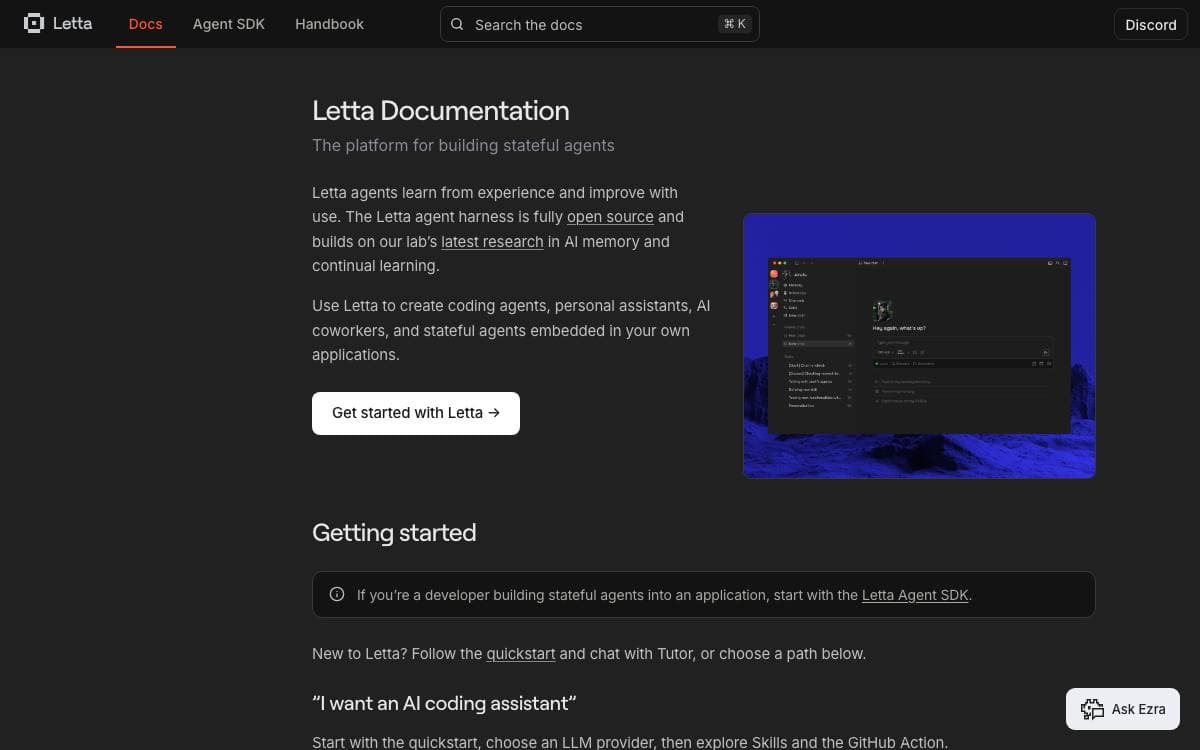
Letta, formerly known as MemGPT, builds stateful agents with memory that can learn and improve over time. The project is under active development, but this repository now serves as a landing page. Current source lives in the letta-code repository, which carries the agent harness, the interactive terminal UI, the App Server, channels and the runtime behind the desktop and web apps.
Installation goes through npm as a global package. One command then opens the interactive terminal interface, and another starts the App Server for local or self-hosted agents.
Agents built this way are reachable from more than a terminal window.
- Desktop app: A native client for macOS, Windows and Linux.
- Browser: A hosted chat interface that works on mobile as well.
- Channels: Slack, Telegram, Discord and custom channels put agents where conversations already happen.
- Agent SDK: A TypeScript SDK for building agents into your own applications.
- Letta Cloud: Keeps agent memory, identity and conversations available across machines.
One caveat matters before cloning. The retired Letta V1 server source sits on an archive branch, preserved with its tags and releases intact for reproducibility, but it is unsupported, receives no fixes or security updates and should not be run in production. Installation, development and deployment instructions now live with the letta-code repository and the documentation site rather than here.

Research agent that lets a language model fix GitHub issues and solve security challenges autonomously, configured from a single YAML file.
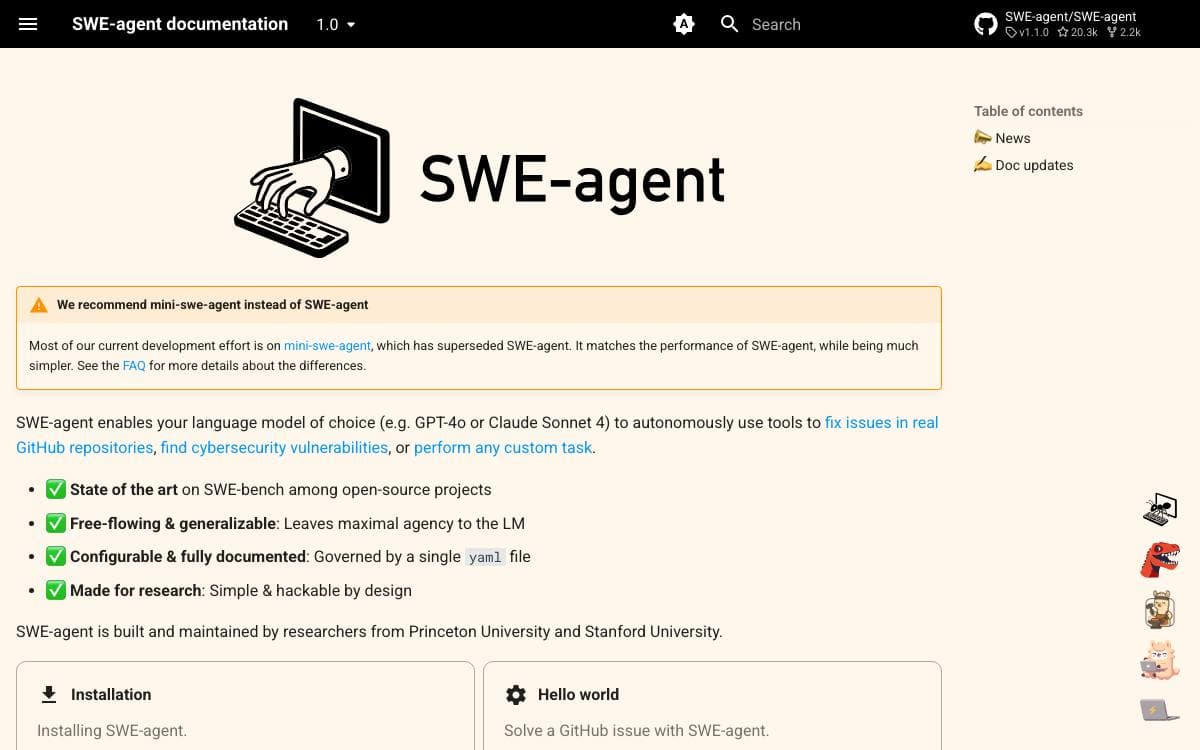
SWE-agent hands a language model a set of tools and lets it work. Point it at a real GitHub repository and it attempts the issue on its own, and the same machinery has been aimed at offensive cybersecurity challenges and at arbitrary custom tasks.
The project comes from researchers at Princeton University and Stanford University, and the design reflects that. Behavior is governed by one YAML file rather than scattered code, the agent is left maximal agency instead of being railroaded down a fixed script, and the codebase stays simple and hackable so an experiment is cheap to run.
Several points matter before you pick it up.
- Superseded by a smaller sibling: most development effort has moved to mini-swe-agent, which matches the performance while being much simpler, and the maintainers recommend it going forward.
- Model agnostic: bring the model you prefer, with GPT-4o and Claude Sonnet 4 named as examples.
- Benchmark record: it holds state of the art results on SWE-bench among open source projects.
- EnIGMA mode: an offensive security mode solves capture the flag challenges, currently requiring version 0.7 while it is brought up to date.
- Try it first: a Codespaces launch runs the agent in your browser with no local installation.
Documentation covers installation from source, a command line hello world and batch mode for benchmarking against SWE-bench. Given the maintainers' own advice, treat this repository as the research reference and the fuller feature set, and reach for the smaller agent when you simply want results.

Desktop application that runs a customizable team of AI agents locally, aimed at people automating multi-step workflows on their own machine.
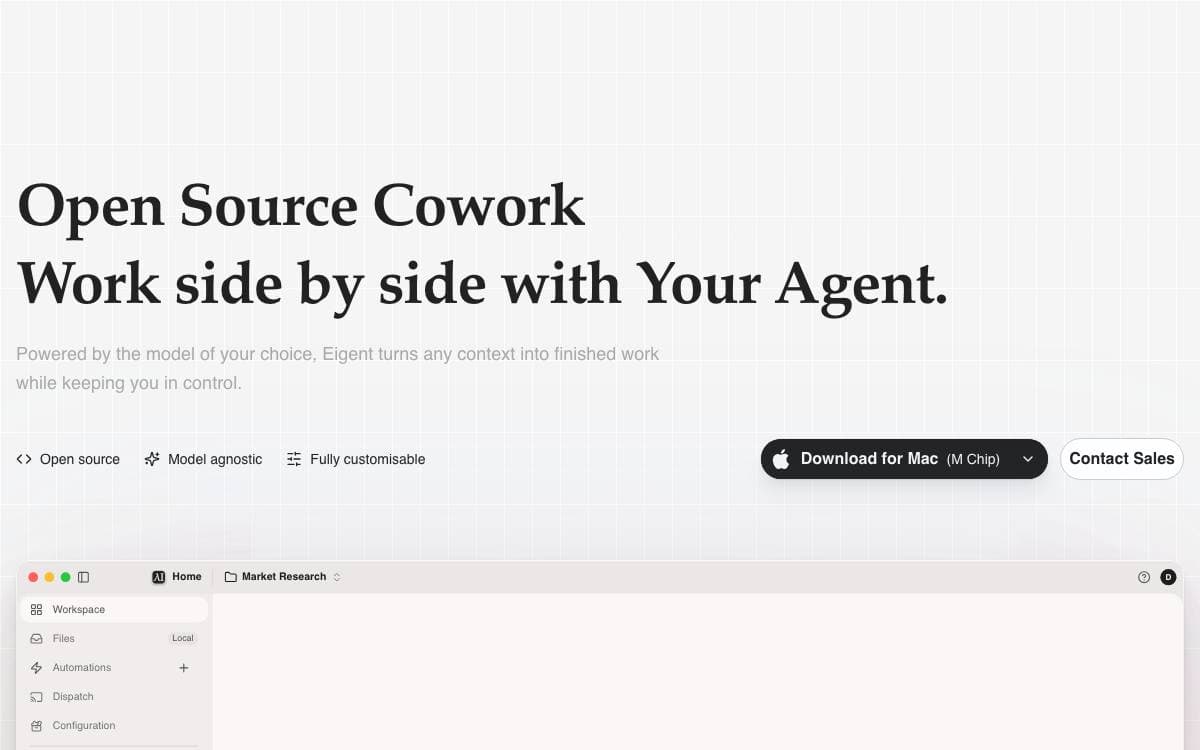
Eigent packages an AI workforce into a desktop application, where agents build, manage and run the multi-step workflows you would otherwise walk through by hand. It removes the gap between talking to a single model and having work actually carried out on your machine.
The app is built on CAMEL-AI's multi-agent framework, with a FastAPI backend and an Electron and React front end. You start with one focused agent for direct tasks, or scale to a workforce of specialised agents that divide the job and execute in parallel.
The feature set suits people who want agents close to their files rather than in someone else's cloud.
- Local deployment: a standalone mode with a local backend and local inference through vLLM, Ollama or LM Studio.
- Model agnostic: connect cloud APIs, enterprise gateways or local models without committing to one vendor.
- MCP integration: agents pick up tools through MCP servers, alongside built-in browser and terminal toolkits.
- Automation: recurring workflows run on a schedule, so tasks continue when you step away.
- Enterprise options: SSO, access control and custom development for organizations that ask for them.
The cloud-connected quick start needs Node.js 18 to 22 and npm, and it registers an account against Eigent's services. A separate guide covers the fully standalone local install, and a managed cloud version exists for teams that prefer to host nothing at all.

A terminal-based AI coding agent for developers who want project-aware help with code, debugging, and refactoring without leaving the shell.
Forge is an AI coding agent that lives in the terminal. Installation is a single shell command, and the first run walks through connecting provider credentials through an interactive login, after which the agent works against the project in the current directory.
It has three distinct modes of use, and the documentation is explicit that understanding the difference up front saves confusion later. Running the command with no arguments opens an interactive terminal UI that holds a persistent session.
The documented examples show the kinds of requests it is built for.
- Code understanding: it analyzes project structure and explains how something such as an authentication flow fits together.
- Feature work: it proposes an approach based on the existing codebase and scaffolds the components and styles that follow from it.
- Debugging: an error message goes in, and likely causes and candidate fixes come back grounded in the surrounding code.
- Review and refactoring: a named file is read for readability, performance, security, and maintainability, and legacy patterns are modernized step by step with your approval.
- Git help: merge conflicts are explained and a way to reconcile them is suggested.
Provider choice stays open, covering OpenAI, Anthropic, and other LLM providers, configured interactively or ahead of time. A restricted shell mode limits file system access so the agent cannot make unintended changes. Forge is open source, and contributions go through a contributor license agreement.

Self-hosted cloud coding agent that takes tasks from Slack or Teams, works in a sandbox and opens a pull request.
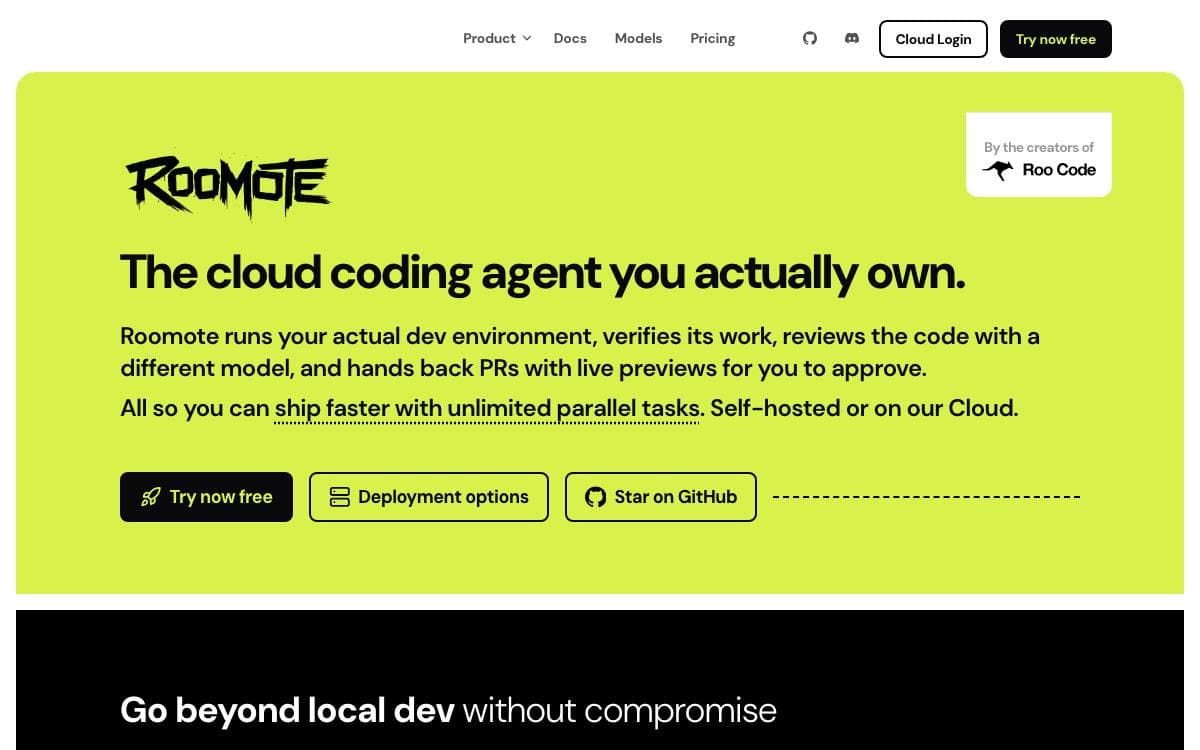
Roomote is a coding agent you deploy and own rather than a plugin inside an editor. A task handed to it in Slack, Teams, Telegram, Discord or the web interface leads to a cloned repository in a sandbox, code written, tests run and a pull request opened for review.
It is a full-stack application, not a wrapper. Every task gets its own throwaway sandbox on Modal, E2B, Daytona, Blaxel or local Docker, so nothing touches your machine. Models come from a connected ChatGPT subscription or your own API keys, and source control can be GitHub, GitLab, Gitea, Azure DevOps or Bitbucket Cloud.
The work it takes on is the kind that interrupts a main project.
- Bug fixes: a stack trace or a Sentry link is reproduced in the sandbox before a fix is written.
- Codebase questions: it reads the code to answer how authentication works or where the billing logic lives.
- Chores: dependency upgrades, linter fixes, config changes, migration files and boilerplate.
- Small features: it writes the change, runs the app and attaches a screenshot and a preview link.
- Issue triage: connected to Linear, Jira or GitHub Issues, it reads new tickets and asks questions.
- Audit trail: every run logs the model used, the tools called and the code written.
Deployment runs from one-click templates on Railway and Render to an install script on a fresh Ubuntu or Debian machine. The source is available to read and fork, free for up to ten users, with a license sold beyond that.


