
Forgecode
A terminal-based AI coding agent for developers who want project-aware help with code, debugging, and refactoring without leaving the shell.
Open Source Alternative to:


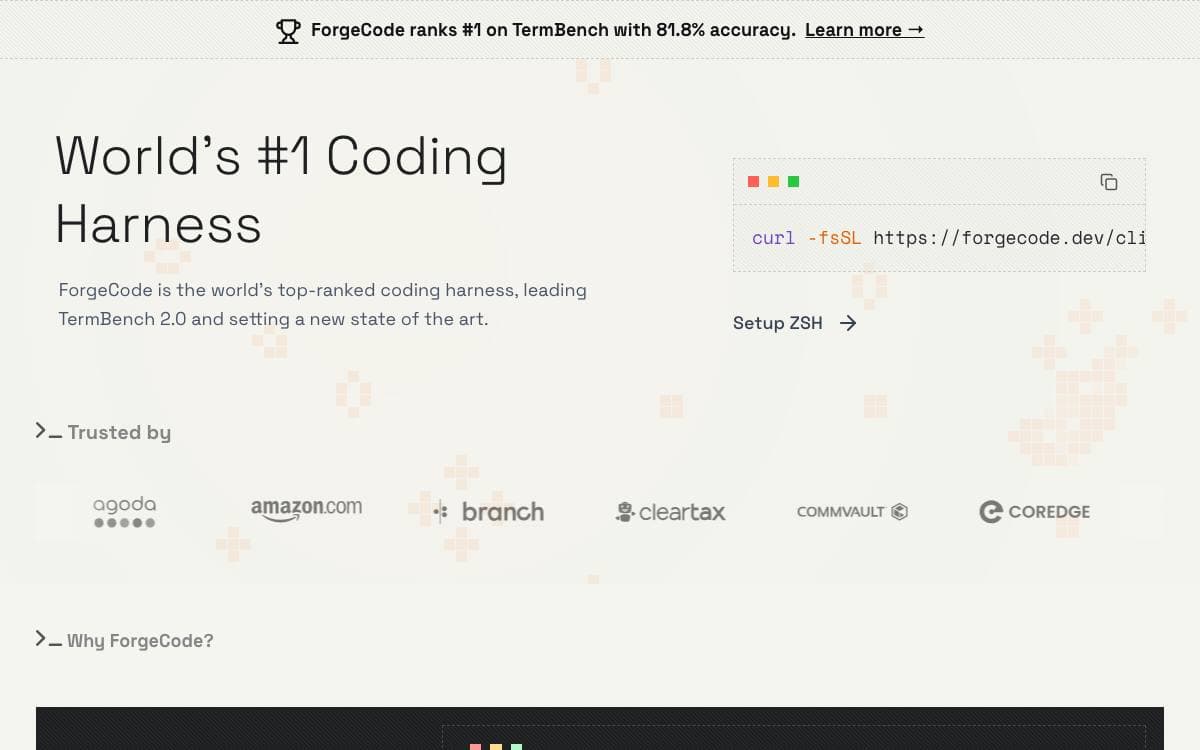
Forge is an AI coding agent that lives in the terminal. Installation is a single shell command, and the first run walks through connecting provider credentials through an interactive login, after which the agent works against the project in the current directory.
It has three distinct modes of use, and the documentation is explicit that understanding the difference up front saves confusion later. Running the command with no arguments opens an interactive terminal UI that holds a persistent session.
The documented examples show the kinds of requests it is built for.
- Code understanding: it analyzes project structure and explains how something such as an authentication flow fits together.
- Feature work: it proposes an approach based on the existing codebase and scaffolds the components and styles that follow from it.
- Debugging: an error message goes in, and likely causes and candidate fixes come back grounded in the surrounding code.
- Review and refactoring: a named file is read for readability, performance, security, and maintainability, and legacy patterns are modernized step by step with your approval.
- Git help: merge conflicts are explained and a way to reconcile them is suggested.
Provider choice stays open, covering OpenAI, Anthropic, and other LLM providers, configured interactively or ahead of time. A restricted shell mode limits file system access so the agent cannot make unintended changes. Forge is open source, and contributions go through a contributor license agreement.











Stars
7,636Forks
1,455Last commit
18 hours agoRepository age
2 yearsLicense
Apache-2.0Version
2.14.0Repository
tailcallhq/forgecode
Auto-fetched from GitHub .
Open source alternatives similar to Forgecode:
Stars
Forks
Last commit
Stars
Forks
Last commit
Stars
Forks
Last commit


