Open Source GitHub Copilot Alternatives
A curated collection of the 11 best open source alternatives to GitHub Copilot.
The best open source alternative to GitHub Copilot is OpenCode. If that doesn't suit you, we've compiled a ranked list of other open source GitHub Copilot alternatives to help you find a suitable replacement. Other interesting open source alternatives to GitHub Copilot are: pi, Cline, Warp and Aider.
GitHub Copilot alternatives are mainly AI Assisted Coding but may also be Terminals or IDEs & Code Editors. Browse these if you want a narrower list of alternatives or looking for a specific functionality of GitHub Copilot.

An open source AI coding agent for the terminal, with a beta desktop build and installs through every major package manager.
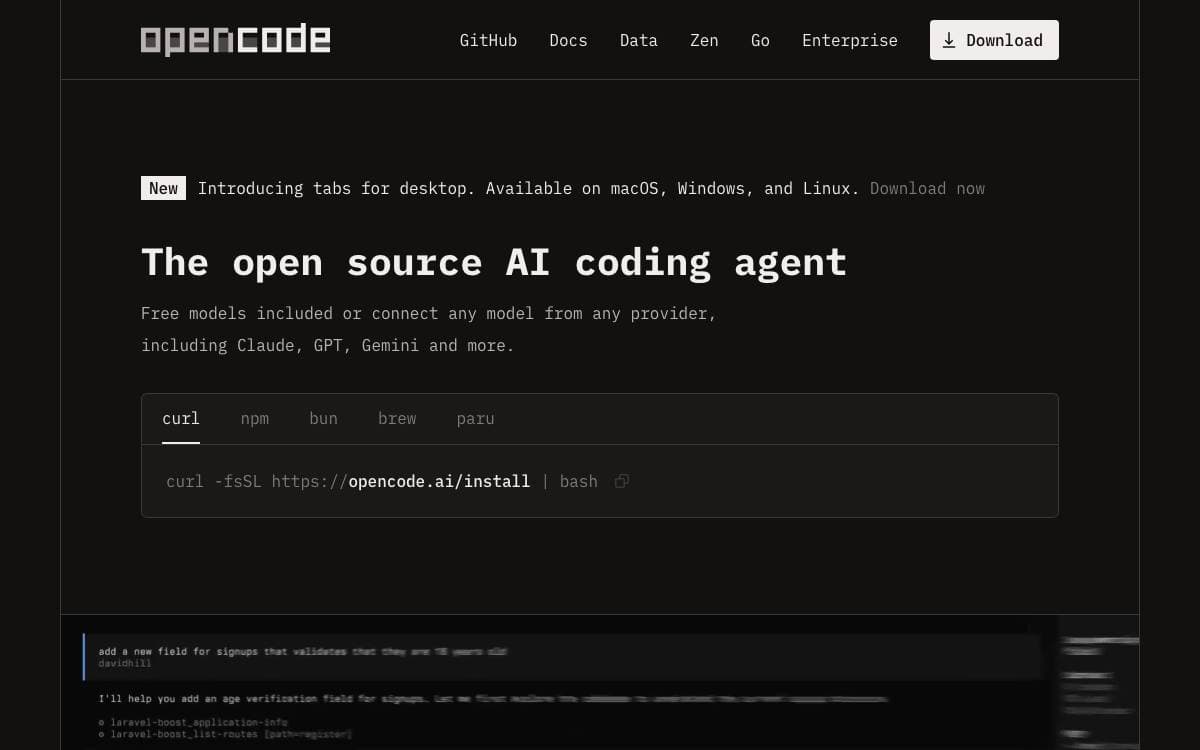
OpenCode is an open source AI coding agent that works from the terminal, with a desktop build for people who would rather have a window. It closes the gap between an assistant locked inside one editor and the shell where the rest of the work happens.
Installation is deliberately unopinionated. A single script covers macOS and Linux, and the same release lands in npm, Homebrew, Scoop, Chocolatey, pacman, mise and Nix. The script resolves where to place the binary through an ordered list of environment variables and directories, so it fits a managed setup instead of fighting it.
The parts you interact with day to day are few.
- Build agent: the default, with full access for development work.
- Plan agent: read-only, denying file edits and asking before it runs shell commands, meant for exploring an unfamiliar codebase.
- Tab switching: the two agents swap with one key, no restart and no reconfiguration.
- General subagent: an at-mention hands off complex searches and multistep tasks.
- Desktop app: DMG, exe, deb, rpm and AppImage builds, still marked beta.
Configuration lives in the project documentation, and the readme is maintained in more than twenty languages. The team asks anyone shipping a related project with opencode in its name to state plainly that it is unaffiliated, which is a fair signal of how much third-party tooling has grown around it.

A self-extensible terminal coding agent published as TypeScript packages covering the agent runtime, a multi-provider LLM API and a terminal UI.
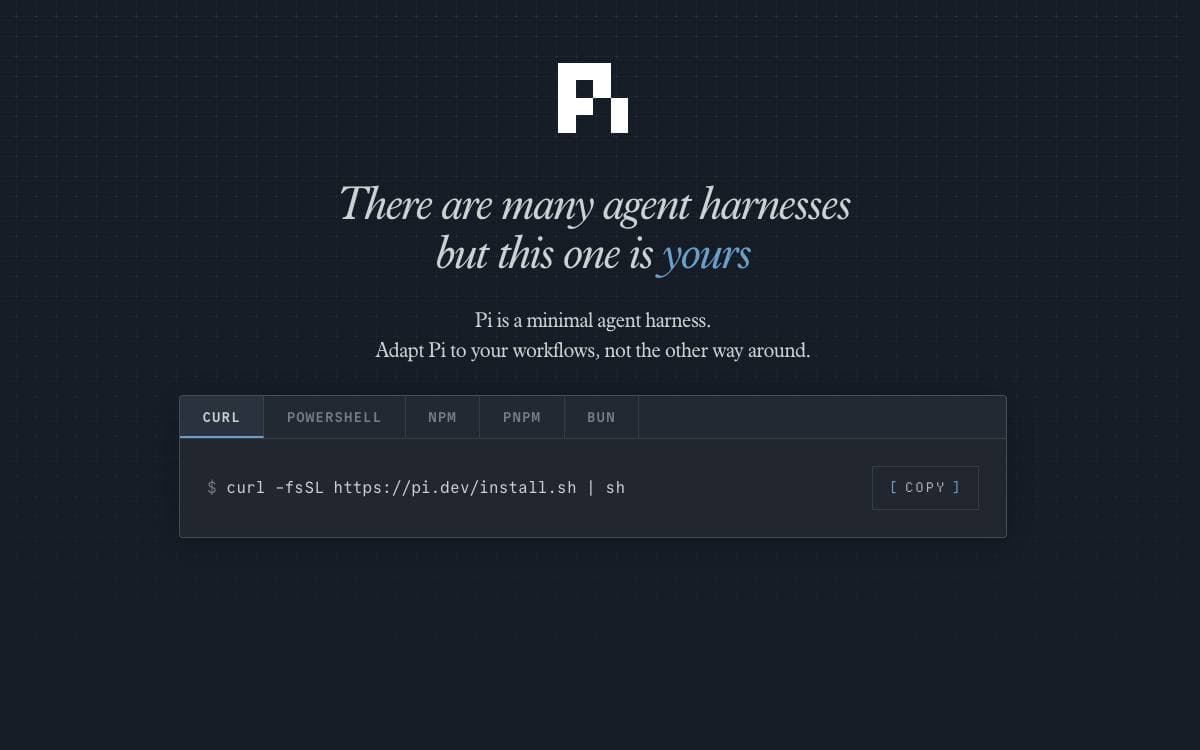
Pi is an agent harness with a self-extensible coding agent at the front of it. Rather than a single binary, the project is a set of packages you can use separately, so the agent runtime or the model API can be lifted into your own tool without the CLI coming along.
The coding agent sits on top of an agent core that handles tool calling and state, a unified API across OpenAI, Anthropic, Google and other providers, and a terminal UI library with differential rendering. A separate composition runtime covers services, replicated state, RPC and plugins, and a telemetry package defines vendor-neutral contracts.
Several characteristics set expectations before you install it.
- No built-in permission system: filesystem, process, network and credential access run with the rights of whoever launched it.
- Containerization patterns: three documented approaches, a Linux micro-VM extension, plain Docker, and a policy-controlled sandbox.
- Self-explaining: the agent can be asked to explain its own workings before reaching for the docs.
- Supply-chain hardening: external dependencies are pinned exactly, same-day releases are avoided and the lockfile is treated as ground truth.
- Reproducible builds: release archives carry checksums and model data so standalone binaries can be rebuilt offline.
Development runs on npm, and tests that need a model provider are skipped without API keys. New issues and pull requests from new contributors are auto-closed by default and reviewed daily, worth knowing before you file anything. Chat and workflow automation live in a separate repository.

Open source coding agent that works in VS Code, JetBrains IDEs, the terminal and a kanban board, with any model you choose.
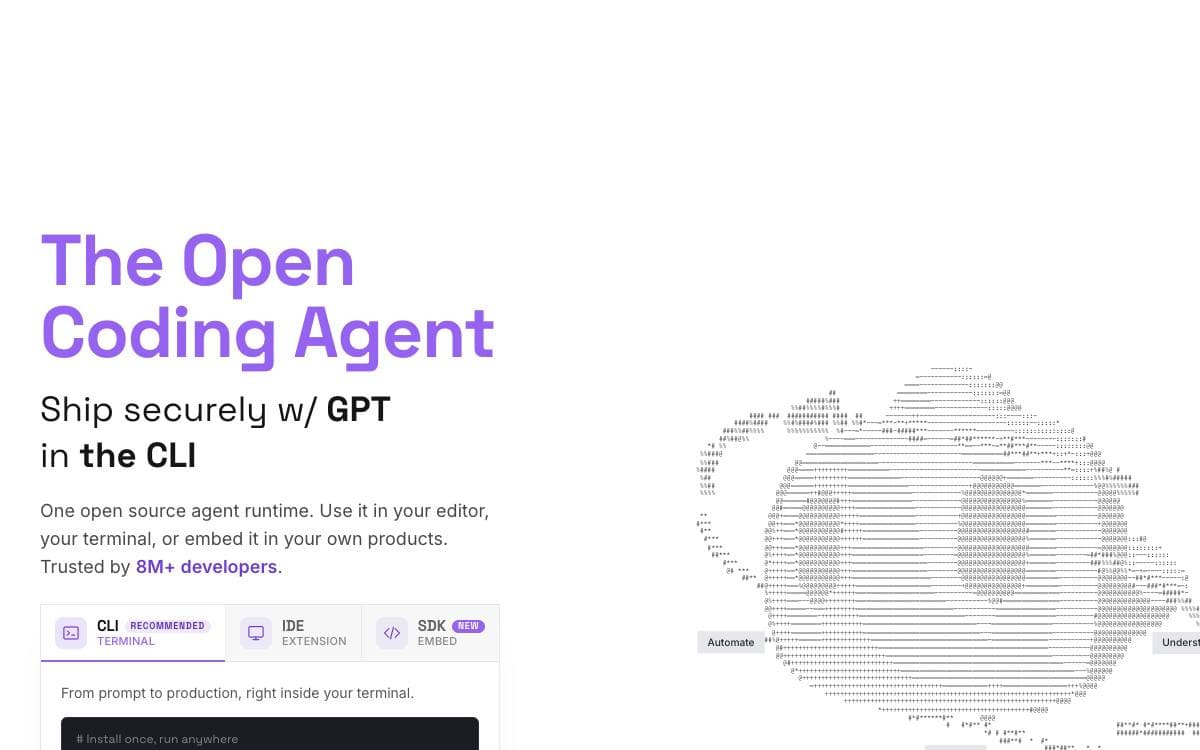
Cline reads a project's structure, works out how files relate to each other and makes coordinated changes across a codebase. It watches linter and compiler output while it works, catching missing imports, type mismatches and syntax errors before you see them.
One engine sits behind every client: the VS Code extension, the JetBrains plugin, the CLI, the kanban board and a Node SDK for building your own. In the editors, each change appears as a reviewable diff, and checkpoints let you undo the agent's work wholesale.
The pieces that decide how much rope the agent gets are yours to set.
- Plan and Act: explore and agree a strategy first, then switch to execution, approving each edit or letting it run unattended.
- Bash commands: runs commands and reads output live, staying with dev servers to react to crashes and test failures.
- Rules and skills: clinerules files carry coding standards and conventions, picked up by every client automatically.
- Kanban board: many agents in parallel, each card getting its own worktree, auto-commit and dependency chains.
- Model choice: Anthropic, OpenAI, Google, Bedrock, Vertex, OpenRouter, Groq, Ollama, LM Studio or any OpenAI-compatible endpoint.
- Plugins and MCP: register tools and lifecycle hooks through the SDK for logging, auditing or policy enforcement.
The CLI and kanban board install from npm and the extensions from their marketplaces. The JetBrains client is not open source, though the agent core it talks to is.

An agentic development environment grown out of the terminal, for developers who drive coding agents rather than typing every command.
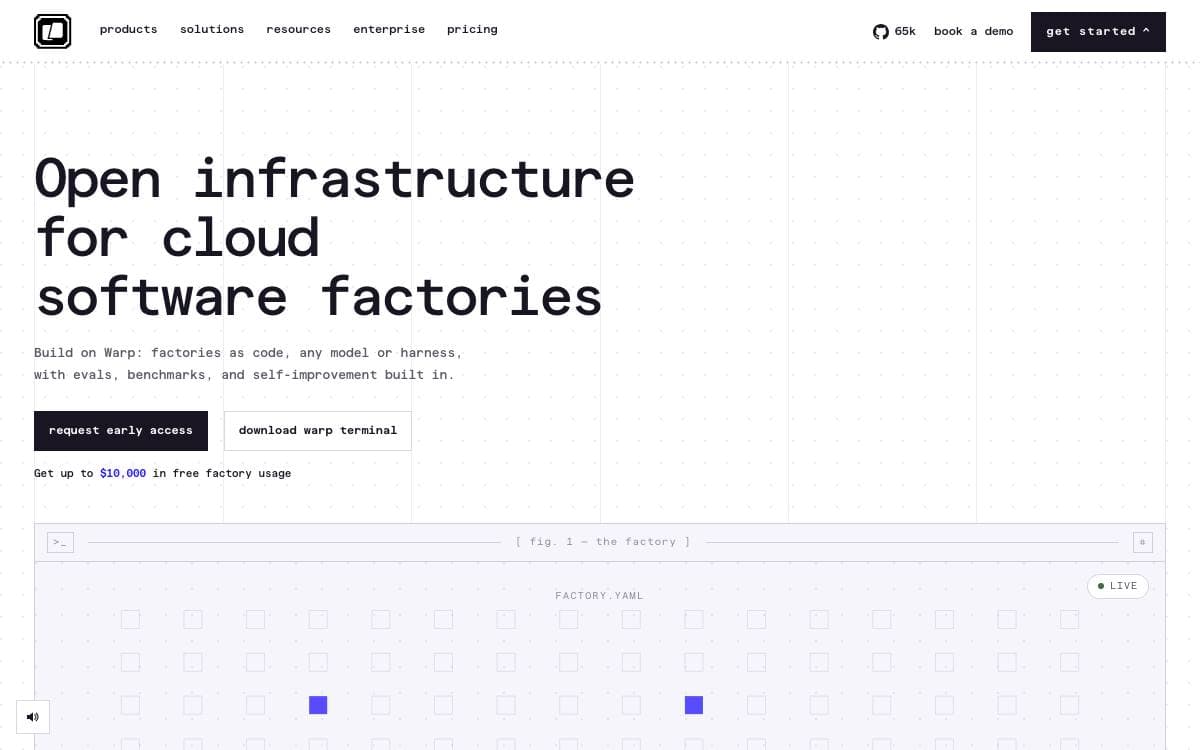
Warp began as a terminal and now describes itself as an agentic development environment. You use its built-in coding agent, or point it at a CLI agent you already run such as Claude Code, Codex or Gemini CLI.
The client codebase lives in this repository and builds from source through three scripts, one for platform setup, one to build and run, and one that formats, lints and tests before you submit. OpenAI is the founding sponsor of the open source repository, and the agentic management workflows run on GPT models.
Development of Warp itself happens largely in the open, and much of it is done by agents.
- Warp Factories: infrastructure defined in code for cloud software factories, with evals built in.
- Contribution dashboard: watch agents triage issues, write specs, implement changes and review pull requests.
- Readiness labels: maintainers mark issues ready to spec or ready to implement for contributors.
- Agent sessions: click into an active session running in a web-compiled Warp terminal.
- Dual licensing: the UI crates are MIT while the rest of the repository is AGPL v3.
Downloads cover platform-specific installs and a preview build carries experimental features. The project credits dependencies including Tokio, NuShell, Alacritty, Hyper and the Fig completion specs, and contributors gather with maintainers in a public Slack channel.

A terminal AI pair programmer that edits your local codebase, runs your linters and tests, and commits each change as it goes.
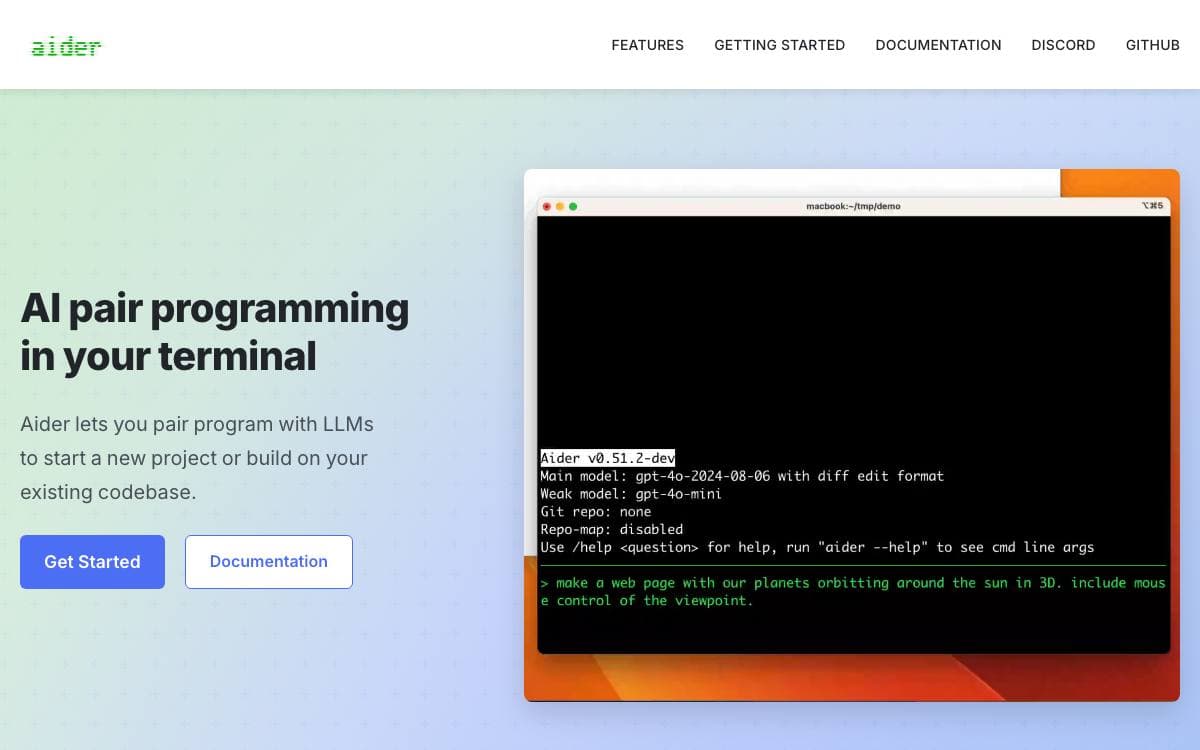
Aider pairs you with a language model inside the terminal, on a new project or an existing codebase. Edits land in your real files, and every change is committed with a sensible message, so ordinary git tools are enough to diff, manage or undo whatever the model did.
To stay useful in larger projects, Aider builds a map of the entire repository and feeds the relevant parts back as context. More than a hundred languages are supported, among them Python, JavaScript, Rust, Ruby, Go, C++, PHP, HTML and CSS.
The workflow has several entry points beyond typing at the prompt.
- Editor mode: leave a comment in your code from any IDE and Aider picks it up and starts working.
- Linting and testing: your linters and test suite run after each change, and Aider fixes what they report.
- Images and web pages: add screenshots or reference documentation to the chat for visual context.
- Voice to code: ask for features, test cases or bug fixes by speaking rather than typing.
- Copy and paste mode: work through any model's browser chat, with context and edits shuttled back and forth for you.
Model choice is wide. It works best with the strongest coding models from Anthropic, DeepSeek and OpenAI, but connects to almost anything, local models included. Installation is a pip install of a small installer followed by one command, after which you point it at a project directory and supply an API key.

Coding agent for VS Code, JetBrains and the terminal, now shipped as a final version and no longer under active development.
Continue is a coding agent that ships in three forms, a command line interface, a VS Code extension and a JetBrains plugin. The repository is read-only and no longer actively maintained, so anyone picking it up today is working with a frozen codebase rather than a project still moving.
The team closed the work with a final 2.0.0 release across all three clients. That release removed anonymous telemetry, pulled out authentication and squashed remaining bugs, which leaves a version that runs without phoning home or asking anyone to create an account first.
What remains available splits across the distribution channels.
- CLI: published on npm, and the maintainers recommend it over the JetBrains plugin.
- VS Code extension: listed on the Visual Studio Marketplace and on the Open VSX registry.
- JetBrains plugin: distributed through the repository releases, with its source in the extensions directory.
- Documentation: the guides on configuring Continue, how it works and how to customize it are still published.
- Apache 2.0 license: the code stays open for anyone who wants to fork it or build something else on it.
Continue suits developers who want an agent they can read end to end and adapt, and the maintainers say they hope the codebase serves as a foundation for others. Anyone who needs ongoing fixes or support for new models should plan on maintaining a fork of their own.

Terminal coding agent that reads a codebase, edits files, runs shell commands and manages long tasks from a full-screen interface.
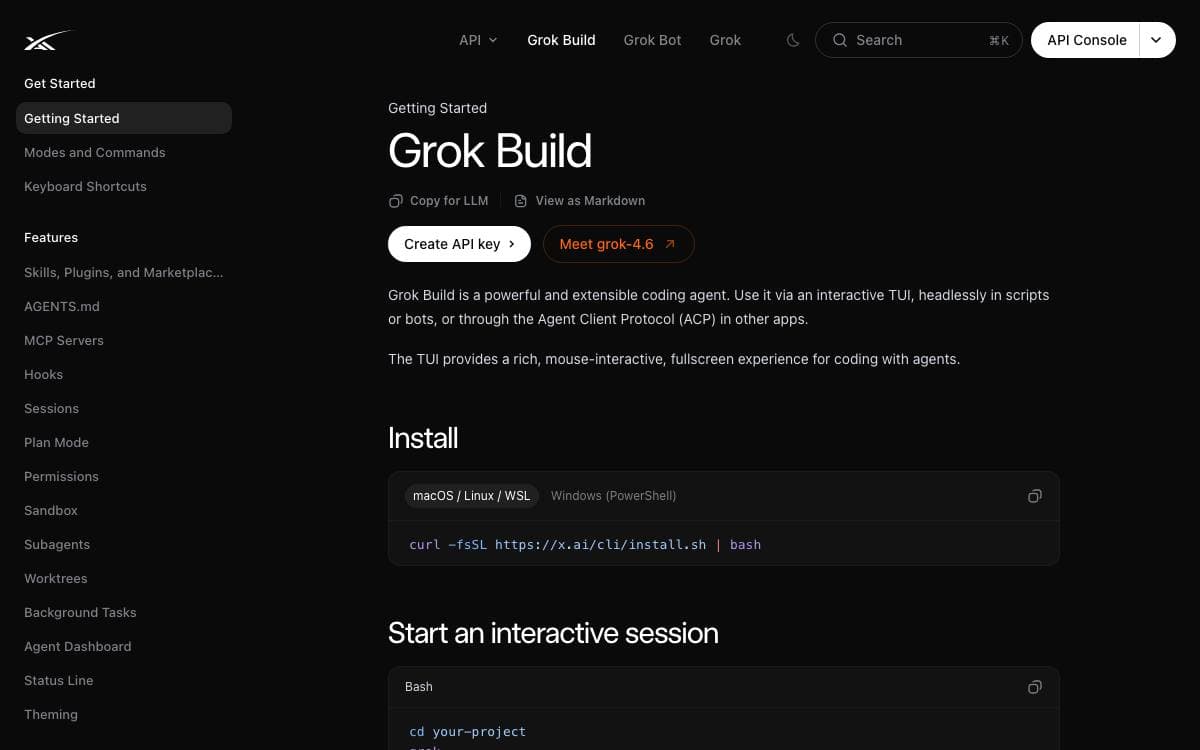
Grok Build is a terminal-based AI coding agent published by SpaceXAI. It runs as a full-screen text interface that understands your codebase, edits files, executes shell commands, searches the web and manages long-running tasks, keeping the work in one window instead of spread across an editor, a browser and a chat client.
Three modes of operation are supported, interactive at the terminal, headless for scripting and continuous integration, and embedded in editors through the Agent Client Protocol. This repository carries the Rust source for the CLI and its agent runtime, synced periodically from the SpaceXAI monorepo, with a revision file recording the exact upstream commit for the tree you have.
The codebase splits into crates that map onto the parts of the agent.
- Pager: the terminal interface itself, covering scrollback, the prompt, modals and rendering.
- Shell: the agent runtime together with the leader, stdio and headless entry points.
- Tools: implementations for the terminal, file editing, search and the rest of the tool surface.
- Workspace: host filesystem access, version control, execution and checkpoints.
- Support crates: configuration, MCP, markdown and sandboxing complete the closure.
Prebuilt binaries are published for macOS, Linux and Windows through an install script. Building from source needs the pinned Rust toolchain, DotSlash on the path so hermetic tools can run, and protoc for proto codegen, with macOS and Linux as supported build hosts and Windows best-effort. The user guide that ships with the pager covers keyboard shortcuts, slash commands, theming, MCP servers, skills, plugins, hooks, headless mode and sandboxing.

Open source AI coding agent for VS Code, JetBrains and the terminal, with 500 plus models billed at provider rates.
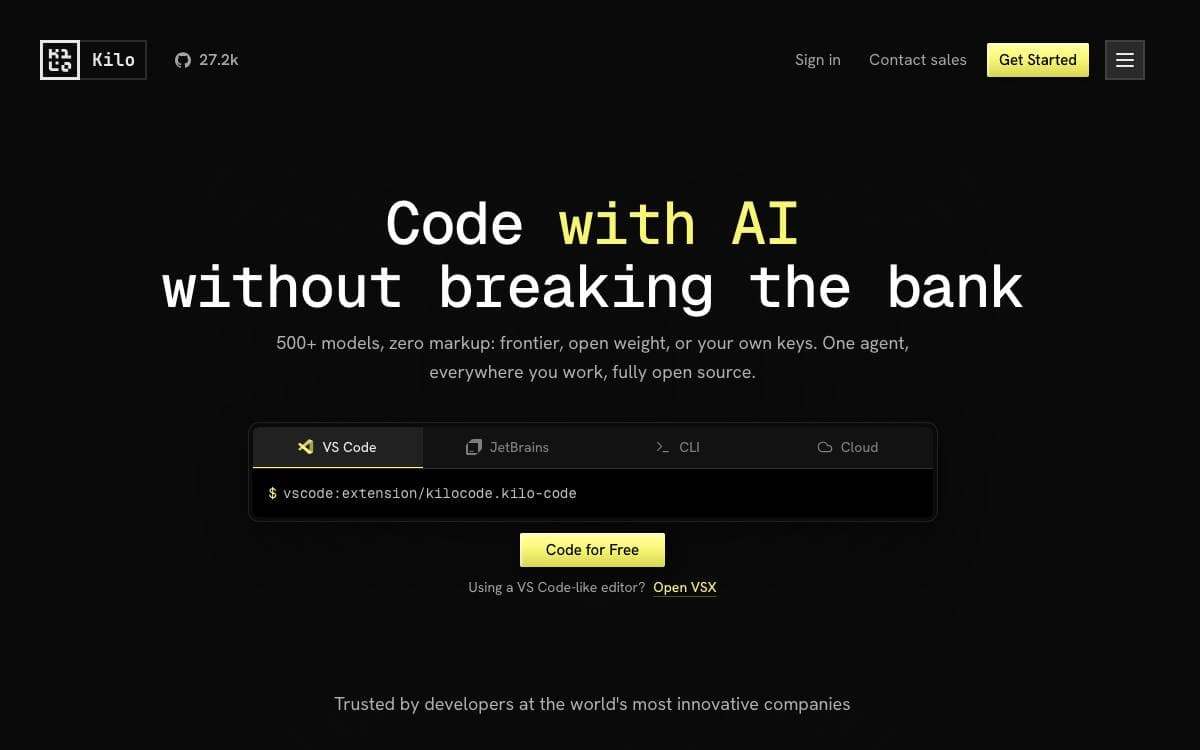
Kilo Code is an AI coding agent that follows you between editors, running as a VS Code extension, a JetBrains plugin and a command line tool from one project. Pricing is open: you choose from more than 500 models, switch between them mid task, and pay the model provider's rate with no markup, without needing API keys to begin.
Work is divided among specialized agents you switch between, and you can define your own. Code implements and edits, Plan designs architecture before anything is written, Ask answers questions without touching files, Debug traces issues, and Review surfaces problems across performance, security, style and test coverage.
Around those agents sit the tools they use.
- Inline autocomplete: ghost text suggestions accepted with the tab key.
- Self checking: the agent reviews and corrects its own work.
- Terminal and browser control: running commands and automating the web.
- MCP marketplace: a place to find and wire up servers that extend what the agent can do.
Installation covers the VS Code Marketplace, the JetBrains plugin repository and the CLI through npm, Homebrew, the Arch User Repository or prebuilt binaries. For pipelines, an autonomous run flag removes every permission prompt, which the project advises using only in trusted environments. The code is MIT licensed, and the CLI began as a fork of OpenCode.

Self-hosted AI coding assistant that runs on consumer GPUs, an on-premises alternative for teams that cannot send code to a cloud.
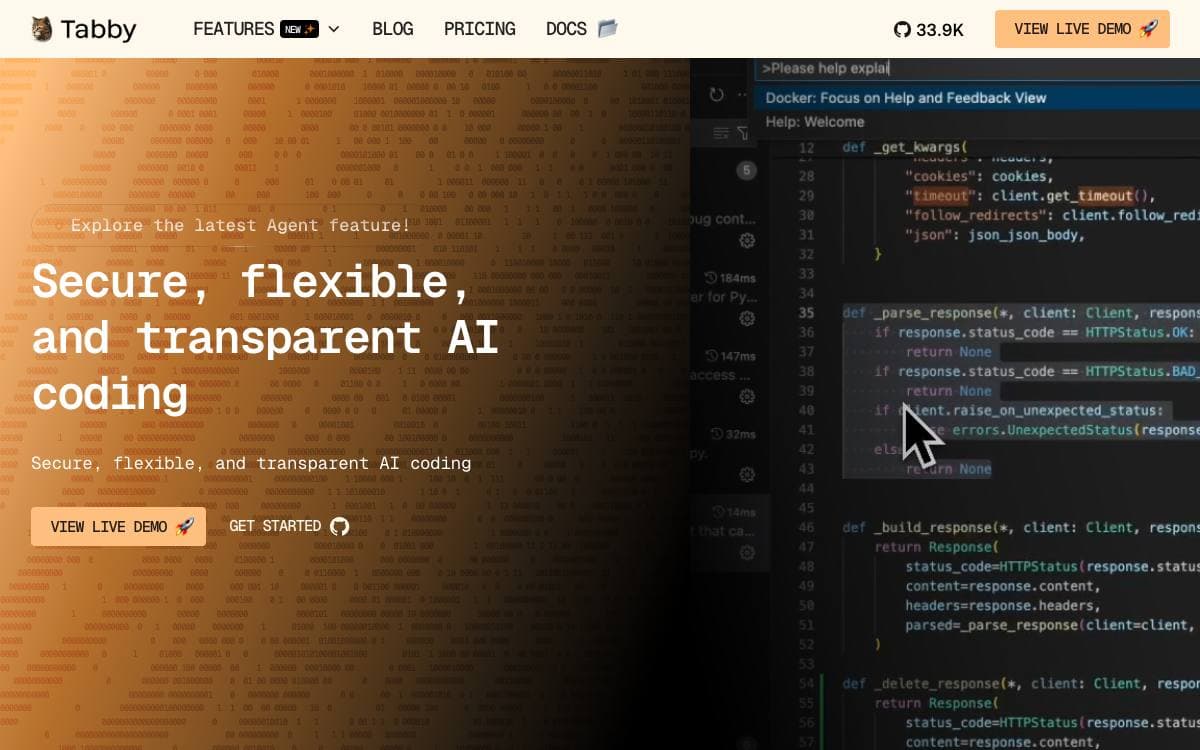
Tabby is a self hosted coding assistant, offered as an on premises alternative to hosted completion services for teams whose source code is not allowed to leave the building. It is self contained, needing neither a database server nor a cloud service behind it.
Integration is meant to be undemanding. An OpenAPI interface exposes the server to existing infrastructure such as a cloud IDE, and inference runs on consumer grade GPUs, with Apple Metal support for M1 and M2 machines.
The project has grown well past plain autocomplete.
- Repository aware completion: retrieval over the repository, plus declarations from the local language server and recently modified code, feeding each suggestion.
- Answer engine: a knowledge engine for an engineering team, answering from internal data and turning threads into persistent, shareable pages.
- Editor extensions: plugins for VS Code, Vim and IntelliJ, with chat in a side panel, file mentions as context and inline editing.
- Source integrations: self hosted GitHub and GitLab, GitLab merge requests indexed as context, and your own documentation added through REST APIs.
- Administration: an admin interface with team management, secured access, usage reports and LDAP authentication.
The quickest start is a single Docker command that mounts a data directory, exposes port 8080 and names both a completion model and a chat model, while a published model registry lists what is supported. Deployment guides also cover running the server on cloud infrastructure.

A terminal-based AI coding agent for developers who want project-aware help with code, debugging, and refactoring without leaving the shell.
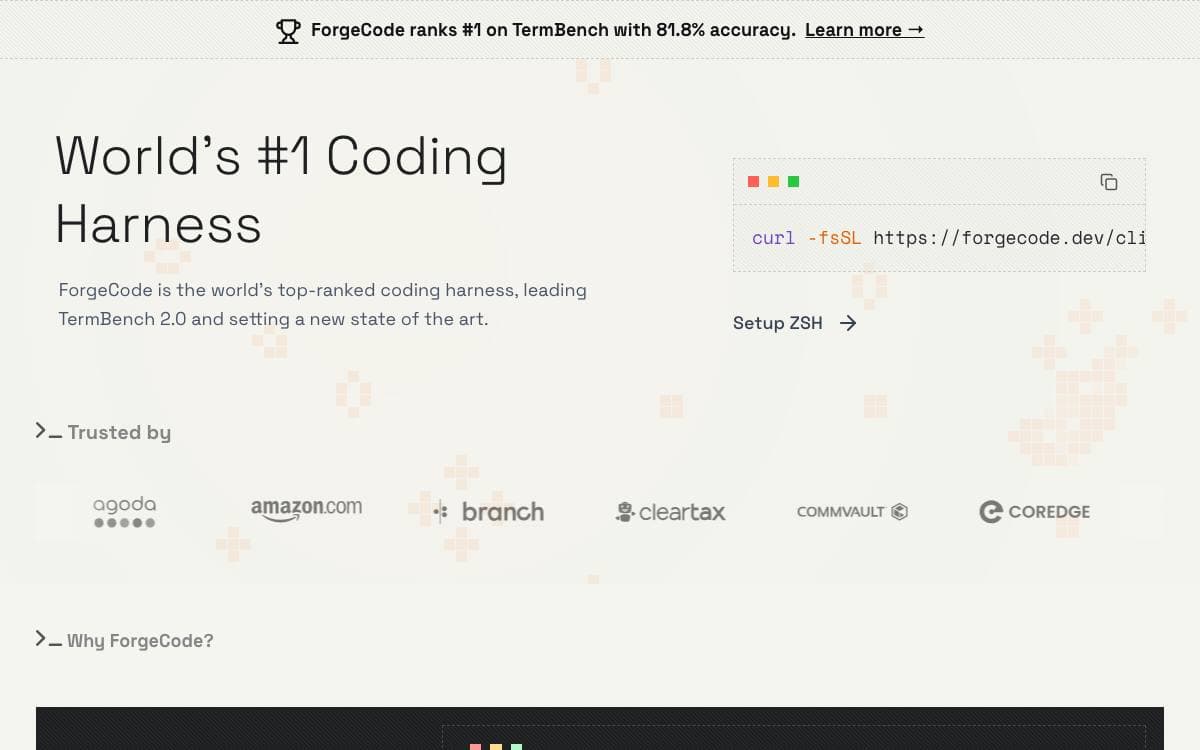
Forge is an AI coding agent that lives in the terminal. Installation is a single shell command, and the first run walks through connecting provider credentials through an interactive login, after which the agent works against the project in the current directory.
It has three distinct modes of use, and the documentation is explicit that understanding the difference up front saves confusion later. Running the command with no arguments opens an interactive terminal UI that holds a persistent session.
The documented examples show the kinds of requests it is built for.
- Code understanding: it analyzes project structure and explains how something such as an authentication flow fits together.
- Feature work: it proposes an approach based on the existing codebase and scaffolds the components and styles that follow from it.
- Debugging: an error message goes in, and likely causes and candidate fixes come back grounded in the surrounding code.
- Review and refactoring: a named file is read for readability, performance, security, and maintainability, and legacy patterns are modernized step by step with your approval.
- Git help: merge conflicts are explained and a way to reconcile them is suggested.
Provider choice stays open, covering OpenAI, Anthropic, and other LLM providers, configured interactively or ahead of time. A restricted shell mode limits file system access so the agent cannot make unintended changes. Forge is open source, and contributions go through a contributor license agreement.

Self-hosted cloud coding agent that takes tasks from Slack or Teams, works in a sandbox and opens a pull request.
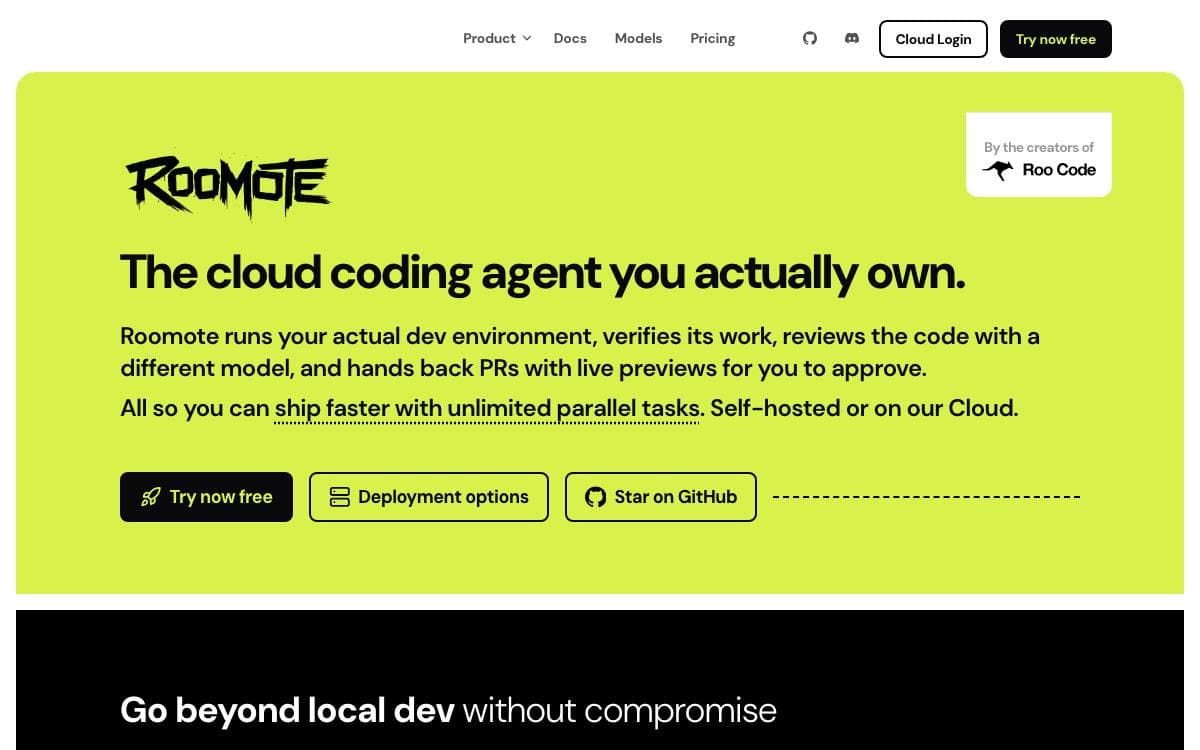
Roomote is a coding agent you deploy and own rather than a plugin inside an editor. A task handed to it in Slack, Teams, Telegram, Discord or the web interface leads to a cloned repository in a sandbox, code written, tests run and a pull request opened for review.
It is a full-stack application, not a wrapper. Every task gets its own throwaway sandbox on Modal, E2B, Daytona, Blaxel or local Docker, so nothing touches your machine. Models come from a connected ChatGPT subscription or your own API keys, and source control can be GitHub, GitLab, Gitea, Azure DevOps or Bitbucket Cloud.
The work it takes on is the kind that interrupts a main project.
- Bug fixes: a stack trace or a Sentry link is reproduced in the sandbox before a fix is written.
- Codebase questions: it reads the code to answer how authentication works or where the billing logic lives.
- Chores: dependency upgrades, linter fixes, config changes, migration files and boilerplate.
- Small features: it writes the change, runs the app and attaches a screenshot and a preview link.
- Issue triage: connected to Linear, Jira or GitHub Issues, it reads new tickets and asks questions.
- Audit trail: every run logs the model used, the tools called and the code written.
Deployment runs from one-click templates on Railway and Render to an install script on a fresh Ubuntu or Debian machine. The source is available to read and fork, free for up to ten users, with a license sold beyond that.


