Open Source Lokalise Alternatives
A curated collection of the 4 best open source alternatives to Lokalise.
The best open source alternative to Lokalise is Weblate. If that doesn't suit you, we've compiled a ranked list of other open source Lokalise alternatives to help you find a suitable replacement. Other interesting open source alternatives to Lokalise are: Lingo.dev, Tolgee and Languine.
Lokalise alternatives are mainly Publishing. Browse these if you want a narrower list of alternatives or looking for a specific functionality of Lokalise.

Web based continuous localization used by thousands of libre projects and companies translating software across many languages.
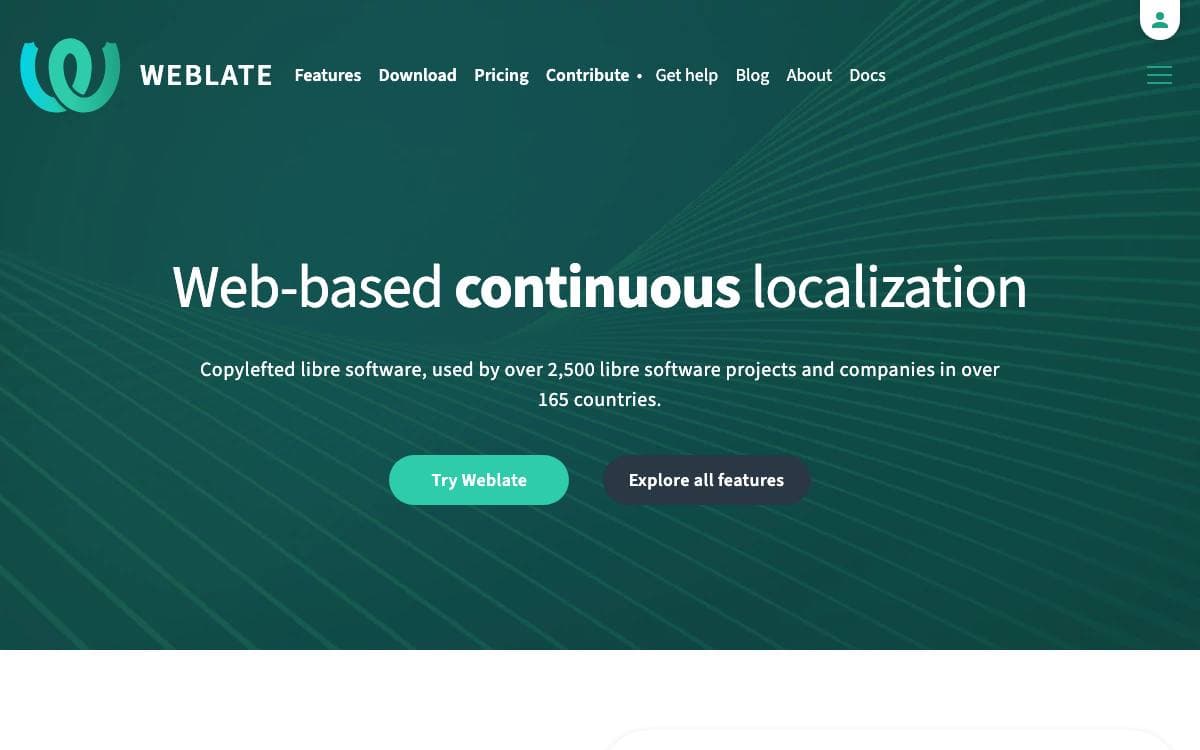
Weblate moves localization into the browser, a libre continuous localization system used by more than 2500 libre projects and companies across over 165 countries. Translators work in one place instead of passing spreadsheets of strings back and forth.
Teams can install it on their own infrastructure, taking the package published on PyPI, or use the Hosted Weblate service the project runs. Setup instructions and full documentation live in the docs directory of the source and are published online as well.
A few things distinguish how the project is run.
- Hosted or self-installed: both paths are supported, with administration documentation covering the install.
- Professional support: is available optionally, alongside the cloud hosting offering.
- Accessibility: has a stated target, an issue template for reporting problems, and guidance in the project's accessibility file.
- Best practices: an OpenSSF best practices badge and REUSE compliance cover process and licensing metadata.
- Visual testing: interface changes are covered by Argos visual testing.
Weblate is copyright Michal Cihar and distributed under the GNU General Public License version 3 or, at your option, any later version, with no warranty of any kind. Feature requests and bugs go to the issue tracker on GitHub, and the project's own translation status is published publicly, which is a fair demonstration of the workflow the tool asks you to adopt.

Localization tooling for developers, translating strings and content files through a CLI, CI pipelines, an MCP server or a compiler.
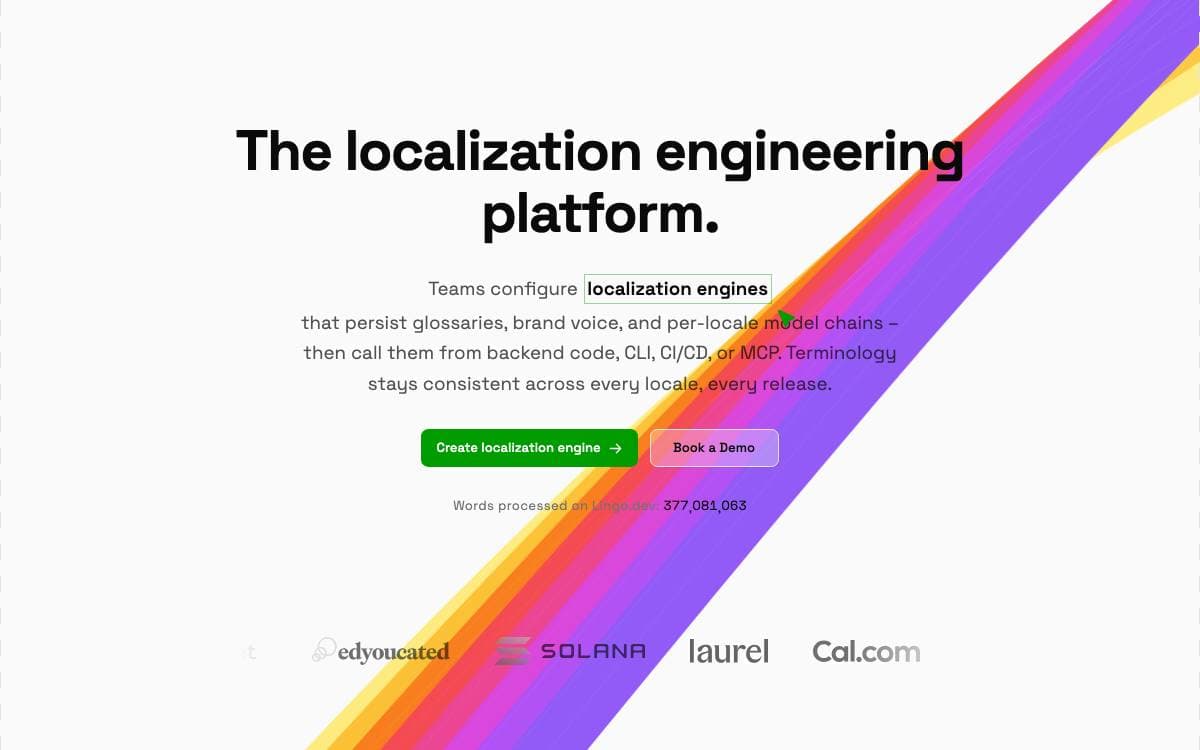
Lingo.dev is a set of open source localization engineering tools that keep translations moving at the speed of the code. Rather than exporting strings and waiting on a vendor, the tools run in the terminal and in the pipeline where the content changes.
They connect to localization engines, stateful translation APIs that persist glossaries, brand voice and per-locale instructions across every request. The command line tool can also drive your own model from OpenAI, Anthropic, Google, Mistral, OpenRouter or Ollama if you would rather own that part.
Five tools share the same engines and cover different points in a project.
- CLI: localizes JSON, YAML, markdown, CSV and PO files, with a lockfile so only new or changed content is processed.
- GitHub Action: continuous localization for GitHub Actions, GitLab CI/CD and Bitbucket Pipelines, filling missing strings before code ships.
- MCP server: gives AI assistants framework-specific i18n knowledge for Next.js, React Router and TanStack Start.
- API: calls an engine from backend code with async jobs, webhook delivery and per-locale failure isolation.
- React compiler: an early alpha that finds translatable text at build time, with no keys, JSON files or t functions.
The repository is a pnpm and turborepo monorepo, and every pull request carries a changeset. Its own README is maintained in nearly thirty languages, which is a fair demonstration of the workflow the tools are selling.

Localization platform where developers edit translations in context inside the running app, with screenshots, translation memory and machine translation.
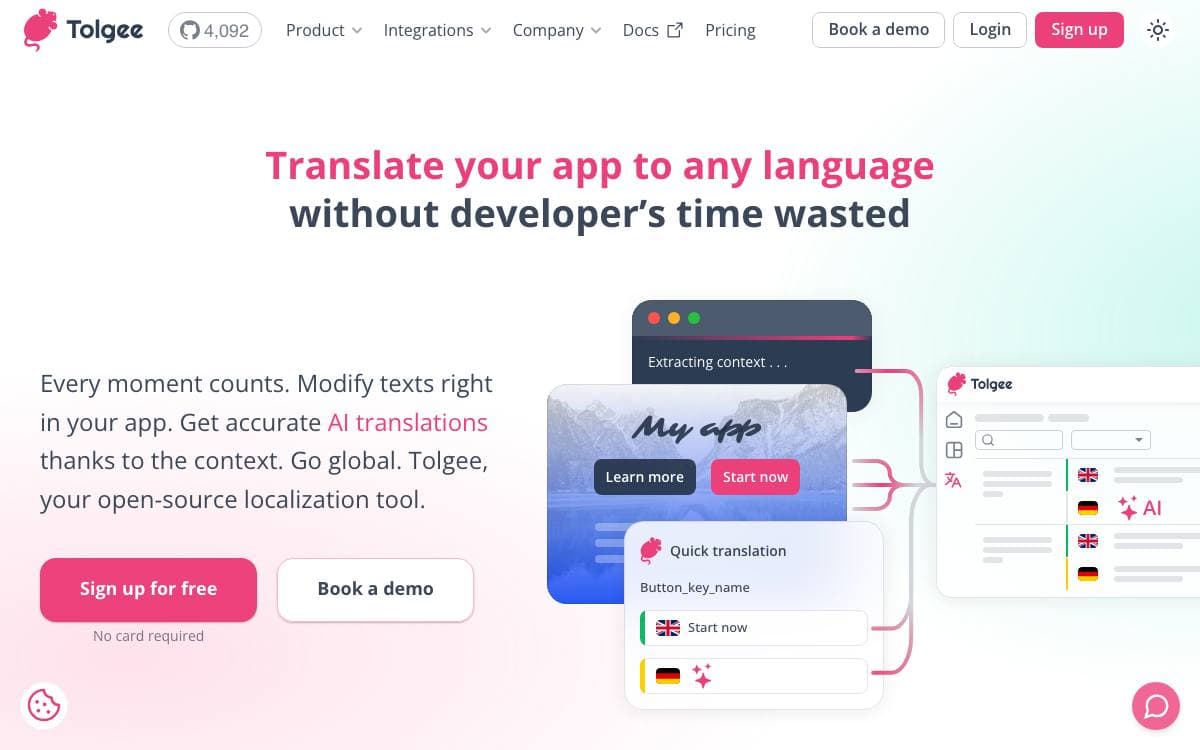
Tolgee is an open source localization platform, positioned as an alternative to Crowdin, Phrase and Lokalise. It removes the part of translation work that wears people down, hunting through bulky JSON or PO files to change a single string.
Rather than syncing local files with a backend, Tolgee embeds into the application through its SDKs. Holding ALT and clicking an element opens a dialog where the string is edited directly, and this in-context editing keeps working in the deployed production app, where a Chrome plugin and an API key are enough for someone with no coding skills to contribute.
Around that core sit the pieces a translation workflow needs.
- One click screenshots: ALT click a string, press the camera button, and the phrase is captured highlighted in place.
- Machine translation: DeepL, Google Translate, AWS Translate and Azure Translator, chosen in settings.
- AI translator: reads the situation around a string, screenshots, key descriptions, language notes and memory matches, then reports which reading it picked.
- Translation memory: suggests earlier translations with a similarity percentage, the key and the original text.
- Auto translation: new keys are translated the moment they are created, from memory or a machine service.
- Review trail: an activity log, comments on any translation and per key history show who changed what.
The platform ships as a Docker image, with a JavaScript SDK, a CLI and integration guides for each framework. An MCP server lets AI coding assistants search keys, create translations and trigger machine translation without leaving the editor.

Languine is a self-hosted AI localization service you deploy to your own Vercel account and drive from a CLI or GitHub Action.
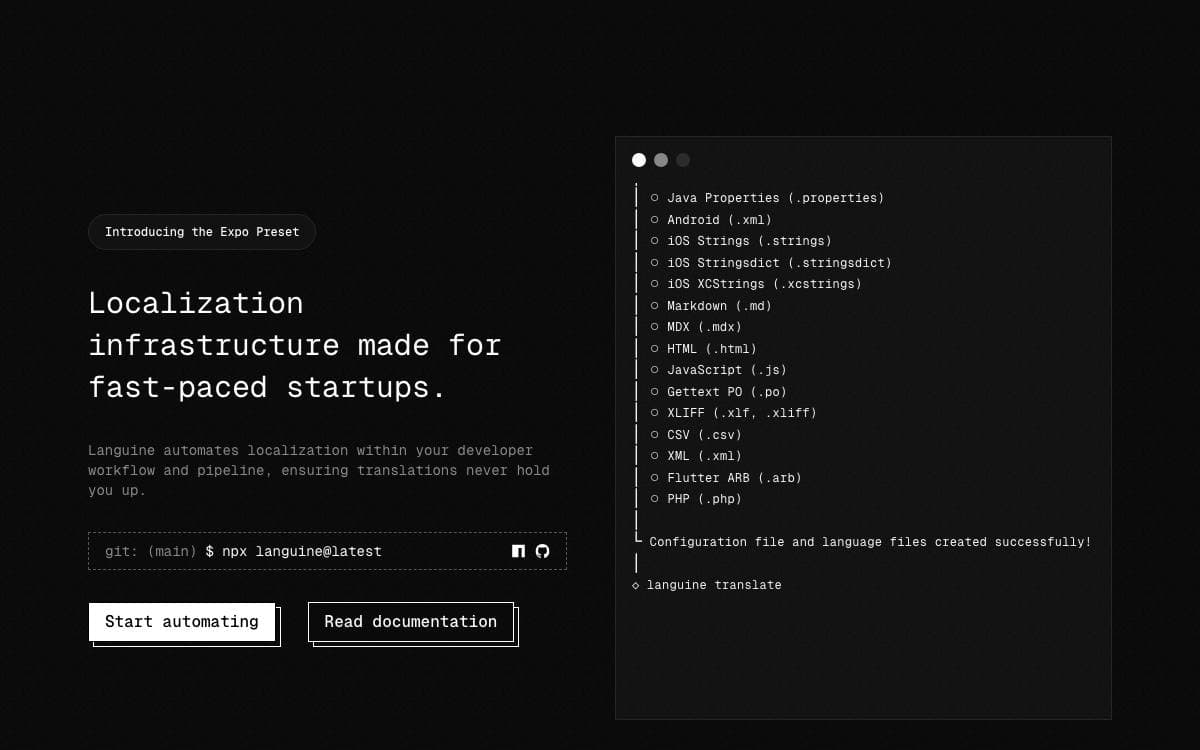
Translation files rot. Someone adds an English string, the other locales lag, and the gap surfaces when a user meets an untranslated label. Languine puts an AI translation service on infrastructure you own and wires it into the two places strings actually change: a developer's terminal and continuous integration.
The deploy button forks the repository into your GitHub account, creates a Vercel project rooted at the web app, provisions serverless Postgres through the Vercel Marketplace, and runs Drizzle migrations during the build. Background work runs on Vercel Workflows, which are durable and resumable. Translation calls go through the Vercel AI Gateway, authenticated in production by the project's OIDC token, so there is no separate model provider key to manage.
A handful of settings shape a deployment, and one of them is not optional.
- Deployment Protection: Vercel authentication must be switched on, or the dashboard and the token page are public.
- API key: a single random string shared by the dashboard, the CLI, and the GitHub Action.
- Model choice: an AI Gateway model slug, defaulting to GPT-4.1 and swappable for Claude or a smaller model.
- Database URL: injected automatically by the Marketplace integration you picked at deploy time.
- Project id: written into a config file by the init command, which creates the project over tRPC.
Day to day use is three commands: login against your deployment, init, then translate. For continuous integration a base URL and key as environment variables cover non-interactive runs, and the published Action can open a pull request with the results.


