Open Source LogRocket Alternatives
A curated collection of the 2 best open source alternatives to LogRocket.
The best open source alternative to LogRocket is OpenReplay. If that doesn't suit you, we've compiled a ranked list of other open source LogRocket alternatives to help you find a suitable replacement. Other interesting open source alternative to LogRocket is Highlight.
LogRocket alternatives are mainly Monitoring & Observability but may also be Web & Product Analytics. Browse these if you want a narrower list of alternatives or looking for a specific functionality of LogRocket.

Self-hosted session replay suite that shows developers what users did on a web app and what broke underneath.
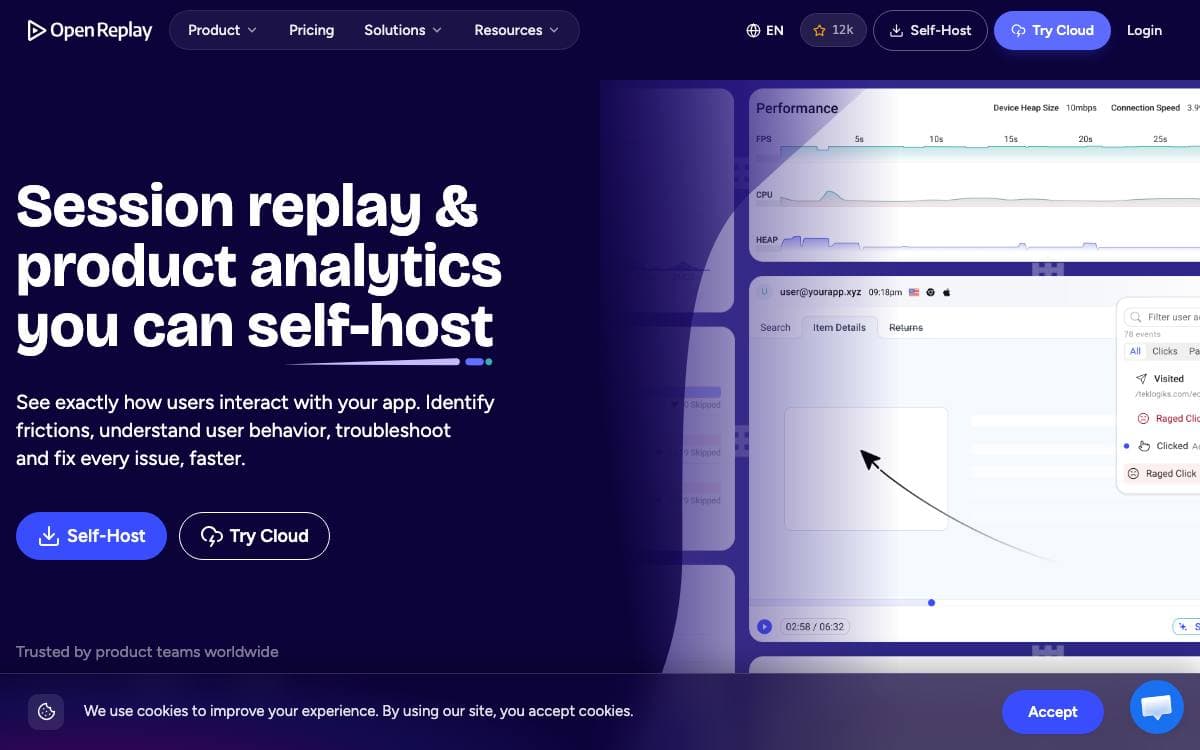
OpenReplay is an open source session replay suite you host yourself. When a user reports that something broke, the usual reply is a request for steps to reproduce. OpenReplay instead replays the session and shows what happened under the hood.
Each recording captures far more than the screen. Network activity, console logs, JavaScript errors, store actions and state, page speed metrics and CPU and memory usage are all recorded, and the tracker is roughly 26KB compressed, so the page keeps its performance.
The suite covers the work that follows a bug report.
- DevTools: full context behind a session, from network calls to 40 plus metrics, for reproducing a bug.
- Spot: a Chrome extension that records a bug from the browser with the technical details attached.
- Assist: a live view of a user screen with a WebRTC call, no third-party screen sharing needed.
- Omni-search: filter by user action, session attribute or technical event with no extra instrumentation.
- Privacy controls: choose what to capture, obscure or ignore so sensitive data never reaches your servers.
Plugins track application state in Redux, VueX, MobX, NgRx, Pinia and Zustand, and log GraphQL queries and Fetch or Axios requests. Backend logs from Sentry, Datadog, CloudWatch, Stackdriver and Elastic sync alongside replays so you can follow an issue front to back.
Step-by-step deployment guides cover AWS, Google Cloud, Azure, DigitalOcean, Scaleway, OVHcloud and Kubernetes. Everything captured stays in your own cloud, which suits teams that would rather not route user data through a third party.

Fullstack monitoring for web teams, pairing session replay with error tracking, logs and traces behind a few lines of setup.
Bug reports rarely explain themselves. highlight.io closes that gap by pairing every error with the recorded session that produced it, an open source fullstack monitoring platform covering session replay, error monitoring, logging and traces.
Installation is meant to be a few lines of code in any environment, using the client and server SDKs that ship in the repository. Session replay is powered by rrweb, and the same instrumentation feeds errors, logs and traces, so each signal links back to the others instead of living in a separate tool.
The product groups its work into connected surfaces.
- Session replay: replays every interaction and DOM change in a browser session, with the network requests and console output alongside.
- Error monitoring: groups repeated errors under rules you customize and links each one to the sessions where it happened.
- Logging: searches across server logs with automatic property collection and threshold based alerts.
- Tracing: measures the performance of server operations, correlated with the sessions, errors and logs around them.
- Comments: let teammates annotate a session so bugs and user frustration get discussed in place.
A hobby instance deploys in one line with Docker on Linux, and the maintainers suggest at least 8 GB of memory, four CPUs and 64 GB of disk. That tier fits under 10,000 sessions and 50,000 errors ingested monthly; heavier installs follow the enterprise self-hosting path, and a hosted version exists for teams who would rather not run it themselves.


