Open Source Hotjar Alternatives
A curated collection of the 4 best open source alternatives to Hotjar.
The best open source alternative to Hotjar is PostHog. If that doesn't suit you, we've compiled a ranked list of other open source Hotjar alternatives to help you find a suitable replacement. Other interesting open source alternatives to Hotjar are: OpenReplay, OpenWebAnalytics and Swetrix.
Hotjar alternatives are mainly Web & Product Analytics but may also be Monitoring & Observability. Browse these if you want a narrower list of alternatives or looking for a specific functionality of Hotjar.

Product analytics suite bundling events, session replays, feature flags, experiments, surveys and error tracking into one platform for product teams.

PostHog gathers the tools a product team would otherwise buy separately, analytics, replays, flags, experiments, surveys and error tracking, into one platform. Because the data lives together, a rage click, a failed query and an exception trace back to the same session instead of being correlated across four vendors.
Instrumentation starts with autocapture or manual events, using SDKs for common frontend, mobile and backend frameworks. An MCP server brings the data into Claude Code, Cursor or any MCP-compatible agent, and the platform can be driven from the web app, a desktop client or your editor.
The suite covers a wide span of product work.
- Analytics: event-based analysis with visualizations or SQL, plus a dashboard for traffic, conversion, web vitals and revenue.
- Session replays: watch real sessions on a website or mobile app to see what a metric actually looked like.
- Flags and experiments: roll features out to selected users or cohorts and measure statistical impact on goal metrics.
- Error tracking and logs: alerts on exceptions, with logs ingested and searched next to product data.
- Data pipelines: filters and transformations on incoming events, then delivery to other tools, a webhook or a warehouse.
The hosted cloud carries a free tier for each tool and is the recommended path. A one-line Docker script deploys a hobby instance on Linux, which scales to roughly one hundred thousand events per month without support or guarantees. The repository is open source apart from its enterprise directory, and a fork purged of proprietary code exists for anyone who needs one.

Self-hosted session replay suite that shows developers what users did on a web app and what broke underneath.
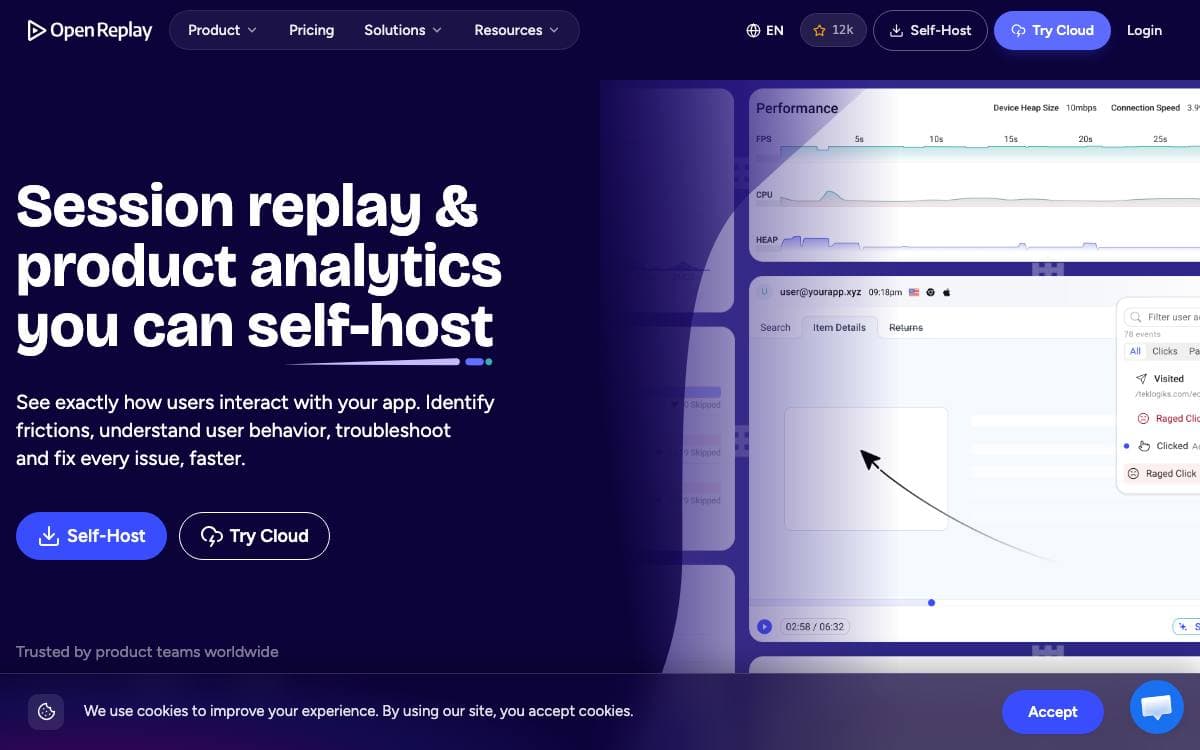
OpenReplay is an open source session replay suite you host yourself. When a user reports that something broke, the usual reply is a request for steps to reproduce. OpenReplay instead replays the session and shows what happened under the hood.
Each recording captures far more than the screen. Network activity, console logs, JavaScript errors, store actions and state, page speed metrics and CPU and memory usage are all recorded, and the tracker is roughly 26KB compressed, so the page keeps its performance.
The suite covers the work that follows a bug report.
- DevTools: full context behind a session, from network calls to 40 plus metrics, for reproducing a bug.
- Spot: a Chrome extension that records a bug from the browser with the technical details attached.
- Assist: a live view of a user screen with a WebRTC call, no third-party screen sharing needed.
- Omni-search: filter by user action, session attribute or technical event with no extra instrumentation.
- Privacy controls: choose what to capture, obscure or ignore so sensitive data never reaches your servers.
Plugins track application state in Redux, VueX, MobX, NgRx, Pinia and Zustand, and log GraphQL queries and Fetch or Axios requests. Backend logs from Sentry, Datadog, CloudWatch, Stackdriver and Elastic sync alongside replays so you can follow an issue front to back.
Step-by-step deployment guides cover AWS, Google Cloud, Azure, DigitalOcean, Scaleway, OVHcloud and Kubernetes. Everything captured stays in your own cloud, which suits teams that would rather not route user data through a third party.

Self-hosted web analytics server for site owners who want visitor data to stay on infrastructure they control.
Open Web Analytics is a tracking server you install yourself, offered as an alternative to commercial tools such as Google Analytics. The bargain is explicit. You run the server and the database, and in exchange the data collected about the people using your sites never leaves your hands.
The repository installs the OWA server together with a first party JavaScript tracker to drop into your pages. PHP applications can report through the OWA PHP SDK instead, and WordPress sites have a dedicated plugin. Building from a clone needs Composer for PHP dependencies and Node with npm for the frontend, since the vendor directory and the built public assets, tracker included, are deliberately not committed to git.
Reporting covers considerably more than page counts.
- Tracking: visitors, pageviews, ecommerce transactions and any action you configure.
- Multiple sites: an unlimited number of websites from one OWA server.
- Heatmaps: see where visitors clicked on a page.
- Domstream recordings: replay a session as it played out in the browser.
- Geolocation: place visitors by where they connected from.
- REST API: administer the installation and pull data out programmatically.
Every report can be viewed and customized, the reporting interface supports multiple users, and custom modules extend the framework where the defaults stop. Read the technical requirements first, since this is a PHP application with a database behind it rather than a hosted snippet, and the upgrading notes list which interfaces are deprecated for anyone maintaining a third-party module or theme. It is GPL version 2 or later.

Cookieless web analytics with error tracking, performance monitoring and funnels built in, for teams leaving Google Analytics without a consent banner.
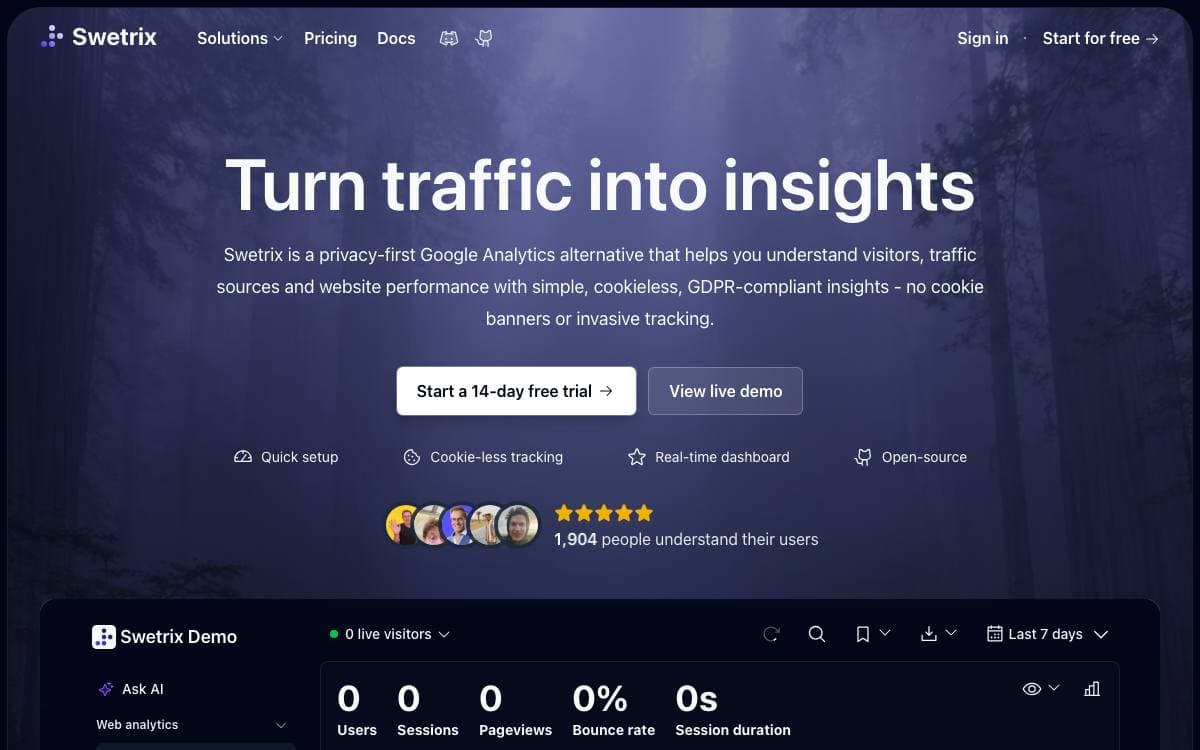
Swetrix reports on your traffic without setting a cookie, asking for consent or tracking anyone across devices, and it anonymizes what it does collect. That makes it a direct replacement for Google Analytics on sites where the compliance paperwork costs more than the numbers are worth.
It also goes past pageviews. Error tracking, performance monitoring, session replays, funnels and custom events sit in the same product, so a small team can retire several subscriptions at once. The project has been open source since 2021, is bootstrapped, and is funded by its subscribers rather than investors.
The dashboard is real time, and the tracking snippet stays small.
- The metrics that matter: top pages, geolocation with a map view, devices, traffic sources and UTM campaigns.
- Custom events and properties: track conversions, sales or any action with your own naming.
- Sessions, flows and funnels: follow journeys through the site and see where people drop out.
- Performance monitoring: real-user timings for TTFB, DNS, TLS and rendering.
- Error tracking: client-side errors captured with detail and rolled into aggregated views.
- Sharing and teams: public or password-protected dashboards, teammates with roles, and organizations for wider access control.
- Data portability: CSV export plus a developer API for everything the dashboard shows.
The Community Edition self-hosts with Docker, connecting the API and UI to MySQL, ClickHouse and Redis. The cloud adds session replays, network intelligence by ISP and connection type, revenue analytics and an AI query interface, hosted in Germany.


