Open Source Xero Alternatives
A curated collection of the 5 best open source alternatives to Xero.
The best open source alternative to Xero is Midday. If that doesn't suit you, we've compiled a ranked list of other open source Xero alternatives to help you find a suitable replacement. Other interesting open source alternatives to Xero are: Akaunting, Invoice Ninja, Frappe Books and Bigcapital.
Xero alternatives are mainly Finance & Accounting. Browse these if you want a narrower list of alternatives or looking for a specific functionality of Xero.

All-in-one business assistant for freelancers and solo operators, pulling time tracking, receipts, file storage and reporting together.
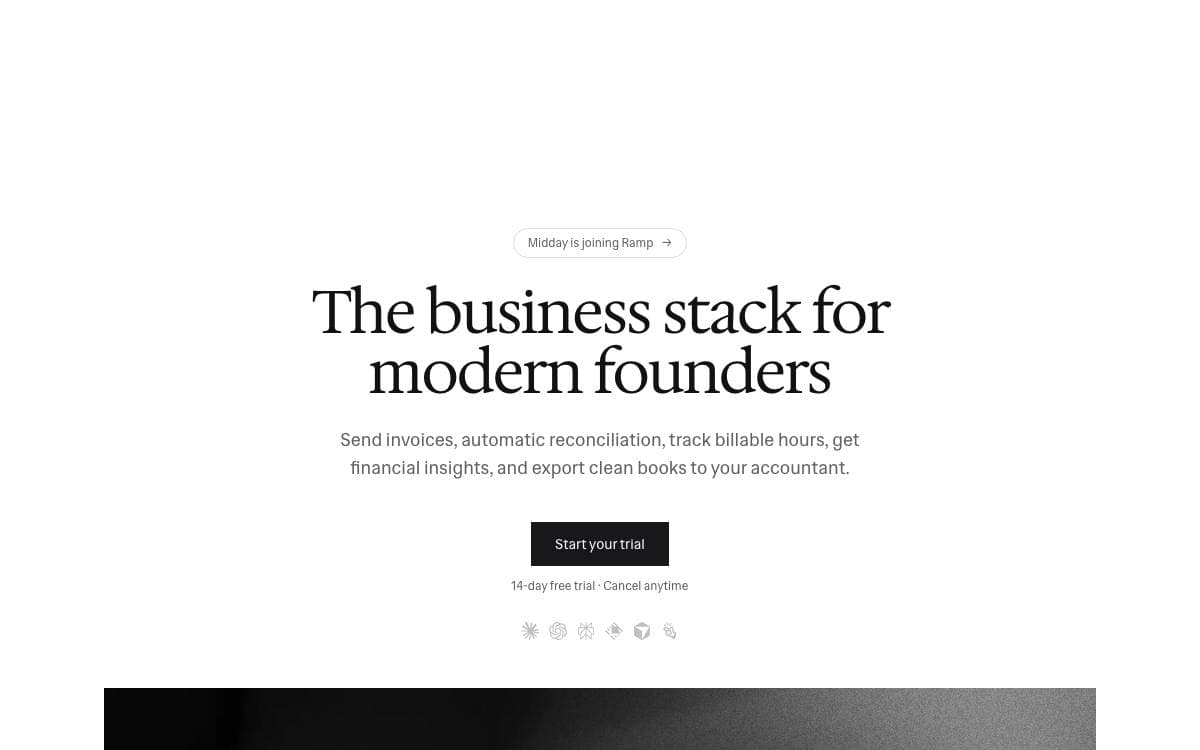
Midday gathers the tools a one-person business usually spreads across five subscriptions into a single system. It is built for freelancers, contractors, consultants and solo entrepreneurs, the people who spend more evenings reconciling receipts than they intended to.
The project is a monorepo on Bun, with a Next.js and React dashboard in TypeScript, Tauri for desktop, Expo for mobile and Supabase providing database, storage, auth and realtime. Bank connections come through GoCardless in Europe and Plaid or Teller in North America, with Trigger.dev running the background jobs.
The product itself is organized around a handful of features.
- Time tracking: live tracking against projects, with overviews of where the hours actually went.
- Magic Inbox: incoming invoices and receipts are matched automatically to the right transaction.
- Vault: contracts, agreements and other documents kept in one place instead of a mail thread.
- Assistant: answers about spending patterns, where costs can be cut and where a document ended up.
- Export: financial data packaged as CSV files ready to hand to an accountant.
Midday is AGPL-3.0 for non-commercial use, and commercial deployments need a separate license arranged with the team. Invoicing is listed as an upcoming feature, promising web-based invoices with real-time collaboration, and the documentation for running the stack locally is still being written.

Online accounting software for small businesses and freelancers, self-hosted on ordinary PHP hosting with a modular app store for extensions.
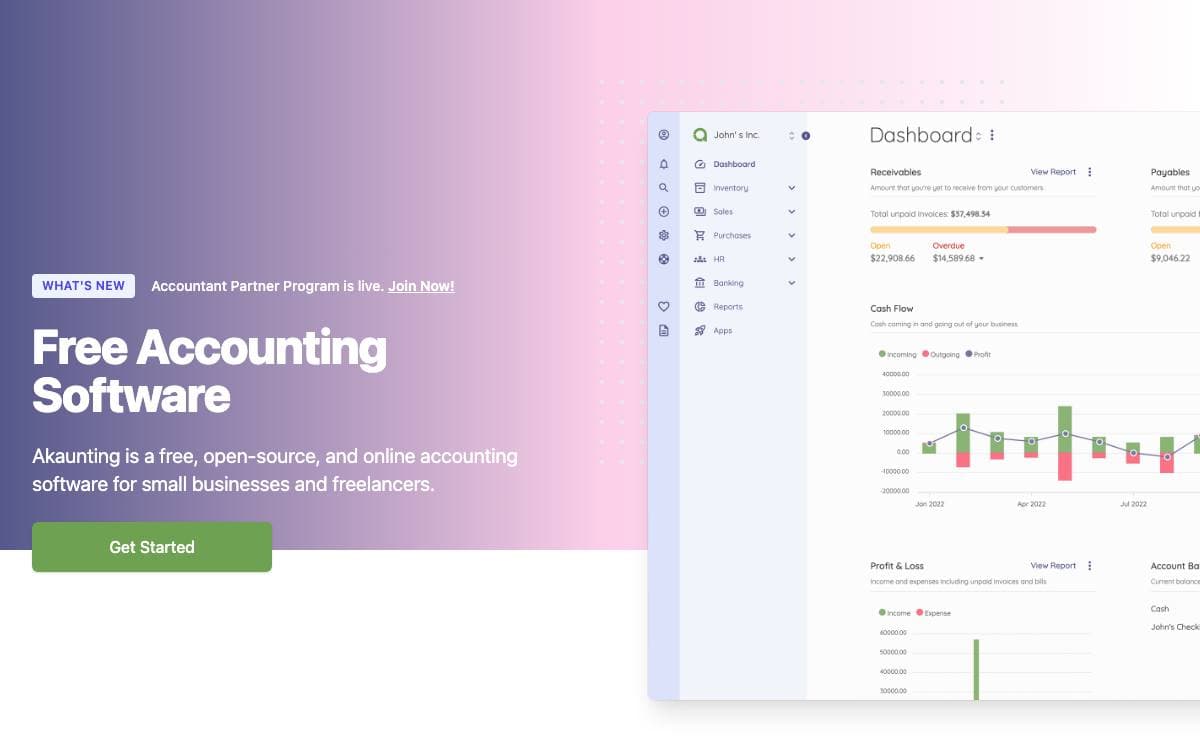
Akaunting is accounting software for small businesses and freelancers who would rather keep the books on their own server than rent a seat somewhere else. It installs on ordinary PHP hosting and runs the ledger from there.
The stack is deliberately conventional and easy to staff. Laravel is the foundation framework, Vue.js and Tailwind drive the interface, and a module package underpins the extension system.
Its modular structure is the part that shapes daily use.
- App store: modules extend the core, and developers can publish their own for other users to install.
- Database choice: MariaDB, MySQL, PostgreSQL, and SQLite are all supported.
- RESTful API: the data behind the interface is reachable programmatically.
- Command line install: one artisan command creates the database, the schema, and the first admin account.
- Sample data: an optional seeder fills a fresh installation so the interface can be explored before real books go in.
Requirements are PHP 8.1 or higher, a supported database, and a web server such as Apache, Nginx, or IIS. A development setup is a clone followed by composer and npm installs. Contributions follow PSR coding standards, with the maintainers asking that new code imitate what is already there rather than introducing a second style.

Invoicing and payment software for freelancers and small businesses, available hosted or self-hosted with every paid feature in the source.

Invoice Ninja version 5 rebuilt the previous release around the features users kept asking for. It handles invoicing and payments for anyone billing clients, and it leaves open the choice between a hosted account and a server you run yourself.
The application is built on Laravel. A request passes through middleware that resolves the domain and authenticates, then a form request that authorizes and validates it, then a controller that hands the work to a repository and fires an event, and the API routes file is the map of everything the application can do.
What arrives with a self-hosted installation is worth stating plainly.
- Feature parity: all Pro and Enterprise features from the hosted app are included in the source-available code.
- White labeling: removing Invoice Ninja branding from client-facing parts costs a license of $40 per year.
- Client portal: clients log in to their own portal, separate from the administrator interface.
- Apps included: the mobile and desktop clients work against a self-hosted server, not only the hosted one.
- SDKs: libraries are published for consuming the API from other software.
A quick install clones a tagged release, copies the example environment file, and runs composer, and the maintainers stress checking out a version tag rather than a development branch so unfinished work does not land in production. Keep the application key safe, since it encrypts stored data and losing it makes the installation unreadable.

Desktop accounting application for small and medium businesses, with double-entry bookkeeping, invoicing, point of sale and financial reports, working fully offline.
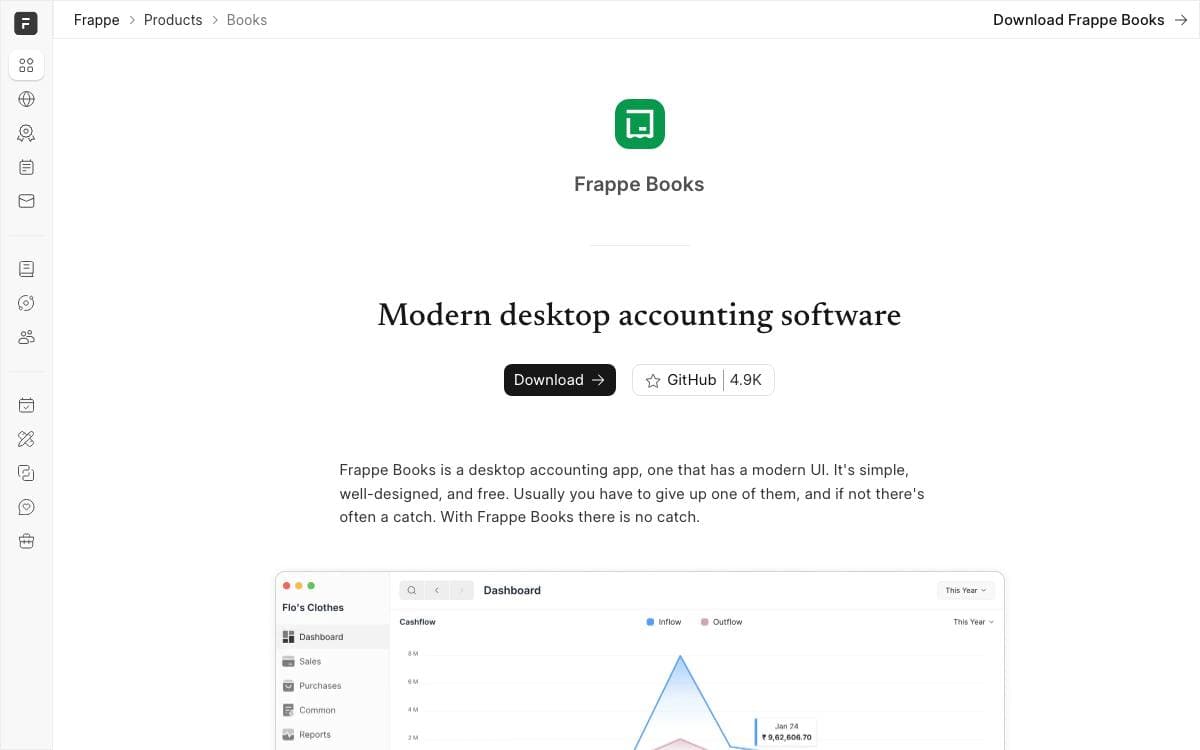
Small businesses usually pick between an expensive accounting subscription and a spreadsheet. Frappe Books is the third option, a desktop application that keeps proper double-entry books, records every transaction in two accounts, and does it whether or not there is an internet connection.
It is packaged with Electron as a standalone desktop app for Windows, macOS and Linux, uses Vue.js for a reactive component-based interface, and stores all financial data, transactions and configuration in a local SQLite file on the user's own machine, which is what makes the offline behavior possible.
Daily bookkeeping and period-end reporting both live in the same app.
- Dashboard: an overview of key financial data and performance metrics.
- Point of sale: an integrated till for processing retail sales.
- Entries: invoices, bills, payments and journal entries posted to the general ledger with notes and adjustments.
- Financial reports: general ledger, profit and loss statement, balance sheet and trial balance.
- Offline work: carry on with no connection and sync later.
Installing it means downloading the release for your platform, a Homebrew cask on macOS and Linux, or a Flatpak on Linux. Contributors need Node.js 20.18.1 with npm and yarn; the development build runs Electron with hot reload and exposes the main process on port 5858 for an external debugger, and build targets for other operating systems are selected with a flag.

Open source accounting and inventory software for small and medium businesses that need double entry books and real financial reports.
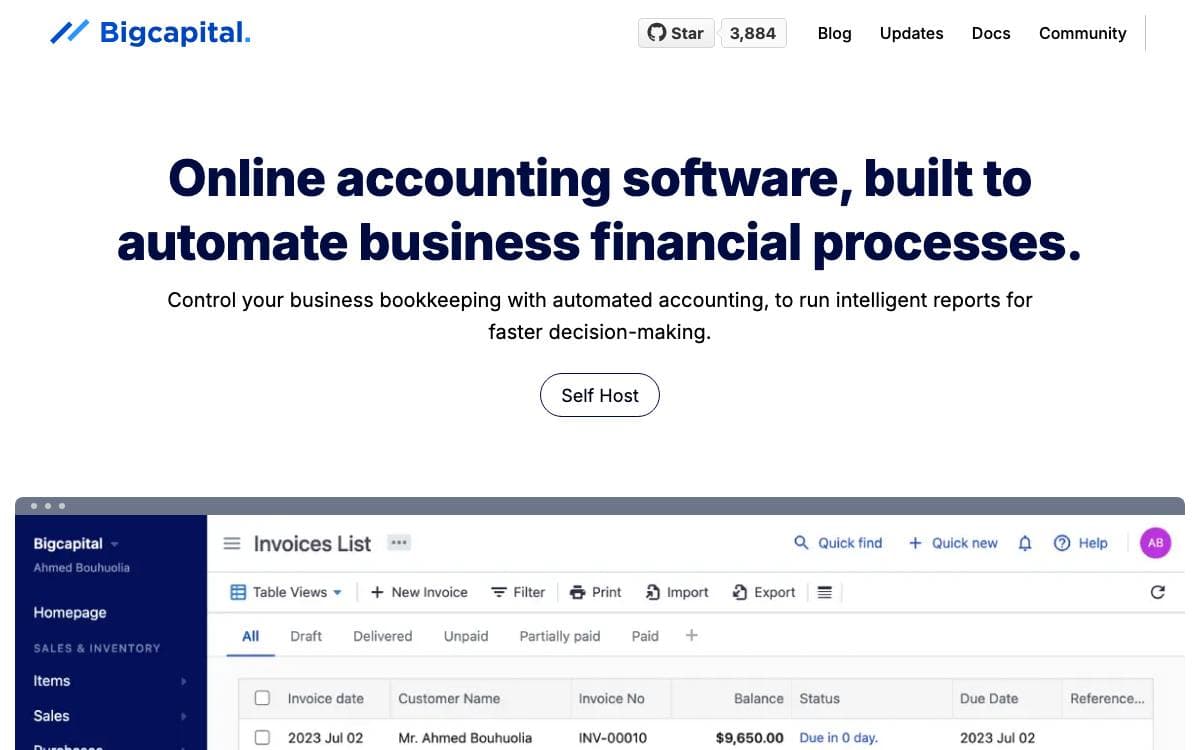
Bigcapital is an accounting and inventory system for small and medium businesses, built to keep every financial record in one place instead of scattered across spreadsheets and disconnected tools. It automates the bookkeeping work that stands between a transaction and a usable financial statement.
The platform organizes transactions in a double entry system, so the reports it produces rest on balanced books rather than ad hoc totals. A headless accounting mode exposes the same engine through an API, letting another system push its transactions into Bigcapital and read the resulting statements back out.
A few things decide whether it fits how you work.
- Self-hosting: the project is available under the AGPL license and runs on your own servers with Docker and Docker Compose.
- Financial reporting: the double entry ledger feeds the statements and reports the business needs for decisions.
- Inventory: stock sits in the same system as the books, not in a second tool that has to be reconciled.
- API reference: documented endpoints with a published Postman workspace for exploring them before you integrate.
- Cloud option: a hosted service exists for teams that would rather not run infrastructure at all.
Getting started locally is covered by a contributing guide, and a Gitpod button opens a configured workspace in the browser with the dependencies already installed. Documentation, an API reference and a Discord community carry the rest, and the project welcomes contributions of any kind.


