Open Source Wispr Flow Alternatives
A curated collection of the 6 best open source alternatives to Wispr Flow.
The best open source alternative to Wispr Flow is Handy. If that doesn't suit you, we've compiled a ranked list of other open source Wispr Flow alternatives to help you find a suitable replacement. Other interesting open source alternatives to Wispr Flow are: FluidVoice, VoiceInk, Amical and VoiceTypr.
Wispr Flow alternatives are mainly Input & Dictation but may also be AI Interaction & Interfaces. Browse these if you want a narrower list of alternatives or looking for a specific functionality of Wispr Flow.

Offline speech-to-text desktop app where you hold a shortcut, speak, and the transcription lands in whatever text field has focus.
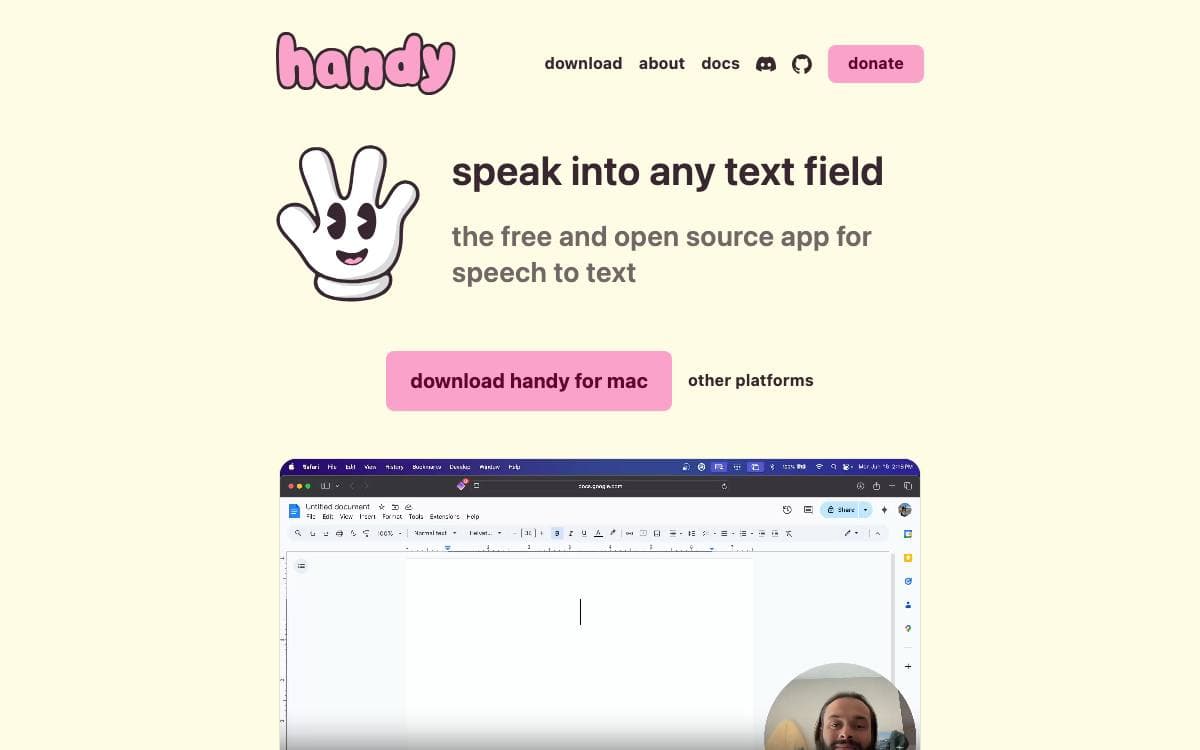
Press a shortcut, speak, release, and the words appear in the text field you were already typing into. Handy is a free, open source speech-to-text application that does this entirely on your own computer, so no audio is sent anywhere and no subscription stands between a person and basic accessibility tooling.
Recording can be held or toggled, with hold-only and toggle-only modes for anyone who wants one behavior. Silence is filtered by Silero voice activity detection, then transcription runs on a model of your choice, Whisper in small, medium, turbo or large sizes with GPU acceleration where available, or Parakeet V3, a CPU-optimized model with automatic language detection.
The application is a Tauri build with a clear split between its parts.
- Frontend: React and TypeScript with Tailwind CSS for the settings interface.
- Backend: Rust handles system integration, audio processing and machine learning inference.
- Speech libraries: transcribe-cpp runs the Whisper family while transcribe-rs runs Parakeet.
- System plumbing: cpal for audio input and output, rdev for global shortcuts and rubato for resampling.
- Command line flags: a running instance can toggle transcription, cancel an operation, start hidden or skip the tray icon.
Releases are published for Windows, macOS and Linux, with Homebrew cask and winget packages that the developers do not maintain themselves. First launch asks for microphone and accessibility permissions, and a debug mode is one keystroke away when something misbehaves. The project says plainly that it aims to be the most forkable speech-to-text tool rather than the best one.

Voice dictation for macOS that transcribes and cleans up speech on device, for anyone who would rather talk than type.
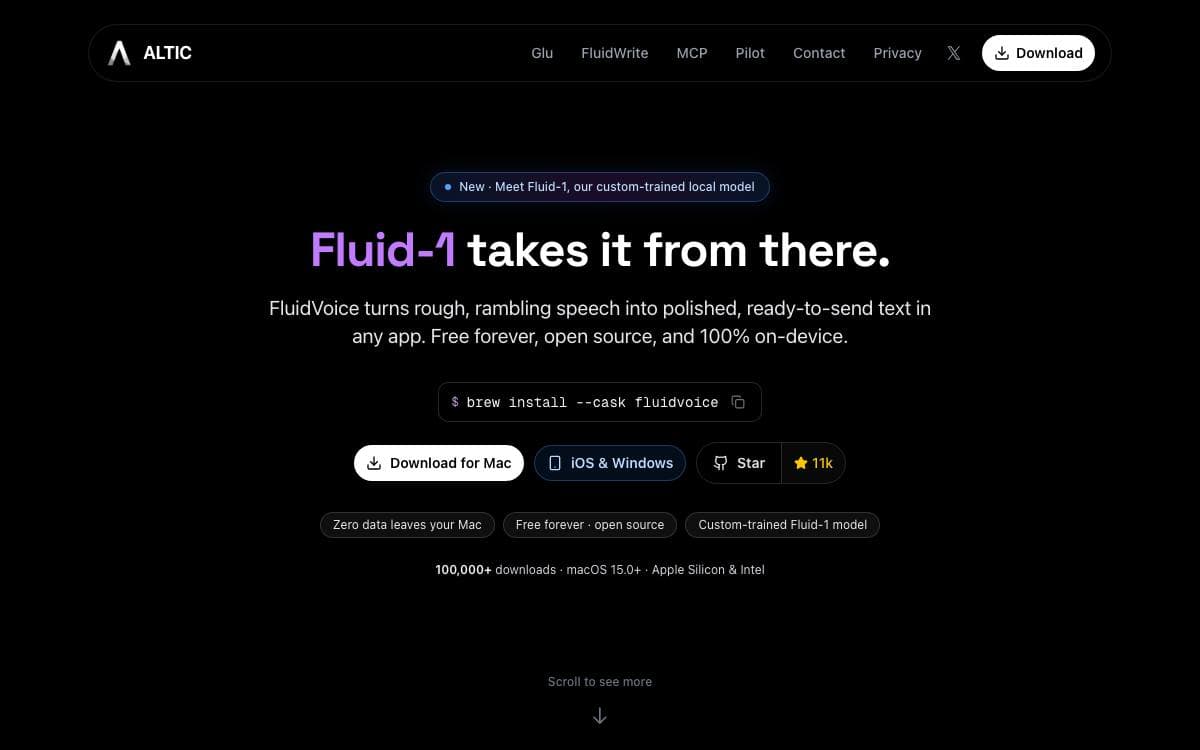
Dictation on a Mac usually means sending your voice to somebody else's server. FluidVoice works the other way round, an open source voice-to-text app for macOS where your voice and the text it produces stay on the machine unless you deliberately opt in to a cloud AI provider.
Speech recognition is model agnostic. You choose between Nemotron Speech 3.5, Parakeet Flash, Parakeet TDT v3 and v2, Cohere Transcribe, Apple Speech and Whisper, depending on the language you speak and the latency you can accept. Cleanup, capitalization and formatting are handled either by Fluid Intelligence, a separate local runtime kept private by the authors, or by OpenAI, Groq and custom providers.
Dictation reaches the whole desktop rather than a single window.
- Command Mode: launch apps, run shortcuts and trigger system actions by voice.
- Write Mode: dictate new text or rewrite a selection inside any text field.
- Live preview: a transcription overlay shows words as you speak, fitted around the MacBook notch where there is one.
- Per-app prompts: different prompt sets can be assigned to different applications, so wording adapts to whatever you are working in.
- Audio history: optional local recording history with budget controls and ZIP export, kept off cloud storage.
Installation is a Homebrew cask or a direct download of the latest release. A global hotkey captures audio from anywhere, insertion goes through the accessibility APIs so it works app by app, and auto-updates carry an optional beta channel. The app is GPLv3, with iOS and Windows versions announced as on the way.

Native macOS dictation that transcribes speech locally, for anyone who wants voice to text without sending audio off the machine.
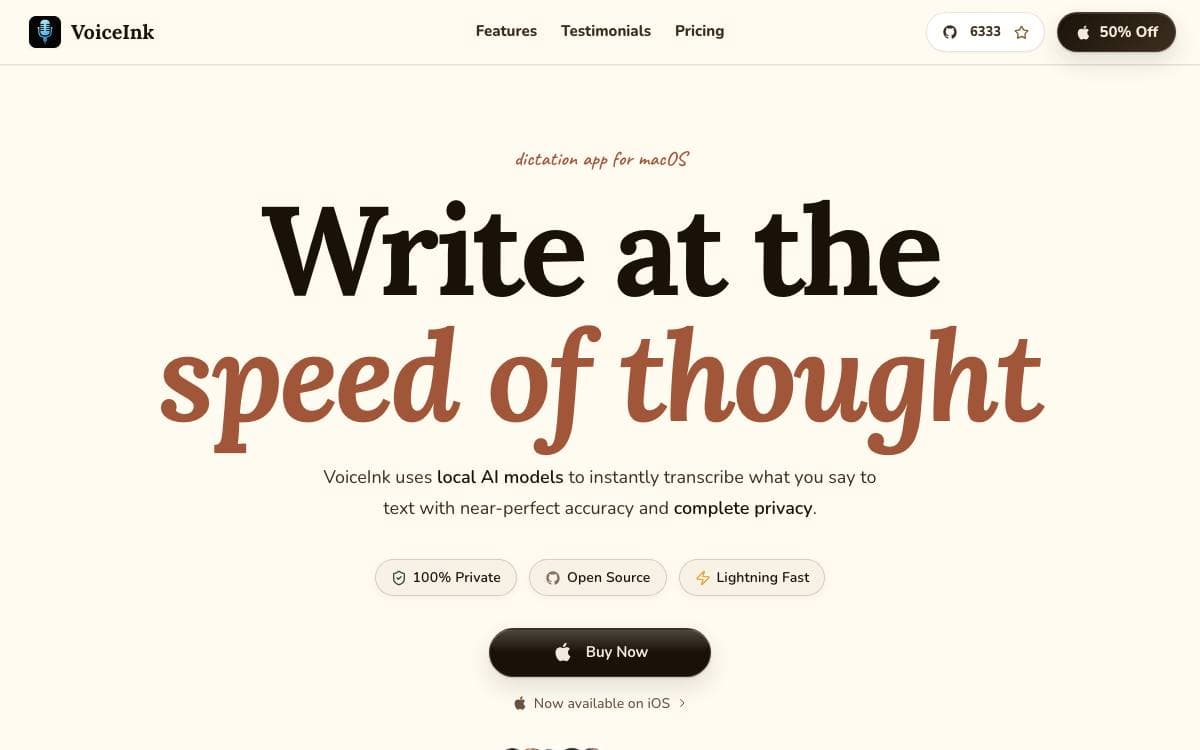
VoiceInk transcribes what you say into text almost instantly, natively on macOS. Processing happens entirely offline, which removes the usual trade between good dictation and handing your audio to somebody else's servers.
Local AI models do the work, built on whisper.cpp, on FluidAudio for the Parakeet model, and on transcribe.cpp for local GGUF models, with SenseVoice Small available for multilingual use. The author worked on the app for five months before opening the source.
Daily use is shaped by a handful of features.
- Global shortcuts: start recording with configurable keys, including push to talk.
- Modes: detect the app or address you are working in and apply the settings you configured for it.
- Context awareness: reads screen content so the transcript suits what you are actually doing.
- Personal dictionary: teaches the model custom words and industry terms, with smart text replacements.
- AI assistant: offers a conversational voice mode inside the same app.
VoiceInk requires macOS 14.4 or later and installs from the project site or with a Homebrew cask, and it can be built from source using the included instructions. Buying a license funds continued development and adds automatic updates and priority support. The code is under GPL v3, but the project is not accepting pull requests at present, so forking is the route for anyone wanting to change it, while bugs and feature ideas still go through issues.

A local-first dictation app that transcribes speech with Whisper on your own machine and formats the result for whichever app you are using.
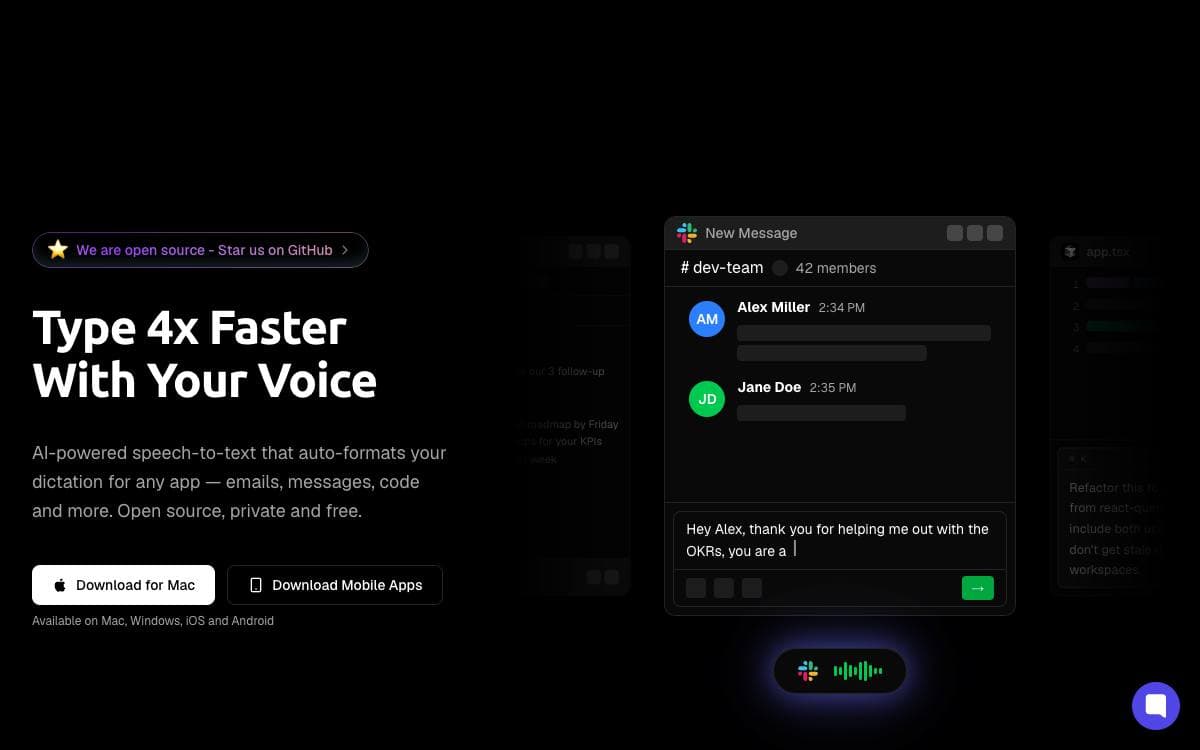
Dictation and note-taking in Amical happen entirely on your own machine. Whisper handles speech to text and open source language models handle the processing layered on top, so the privacy cost of talking to your computer is zero rather than a paragraph in someone's policy.
What makes the output usable is context. Amical detects the active application and formats your speech accordingly, so drafting an email, chatting on Discord, writing a prompt in an IDE, and messaging a friend do not all come out in the same register. Local models are set up in one click inside the app, and everything works offline.
The project marks its features by what has shipped and what has not.
- Fast dictation: speech to text with AI-enhanced accuracy, already shipped.
- Context awareness: formatting adapts to the active app, already shipped.
- Floating widget: frictionless start and stop with custom hotkeys, already shipped.
- Extensibility: hotkeys, voice macros, and custom workflows, already shipped.
- Smart voice notes: summaries, tasks, and structured notes, in progress.
- MCP integration: voice commands that control your apps, planned.
- Meeting transcription: real-time capture of microphone and system audio, planned.
The stack is Electron and TypeScript with Ollama, TailwindCSS, shadcn, Better-Auth, Zod, Vitest, and Turborepo. macOS installs through a Homebrew cask and Windows is supported, but Linux is not, because the app has no native helper there yet. Local Whisper transcription needs macOS 15 or later, and the code is released under MIT.

Offline-first dictation for macOS and Windows that transcribes speech locally and drops the text into whatever app you are using.
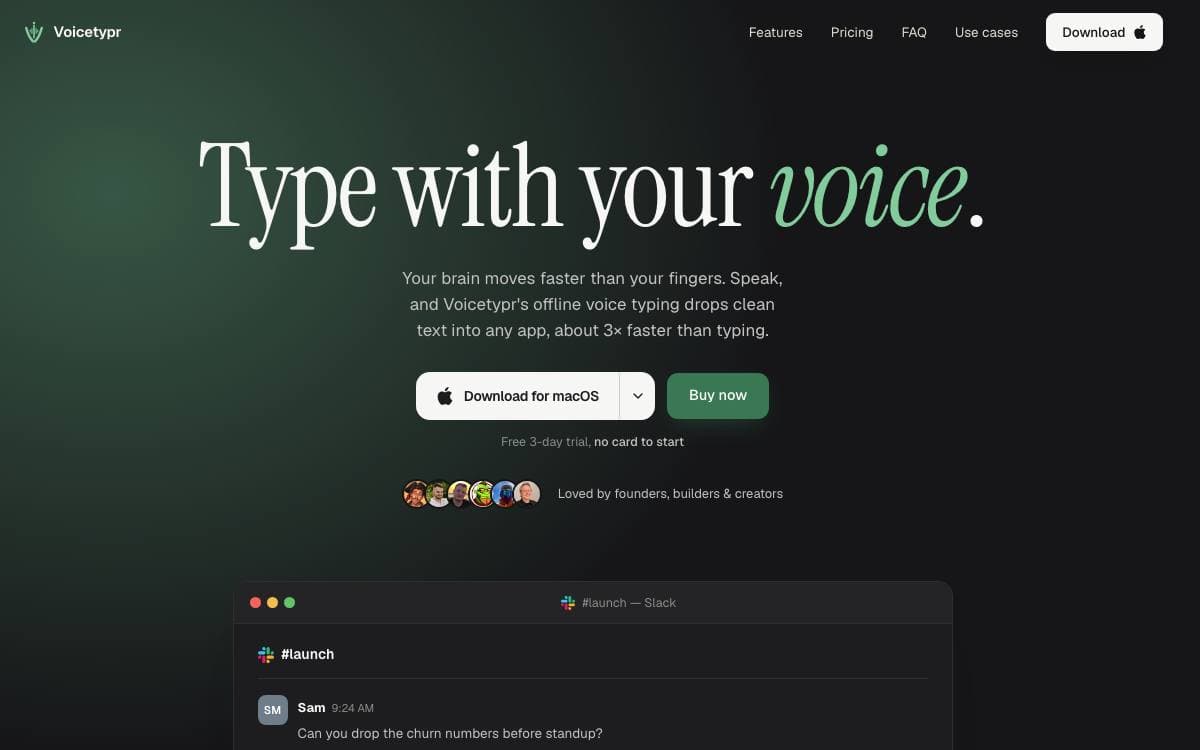
Voicetypr turns a global keyboard shortcut into a dictation pipeline for any text field on the machine. Press the shortcut, speak, and the transcript lands at the active cursor, which removes the round trip through a separate transcription window or a metered web service.
The app is built with Tauri v2, Rust and React, with audio recording, transcription orchestration, hotkeys, history and cursor insertion all handled in Rust. Local transcription is the default, using Whisper on both platforms and Apple Silicon optimized Parakeet models on macOS. On Windows an optional Vulkan path runs in an isolated sidecar so the main process stays CPU safe.
Settings decide how much of the work leaves the machine.
- Local models: audio and transcripts stay on the device, with model files downloaded once and kept there.
- Cloud speech to text: Soniox, OpenAI, Groq, Deepgram and Cohere are available when a provider suits the job better.
- AI formatting: rough dictation can be cleaned up by OpenAI, Anthropic, Gemini or a custom OpenAI compatible endpoint.
- Transcript history: search, filter, compare original against formatted text, copy, save or re-transcribe an entry.
- Network sharing: another Voicetypr installation on your network can act as a private transcription server.
- Agent-ready CLI: scripts and local agents get audio to text and microphone capture with plain text or JSON output.
macOS 14 or later and 64-bit Windows 10 build 19041 or later are required, along with microphone and accessibility permissions. Releases are signed and notarized on macOS and also installable from the Microsoft Store. The source is AGPL v3.

Mac dictation app that turns a held Fn key into clean punctuated text anywhere, built for people who refuse dictation subscriptions.
Jarvis exists because its author got annoyed that a rival raised 81 million dollars for voice dictation, and spent three months of late nights on an open source answer. Hold the Fn key, speak, release, and punctuated text appears in whatever field the cursor sits in, with fillers such as um and like stripped out automatically.
Transcription and cleanup are separate stages, and either can run locally or in the cloud. Local transcription uses Whisper or NVIDIA Parakeet through Sherpa-ONNX, local language models run through Ollama, and the cloud path pairs Deepgram with Gemini when speed matters. The app carries no tracking or telemetry.
The behavior is not fixed at whatever the author shipped.
- Prompt engineering: every behavior is customizable, from how mail is formatted to how dictation is cleaned.
- Text actions: fix grammar, rephrase, turn speech into bullet points or generate text outright.
- Small commands: simple actions already work, such as opening YouTube or setting a five minute timer.
- Hands-free mode: a double tap on Fn toggles continuous recording, and Escape cancels it.
- Model choice: Whisper in tiny, base or small, or NVIDIA's 600 million parameter Parakeet model.
- Ollama support: pulled models are detected automatically and picked from a dropdown.
Signed and notarized builds are published for Apple Silicon and Intel Macs, an iOS version is on TestFlight, and building from source needs Node 18 or later, macOS 10.13 or later and the Xcode command line tools. A Windows version is on the roadmap, and the license is MIT.


