Open Source Willow Alternatives
A curated collection of the 3 best open source alternatives to Willow.
The best open source alternative to Willow is Handy. If that doesn't suit you, we've compiled a ranked list of other open source Willow alternatives to help you find a suitable replacement. Other interesting open source alternatives to Willow are: FluidVoice and Amical.
Willow alternatives are mainly Input & Dictation. Browse these if you want a narrower list of alternatives or looking for a specific functionality of Willow.

Offline speech-to-text desktop app where you hold a shortcut, speak, and the transcription lands in whatever text field has focus.
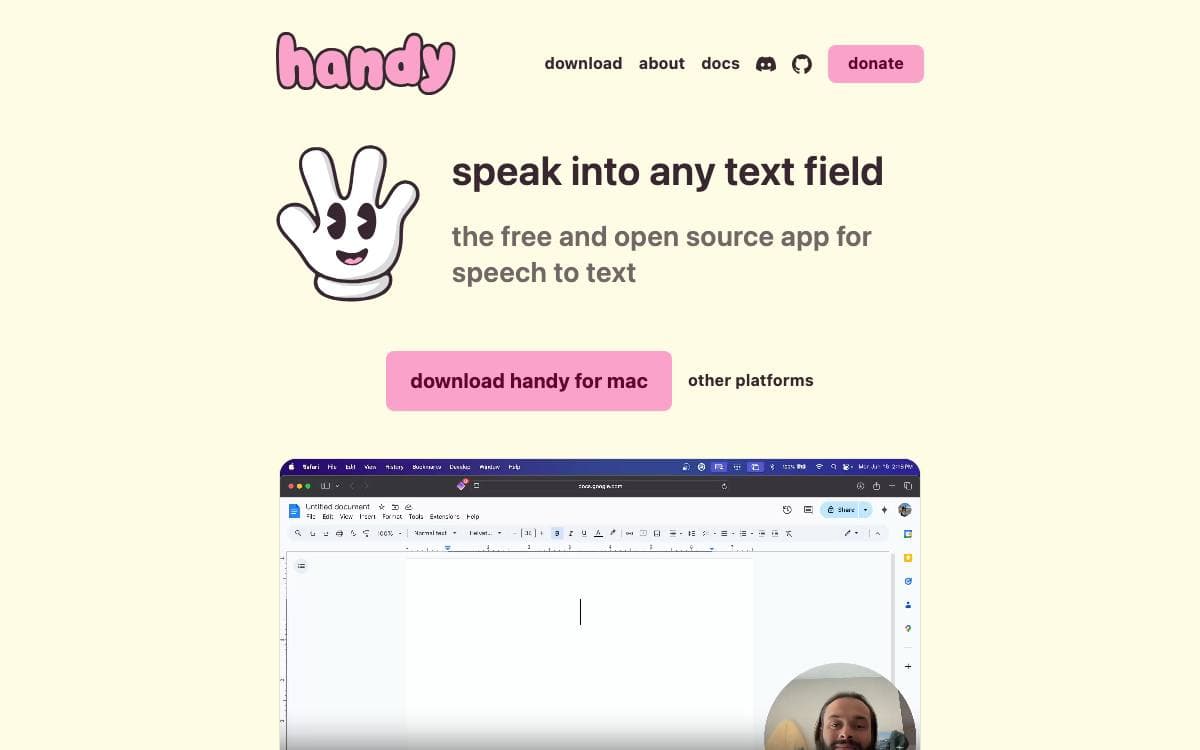
Press a shortcut, speak, release, and the words appear in the text field you were already typing into. Handy is a free, open source speech-to-text application that does this entirely on your own computer, so no audio is sent anywhere and no subscription stands between a person and basic accessibility tooling.
Recording can be held or toggled, with hold-only and toggle-only modes for anyone who wants one behavior. Silence is filtered by Silero voice activity detection, then transcription runs on a model of your choice, Whisper in small, medium, turbo or large sizes with GPU acceleration where available, or Parakeet V3, a CPU-optimized model with automatic language detection.
The application is a Tauri build with a clear split between its parts.
- Frontend: React and TypeScript with Tailwind CSS for the settings interface.
- Backend: Rust handles system integration, audio processing and machine learning inference.
- Speech libraries: transcribe-cpp runs the Whisper family while transcribe-rs runs Parakeet.
- System plumbing: cpal for audio input and output, rdev for global shortcuts and rubato for resampling.
- Command line flags: a running instance can toggle transcription, cancel an operation, start hidden or skip the tray icon.
Releases are published for Windows, macOS and Linux, with Homebrew cask and winget packages that the developers do not maintain themselves. First launch asks for microphone and accessibility permissions, and a debug mode is one keystroke away when something misbehaves. The project says plainly that it aims to be the most forkable speech-to-text tool rather than the best one.

Voice dictation for macOS that transcribes and cleans up speech on device, for anyone who would rather talk than type.
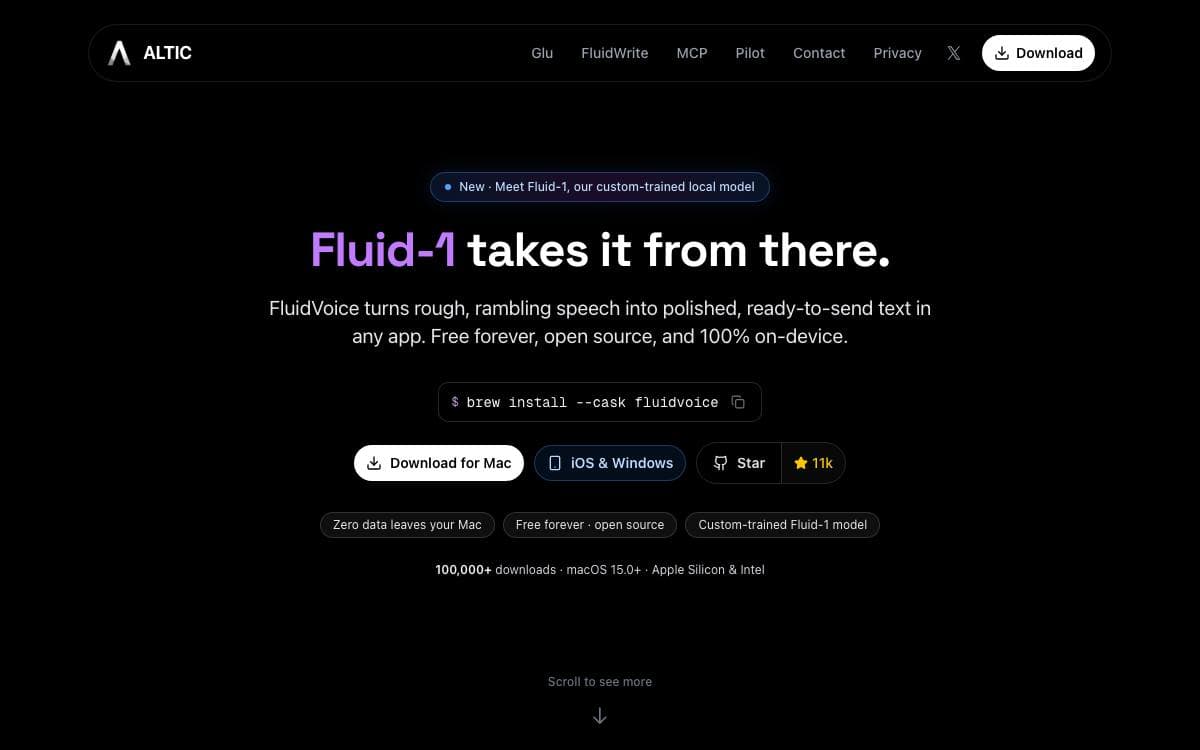
Dictation on a Mac usually means sending your voice to somebody else's server. FluidVoice works the other way round, an open source voice-to-text app for macOS where your voice and the text it produces stay on the machine unless you deliberately opt in to a cloud AI provider.
Speech recognition is model agnostic. You choose between Nemotron Speech 3.5, Parakeet Flash, Parakeet TDT v3 and v2, Cohere Transcribe, Apple Speech and Whisper, depending on the language you speak and the latency you can accept. Cleanup, capitalization and formatting are handled either by Fluid Intelligence, a separate local runtime kept private by the authors, or by OpenAI, Groq and custom providers.
Dictation reaches the whole desktop rather than a single window.
- Command Mode: launch apps, run shortcuts and trigger system actions by voice.
- Write Mode: dictate new text or rewrite a selection inside any text field.
- Live preview: a transcription overlay shows words as you speak, fitted around the MacBook notch where there is one.
- Per-app prompts: different prompt sets can be assigned to different applications, so wording adapts to whatever you are working in.
- Audio history: optional local recording history with budget controls and ZIP export, kept off cloud storage.
Installation is a Homebrew cask or a direct download of the latest release. A global hotkey captures audio from anywhere, insertion goes through the accessibility APIs so it works app by app, and auto-updates carry an optional beta channel. The app is GPLv3, with iOS and Windows versions announced as on the way.

A local-first dictation app that transcribes speech with Whisper on your own machine and formats the result for whichever app you are using.
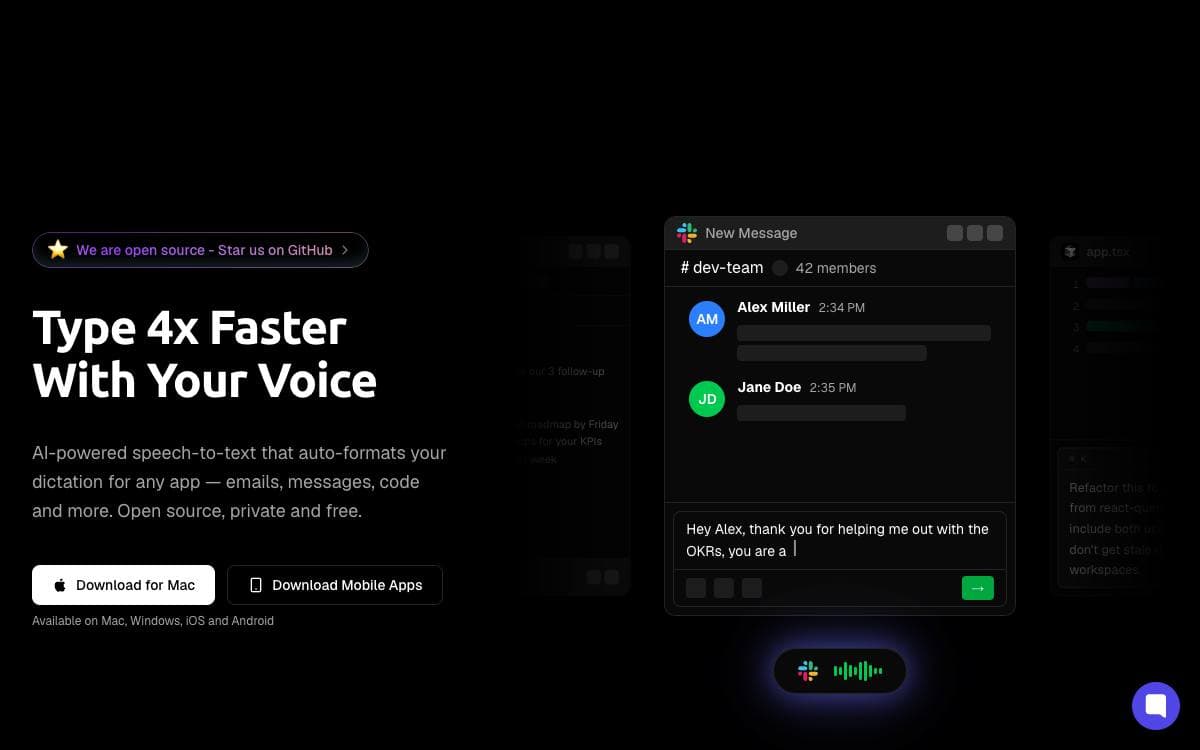
Dictation and note-taking in Amical happen entirely on your own machine. Whisper handles speech to text and open source language models handle the processing layered on top, so the privacy cost of talking to your computer is zero rather than a paragraph in someone's policy.
What makes the output usable is context. Amical detects the active application and formats your speech accordingly, so drafting an email, chatting on Discord, writing a prompt in an IDE, and messaging a friend do not all come out in the same register. Local models are set up in one click inside the app, and everything works offline.
The project marks its features by what has shipped and what has not.
- Fast dictation: speech to text with AI-enhanced accuracy, already shipped.
- Context awareness: formatting adapts to the active app, already shipped.
- Floating widget: frictionless start and stop with custom hotkeys, already shipped.
- Extensibility: hotkeys, voice macros, and custom workflows, already shipped.
- Smart voice notes: summaries, tasks, and structured notes, in progress.
- MCP integration: voice commands that control your apps, planned.
- Meeting transcription: real-time capture of microphone and system audio, planned.
The stack is Electron and TypeScript with Ollama, TailwindCSS, shadcn, Better-Auth, Zod, Vitest, and Turborepo. macOS installs through a Homebrew cask and Windows is supported, but Linux is not, because the app has no native helper there yet. Local Whisper transcription needs macOS 15 or later, and the code is released under MIT.


