Open Source Webflow Alternatives
A curated collection of the 10 best open source alternatives to Webflow.
The best open source alternative to Webflow is Onlook. If that doesn't suit you, we've compiled a ranked list of other open source Webflow alternatives to help you find a suitable replacement. Other interesting open source alternatives to Webflow are: WordPress, WebStudio, Builder and Plasmic.
Webflow alternatives are mainly Frameworks & Platforms but may also be Website Builders or Content Management Systems. Browse these if you want a narrower list of alternatives or looking for a specific functionality of Webflow.

Visual editor for Next.js and Tailwind projects, letting designers edit the live DOM while real source code changes underneath.

Designers working on top of a codebase usually hand mockups to engineers and wait. Onlook closes that gap with an open source visual-first code editor where changes made in the browser DOM land directly in Next.js and TailwindCSS source, positioning itself against Bolt.new, Lovable, V0, Replit Agent, Figma Make and Webflow.
Under the surface, project code loads into a web container that serves it, the preview appears in an iFrame, and the code is indexed and instrumented so every element maps back to its place in the source. Edits apply to the iFrame first and then to the code. The stack is Next.js with tRPC, Supabase and Drizzle for data, the AI SDK over OpenRouter for models, and Bun for the monorepo.
The editor covers the span between a blank project and a deployed site.
- Project creation: Start a Next.js app from text, an image or a prebuilt template.
- Visual canvas: Browse layers, manage brand assets and tokens, and preview the app in real time.
- Code access: A real-time editor sits beside the design, with checkpoints to save and restore.
- Branching: Try alternative designs without disturbing the main line of work.
- Deployment: Generate a shareable link or point a custom domain at the result.
Onlook runs on any Next.js and TailwindCSS project, imported or started from scratch, through the hosted app or locally. Support for other frameworks and non-Tailwind projects remains open work.

Semantic personal publishing platform that installs on ordinary PHP and MySQL hosting and extends through a documented plugin API.
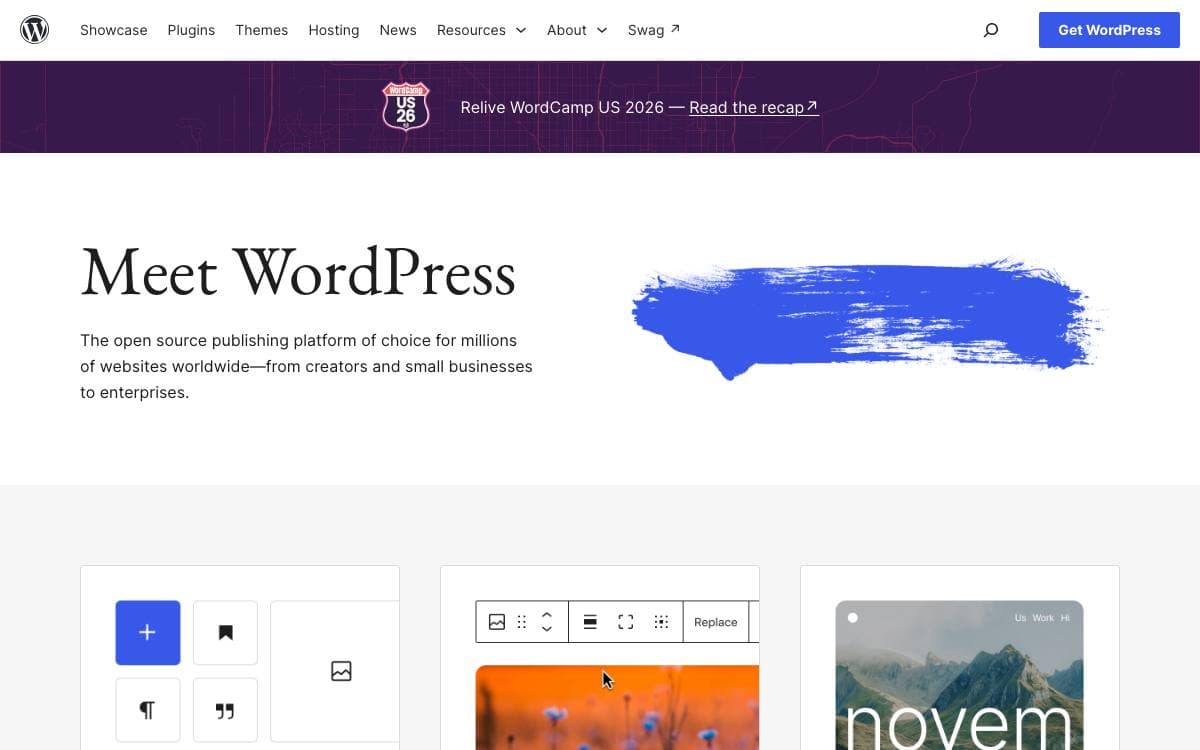
WordPress calls itself a semantic personal publishing platform, and this repository is the software rather than a hosted service. It suits anyone who wants a site on hosting they control, and the README still opens with a note from Matt Mullenweg about the thousands of hours contributors have put into it.
Setting it up is the famous five-minute install. Unzip the package into an empty directory, upload everything, and open the installer in a browser, which walks through writing a configuration file with your database details and then creates the tables. Where that route fails on a particular host, the sample configuration can be edited by hand and uploaded instead.
A handful of practical facts decide whether a given host will do.
- Minimum versions: PHP 7.4 or greater with MySQL 5.5.5 or greater.
- Recommended versions: PHP 8.3 or greater with MySQL 8.0, or MariaDB 10.11.
- Web server: The Apache mod_rewrite module and HTTPS support are both recommended.
- Updating: An automatic updater runs from the admin, or files can be replaced by hand after backing up changes.
- Migrating: Import tools bring content across from a number of other systems once the install works.
Extending WordPress is meant to happen through its plugin API rather than by editing core code, and a plugin developer handbook covers that path. Documentation, active support forums, a chat channel and the project blog carry the rest.

An open source visual development platform for developers, designers and cross-functional teams who want to own the data, components and infrastructure.
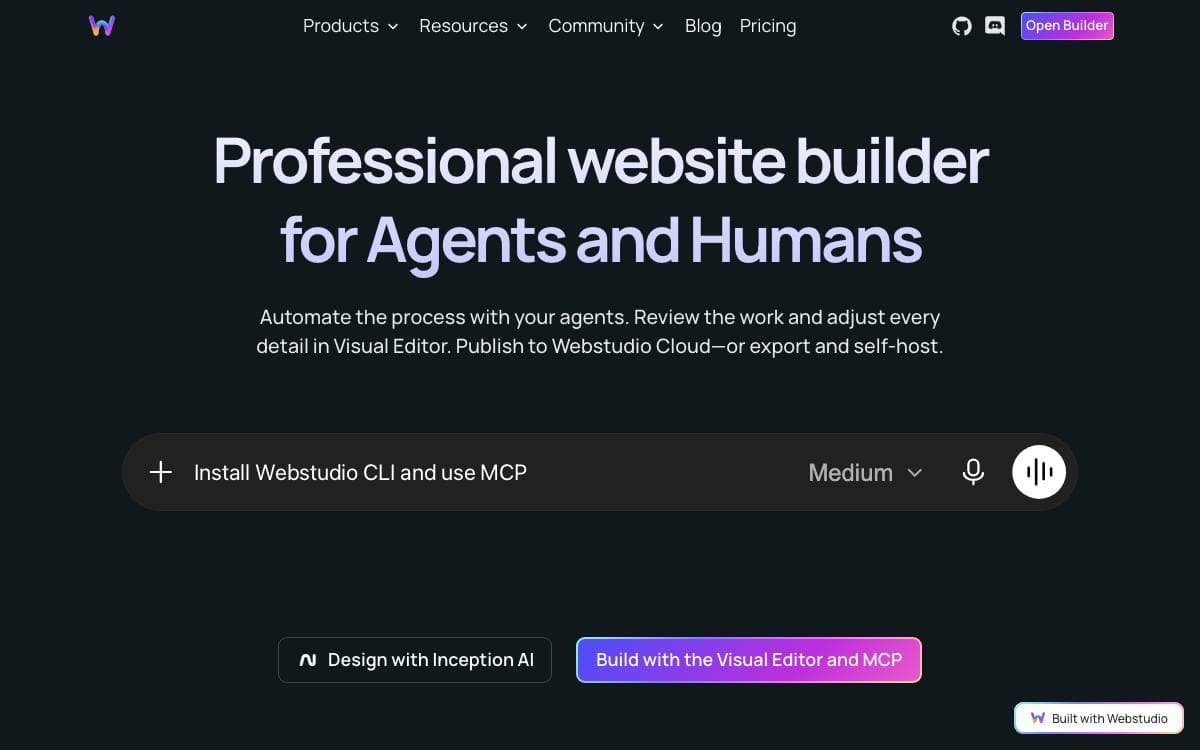
Webstudio is an open source visual development platform for developers, designers, and cross-functional teams. Visual builders usually trade control for convenience, wrapping CSS in an abstraction of their own and locking the output to one host. Webstudio does neither. You own the data, components, and infrastructure.
The builder works with CSS directly instead of through a naming layer, so what you set is what ships. Design tokens and components carry a design system across pages, data binding and resources pull content in from elsewhere, and Radix UI components supply accessible primitives to build on.
The builder gives a cross-functional team a shared surface.
- CSS control: styling with no abstraction sitting in between.
- Design tokens and components: a design system managed inside the builder itself.
- Data binding and resources: pages that read from a third party content manager.
- Dynamic pages: routes generated from that content rather than built by hand.
- Marketplace: components and sections contributed by the community.
- Collaboration: several people working on one project together.
Publishing is not tied to one place. A site can go out on a Webstudio subdomain, a custom domain, a static export or infrastructure you run yourself, and you can use the hosted version or roll out your own. The core is free and open source under AGPL-3.0-or-later. One optional animation package is proprietary and requires accepting the company's end user license before you use it.

Visual editing for existing sites and apps, turning Figma files and your own components into code teams can publish.
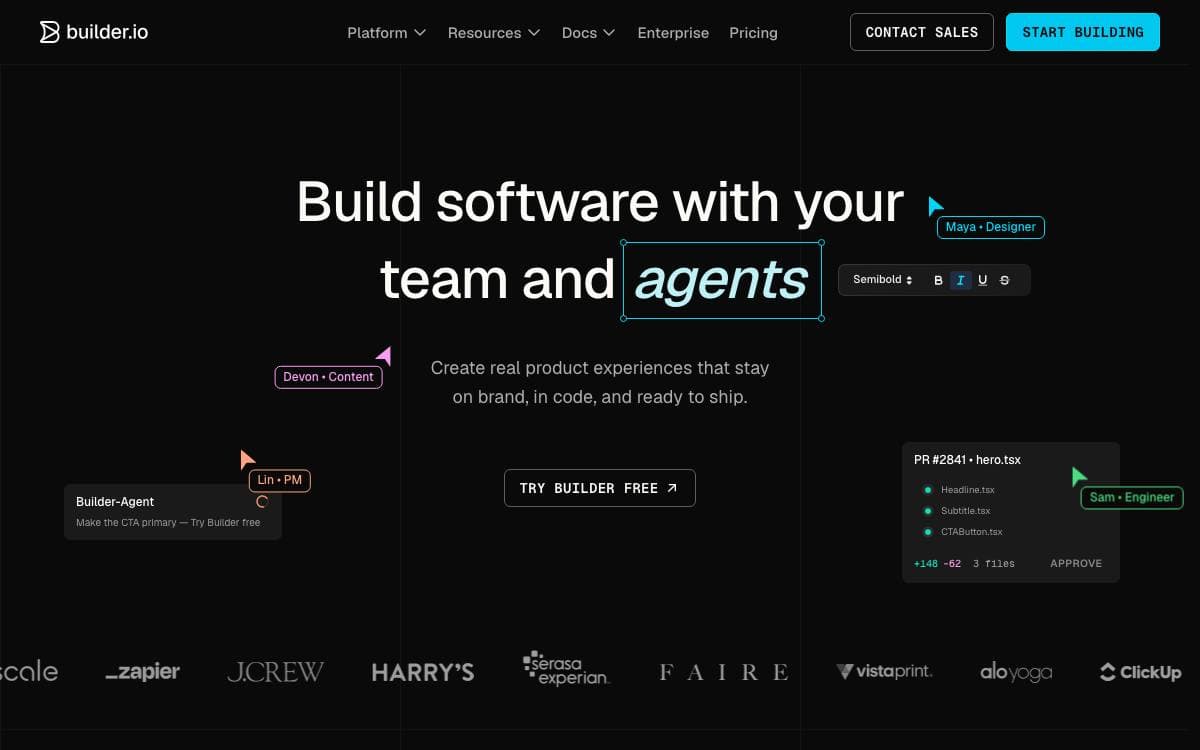
Builder.io connects to a site or app you already have, so pages can be edited visually and code generated from the components already in your codebase. Layout changes stop waiting on a developer to hand-write them.
The editor works against those existing components rather than a fixed widget set. Work can start from a Figma design and be turned into code, or be assembled in the drag and drop editor, and the result is either exported as code or published through the SDKs.
This repository is the open part of that platform.
- SDKs: deliver Builder content into a frontend across the supported frameworks.
- Usage examples: show how those SDKs are wired into a working application.
- Starter projects: give a running codebase to begin from rather than an empty folder.
- Plugins: extend the platform where the defaults do not fit a team's stack.
- Documentation: explains how Builder works technically before you commit to it.
A free account is enough to try the hosted editor, and the technical overview in the documentation covers how a visual edit reaches a production site. Questions, requests and feedback go to the Builder.io forum, where the team and the community answer them, and contributions to the SDKs, examples, starters and plugins are welcome in this repository.

A visual builder that plugs into an existing React codebase, letting marketers and developers assemble pages and apps without hitting a low-code ceiling.
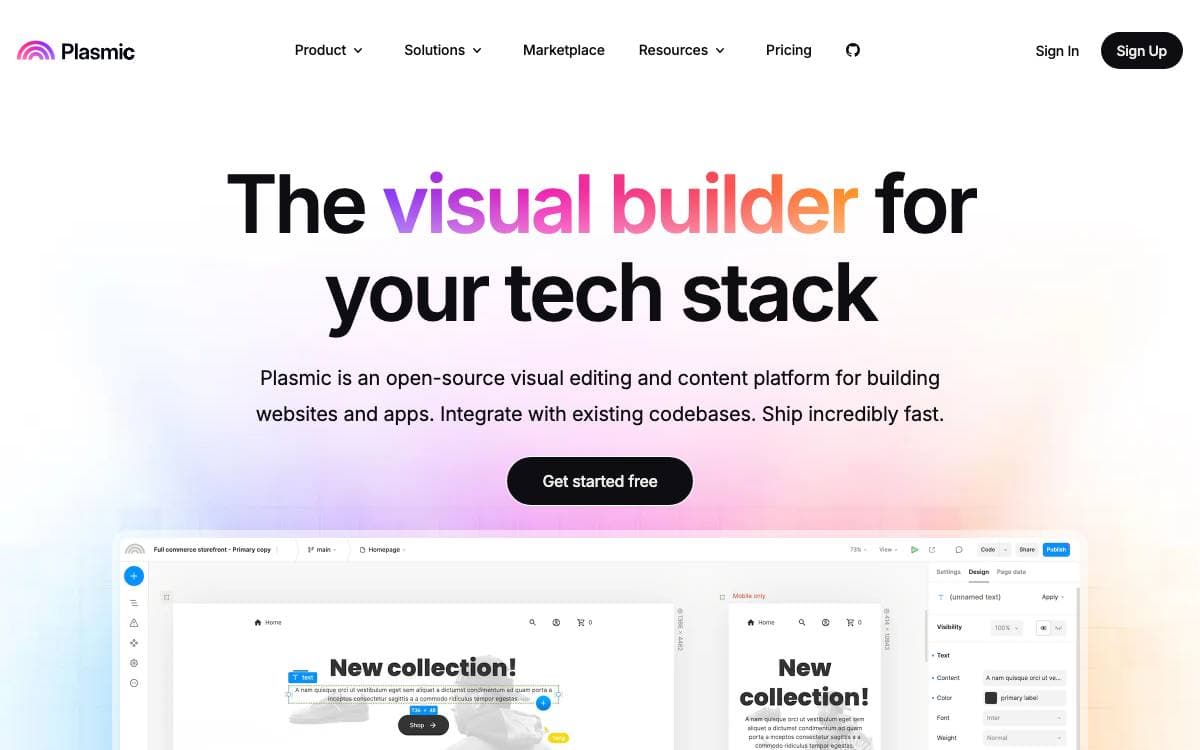
Plasmic is a visual builder for the web that does not stop at the edge of your codebase. Teams design and build applications and websites in a drag-and-drop studio, then ship the result into an application they already maintain instead of a walled hosting platform.
Integration runs two ways. A loader package installs into your framework, your own React components are registered for drag-and-drop in the editor, and placeholders render studio-built pages anywhere in the app. The alternative is codegen, which writes React code into the repository, and it is how Plasmic Studio itself was built.
The feature set aims past the usual low-code limits.
- Design freedom: a modern design tool interface with components, variants, slots and composable state management.
- Data connections: arbitrary data sources and backend integrations, plus end-user auth with role-based and user-scoped permissions.
- Content creator mode: a simplified editing experience with design guardrails for specific collaborators.
- Figma import: designs translate from Figma's proprietary vector format into DOM and CSS.
- Headless components: customizable design system components built on react-aria.
- Collaboration: multiplayer editing, branching, cross-project imports and multi-workspace organizations.
Publishing triggers webhooks that rebuild the site, or uses incremental static revalidation or dynamic fetching from the Plasmic CDN, and the output deploys to Vercel, Netlify or any other host. Everything outside the platform directory carries the MIT license, with the platform itself under AGPL, so the whole thing remains forkable. Users range from Fortune 500 companies to solo makers building storefronts, marketing sites and logged-in app content.

Low-code visual website builder from the Frappe ecosystem, with an AI page agent, a built-in CMS and one-click publishing.
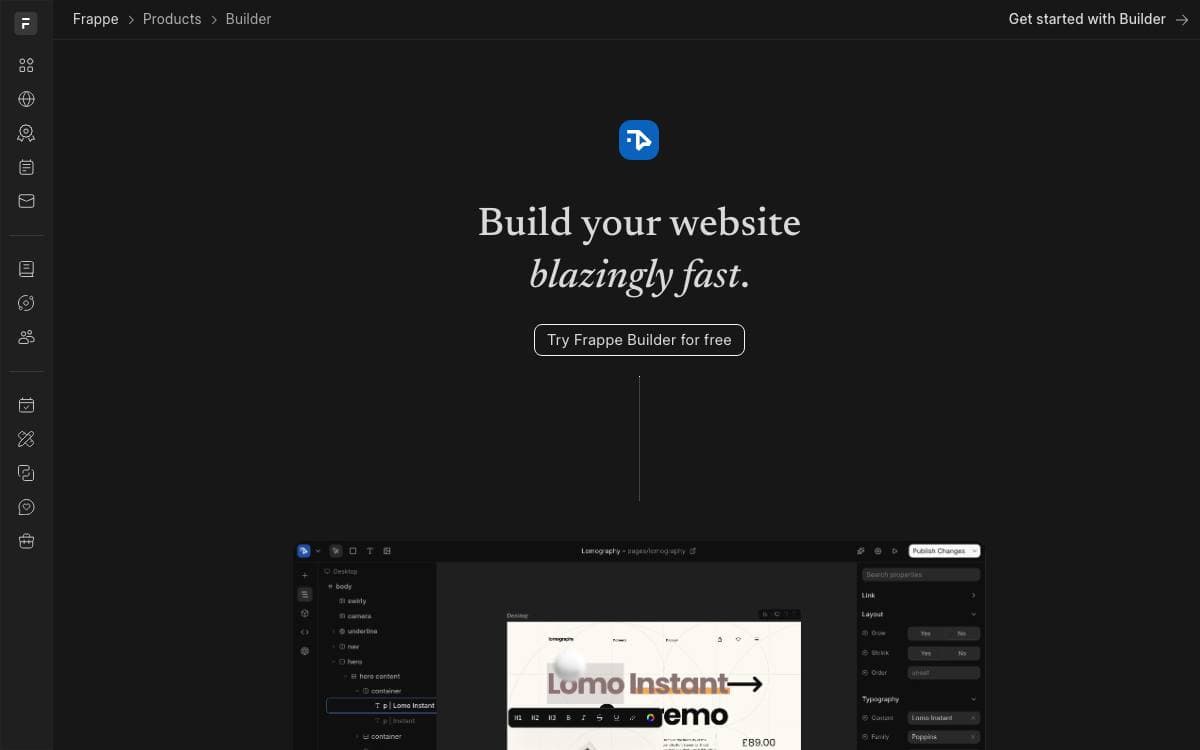
Frappe Builder is a low-code website builder aimed at designers who want ease and developers who want customization. The editor works like Figma and publishing takes a click, so the distance between designing a page and having it live effectively disappears. Pages stay free of unnecessary scripts and styles, which is what most builders quietly charge you in load time.
It runs on the Frappe Framework, a full-stack web application framework, with the Vue-based Frappe UI library supplying the interface. That relationship also brings the framework's built-in CMS for structured content and dynamic data, so data-driven pages need no separate backend.
The tool covers design, data and what happens after publishing.
- Visual editor: drag-and-drop building with responsive views for every screen size and built-in dark mode.
- AI site builder: an agent called Bob that reads your existing pages, reuses your components and theme tokens, waits for approval on sensitive changes and leaves every edit revertable.
- Advanced scripting: global, client and per-block data scripts, typed block props, and properties bound to page data or query parameters.
- Page analytics: a built-in dashboard for page views, unique visitors and top referrers.
- One-click publishing: a finished page goes live without a separate deploy step.
Self-hosting runs from an install script that produces a production instance in about five minutes, with Docker Compose and a local bench setup available for development. Managed hosting exists on Frappe Cloud, and the company's own website is built with the tool.

Free visual website builder that exports clean HTML and CSS, aimed at agencies, freelancers and designers who refuse vendor lock-in.
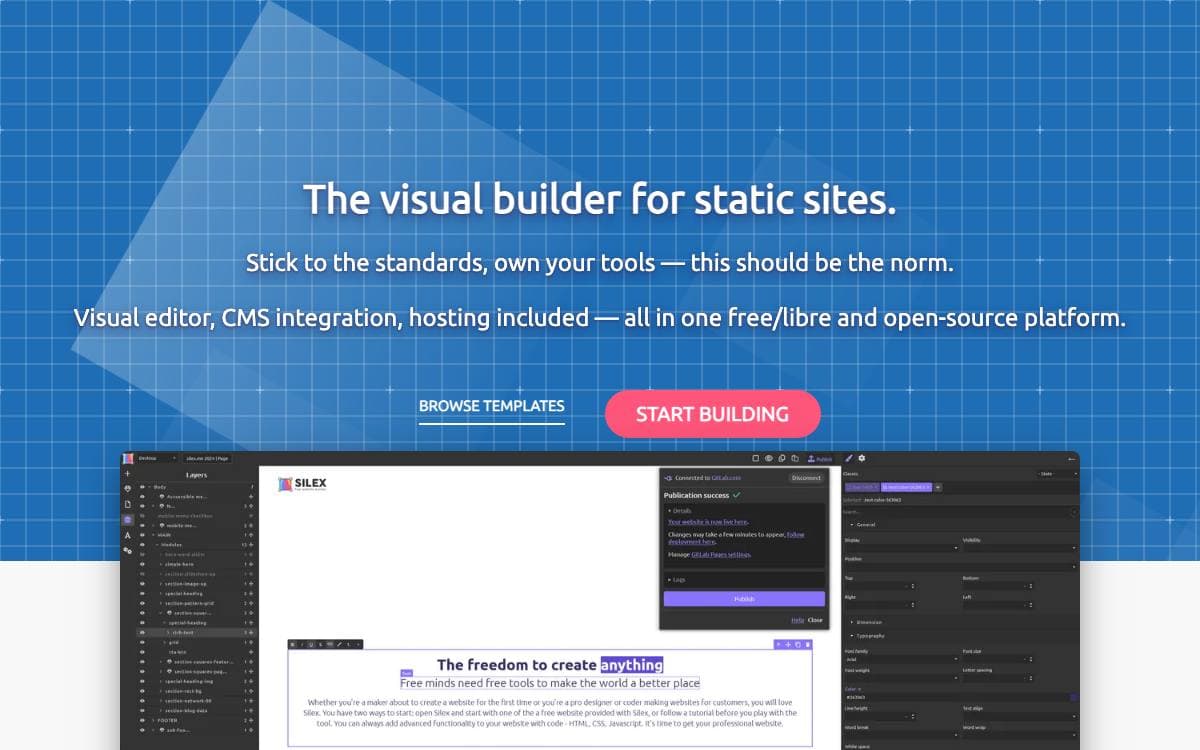
The pitch for Silex is an argument against lock-in. This free and libre visual builder produces standard HTML and CSS, hosts anywhere, and lets you walk away at any point, with no subscription, no proprietary format and no tracking, which is the opposite of how most no-code tools are shaped.
The editor is built on GrapesJS, pairing drag-and-drop page building with HTML, CSS and JavaScript editors. Output is static, and templates are compatible with 11ty, so a site can be generated and deployed through CI like any other codebase.
Several pieces beyond the editor matter for real client work.
- CMS integration: bind components to WordPress, Strapi, Squidex or any GraphQL API.
- Desktop app: an alpha Tauri build for Windows, macOS and Linux that works offline with no account.
- MCP server: the desktop app exposes a Model Context Protocol endpoint, so a local Ollama model or another compatible client can edit a site by prompt.
- Plugin system: server and client extensions written in JavaScript or TypeScript.
- SEO tools: meta tags, Open Graph and per-page settings.
- Self-hosting: Docker, Node.js or a one-click CapRover deploy.
Silex is maintained by Silex Labs, a non-profit recognized as being of general interest, with transparent finances and no investors, which is the reason there is no premium tier to upgrade to. An online instance is free to try, storing your work in a GitLab account, and the desktop download needs no account at all.

Websites, blogs, and ecommerce stores built in PHP with a drag and drop page builder, for teams on modest shared hosting.
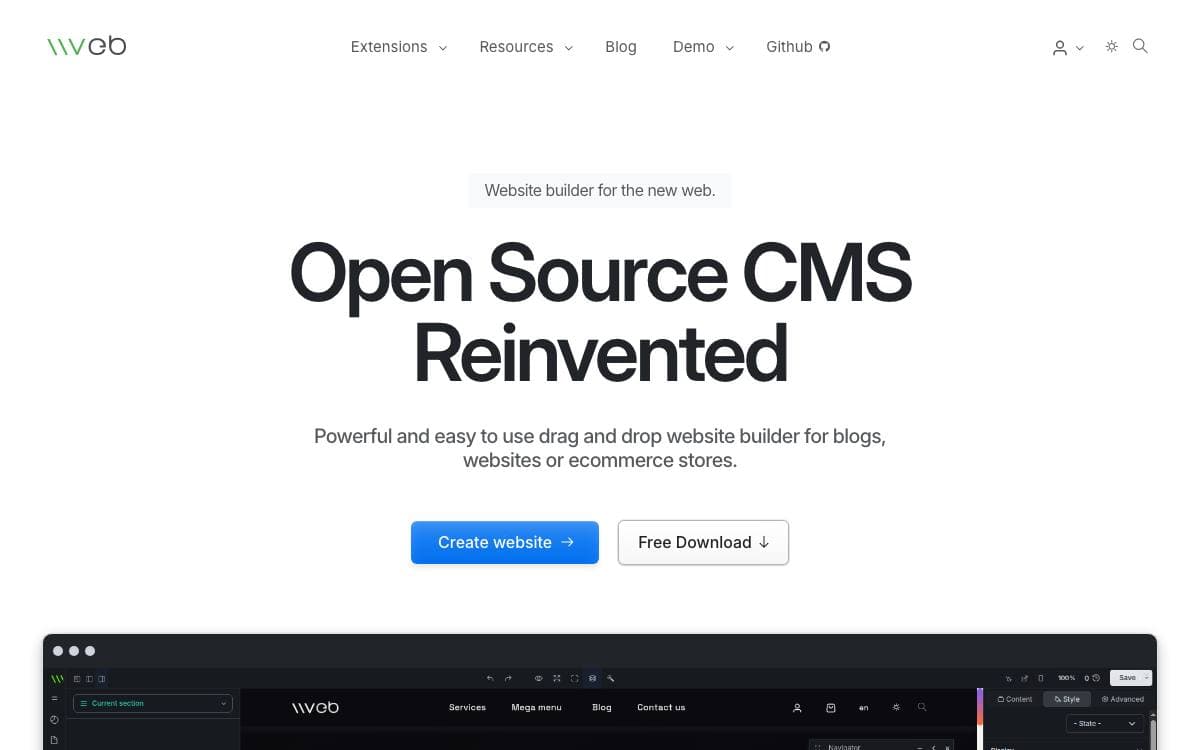
Vvveb CMS puts a visual page builder in front of a PHP site, so pages get laid out by dragging blocks rather than by editing templates. It stretches from a personal blog to a store with subscriptions and digital downloads, which removes the usual step of bolting an ecommerce plugin onto a general purpose CMS.
It runs on PHP 7.4 or newer, with 8.3 recommended, and stores content in MySQL, MariaDB, PostgreSQL, or SQLite. Install by uploading a build to your server and opening it in a browser, or run the bundled CLI installer with database credentials on one line. The page builder itself, VvvebJs, lives in its own repository, as do the admin and frontend themes.
The feature list leans toward publishing teams and shop owners rather than developers alone.
- Editorial workflow: revisions, media management, multiple users, and role permissions.
- Ecommerce: one page checkout, subscriptions, digital assets, vouchers, product options, variants, and reviews.
- Hybrid headless: serve pages traditionally or pull content through the GraphQL and REST APIs.
- Extensibility: custom fields, custom posts, custom products, and plugins hooked into an event system.
- Security: brute force and SQL injection protection, a hidden admin login page, and only one PHP file exposed publicly.
- Marketplace: themes and plugins install in one click from the admin dashboard.
With caching on, served pages behave like static files, and the project reports hundreds of requests per second on free shared hosting. Backups run manually or automatically, import and export cover migration, and licensing is AGPLv3 or later.

A visual website builder and CMS for marketers, designers and agencies who want a Webflow style tool they can self-host.
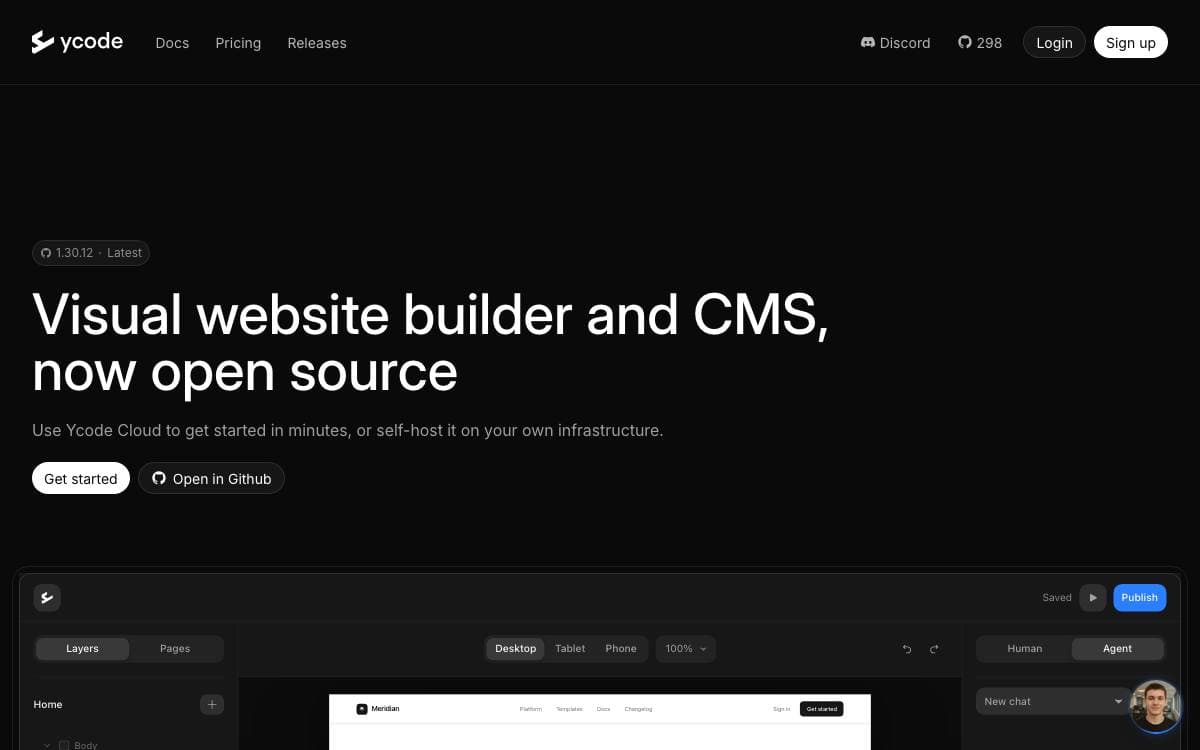
Building a marketing site usually means choosing between a hosted page builder you cannot inspect and a codebase only developers can touch. Ycode is a visual website builder with a CMS attached, published as open source and also sold as a managed cloud service.
Work happens on a canvas where layouts, spacing, styles and responsive behavior are edited directly, and reusable components keep repeated sections in one place. Content lives in collections with fields you define, so structured data and page design stay inside the same tool. Designing from a written prompt is supported alongside direct manipulation.
Self-hosting is deliberately thin on moving parts.
- GitHub: the project is forked into your own account and maintained from there.
- Vercel: the site and its editor deploy to your Vercel account.
- Supabase: a Supabase project supplies the database behind the CMS.
- AI providers: Anthropic, OpenAI, Google and xAI models can each be connected.
- Languages: collections carry an unlimited number of translations.
Installation follows a written guide covering each account you need, and the documentation is actively maintained. The self-hosted edition sets no cap on users, pages or CMS items, while the cloud plan adds managed hosting and a global CDN with a content limit. Official support covers cloud projects, and the open source build is supported by the community on Discord.

The packages behind an editor-driven web app framework with server-side rendering, published for developers following its move to open source.
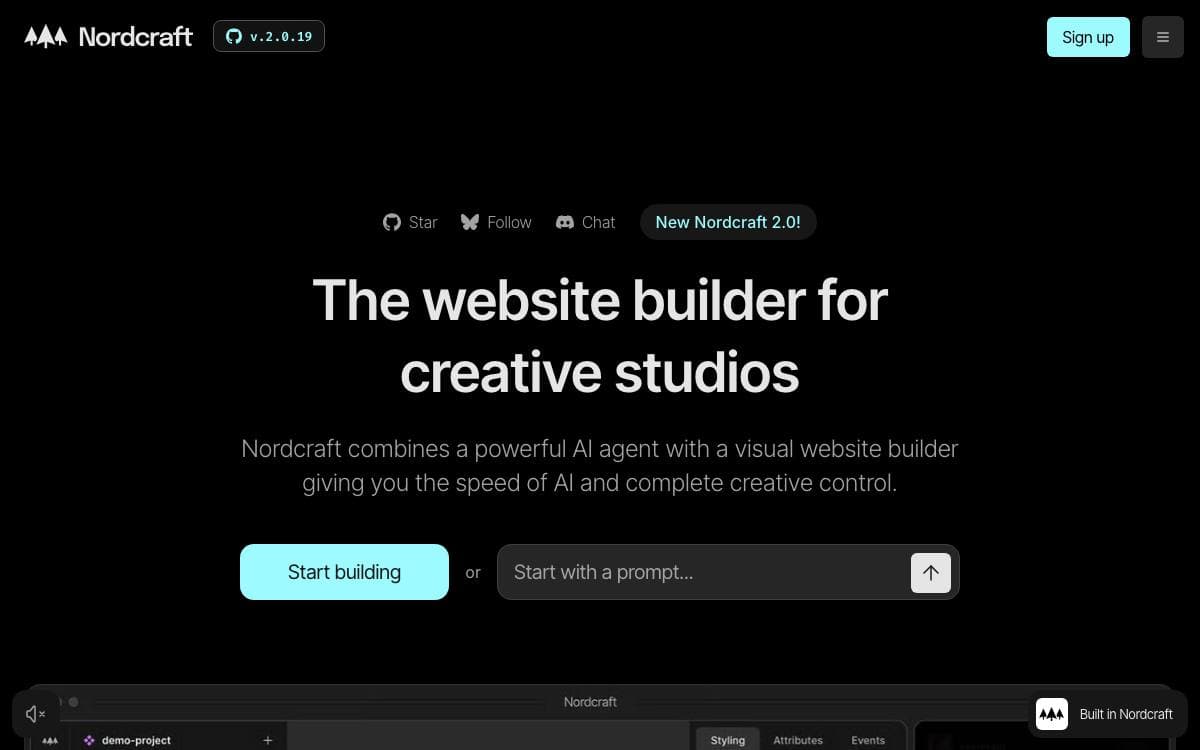
Nordcraft builds web apps with server-side rendering, branching, version control and components, and this repository holds the packages that make the framework run. It is also the vehicle for a plan announced in 2024 to open the whole product and make a Nordcraft application self-hostable.
Each package is published to npm and consumed internally by the framework. The repository is built with bun, which handles install, linting, type checking and a single build across every package at once.
The packages divide the runtime along clear lines.
- Core: shared logic that every other package depends on.
- Runtime: hydrating, running and updating an application in the browser.
- SSR: the server-side rendering logic, and the current focus of the migration.
- Standard library: the built-in formulas and actions used by the runtime and during rendering.
- Search: issue rules and project traversal, powering the editor's issue panel inside a web worker.
- CSS parser: the parser behind the style panel in the editor.
The maintainers are candid about the status. Packages are used internally but are not yet ready for outside applications to consume, and most current work lands in the rendering package. Releases go to GitHub and npm once a version bump is merged. Issues and pull requests are welcome, and the documentation lives in its own open repository.


