Open Source Warp Alternatives
A curated collection of the 8 best open source alternatives to Warp.
The best open source alternative to Warp is Orca. If that doesn't suit you, we've compiled a ranked list of other open source Warp alternatives to help you find a suitable replacement. Other interesting open source alternatives to Warp are: Ghostty, Alacritty, Kitty and WezTerm.
Warp alternatives are mainly Terminals but may also be AI Assisted Coding. Browse these if you want a narrower list of alternatives or looking for a specific functionality of Warp.

Desktop orchestrator that runs several terminal coding agents side by side, each in its own git worktree, tracked in one window.
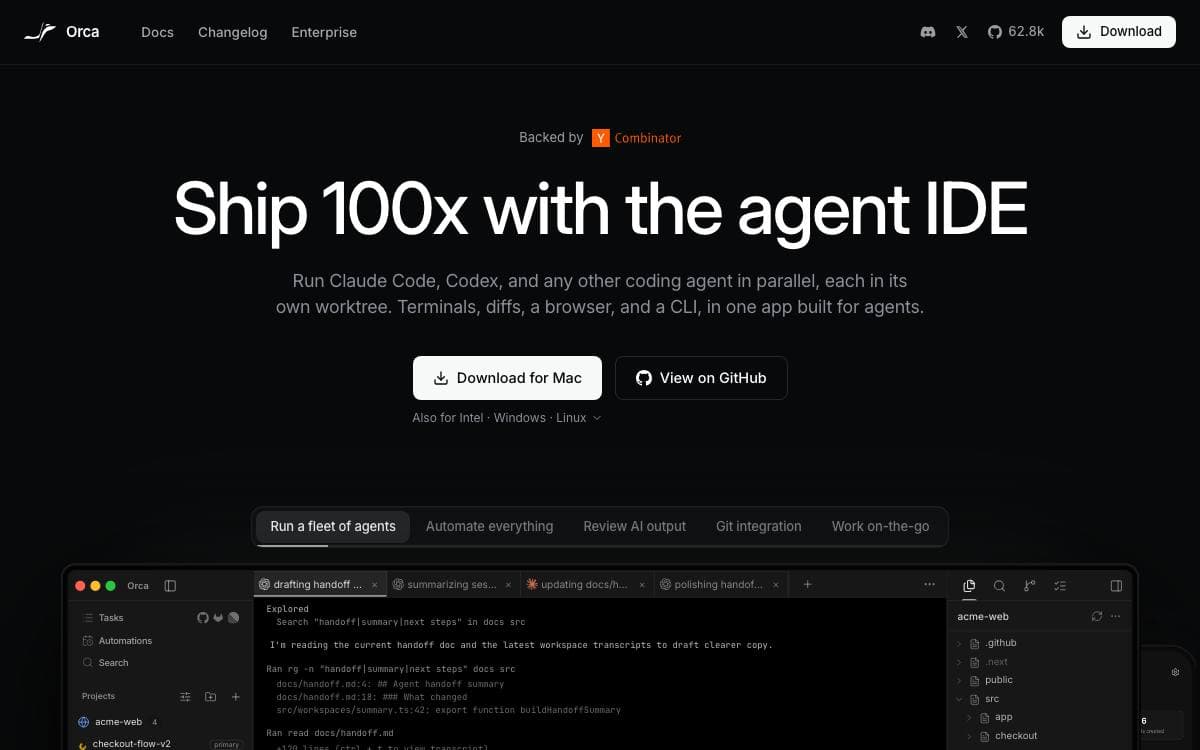
Orca runs Codex, Claude Code, OpenCode, Pi and other command line agents at the same time, each isolated in its own git worktree and all of them tracked in one place. Fan a single prompt across five agents, compare what comes back, and merge the one that won.
The workspace around them is a real development environment: terminals with WebGL rendering, unlimited splits and scrollback that survives a restart, plus an editor with autosave and drag-and-drop of files or images into a prompt.
Several features exist because agent work has its own shape.
- Design mode: click any element in a live Chromium window to send its HTML, CSS and a cropped screenshot into the prompt.
- SSH worktrees: run agents on a remote machine with full file editing, git and terminals, with auto-reconnect and port forwarding.
- GitHub and Linear: browse pull requests, issues and boards in-app, opening a worktree from any task.
- Diff annotations: comment on any diff line and ship those comments back to the agent.
- Orca CLI: agents drive Orca themselves through worktree, snapshot, click and fill commands.
- Mobile companion: monitor agents from a phone and send follow-ups when one finishes.
Desktop builds cover macOS on Apple Silicon and Intel, Windows and Linux AppImage, with a Homebrew cask and an AUR package. A headless server mode is documented separately. Orca is MIT licensed.

A terminal emulator that refuses the tradeoff between speed, features and native interfaces, with an embeddable library underneath.
Terminal emulators tend to make you pick two of speed, features and a native interface. Ghostty is built on the claim that all three fit in one program, and it is stable enough to be in daily use by millions of people and machines.
Underneath the GUI sits libghostty, a cross-platform C and Zig library with no dependencies of its own. Anyone can use it to build an emulator or to embed terminal behavior, style parsing included, into another application, with a minimal reference project and smaller examples published alongside.
The roadmap the project set for itself is nearly finished.
- Standards compliance: every regularly used control sequence works, checked against an xterm audit.
- Modern sequences: Kitty graphics and image protocols, clipboard sequences, synchronized rendering and theme notifications.
- Competitive performance: within a few percent of Alacritty and far ahead of legacy terminals.
- Windowing: multiple windows, tabs and panes instead of leaning on a multiplexer.
- Native experiences: platform-specific interfaces rather than one generic shell everywhere.
Ghostty-only control sequences are the single roadmap item still unbuilt. Behavior is decided by written standards first, xterm second and other popular terminals third, which is how the project defines what counts as standard, and downloads plus documentation live on its website.

A GPU-accelerated terminal emulator for keyboard-driven users who want sensible defaults and leave tabs and splits to a multiplexer.
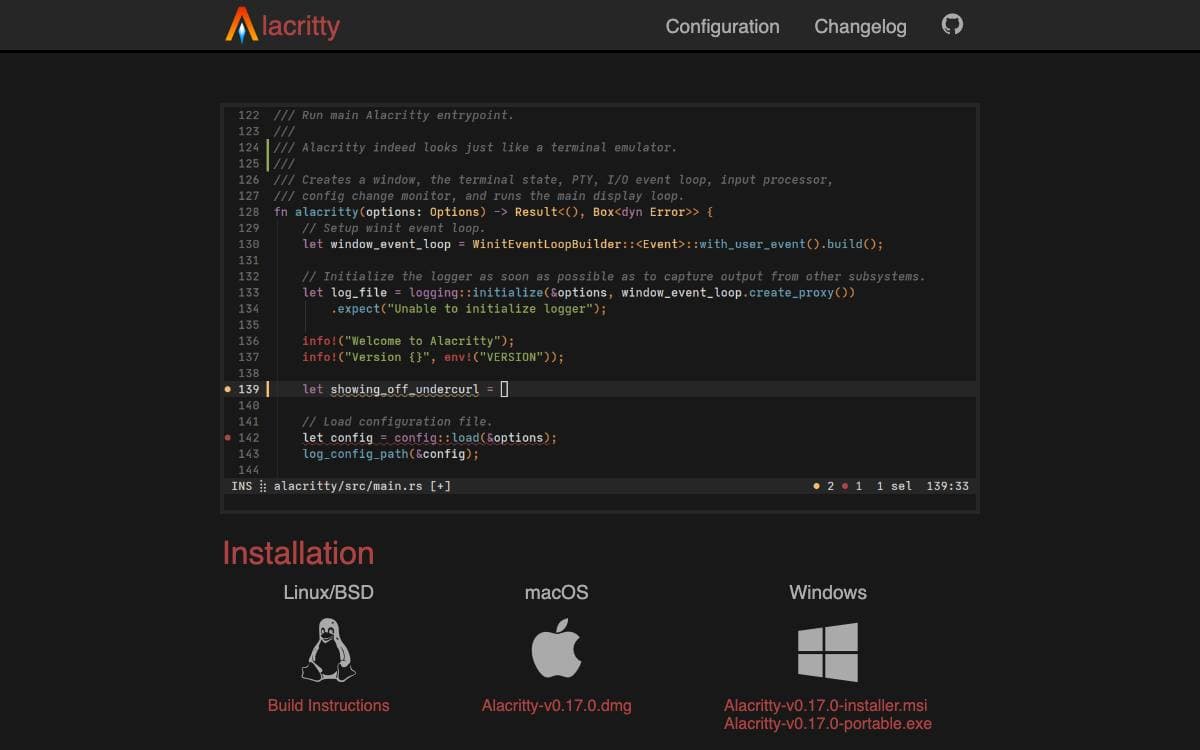
Terminal emulators mostly compete on features. Alacritty competes on what it leaves out: it pairs sensible defaults with extensive configuration, and rather than reimplementing what other tools already do well, it integrates with them and spends the saved effort on throughput.
Rendering goes through OpenGL, and the project runs on BSD, Linux, macOS and Windows. Configuration lives in a TOML file that Alacritty will not create for you, searched across a fixed list of locations under your XDG config directories or home folder, and documented in a manual page.
A few decisions shape what daily use feels like.
- Scope by omission: there are no tabs, no splits and no graphical config editor, since a window manager or tmux covers those.
- Measured throughput: the team uses its own vtebench tool to compare emulators, and asks for a bug report when results disagree.
- Beta readiness: features are still missing and bugs remain, though many people already run it as a daily driver.
- Prebuilt binaries: releases carry macOS and Windows downloads, while package managers cover Linux and BSD.
Requirements are modest: OpenGL ES 2.0 at minimum, plus ConPTY support on Windows 10 version 1809 or later. It suits people who want a terminal that starts quickly, stays out of the way, and hands layout duties to whatever multiplexer they already live in.

A fast, feature-rich, cross-platform terminal emulator that renders on the GPU, for people who spend their working day in a terminal.
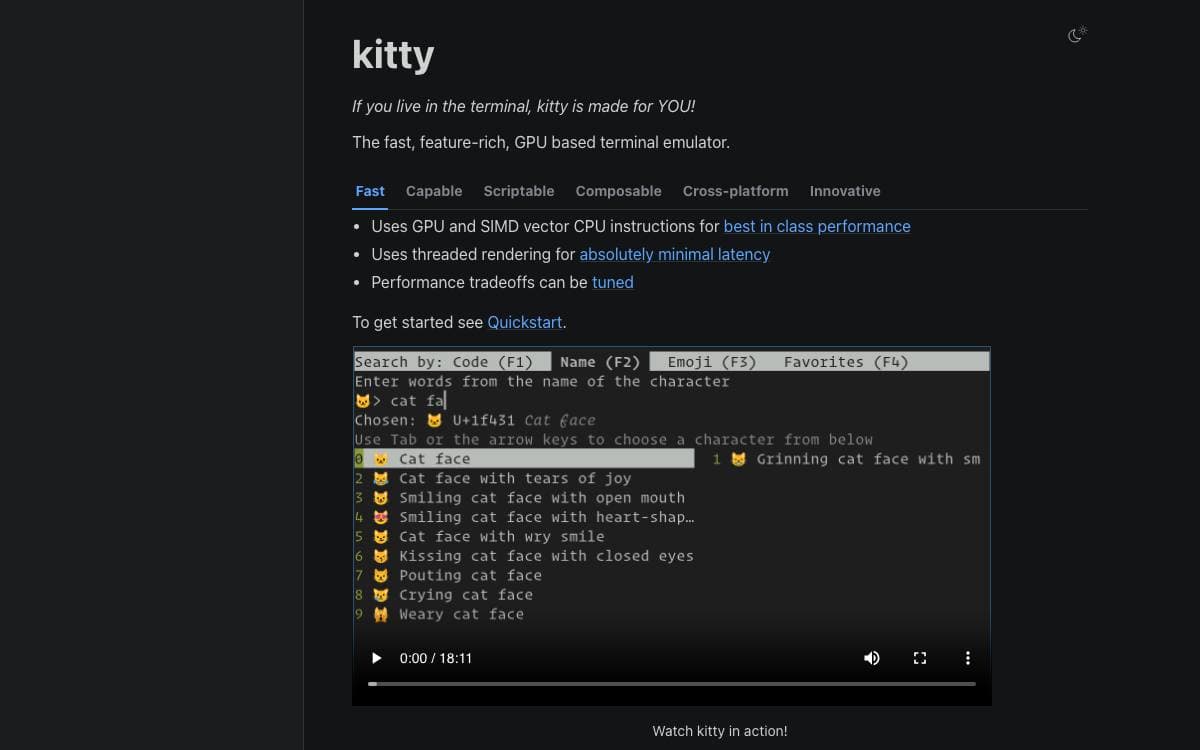
Kitty is the fast, feature-rich, cross-platform, GPU based terminal emulator. If you live in the terminal, the cost of a slow one is paid every hour, in dropped frames on heavy output and lag between a keystroke and a character. Kitty moves the drawing onto the GPU and keeps it off the input path.
The performance work has three parts. GPU and SIMD vector CPU instructions do the rendering, a separate thread keeps latency low, and the tradeoffs are configurable so you decide where the budget goes. Everything else is set in kitty.conf, which covers fonts, cursor, scrollback, mouse behavior, the bell, layouts, the tab bar, color schemes and key bindings.
The feature set reaches well past drawing text quickly.
- Graphics: images and animations through the terminal graphics protocol.
- Typography: ligatures, variable fonts and emoji with per-glyph font substitution.
- Window management: programmable tabs and splits, with Stack, Tall, Fat, Grid, Horizontal and Vertical layouts.
- Kittens: small extensions written in Python, including an SSH kitten that edits or downloads remote files inside an existing session.
- Remote control: a running instance driven from scripts or the shell, with startup sessions for a predefined working setup.
Kitty runs on Linux, macOS and the BSDs and is packaged across many distribution repositories. Hyperlinks take configurable actions, and a pager browses the entire history or the output from the last command. The project also authored the terminal graphics protocol and a keyboard handling specification for the wider ecosystem.

Cross platform terminal emulator with a built in multiplexer, GPU accelerated and written in Rust, for people who live in the shell.
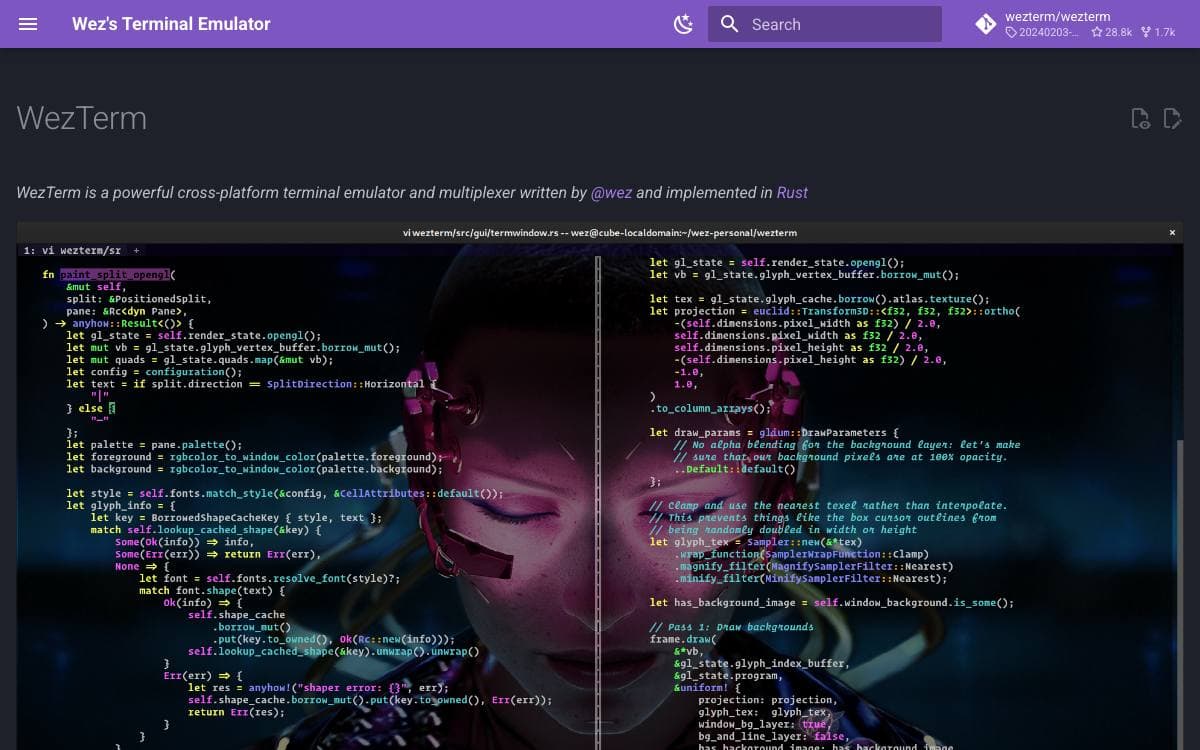
WezTerm is a terminal emulator and a multiplexer in a single program. Most setups assemble that pair from two tools, one to draw the text and another for panes and sessions that survive a disconnect. Here both sides ship in one binary and share one configuration.
It is implemented in Rust and its rendering is GPU accelerated. The user facing guide, the installation steps and the configuration reference live on a separate documentation site rather than in the repository, which is why the README itself stays short.
Some facts shape what running it is actually like.
- GPU accelerated rendering: drawing is handed to the graphics card rather than the processor.
- Multiplexer included: tabs, panes and persistent sessions come from the terminal itself, with no second tool to configure.
- Written in Rust: the emulator is implemented in Rust by its author, who maintains it directly.
- Documented off site: installation and configuration are published on the project website, kept apart from the source tree.
- Community support: the GitHub issue tracker, GitHub Discussions and a Matrix room are where questions get answered.
WezTerm is a spare time project by its author, funded through GitHub Sponsors, Patreon, Ko-Fi and Liberapay. That is worth knowing when you pick a terminal for a team: the software is free to install on every platform it supports, and the pace of support reflects the hours one maintainer can give it.

Terminal for macOS, Linux and Windows that pairs any AI model with durable SSH sessions, for developers working on remote machines.
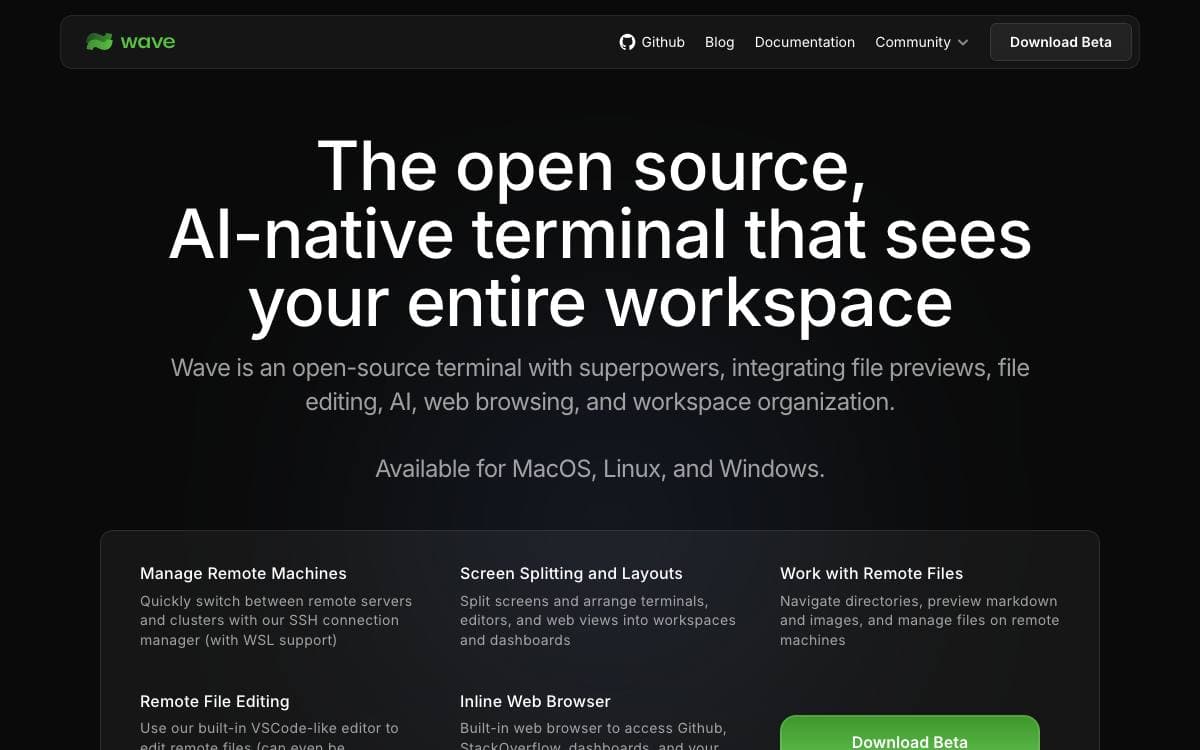
Wave is a terminal with AI wired into the workflow rather than bolted onto the side. It cuts out the constant switching between a shell, an editor, a browser tab and a chat window, since each of those lives as a block inside the same window.
It works with any model. Bring your own API keys for OpenAI, Claude, Gemini or Azure, or point it at local models running under Ollama or LM Studio, and no account is needed either way. Blocks are arranged by drag and drop, and any one of them expands to full screen and collapses back with a single toggle.
Several capabilities aim squarely at work on remote machines.
- Durable SSH sessions: remote sessions survive connection interruptions, network changes and Wave restarts, reconnecting on their own.
- Wave AI: the assistant reads terminal output and scrollback, analyzes widgets, and reads, writes and edits files with backups and user approval.
- Built-in editor: remote files open with syntax highlighting, and markdown, images, video, PDFs and CSVs preview inline.
- wsh commands: a CLI for driving the workspace, sharing data between sessions and copying files between local and remote hosts.
- Secret storage: API keys and credentials sit in native system backends and stay reachable across SSH sessions.
The app needs macOS 11, Windows 10 1809 or a Linux built on glibc 2.28 or later, on arm64 or x64. The wsh helper reaches further back, running on much older Linux kernels, which matters when the far end of the connection is an ageing server.

A macOS terminal emulator with tmux integration, shell awareness and session restoration, for developers who spend the day in a terminal.
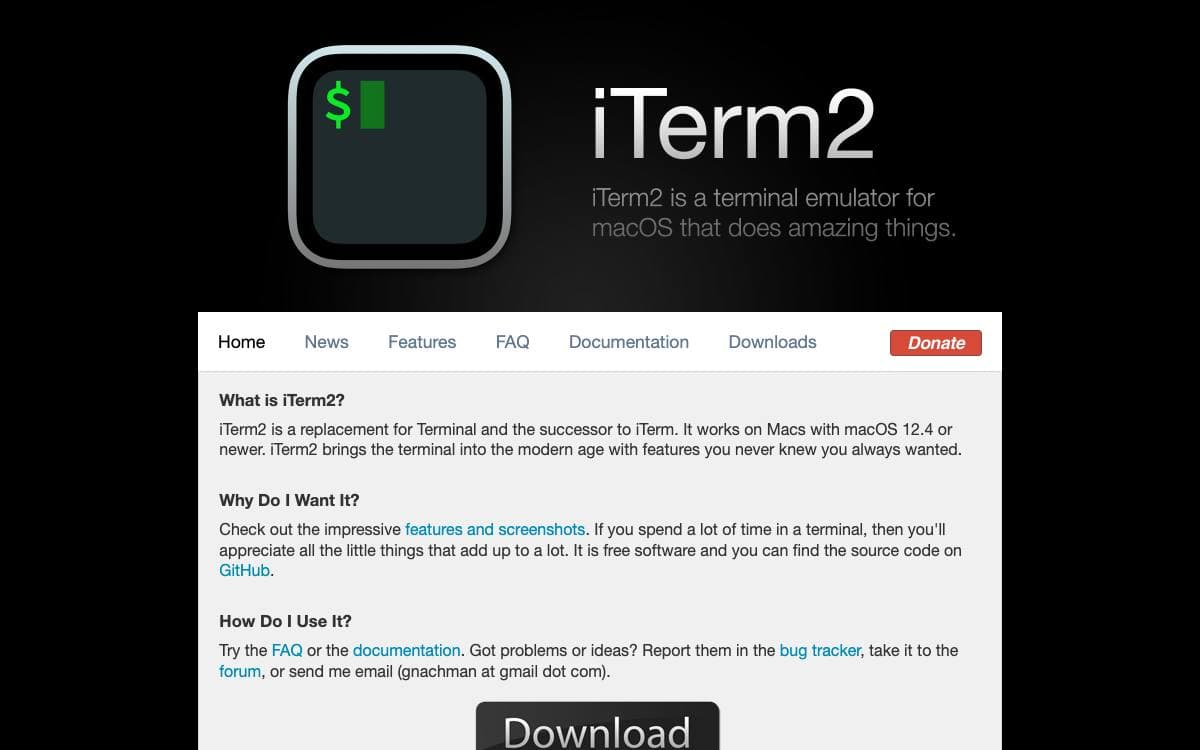
iTerm2 replaces Terminal on macOS with an emulator that knows what your shell is doing. Deep shell integration tracks commands, directories, hostnames and usernames, which turns the terminal from a dumb text window into something that can act on its own contents.
tmux integration is the clearest example: running tmux with the control mode flag turns tmux windows into real macOS windows and tabs, sessions survive crashes, SSH disconnects and application upgrades, and two people can attach to the same session. Sessions themselves run in long-lived server processes, so a restart reconnects you exactly where you left off.
Years of accumulated features cover the rest of the working day.
- Shell integration: click-to-download files over SCP, drag-and-drop uploads, per-host command history and recent directories ranked by frecency.
- Triggers and smart selection: regular expressions that highlight, notify or run scripts on a match, and quad-click selection of URLs, file paths and quoted strings.
- Automatic profile switching: appearance follows hostname, username, directory or running command, so a production host can turn the background red.
- Instant replay: scrub backwards through history with timestamps to catch an error that scrolled past.
- Python scripting API: automation for custom status bar components, triggers, menu items and entirely new features.
Inline images, a hotkey window that slides in over fullscreen apps, vim-like copy mode, a built-in browser and an optional AI chat round out the list. Official downloads and nightly builds exist, and make setup prepares a source build, prompting before each privileged step.

Desktop workspace for running coding agents such as Claude Code, Codex and Cursor side by side on local projects.
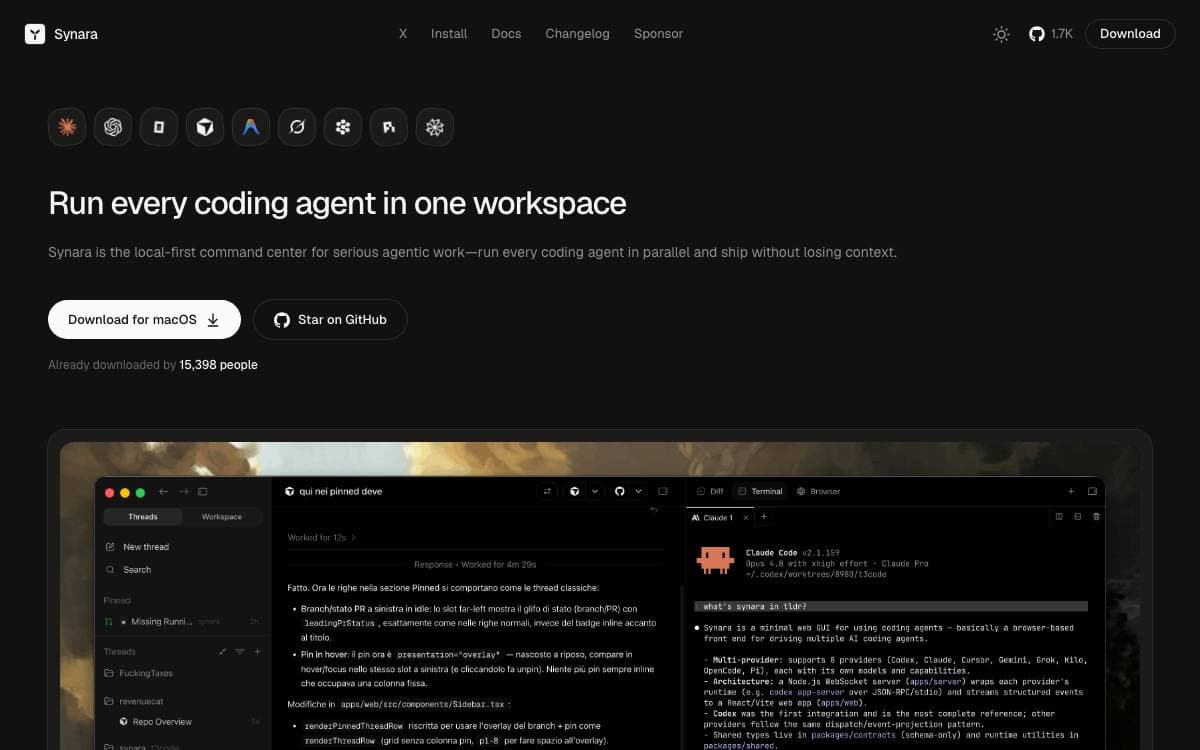
Synara is a local-first desktop application that gives coding agents a workspace rather than a terminal tab. Projects, agent sessions, diffs, terminal, browser, files and Git share one surface, so reviewing what an agent did happens next to where it ran instead of in another window.
The model has four layers. A project carries repository context and settings, a thread holds a single task with its conversation, files, state and history, a provider session is the authenticated agent runtime doing the work, and workspace tools are the surfaces around it. Synara ships no model access of its own, driving the runtimes already installed and authenticated on the machine.
The current development build integrates a long list of them locally.
- Codex: through the Codex CLI and app-server.
- Claude: through Claude Code.
- Cursor and Antigravity: through the Cursor agent runtime and the Antigravity CLI.
- Grok and Droid: through Grok Build and Factory Droid.
- OpenCode and Pi: each with its own configured model providers.
- Devin: through the Devin CLI.
Parallel work runs in managed worktrees so two threads never quietly edit the same checkout, and a handoff moves a task to another provider without losing project context. Automations cover recurring runs, and external MCP integrations grant other local clients scoped access a person has to approve. Native builds target Windows x64, macOS on Intel and Apple silicon, and Linux x64, under the MIT license. The authors describe it as early-stage software whose interfaces are still moving.


