Open Source Vercel Alternatives
A curated collection of the 7 best open source alternatives to Vercel.
The best open source alternative to Vercel is Coolify. If that doesn't suit you, we've compiled a ranked list of other open source Vercel alternatives to help you find a suitable replacement. Other interesting open source alternatives to Vercel are: Dokploy, Dokku, Encore and /dev/push.
Vercel alternatives are mainly Build & Deployment but may also be Server & VM Management or Cloud Infrastructure Management. Browse these if you want a narrower list of alternatives or looking for a specific functionality of Vercel.

A self-hostable alternative to Heroku and Vercel that deploys applications, databases and services onto servers you already own.
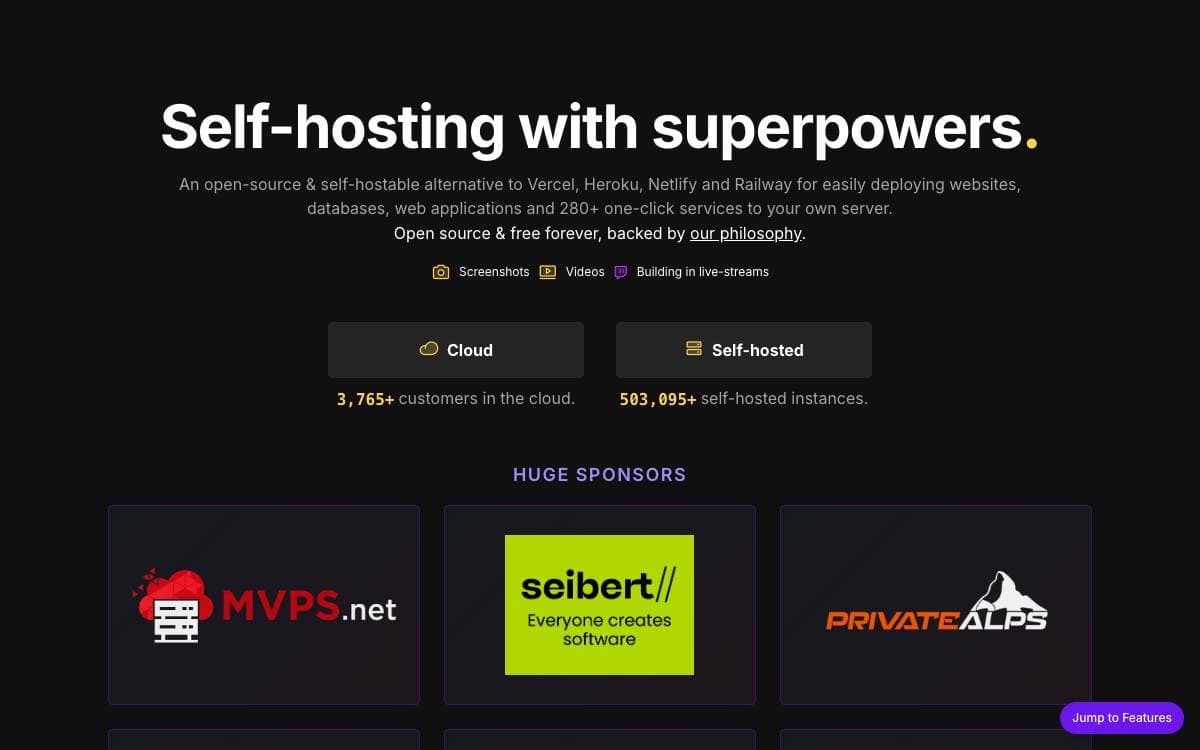
Platform-as-a-service pricing scales with your success, and moving off one usually means rebuilding the deployment story from scratch. Coolify offers the same convenience on your own hardware, standing in for Heroku, Netlify and Vercel while the machines and the bills stay yours.
Coolify needs nothing more than an SSH connection to a machine. From there it manages virtual private servers, bare metal boxes and Raspberry Pis alike, deploying applications, databases and other services onto whatever you point it at.
Two properties matter most for anyone weighing the switch.
- No vendor lock-in: configuration for every resource is written to your own server.
- Survivable exit: stop using Coolify and your resources keep running, minus the automation.
- Any hardware: one tool covers a rented VPS, a colocated server and a Raspberry Pi.
- One-line install: a shell script published by the project sets up an instance on a fresh machine.
The suggested layout puts Coolify on its own server, roughly the price of a small VPS each month, with separate servers for the resources it deploys. A paid cloud version hosts the control plane instead, adding high availability and email notifications, and the project stays funded through sponsorships rather than paywalled features.

Self-hostable platform as a service that deploys applications and databases on your own VPS, with Docker Swarm and Traefik underneath.
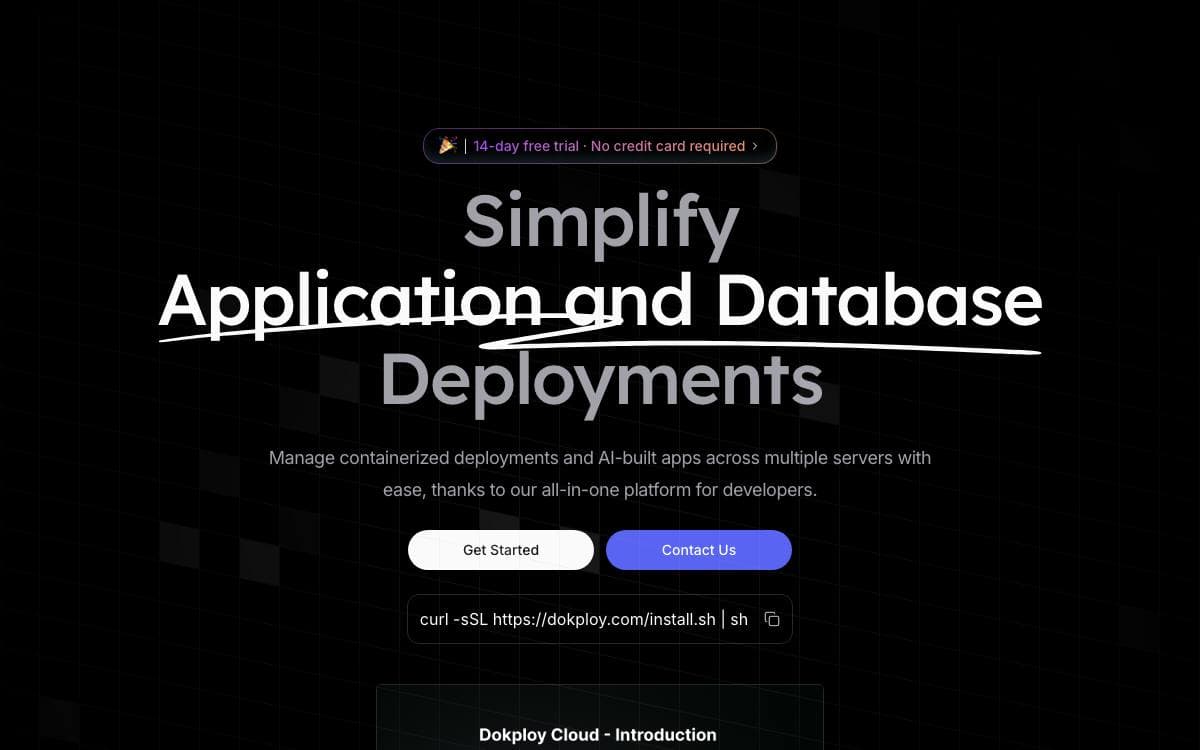
Dokploy is a free platform as a service you host yourself. It closes the gap between a bare VPS and a managed host, giving deployments, databases, backups and monitoring on a server you already pay for.
Installation is a single shell command run on the VPS. Traefik integration handles routing and load balancing automatically, Docker Compose is supported natively for multi service applications, and Docker Swarm scales an application across several nodes.
The dashboard covers the operational work that follows a deployment.
- Applications: deploy Node.js, PHP, Python, Go, Ruby and other stacks.
- Databases: create and manage MySQL, PostgreSQL, MongoDB, MariaDB, libsql and Redis instances.
- Backups: schedule database backups to an external storage destination.
- Monitoring: watch CPU, memory, storage and network usage for every resource.
- Notifications: report deployment success or failure to Slack, Discord, Telegram or email.
- Templates: install open source projects such as Plausible, Pocketbase and Cal.com in a single click.
A CLI and an API cover the same ground as the interface for anyone scripting their workflow, and multi server support manages deployments on remote machines from one place. A hosted cloud version exists for teams that would rather skip the installation entirely.

Self-hosted mini-Heroku built on Docker, turning a single Linux server into an application platform administered from the command line.
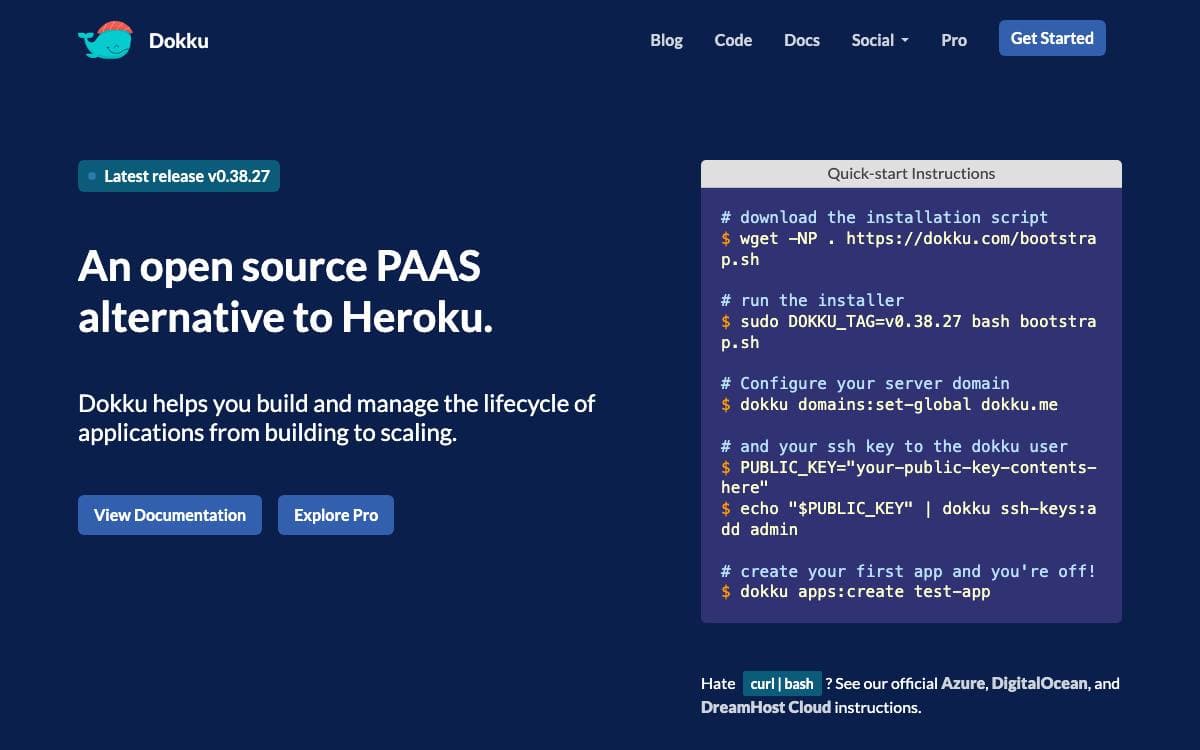
Dokku describes itself as a Docker powered mini-Heroku and the smallest platform-as-a-service implementation you have seen. It turns one fresh virtual machine into somewhere to deploy applications, without the operational weight of a full orchestration stack underneath it.
Installation is deliberately short. Fetch the bootstrap script for the current stable release, run it with sudo and a matching version tag, then set the global domain and register the SSH keys allowed to deploy. A keypair already present on the machine is imported automatically during installation, and otherwise keys are added afterwards through the ssh-keys command.
A few practical constraints decide where Dokku can run.
- Operating systems: Ubuntu 22.04 or 24.04, or Debian 11 and later, on amd64 or arm64.
- Fresh machine: The installer expects a clean VM rather than a server already busy with other services.
- SSH access: Deployment identity comes from keypairs registered with the platform.
- Unattended install: A documented path exists for people provisioning servers automatically.
- Upgrades: Moving between releases follows its own documented procedure.
Full documentation, including advanced installation, lives online rather than in the README. Questions go to GitHub issues, the troubleshooting guide or the dokku channel on Gliderlabs Slack. The code is MIT licensed and originated with Jeff Lindsay, and pull requests are welcomed as conversation starters even when they are not merged as written.

A backend development platform where you declare infrastructure in Go or TypeScript code and deploy to your own AWS or GCP account.
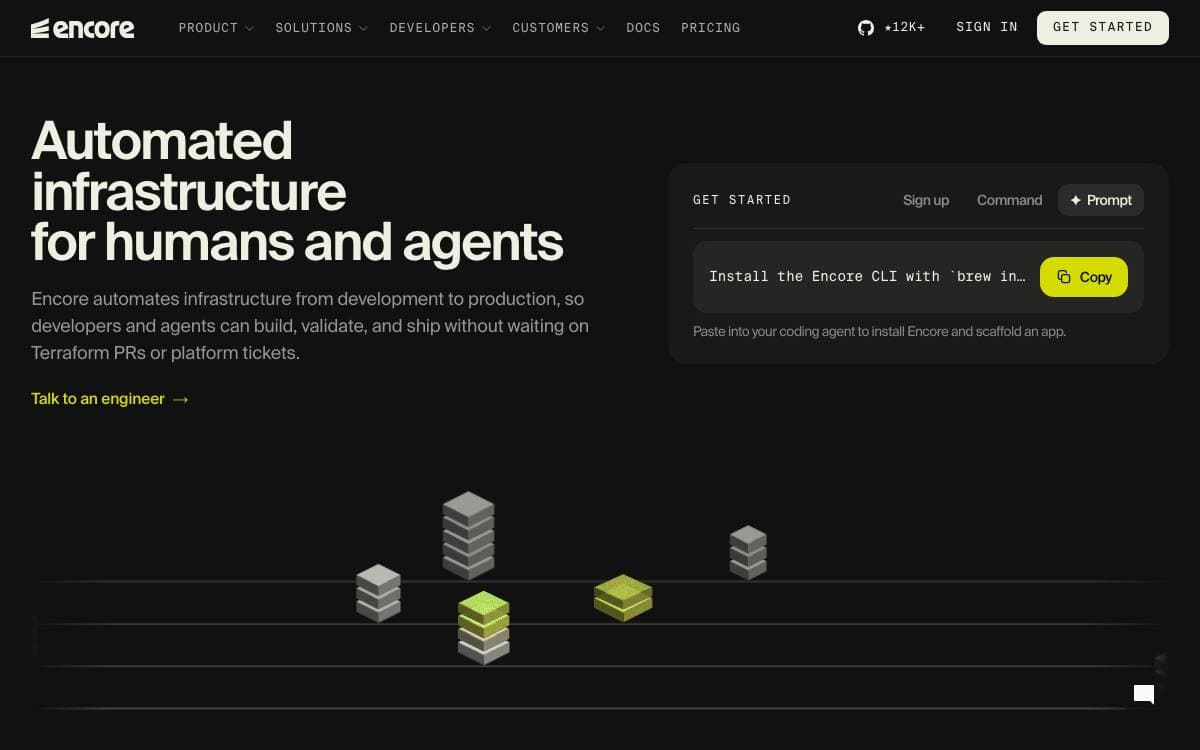
Encore turns infrastructure into something you declare in application code. A database, a Pub/Sub topic or a storage bucket exists because you constructed the object in Go or TypeScript, which removes the standing gap between what the code expects and what the environment was manually given.
There are two parts. The open source infrastructure SDK covers databases, Pub/Sub, object storage, caches, cron jobs and secrets, and one run command starts the whole system locally with real Postgres, real Pub/Sub semantics and distributed tracing. The managed platform that orchestrates cloud infrastructure is optional, and you can provision with Terraform instead.
Each declaration becomes a node in an application graph that maps to concrete services per environment.
- SQL databases: Postgres locally, RDS on AWS, Cloud SQL on GCP.
- Pub/Sub: NSQ locally, SNS with SQS on AWS, Cloud Pub/Sub on GCP.
- Object storage: the local filesystem, S3, or Google Cloud Storage.
- Preview environments: an ephemeral environment per pull request, optionally with a branched database.
- Deploys: the graph is diffed against the environment, missing resources are provisioned, and IAM is scoped from the code paths.
Adoption does not require a rewrite. New services can run beside an existing system and integrate over APIs, and Encore deploys into a Kubernetes cluster or VPC you already have.
The limits are stated up front. Services must be TypeScript or Go, with Python still to come, and automated provisioning covers AWS and GCP only, though a Docker build works on any provider.

Self-hosted deployment platform that builds and runs any Docker-compatible app from a git push, with zero-downtime rollouts and instant rollback.
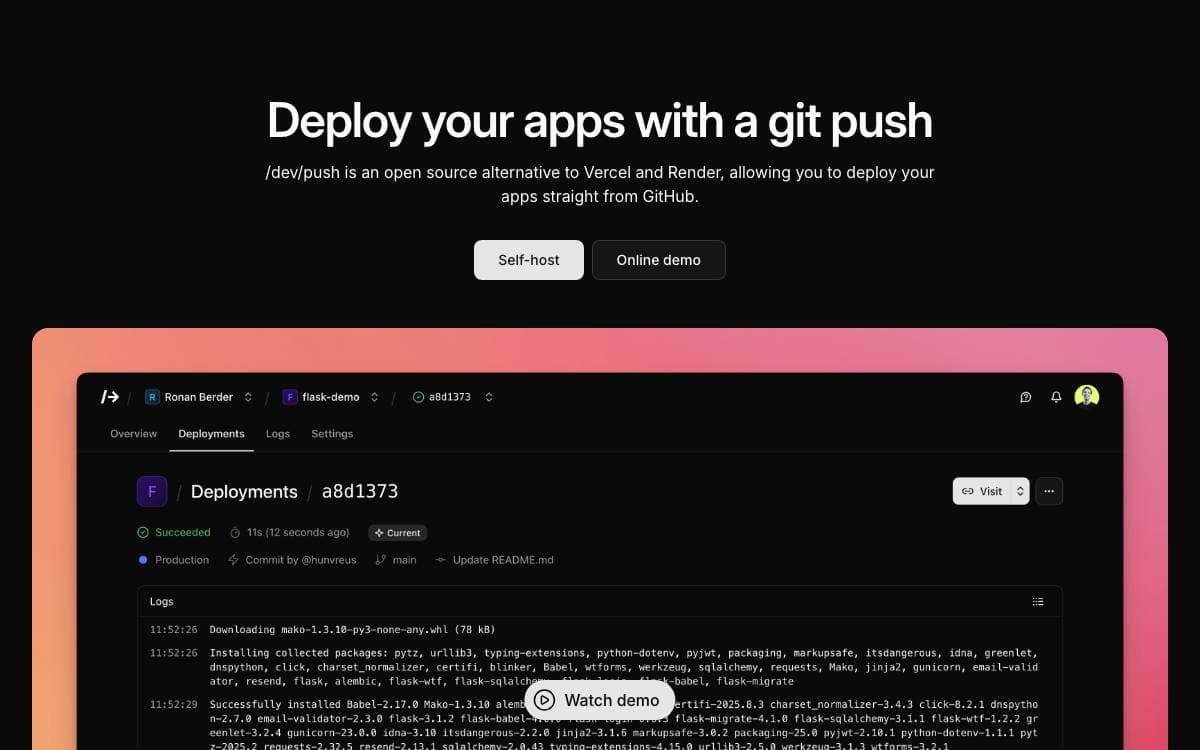
/dev/push is a self-hostable stand-in for Vercel, Render and Netlify. You push to GitHub, it builds and deploys, and the whole thing runs on a server you rent rather than a platform that meters your builds and owns your domains.
Anything that runs on Docker can be deployed, which puts Python, Node.js and PHP projects on equal footing. Default runner and preset definitions ship in a registry directory that is copied into the data directory during install and update, and the catalog format and its override rules are documented alongside them.
The platform handles what a small team needs around a deploy.
- Git-based deployments: push to deploy from GitHub, with zero-downtime rollouts and instant rollback.
- Environment management: multiple environments with branch mapping and encrypted environment variables.
- Real-time monitoring: live, searchable build and runtime logs.
- Custom domains: your own domains with automatic Let's Encrypt certificates, using the default challenge or a DNS challenge through Cloudflare, Route 53, Google Cloud, DigitalOcean or Azure.
- Team collaboration: role-based access control with invitations and per-role permissions.
Installation is one script on a fresh Ubuntu 20.04 or Debian 11 server with SSH and sudo, after which you create a GitHub App for login and repository access, edit the environment file, point an A record and a wildcard A record at the server, and start the systemd service. An email provider is needed for login and invitation mail. Shell scripts in the repository cover backup, restore, updates, migrations, status and uninstall.

One self-hosted binary replaces the deployment platform, error tracker, analytics service, uptime monitor, email sender, and sandbox provider you pay for separately.
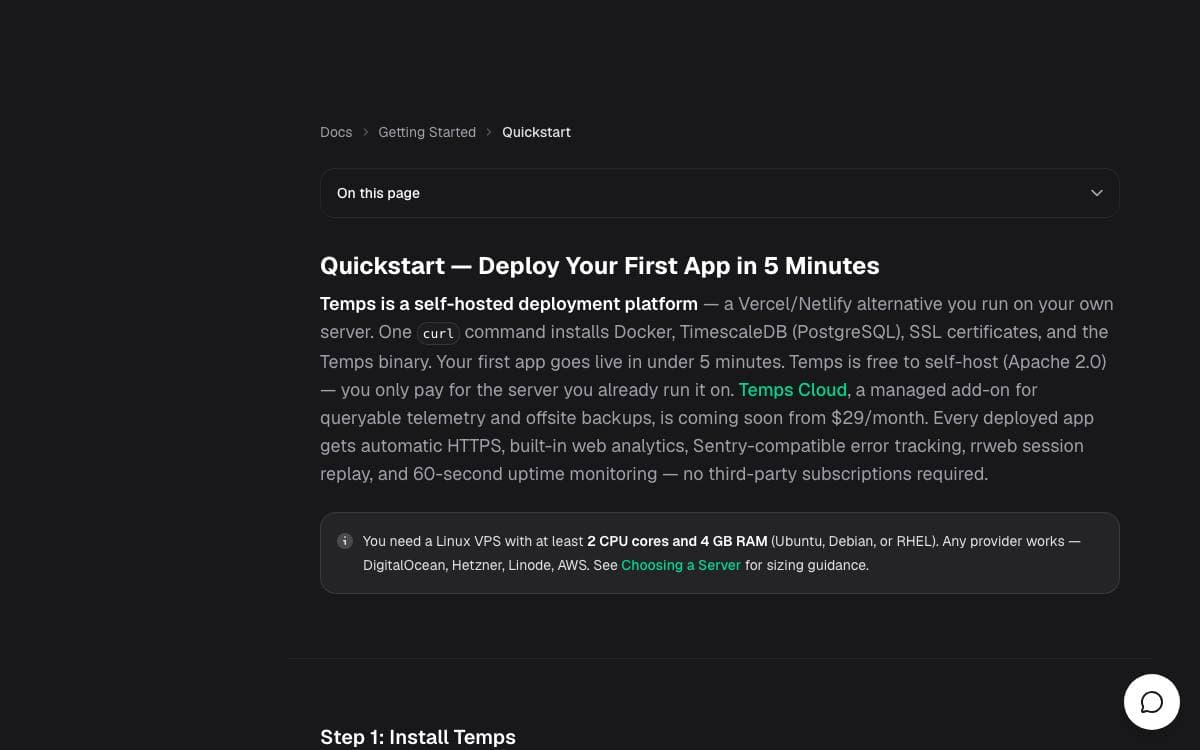
Running a small product usually means paying for a deployment platform, an error tracker, an analytics service, an uptime monitor, an email sender, and a sandbox provider, then stitching six dashboards together. Temps collapses that into one self-hosted install deployed with a single shell command.
Git push builds and deploys any language it auto-detects, or your own Dockerfile, with preview links and zero-downtime rollouts, and it provisions Postgres, Redis, MinIO, and MongoDB alongside your apps. The proxy runs on Cloudflare's Pingora engine with automatic TLS from Let's Encrypt. If you already run Coolify, Dokploy, CapRover, or Portainer, an import wizard carries over apps, databases with their data, domains, and variables.
Observability and the AI surfaces are built in rather than bolted on.
- Error tracking: point the official Sentry SDK at a Temps DSN for error groups, stack traces, and alerts without per-event pricing.
- Analytics: visitor tracking, funnels, and rrweb session replay, with nothing leaving your servers.
- OpenTelemetry: any OTLP exporter feeds traces, metrics, and structured logs into one place, with no Grafana, Prometheus, Jaeger, or Loki to run.
- AI gateway: bring your own keys for OpenAI, Anthropic, Google, and xAI behind one OpenAI-compatible endpoint with per-request cost attribution.
- Sandboxes: Firecracker microVMs or Docker isolate agent-generated code, with password-protected preview links.
- Agent control: more than 440 CLI operations across 69 groups, plus skills that teach Claude Code, Codex, or OpenCode to drive them.
Uptime monitors and alerting round it out, and the built-in chat answers from your own telemetry, read-only unless you opt into writes.

Self-hosted deployment platform that adds Postgres, auth, mail, cron and analytics to git push deploys on servers you own.
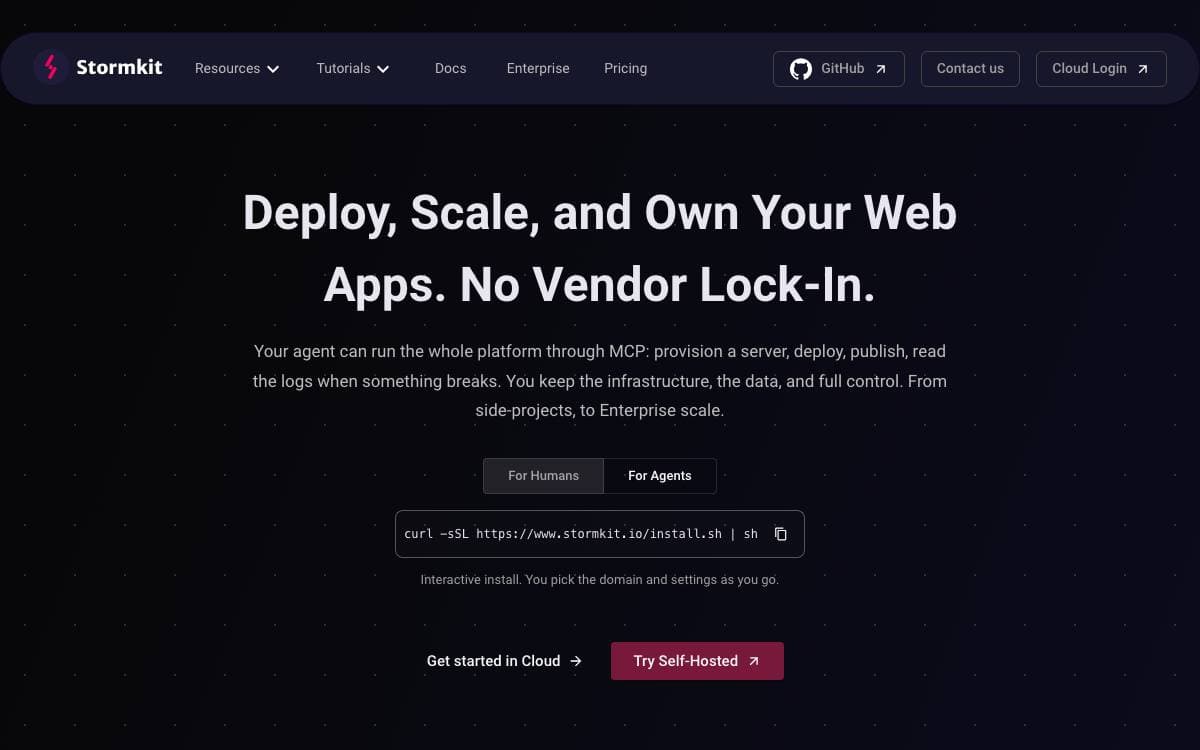
Stormkit deploys an application and hands it the surrounding pieces most projects end up assembling one service at a time. A single install script turns your own server into a platform with git push deploys, a preview address for every branch and custom domains with automatic TLS.
Runtimes come from mise, so Node, Go, Python, Ruby and anything else it supports will build, with system packages declared in a Nix flake and a start command for running a long-lived server in any language. Deployments can also arrive from the interface, a zip upload or the API, and status checks gate a publish.
The platform bundles services an application normally buys separately.
- Database: a PostgreSQL instance attaches to an environment and migrations run on deploy.
- Authentication: Stormkit Auth handles your end users with passwords, magic links, Google and X, and manages sessions.
- Email: a transactional mailer is wired to your own SMTP provider.
- Scheduled jobs: periodic triggers run without a separate cron machine.
- Analytics: server-side numbers are collected without depending on client tracking.
- Agent control: the platform is exposed over MCP, so a coding agent can provision, deploy, publish and read logs.
A managed cloud exists, but the full platform lives in the self-hosted install, since the database, Stormkit Auth, the OAuth 2.1 server and long-lived runtimes are self-hosted only. The Docker images need PostgreSQL and Redis alongside them. The project is open core, with a Community Edition under AGPL-3.0 and commercially licensed enterprise components.


