Open Source v0 Alternatives
A curated collection of the 3 best open source alternatives to v0.
The best open source alternative to v0 is Onlook. If that doesn't suit you, we've compiled a ranked list of other open source v0 alternatives to help you find a suitable replacement. Other interesting open source alternatives to v0 are: Dyad and Frontman.
v0 alternatives are mainly AI Assisted Coding but may also be Frameworks & Platforms. Browse these if you want a narrower list of alternatives or looking for a specific functionality of v0.

Visual editor for Next.js and Tailwind projects, letting designers edit the live DOM while real source code changes underneath.

Designers working on top of a codebase usually hand mockups to engineers and wait. Onlook closes that gap with an open source visual-first code editor where changes made in the browser DOM land directly in Next.js and TailwindCSS source, positioning itself against Bolt.new, Lovable, V0, Replit Agent, Figma Make and Webflow.
Under the surface, project code loads into a web container that serves it, the preview appears in an iFrame, and the code is indexed and instrumented so every element maps back to its place in the source. Edits apply to the iFrame first and then to the code. The stack is Next.js with tRPC, Supabase and Drizzle for data, the AI SDK over OpenRouter for models, and Bun for the monorepo.
The editor covers the span between a blank project and a deployed site.
- Project creation: Start a Next.js app from text, an image or a prebuilt template.
- Visual canvas: Browse layers, manage brand assets and tokens, and preview the app in real time.
- Code access: A real-time editor sits beside the design, with checkpoints to save and restore.
- Branching: Try alternative designs without disturbing the main line of work.
- Deployment: Generate a shareable link or point a custom domain at the result.
Onlook runs on any Next.js and TailwindCSS project, imported or started from scratch, through the hosted app or locally. Support for other frameworks and non-Tailwind projects remains open work.

Local AI app builder that runs on your own machine with your own model keys, for developers avoiding hosted prompt-to-app tools.
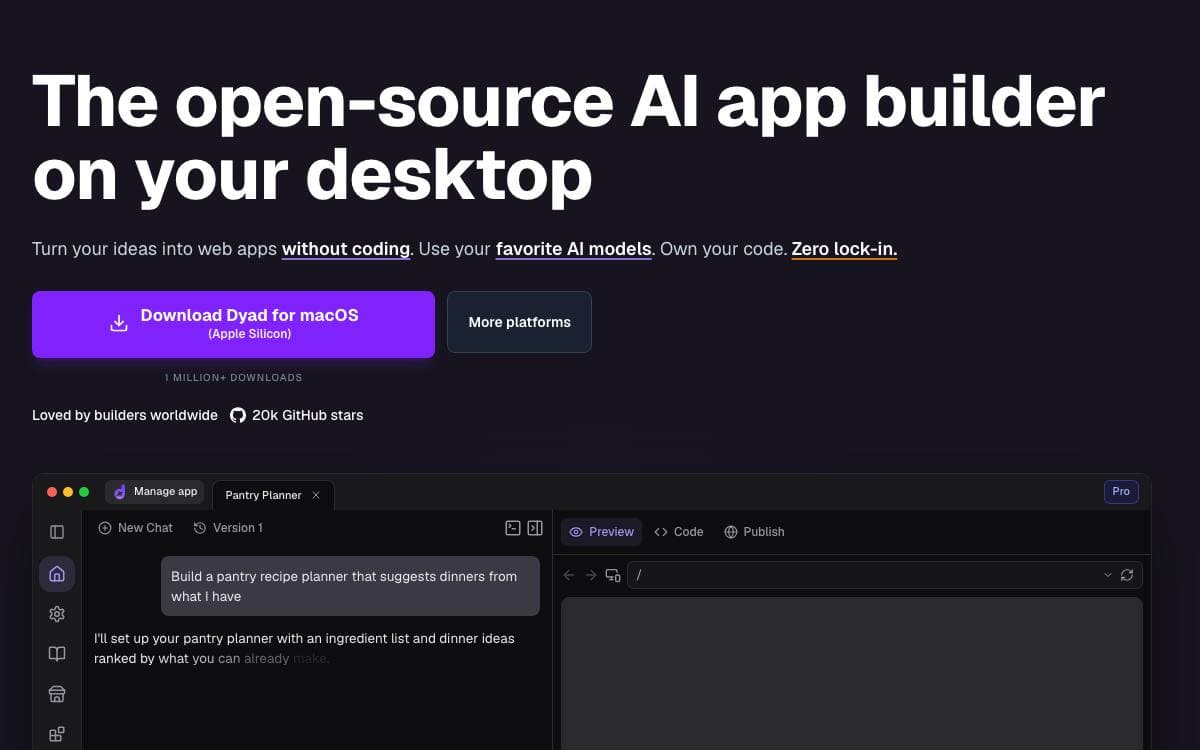
Dyad builds apps with AI on your own computer. The hosted tools in this category run your project on their servers, behind their model keys and their account. Dyad runs the same prompt to app loop locally, so the code and the credentials stay on the machine in front of you.
You supply your own AI API keys, which means the model provider is your decision and the bill is your own. There is no sign-up step either: download the build for your platform and start, with nothing to register and no project waiting on a vendor's uptime.
The list of promises is short and each one is deliberate.
- Local by design: the builder runs on your hardware, keeping projects private and independent of any service staying online.
- Bring your own keys: your API keys drive the models, so switching provider is your call rather than a roadmap item.
- Cross-platform: builds are published for Mac and Windows.
- No account required: downloading is the whole onboarding flow.
- Split licensing: everything outside the pro directory is Apache 2.0, while that directory is fair source under the Functional Source License.
Dyad suits developers who like the speed of tools such as Lovable, v0 or Bolt but do not want the project living on infrastructure they cannot see. Contributions follow the guide in the repository, and the user community gathers on a dedicated subreddit for sharing projects and getting help.

An AI coding agent that runs in your browser, letting designers and product managers click an element and change the source behind it.
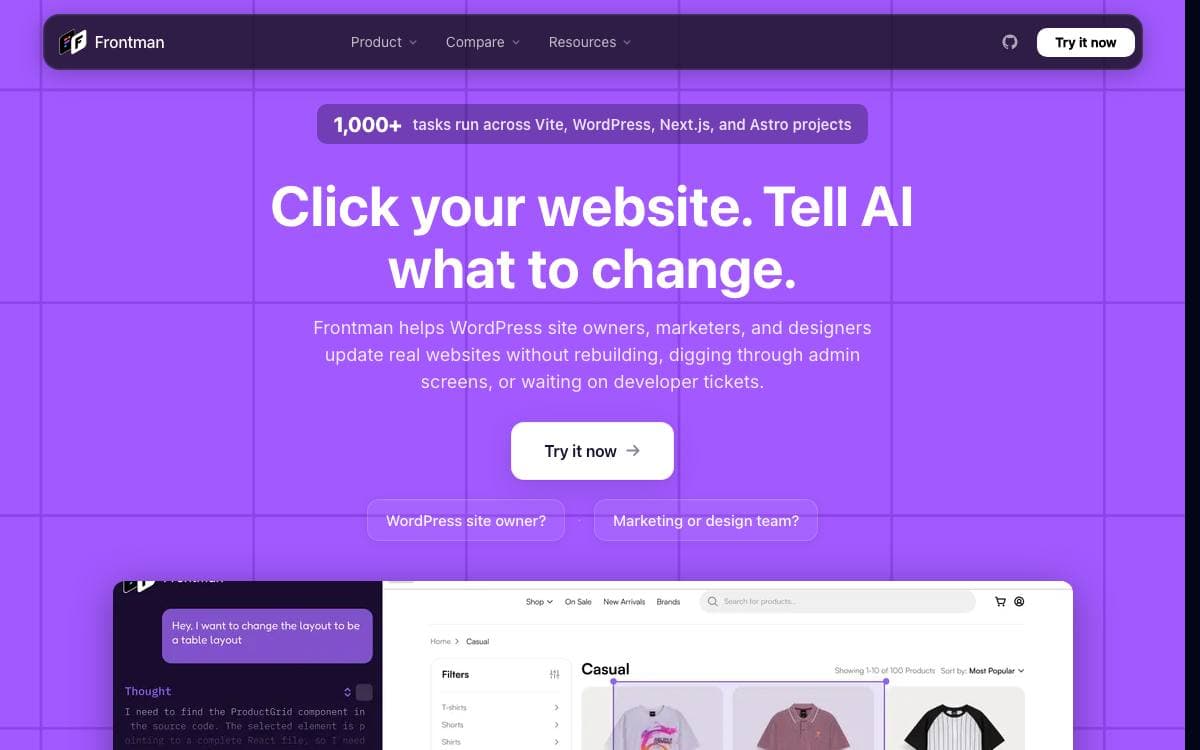
Small frontend fixes, a copy change, a spacing bug on mobile, a broken button on an internal page, rot in a backlog because whoever spotted them cannot open the codebase. Frontman puts an AI coding agent inside the running app, so anyone can click the element, describe the change in plain English, and watch the source file get edited and hot reloaded.
Most AI coding tools read source files and never see the rendered page. Frontman starts at the browser and works backward. The framework integration turns your development server into an MCP server the agent queries for browser context, meaning the DOM tree, computed CSS, and element selection, and for server context, meaning routes, server logs, and source maps. The orchestrator behind it is an Elixir and Phoenix service.
Installation is one command per framework, and the supported stacks are already wide.
- Next.js: App Router and Pages Router, compatible with Turbopack.
- Astro: versions 5 through 7 on Node.js 22.19 or newer, aware of islands, content collections, and SSR.
- Vite: React, Vue, Svelte, and SvelteKit, auto-detected from your Vite config.
- Bring your own key: connect OpenAI, Anthropic, OpenRouter, Fireworks, NVIDIA, Google, or xAI and pay the provider directly.
- OpenClaw skill: install Frontman as a skill so a general agent gains component tree awareness and hot reload feedback.
Integrations run in development mode only and are stripped from production builds, so the deployed bundle is identical either way. Self-hosting stays free under Apache 2.0 and AGPL 3.0, while the hosted service moves to paid plans.


