Open Source Typeless Alternatives
A curated collection of the 2 best open source alternatives to Typeless.
The best open source alternative to Typeless is Handy. If that doesn't suit you, we've compiled a ranked list of other open source Typeless alternatives to help you find a suitable replacement. Other interesting open source alternative to Typeless is VoiceInk.
Typeless alternatives are mainly Input & Dictation. Browse these if you want a narrower list of alternatives or looking for a specific functionality of Typeless.

Offline speech-to-text desktop app where you hold a shortcut, speak, and the transcription lands in whatever text field has focus.
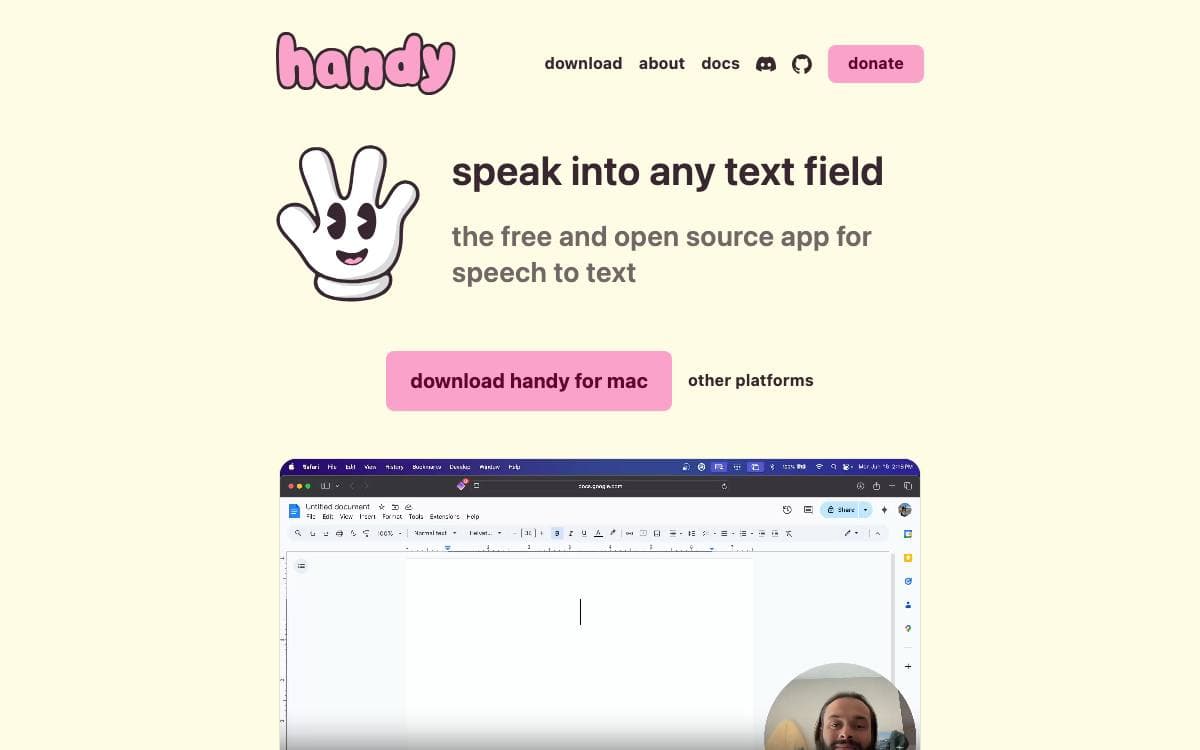
Press a shortcut, speak, release, and the words appear in the text field you were already typing into. Handy is a free, open source speech-to-text application that does this entirely on your own computer, so no audio is sent anywhere and no subscription stands between a person and basic accessibility tooling.
Recording can be held or toggled, with hold-only and toggle-only modes for anyone who wants one behavior. Silence is filtered by Silero voice activity detection, then transcription runs on a model of your choice, Whisper in small, medium, turbo or large sizes with GPU acceleration where available, or Parakeet V3, a CPU-optimized model with automatic language detection.
The application is a Tauri build with a clear split between its parts.
- Frontend: React and TypeScript with Tailwind CSS for the settings interface.
- Backend: Rust handles system integration, audio processing and machine learning inference.
- Speech libraries: transcribe-cpp runs the Whisper family while transcribe-rs runs Parakeet.
- System plumbing: cpal for audio input and output, rdev for global shortcuts and rubato for resampling.
- Command line flags: a running instance can toggle transcription, cancel an operation, start hidden or skip the tray icon.
Releases are published for Windows, macOS and Linux, with Homebrew cask and winget packages that the developers do not maintain themselves. First launch asks for microphone and accessibility permissions, and a debug mode is one keystroke away when something misbehaves. The project says plainly that it aims to be the most forkable speech-to-text tool rather than the best one.

Native macOS dictation that transcribes speech locally, for anyone who wants voice to text without sending audio off the machine.
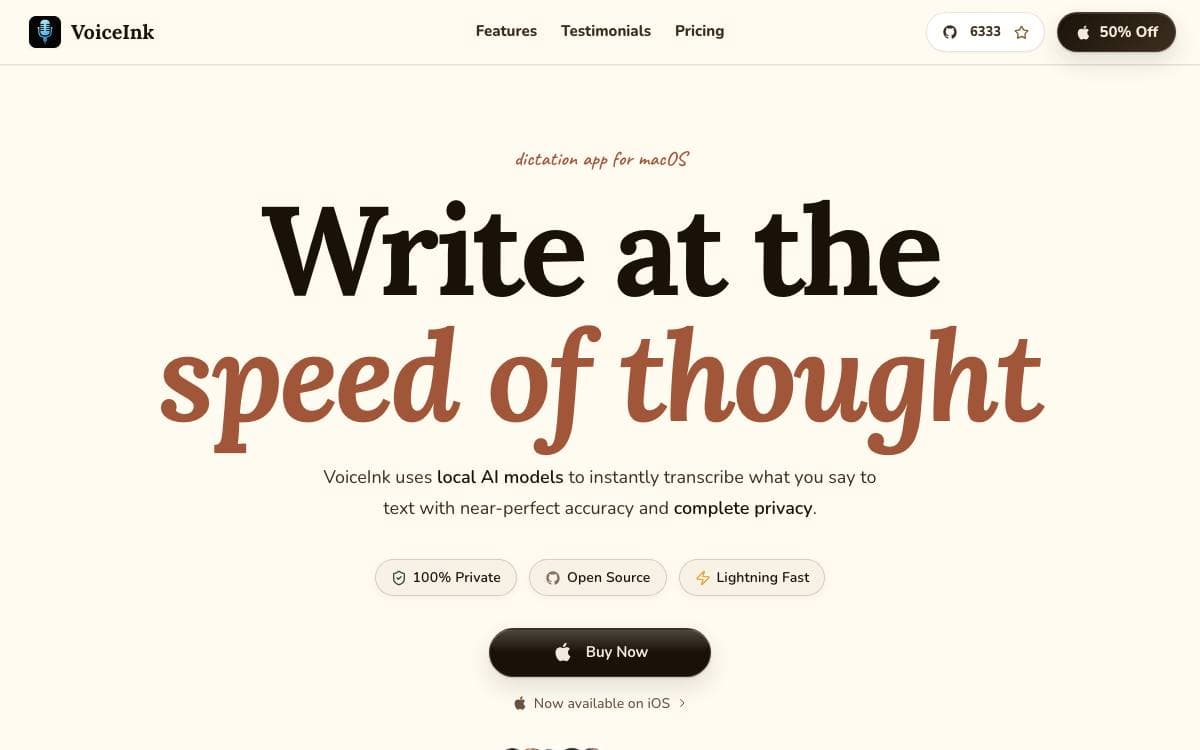
VoiceInk transcribes what you say into text almost instantly, natively on macOS. Processing happens entirely offline, which removes the usual trade between good dictation and handing your audio to somebody else's servers.
Local AI models do the work, built on whisper.cpp, on FluidAudio for the Parakeet model, and on transcribe.cpp for local GGUF models, with SenseVoice Small available for multilingual use. The author worked on the app for five months before opening the source.
Daily use is shaped by a handful of features.
- Global shortcuts: start recording with configurable keys, including push to talk.
- Modes: detect the app or address you are working in and apply the settings you configured for it.
- Context awareness: reads screen content so the transcript suits what you are actually doing.
- Personal dictionary: teaches the model custom words and industry terms, with smart text replacements.
- AI assistant: offers a conversational voice mode inside the same app.
VoiceInk requires macOS 14.4 or later and installs from the project site or with a Homebrew cask, and it can be built from source using the included instructions. Buying a license funds continued development and adds automatic updates and priority support. The code is under GPL v3, but the project is not accepting pull requests at present, so forking is the route for anyone wanting to change it, while bugs and feature ideas still go through issues.


