Open Source Trello Alternatives
A curated collection of the 11 best open source alternatives to Trello.
The best open source alternative to Trello is Wekan. If that doesn't suit you, we've compiled a ranked list of other open source Trello alternatives to help you find a suitable replacement. Other interesting open source alternatives to Trello are: Planka, Kaneo, Fizzy and Kan.
Trello alternatives are mainly Project & Work Management but may also be Time & Task Management or Collaboration & Communication. Browse these if you want a narrower list of alternatives or looking for a specific functionality of Trello.

Self-hosted kanban board for personal lists and team projects, for anyone who wants a visual board without handing over their data.
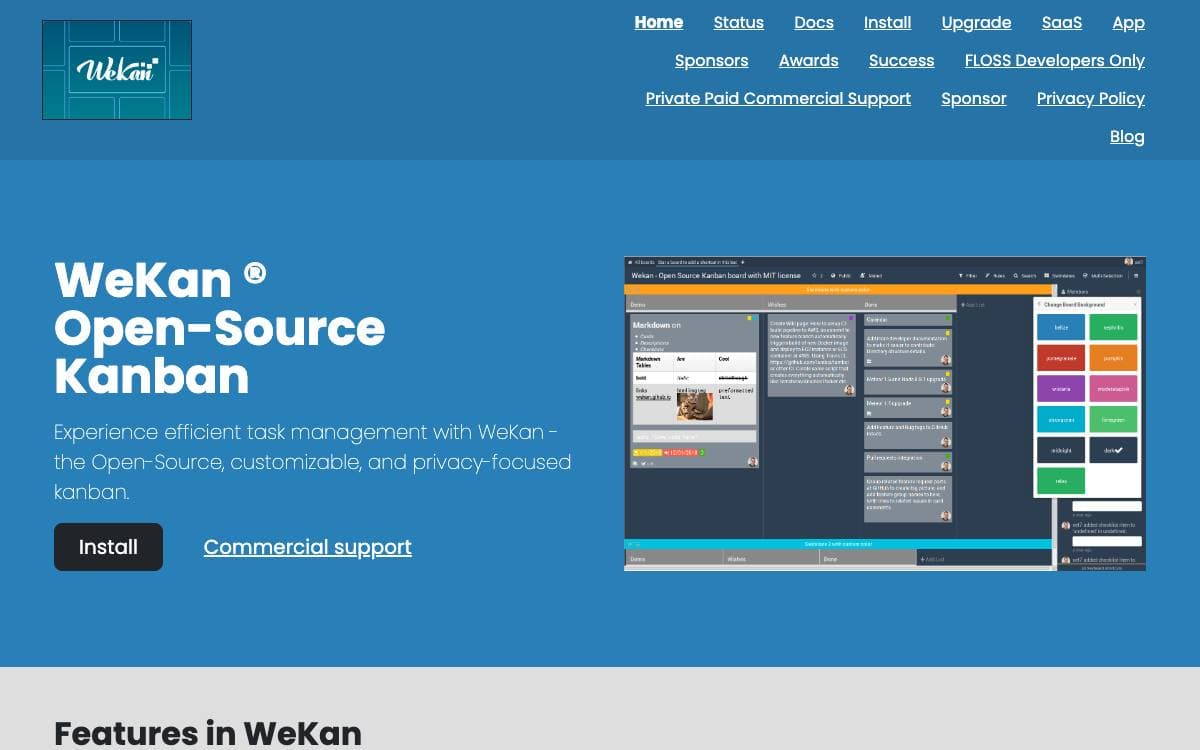
WeKan is a collaborative kanban board you install yourself. Boards give a visual read on where a project stands and keep attention on the few cards that matter, whether the project is a personal todo list, a holiday with friends or a company workflow.
Because it is free software running on your own computer or server, you never have to trust anyone else with the contents, and the project provides one-click installation across a number of platforms. The interface updates in real time, and the app has been translated into 234 languages, essentially all of them complete.
Running it in production carries real requirements worth reading first.
- Memory: one gigabyte free as a minimum, with four gigabytes total on a production server.
- Disk space: watch it and alert on it, because running out corrupts the MongoDB database.
- Updates: only the newest release is supported, and old versions carry security issues from outdated runtimes.
- Backups: daily at minimum, since there is no undo for a deleted list or card and some bugs stop a board loading.
- Scaling: large deployments split several frontend containers from one database server with many CPUs.
Containers are published on GitHub, Quay and Docker Hub, with a compose file in the repository, and the main branch runs on Meteor 3.5 with Node.js 24. Translations are accepted through Transifex rather than as pull requests. Commercial support is available, and the largest known deployment serves 30,000 users at one company.

A self-hosted kanban board with real-time syncing, for teams that want project tracking without handing work to a SaaS vendor.
PLANKA is a kanban board you run on your own server. Projects, boards, lists and cards behave the way a team expects, with drag-and-drop between lists, and nothing about the setup depends on a hosted account staying available or affordable.
Card descriptions are written in a markdown editor rather than a plain text box, so a card can hold a real specification instead of a link to one elsewhere.
Beyond the board itself, a few capabilities are worth knowing about.
- Real-time updates: changes sync instantly across every user, with no page refresh required.
- Notifications: alerts routed through more than 100 providers and shaped to fit a workflow.
- Internationalization: full multilingual support, with translation kept easy to contribute.
- API access: a documented HTTP API for scripting boards and wiring them into other tools.
- Notes app: a companion app in testing on iOS through TestFlight, and on Windows and Android.
Installation is documented for several methods, Docker among them, with behavior tuned through environment settings. A hosted option and a Pro version exist for anyone who would rather not operate the server.
PLANKA is fair-code, distributed under a community license alongside a commercial one. The source is always visible, self-hosting is allowed and the code can be extended, while additional features and vendor support sit behind the enterprise tiers.

A self-hosted project management tool for development teams that prefer a small, deliberate feature set over a crowded dashboard.
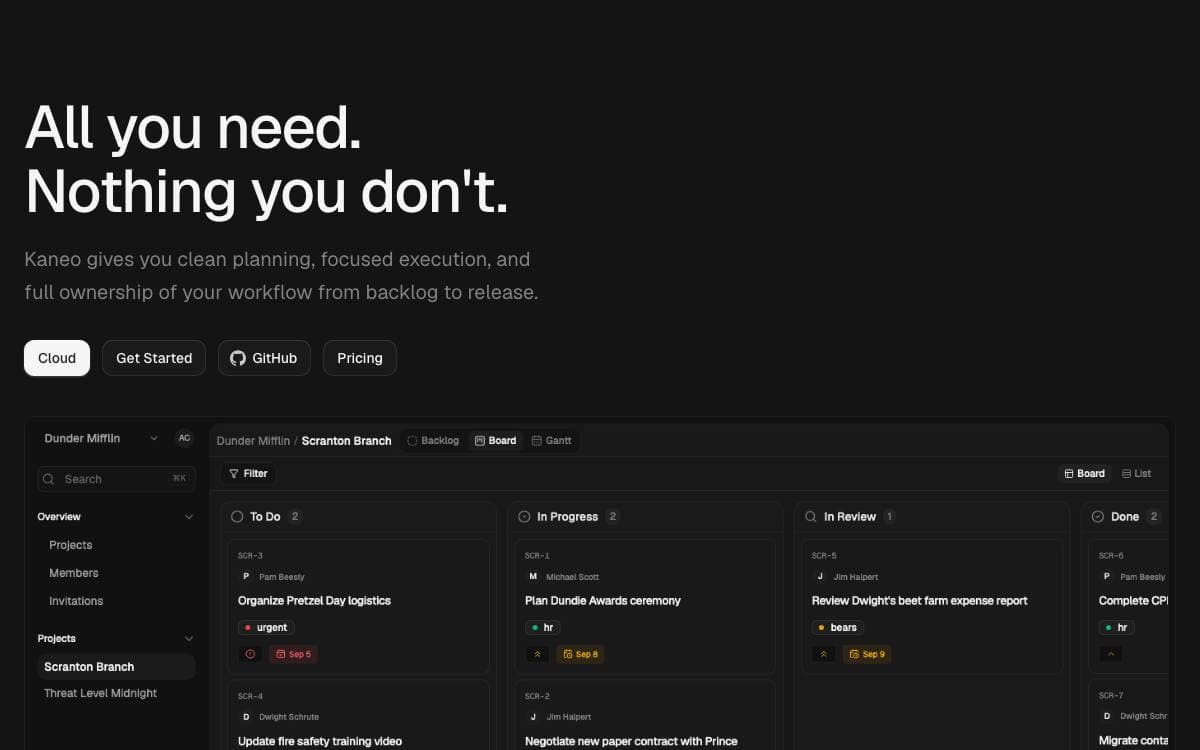
Kaneo was written in reaction to project management platforms that pull attention away from the work. Its argument is that most tools fail by having too many features rather than too few, so every notification and button has to earn its place.
The application runs as a single container beside PostgreSQL, which keeps deployment close to trivial. Images are published to a container registry, and a Compose file with a handful of environment variables is the whole setup.
Several deployment routes are documented for teams with different appetites for configuration.
- One-command install: a CLI called drim sets up HTTPS, the database, and every service in a single step.
- Docker Compose: the bundled container plus PostgreSQL, configured through an env file.
- Coolify: a dedicated compose file, with the auth secret and database password generated for you.
- Kubernetes: a Helm chart covers cluster installs, production configuration, and TLS setup.
- Split images: advanced setups can still run separate API and web images.
Configuration comes down to a client URL, an auth secret, and a database password, and the documentation covers the CORS and hostname mistakes that trip up first installs. Kaneo is MIT licensed and self-hosted, so project data stays on the team's own infrastructure, and a hosted version exists for anyone who would rather not run it.

Kanban tracking tool for issues and ideas from 37signals, released as source you can host and modify yourself.
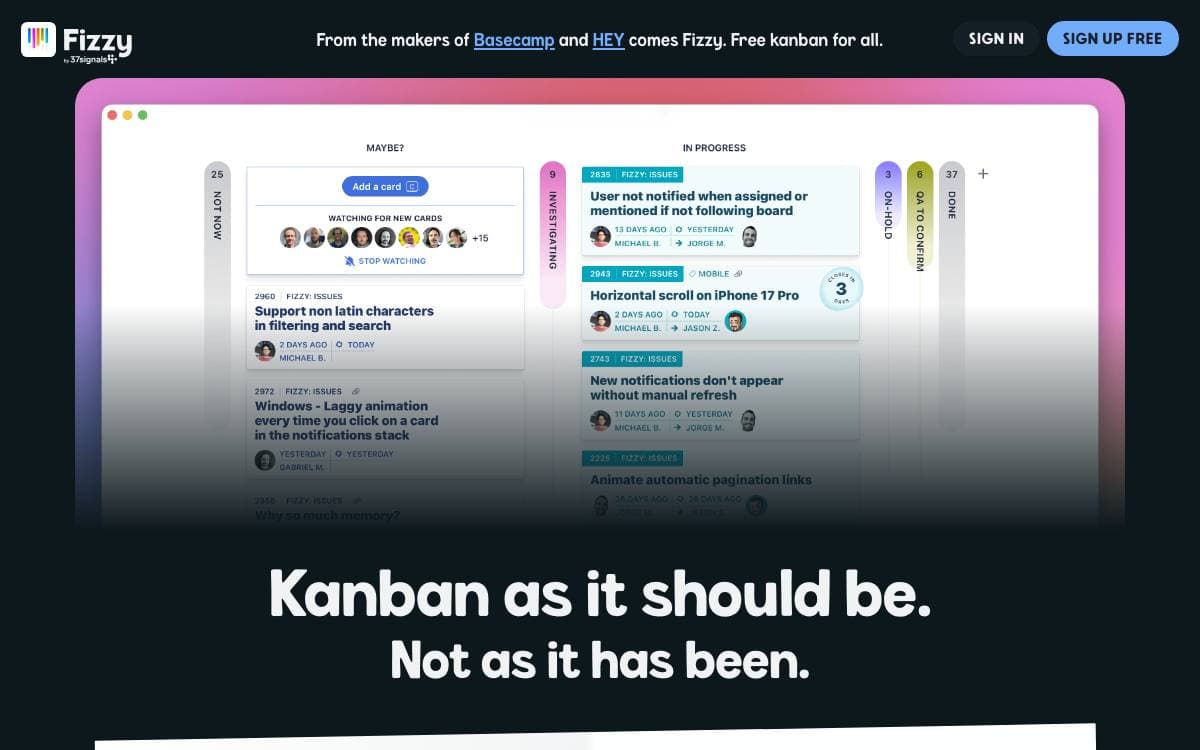
Fizzy is the kanban tracking tool for issues and ideas built by 37signals, and this repository holds its source code. Running it yourself puts the board where your team files bugs and half formed ideas on infrastructure you control.
The project assumes you are willing to operate your own instance. You bring a server, pick one of two deployment routes and set the configuration options that customize the installation. Everything else is documented in the repository rather than sold as a service.
Each route has its own guide, and the choice comes down to whether you plan to touch the code.
- Docker image: pre-built, for a server you already run and code you do not intend to change.
- Kamal deployment: the recommended route when you modify Fizzy and push your own build to a server.
- Configuration options: the settings that customize an installation, covered in both deployment guides.
- Development guide: local setup for anyone who wants to work on the code before deploying it.
- Style guide: the conventions a contribution is expected to follow before it is submitted.
Modifying Fizzy to your liking is encouraged rather than merely tolerated, and contributions come back as pull requests once you have read the style guide. Fizzy is released under the O'Saasy License, so read those terms before building anything commercial on top of it.

An open source kanban board for teams that want Trello-style project management running on infrastructure they control.
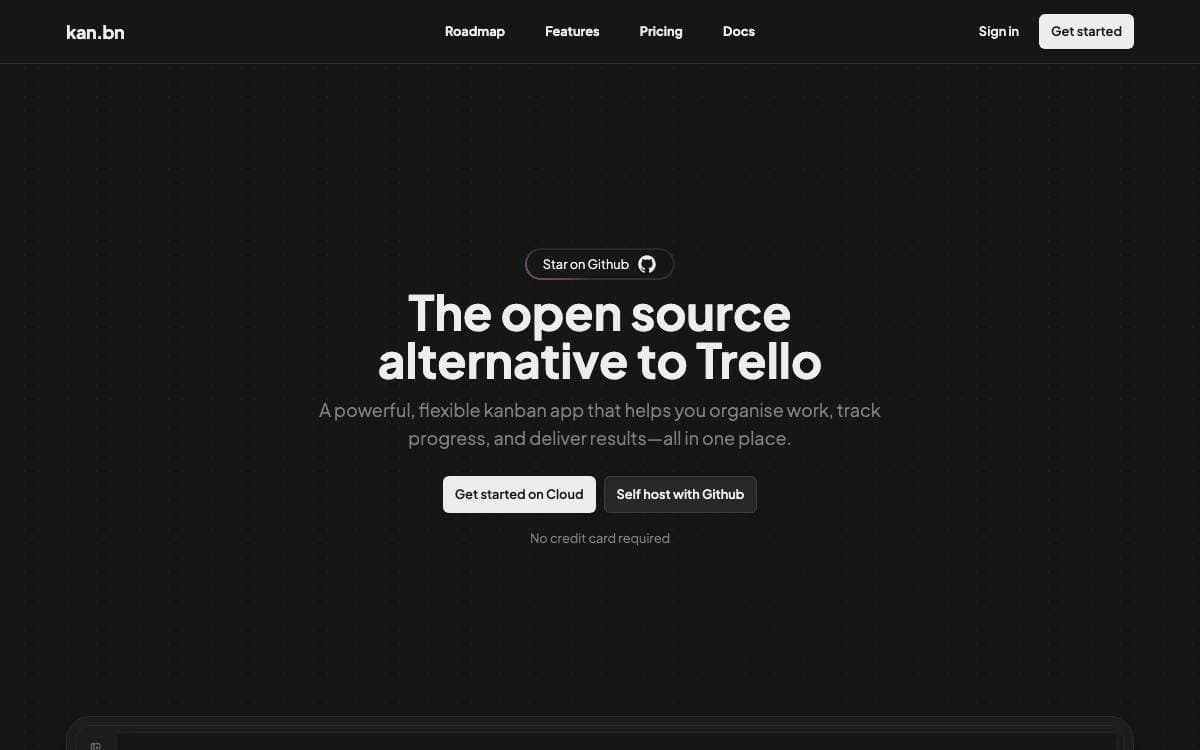
Kan is an open source project management tool built as an alternative to Trello. Boards, cards and workspaces behave the way people already expect them to, with the difference that the whole thing runs on a server you own and a database you can back up.
It is a Next.js application using tRPC, Drizzle ORM, Better Auth, Tailwind CSS and React Email over Postgres. A Docker Compose file starts the database, runs migrations and brings the web service up once those finish, so a working instance is one command away.
Day-to-day features cover what a small team needs from a board.
- Board visibility: control who can view and who can edit each board.
- Workspace members: invite people and work together inside a shared workspace.
- Trello imports: bring existing boards across using Trello API credentials.
- Labels and filters: organize cards and find them again without scrolling.
- Comments and activity log: discuss a card and read the detailed history of every change to it.
- Templates: save reusable board layouts instead of rebuilding the same columns.
Configuration is environment variables throughout, with Redis for optional rate limiting, SMTP for email, Google, Discord, GitHub or generic OIDC for login, and S3-compatible storage for uploads. Railway offers a one-click deployment for anyone who does not want to run Compose, and integrations with other tools are listed as coming soon.

Self-hosted task manager with a documented API, desktop client and hosted option, aimed at people who would rather own their to-do list.
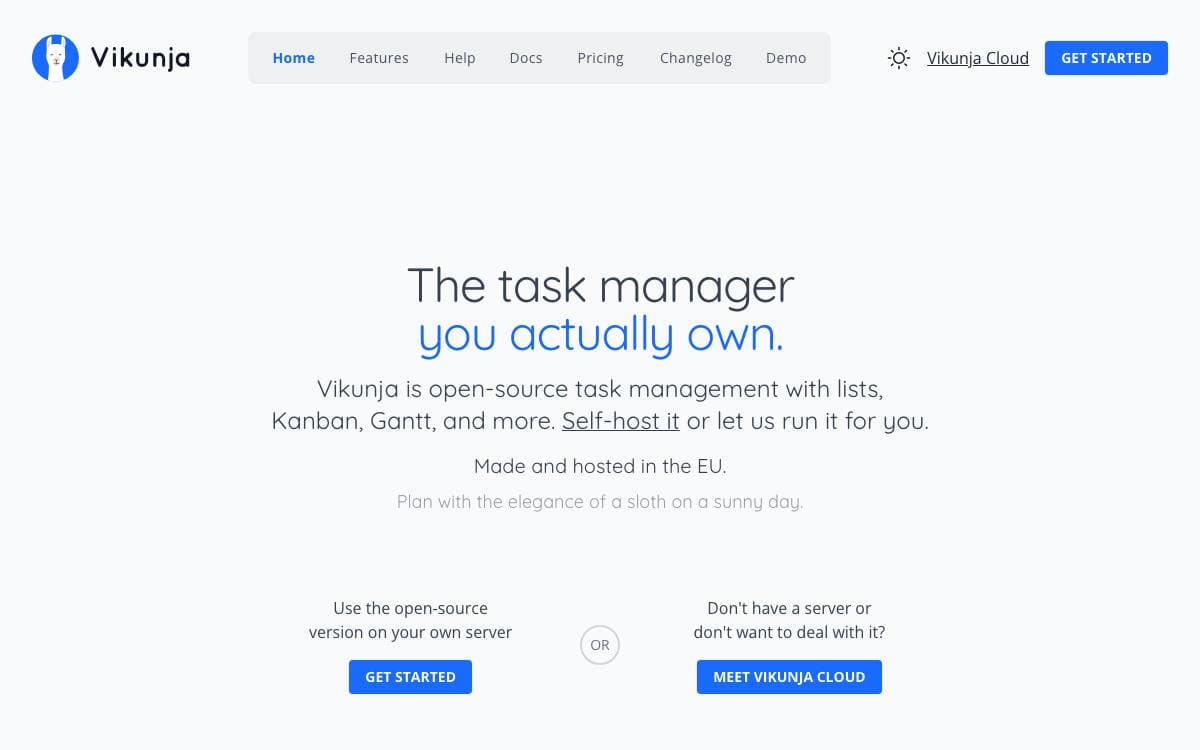
Task management usually means handing your list to somebody else's service. Vikunja is the self-hosted answer, summed up by its own tagline as the task manager you actually own, with the code for every part of it in one repository.
That repository holds the API server, whose OpenAPI documentation is served by each running instance, along with a desktop client kept in its own directory. Builds run through a Magefile, and the documentation covers installing, building from source, setting up a development environment and running the tests.
Getting a copy running can go several ways.
- Docker images: published on Docker Hub for the usual container deployments.
- Build from source: the docs walk through compiling it yourself.
- Public demo: a try instance runs the current build, so the interface can be judged before anything is installed.
- Hosted version: the maintainers operate a paid instance for people who want the software without the operations.
- Pro edition: an admin panel, audit logs and time tracking are sold separately for companies that need them.
Most of the repository is licensed AGPL-3.0-or-later, the desktop directory under GPL-3.0-or-later, and the background images come from Unsplash under terms that require crediting the photographer. The maintainers also state plainly that LLM-assisted coding tools are used in various parts of the codebase, and that most contributions from their bot account are built that way, which is more disclosure than most projects offer.

Kanri is an offline desktop Kanban board for Windows, macOS, and Linux that stores boards in a single JSON file.
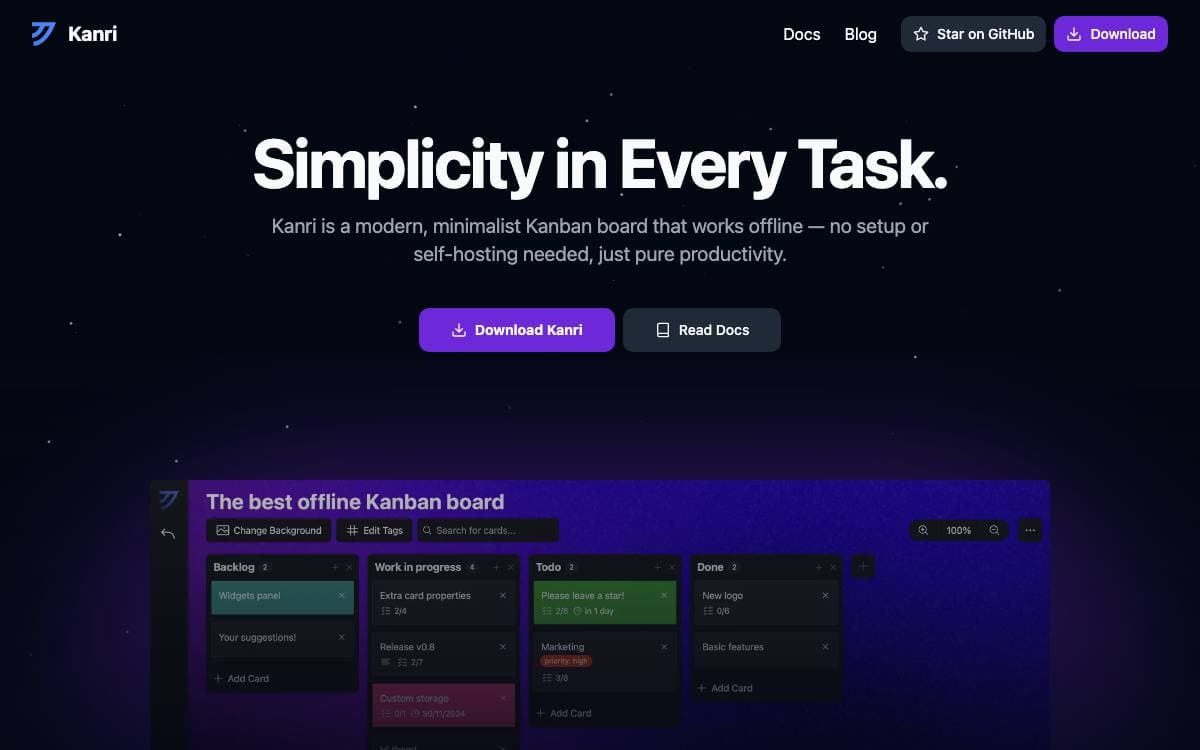
Every Kanban tool wants an account, a workspace, and a network connection before it will show you a column. Kanri wants none of them. It is a desktop app keeping boards in one JSON file on your own machine, and its stated philosophy is to do one thing well rather than grow into a project management suite.
It is built with Tauri, so it ships as a native installer for Windows, macOS, and Linux rather than as a bundled browser. Installers come from the official download page or GitHub releases, and macOS users can install through Homebrew. Because no Apple Developer membership funds a signature, Apple Silicon users must clear the quarantine attribute after installing. Building locally needs Node, a package manager, and the Tauri development environment.
The board itself covers what people actually use a Kanban board for.
- Columns and cards: customizable columns with rich-text descriptions, sub-tasks, due dates, and tags.
- Themes: custom color themes and board background images.
- Local storage: everything lives in one JSON file you can move, back up, or sync yourself.
- Keyboard shortcuts: board navigation without reaching for the mouse.
- Trello import: basic import from Trello, with granular or full export for backups.
Cloud sync is not planned, though an option to save individual boards to chosen file paths is intended to make tools such as Syncthing easier to pair with it. The project is still in active development and ships as is, so the maintainer asks for regular exports, with a 1.0 release and internationalization as the longer-term goal.

Agile project management for cross-functional teams, with Scrum and Kanban boards, backlogs, issue tracking, and a wiki in one self-hosted tool.
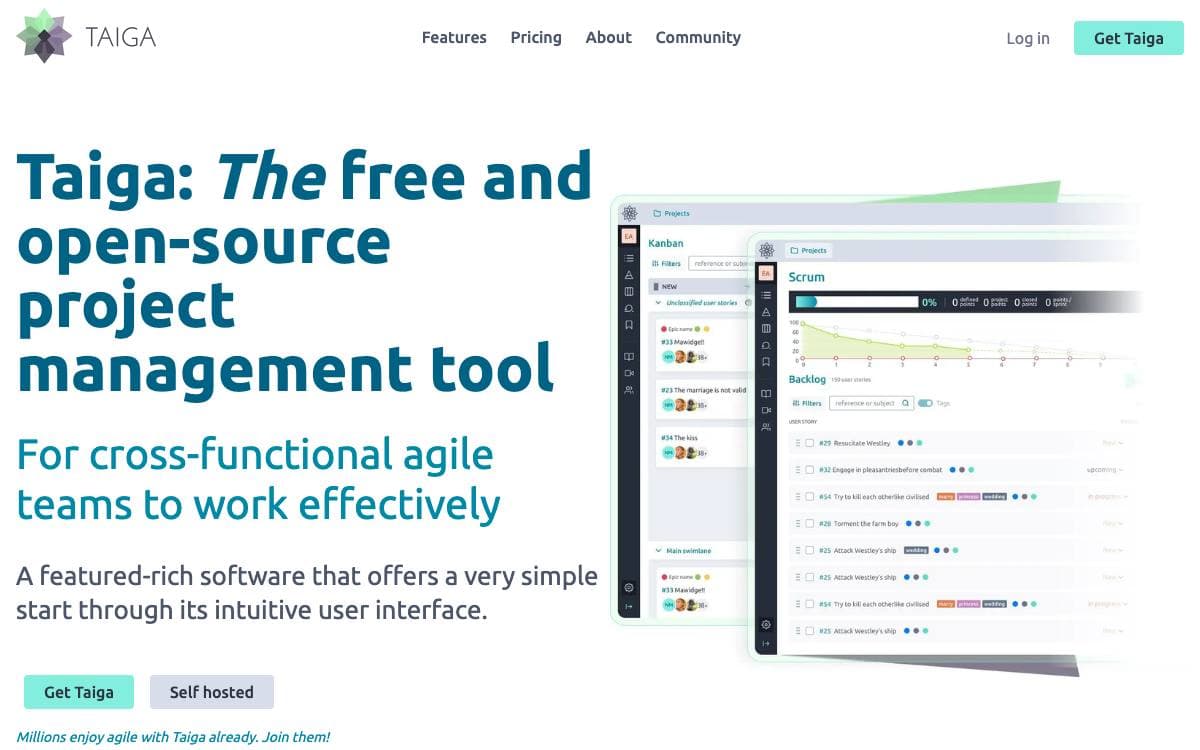
Taiga is a project management tool for cross-functional teams that want to run Scrum or Kanban without a training program first. This repository holds taiga-back, the server that stores projects and exposes the REST API every Taiga client talks to.
The project keeps three documentation hubs, one for the API, one for installing Taiga on your own server, and a community site that doubles as the support desk. Bug reports go to Taiga's own issue tracker, which the team prefers over GitHub issues, and a separate address exists for security reports.
The product itself, as described on the Taiga website, covers the ceremonies an agile team actually runs.
- Kanban: boards with swimlanes, WIP limits, zoom levels, extensive filters, and a user story archive.
- Scrum: backlog and sprint planning with epics and sub-tasks, estimation per role, and burndown charts at project and sprint level.
- Issues: integrated tracking with custom types, priorities, and severities, plus a way to promote an issue into a user story.
- Reporting: team performance dashboards, a full project timeline, personal notifications, and a wiki.
- Self-hosting: on-premise installs keep all data on your own servers, with more than twenty translations available.
Switching a project between Kanban and Scrum works in both directions, so the method can change without moving tools. Every accepted patch is licensed under MPL 2.0, and the contribution policy asks you to keep it that way.

Work and project management platform with time and activity tracking, for teams that want to run their own instance.
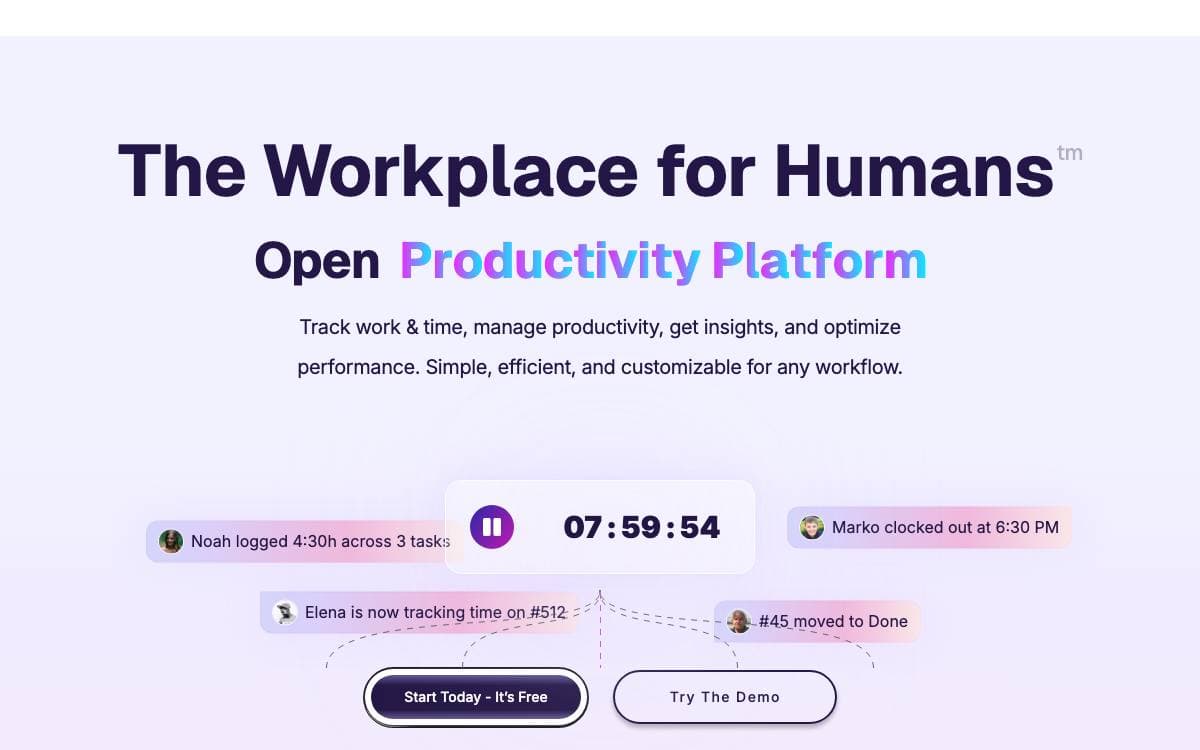
Ever Teams covers workforce management, time and activity tracking, productivity metrics, tasks and issues, organizations and teams in one web application. The README is explicit that the platform is in an active development stage and should be used with caution, which is worth knowing before it lands in front of a working team.
It is a front end rather than a whole system. The web application talks to the headless APIs of Ever Gauzy, the same maintainers' business management platform, and by default it connects to their production endpoint. Two environment variables repoint it at a Gauzy server or API you run yourself, which is the difference between borrowing their backend and owning the stack.
Getting an instance up has several documented routes.
- Docker Compose: a demo file for exploring, a production file, and a build file that compiles everything locally.
- Docker image: prebuilt web application images published to Docker Hub and GitHub packages.
- Manual build: a yarn install followed by a web build and start, served on port 3030.
- Self-hosted backend: run Gauzy separately, then set the two API server variables before starting.
- Gitpod: a ready-to-code workspace configured in the repository.
The stack is a Turborepo and Nx monorepo in TypeScript, with Next.js and React on the web, React Native and Expo on mobile, and Tailwind with shadcn/ui, Radix and Headless UI for the interface. Integrations with GitHub, GitLab, Bitbucket and Jira are planned alongside tags, labels and dark, black and light themes. It is licensed under AGPL v3.

Lightweight Kanban board app for makers and indie hackers who want Trello-style project tracking they can host and bill themselves.
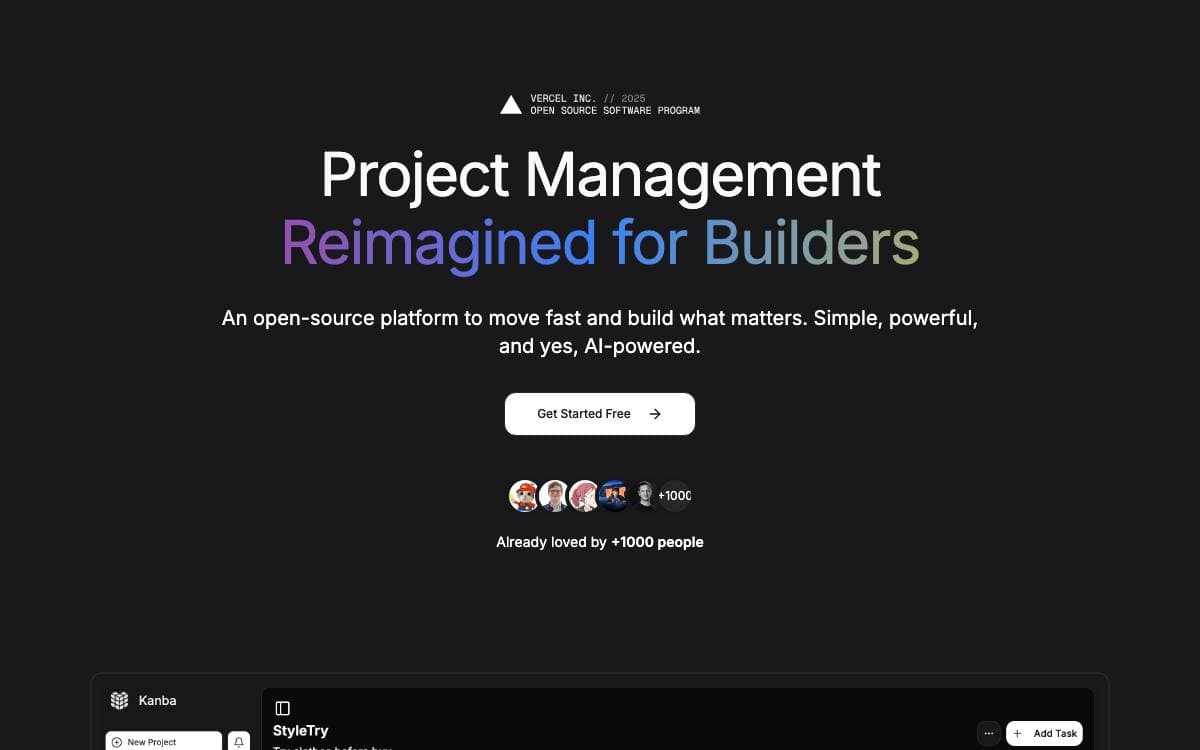
Kanba trims Trello down to what a solo developer or a small team actually uses. Boards, unlimited projects, team collaboration and dark and light modes are there; the process ceremony that usually arrives attached to them is not, and the whole thing runs on infrastructure you control.
The application is a Next.js project styled with Tailwind CSS and shadcn/ui, with Supabase for data and authentication and Stripe for payments. Billing runs through local Next.js API routes instead of Supabase edge functions, so a checkout route and a webhook route live in the same codebase as everything else and read their keys from a standard environment file.
Standing up an instance comes down to a handful of environment variables.
- Supabase: a project URL, an anonymous key and a service role key that never leaves the server.
- Stripe: a secret key, a publishable key and a webhook secret, all optional if you are not charging.
- Site configuration: the public site URL alongside a NextAuth URL and secret.
- Local testing: the Stripe CLI forwards webhook events to the development server on port 3000.
- Deployment: any platform that runs Next.js, with the webhook pointed at the deployed instance.
Keeping payments on framework routes rather than vendor functions is the decision that shapes the rest. Environment variables stay in ordinary dotenv files, debugging happens locally against a running dev server, and moving the deployment to another host later does not mean rewriting the billing path. Secrets stay server-side, and only variables meant for the browser carry the public prefix.

An early stage, minimalist task manager for tracking personal and team projects without the weight of enterprise issue trackers.
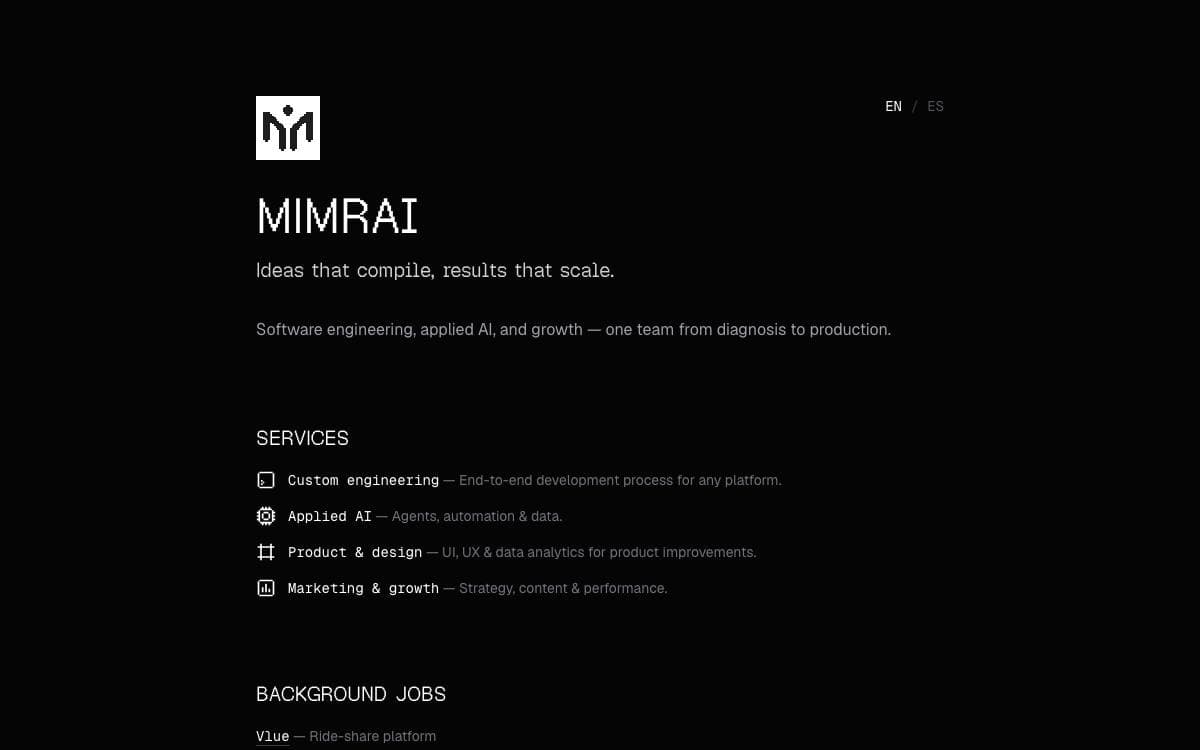
Task management gets stripped back to the essentials here. Mimrai tracks tasks and projects, and its maintainers position it as an early, lightweight alternative to Jira, Asana, Linear and Monday.com. They call the project a first stage of development shaped by feedback, though the repository is now archived.
The codebase is a Turborepo monorepo written in TypeScript and running on Bun. React and Next.js drive the interface, Supabase backs the data layer, and Tailwind CSS with Shadcn UI supplies the styling and components.
Hosting is split across three services.
- Supabase: database, storage and realtime updates.
- Vercel: the marketing website and the dashboard.
- Fly.io: the API.
Around that core sit the pieces that keep it running day to day. Trigger.dev handles background jobs, Resend delivers email, GitHub Actions runs continuous integration, Upstash provides Redis caching, Sentry captures errors, OpenPanel records events and analytics, and OpenAI powers the AI features.
Licensing follows two paths. Non commercial use falls under AGPL-3.0, and by using the software you accept those terms. For commercial use, or a deployment that needs a setup fee arrangement, the founders ask you to contact them directly for a commercial license instead.


