Open Source TickTick Alternatives
A curated collection of the 3 best open source alternatives to TickTick.
The best open source alternative to TickTick is Super Productivity. If that doesn't suit you, we've compiled a ranked list of other open source TickTick alternatives to help you find a suitable replacement. Other interesting open source alternatives to TickTick are: Vikunja and Donetick.
TickTick alternatives are mainly Project & Work Management but may also be Time & Task Management. Browse these if you want a narrower list of alternatives or looking for a specific functionality of TickTick.

Todo app with timeboxing and time tracking that imports tasks from calendars, Jira and GitHub, for people juggling several systems.
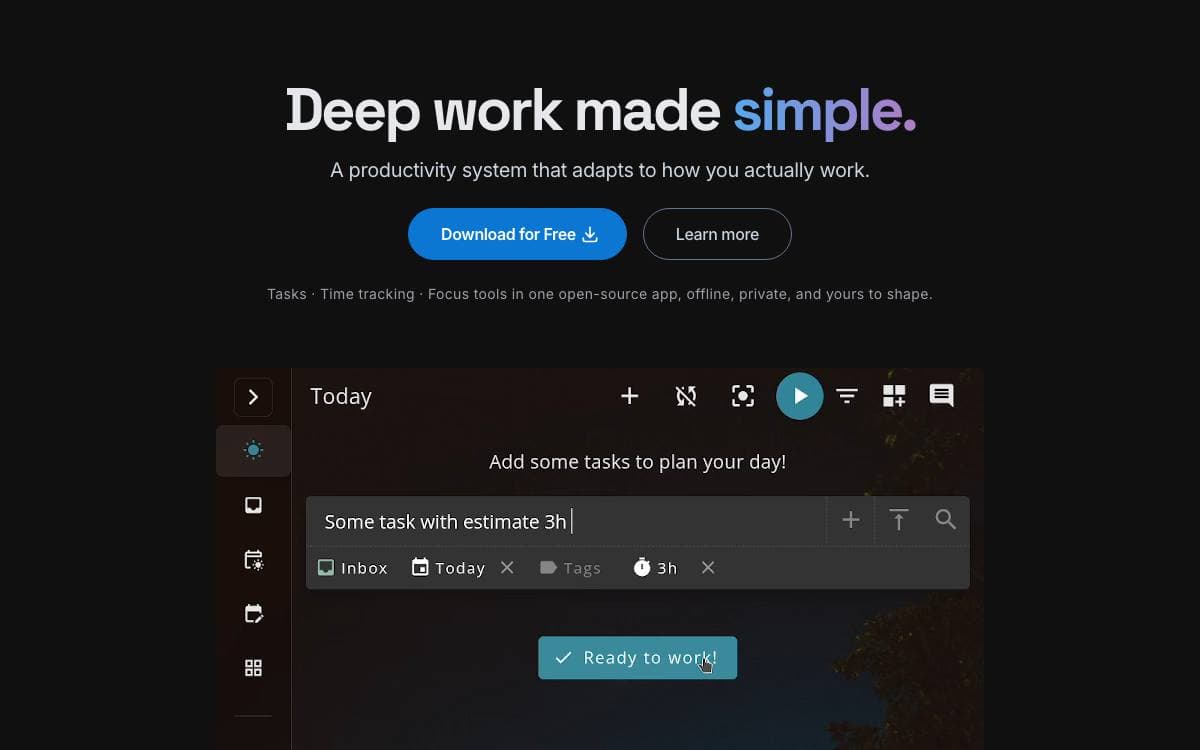
Super Productivity is an advanced todo list that adds timeboxing and time tracking, then pulls in the work assigned to you from the issue trackers your company already runs. It removes the daily reconciliation between a personal list and half a dozen corporate tools.
Tasks are organized with sub-tasks, projects, tags and color coding, and time sheets and work summaries export into a company time tracking system without a manual retyping step. Notes, attached files and project-level bookmarks for links, files and even commands keep the context beside the task it belongs to.
The habit-forming features are what separate it from a plain list app.
- Break reminders: a prompt to step away when you have been at the desk too long.
- Anti-procrastination: a nudge that restores perspective at the moment you most need it.
- Pomodoro timer: always within reach when a stretch of focus is called for.
- Personal metrics: collected so you can see which of your work routines need adjusting.
- Issue integrations: Jira, Trello, GitHub, GitLab, Gitea, OpenProject, Linear, ClickUp and Azure DevOps, with auto imported tasks, automatic work logs and change notifications.
Sync runs through SuperSync, an end-to-end encrypted service you can also host yourself, or through Dropbox and WebDAV, with basic CalDAV support alongside. No account is required and no data is collected, so you decide where everything is stored. It installs on desktop, Android and iOS, and the web version carries some documented limitations.

Self-hosted task manager with a documented API, desktop client and hosted option, aimed at people who would rather own their to-do list.
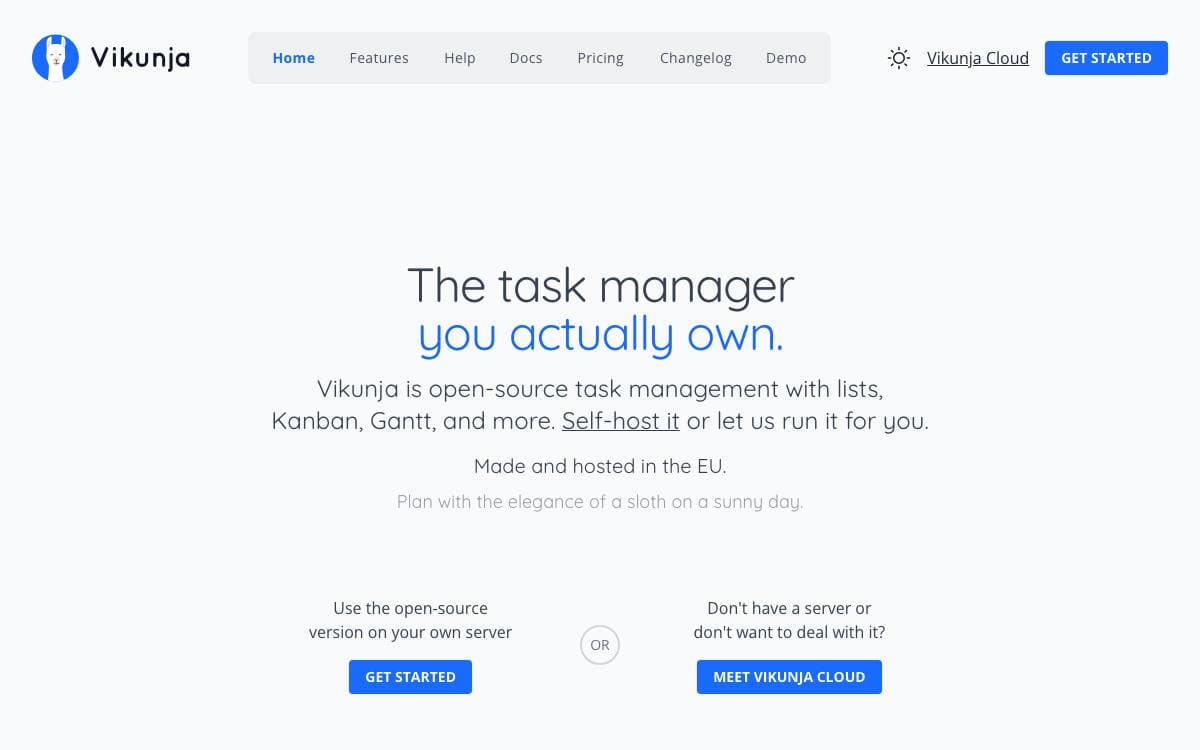
Task management usually means handing your list to somebody else's service. Vikunja is the self-hosted answer, summed up by its own tagline as the task manager you actually own, with the code for every part of it in one repository.
That repository holds the API server, whose OpenAPI documentation is served by each running instance, along with a desktop client kept in its own directory. Builds run through a Magefile, and the documentation covers installing, building from source, setting up a development environment and running the tests.
Getting a copy running can go several ways.
- Docker images: published on Docker Hub for the usual container deployments.
- Build from source: the docs walk through compiling it yourself.
- Public demo: a try instance runs the current build, so the interface can be judged before anything is installed.
- Hosted version: the maintainers operate a paid instance for people who want the software without the operations.
- Pro edition: an admin panel, audit logs and time tracking are sold separately for companies that need them.
Most of the repository is licensed AGPL-3.0-or-later, the desktop directory under GPL-3.0-or-later, and the background images come from Unsplash under terms that require crediting the photographer. The maintainers also state plainly that LLM-assisted coding tools are used in various parts of the codebase, and that most contributions from their bot account are built that way, which is more disclosure than most projects offer.

Task and chore manager for households and shared groups, with recurring schedules, assignee rotation, points and self-hosted deployment.
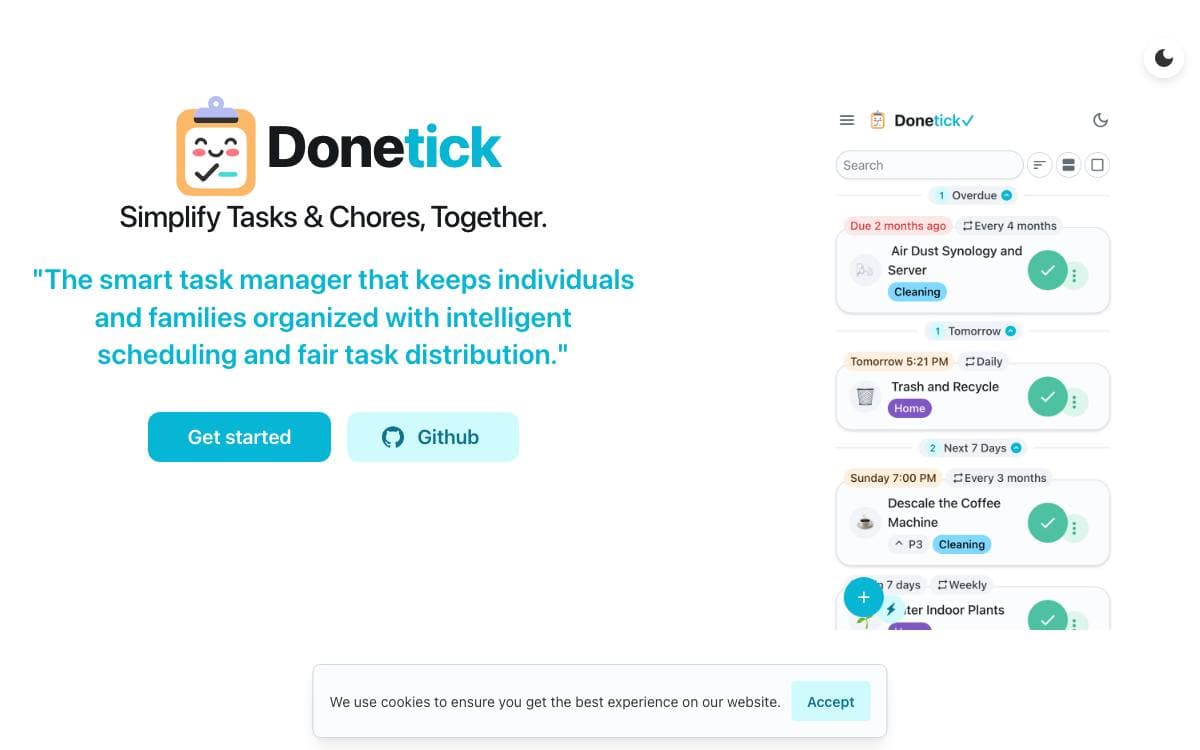
Donetick organizes the tasks and chores a household keeps forgetting. Groups let people share or assign work, and a task can be described in plain English, with Donetick pulling out the dates, times and recurrence from a phrase like changing a water filter every six months.
Scheduling is where it does the most work. Recurrence can be daily, weekly, monthly, yearly or tied to particular months and weekdays, and an adaptive mode learns from past completions to suggest due dates. Recurring tasks count either from the previous due date, for a steady cadence, or from the actual completion date, for chores that habitually slip.
Around the scheduler sit the features that keep a shared list honest.
- Assignee rotation: pass the next turn to whoever has completed the fewest tasks, at random, or in round-robin order.
- Subtasks: nested steps that reset automatically when a recurring parent is completed.
- Things: tracked values that are not tasks, a number, a flag or some text, able to complete a task when they change.
- NFC tags: a physical trigger that marks a task done when scanned.
- Points and analytics: rewards for completions, with breakdowns by label and status.
- Integrations: a REST API, webhooks and a Home Assistant integration creating a list per user.
Self-hosting runs from a Docker image, a Compose file or a downloaded binary, with a configuration file in a config directory and SQLite for storage. Sign-in accepts local accounts or any OIDC provider such as Keycloak, Authentik or Authelia, with TOTP as a second factor.


