Open Source Sublime Text Alternatives
A curated collection of the 3 best open source alternatives to Sublime Text.
The best open source alternative to Sublime Text is Zed. If that doesn't suit you, we've compiled a ranked list of other open source Sublime Text alternatives to help you find a suitable replacement. Other interesting open source alternatives to Sublime Text are: Neovim and CodeEdit.
Sublime Text alternatives are mainly IDEs & Code Editors. Browse these if you want a narrower list of alternatives or looking for a specific functionality of Sublime Text.

High-performance multiplayer code editor from the creators of Atom and Tree-sitter, for developers on macOS, Linux and Windows.
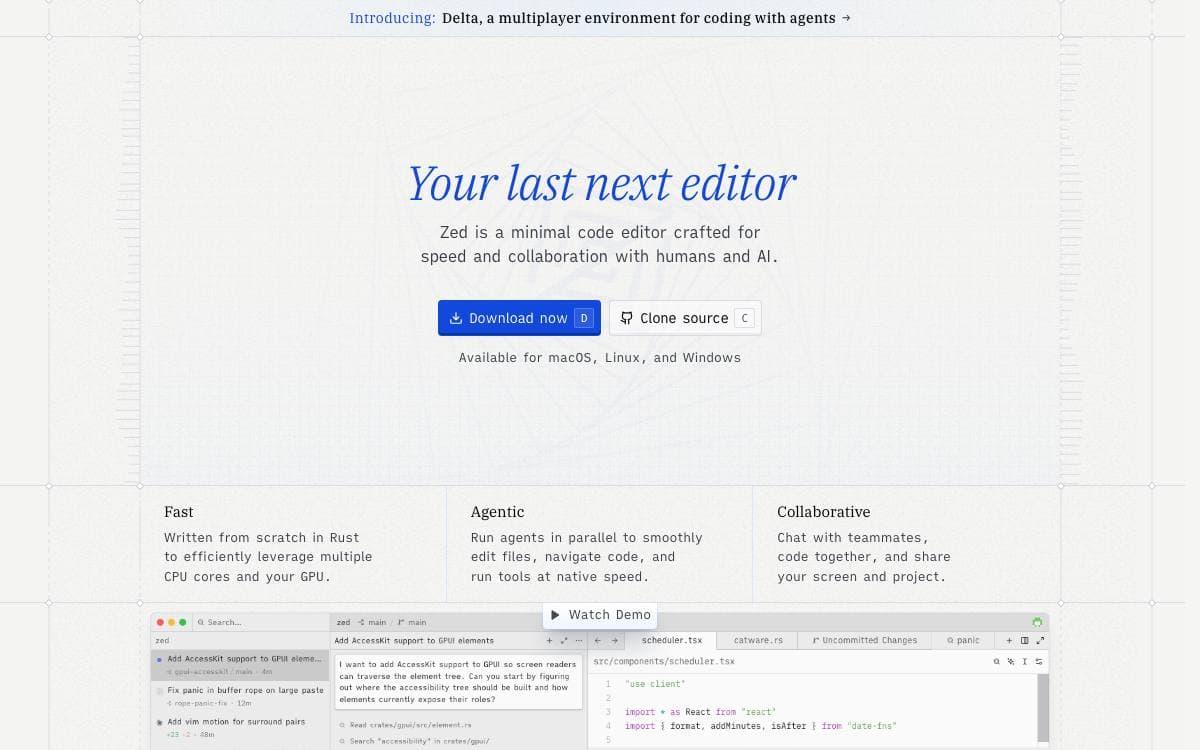
Written by the team behind Atom and Tree-sitter, Zed is a high-performance, multiplayer code editor. Multiplayer is part of the editor rather than a plugin, so shared editing is not something you bolt on afterwards.
Installation is a direct download or a package from your usual manager, and the same three desktop platforms are supported for building from source. The repository carries per-platform build documentation and a contribution guide for anyone who wants to work on the editor itself.
A few practical details shape what you can expect.
- Desktop platforms: macOS, Linux and Windows, by direct download or local package manager.
- Web: not available yet, with progress tracked in an open discussion.
- Build from source: separate build guides for each supported platform live in the docs directory.
- Licensing: source is GPL-3.0-or-later, with Apache-2.0 components where they are marked as such.
- Dependency licenses: cargo-about checks third party crates automatically, and continuous integration fails when one is unaccounted for.
Zed is developed by Zed Industries, a for-profit company that is hiring. Financial support runs through GitHub Sponsors and goes to the company as general revenue, with no perks or entitlements attached, so sponsoring is a way to fund the work rather than to buy anything.

A refactored Vim for developers who want an extensible terminal editor with a scriptable API and modern graphical front ends.
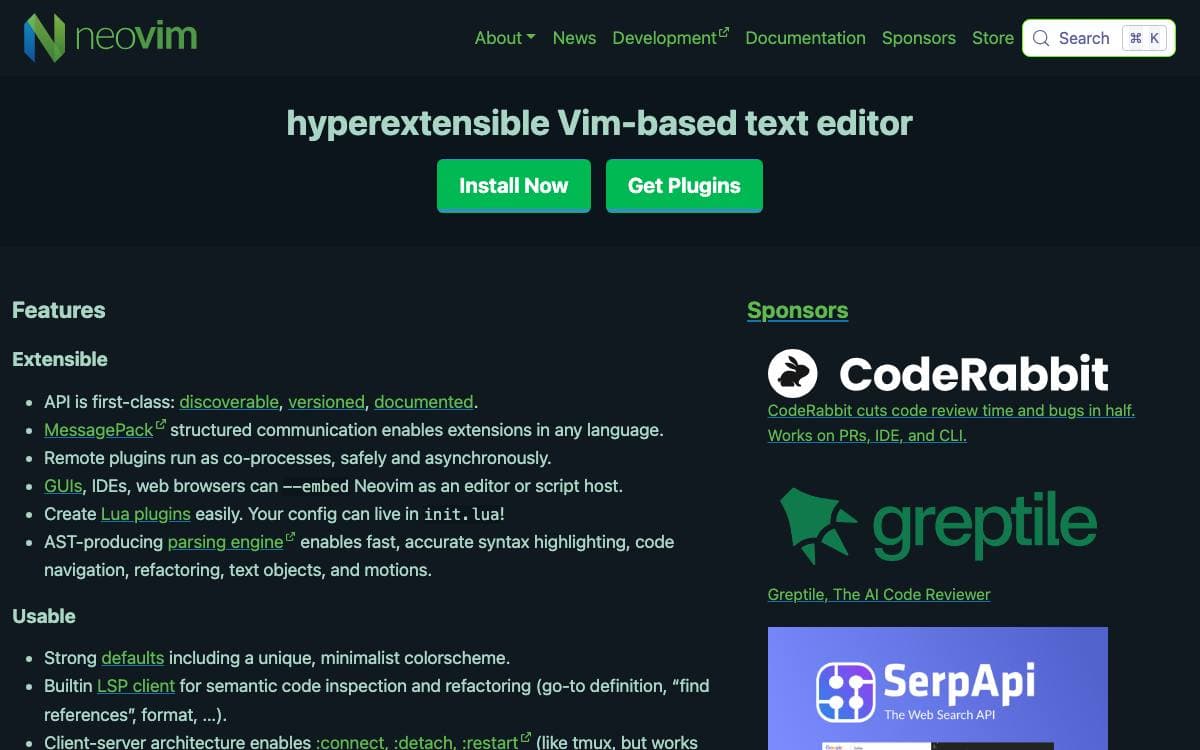
Neovim exists to refactor Vim aggressively. The stated goals are simplifying maintenance, encouraging contributions, splitting work across multiple developers, and letting advanced user interfaces be built without modifying the core editor.
Most of that leverage comes from the API, which any language can drive. The project lists clients written in C, C++, C#, Clojure, D, Elixir, Go, Haskell, Java, Kotlin, JavaScript, Julia, Lisp, Lua, Perl, Python, Racket, Ruby and Rust.
The editor adds a handful of things on top of Vim.
- Modern GUIs: separate front ends talk to one core over the API.
- Terminal emulator: embedded and scriptable, running inside the editor.
- Asynchronous job control: long running work does not block your editing.
- Shared data: a shada file carries state between multiple editor instances.
- XDG base directories: configuration lands where the specification says it should.
Compatibility stayed deliberately wide. Most Vim plugins still work, Ruby and Python ones included, and a dedicated help topic walks through what changes when you move across from Vim.
Contributions after a marked commit carry the Apache 2.0 license, except for code copied from Vim, which keeps its original terms. Builds use CMake with a Makefile wrapper for convenience, and pre built packages cover Windows, macOS and Linux, alongside managed packages in Homebrew, Debian, Ubuntu, Fedora, Arch Linux, Void Linux and Gentoo.

A native macOS code editor for developers who want an Xcode-like experience on projects that are not built for Apple platforms.
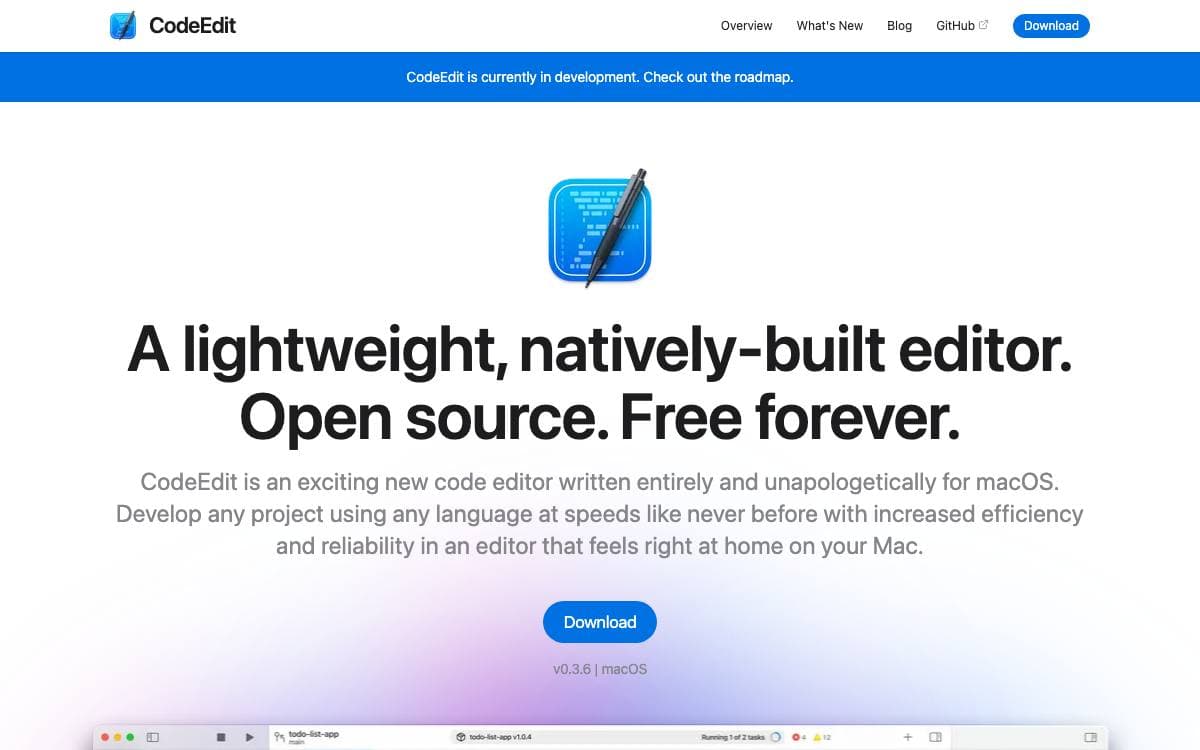
Most editors in daily use are built on Electron or another cross-platform framework, which limits how far they can use the machine underneath. CodeEdit answers that by being written entirely for macOS, by the community that wanted it.
Xcode already offers a native experience, but only for projects targeting Apple platforms. CodeEdit aims at everything else while following Apple's human interface guidelines closely enough to read as an application Apple might have shipped, staying as light as TextEdit and scaling up when the work demands it.
The feature set covers what a working editor needs.
- Editing: syntax highlighting, code completion, snippets and project-wide find and replace.
- Terminal and tasks: a built-in terminal with task running for the commands you repeat.
- Debugging: debugging happens inside the editor rather than in a separate tool.
- Git: source control integration with code review alongside it.
- Extensions: an extension system for capabilities the core does not carry.
The project spans several repositories and coordinates through a shared board, a Discord server and a weekly meetup. Pre-release builds are published for anyone willing to test drive them and file issues. CodeEdit is still in development and not yet recommended for production use, and the team has committed to keeping it free and open source forever.


