Open Source Storyblok Alternatives
A curated collection of the 10 best open source alternatives to Storyblok.
The best open source alternative to Storyblok is Strapi. If that doesn't suit you, we've compiled a ranked list of other open source Storyblok alternatives to help you find a suitable replacement. Other interesting open source alternatives to Storyblok are: Payload, TinaCMS, KeystoneJS and Builder.
Storyblok alternatives are mainly Content Management Systems but may also be Frameworks & Platforms or Website Builders. Browse these if you want a narrower list of alternatives or looking for a specific functionality of Storyblok.

A self-hosted headless CMS that turns visually defined content models into REST and GraphQL APIs for any frontend or device.
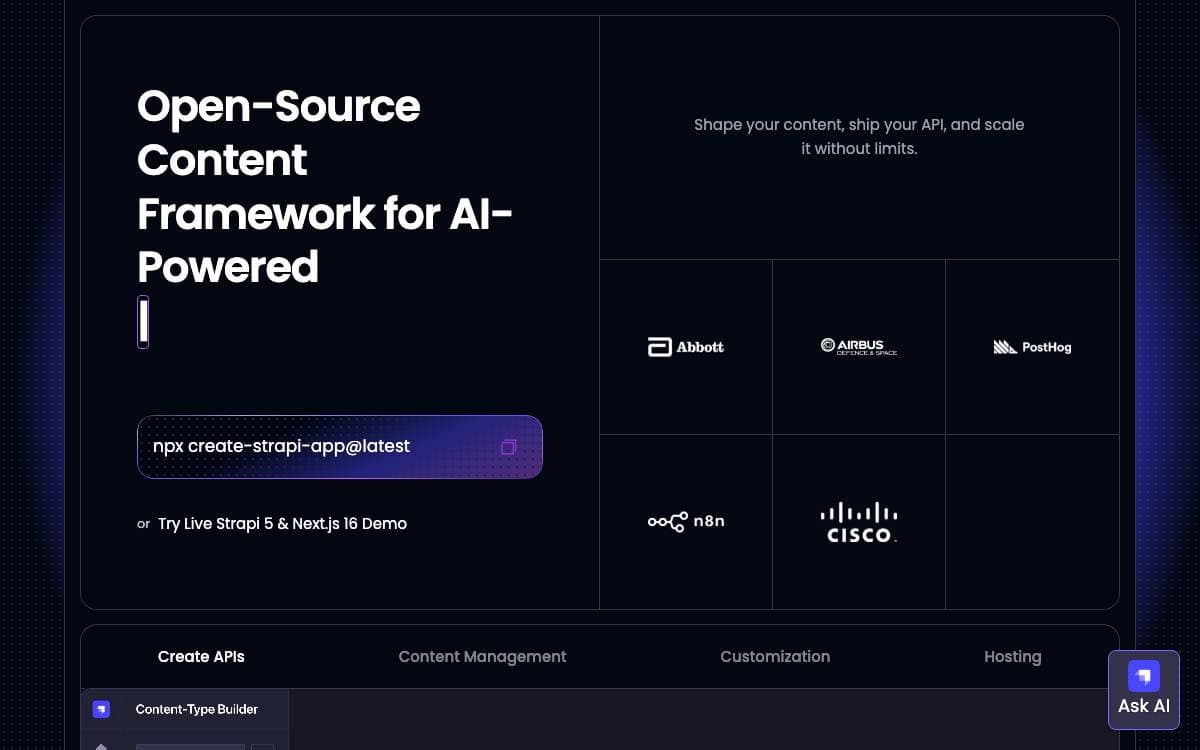
Strapi lets developers ship a content API quickly while giving editors an interface they will actually use. You define the content models and the CMS generates the API that any frontend, mobile app or connected device can consume.
The codebase is JavaScript and TypeScript end to end. Every request travels a layered path from routes through middlewares and controllers to services, and that path is the seam where backend behavior gets customized.
What arrives with a fresh install goes well past content storage.
- Content-Type Builder: models content structures visually, with no code for each new field.
- Generated APIs: REST and GraphQL endpoints appear for every content type you define.
- Roles and permissions: granular access control ships in the box rather than as an add-on.
- Editorial tooling: media library, internationalisation and draft and publish are built in.
- Plugin system: extends the CMS and customizes the admin dashboard for your own needs.
A project starts from a single create command and runs on SQLite, PostgreSQL, MySQL or MariaDB. No official Docker images are published, so containers get built from your project, usually through the community dockerize tool, and a managed Strapi Cloud exists for teams that would rather not run servers.

Next.js native headless CMS that installs into an existing app folder, giving developers a TypeScript backend and an extensible React admin.
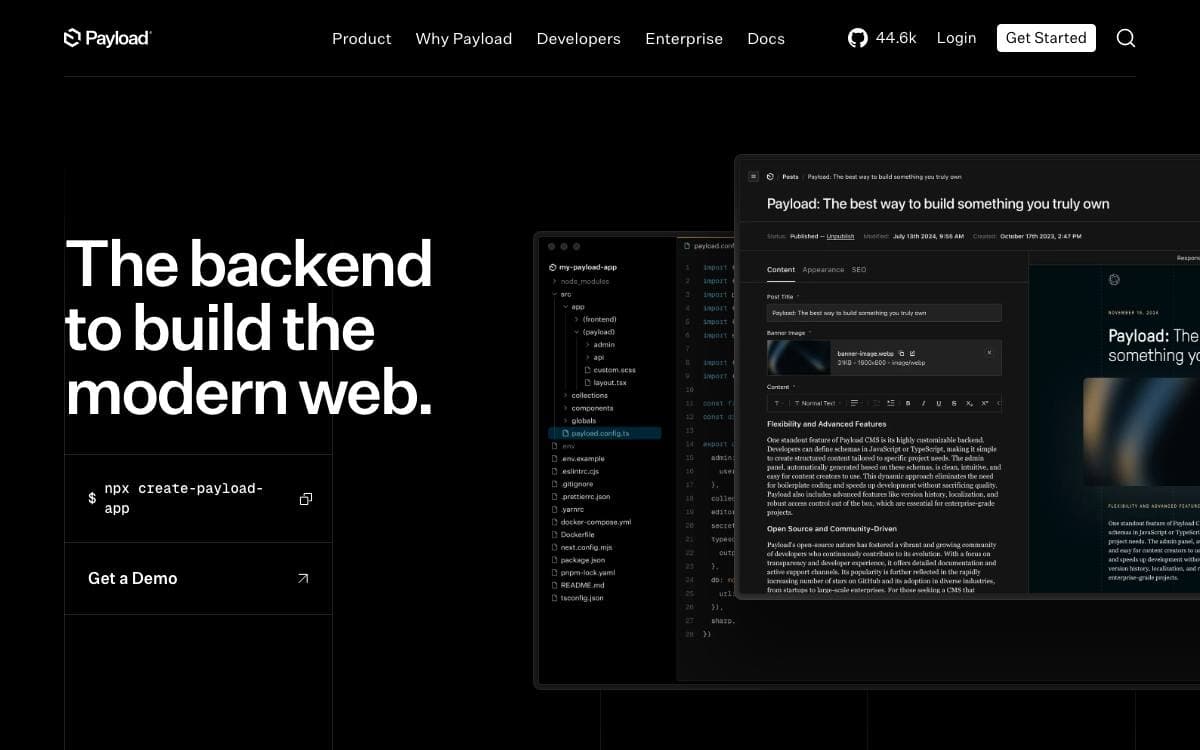
Payload is a headless CMS that installs directly into an existing Next.js app folder, collapsing the usual split between a content backend and the site consuming it. Frontend and backend can share one project, or stay apart when that suits the team better.
Because it runs inside Next.js, React Server Components can query the database directly with no REST or GraphQL round trip, and server components can extend the admin interface itself. Types for your data are generated automatically, and there is no SaaS account in the way.
The feature set is what a content team and a developer both need.
- Access control: granular rules, with hooks available at document and field level for every action Payload performs.
- Authentication: user accounts work out of the box, secured with HTTP only cookies and CSRF protection.
- Versions and drafts: content history and draft states are built in, alongside localization.
- Layout builder: block based composition with a Lexical rich text editor and conditional field logic.
- Admin UI: a React interface that is fully extensible rather than a fixed panel.
Projects start from a create command, and the website template is the suggested entry point since it demonstrates custom rich text blocks, on demand revalidation and live preview with a Tailwind frontend. One click deployments target Vercel with a Neon database and Blob storage, or Cloudflare with Workers, R2 and D1. Ecommerce and other templates, plus official and community plugins, extend it further.

A Git-backed headless CMS with a GraphQL API and optional live preview, for developers whose content lives in Markdown.

Tina keeps content in the repository and puts an editing interface on top of it. Markdown, MDX, JSON and YAML files stay exactly where they are, versioned alongside the code, while the people writing work in a UI instead of a text editor.
A GraphQL API sits over those files, so reaching a post's author is a query rather than a parsing exercise, and documents can reference each other. Statically generated and server-rendered pages are both supported, which leaves your rendering strategy to you.
Two audiences are being served at once, and the split is visible in the design.
- Developers: content stays in Git, reviewable in a pull request, with no separate database to reconcile.
- Editors: an optional live preview makes editing Markdown intuitive for people who will never open a code editor.
- Formats: Markdown and MDX alongside JSON and YAML, so structured data and prose share one system.
- References: documents point at other documents and the API resolves the link for you.
- Starters: a single create command scaffolds a working site locally.
You can try it by running a starter on your own machine or spinning up a demo site on TinaCloud, the hosted backend. The declared aim is to be the leading CMS with Git support that developers actually enjoy, and the repository names its maintainers and publishes a roadmap of what comes next.

Headless CMS and Node.js app framework that turns a schema you describe into a GraphQL API and admin UI.
Keystone asks you to describe your schema and hands back a GraphQL API and a management interface for the content and data behind it. The boilerplate that usually sits between a data model and a working back end is simply absent, without giving up the flexibility of a bespoke one.
Keystone 6 is published to npm under the @keystone-6 namespace, and the create-keystone-app CLI scaffolds a first project. The packages target the Node maintenance and active LTS releases and continuous integration tracks those versions, so pending or end-of-life builds of Node may work but are not guaranteed.
Documentation is organized around the order in which you will meet the project.
- Why Keystone: the vision behind it and what arrives in the box.
- Getting started: first steps walked through with the create-keystone-app CLI.
- Examples: a growing collection of projects you can run locally, each isolating one feature.
- API reference: the details of the foundational building blocks, and the most complete part of the docs.
- Guides: practical walkthroughs that combine those blocks into something running.
Keystone follows semver, adheres to the Contributor Covenant code of conduct and carries a security policy for vulnerability reports. It is maintained by Thinkmill Labs under the MIT license. The older Keystone 5 codebase is in maintenance mode and now lives in a repository of its own.

Visual editing for existing sites and apps, turning Figma files and your own components into code teams can publish.
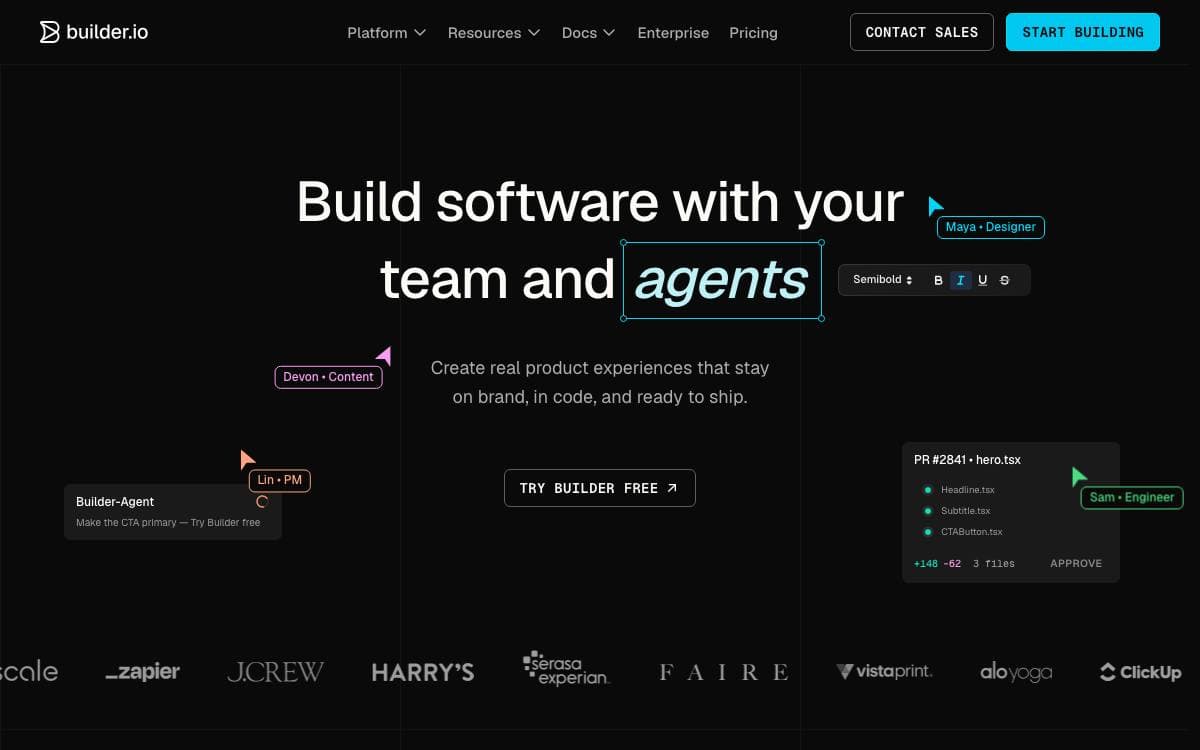
Builder.io connects to a site or app you already have, so pages can be edited visually and code generated from the components already in your codebase. Layout changes stop waiting on a developer to hand-write them.
The editor works against those existing components rather than a fixed widget set. Work can start from a Figma design and be turned into code, or be assembled in the drag and drop editor, and the result is either exported as code or published through the SDKs.
This repository is the open part of that platform.
- SDKs: deliver Builder content into a frontend across the supported frameworks.
- Usage examples: show how those SDKs are wired into a working application.
- Starter projects: give a running codebase to begin from rather than an empty folder.
- Plugins: extend the platform where the defaults do not fit a team's stack.
- Documentation: explains how Builder works technically before you commit to it.
A free account is enough to try the hosted editor, and the technical overview in the documentation covers how a visual edit reaches a production site. Questions, requests and feedback go to the Builder.io forum, where the team and the community answer them, and contributions to the SDKs, examples, starters and plugins are welcome in this repository.

Flat-first CMS for Laravel applications, storing content in files that live in Git rather than rows in a database.
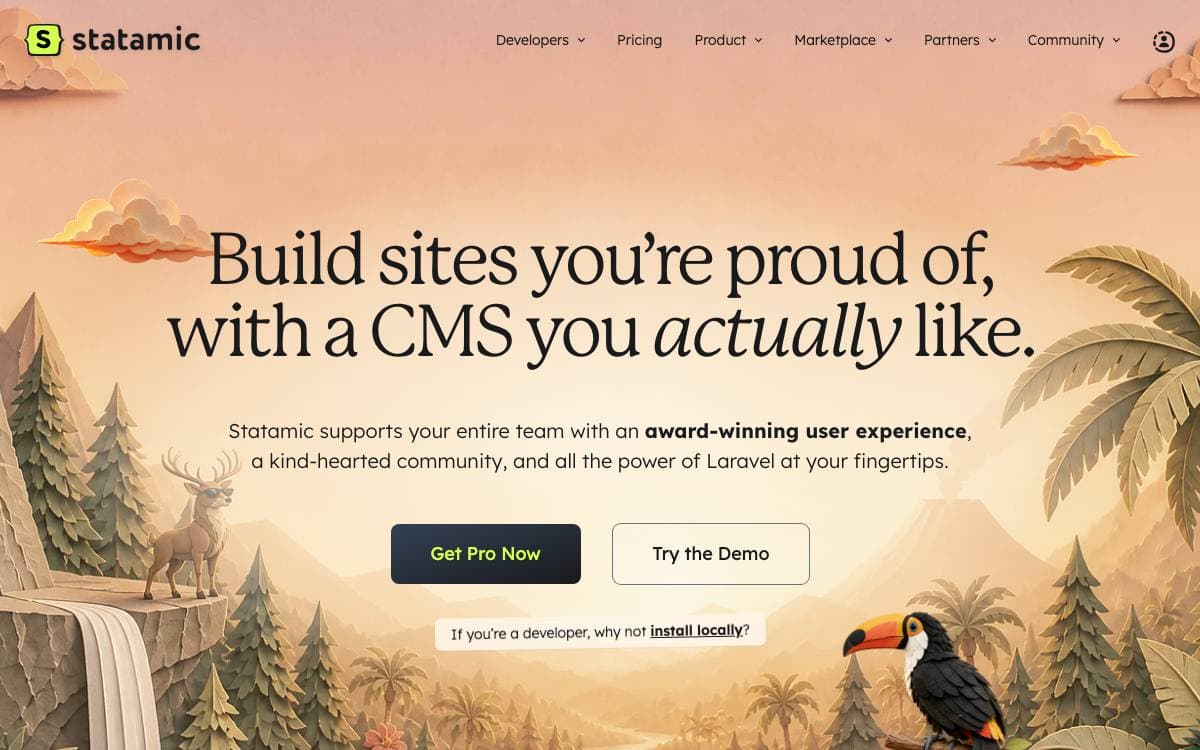
Content kept in a database sits outside version control. Statamic takes the other road, a flat-first content management system powered by Laravel and Git, where the content of a site has the same history, review and rollback story as its code.
This repository holds the core Statamic Composer package, meant to be installed into a Laravel application you already have. A separate application repository holds a Laravel app preconfigured with Statamic, and that is what the Statamic CLI tool starts from when you create a new project.
A few consequences follow from that arrangement.
- Laravel-native: the CMS is a dependency of your application, so routing, packages and deployment stay the way Laravel already does them.
- Git-powered content: content changes travel through the same branches and reviews as everything else in the repository.
- Two entry points: add Statamic to a running app through Composer, or scaffold a fresh project with the CLI.
- Migrator: a companion Statamic Migrator project is maintained alongside the core package.
- Documentation: an extensive docs site is maintained daily, and the team treats anything unclear or incomplete as an issue worth filing.
Support is split by audience. Official developer support comes with Statamic Pro projects, while community help runs through GitHub Discussions and a Discord server. Contributions are welcome once you have read the contribution guide, and the project asks everyone taking part to abide by its code of conduct.

Laravel package for developers who need a custom CMS admin quickly without giving up control of their data models or their front end.
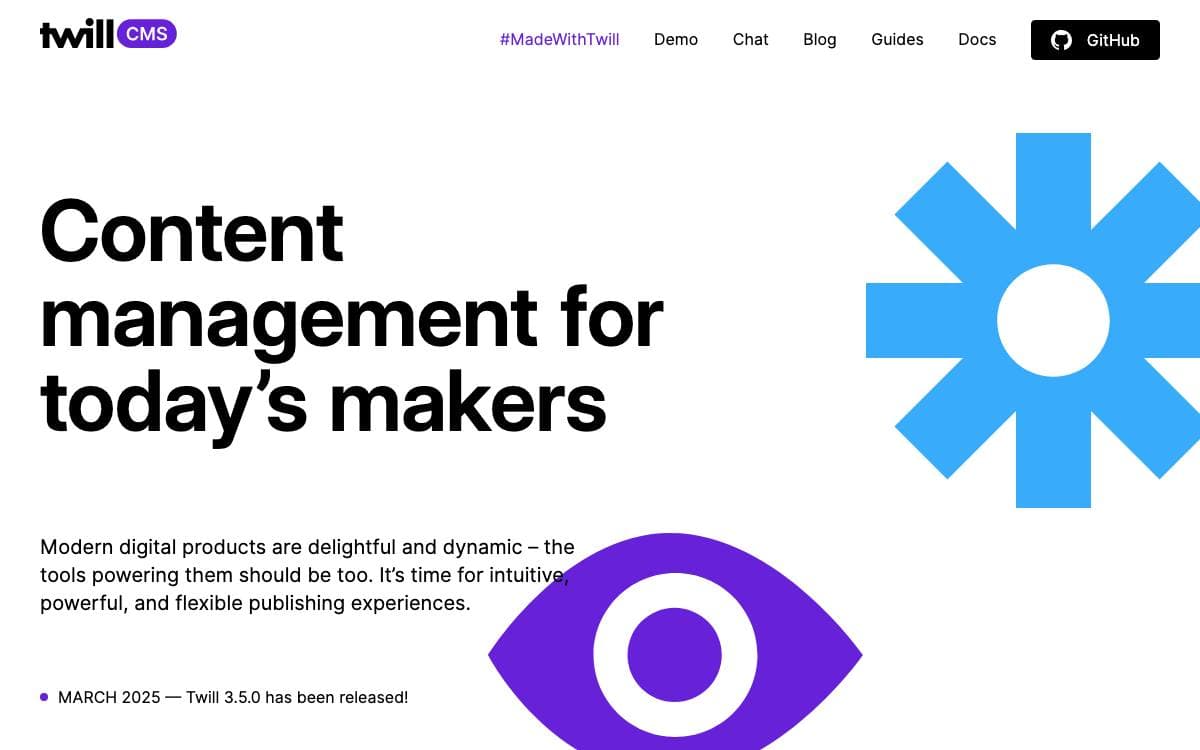
Twill is an open source Laravel package for building a custom CMS. It standardizes the parts every admin console repeats, so effort goes into what makes an application different instead of rebuilding a media library and a publishing workflow for the tenth time.
The admin console is assembled from pre-built features and Vue.js UI components, which means no HTML has to be written or adapted for the back office. If you already know Laravel, you already know Twill, because it leans on the framework's own conventions rather than inventing a parallel set.
The design principles the maintainers set out are worth reading as constraints.
- No lock-in: create your data models or hook up ones that already exist.
- No front-end assumptions: run it inside a Laravel application or use it headless.
- No bloat: features you do not need can be turned off.
- No limits: extend it as far as a project demands.
Licensing has a wrinkle worth knowing early. The software is Apache 2.0, but the UI assets, images, icons and patterns among them, carry a Creative Commons Attribution license that asks any application using them to display a Made with Twill note in the admin footer, linking back to the project, unless permission to remove it is granted.
Twill is an AREA 17 product, shaped over fifteen years of agency work and released in the belief that content management should be enjoyable for publishers and developers alike. The team behind it also takes on implementation and support engagements.

Self-hosted PHP content management system for building custom sites with a clean content model, Twig templates and a generated GraphQL API.
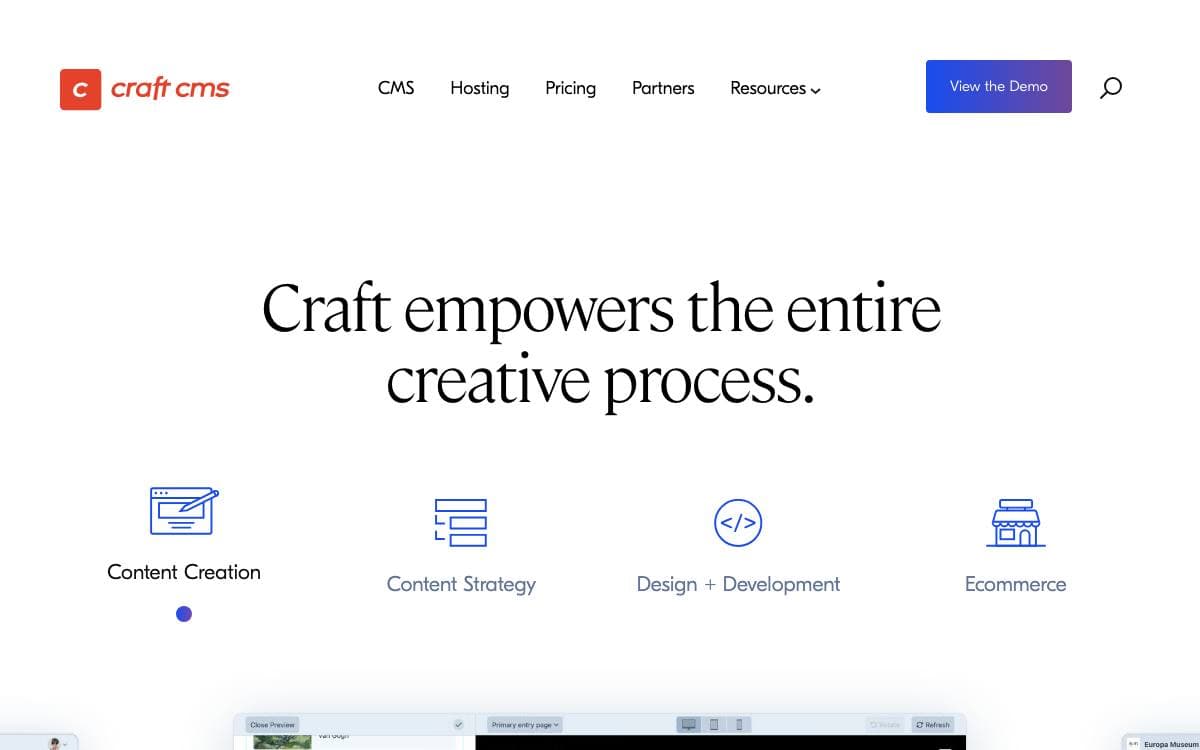
Craft is a flexible content management system for creating custom digital experiences on the web and beyond. Its defining choice is a clean-slate approach to content modeling, one that makes no assumptions about what you need to manage, so the structure follows the project instead of the project bending around a blog schema.
Editors work in a control panel built for content creation and administrative tasks, while developers build the front end on a templating system based on Twig. When a project needs to go headless, Craft generates a GraphQL API from the content model automatically, without a separate layer to maintain.
The system extends in several directions.
- Plugin Store: hundreds of free and commercial plugins, installable from inside the control panel.
- Extension framework: a documented framework for the customization a plugin cannot reach.
- Commerce: a dedicated ecommerce platform for building bespoke storefronts on the same content model.
- Community: an active community with a Discord, a Stack Exchange site and video courses.
- Learning path: a step-by-step tutorial builds a working blog before you commit to a real project.
Craft is a self-hosted PHP application that stores content in MySQL or PostgreSQL, and installation runs through Composer. It suits teams that want editors to have a comfortable interface without accepting the content structure a general purpose CMS would impose on them.

A headless CMS for blogs, changelogs and product updates, for developers who want an editor and an API and nothing more.
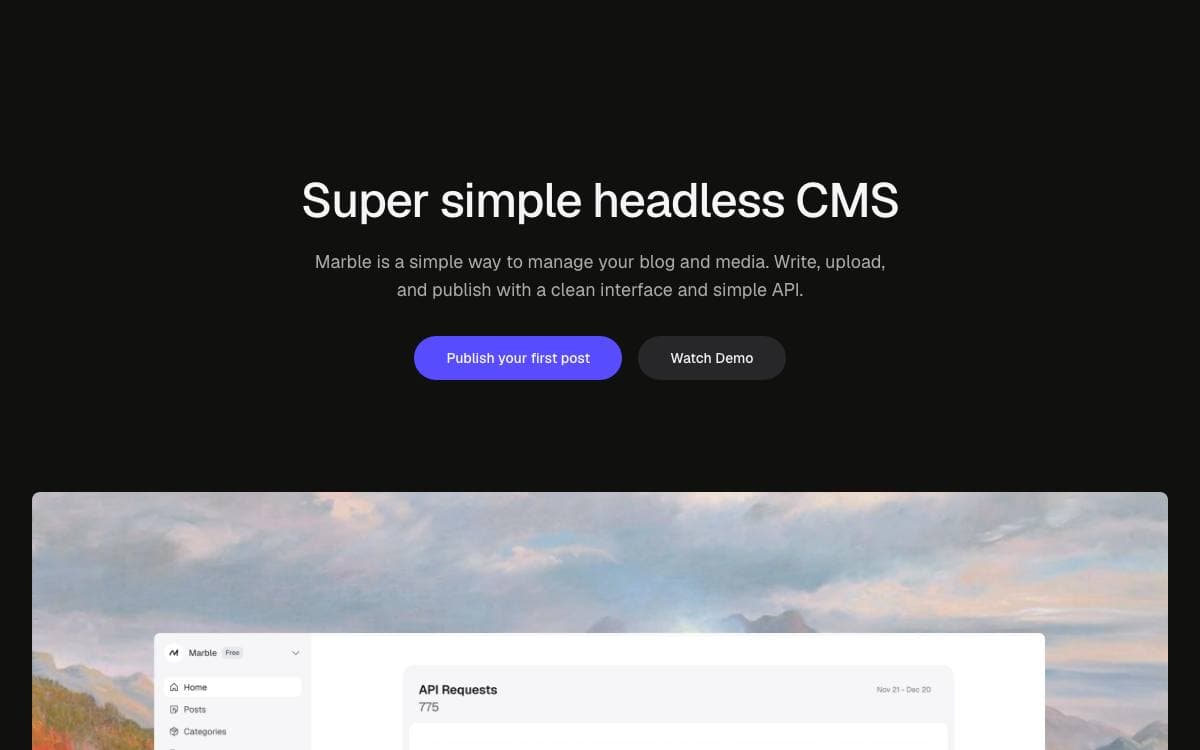
Most sites need somewhere to keep a blog, a changelog and the occasional product update, and most content platforms answer with a system far larger than the job. Marble keeps it to two pieces, a dashboard to write in and a REST API to read from.
Because it is headless, content goes wherever you fetch it. The team publishes example repositories for Astro, Next.js and TanStack Start, and the API stays framework agnostic, so any server rendered or statically generated site can consume the same posts.
The editor and the tooling around it cover the everyday work.
- Editing: a rich text editor for text, images and video, with drag and drop uploads and markdown import.
- Organization: posts sorted with tags and categories.
- SEO: dedicated fields, readability insights and AI-powered writing suggestions in the editor.
- Webhooks: content changes fire real-time events that trigger workflows elsewhere.
- Workspaces: separate projects keep their own users and their own content.
- Integrations: a Framer plugin, a Raycast extension and an MCP server.
Marble is released under the AGPLv3, and the contributing guide walks through local setup and database configuration for anyone running it themselves. The hosted service meters API requests and webhook events per plan, starting from a free tier, for teams that would rather not operate it.

A headless blogging CMS that hands developers an SDK and an API for pulling posts and images into any site.
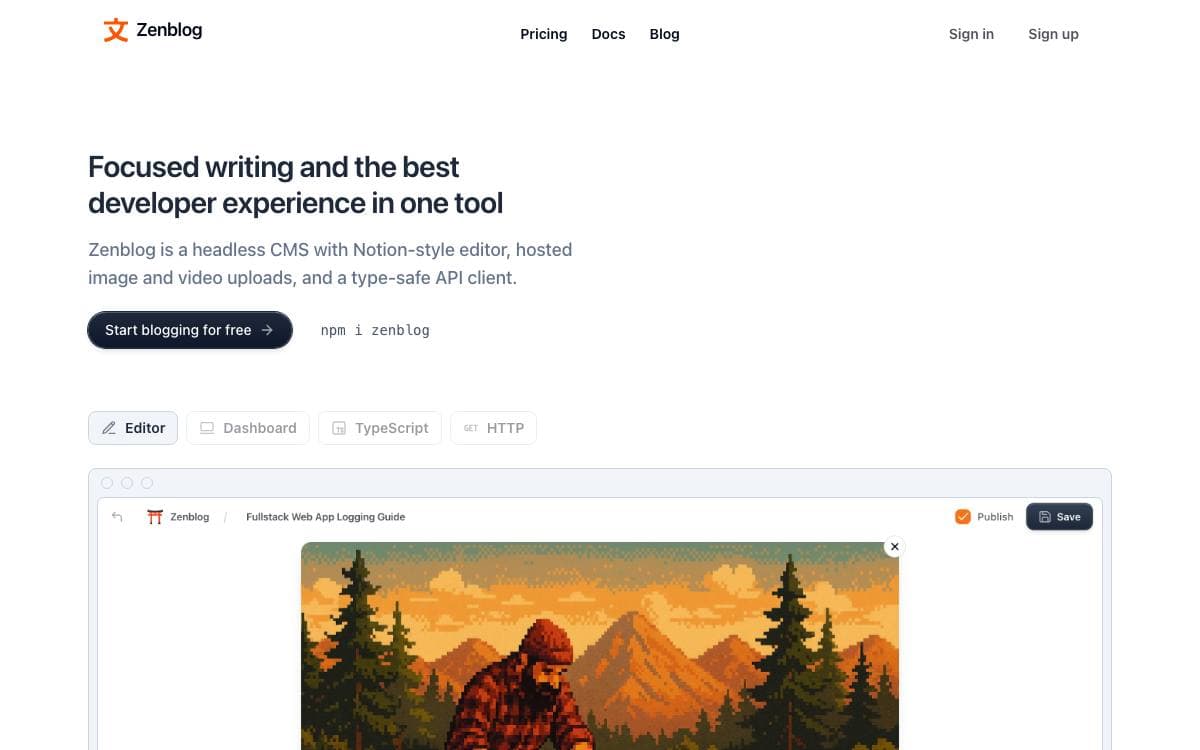
Zenblog is an open source headless CMS built for blogging and nothing else. It removes the setup work and the pricing of general purpose headless products when all you want is somewhere to write posts and a way to read them back into your own site.
The project runs on Supabase for database, auth, storage and functions, with Next.js on both the front and back end, Tailwind for styling and TypeScript throughout. The author's stated goal was to spin up a blog and connect to it in minutes, the way you connect to a hosted Postgres database.
The feature list stays close to what a small publishing setup needs.
- Multiple blogs: one account can host as many blogs as you want, with collaboration on each.
- Content API: an API and an SDK fetch posts and images into your website with little wiring.
- Image hosting: uploads are stored with the posts rather than in a separate service.
- Feeds and webhooks: RSS output and webhooks let other systems react when content changes.
- Themes and domains: blogs can carry a custom theme and run on a domain you own.
- Analytics: reader figures are reported from the same dashboard.
Running it locally calls for Node 20 or later, Docker and the Supabase CLI, and self-hosting is listed among the features. The README describes Zenblog as under heavy development and not yet open to outside contributions, so it reads as early work rather than a settled platform.


