Open Source SoloTerm Alternatives
A curated collection of the 3 best open source alternatives to SoloTerm.
The best open source alternative to SoloTerm is Superset. If that doesn't suit you, we've compiled a ranked list of other open source SoloTerm alternatives to help you find a suitable replacement. Other interesting open source alternatives to SoloTerm are: Emdash and Jean.
SoloTerm alternatives are mainly AI Assisted Coding. Browse these if you want a narrower list of alternatives or looking for a specific functionality of SoloTerm.

Desktop app that runs many CLI coding agents in parallel, each in its own git worktree, for developers juggling tasks.
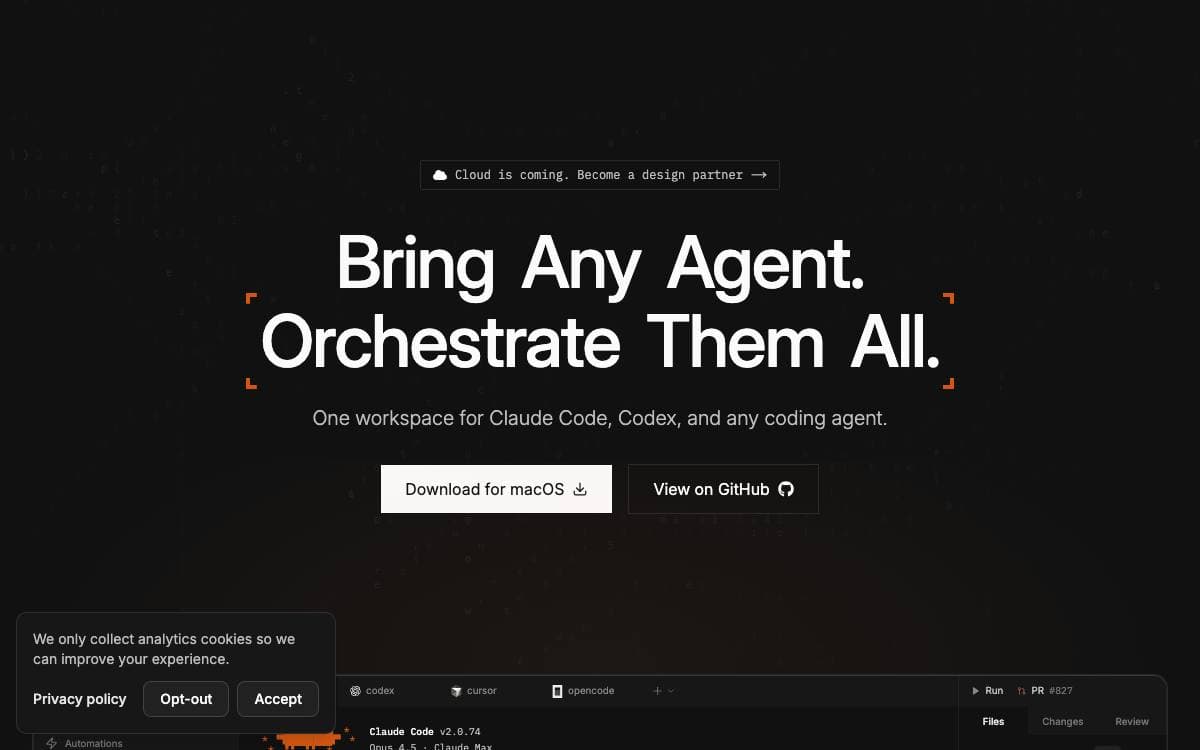
Run one coding agent at a time and most of the afternoon goes on waiting. Superset is a macOS desktop app that puts many of them to work at once, then gives you one place to watch them and one place to review what they produced.
Each task gets its own git worktree with its own branch, terminal and environment, so agents never overwrite each other. Around that sit a sidebar with working indicators, completion chimes and dock badges, a diff viewer for inspecting and editing changes, and one-click handoff to your editor.
Several pieces carry the daily workflow.
- Parallel workspaces: run many agents at once, compare the results and merge the branch that won.
- Built-in terminal: tabs, splits, presets and sessions that survive a restart, plus a prompt editor with file mentions.
- In-app browser: preview dev servers inside the app, with ports detected per workspace.
- Automations: schedule agent sessions to triage issues overnight, draft a changelog or refresh dependencies.
- Remote access: reach another machine's workspaces from the desktop app, the CLI or your phone.
Any CLI-based agent works, with Claude Code, Codex, Cursor Agent, Gemini CLI, Copilot and others listed as fully supported. Superset is released under the Elastic License 2.0, and its CLI, SDK and MCP interface mean an agent that can run a command can also drive the app itself.

A desktop app for running several AI coding agents in parallel, each in its own Git worktree, for developers juggling multiple tasks.
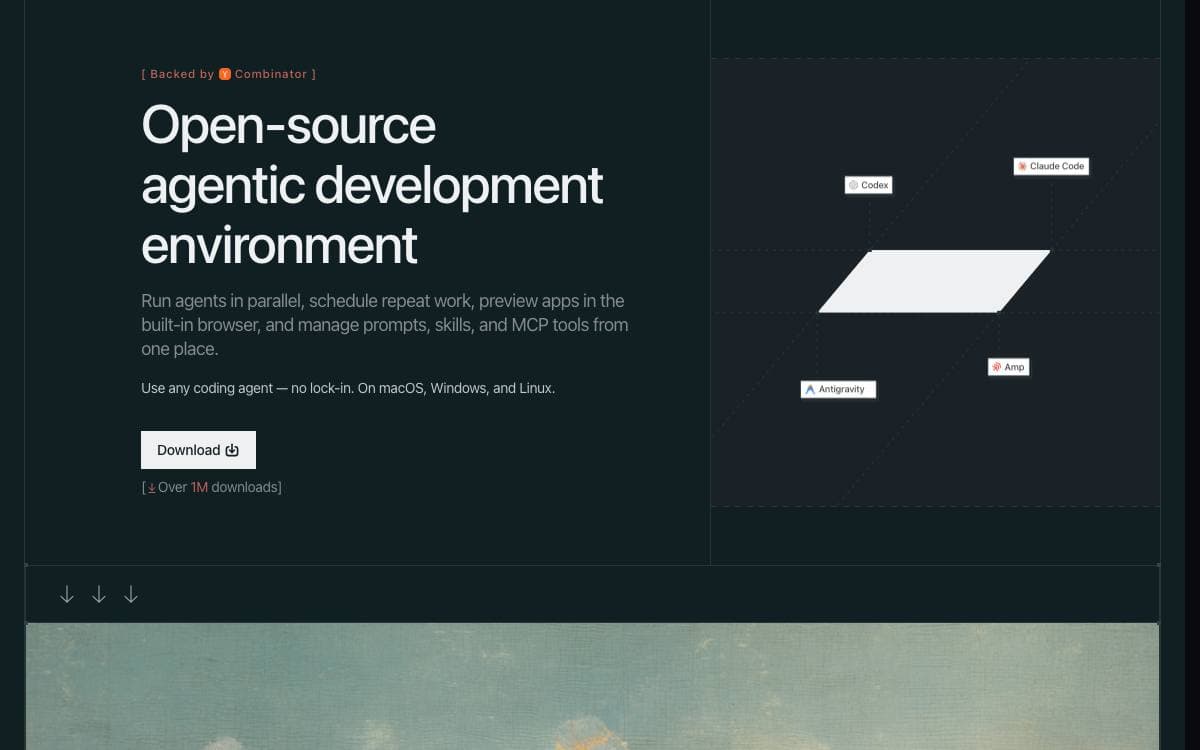
Running more than one coding agent usually means juggling terminals and hoping none of them collide. Emdash gives every task its own Git worktree and branch, so several fixes or features can be explored at once and the diffs reviewed before anything is merged.
It is a desktop application that works against local projects and against remote machines over SSH and SFTP, with agent, key and password authentication and credentials held in the operating system keychain. Provider command-line tools already installed on the machine are detected automatically.
The workflow around the agents lives in the same window.
- Agent support: Claude Code, Codex, Cursor, OpenCode, Amp, Devin, Qwen Code, Droid and GitHub Copilot among others.
- Issue import: tickets from Linear, GitHub, Jira, GitLab, Asana, Featurebase, Monday.com, Forgejo or Plain go straight into an agent.
- Review and merge: diffs, pull request creation, CI checks and merges all happen in one place.
- Lifecycle hooks: marker-tagged entries in an agent's own config track status, notifications and resumable sessions, and stay inert outside Emdash.
- Local-first state: application state sits in a local SQLite database, and no code or chat reaches Emdash servers.
Apache-2.0 licensed builds cover macOS through Homebrew or a disk image, Windows as an installer or portable binary, and Linux as AppImage, DEB or RPM on x64 and ARM64. Telemetry is optional and switches off in settings or through an environment variable. The agent tools themselves still send prompts and context to their own providers, so their data handling is what applies to your code.

Native desktop app for running Claude, Codex, Cursor and other coding CLIs across multiple projects, git worktrees and chat sessions.
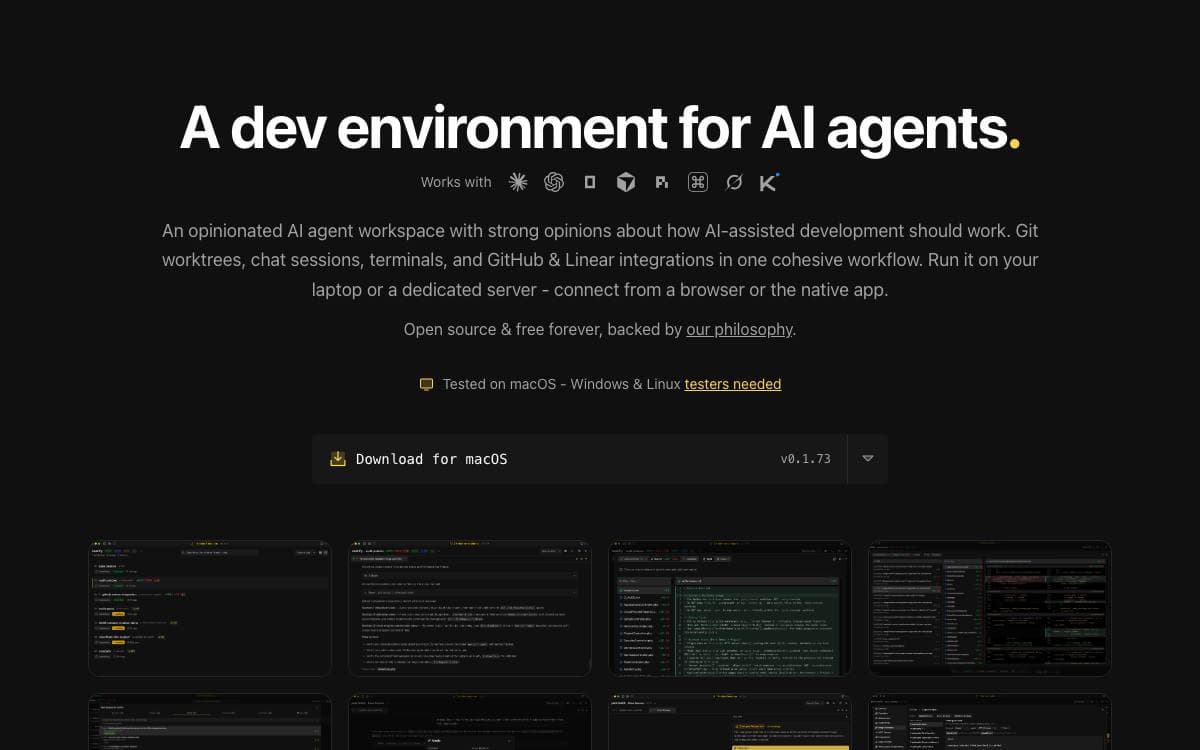
Anyone running several AI coding CLIs at once ends up juggling terminals, branches and half-remembered context. Jean collapses that into one native desktop app holding projects, git worktrees, chat sessions and terminals in a single workflow, with every CLI installed and running on your own machine.
It is built with Tauri v2 on a Rust core, with a React 19 front end using Tailwind CSS v4, shadcn/ui, Zustand and TanStack Query, plus xterm.js for terminals. It drives Claude CLI, Codex CLI, Cursor CLI, OpenCode, PI, Command Code, Grok and Kimi Code.
The opinions show in what it automates.
- Worktree management: worktrees are created, archived, restored and deleted per project, with linked projects for cross-project context.
- Execution modes: Plan, Build and Yolo sessions carry their own model and effort settings, with plan approval flows.
- Magic commands: investigate issues and pull requests, generate commit messages, resolve merge conflicts and draft release notes.
- GitHub and Linear: issues, pull requests, security alerts and Dependabot findings land in a dashboard, and PRs check out as worktrees.
- Web access: an embedded HTTP and WebSocket server serves the same interface to a browser, with token auth on by default.
Builds come from GitHub Releases or a Homebrew cask, or from source with Node.js and Rust. macOS is tested, Linux is community tested and Windows is not fully tested. A headless jean-server binary runs on Linux amd64 and arm64 for people who would rather keep the workspace on a server and reach it over a private mesh VPN such as Tailscale.


