Open Source Snappify Alternatives
A curated collection of the 2 best open source alternatives to Snappify.
The best open source alternative to Snappify is Ray.so. If that doesn't suit you, we've compiled a ranked list of other open source Snappify alternatives to help you find a suitable replacement. Other interesting open source alternative to Snappify is Chalk.ist.
Snappify alternatives are mainly Design & Visualization. Browse these if you want a narrower list of alternatives or looking for a specific functionality of Snappify.

Raycast's web toolbox for turning code into shareable images, making extension icons, and browsing prompts, presets, snippets and themes.
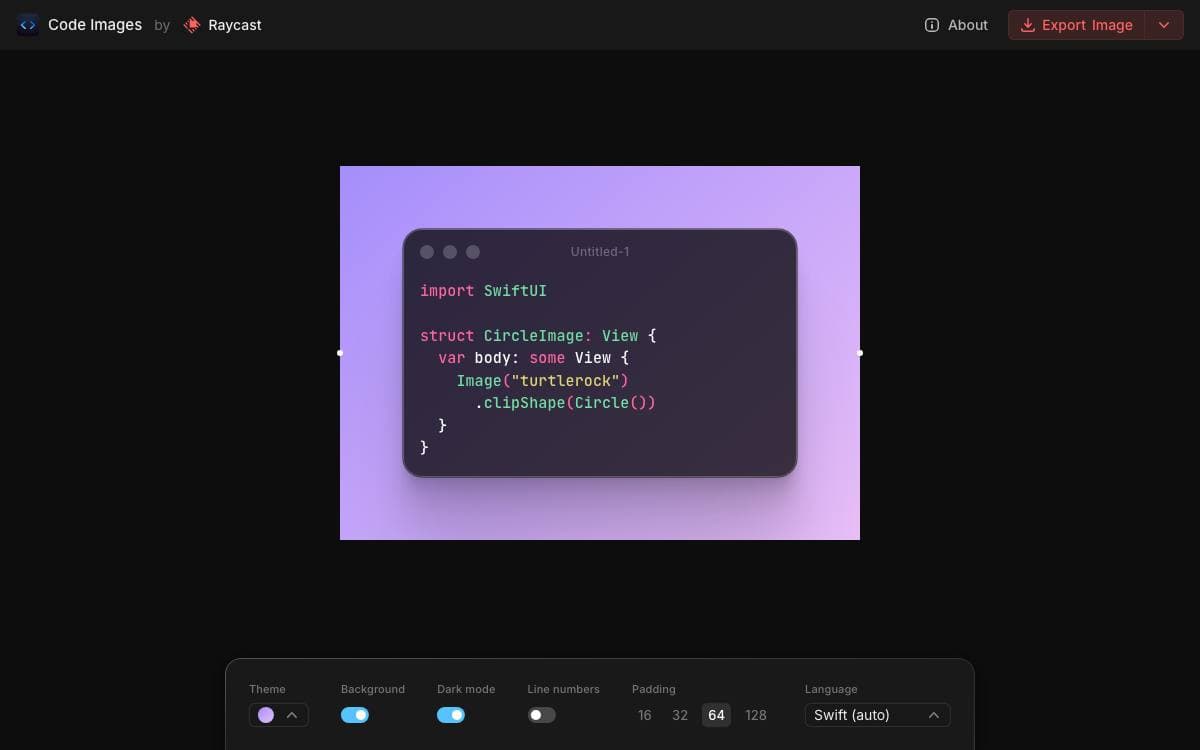
Ray.so is the set of small web tools Raycast maintains in the open. Its best-known job is turning a block of code into an image worth posting, but the same site has grown into a collection of browsers for the things Raycast users share with one another.
The site is a Next.js project, and the whole thing runs locally after an npm install and a dev server command. Content lives in plain TypeScript files inside the repository, so adding a prompt or a snippet means editing a list and opening a pull request rather than asking anyone for permission.
Seven tools share the same site.
- Code Images: render a snippet as a picture, with a theme applied.
- Icon Maker: build icons for Raycast extensions.
- Prompt Explorer: browse AI prompts and import them into Raycast.
- Preset Explorer: the same, for AI presets.
- Quicklink Explorer: browse and import Quicklinks.
- Snippet Explorer: browse and import text snippets.
- Theme Explorer: browse and import color themes.
Contributions are welcomed mainly as new presets, prompts, snippets, themes and bug fixes. Adding a theme means copying it as JSON out of Raycast's Theme Studio into a folder named after your account, then opening a pull request. New code themes are the exception, where the maintainers suggest forking and running your own version, with partner themes handled case by case.

A browser tool that turns source code into polished images, for developers sharing snippets in posts, slides and documentation.
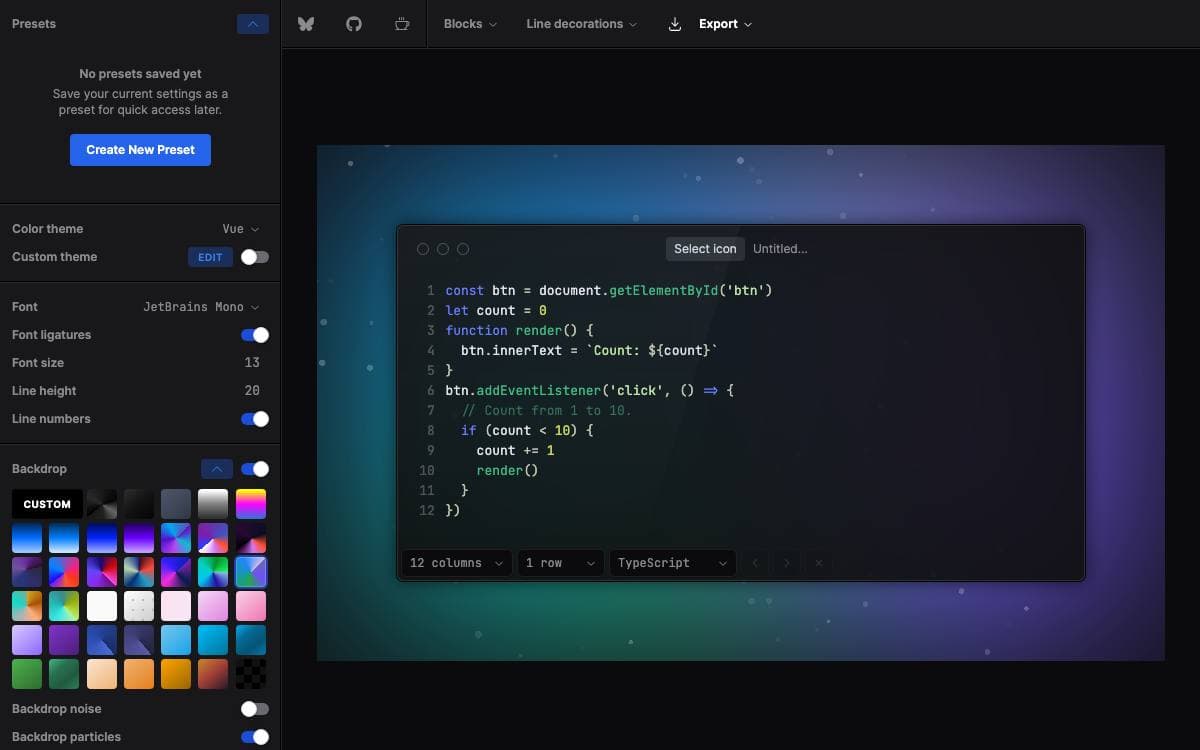
Chalk.ist turns a snippet of source code into a finished image. It removes the usual routine of screenshotting an editor window, which drags in whatever theme, sidebar and clutter happened to be on screen and returns a picture at whatever resolution the display was set to.
Everything happens in the browser. Code is typed or pasted into a live editor, highlighted as it goes, and every layer around it is adjustable while the result updates in front of you. The finished frame downloads as a PNG.
The controls cover both the code and the composition around it.
- Color themes: a theme picker sets the syntax colors, and a custom theme can be edited by hand.
- Typography: font family, ligatures, size and line height are all adjustable.
- Line detail: line numbers and line decorations mark up the part of the snippet that matters.
- Backdrops: dozens of solid and gradient backgrounds sit behind the window, with optional noise and particles.
- Window styling: opacity, rounding, controls, shadows, highlights and reflection shape the frame around the code.
- Presets: a finished configuration is saved and reapplied instead of rebuilt each time.
Nothing needs installing to use it, and a social badge or watermark can be switched on before export. The source is a small web project that runs locally with pnpm and a dev server, released under the MIT license by Kasper Mikiewicz, so a team that wants house themes can fork it and host its own version.


