Open Source Screen Studio Alternatives
A curated collection of the 3 best open source alternatives to Screen Studio.
The best open source alternative to Screen Studio is OBS Studio. If that doesn't suit you, we've compiled a ranked list of other open source Screen Studio alternatives to help you find a suitable replacement. Other interesting open source alternatives to Screen Studio are: Cap and Kap.
Screen Studio alternatives are mainly Screen Capture & Recording. Browse these if you want a narrower list of alternatives or looking for a specific functionality of Screen Studio.

Free and open source software for capturing, compositing, encoding, recording and streaming video, used by streamers and anyone recording a screen.
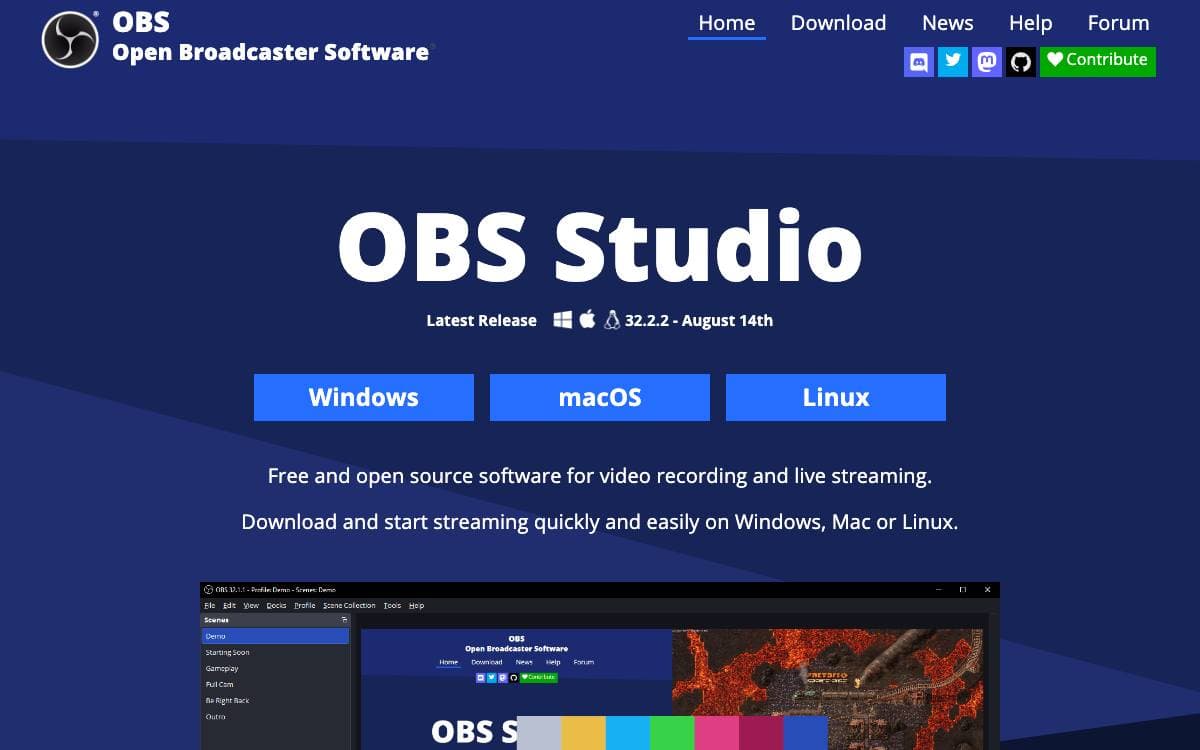
OBS Studio is software designed for capturing, compositing, encoding, recording, and streaming video content, efficiently. Getting a camera, a screen, a game and a microphone into one live video usually means a hardware mixer or a paid studio suite. OBS does it on the machine you already own.
The work is organized as scenes built from sources. A scene combines window captures, images, text, browser sources, webcams and capture cards, and you can create an unlimited number of scenes you can switch between seamlessly via custom transitions. Adding a source, duplicating one and adjusting its properties all happen in the same panel.
The production tools reach past arranging pictures.
- Audio mixer: per-source filters for noise gate, noise suppression and gain, plus VST plugin support.
- Studio mode: a scene previewed and adjusted before it goes live.
- Multiview: eight scenes displayed at once for monitoring and single click transitions.
- Hotkeys: nearly every action bound to a key, from scene switching to recording control, muting and push to talk.
- Modular docks: interface panels rearranged or popped out into their own windows.
OBS Studio runs on Windows 10 and later, macOS 12 and later, and Linux, distributed under version 2 of the GNU General Public License or any later version. The repository holds the source, while guides, forums, build instructions and the developer API documentation live on the project's site and wiki. The project is community maintained and funded through Patreon, Open Collective and PayPal.

Screen recorder with local editing, instant share links and storage you control, for teams sending async video instead of meetings.
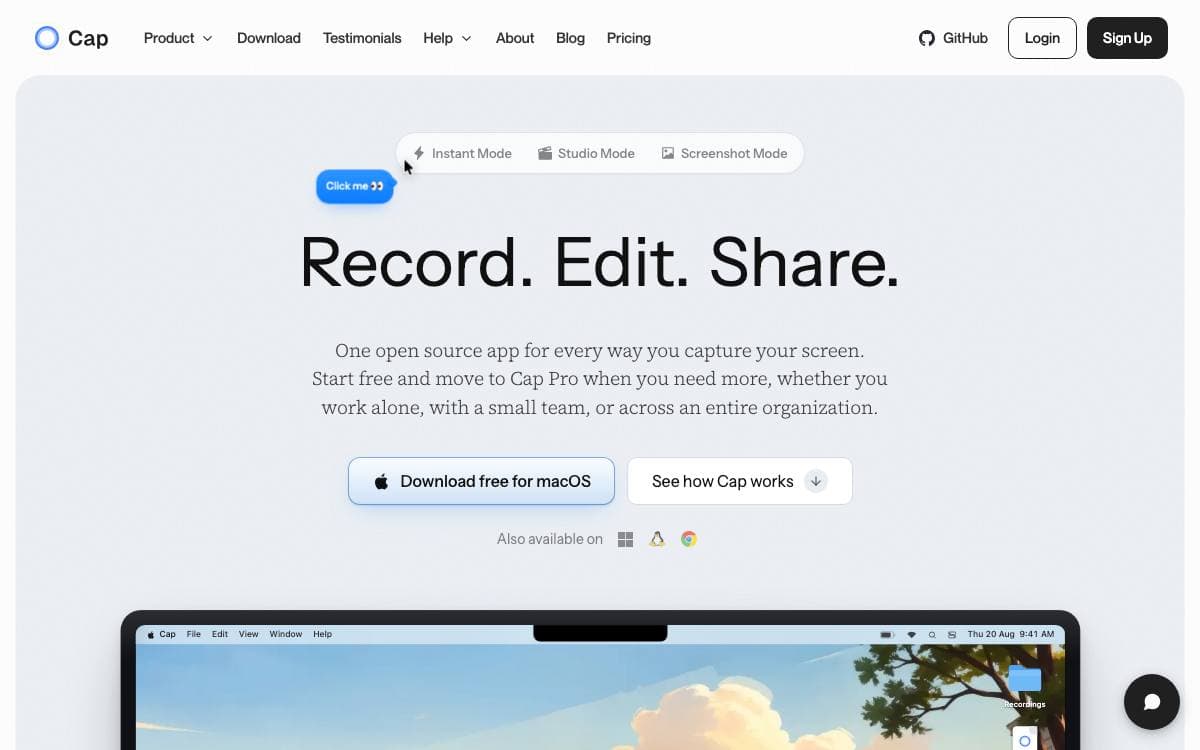
Screen, camera and microphone go in; a share link or a finished file comes out. Cap is built for the moments where showing the work beats scheduling another call: product demos, bug reports, onboarding, tutorials, design reviews and async standups.
Two recording modes cover the two reasons people record. Instant Mode uploads while you record and produces a share link the second you stop, which is what a bug report needs. Studio Mode records locally and opens an editor with backgrounds, zooms, trimming, captions and export controls, which is what a tutorial needs.
Around the recording sits the collaboration layer.
- Comments and analytics: reactions, transcripts and viewer analytics keep feedback attached to the video instead of scattered across chat threads.
- Cap AI: titles, summaries, clickable chapters, captions and transcripts are generated for you.
- Team workspaces: shared spaces, public or private links, password protection and your own domain on share pages.
- Storage you choose: Cap Cloud, your own bucket on S3, Cloudflare R2, Backblaze B2, MinIO or Wasabi, or recordings that never leave the machine.
- Loom import: existing Loom videos come across so the library stays in one place.
Desktop apps run on macOS and Windows with a web dashboard behind them, and the desktop client can be pointed at your own server from its settings. Self-hosting the full platform, meaning web, API, database, media server and object storage, is a Docker Compose command, with Railway and Coolify as alternative routes.

A macOS screen recorder that lives in the menu bar, for anyone who needs a quick clip of part of their screen.
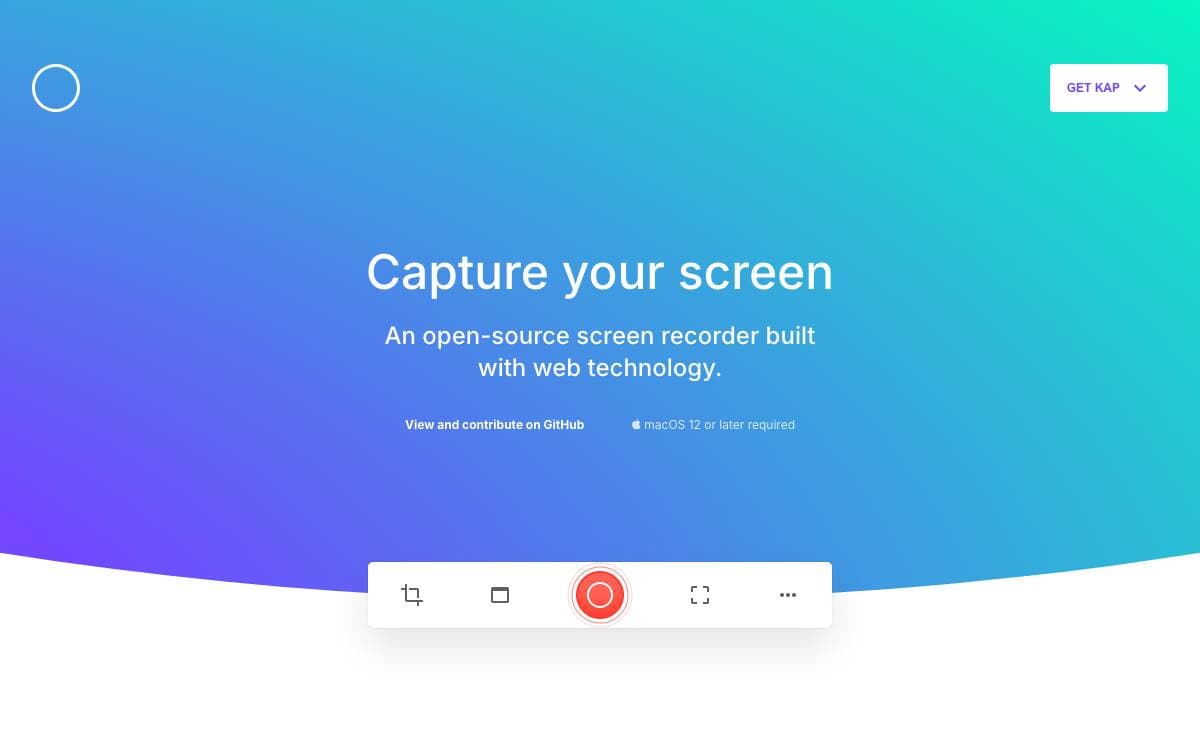
Recording part of a macOS screen with Kap starts and ends in the menu bar. The recorder is open source and built with web technology, and it removes the ceremony of opening an application, arranging its window and hunting for an export button before anything gets captured.
Clicking the menu bar icon brings up the recorder. You select the portion of the screen to capture, press record, then click the icon again to stop. Holding Option while clicking pauses a recording in progress, and a right click opens further options mid-capture.
A few practical details shape how the project is used day to day.
- Installation: downloads for Apple silicon and for Intel machines, or a single Homebrew cask command.
- Plugins: a documented plugin system, with a guide for anyone writing their own.
- Development builds: the main branch and any other branch can be downloaded directly, though those builds are unsupported and may misbehave.
- Contribution guide: a dedicated document explains how to work on the application itself.
- Related repositories: the website and Aperture are maintained alongside the main project.
Kap is macOS only, with separate builds for the two processor families rather than one universal download. Hosting, builds and error reporting are donated by Vercel, CircleCI and Sentry, and the application is kept going by the contributors listed in the repository.


