Open Source Retool Alternatives
A curated collection of the 10 best open source alternatives to Retool.
The best open source alternative to Retool is ToolJet. If that doesn't suit you, we've compiled a ranked list of other open source Retool alternatives to help you find a suitable replacement. Other interesting open source alternatives to Retool are: AppSmith, Refine, Directus and Reflex.
Retool alternatives are mainly Frameworks & Platforms but may also be Build & Deployment or Server & VM Management. Browse these if you want a narrower list of alternatives or looking for a specific functionality of Retool.

Open source platform for building internal tools, admin panels and dashboards on top of existing databases, APIs and SaaS systems.
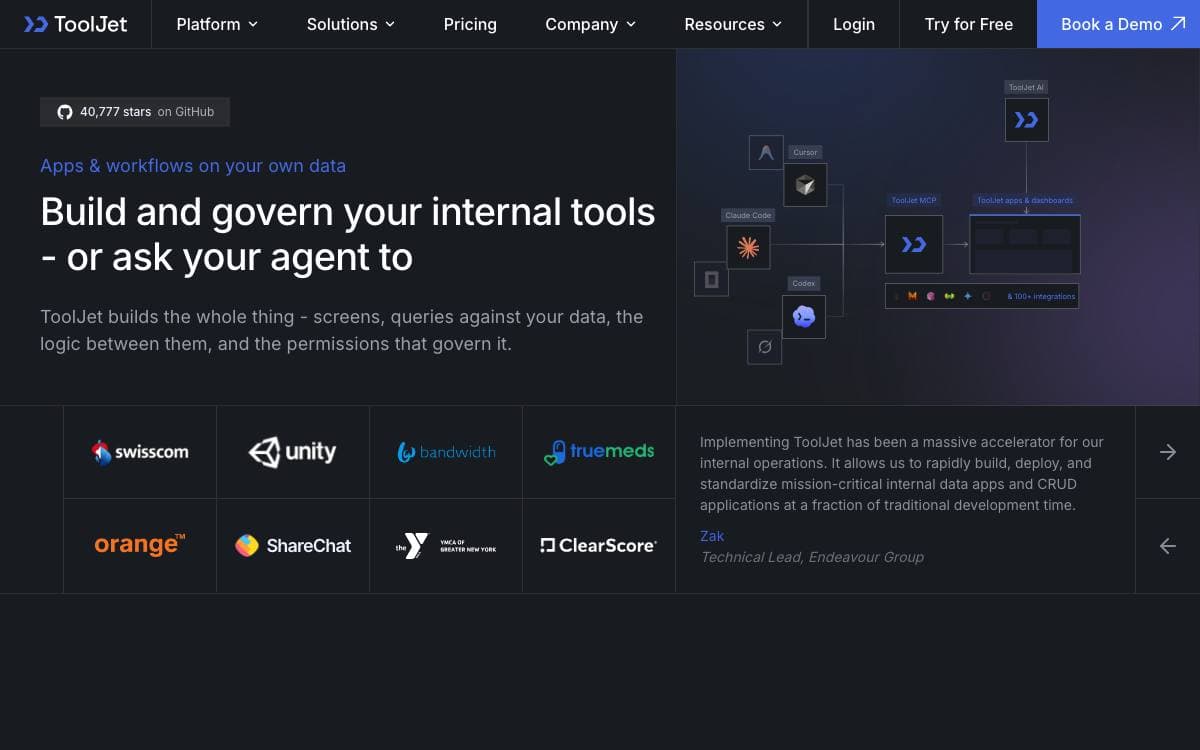
ToolJet builds the operational software that never quite justifies a full project. Admin panels, dashboards and internal apps sit on the databases, APIs and SaaS systems a company already runs, and the visual builder does the assembly work that would otherwise become a bespoke frontend nobody wants to maintain.
Apps can also be produced by prompting. ToolJet AI turns a description into pages, queries and components, and a Model Context Protocol server lets an existing coding agent do the same. Agents build against real component and data contracts, so what comes out is an app the team keeps editing in the visual builder under the same permissions, environments and version history as everything else.
The community edition carries the parts most internal tools need.
- Visual builder: more than 80 responsive components covering tables, charts, forms, lists and progress bars.
- Built in database: a no-code ToolJet Database for application data.
- Data sources: more than 90 connectors to databases, APIs, cloud storage and SaaS tools.
- Collaboration: multiplayer editing, inline comments, mentions and granular access control.
- Code anywhere: JavaScript and Python run inside apps, and a CLI creates custom plugins and connectors.
- Security: AES-256-GCM encryption, proxy only data flow and SSO support.
A single Docker command runs it locally, and deployment guides cover Kubernetes, AWS EC2 and ECS, GCP, Azure, DigitalOcean, OpenShift and Helm, with the LTS image recommended over latest for production. Enterprise tiers add workflows, an agent builder, multi environment management, GitSync and row level access control. The MCP server is currently in beta.

Low-code platform for building internal tools such as dashboards, admin panels and customer 360 views, then deploying and maintaining them.
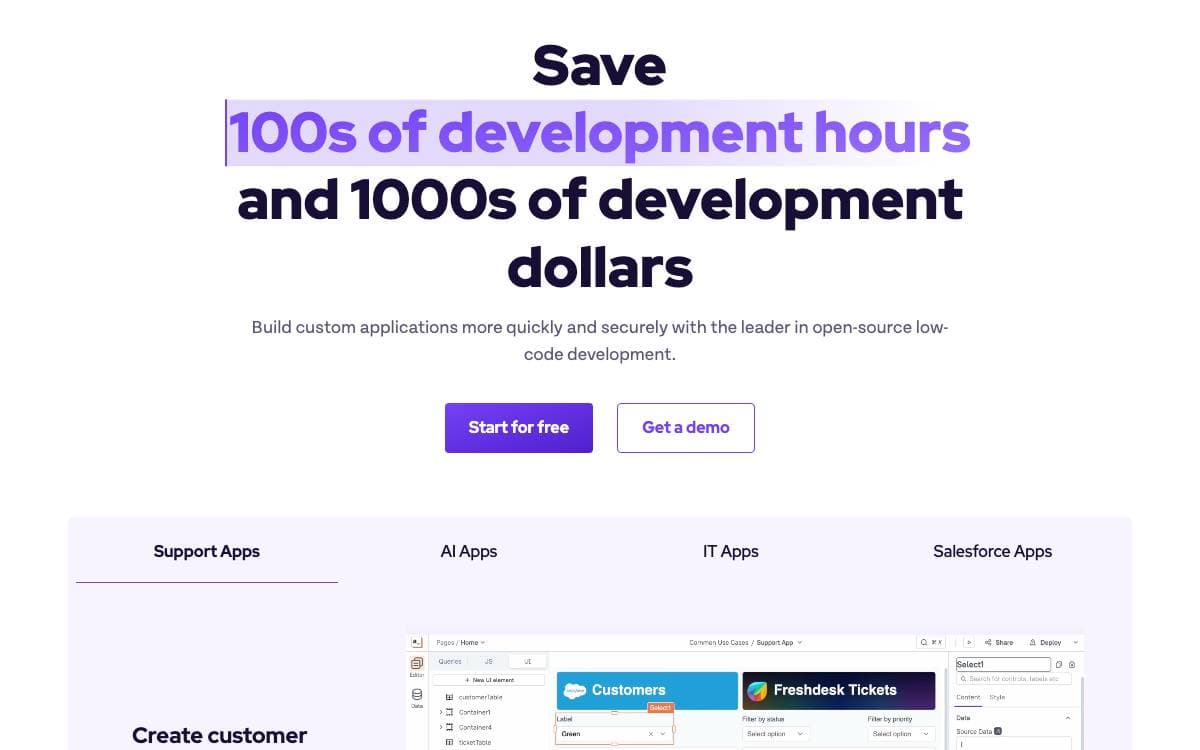
Organizations build dashboards, admin panels, customer 360 screens, IT automation and service management tools so their teams work more efficiently, and each one turns into a small bespoke application somebody has to keep alive. Appsmith is an open-source low-code platform that takes on the development, deployment and maintenance of exactly that class of software.
Appsmith Agents extends the same idea into agentic AI, connecting current models to private and proprietary data inside the systems teams already use every day. It targets knowledge workers in sales, support, customer success and human resources, who can ask questions and configure automations for their own business without model fine-tuning or a retrieval pipeline to build first.
Around the builder sits the material that gets a team productive.
- Templates: a library of prebuilt applications to start from instead of an empty canvas.
- Docker install: the recommended self-hosted route, documented end to end.
- Kubernetes and AWS: guides for a cluster deployment or an AWS machine image, with further options in the installation docs.
- Documentation and tutorials: setup guides, step-by-step tutorials and a video channel.
- Community support: a Discord server, a community portal and a support address for questions.
Two starting points exist, a signup on the hosted cloud or an install on your own machine, and a local development setup is documented for anyone who wants to contribute code. Appsmith fits teams that keep writing the same internal admin screens and would rather run one platform than a pile of one-off apps.

React meta-framework for CRUD-heavy applications, giving teams building admin panels, dashboards and internal tools a headless foundation.
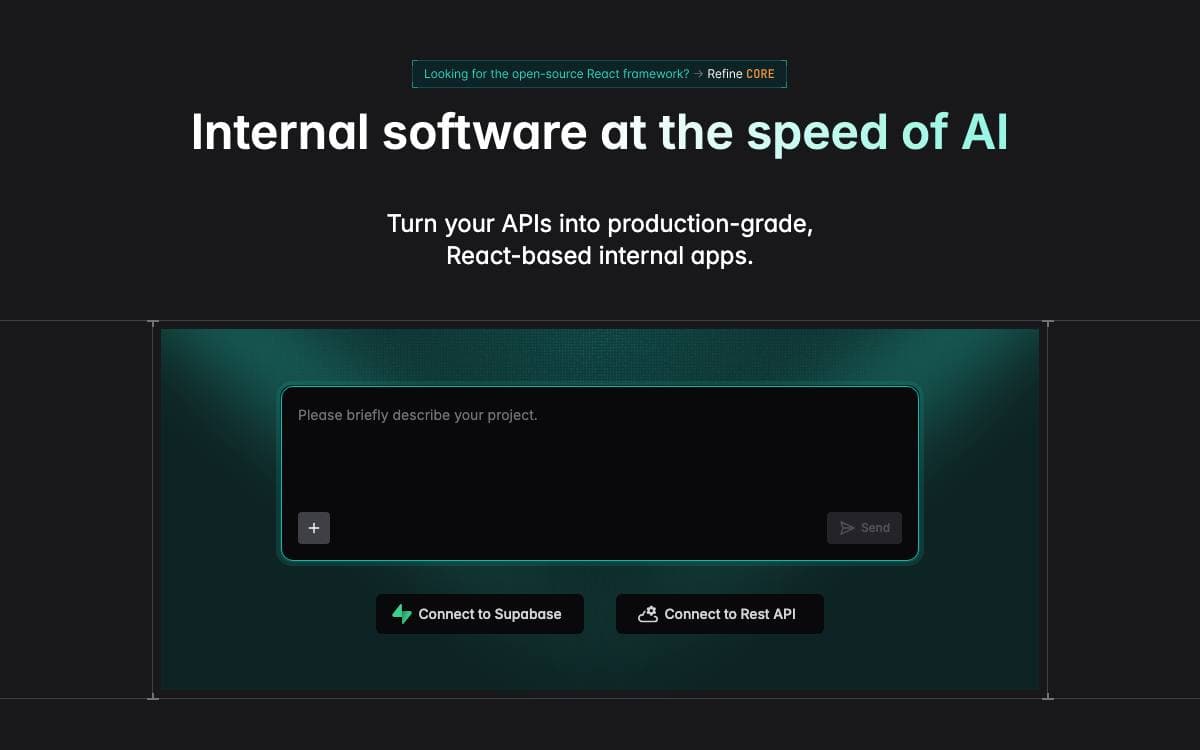
Refine Core is a React meta-framework for CRUD heavy applications, positioned between a low code builder and starting from an empty folder. Its hooks and components supply the parts every internal tool needs anyway, authentication, access control, routing, networking, state management and internationalization, so none of those are rebuilt per project.
The architecture is headless, decoupling business logic from the interface and the router. That leaves the design open to Tailwind or any custom styling while keeping built in support for Ant Design, Material UI, Mantine and Chakra UI, and it lets the same application run on Next.js, Remix, React Native or Electron through one routing interface.
Several pieces come ready to use.
- Data connectors: more than 15 backends including REST, GraphQL, NestJS CRUD, Supabase, Hasura, Appwrite, Firebase, Strapi, Sanity and Directus.
- Generated CRUD screens: interfaces derived from the data structure your API already exposes.
- State and mutations: handled through React Query rather than a bespoke layer.
- Live applications: real time behavior supported out of the box, alongside audit logs and document versioning.
- Devtools: a companion tool for inspecting what the application is doing.
A project starts from a single create command or from a browser playground, under an MIT license. The framework is aimed at data intensive B2B work such as admin panels, dashboards and internal tools, though server side rendering also makes customer facing storefronts practical.

A backend that wraps any SQL database with instant REST and GraphQL APIs plus a visual studio for non-technical teammates.
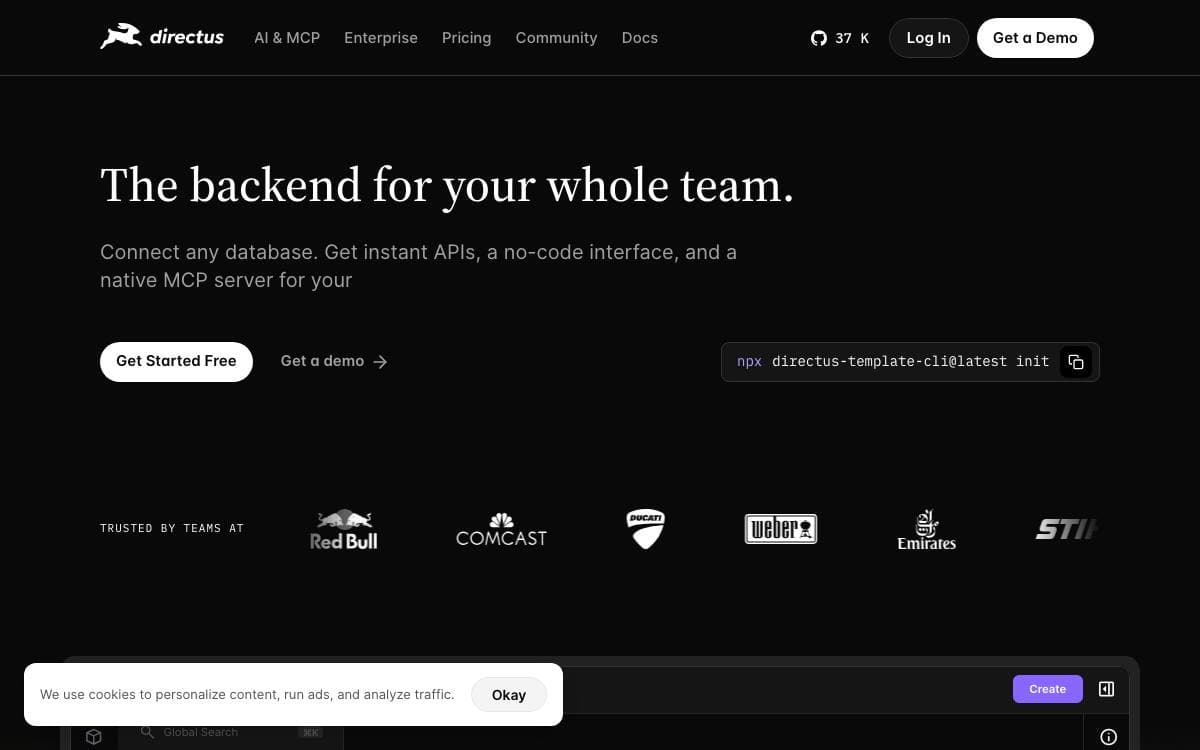
Directus points at a SQL database you already have and turns it into a working backend. There is no migration to a proprietary format and no boilerplate CRUD layer to write, because the API and the admin interface are generated from the tables exactly as they stand.
Two surfaces sit on top of that database. Engineers keep control of schema and access rules, while non-technical teammates and AI agents work with live data through the Studio, a full management interface. Postgres, MySQL, MariaDB, MS SQL, SQLite, OracleDB and CockroachDB are among the supported engines.
The parts worth knowing before you install it are below.
- REST and GraphQL APIs: generated automatically from your schema with no configuration step.
- Policy-based access control: permissions reach down to individual fields, applied to people and agents alike.
- Native MCP server: Claude, Cursor, ChatGPT or any MCP-compatible tool connects to the same data under the same policies.
- AI Assistant: embedded in the Studio to create content, run translations and trigger workflows.
- Extensibility: custom endpoints, hooks, interfaces and modules extend the platform in place.
Run it locally, on your own infrastructure, or on Directus Cloud, which provisions a managed project with database, storage and CDN in under ninety seconds. The license is source-available, and organizations under five million dollars in revenue with fewer than fifty employees can use it free through an Open Innovation Grant.

A framework for building full-stack web apps in pure Python, where the interface and the backend logic live in the same code.
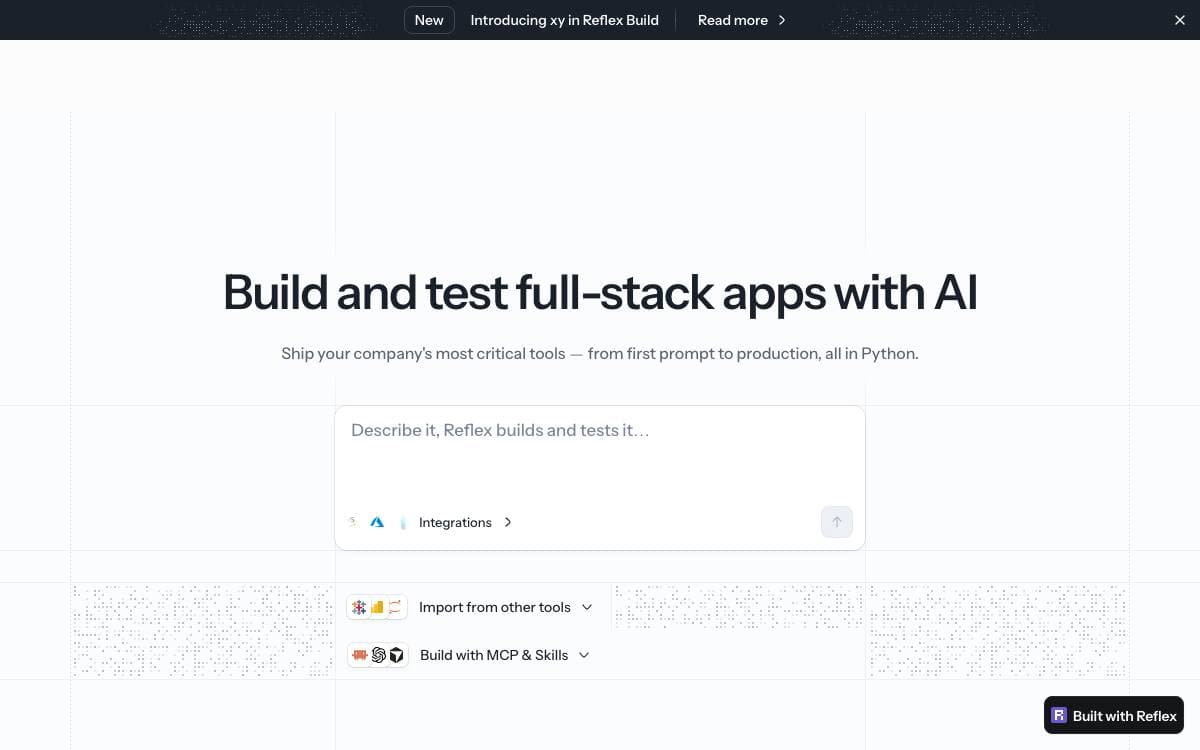
Reflex takes JavaScript out of the equation for Python developers building web apps. Frontend and backend are written in one language, in one file for a small app, so there is no separate client project, no API contract to keep in sync between halves, and no build toolchain to learn first.
The model is state plus events. A class inherits from the framework's state object and holds the app's data as typed attributes, event handlers mutate that state, and components declared as Python function calls re-render when it changes. An async handler can yield partway through to update the interface while slower work continues, which is how a loading state appears without extra plumbing.
Getting an app running takes a handful of commands.
- Project setup: create a directory, add reflex with uv, then run init and run.
- Local server: the development app serves on port 3000 straight away.
- Fast refresh: saved changes show up immediately, with no manual restart.
- Python components: headings, inputs, buttons and images are function calls, not templates.
- Room to grow: the framework stays approachable for a first app while scaling to complex ones.
Around the open source library the maintainers offer an AI builder that generates full-stack apps, an agent toolkit that connects MCP and skills to a coding assistant, and a hosting service for deployment and app management. A published architecture write-up explains what happens under the hood for anyone who wants the details first.

Operations platform for building internal apps, automations and AI agents on top of the databases a business already runs.
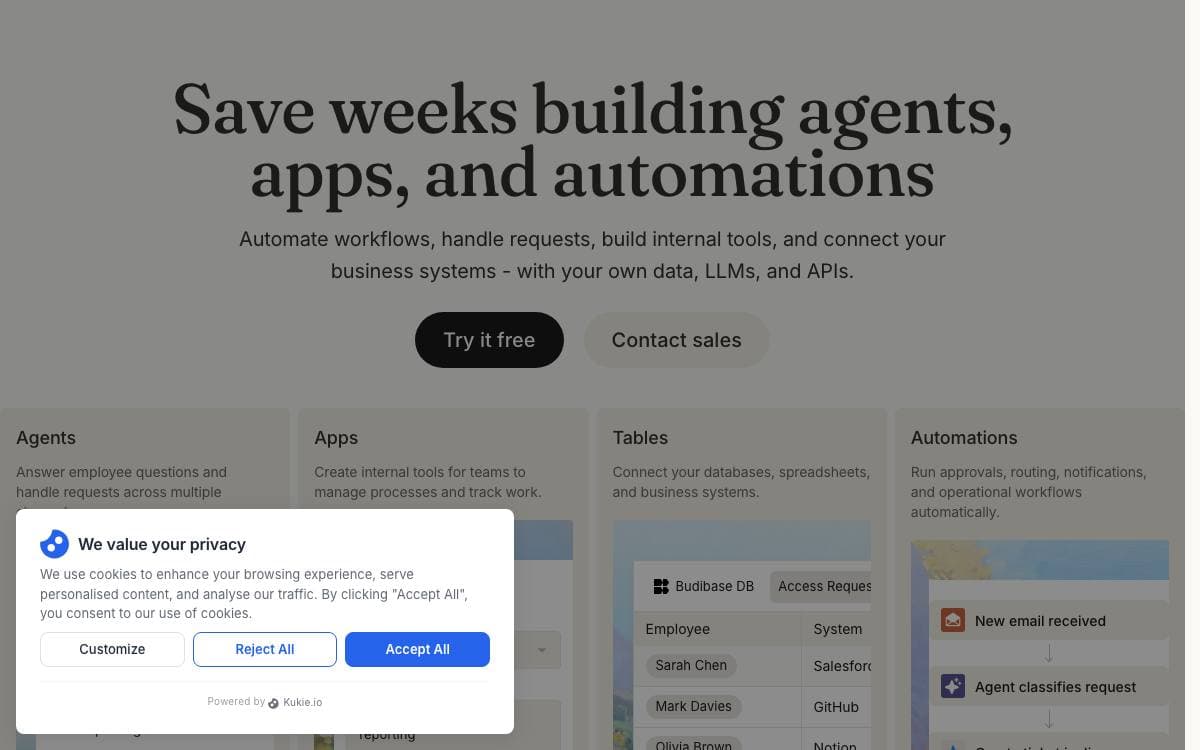
Every company accumulates the same pile of requests: employees asking questions, requesting approvals and reporting issues. The tooling that answers them usually gets stitched together from several separate products. Budibase puts the apps, the automations and the agents on one platform instead.
Its agents do more than reply. They run workflows across the business, creating records, routing approvals, updating apps and notifying teams, wired into the databases, AI models and business systems already in use.
The platform covers the parts an internal tool normally needs.
- Apps and automations: build the interfaces and the workflows behind them without assembling separate builders.
- Data connections: integrate databases, AI models and business apps so agents and automations can act across operations.
- Public API: use Budibase as a backend, with an API key, a published spec and interactive reference documentation for building integrations on top.
- User management: manage users, onboarding, SMTP, apps, groups and theming globally, then hand group administration to a group manager.
- Self-hosting: deploy with Docker, Docker Compose, Kubernetes, DigitalOcean or Portainer on infrastructure you already own.
A single ARM compatible Docker image covers the simplest install, and Budibase Cloud exists for teams that would rather not run anything. It suits engineering teams tired of building the same approval flow and admin panel from scratch, and the documentation and GitHub discussions carry the rest.

No-code platform for business systems where AI agents and people build against the same data models, workflows and permissions.
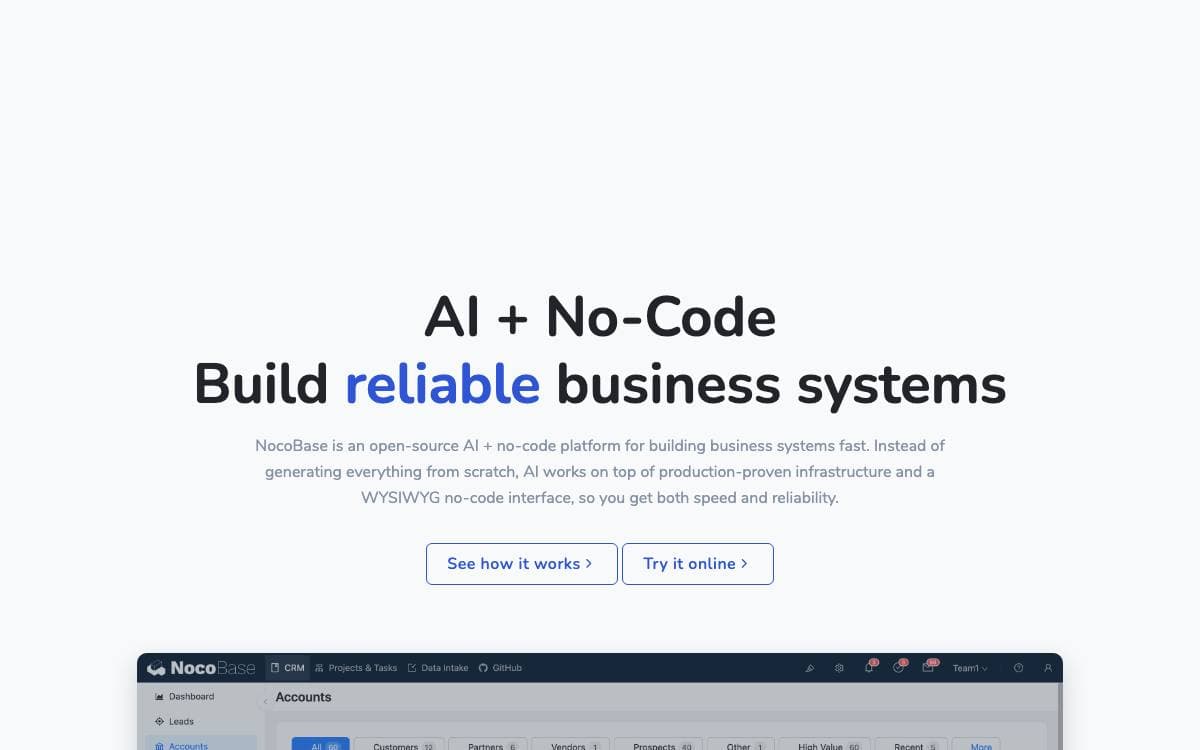
NocoBase builds internal business systems without writing them from scratch. Data models, permissions, workflows and audit logs arrive as infrastructure already proven in production, and what you add sits on top of them. That is a different bet from regenerating an entire application as fresh code each time.
Two ways in exist and they meet in the middle. Coding agents such as Claude Code, Cursor, Codex, OpenCode and TRAE drive a CLI with skills for setup, development, migration and release. People use a WYSIWYG interface that switches between usage and configuration mode in one click. Either side can refine what the other built.
What holds the two together is the architecture underneath.
- Data model driven: business data stays in standard relational structures decoupled from the interface, sourced from the main database, external databases or third party APIs.
- AI employees: agents work inside the system on analysis, form filling, document recognition, risk monitoring and task routing, joining workflows instead of sitting beside them.
- Permission bound AI: every AI employee has its own role with field level read and write rights, and audit logs make each change traceable.
- Open interfaces: MCP, HTTP APIs, a CLI and skills let external platforms and messaging apps query data and trigger workflows.
- Microkernel plugins: everything is a plugin, so official and custom extensions follow the same conventions.
Getting started is an npm CLI: install it, run init, and optionally let a coding agent build alongside you. Your data stays in your own database, which is the concrete form the no lock-in claim takes here.

Developer platform for internal code: scripts become APIs, background jobs, workflows and UIs, self-hosted on your own Postgres.
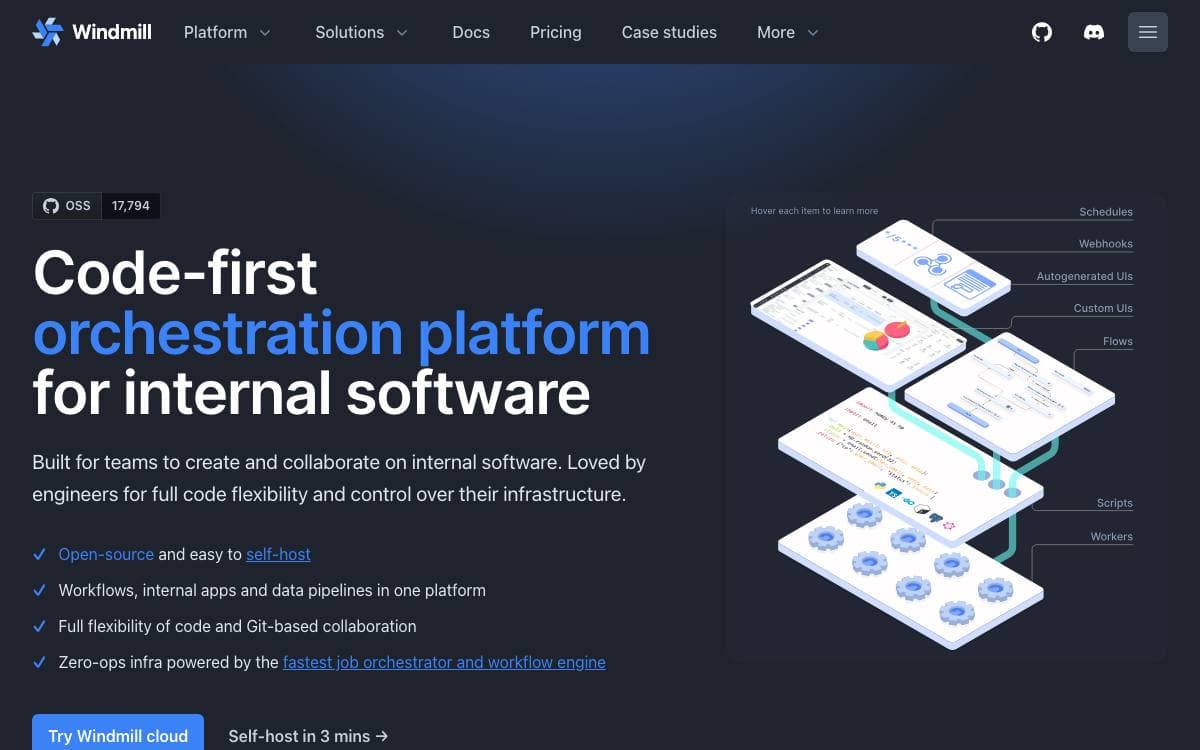
Windmill turns scripts into internal tooling. You write a small script that does one job, and the platform parses its parameters, generates a form for it, and makes it callable as an API, a scheduled job or a step inside a larger flow.
The backend is Rust, running stateless API servers and workers that pull jobs from a Postgres queue, with a Svelte front end above them. Jobs are sandboxed with nsjail and PID namespace isolation, and once a job starts there is no overhead beyond roughly 50 milliseconds of queue latency.
Languages and triggers are deliberately wide.
- Runtimes: TypeScript on Bun or Deno, Python with uv, plus Go, Bash, PowerShell, PHP, Rust, C#, Java and Ansible.
- Flows and apps: chain scripts into flows, or assemble richer interfaces in the low-code app editor.
- Triggers: schedules, webhooks, HTTP routes, Kafka, WebSockets and inbound email.
- Local development: a CLI, a VS Code extension and two-way Git sync between your repository and the instance.
- Secrets: one encryption key per workspace for credentials kept in the platform's key-value store.
The Community Edition is free to use internally, while reselling it or serving it as a managed offering needs a commercial agreement. Self-hosting is three files and a Docker Compose command, or a Helm chart on Kubernetes, and it runs on AWS, GCP, Azure, Fly.io, Hetzner and others at roughly one worker per vCPU.

A visual builder that plugs into an existing React codebase, letting marketers and developers assemble pages and apps without hitting a low-code ceiling.
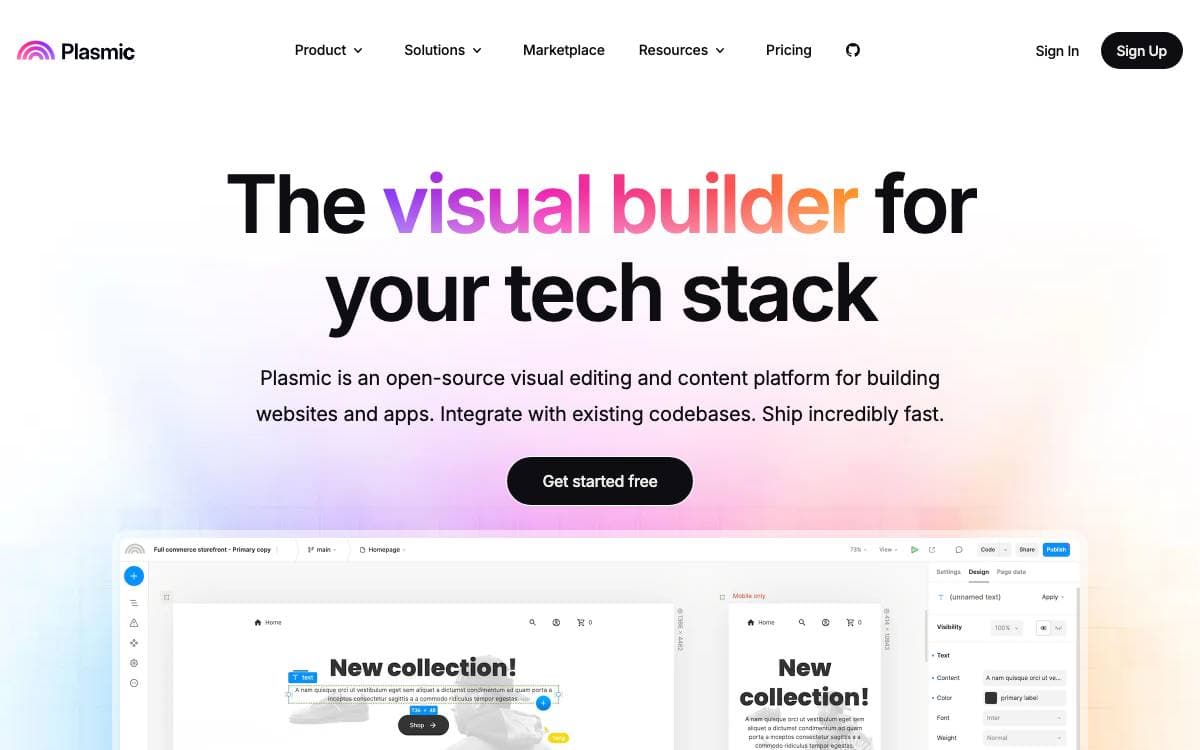
Plasmic is a visual builder for the web that does not stop at the edge of your codebase. Teams design and build applications and websites in a drag-and-drop studio, then ship the result into an application they already maintain instead of a walled hosting platform.
Integration runs two ways. A loader package installs into your framework, your own React components are registered for drag-and-drop in the editor, and placeholders render studio-built pages anywhere in the app. The alternative is codegen, which writes React code into the repository, and it is how Plasmic Studio itself was built.
The feature set aims past the usual low-code limits.
- Design freedom: a modern design tool interface with components, variants, slots and composable state management.
- Data connections: arbitrary data sources and backend integrations, plus end-user auth with role-based and user-scoped permissions.
- Content creator mode: a simplified editing experience with design guardrails for specific collaborators.
- Figma import: designs translate from Figma's proprietary vector format into DOM and CSS.
- Headless components: customizable design system components built on react-aria.
- Collaboration: multiplayer editing, branching, cross-project imports and multi-workspace organizations.
Publishing triggers webhooks that rebuild the site, or uses incremental static revalidation or dynamic fetching from the Plasmic CDN, and the output deploys to Vercel, Netlify or any other host. Everything outside the platform directory carries the MIT license, with the platform itself under AGPL, so the whole thing remains forkable. Users range from Fortune 500 companies to solo makers building storefronts, marketing sites and logged-in app content.

A spreadsheet-style interface for Firestore that pairs table editing with cloud functions written in the browser, for Firebase teams.
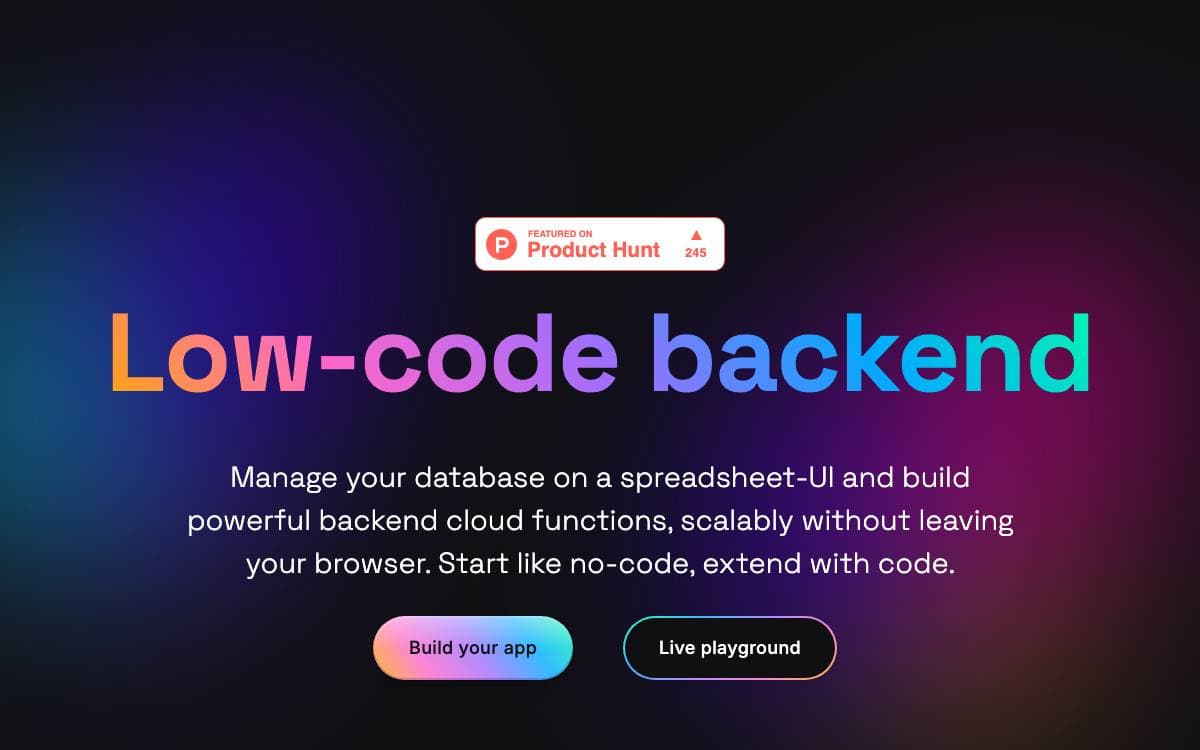
Rowy puts an Airtable-like table in front of a Firestore database and attaches a code editor for the cloud functions that fire when data changes. Non-technical teammates get a spreadsheet they already understand, while the automation behind it stays real code rather than a drag-and-drop approximation.
Installation targets your own Google Cloud project. Data and cloud functions remain in your Firestore and GCP, managed through a Cloud Run instance that operates exclusively inside that project, so Rowy neither accesses nor stores what you keep there.
The table is where most of the product lives.
- Spreadsheet CRUD: sort, filter, bulk import and export as CSV, JSON or TSV, with several views over one collection.
- Field types: more than thirty, from text and select pickers to file uploaders and JSON, code, markdown and rich text editors.
- Derived fields: aggregate a row's sub-table, connect records across collections or pull values from an HTTP endpoint.
- Function workflows: trigger cloud functions on field-level changes using any NPM module or external API.
- Prebuilt blocks: wire up SendGrid, Algolia, Twilio or BigQuery, or write your own block instead.
- Access control: table-level and field-level permissions with roles, user management and views tailored per role.
A guided deploy button sets everything up on a GCP project, and manual installation is documented but recommended only for people who intend to contribute. Note that the repository now sits under the BuildShip organization while the README still points at its original home.


