Open Source RescueTime Alternatives
A curated collection of the 4 best open source alternatives to RescueTime.
The best open source alternative to RescueTime is ActivityWatch. If that doesn't suit you, we've compiled a ranked list of other open source RescueTime alternatives to help you find a suitable replacement. Other interesting open source alternatives to RescueTime are: Wakapi, Hackatime and Ziit.
RescueTime alternatives are mainly Time & Task Management. Browse these if you want a narrower list of alternatives or looking for a specific functionality of RescueTime.

An automated time tracker that stores everything locally, for people who want a detailed record of their computer use without handing it over.
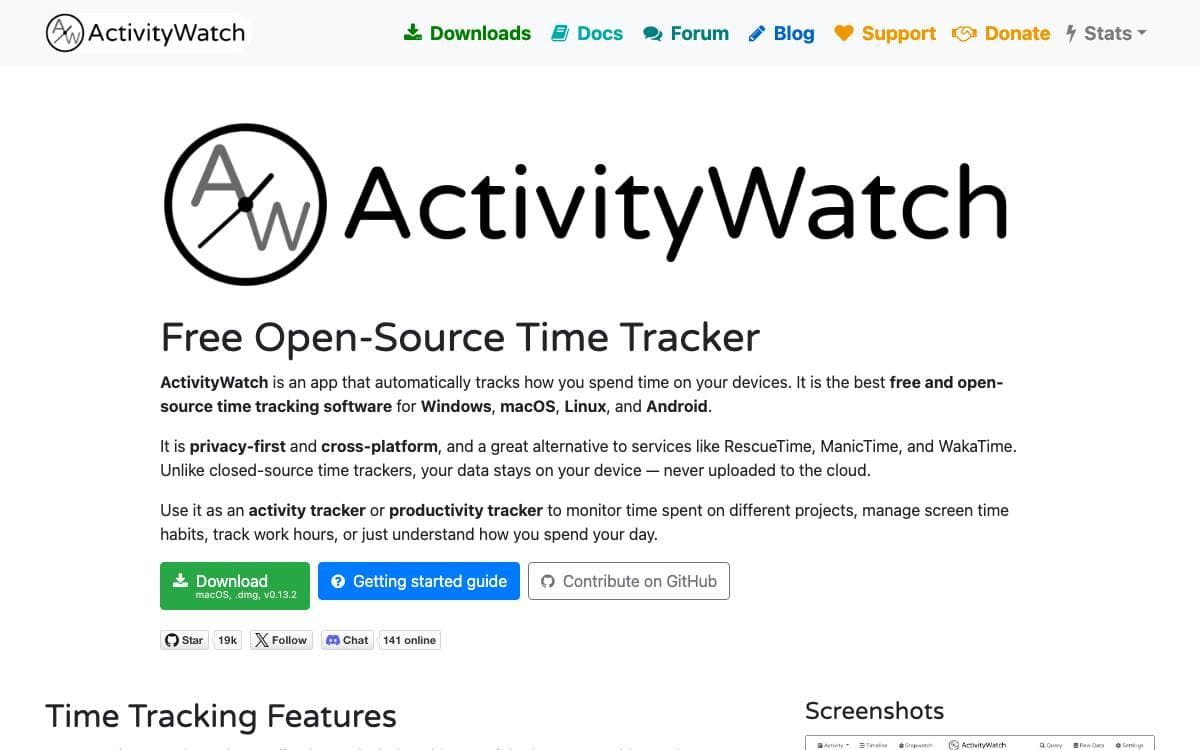
ActivityWatch records what you do on your computer so you can see where the time actually went, and it keeps that record on the machine that produced it. The project's stated goal is collecting as much life data as possible without compromising privacy, which rules out the usual trade of detail for a hosted account.
A local server stores the data and exposes a REST API and a query engine, with a web interface on top. Small programs called watchers feed it: one reports the active application and window title, one reports the active browser tab and its title, and one detects when you are away from the keyboard.
The design answers the complaints the maintainers had with other trackers.
- You own the data: storage stays on your own machine instead of a vendor account.
- Decentralised sync: still in progress, moving data between devices through a folder synced by Dropbox, Syncthing or similar, with no server that sees everything.
- High resolution: raw data is kept rather than long pre-aggregated intervals.
- Extensible: browser extensions and editor plugins already exist, and new watchers can be written against the API.
- Two server implementations: a Python server is the current default and a Rust one is the planned replacement.
Builds are published for Windows, macOS, Linux and Android, and a guide covers building from source. This repository is a bundle of the core components and official modules as submodules, which is also where releases of the whole suite appear.

Self-hosted WakaTime-compatible backend that collects coding time from your editor and turns it into project, language and editor statistics.
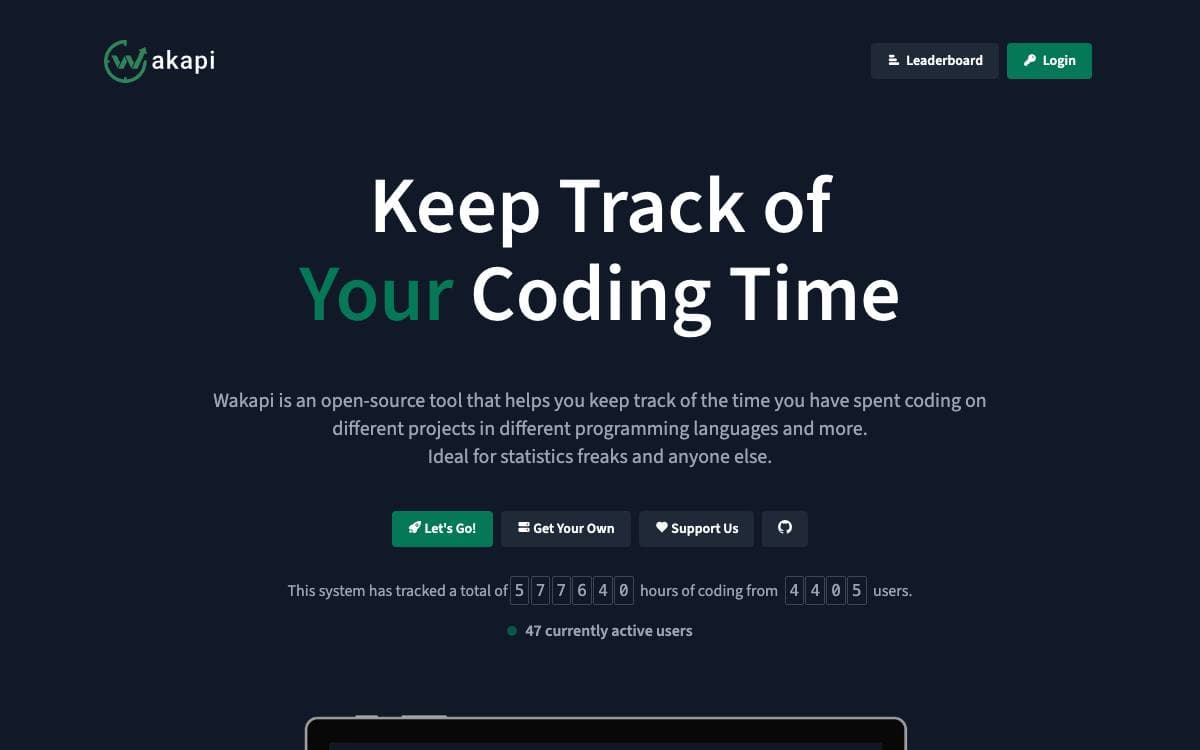
Wakapi is a minimalist, self-hosted backend for coding statistics that speaks the WakaTime protocol. It keeps the tracking habit intact without handing a detailed record of your working day to a service you do not control.
Collection relies on the open source WakaTime client tools already packaged for most editors. You install the plugin for your IDE, point the api_url in your local wakatime config at your Wakapi server, and paste in the API key from the web interface. Both systems can run in parallel, configured either client side or through Wakapi's relay, which forwards heartbeats onward to WakaTime.
Once heartbeats arrive, the server does the rest.
- Statistics: breakdowns by project, language, editor, host and operating system.
- Badges: an embeddable badge showing time spent on a project.
- Weekly email reports: a summary sent on a schedule you set.
- REST API and Prometheus: an API for your own tooling, plus Prometheus exports for a dashboard.
- Leaderboard: an optional public ranking whose scope, refresh times and authentication requirement are all configurable.
Deployment options run from a one line install script to a Docker image, a community Helm chart for Kubernetes, or a Go build from source running as a systemd service. SQLite is the default database, with MySQL and Postgres available, and every setting has both a YAML key and an environment variable. Note that the maintainers are temporarily not accepting pull requests.

A free WakaTime-compatible coding time tracker from Hack Club, for developers who want editor time recorded without paying a subscription.
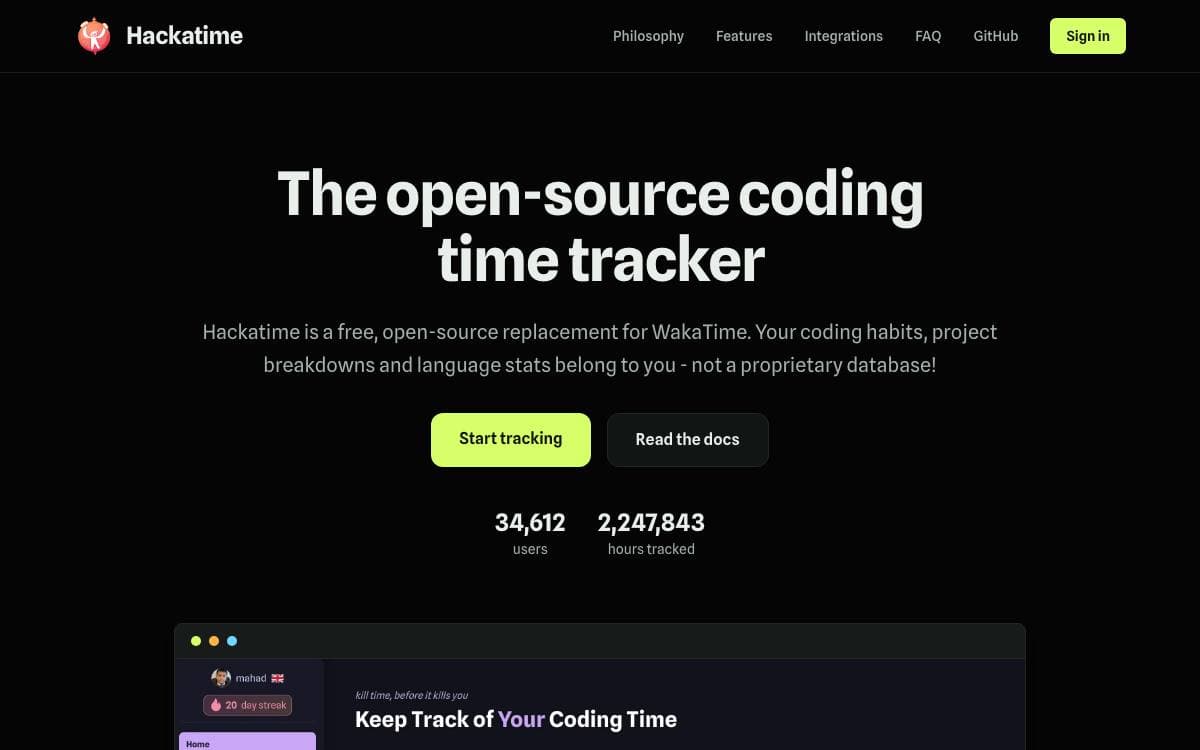
Hackatime is Hack Club's coding time tracker, free, open source and compatible with WakaTime. It records the hours you spend in an editor and shows them back to you without a paid plan standing between you and your own numbers.
Compatibility is the whole trick. Because the service speaks the same protocol as WakaTime, existing WakaTime plugins can be pointed at Hackatime instead, which is how it reaches more than seventy editors, JetBrains IDEs included, without maintaining a separate plugin for each one.
The documentation covers the setup and the pieces around it.
- Quick start: a short path from installing a plugin to seeing recorded time.
- Editor plugins: direct guidance for VS Code, IntelliJ IDEA and Neovim.
- Configuration: project naming, privacy settings and plugin options.
- Troubleshooting: fixes for the problems people run into most often.
- OAuth apps: register an application and build on top of an account.
- API reference: the endpoints behind the dashboards and badges.
The installer that wires an editor up lives in a separate Hack Club repository, and community help happens in a dedicated Slack channel. The service publishes its own uptime and performance badges, so an outage is visible rather than guessed at. Hackatime is released under the MIT license.

Self-hosted coding time tracker with editor extensions and a minimal dashboard, for developers leaving WakaTime but keeping the stats.
Ziit tracks how long you spend coding and keeps the numbers on a server you control. It is a self-hostable alternative to WakaTime, which removes the part that pushes most people off a hosted tracker, namely handing an outside service a running record of what you work on.
An editor extension sends activity to whichever instance you point it at, covering VS Code and its forks as well as JetBrains editors. The dashboard is deliberately minimal and modeled on Plausible Analytics, and the server runs on Bun with TimescaleDB behind Prisma migrations.
The tracked data covers the shape of a working day.
- Activity detail: project, language, editor, file, git branch and operating system are recorded with the time spent.
- Time ranges: the dashboard filters statistics down to whichever period you want to look at.
- Imports: existing history can be pulled in from WakaTime or a WakAPI instance.
- Login options: accounts sign in with GitHub or with an email and password.
- Badges: coding time for a project can be embedded in a README.
- Public pages: an instance can expose overall statistics and a leaderboard of the most hours.
Setting up an instance is documented, or you can sign up on the public one and install the extension by searching for Ziit in your editor. Local development needs Bun and TimescaleDB, an env file based on the provided example, and a Prisma migration before the dev server starts.


