Open Source Quicken Alternatives
A curated collection of the 9 best open source alternatives to Quicken.
The best open source alternative to Quicken is Maybe. If that doesn't suit you, we've compiled a ranked list of other open source Quicken alternatives to help you find a suitable replacement. Other interesting open source alternatives to Quicken are: Actual, Firefly III, Sure.am and Wealthfolio.
Quicken alternatives are mainly Personal Finance Management but may also be Finance & Fintech or Finance & Accounting. Browse these if you want a narrower list of alternatives or looking for a specific functionality of Quicken.

A Rails personal finance app you host yourself, tracking net worth, budgets and transactions for a whole household.
Maybe is a personal finance app that runs on your own server instead of a vendor's. The company behind it pivoted and shipped a final working release, so the repository is archived and no longer maintained, but the code stays available under AGPLv3 for anyone who wants to run or fork it.
Self hosting goes through Docker Compose, using a sample compose file, a generated secret key and a PostgreSQL database. Developers can instead run it locally with Ruby and Postgres, then load demo data through a rake task.
That final release documents what the self hosted app covers.
- Net worth dashboard: a trend over time plus your current personal balance sheet.
- Transactions: filtering, search, bulk updates, categories, tags and merchants.
- Budgets: monthly views with category averages and an income summary.
- AI chat: an assistant that knows your finances and answers questions about them.
- Imports: CSV for accounts, transactions and trades, with multi currency support.
Households are handled directly. You can invite members, protect the account with two factor authentication, and build automations against the API using managed keys. Rules auto categorise transactions and detect merchants as data arrives.
Anyone forking the code has to keep the AGPLv3 license and state clearly that the fork is not affiliated with or endorsed by Maybe Finance. The Maybe name and logo are trademarks, so a fork needs its own branding before it goes anywhere public.

A local-first envelope budgeting app you own end to end, syncing across devices and running on your desktop or your own server.
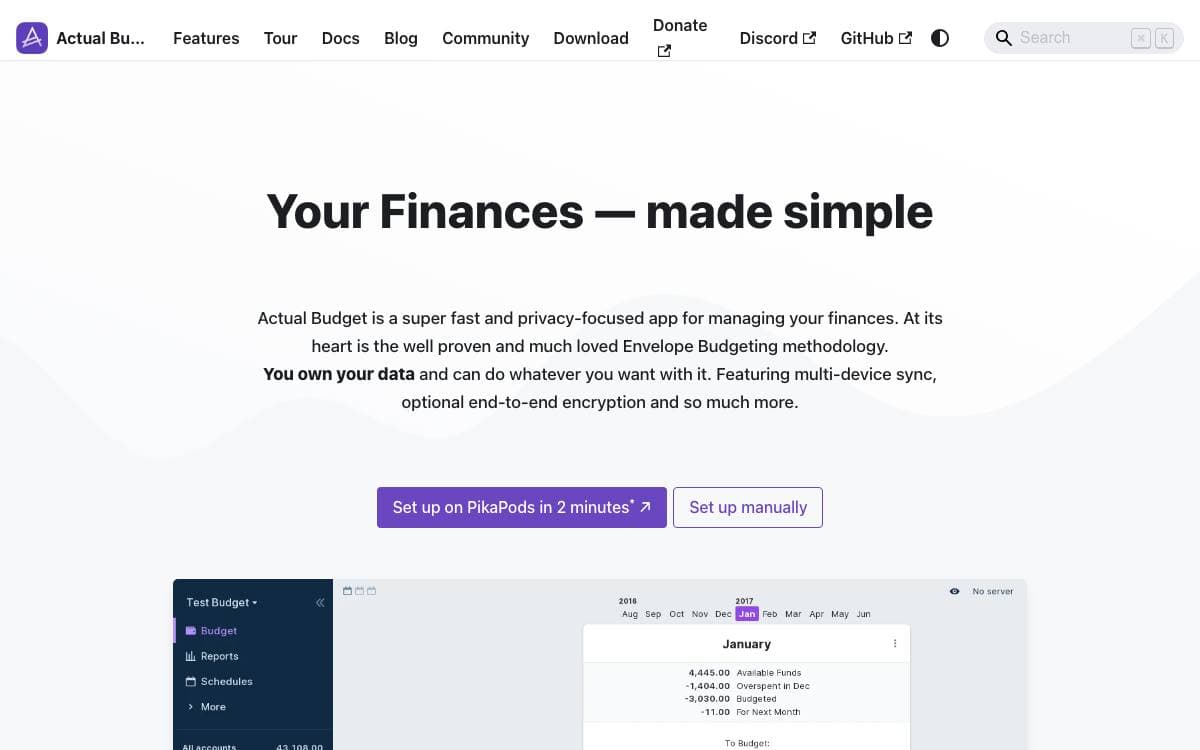
Actual is a personal finance tool that keeps your budget on your own machine. It is free, open source and written in NodeJS, and being local-first means the app works against local data rather than a remote service you rent by the month.
Syncing is still there. Changes move between devices without exports or manual merging, so a laptop and a phone stay in step while the data itself stays yours. The method behind the numbers is envelope budgeting, where every amount that comes in is given a job before it is spent.
There are four ways to run it, differing mostly in how much you want to operate yourself.
- PikaPods: one-click deployment, the path recommended for non-technical users.
- Fly.io: managed hosting for people comfortable with a hosting platform.
- Docker: a self-hosted image for anyone already running a home server.
- Desktop apps: downloadable Windows, Mac and Linux builds that run with no server at all.
The codebase splits into loot-core, which runs on any platform, plus a desktop client and an Electron shell. Community documentation covers budgeting, account management, tips and migration from other apps, and the interface is translated through a crowdsourcing project. Feature requests are voted on with reactions in the issue tracker, which is a fair measure of how community-driven the project really is.

Self-hosted personal finance manager with double-entry bookkeeping, budgets and reports, for tech-savvy people keeping their records off the cloud.
Firefly III tracks personal expenses and income so you can see where money actually goes. The premise is blunt: if you know where your money is going, you can stop it from going there, and budgeting stops being guesswork.
It is self-hosted and isolated, and never contacts an external server until you explicitly tell it to. Records are kept with double-entry bookkeeping and organized by budgets, categories and tags. A REST JSON API covers almost every part of the application, which is how the ecosystem of third-party tools around it was built.
Past plain transaction entry, the parts that get daily use are these.
- Recurring transactions: standing commitments are entered once and then manage themselves.
- Rule based handling: transactions are processed by rules you write, rather than sorted by hand.
- Piggy banks: money is set aside toward a named goal and tracked against it.
- Reports: income and expense reports, plenty of charts, and views that make navigation through old records quick.
- Currencies and security: any currency you like, with two factor authentication on the account.
A demo site comes preloaded with an example administration if you want to look before installing. Running it yourself means a server install, the Docker image or a Kubernetes deployment. It suits people who like tinkering with self-hosted software and would rather not upload financial records to anyone.

A community-maintained personal finance and wealth management app you self-host, continuing the codebase abandoned by Maybe Finance.
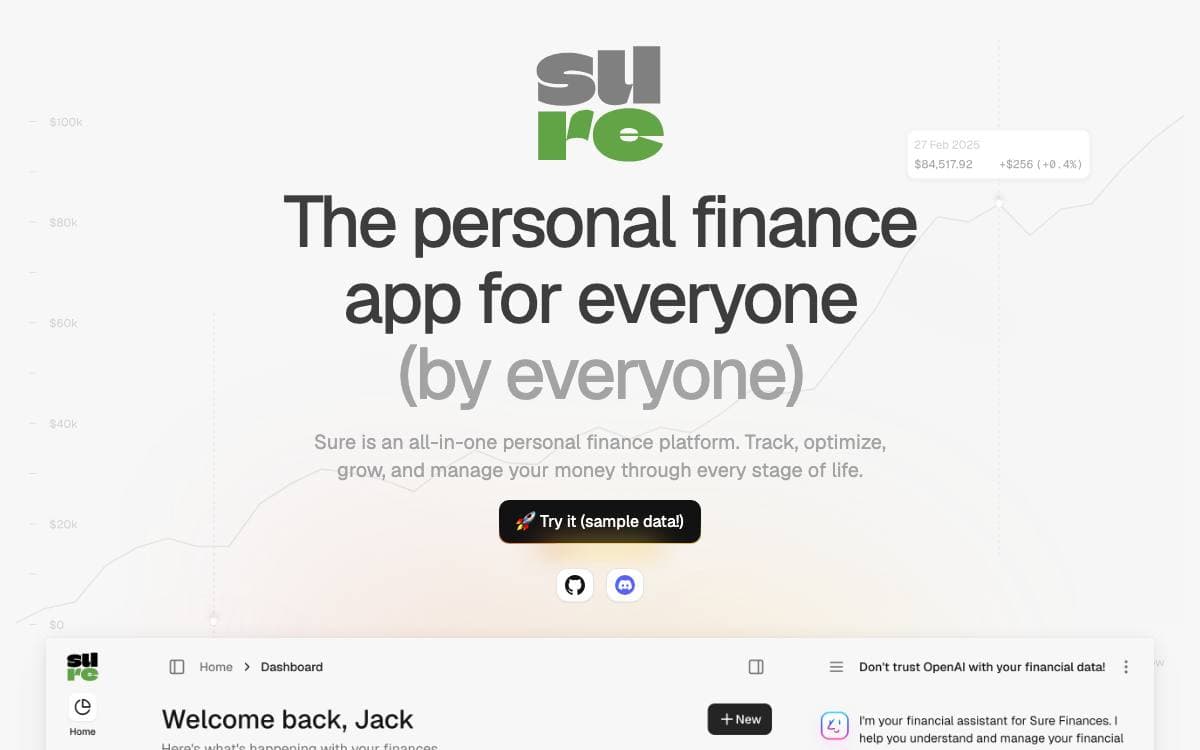
Sure is a personal finance app kept alive by the people who use it. The Maybe Finance team spent 2021 and 2022 building a full-featured finance and wealth management product, stopped development when the business did not work out, open-sourced the code, briefly ran a hosted version, then wound that down too. Sure is the community fork that picks it up from there.
It is a working application rather than a starting point, and it needs Ruby at the version pinned in the repository, PostgreSQL above 9.3 and Redis above 5.4.
A few things matter before adopting it.
- Self-hosting: Docker is the documented path, with one-click options on PikaPods, Railway and Hostim.
- Client options: a browser, a macOS desktop app, a mobile app, API clients and LLM agents all reach the same instance.
- Performance transparency: a public dashboard publishes slow requests from the demo site with stack traces attached.
- Naming rules: the Maybe trademark and logo cannot be reused in forks, so a fork needs its own identity.
Local development starts by copying the example environment file and running the setup and dev scripts, with optional demo data to load. Setup guides cover macOS, Linux, Windows and dev containers.
This suits someone who wants their financial data on hardware they control and is comfortable running a Ruby app with Postgres and Redis behind it. Performance on data-heavy views is an open area where contributions are welcome, and the code is AGPLv3.

Local-first desktop portfolio tracker for investors who want net worth, returns and spending held on their own device.
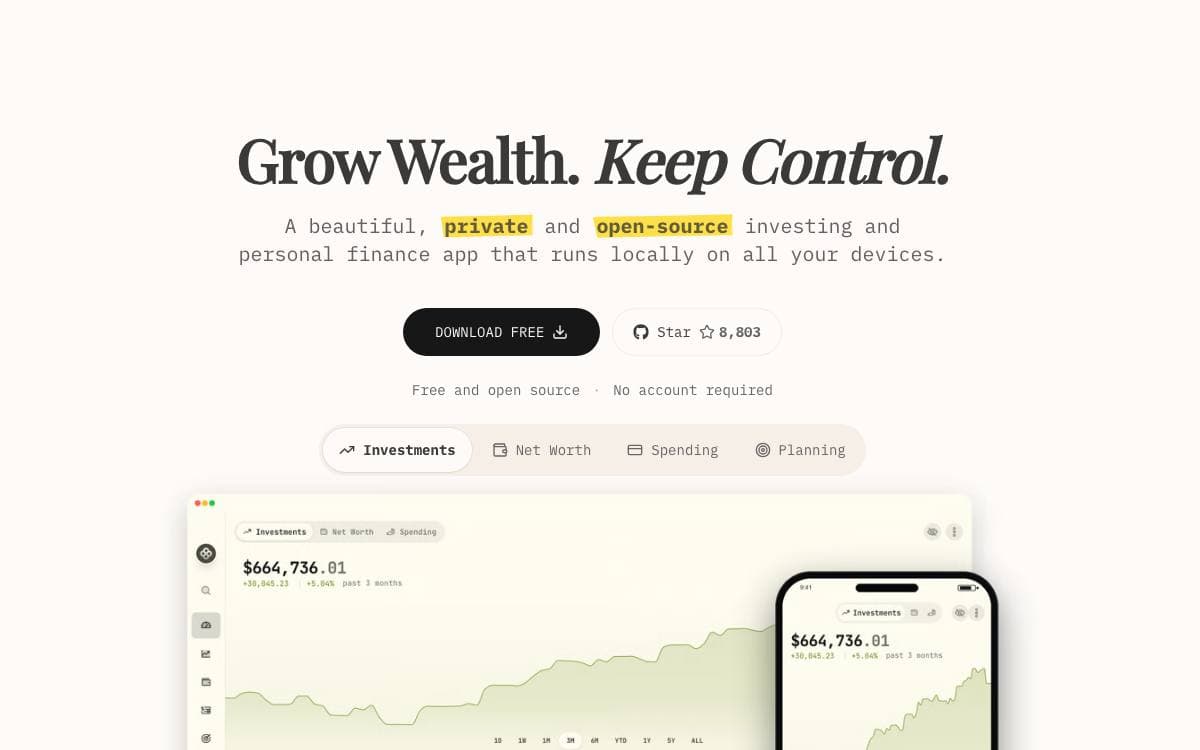
Wealthfolio is a private portfolio tracker covering investments, net worth, spending and simulations. Everything is stored locally on the device, so there is no cloud database behind it and no account to create before the first import.
The app ships for Windows, macOS and Linux, with an iOS build and a Docker image for a self-hosted web version. Version 3.7 asks for macOS 12 or newer and iOS 16 or newer; Windows relies on the evergreen WebView2 runtime, while Linux and self-hosted installations should keep WebKitGTK current.
Tracking goes well past a running total of balances.
- Performance analytics: true time-weighted and money-weighted returns, benchmark comparison and historical analysis.
- Activity management: import and manage trading activities across accounts and asset types.
- Goal planning: financial goals tracked together with allocation management.
- Multi-currency: several currencies at once with exchange rate management.
- Addon system: a TypeScript SDK with hot reload, a permission model with user consent, custom pages and access to accounts, holdings and market data.
Manual tracking and CSV import are free and stay free. An optional subscription called Wealthfolio Connect adds read-only syncing with more than thirty brokerages and encrypted multi-device sync, covering the cost of those data connections, and the app never requires it.

Open source wealth management software for busy people who track stocks, ETFs and cryptocurrencies across multiple platforms.
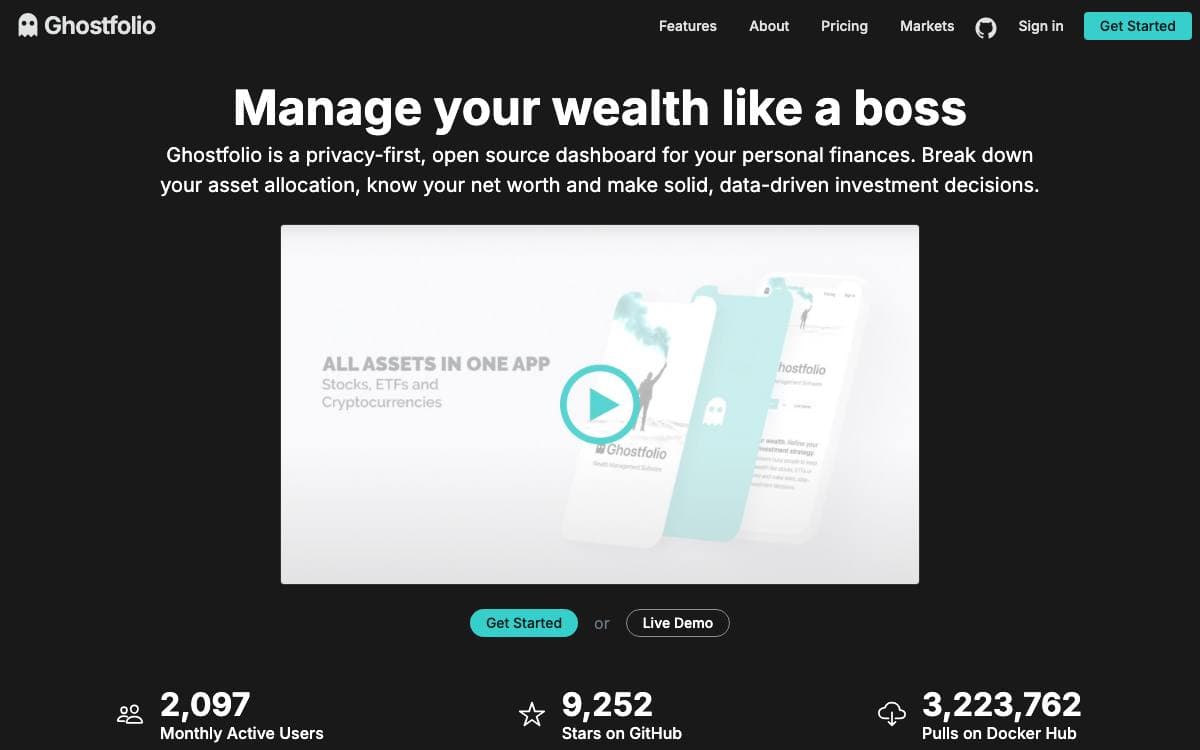
Ghostfolio is wealth management software built with web technology for people who trade stocks, ETFs or cryptocurrencies on more than one platform and want a single view of what they own. It is designed for personal use in continuous operation, and it retires the spreadsheet that most buy and hold investors end up maintaining by hand.
The application is written in TypeScript and organized as an Nx workspace. Its backend runs on NestJS with PostgreSQL through Prisma and Redis for caching, while the frontend is an Angular app styled with Angular Material and utility classes from Bootstrap.
The feature set stays close to what a private portfolio actually needs.
- Transaction management: create, update and delete transactions across multiple accounts.
- Performance figures: return on average investment for today, week to date, month to date, year to date, one year, five years and the full history.
- Portfolio analysis: charts alongside static analysis that flags potential risks in the composition.
- Import and export: move transactions in and out instead of retyping them.
- Mobile first app: a progressive web app with dark mode and a distraction free zen mode.
Official container images cover linux/amd64, linux/arm/v7 and linux/arm64, and configuration is a set of environment variables for the database, Redis, JSON web token secrets and data provider keys. A paid cloud tier funds the hosting infrastructure and ongoing development for anyone who would rather not run it themselves.

Self-hosted personal finance tracking that runs on a Raspberry Pi or a NAS, with receipt recognition and wide import format support.
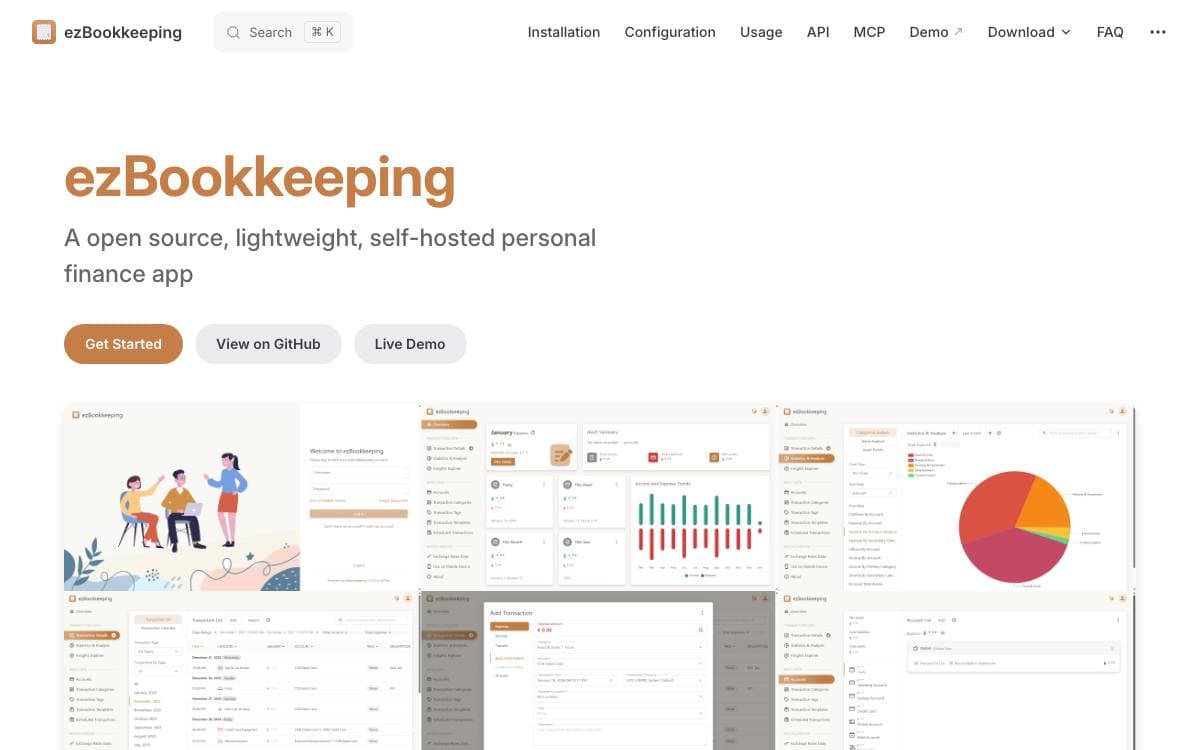
ezBookkeeping records daily transactions, imports data from other sources and lets you search and filter the result quickly. Built-in charts handle the usual analysis, and custom queries with your own chart dimensions answer the questions the default views miss.
Resource efficiency is the point of the design. The application runs comfortably on a Raspberry Pi, a NAS or a MicroServer, starts from a single Docker command, and stores data in SQLite, MySQL or PostgreSQL across Windows, macOS and Linux on x86, amd64 and ARM.
The bookkeeping model goes well past a running list of amounts.
- Two-level structure: accounts and categories each nest one level deep.
- Transaction detail: image attachments, location tracking with maps and scheduled transactions.
- Import formats: CSV, OFX, QFX, QIF, IIF, Camt.052, Camt.053, MT940, GnuCash, Firefly III and Beancount.
- Localization: many languages and currencies, several exchange rate sources with automatic updates, multiple timezones and custom date and number formats.
- Security: two-factor authentication, OIDC login, login rate limiting and an application lock by PIN or WebAuthn.
- AI features: receipt image recognition, plus MCP and agent skill support for integration.
Interfaces are tuned separately for mobile and desktop, dark mode included, and PWA support means the mobile version can be added to a home screen and used like a native app. The MIT licensed project ships Docker images, binaries for Linux, macOS and Windows, and a build script for anyone compiling it themselves.

Self-hosted budgeting and cash flow tracker for people who would rather not hand their financial history to a third party.
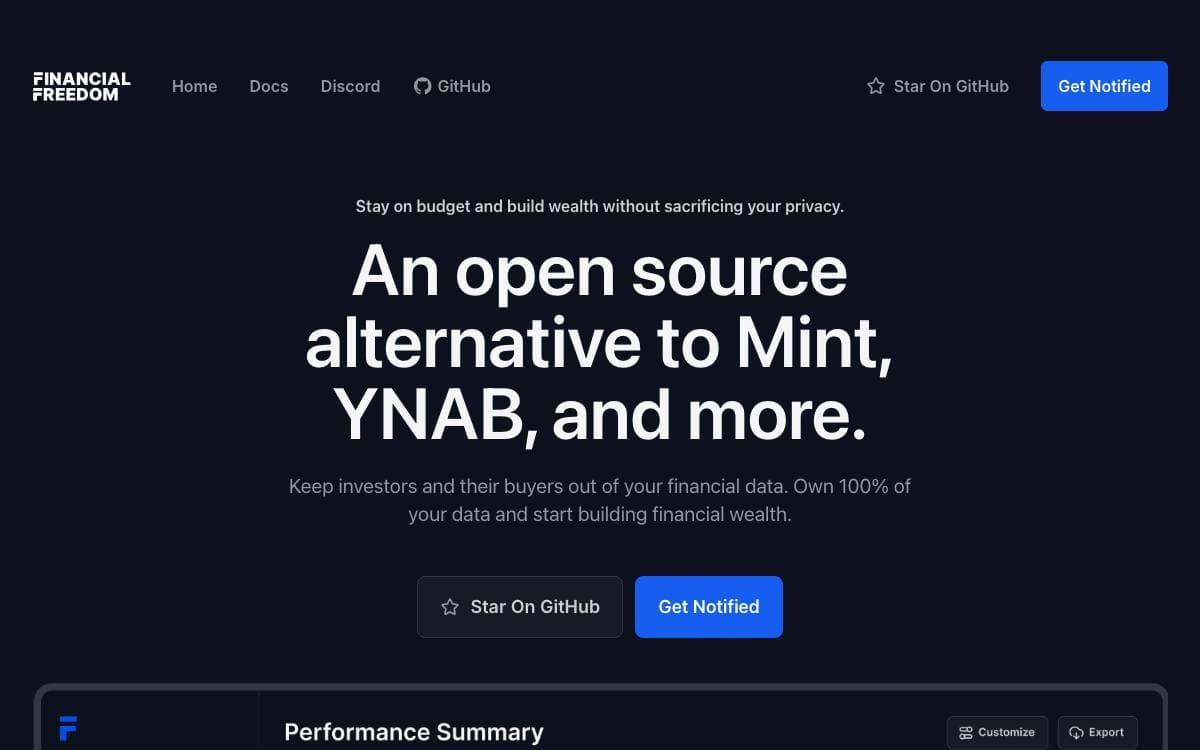
Financial Freedom is a personal finance application you run yourself, put forward as an alternative to Mint and YNAB. The thing it removes is the intermediary that has to see every transaction in order to categorize it, along with the incentive that intermediary has to sell what it learns.
The application is built on Laravel with MariaDB for storage, Redis, Meilisearch for search and Tailwind CSS for the interface, and it is packaged for Docker. That means it runs on anything that runs containers, from a cloud instance to a Raspberry Pi in a basement, and the data sits on disks you own.
The feature set is aimed at everyday budgeting rather than portfolio management.
- Any bank: import from any institution that can export a CSV file.
- Tagging and splitting: label transactions and divide a single one across several categories.
- Cash flow and budgets: track money in and out against the limits you set.
- Global currencies: work in something other than dollars.
- Automated sync: planned through services such as Plaid or Finicity, and not shipped yet.
Anyone planning to deploy this should know that the project is on hold. The two person team behind it paused development to fund the work through other products, and asks people not to install it until that notice is lifted, because a half finished refactor currently renders a blank screen. Reading and forking the code is still encouraged, and the repository remains the place where progress, discussion and sponsorship happen.

Self-hosted personal finance software in Laravel, for households planning long term across multiple currencies, accounts and investments.
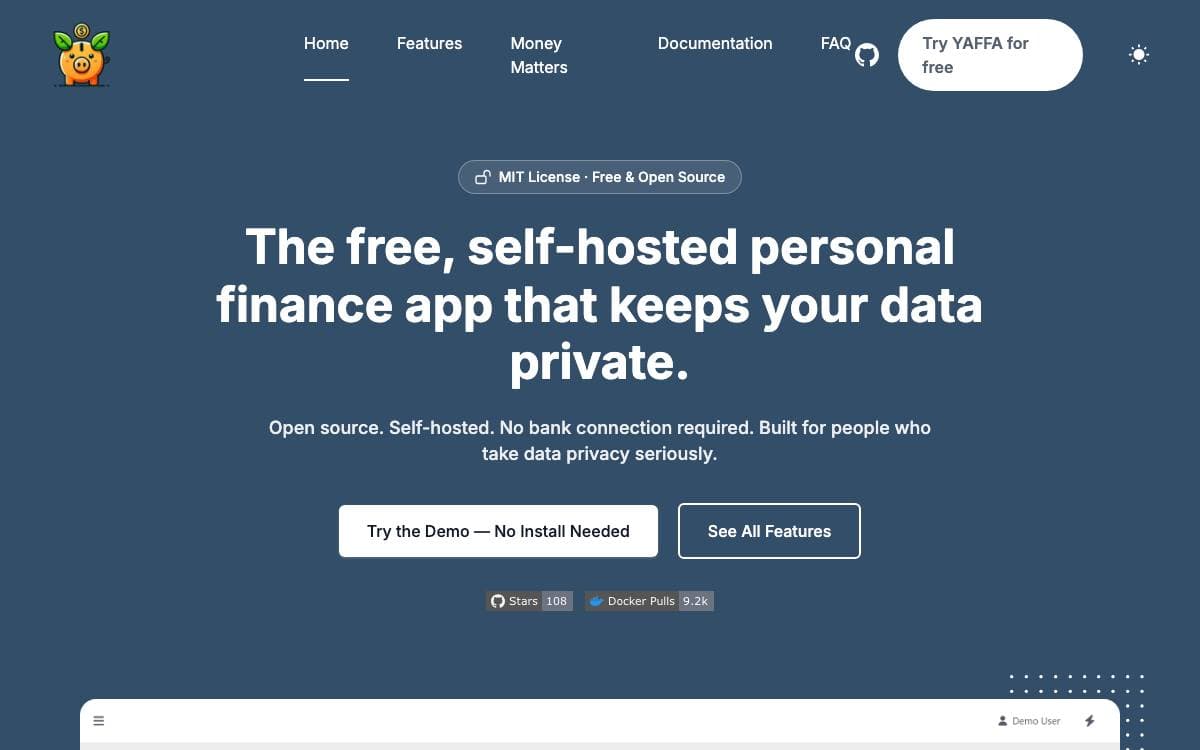
YAFFA is a personal finance web application built around long term planning rather than a monthly spending summary. It is self-hosted, so the financial data sits on an instance you run instead of being uploaded to a service and shared onward.
The app is written in PHP on the Laravel framework and is MIT licensed. Currency rates update daily from the free Frankfurter service, with no key or registration, while investment prices come from Alpha Vantage, which does ask you to register for a free key of your own.
The feature set covers the whole picture of a household's money.
- Multiple currencies: accounts are held in several currencies, with one default used across dashboards and charts.
- Transactions: income and spending are recorded with suggestions while typing and splits across categories.
- Document processing: uploads, received email and Google Drive imports are read by OpenAI or Gemini to prefill a transaction, with Tesseract available for local OCR.
- Forecasting: scheduled and recurring transactions and budget plans produce forecast figures, and recurring entries can post themselves.
- Investments: holdings are tracked with automatic price retrieval to calculate gain and loss.
- Imports: QIF and CSV files import through rules you customize for country and bank specific formats.
The author is equally clear about what YAFFA will not do, since direct bank downloads are rejected on principle and there is no native mobile app. A sandbox with sample data is available before you install, and the README notes that precise decimal arithmetic for monetary values is still on the list.


