Open Source Portainer Alternatives
A curated collection of the 1 best open source alternatives to Portainer.
The best open source alternative to Portainer is Cosmos Server. If that doesn't suit you, we've compiled a ranked list of other open source Portainer alternatives to help you find a suitable replacement.
Portainer alternatives are mainly Server & VM Management. Browse these if you want a narrower list of alternatives or looking for a specific functionality of Portainer.

A self-hosted server manager and secure gateway for home servers, NAS boxes and Raspberry Pis running containerized applications.
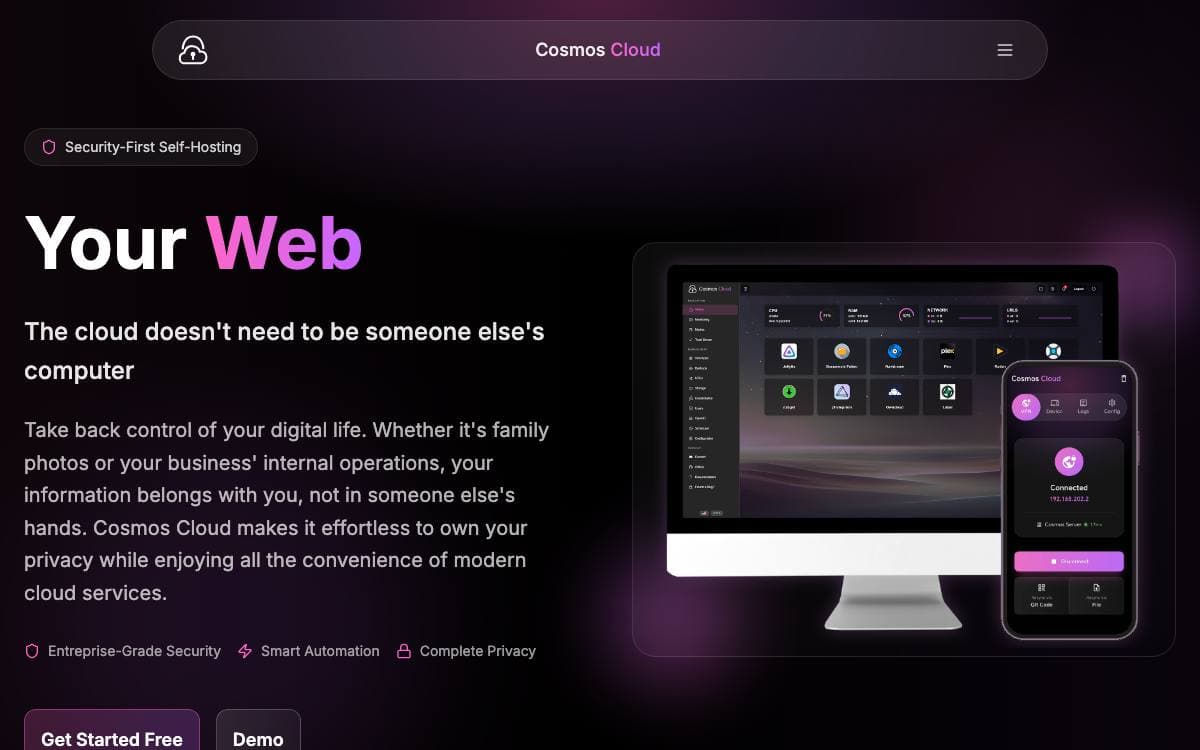
Cosmos sits in front of everything on your home server, acting as gateway and manager at once. It exists because self-hosted applications are so often vulnerable, and it starts from the assumption that the software you run cannot be trusted with direct exposure.
Install it on a server, a NAS or a Raspberry Pi, then reach Plex, Home Assistant, a blog or anything else through it. Applications stay vanilla Docker containers, so adopting an existing one means adding a URL in the interface, and leaving later costs nothing.
A single install covers most of what a home server otherwise needs assembled by hand.
- SmartShield: secures applications automatically, with anti-bot, anti-DDOS and TCP protection for FTP, SSH and game servers.
- Reverse proxy: routes to containers, other servers or static folders and single page apps, with automatic HTTPS.
- Authentication: multi-factor authentication, OpenID and forward headers, plus user management so friends and family get their own accounts.
- App store and containers: install, update and audit applications, with docker-compose import and terminal access preserved.
- Storage and backups: disk management with parity disks and MergerFS, network storage through RClone, and encrypted incremental backups using Restic.
- Monitoring and CRON: persistent real-time metrics with alerts, and scheduled tasks on the host or inside containers.
A built-in VPN reaches your applications from outside without opening router ports, and a customizable homepage collects them in one view. The design is modular, so you can run only the parts you want, skipping Docker, databases or HTTPS when your setup calls for it.


