Open Source Omnara Alternatives
A curated collection of the 8 best open source alternatives to Omnara.
The best open source alternative to Omnara is Paperclip. If that doesn't suit you, we've compiled a ranked list of other open source Omnara alternatives to help you find a suitable replacement. Other interesting open source alternatives to Omnara are: Orca, T3 Code, Paseo and Superset.
Omnara alternatives are mainly AI Assisted Coding but may also be AI Development Platforms. Browse these if you want a narrower list of alternatives or looking for a specific functionality of Omnara.

A self-hosted control plane that gives teams of AI agents an org chart, budgets, approvals and audit trails from one dashboard.
Paperclip treats a group of AI agents as an organization rather than a pile of terminals. It is a Node.js server with a React interface where you define a goal, hire agents into roles, and track the work and the spending from a single dashboard that looks like a task manager.
The framing is deliberate. If a coding agent is an employee, this is the company around it. You bring your own agents, from OpenClaw and Claude Code to Codex, Cursor, a bash script or an HTTP endpoint, and anything that can receive a heartbeat can be given a job.
The control plane is built on four pillars plus the money.
- Tasks: approval and review gates, proactive agent coworkers, and verification from diffs, screenshots and tests.
- Org chart: roles, reporting lines, delegation and scoped secrets across a mixed human and agent structure.
- Training: a skill studio, shared skills, evaluations, saved test runs and performance reviews for agents.
- Infrastructure: sandboxing, MCP servers, single sign-on, role-based access and cost controls.
- Budgets: monthly limits per agent, enforced atomically alongside task checkout so there is no double work and no runaway spend.
Agents keep their state between heartbeats instead of restarting cold, tasks carry their full goal ancestry so the reason for a job travels with it, and every conversation and tool call lands in an immutable audit log. One deployment can host several organizations with separate data, and orgs, agents and skills export as templates with secrets scrubbed.

Desktop orchestrator that runs several terminal coding agents side by side, each in its own git worktree, tracked in one window.
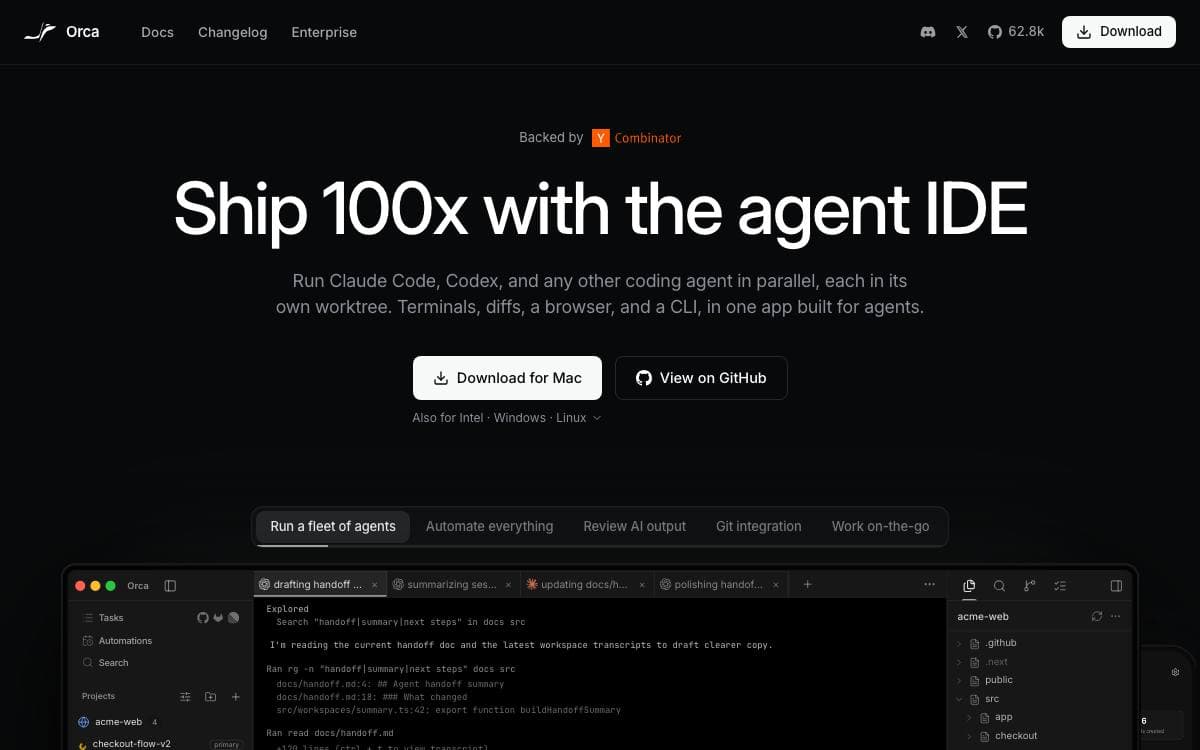
Orca runs Codex, Claude Code, OpenCode, Pi and other command line agents at the same time, each isolated in its own git worktree and all of them tracked in one place. Fan a single prompt across five agents, compare what comes back, and merge the one that won.
The workspace around them is a real development environment: terminals with WebGL rendering, unlimited splits and scrollback that survives a restart, plus an editor with autosave and drag-and-drop of files or images into a prompt.
Several features exist because agent work has its own shape.
- Design mode: click any element in a live Chromium window to send its HTML, CSS and a cropped screenshot into the prompt.
- SSH worktrees: run agents on a remote machine with full file editing, git and terminals, with auto-reconnect and port forwarding.
- GitHub and Linear: browse pull requests, issues and boards in-app, opening a worktree from any task.
- Diff annotations: comment on any diff line and ship those comments back to the agent.
- Orca CLI: agents drive Orca themselves through worktree, snapshot, click and fill commands.
- Mobile companion: monitor agents from a phone and send follow-ups when one finishes.
Desktop builds cover macOS on Apple Silicon and Intel, Windows and Linux AppImage, with a Homebrew cask and an AUR package. A headless server mode is documented separately. Orca is MIT licensed.

A control surface for the coding agents already installed on your machine, reachable from a desktop, web or mobile app.

T3 Code calls itself an agent harness control surface. The problem it removes is being tied to the terminal where an agent runs, because the server runs on your machine and the clients talk to it, so a session started at your desk can be steered from a phone on the train.
It drives agents you have already installed and authenticated rather than shipping its own. Claude Code, Codex, Cursor, Grok Build, OpenCode and Google Antigravity are supported, and at least one of them must be set up first. Running the published npx command starts the backend plus a local web app with nothing to install.
The surfaces and controls it exposes are the following.
- Mobile apps: iOS and Android clients drive agents running on a machine somewhere else.
- Desktop app: an Electron build distributed through GitHub Releases, winget, Homebrew and the AUR.
- Remote access: documented setup for reaching your agents from a phone or another computer.
- Permission modes: configurable limits on what an agent may do before it has to ask.
- Source control integrations: documented hooks into the repositories the agents are working in.
The maintainers are blunt about the state of things. The project is very early, bugs are expected, and large contributions are mostly not being accepted yet. It exists because the team wanted a remote-ready agent workflow that stayed forkable, so anyone unhappy with its direction has everything needed to build their own. Node.js 22.16 or newer is required.

Self-hosted control for coding agents running on your own machines, reachable from phone, desktop, web or terminal.
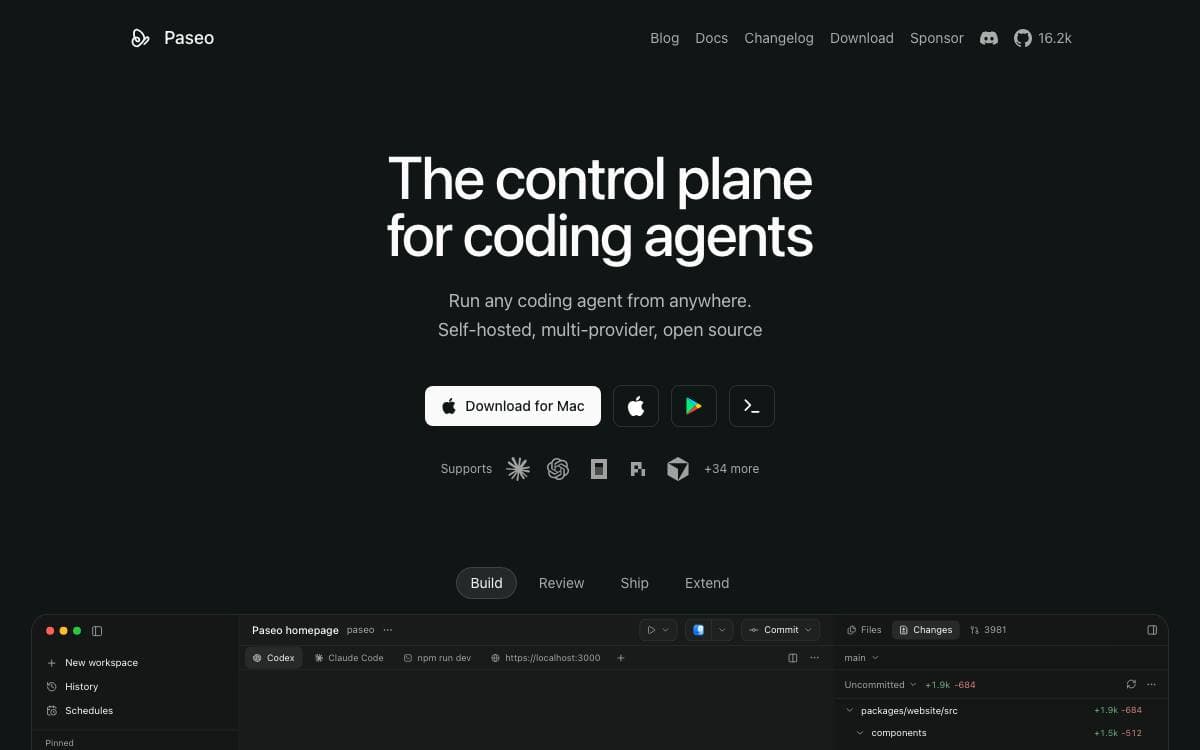
Paseo runs coding agents in parallel on machines you own, and lets you start or check on that work from wherever you are, a desk or a phone on the train.
A local server called the daemon manages the agents, and the desktop app, mobile app, web app and CLI all connect to it. Because the agents run on your own machine, they inherit your full development environment, your tools, configs and skills, instead of a stripped container that knows none of it.
The choices worth knowing sit around that daemon.
- Multi-provider: Claude Code, Codex, GitHub Copilot, OpenCode and Pi through one interface.
- Cross-device: iOS, Android, desktop, web and CLI clients, paired from the host settings.
- Voice control: dictate tasks or talk a problem through hands-free.
- CLI parity: run, list, attach and send follow-up tasks from the terminal, including to a remote daemon.
- TypeScript SDK: build issue integrations, dashboards and orchestration services against the daemon.
- Privacy: no telemetry, no tracking and no forced log-ins.
The desktop app starts the daemon for you, the CLI installs from npm, and a Docker image runs the daemon with the self-hosted web UI on port 6767. Device pairing can use an end-to-end encrypted relay, or you can connect directly over TCP, Tailscale or another VPN. At least one agent CLI must already be installed and holding its own credentials.

Desktop app that runs many CLI coding agents in parallel, each in its own git worktree, for developers juggling tasks.
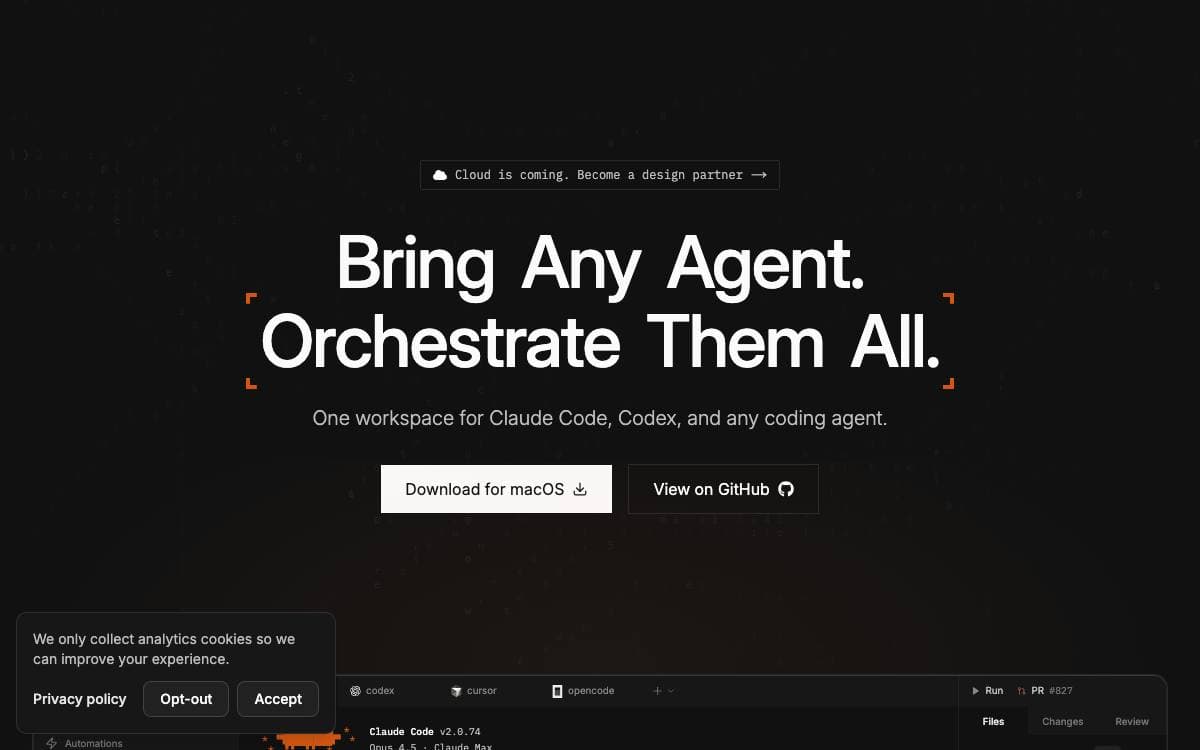
Run one coding agent at a time and most of the afternoon goes on waiting. Superset is a macOS desktop app that puts many of them to work at once, then gives you one place to watch them and one place to review what they produced.
Each task gets its own git worktree with its own branch, terminal and environment, so agents never overwrite each other. Around that sit a sidebar with working indicators, completion chimes and dock badges, a diff viewer for inspecting and editing changes, and one-click handoff to your editor.
Several pieces carry the daily workflow.
- Parallel workspaces: run many agents at once, compare the results and merge the branch that won.
- Built-in terminal: tabs, splits, presets and sessions that survive a restart, plus a prompt editor with file mentions.
- In-app browser: preview dev servers inside the app, with ports detected per workspace.
- Automations: schedule agent sessions to triage issues overnight, draft a changelog or refresh dependencies.
- Remote access: reach another machine's workspaces from the desktop app, the CLI or your phone.
Any CLI-based agent works, with Claude Code, Codex, Cursor Agent, Gemini CLI, Copilot and others listed as fully supported. Superset is released under the Elastic License 2.0, and its CLI, SDK and MCP interface mean an agent that can run a command can also drive the app itself.

A meta-harness that runs Claude Code, Codex, Cursor and other agents under one orchestration layer with shared policies and sessions.
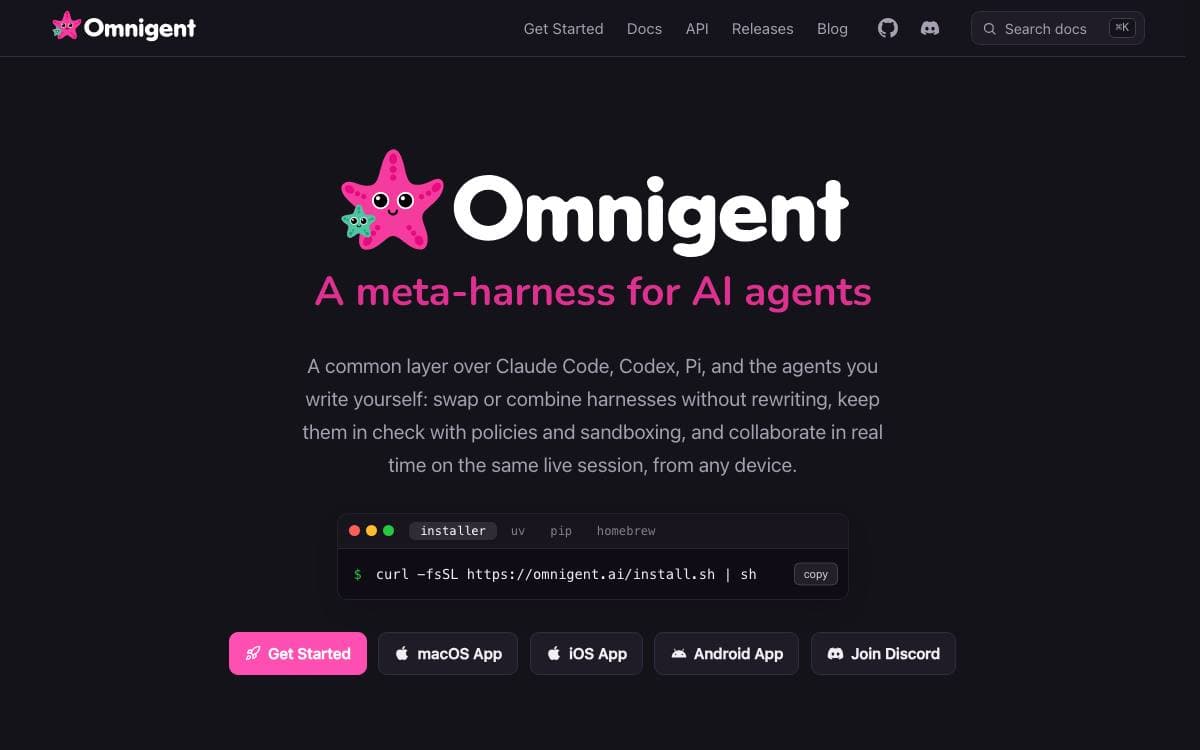
Omnigent is an open source meta-harness, a common orchestration layer sitting above Claude Code, Codex, Cursor, OpenCode, Hermes, Pi and the agents you write yourself. Swapping or combining harnesses stops meaning a rewrite of everything around them, and one session is reachable from a terminal, a browser, a phone or the native macOS desktop app.
Sessions follow the person rather than the device. Messages, sub-agents, terminals and files stay in sync as you move between clients, and a session can be shared so teammates chat with your agent, watch it work live, co-drive it on your machine, or fork the conversation and continue on their own.
Four areas matter once more than one agent is involved.
- Mixed agents: several harnesses run in the same session, so one can review another's work or a task can be split by strength.
- Any model: a first-party API key, a Claude or ChatGPT subscription, or any compatible gateway are all first class.
- Cloud sandboxes: sessions run in disposable sandboxes on Modal, Daytona, Blaxel, E2B, Kubernetes and others, launched from the CLI or provisioned per session by the server.
- Policies: approval pauses before risky actions, spend caps and tool limits, applied server wide, to one agent or to a single chat.
Installation is a single shell command, or uv and pip manually, and Python 3.12 or newer is required. Terminal wrappers need tmux, and on Linux bubblewrap is mandatory for their sandboxing, while macOS uses the built-in seatbelt. The project is Apache 2.0 and marked alpha.

A desktop app for running several AI coding agents in parallel, each in its own Git worktree, for developers juggling multiple tasks.
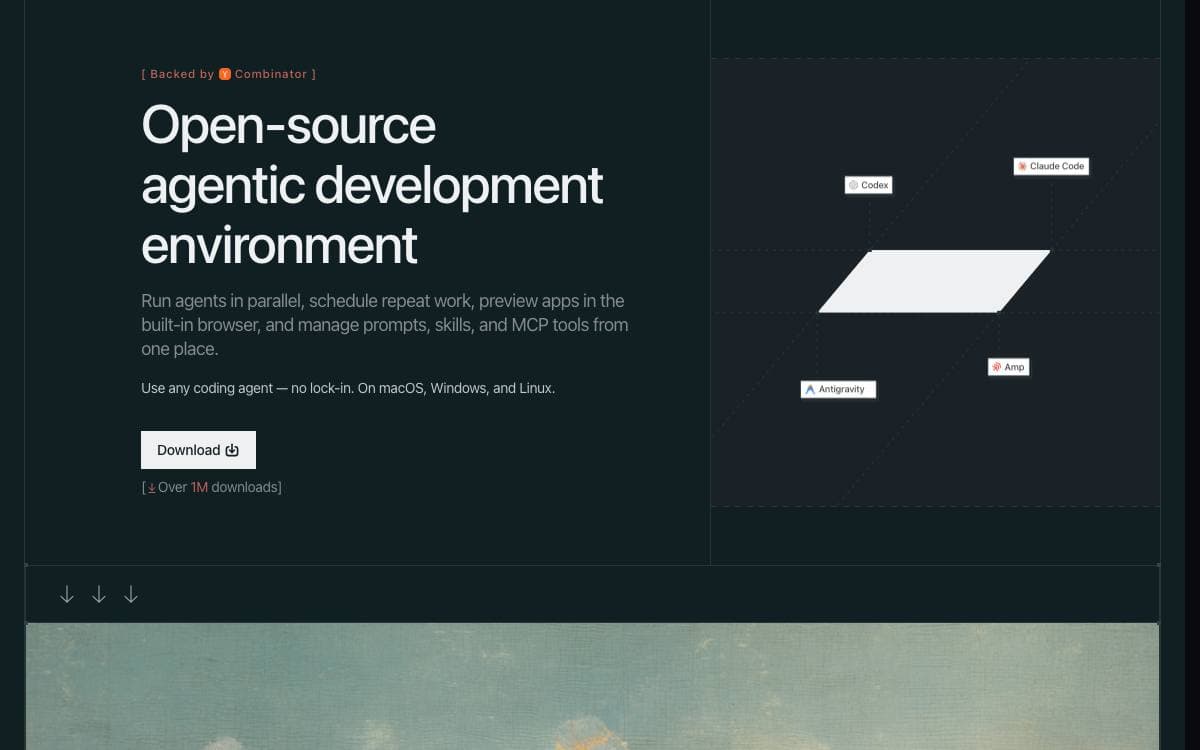
Running more than one coding agent usually means juggling terminals and hoping none of them collide. Emdash gives every task its own Git worktree and branch, so several fixes or features can be explored at once and the diffs reviewed before anything is merged.
It is a desktop application that works against local projects and against remote machines over SSH and SFTP, with agent, key and password authentication and credentials held in the operating system keychain. Provider command-line tools already installed on the machine are detected automatically.
The workflow around the agents lives in the same window.
- Agent support: Claude Code, Codex, Cursor, OpenCode, Amp, Devin, Qwen Code, Droid and GitHub Copilot among others.
- Issue import: tickets from Linear, GitHub, Jira, GitLab, Asana, Featurebase, Monday.com, Forgejo or Plain go straight into an agent.
- Review and merge: diffs, pull request creation, CI checks and merges all happen in one place.
- Lifecycle hooks: marker-tagged entries in an agent's own config track status, notifications and resumable sessions, and stay inert outside Emdash.
- Local-first state: application state sits in a local SQLite database, and no code or chat reaches Emdash servers.
Apache-2.0 licensed builds cover macOS through Homebrew or a disk image, Windows as an installer or portable binary, and Linux as AppImage, DEB or RPM on x64 and ARM64. Telemetry is optional and switches off in settings or through an environment variable. The agent tools themselves still send prompts and context to their own providers, so their data handling is what applies to your code.

Native desktop app for running Claude, Codex, Cursor and other coding CLIs across multiple projects, git worktrees and chat sessions.
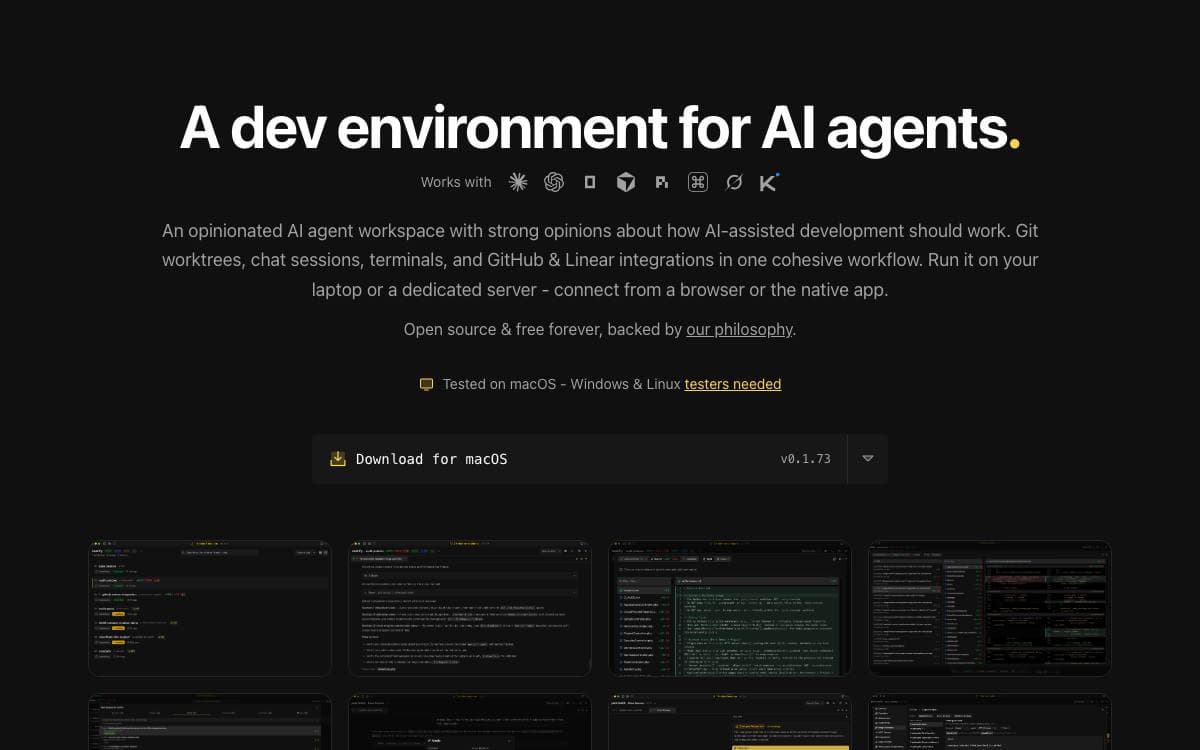
Anyone running several AI coding CLIs at once ends up juggling terminals, branches and half-remembered context. Jean collapses that into one native desktop app holding projects, git worktrees, chat sessions and terminals in a single workflow, with every CLI installed and running on your own machine.
It is built with Tauri v2 on a Rust core, with a React 19 front end using Tailwind CSS v4, shadcn/ui, Zustand and TanStack Query, plus xterm.js for terminals. It drives Claude CLI, Codex CLI, Cursor CLI, OpenCode, PI, Command Code, Grok and Kimi Code.
The opinions show in what it automates.
- Worktree management: worktrees are created, archived, restored and deleted per project, with linked projects for cross-project context.
- Execution modes: Plan, Build and Yolo sessions carry their own model and effort settings, with plan approval flows.
- Magic commands: investigate issues and pull requests, generate commit messages, resolve merge conflicts and draft release notes.
- GitHub and Linear: issues, pull requests, security alerts and Dependabot findings land in a dashboard, and PRs check out as worktrees.
- Web access: an embedded HTTP and WebSocket server serves the same interface to a browser, with token auth on by default.
Builds come from GitHub Releases or a Homebrew cask, or from source with Node.js and Rust. macOS is tested, Linux is community tested and Windows is not fully tested. A headless jean-server binary runs on Linux amd64 and arm64 for people who would rather keep the workspace on a server and reach it over a private mesh VPN such as Tailscale.


