Open Source NotebookLM Alternatives
A curated collection of the 6 best open source alternatives to NotebookLM.
The best open source alternative to NotebookLM is AnythingLLM. If that doesn't suit you, we've compiled a ranked list of other open source NotebookLM alternatives to help you find a suitable replacement. Other interesting open source alternatives to NotebookLM are: Open-Notebook, Khoj, SurfSense and Deta Surf.
NotebookLM alternatives are mainly AI Interaction & Interfaces but may also be Note Taking & Knowledge Management or Machine Learning Infrastructure. Browse these if you want a narrower list of alternatives or looking for a specific functionality of NotebookLM.

An all-in-one AI application for chatting with your own documents, running agents and serving multiple users from a private instance.
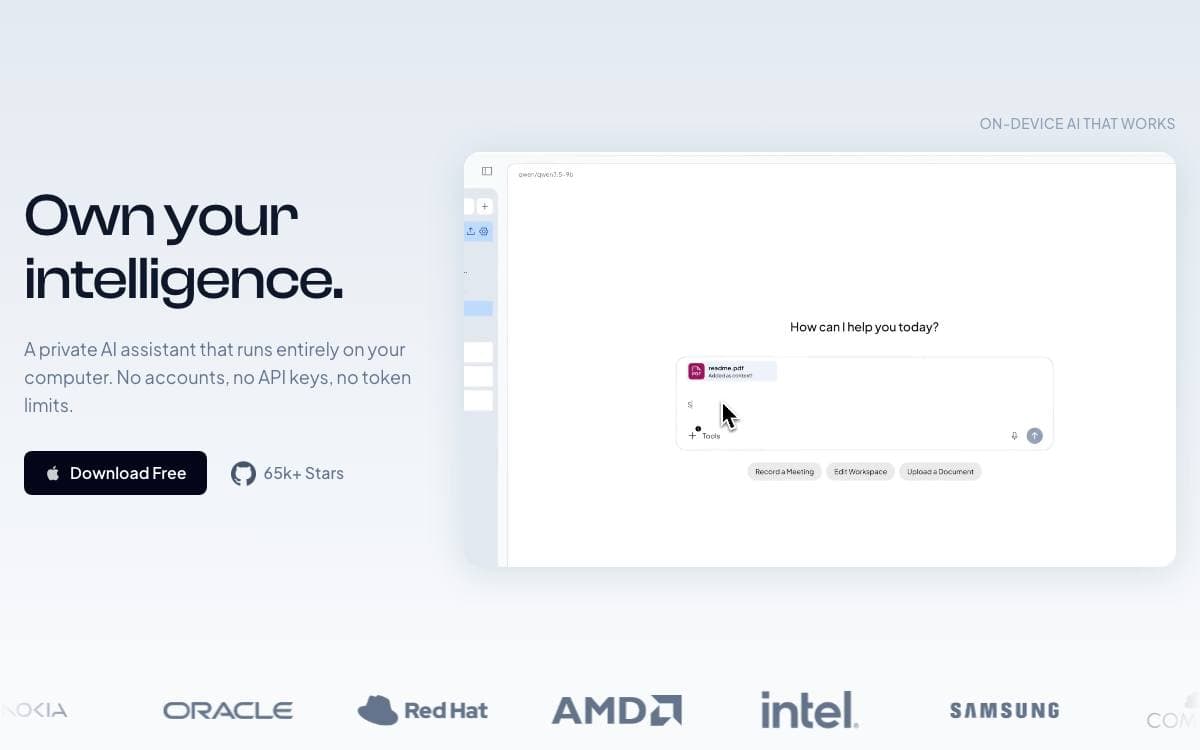
Building a private ChatGPT usually means gluing a vector store, a document pipeline and a permissions layer onto whichever model you picked. AnythingLLM ships all of that as one application that runs locally by default and needs no setup work first.
You connect a local or cloud model, ingest documents and start chatting within minutes. Support spans llama.cpp compatible models, OpenAI, Anthropic, Azure, Bedrock, Gemini, Ollama, LM Studio, Mistral and Groq among many others, alongside embedders, transcription models and vector databases.
Several features push it past a plain chat wrapper.
- Dynamic model routing: sends each conversation to the provider and model your rules select.
- Managed memories: the model retains information about you or a workspace across sessions.
- Scheduled tasks: recurring prompts run on a cron schedule with full agent capabilities.
- Skill selection: enables unlimited tools while cutting token use per query substantially.
- Agent builder: assembles custom agents and flows without code, with MCP compatibility.
Multi-user permissioning and the embeddable website chat widget are Docker-only, while desktop builds cover Mac, Windows and Linux. A developer API is available for custom integrations, and the team is separately working on Open Computer, an environment giving agents a whole machine to use.

A self-hosted research notebook and Notebook LM alternative for people who want to pick their own AI models and keep sources private.
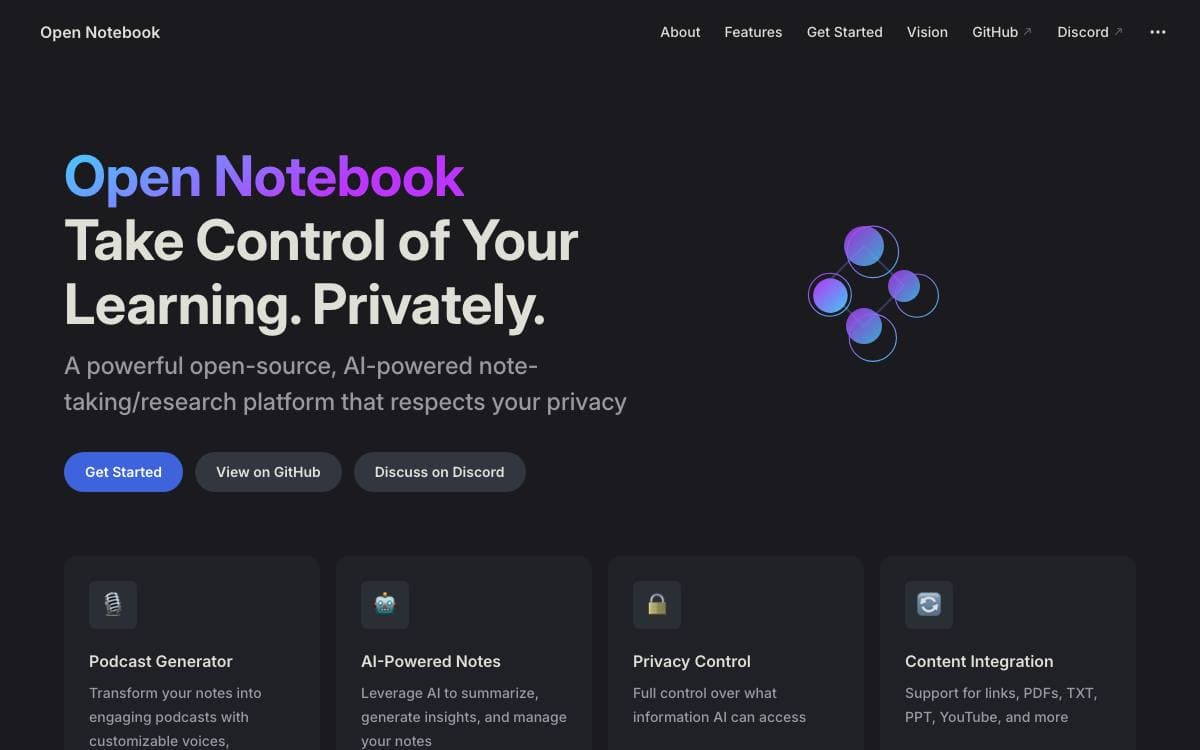
Open Notebook is a privacy focused alternative to Google's Notebook LM. Research goes into a system you run yourself, so sensitive documents never leave your infrastructure and no single vendor decides which model gets to read them.
It is built with Python, Next.js, React, SurrealDB and LangChain, and ships as a Docker Compose stack with the database and the application as separate services. API keys are configured in the interface after startup rather than in files.
The feature set targets the parts of research that a closed notebook tends to restrict.
- Model choice: works with more than 18 providers including OpenAI, Anthropic, Ollama and LM Studio, so running locally is a real option.
- Multi-modal sources: organizes PDFs, videos, audio and web pages in one place.
- Podcast generation: produces episodes with one to four speakers and custom speaker profiles.
- Search: covers all stored content with both full text and vector queries.
- REST API: exposes the whole notebook for automation, which the Google product does not offer at all.
The interface is available in English, Portuguese, Chinese in simplified and traditional forms, Japanese, Russian and Bengali. Docker Desktop is the only prerequisite, the containers expose a web UI and a REST API on separate ports, and costs stay limited to whatever AI usage you choose to pay for.

Personal AI app that searches your documents and the web, running on your own machine or scaling to a team deployment.
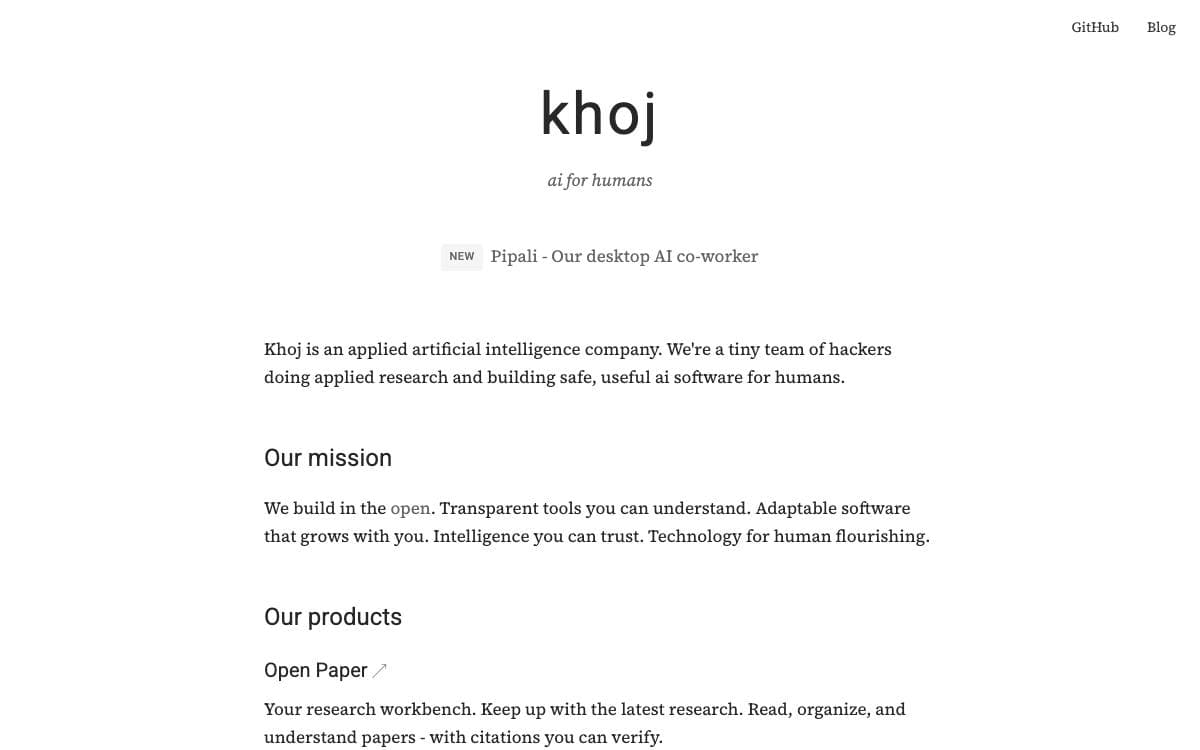
Meant to extend what one person can do, Khoj runs as a personal AI app that scales from a laptop up to a deployment serving a whole company. The gap it closes is the one between what your documents know and what the internet knows.
It talks to whichever model you point it at, local or hosted, naming llama3, qwen, gemma, mistral, gpt, claude, gemini and deepseek among them. Access is not tied to one window either: the same assistant is reachable from a browser, Obsidian, Emacs, a desktop app, a phone or WhatsApp.
The features cluster around finding, asking and automating.
- Document grounding: answers drawn from images, PDFs, Markdown, org mode, Word and Notion files.
- Semantic search: relevant documents surfaced quickly rather than by exact keyword.
- Custom agents: agents given their own knowledge, persona, chat model and tools.
- Automations: repetitive research handled on a schedule, delivering personal newsletters and notifications to your inbox.
- Generation: images created from prompts, messages played back, replies spoken aloud.
Khoj is open source and self hostable, with setup documented for running it privately on your own computer, and a hosted app is available for anyone who would rather skip installation entirely. For organizations, the project is offered as a cloud service, on premises or as a hybrid arrangement.

Open web research platform giving AI agents structured live data from social, search and commerce sources through one API.
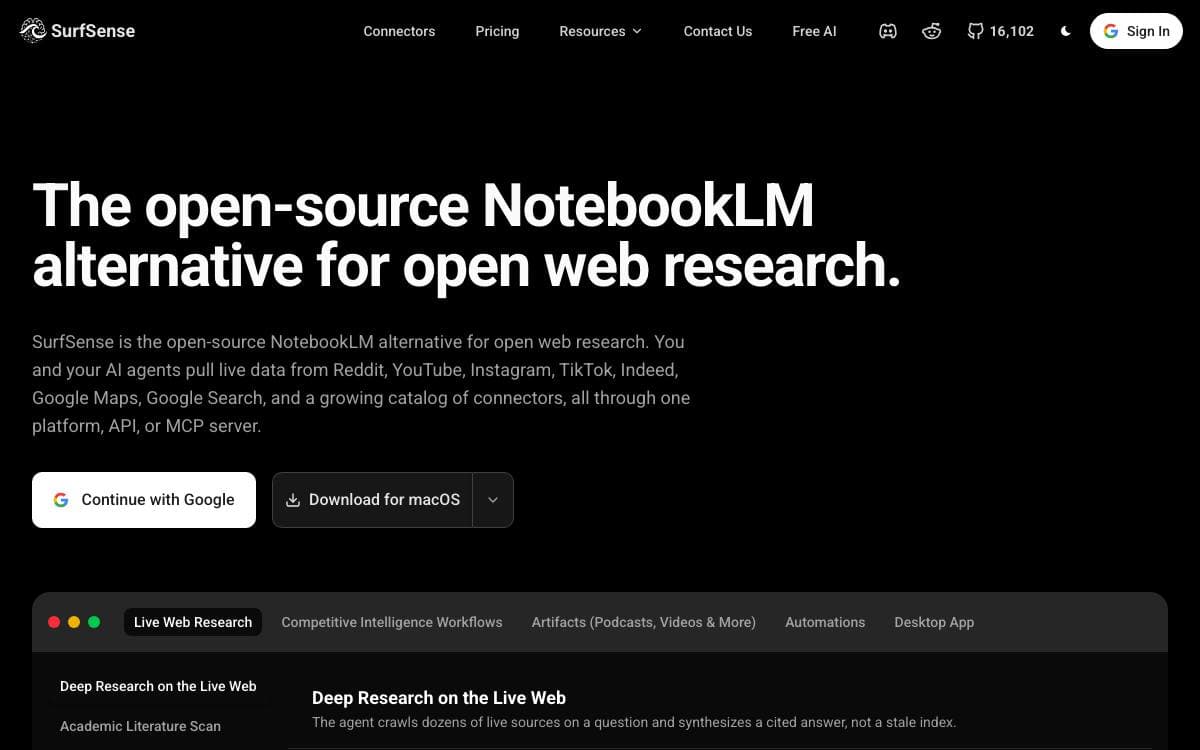
SurfSense began as an open-source alternative to NotebookLM and now aims at a second problem: giving agents somewhere trustworthy to look when the answer lives on Reddit, in a video transcript or under a product review. Official platform APIs are rate-limited or priced for enterprises, scraping plumbing is brittle, and driving a browser with a model burns minutes per page.
Every source is a REST endpoint returning structured JSON, and the same set is published as an MCP server so Claude, Cursor or any agent framework can call them as native tools. Retries, structured output and credit metering come with the harness.
Behind the connectors, the research workspace that made the project popular is still in place.
- Connector catalog: Reddit, YouTube, Instagram, TikTok, Amazon, Walmart, Google Maps, Google Search, Indeed and open web crawling.
- Knowledge base: upload documents or sync Google Drive, OneDrive and Dropbox, then search with cited answers.
- Deliverables: reports, spreadsheets, slide decks, narrated video overviews and two-host podcasts built from your material.
- Automations: agent runs on a schedule or on events, writing results back to Notion, Slack, Linear and Jira.
- Team access: real-time collaborative chats with comments, plus owner, admin, editor and viewer roles.
Self-hosting needs Docker Desktop and ships with billing switched off, so crawls and agent runs are bounded only by your hardware and the model keys you bring. Over a hundred models are reachable through the OpenAI spec and LiteLLM, local inference included.

Local-first AI notebook and browser that keeps files, web pages and notes in one place so research and writing happen side by side.
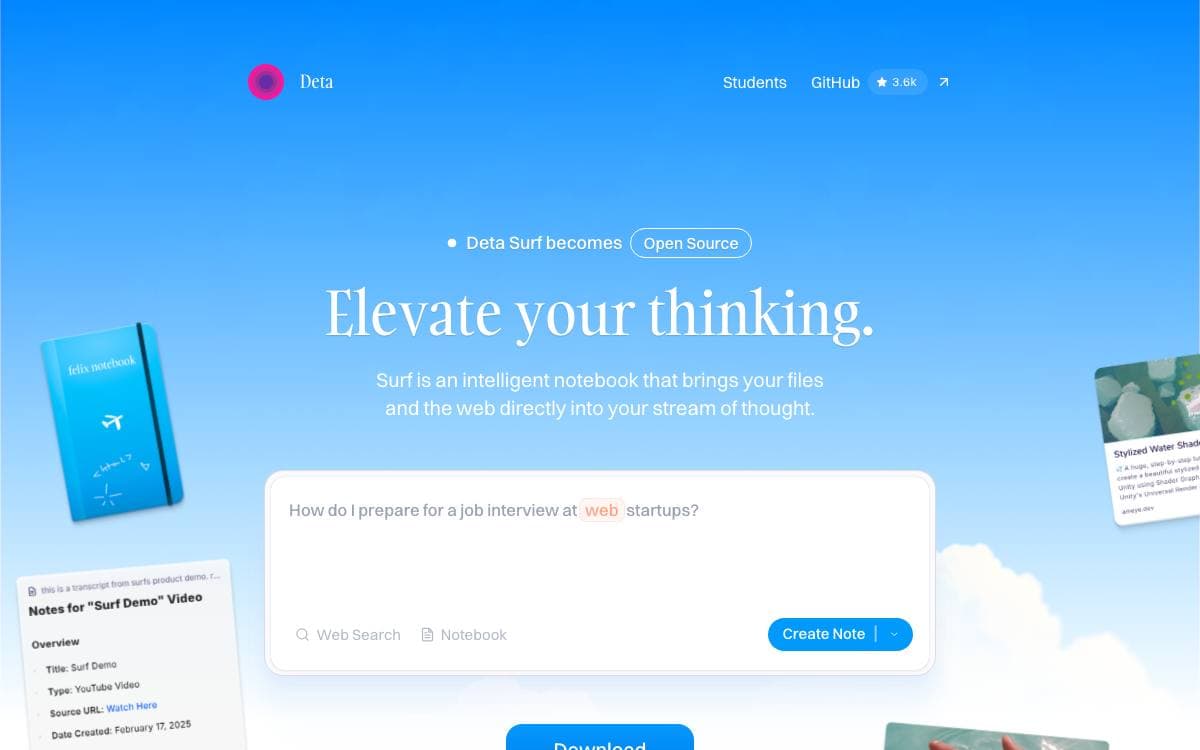
Most applications handle one media type well, notes or web pages or PDFs, and leave you shuttling between windows. Deta Surf is an AI notebook that pulls your files and the web into the same stream of thought, cutting out the searching, tab juggling and copy-pasting that research usually involves.
Data stays on your machine in open formats, held by a local storage engine the project calls SFFS. Surf is built in Svelte, TypeScript and Rust, runs on macOS, Windows and Linux, and works with whatever language model you point it at, a cloud model with your own key or a local one.
Several features build on that private library.
- Notebooks: local files, websites, YouTube videos and tweets are stored and organized, much of it usable offline.
- Smart notes: any tab or library item can be mentioned inline, with citations deep-linked to a page section, a video timestamp or a PDF page.
- Web search: research results come back into the note you are already writing.
- Surflets: interactive applets are generated from a prompt to visualize data or explore a concept.
- Tabs and split view: notes, files and web pages open side by side, with a sidebar for navigation.
Installers are documented in the repository, and building from source is covered by the contributing guide. The source is under Apache 2.0 with one exception noted in the license section. Surf suits people who want their reading, their notes and their AI in one window, without any of it leaving the machine unless they choose.

Document question answering that returns cited answers from uploaded PDFs and web pages, for teams reading across large document sets.

Corpus takes PDFs and web pages, answers questions about them in plain language, and links each answer back to the passage it came from. Documents group into workspaces and document sets, so a research pile stays separated by project instead of merging into one searchable heap.
The backend is FastAPI with PostgreSQL as the primary database, Elasticsearch for full-text search, RabbitMQ as the message queue, Temporal for workflow orchestration, Redis for caching and S3 for document storage. The frontend is React with Vite. A Docker Compose file starts the whole stack, including a LocalStack S3 and the Temporal web interface.
The product sits on a handful of moving parts.
- Citations: every answer carries links back into the source text.
- Cross-correlation: the same question can be compared across several documents at once.
- Workflows: Temporal runs automated workflows whose output can be reviewed and exported.
- Model choice: OpenAI, Anthropic, Google and xAI models are supported for answering.
- Embeddings: OpenAI and Voyage AI both work for the vector side.
Running everything in containers needs only Docker and Docker Compose, while running the services directly needs Python 3.11 or newer with Poetry and Alembic, plus Node.js 20 for the frontend. Video walkthroughs in the repository cover getting started, cross-correlation and workflow creation, and the license is AGPL-3.0.


