Open Source Modal Alternatives
A curated collection of the 4 best open source alternatives to Modal.
The best open source alternative to Modal is E2B. If that doesn't suit you, we've compiled a ranked list of other open source Modal alternatives to help you find a suitable replacement. Other interesting open source alternatives to Modal are: dstack, Beam and OpenComputer.
Modal alternatives are mainly AI Development Platforms but may also be Machine Learning Infrastructure. Browse these if you want a narrower list of alternatives or looking for a specific functionality of Modal.

Cloud sandboxes for running AI-generated code safely, aimed at developers building agents that need to execute what a model writes.
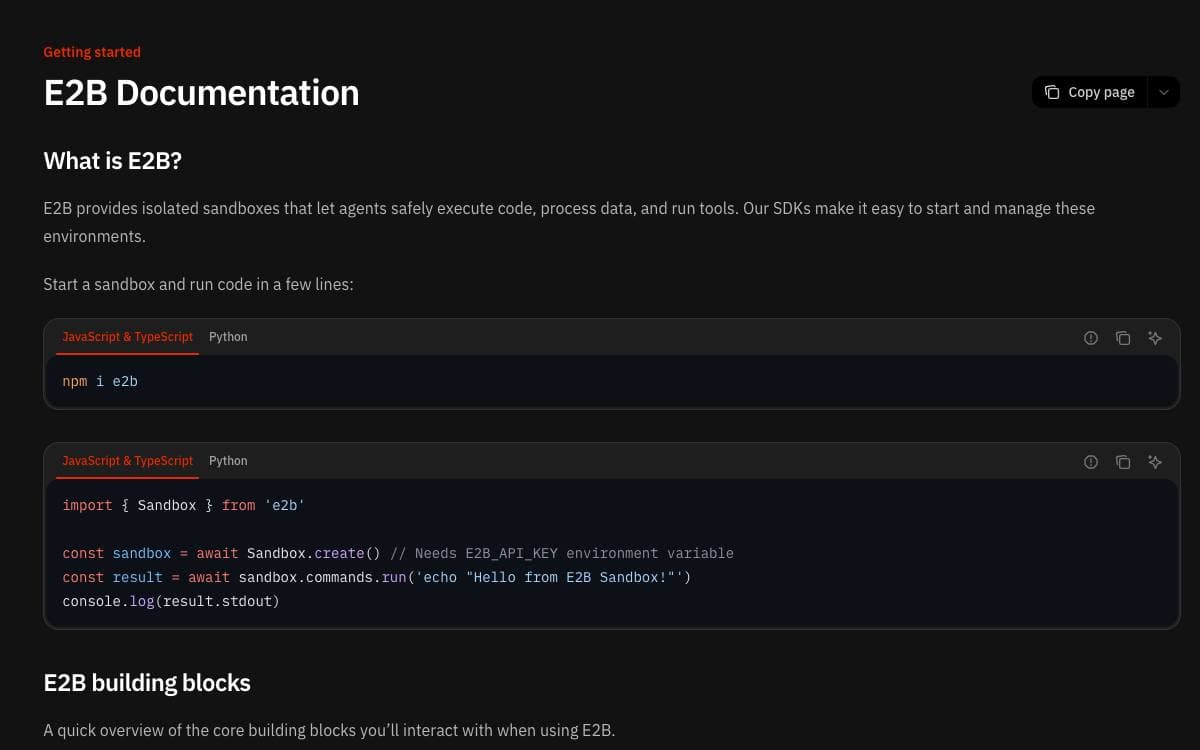
Running code that a language model just wrote is the point where an agent stops being a demo and becomes a liability. E2B is open source infrastructure for exactly that problem, providing secure isolated sandboxes in the cloud where generated code can execute without touching your own machines.
Sandboxes are started and controlled from a JavaScript SDK or a Python SDK. Create one, run shell commands inside it, read the output back into your program, and dispose of it when the task is finished. An API key from the dashboard is the only setup beyond installing the package.
Three packages cover the common shapes of agent work.
- Core SDK: create sandboxes and run commands, with stdout returned to the caller.
- Code Interpreter: execute code directly through runCode and run_code for interpreter style workloads.
- Desktop: mouse, keyboard, screenshot, application and desktop streaming APIs for computer use agents.
A cookbook of examples shows the SDKs working with different models and AI frameworks, and the documentation covers the rest of the surface area.
If you would rather not depend on the hosted service, the infrastructure is published separately and deploys with Terraform, guided by a self-hosting document. AWS and Google Cloud are supported today, while Azure and a general Linux machine remain unchecked items on the project's own list.

Control plane for GPU provisioning and orchestration across clouds, Kubernetes and on-prem clusters, for teams training and serving models.
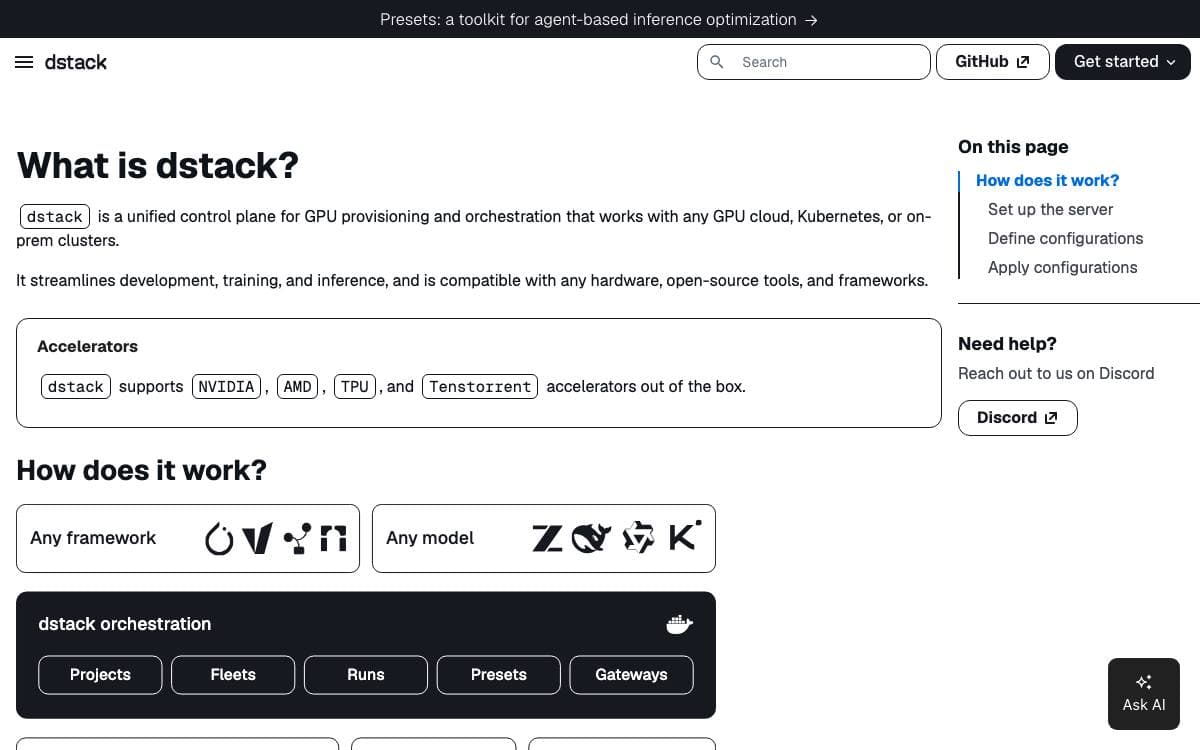
dstack is a unified control plane for GPUs. It provisions and orchestrates compute wherever that compute happens to live, on a GPU cloud, a Kubernetes cluster or servers in your own rack, and gives development, training and inference one interface instead of one per provider.
A server holds the state and the backend configuration, and the CLI, a programmatic API or installed agent skills talk to it. Cloud and Kubernetes compute needs backends configured, while on-prem machines need none and simply join as SSH fleets. Work is described in YAML files kept inside the repository and applied with one command, after which dstack handles provisioning, job queuing, autoscaling, networking, volumes, run failures, out of capacity errors and port forwarding.
Configurations come in a fixed set of kinds.
- Fleets: provision and manage clusters across clouds, Kubernetes and on-prem hardware.
- Dev environments: launch a machine an IDE or an agent can attach to.
- Tasks: run training or batch jobs on a single node or across a cluster.
- Services: deploy model inference as secure, scalable endpoints.
- Volumes: manage instance and network volumes so data outlives a run.
- Presets: agent driven inference optimization, still marked experimental.
NVIDIA, AMD, Google TPU and Tenstorrent accelerators are supported out of the box, and the project is licensed under the Mozilla Public License 2.0. The server and CLI install on Linux, macOS and Windows through WSL 2, requiring Git and OpenSSH. Agent skills can be added so Claude, Codex or Cursor create fleets and submit workloads on your behalf.

A serverless runtime for AI workloads that gives Python developers autoscaling GPU containers, background tasks, and sandboxes without infrastructure work.
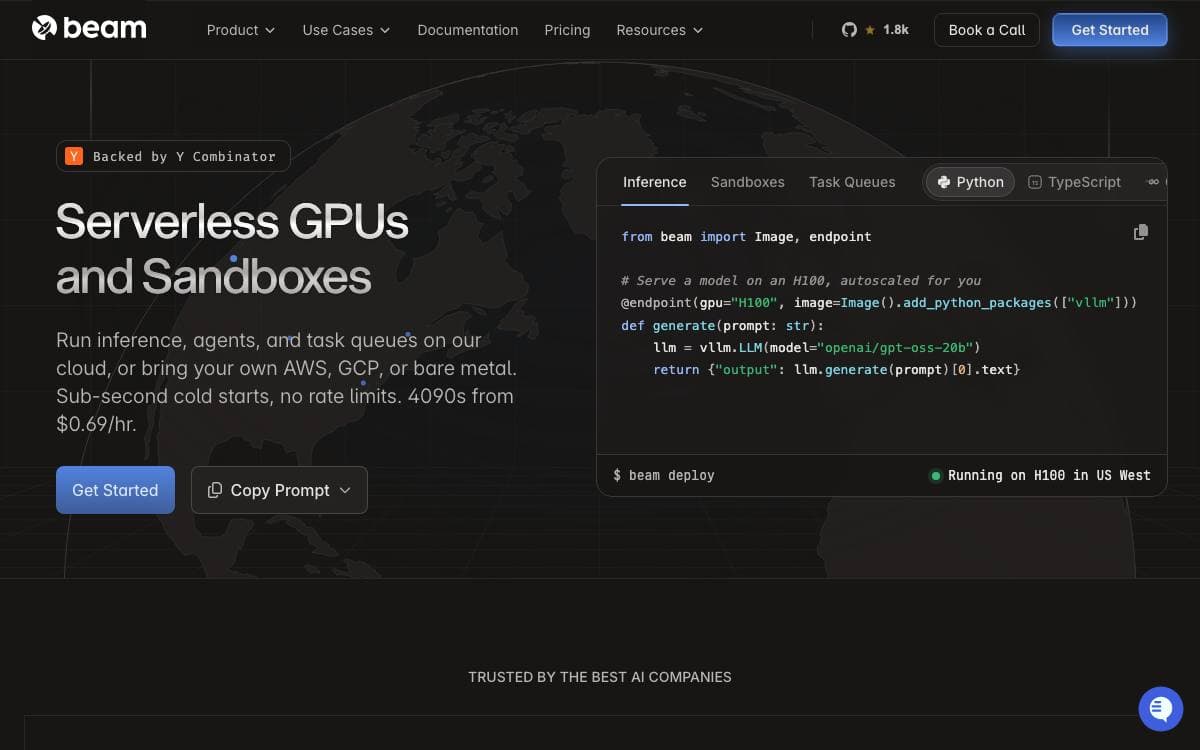
Beta9 is the open source runtime for serverless AI workloads that powers Beam, the fully managed platform built on top of it. It presents a Pythonic interface for deploying and scaling AI applications, so the container image, the autoscaler, and the retry policy become decorator arguments rather than infrastructure you maintain on the side.
A custom container runtime, scheduler, and embedded caching bring containers up in under a second. An endpoint decorator publishes an autoscaling inference endpoint with a chosen GPU, CPU and memory allocation, a task queue decorator turns a function into a resilient background job that can replace a Celery queue, and a Sandbox class spins up an isolated container for running code an LLM generated.
The runtime covers the parts of a deployment you would otherwise assemble yourself.
- Fast cold starts: containers launch in under a second on the purpose-built runtime and scheduler.
- Parallelization: a single workload fans out across hundreds of containers.
- Scale to zero: workloads are serverless by default rather than always on.
- Developer experience: hot reloading, webhooks, and scheduled jobs come with the runtime.
- Volume storage: distributed storage volumes mount into running containers.
- GPU support: run on Beam's cloud with 4090s, H100s and others, or bring your own GPUs.
Installation is a pip install of the client package, followed by a getting started guide for the first deployment. Beta9 can be self-hosted for free or run as managed cloud hosting through Beam, and the code is AGPL licensed.

Deploy TypeScript agents to durable cloud sessions that hibernate when idle, aimed at developers who build agents as code.
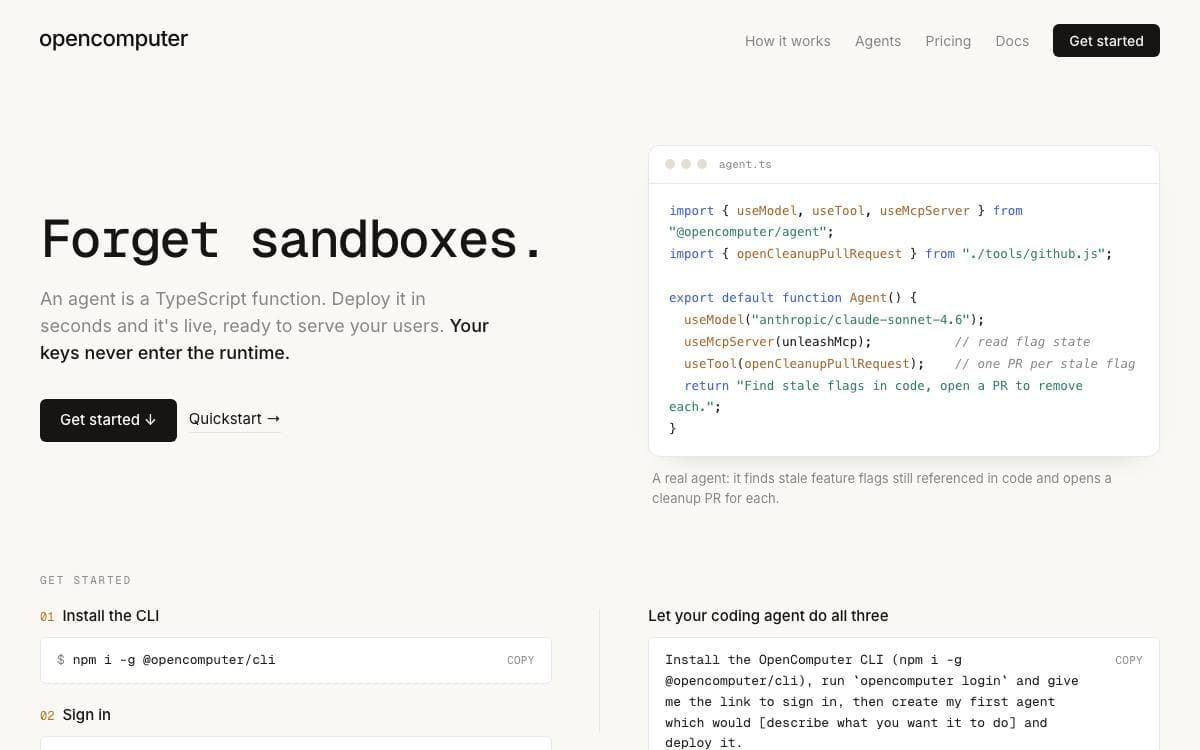
OpenComputer turns a cloud agent into ordinary source code. A project holds one or more agents that run in the cloud, so there is no console to click through and no infrastructure to stand up before an agent answers its first request.
The CLI scaffolds a hello world project with an opencomputer directory holding a project file and an agents folder. Deploying in watch mode binds the directory to an account and pushes every edit to a development environment as you make it. A browser application can live in the same repository with its own lifecycle. Sessions themselves run on real Linux machines with a shell, a filesystem, package managers and network access.
The dashboard and the runtime cover the parts of an agent that usually need custom plumbing.
- Versioned deployments: publishing under an alias creates an immutable release, and earlier ones stay addressable.
- Project view: the playground, sessions, files, connections, channels, schedules and agent schema are all inspectable.
- Durable sessions: a session hibernates when idle and resumes where it left off.
- Scheduling: cron expressions fire an agent without a separate scheduler.
- Secret handling: credentials are bound to an origin and injected after a request leaves the machine.
The TypeScript CLI is separate from the older Go tool and covers login, agent listing, one-off sessions and named runs. It targets the hosted API by default, with a flag or an environment variable to point somewhere else. Teams that need their own cloud or private network are served by the enterprise tier.


