Open Source Miro Alternatives
A curated collection of the 4 best open source alternatives to Miro.
The best open source alternative to Miro is Excalidraw. If that doesn't suit you, we've compiled a ranked list of other open source Miro alternatives to help you find a suitable replacement. Other interesting open source alternatives to Miro are: Affine, Tldraw and draw.io.
Miro alternatives are mainly Collaboration & Communication but may also be Design & Visualization or Note Taking & Knowledge Management. Browse these if you want a narrower list of alternatives or looking for a specific functionality of Miro.

An open source virtual whiteboard for hand-drawn style diagrams and wireframes, collaborative, end-to-end encrypted and embeddable as an npm package.
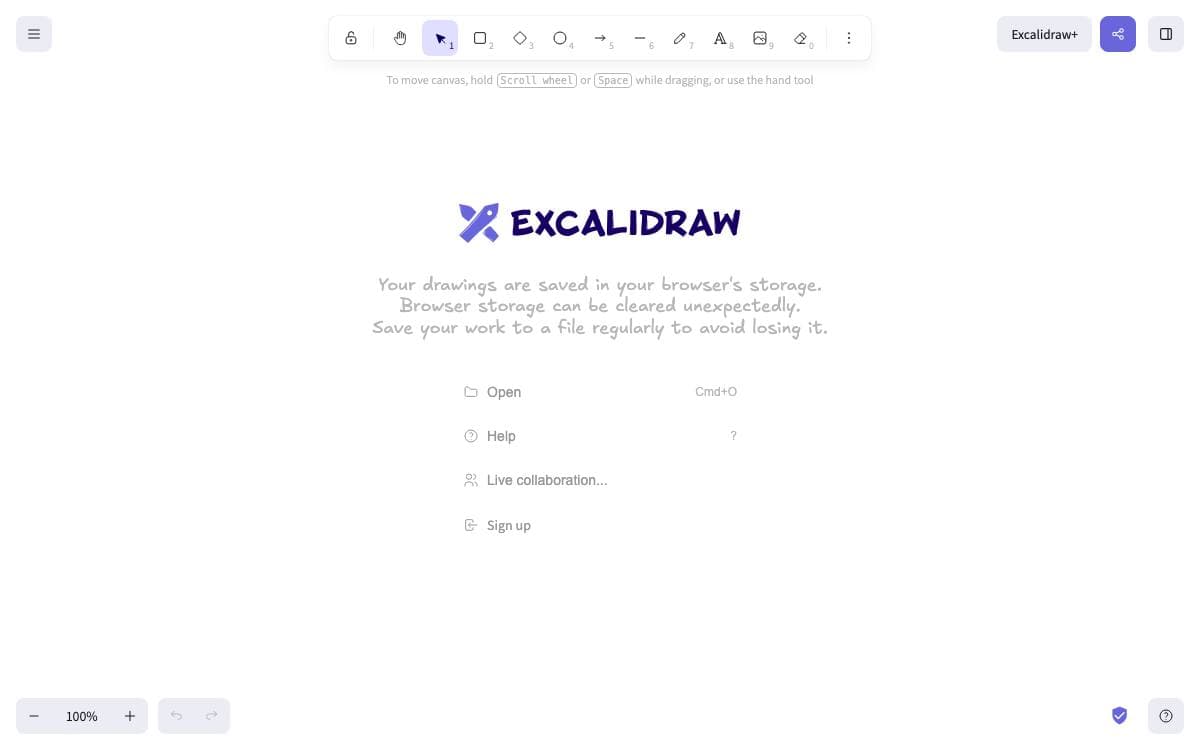
Excalidraw is a virtual whiteboard with a deliberately hand-drawn look. Sketches made in it read as sketches, and that is the point, since a diagram that looks provisional invites the comments a polished one quietly shuts down.
The repository holds two things. One is the editor itself, published as an npm package for embedding in your own React application. The other is the whiteboard the project hosts publicly, a minimal showcase of what the editor can do, whose source lives in the same repository.
The editor covers the drawing work.
- Infinite canvas: rectangles, circles, diamonds, arrows, lines, free drawing and an eraser, with zoom and panning.
- Arrow binding: arrows attach to shapes and carry labels, so a diagram survives being rearranged.
- Export: PNG, SVG and clipboard, plus an open JSON format saved as a single drawing file.
- Libraries and images: shape libraries and image support widen what a board can hold.
- Interface: dark mode, undo and redo, localization and customization throughout.
The hosted app adds real-time collaboration with end-to-end encryption, local-first autosaving to the browser, offline use as a progressive web app and read-only shareable links. Those features are planned as drop-in plugins for the npm package later. Installing the package needs React and React DOM. A VS Code extension exists, and the editor is already embedded in a number of well-known products.

An all-in-one workspace merging documents, whiteboards and databases, built local-first for teams that want to own their knowledge base.
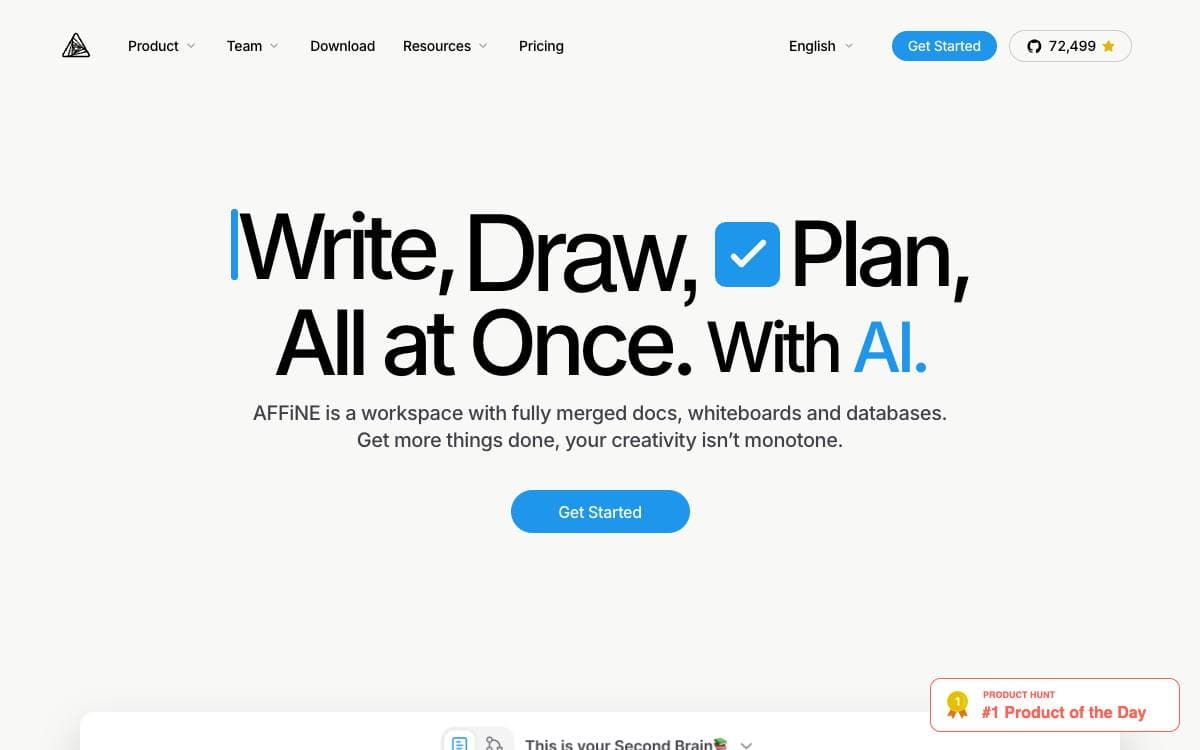
AFFiNE is an open source workspace that treats docs, canvas and tables as one surface, removing the split between the app where you write and the app where you draw. The project positions itself as an alternative to Notion and Miro.
It is built on BlockSuite, its own collaborative editor, with y-octo and yjs providing CRDT sync and OctoBase acting as the local-first data engine. Every building block, rich text, sticky notes, embedded web pages, multi-view databases, linked pages, shapes and even slides, can sit on an edgeless canvas.
The feature set covers ground that a knowledge base and a whiteboard usually split between them.
- Edgeless canvas: any block form lives on the same infinite surface, from shapes to slides.
- AFFiNE AI: turns outlines into slides, articles into mindmaps and prompts into prototype pages.
- Local-first storage: your data stays on your disk rather than only in a vendor cloud.
- Real-time collaboration: web and cross-platform clients sync while people edit together.
- Self-hosting: you can manage, fork and run your own instance, with documented setup.
Templates published by the team cover planners, one pagers, lesson plans and note taking layouts. Contributors sign a license agreement before pull requests merge. It suits people who want Notion-style structure and Miro-style freedom without keeping two subscriptions running side by side.

A React SDK for building infinite canvas apps, shipping a whiteboard out of the box and custom shapes when you need them.
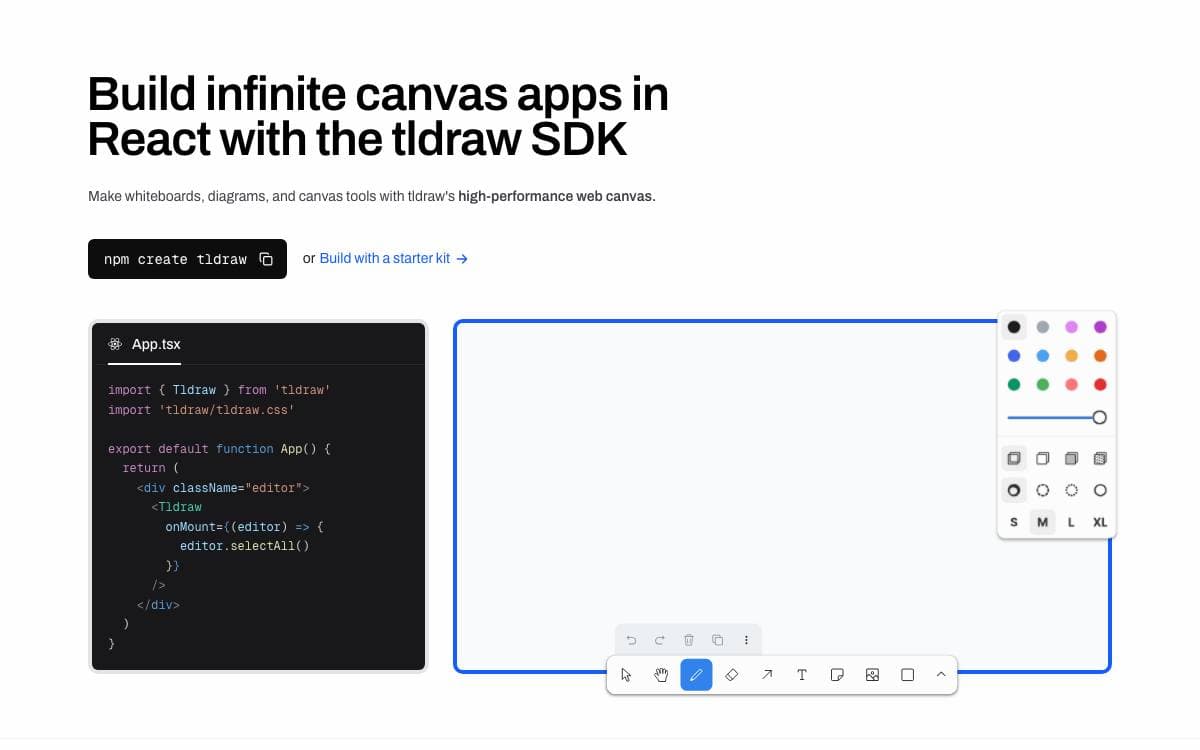
Drop the tldraw component into a React app and you have a whiteboard. Reach for its primitives instead and you can build shapes and interactions that have nothing to do with whiteboarding, because underneath sits an infinite canvas engine meant as the foundation for a canvas application rather than a finished product.
Rendering happens in the DOM, so the canvas supports whatever the browser supports, embedded YouTube, Figma and GitHub content included. It runs across desktop, touch screens, tablets and mobile devices, and an Editor API drives everything at runtime.
What ships in the box covers most of what a canvas app needs.
- Multiplayer: self-hostable real-time collaboration through a dedicated sync package.
- Drawing and diagramming: pressure-sensitive strokes, geometric shapes, rich text, arrows, snapping, edge scrolling, images, video and export.
- Extensibility: custom shapes, tools, bindings, UI components, side effects and event hooks.
- AI integrations: canvas primitives for building with language models.
Starter kits go further, stamping out the shapes, tools and interface for a common application: multiplayer backed by Cloudflare Durable Objects, agents that read and modify canvas content, a drag-and-drop workflow node builder, branching AI chat, an image generation pipeline and WebGL shaders. Each kit is MIT licensed and one command scaffolds a project from them. The SDK already powers canvas features inside products from Google, Shopify, BlackRock, Autodesk, ClickUp and Replit.

Diagramming and whiteboarding you can run yourself, from a Docker image, a desktop build or your own GitHub Pages fork.
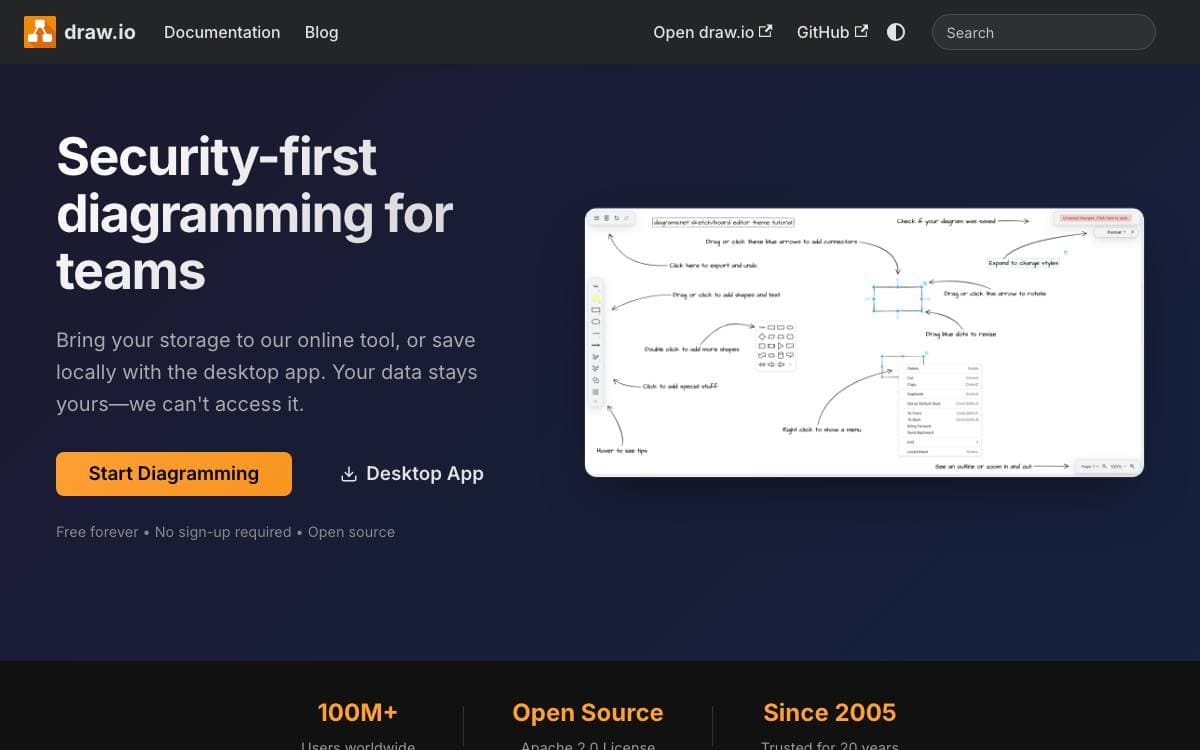
Jointly owned and developed by draw.io Ltd and draw.io AG, draw.io is a configurable diagramming and whiteboarding application whose editor source lives in this repository. The same code backs the production deployment those companies operate, so a team can host the tool rather than depend on somebody else's servers.
Scope is deliberately narrow. It is a diagramming and whiteboarding application, not an SVG editor; SVG export exists for embedding in web pages rather than for editing elsewhere, and this version does not support real-time collaborative editing.
There are several ways to run it.
- GitHub Pages: a fork published there gives a fully functional editor, without the integrations.
- Docker image: an official image is maintained in a separate repository.
- Desktop: draw.io Desktop is available as a downloadable application.
- WAR files: packaged builds are attached to the releases page.
- Browsers: Chrome 123, Firefox 120, Safari 17.5, Opera 109 and Edge 123 upward are supported, plus recent Android WebView and iOS Safari.
The source is Apache 2.0, while the icon sets, stencil libraries and diagram templates carry a restriction against use as software assets in Atlassian products or the Atlassian marketplace, a restriction that does not touch the diagrams you export. No copyright is claimed on what you create. The core team develops the project alone and does not accept pull requests, so the issue tracker and discussions are where problems get raised.


