Open Source Microsoft Power Apps Alternatives
A curated collection of the 7 best open source alternatives to Microsoft Power Apps.
The best open source alternative to Microsoft Power Apps is ToolJet. If that doesn't suit you, we've compiled a ranked list of other open source Microsoft Power Apps alternatives to help you find a suitable replacement. Other interesting open source alternatives to Microsoft Power Apps are: AppSmith, Refine, Budibase and NocoBase.
Microsoft Power Apps alternatives are mainly Frameworks & Platforms but may also be Server & VM Management or Build & Deployment. Browse these if you want a narrower list of alternatives or looking for a specific functionality of Microsoft Power Apps.

Open source platform for building internal tools, admin panels and dashboards on top of existing databases, APIs and SaaS systems.
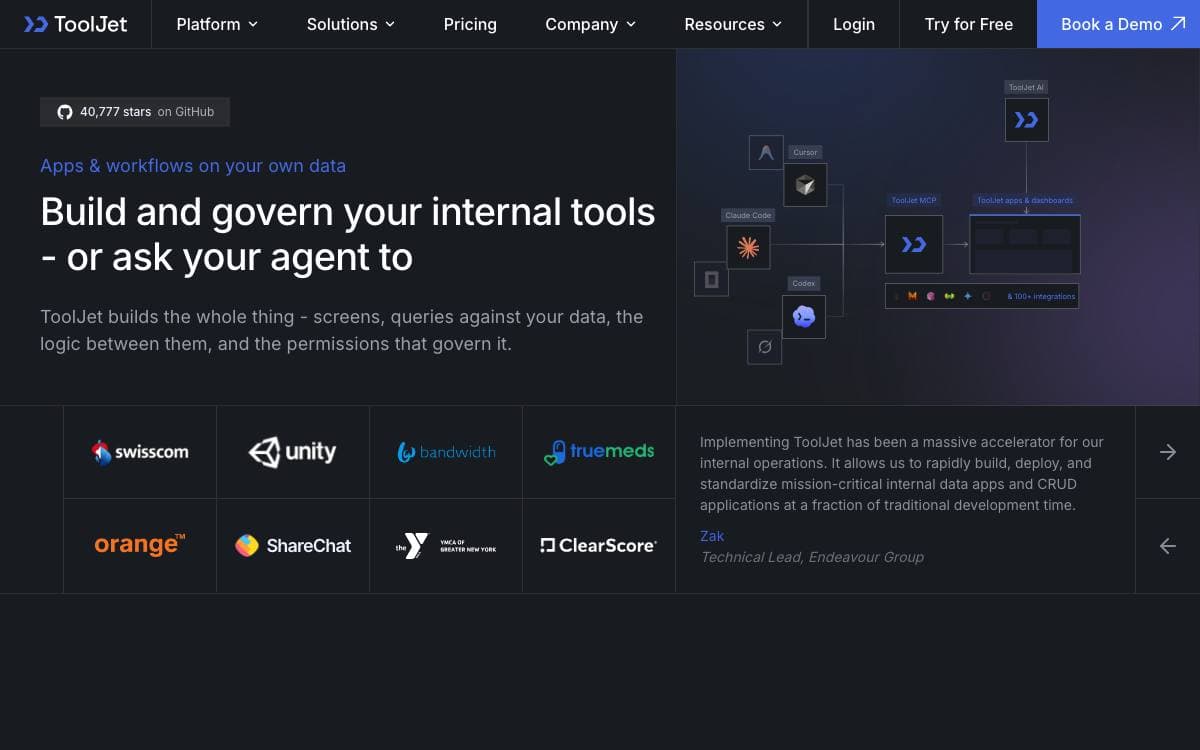
ToolJet builds the operational software that never quite justifies a full project. Admin panels, dashboards and internal apps sit on the databases, APIs and SaaS systems a company already runs, and the visual builder does the assembly work that would otherwise become a bespoke frontend nobody wants to maintain.
Apps can also be produced by prompting. ToolJet AI turns a description into pages, queries and components, and a Model Context Protocol server lets an existing coding agent do the same. Agents build against real component and data contracts, so what comes out is an app the team keeps editing in the visual builder under the same permissions, environments and version history as everything else.
The community edition carries the parts most internal tools need.
- Visual builder: more than 80 responsive components covering tables, charts, forms, lists and progress bars.
- Built in database: a no-code ToolJet Database for application data.
- Data sources: more than 90 connectors to databases, APIs, cloud storage and SaaS tools.
- Collaboration: multiplayer editing, inline comments, mentions and granular access control.
- Code anywhere: JavaScript and Python run inside apps, and a CLI creates custom plugins and connectors.
- Security: AES-256-GCM encryption, proxy only data flow and SSO support.
A single Docker command runs it locally, and deployment guides cover Kubernetes, AWS EC2 and ECS, GCP, Azure, DigitalOcean, OpenShift and Helm, with the LTS image recommended over latest for production. Enterprise tiers add workflows, an agent builder, multi environment management, GitSync and row level access control. The MCP server is currently in beta.

Low-code platform for building internal tools such as dashboards, admin panels and customer 360 views, then deploying and maintaining them.
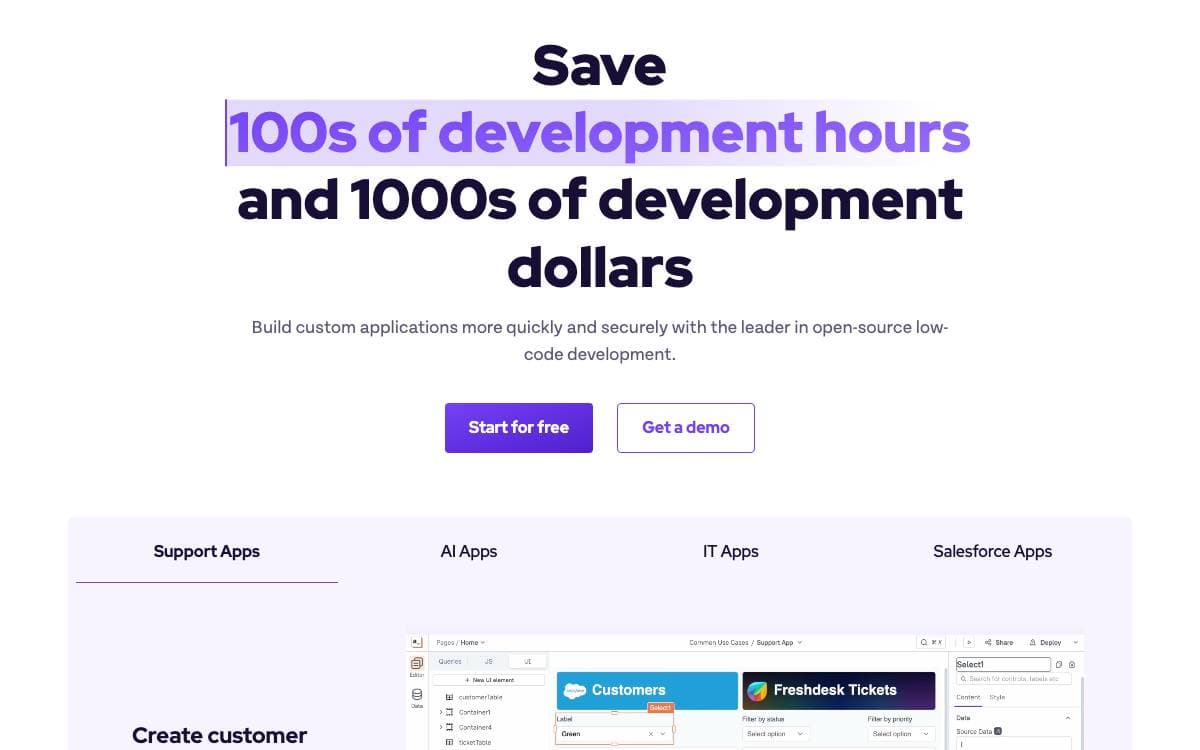
Organizations build dashboards, admin panels, customer 360 screens, IT automation and service management tools so their teams work more efficiently, and each one turns into a small bespoke application somebody has to keep alive. Appsmith is an open-source low-code platform that takes on the development, deployment and maintenance of exactly that class of software.
Appsmith Agents extends the same idea into agentic AI, connecting current models to private and proprietary data inside the systems teams already use every day. It targets knowledge workers in sales, support, customer success and human resources, who can ask questions and configure automations for their own business without model fine-tuning or a retrieval pipeline to build first.
Around the builder sits the material that gets a team productive.
- Templates: a library of prebuilt applications to start from instead of an empty canvas.
- Docker install: the recommended self-hosted route, documented end to end.
- Kubernetes and AWS: guides for a cluster deployment or an AWS machine image, with further options in the installation docs.
- Documentation and tutorials: setup guides, step-by-step tutorials and a video channel.
- Community support: a Discord server, a community portal and a support address for questions.
Two starting points exist, a signup on the hosted cloud or an install on your own machine, and a local development setup is documented for anyone who wants to contribute code. Appsmith fits teams that keep writing the same internal admin screens and would rather run one platform than a pile of one-off apps.

React meta-framework for CRUD-heavy applications, giving teams building admin panels, dashboards and internal tools a headless foundation.
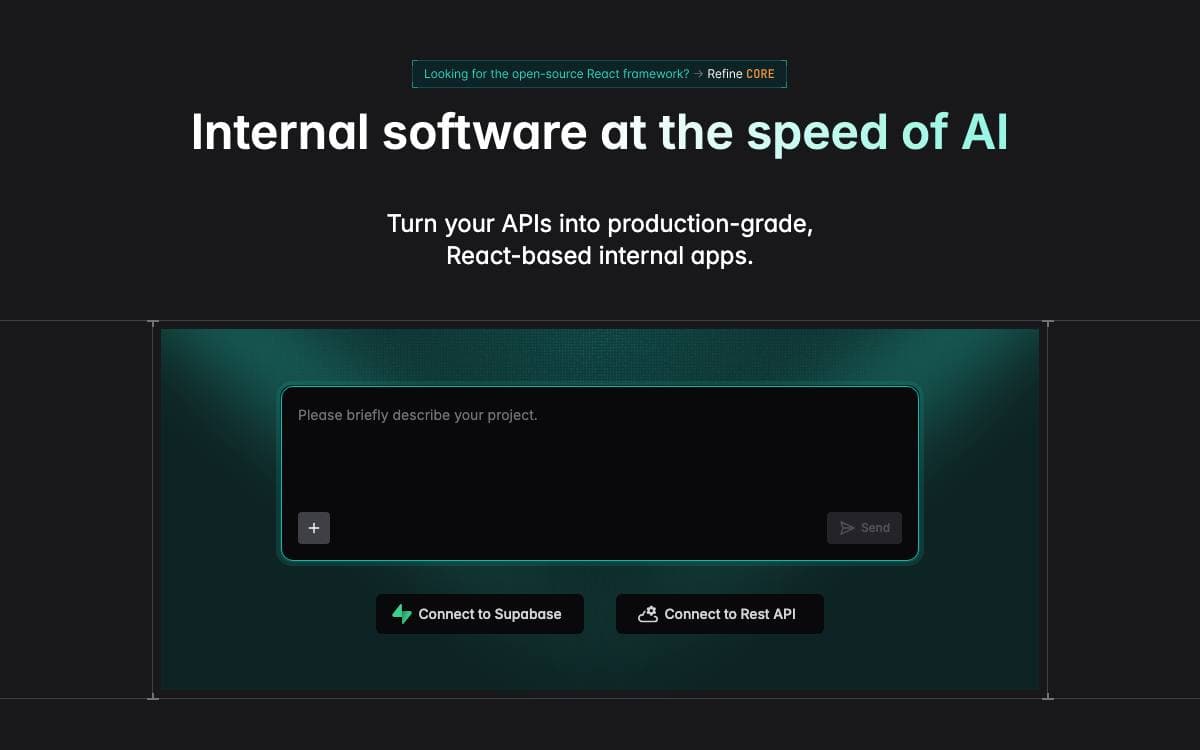
Refine Core is a React meta-framework for CRUD heavy applications, positioned between a low code builder and starting from an empty folder. Its hooks and components supply the parts every internal tool needs anyway, authentication, access control, routing, networking, state management and internationalization, so none of those are rebuilt per project.
The architecture is headless, decoupling business logic from the interface and the router. That leaves the design open to Tailwind or any custom styling while keeping built in support for Ant Design, Material UI, Mantine and Chakra UI, and it lets the same application run on Next.js, Remix, React Native or Electron through one routing interface.
Several pieces come ready to use.
- Data connectors: more than 15 backends including REST, GraphQL, NestJS CRUD, Supabase, Hasura, Appwrite, Firebase, Strapi, Sanity and Directus.
- Generated CRUD screens: interfaces derived from the data structure your API already exposes.
- State and mutations: handled through React Query rather than a bespoke layer.
- Live applications: real time behavior supported out of the box, alongside audit logs and document versioning.
- Devtools: a companion tool for inspecting what the application is doing.
A project starts from a single create command or from a browser playground, under an MIT license. The framework is aimed at data intensive B2B work such as admin panels, dashboards and internal tools, though server side rendering also makes customer facing storefronts practical.

Operations platform for building internal apps, automations and AI agents on top of the databases a business already runs.
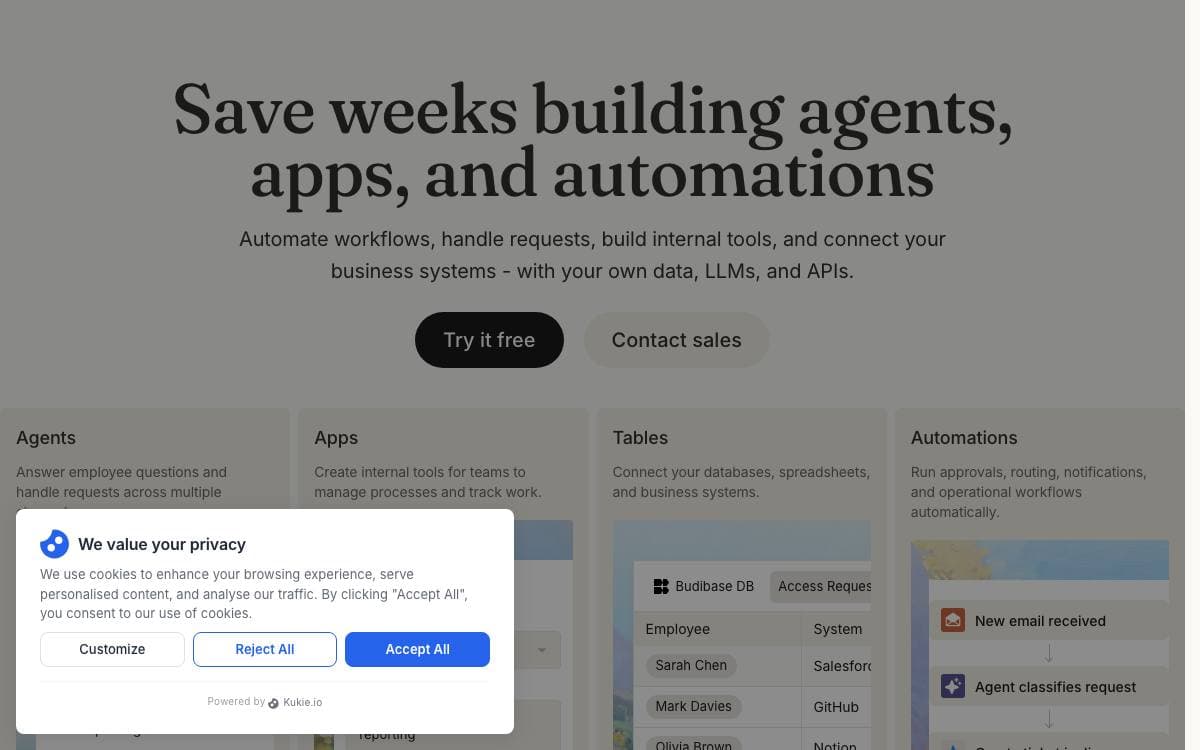
Every company accumulates the same pile of requests: employees asking questions, requesting approvals and reporting issues. The tooling that answers them usually gets stitched together from several separate products. Budibase puts the apps, the automations and the agents on one platform instead.
Its agents do more than reply. They run workflows across the business, creating records, routing approvals, updating apps and notifying teams, wired into the databases, AI models and business systems already in use.
The platform covers the parts an internal tool normally needs.
- Apps and automations: build the interfaces and the workflows behind them without assembling separate builders.
- Data connections: integrate databases, AI models and business apps so agents and automations can act across operations.
- Public API: use Budibase as a backend, with an API key, a published spec and interactive reference documentation for building integrations on top.
- User management: manage users, onboarding, SMTP, apps, groups and theming globally, then hand group administration to a group manager.
- Self-hosting: deploy with Docker, Docker Compose, Kubernetes, DigitalOcean or Portainer on infrastructure you already own.
A single ARM compatible Docker image covers the simplest install, and Budibase Cloud exists for teams that would rather not run anything. It suits engineering teams tired of building the same approval flow and admin panel from scratch, and the documentation and GitHub discussions carry the rest.

No-code platform for business systems where AI agents and people build against the same data models, workflows and permissions.
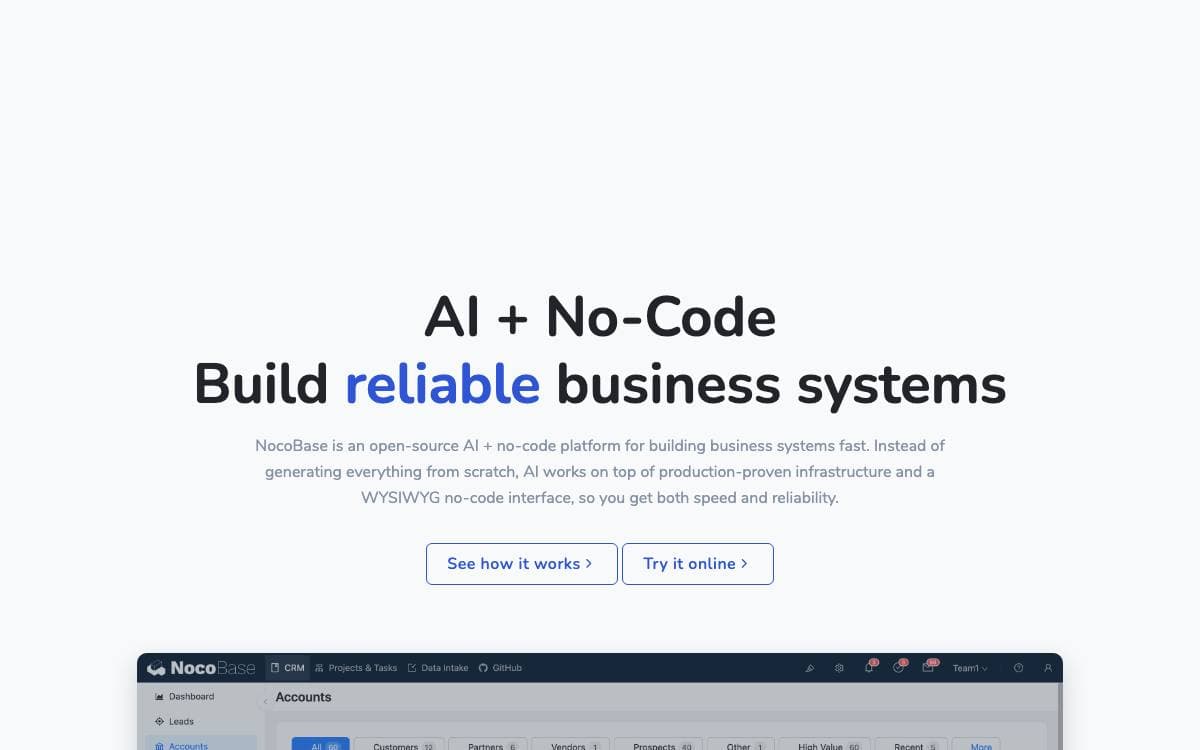
NocoBase builds internal business systems without writing them from scratch. Data models, permissions, workflows and audit logs arrive as infrastructure already proven in production, and what you add sits on top of them. That is a different bet from regenerating an entire application as fresh code each time.
Two ways in exist and they meet in the middle. Coding agents such as Claude Code, Cursor, Codex, OpenCode and TRAE drive a CLI with skills for setup, development, migration and release. People use a WYSIWYG interface that switches between usage and configuration mode in one click. Either side can refine what the other built.
What holds the two together is the architecture underneath.
- Data model driven: business data stays in standard relational structures decoupled from the interface, sourced from the main database, external databases or third party APIs.
- AI employees: agents work inside the system on analysis, form filling, document recognition, risk monitoring and task routing, joining workflows instead of sitting beside them.
- Permission bound AI: every AI employee has its own role with field level read and write rights, and audit logs make each change traceable.
- Open interfaces: MCP, HTTP APIs, a CLI and skills let external platforms and messaging apps query data and trigger workflows.
- Microkernel plugins: everything is a plugin, so official and custom extensions follow the same conventions.
Getting started is an npm CLI: install it, run init, and optionally let a coding agent build alongside you. Your data stays in your own database, which is the concrete form the no lock-in claim takes here.

Low-code platform where an application's schema, interface, scripts and data all live in one graph database, for teams building custom systems.
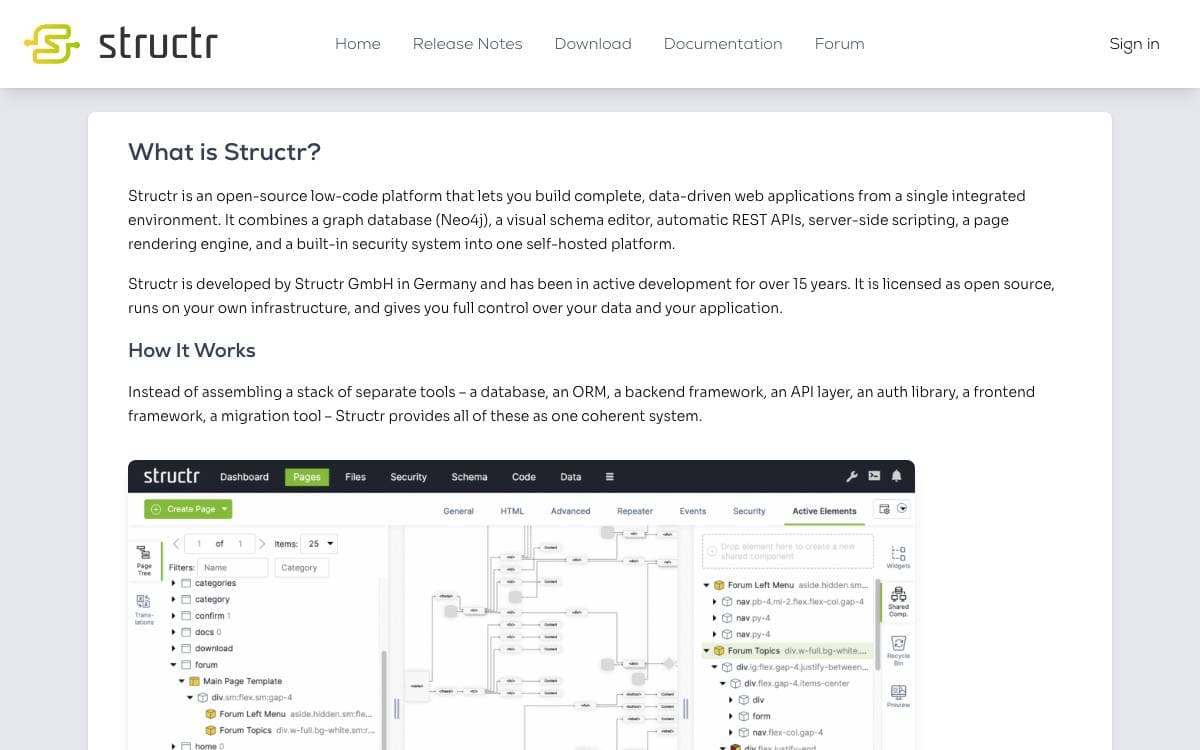
Structr stores an application's schema, UI definitions, templates, scripts and workflows in the same graph database as the records they operate on. It is a generic development and runtime platform, not a prebuilt CMS or CRM, and it removes the split between a source tree, a schema migration and the data underneath.
Development happens in a web-based developer and administration interface instead of a raw code tree. Types, properties and relationships are modeled in a schema editor, pages are assembled from templates and repeaters bound to graph queries, and logic is written as methods and function properties. GraalVM makes the scripting polyglot, and schemas import and export as JSON Schema.
Around that graph sit the operational pieces an application needs.
- Virtual filesystem: files and binary content with custom metadata, optionally on S3 compatible storage.
- Access control: users, groups, role-based and resource-based permissions, REST scoping and CORS.
- Graph exploration: a visual browser, Cypher execution and interactive inspection of nodes and relationships.
- Workflows: a node-based flow editor for orchestration logic, with inspection of results.
- Integration: REST and JSON APIs, AMQP, Kafka, Pulsar, XMPP, SMTP and IMAP mail, OAuth and LDAP identity.
- AI access: MCP support, so agents work through explicit schemas and defined APIs rather than loose code.
The backend is Java on GraalVM JDK 25 over Neo4j 4.4 or later, deployable as a monolith or in containers under Docker, Podman or Kubernetes. Licensing is dual: AGPL v3 or GPL v3 for open source use, with a commercial license, support and EU-based hosting from Structr GmbH.


Low code and no code platform for building enterprise web and mobile apps with a back end server, IDE and app builder.
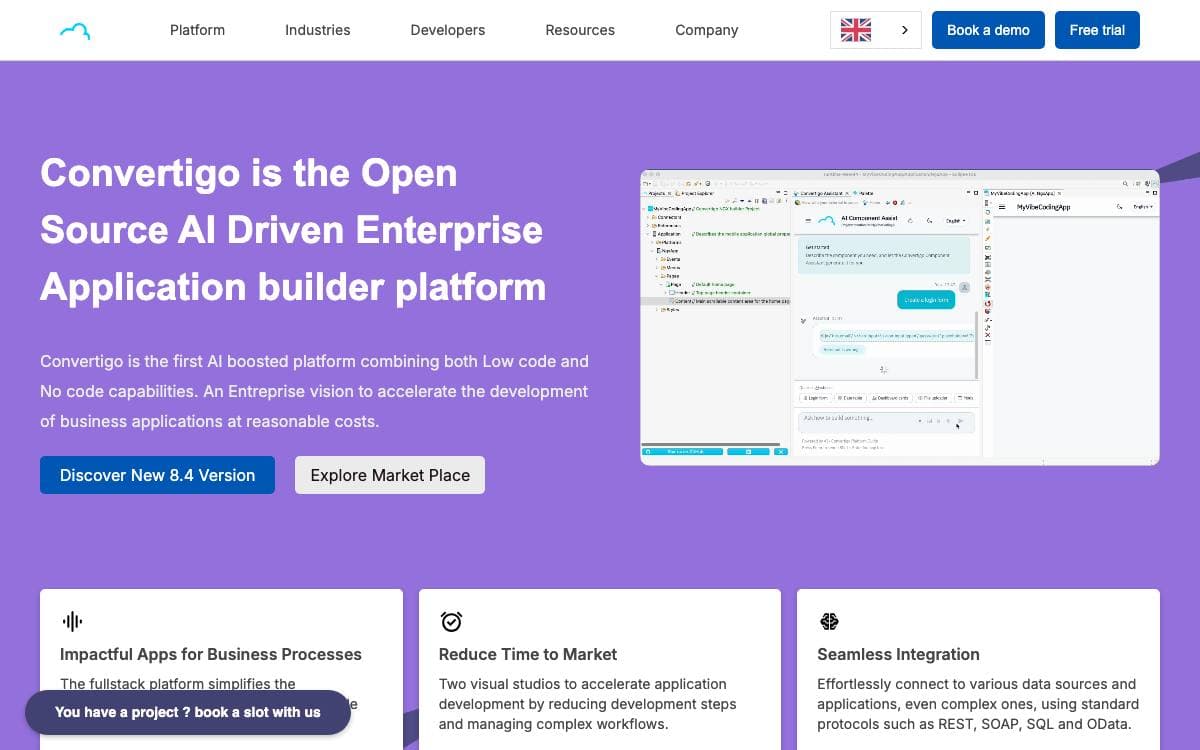
Convertigo is a full stack low code and no code platform for building business applications together with the back end they run against. It exists so a team can assemble a cross-platform enterprise app without hand writing the connector, synchronization and delivery layers underneath it.
The Community Edition is not one application but a set of parts, each aimed at a different person on the team, and the server can be installed in more than one shape.
- Convertigo Server: the back end running connectors, micro-services and offline device synchronization, and serving web, mobile and PWA apps.
- Convertigo Studio: an Eclipse based IDE for Windows and macOS where micro-service workflows are programmed and the Mobile Builder assembles interfaces in low code mode.
- No Code Studio: a browser based builder for form driven web apps and PWAs, aimed at citizen developers rather than programmers.
- Container install: the server runs directly from Docker Hub images or through a published Helm chart.
- Servlet install: releases also ship as a Tomcat WAR file for an existing application server.
Convertigo states that more than 150,000 developers worldwide use the platform to build enterprise class web and mobile apps. The Community Edition is AGPL based and comes from Convertigo SA, which makes it a fit for an organization that wants a back end as a service it can run on its own premises rather than a hosted app builder.


