Open Source Microsoft OneNote Alternatives
A curated collection of the 4 best open source alternatives to Microsoft OneNote.
The best open source alternative to Microsoft OneNote is Joplin. If that doesn't suit you, we've compiled a ranked list of other open source Microsoft OneNote alternatives to help you find a suitable replacement. Other interesting open source alternatives to Microsoft OneNote are: OpenNotas, itsnotes and Justnote.
Microsoft OneNote alternatives are mainly Note Taking & Knowledge Management. Browse these if you want a narrower list of alternatives or looking for a specific functionality of Microsoft OneNote.

An offline-first note and to-do app in Markdown, synced with end-to-end encryption across desktop, mobile and the cloud you choose.
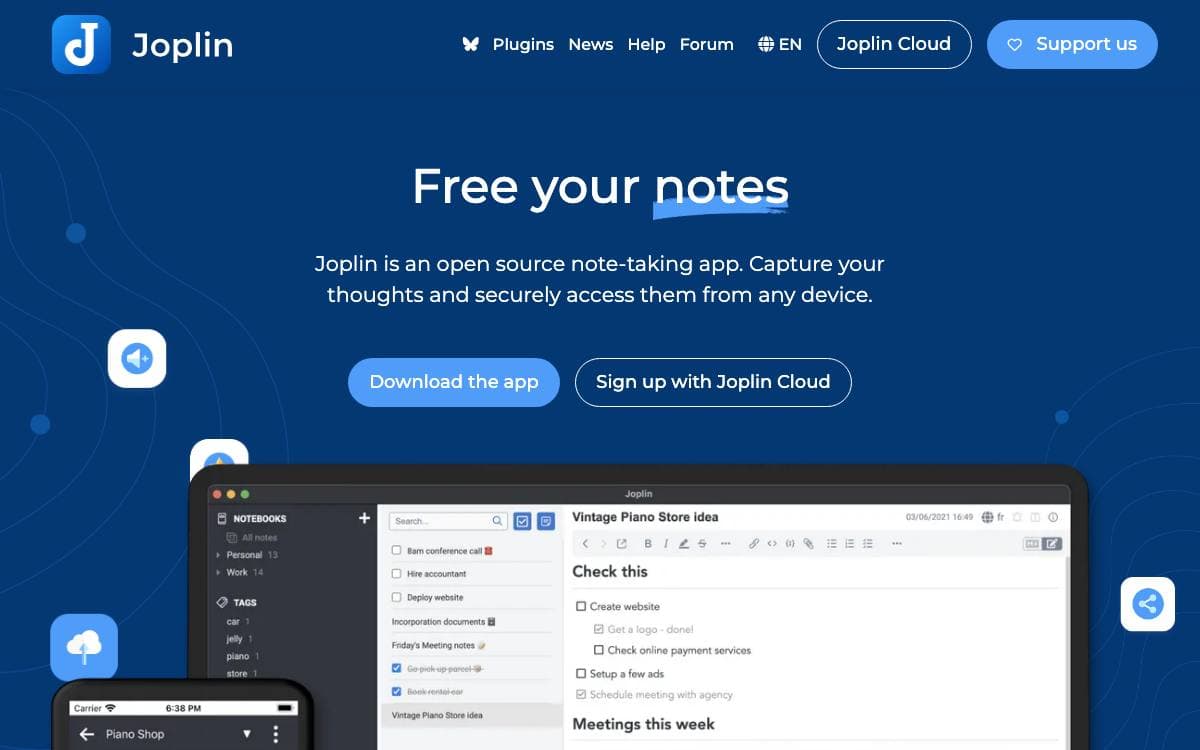
Joplin handles a large number of notes organized into notebooks, all held as Markdown. Notes can be searched, copied, tagged and modified either from the applications themselves or from your own text editor, which keeps the material usable even when Joplin is not the thing opening it.
The app is offline first, so the whole collection lives on your phone or computer and stays reachable with or without a connection. Synchronization is optional and runs through Nextcloud, Dropbox, OneDrive or the project's own paid service, protected end to end by encryption.
Several features exist for moving material in and out.
- Evernote import: formatted content converts to Markdown, and resources and metadata such as geolocation and timestamps come across intact.
- Plain Markdown import: existing Markdown files can be brought in directly.
- Web Clipper: a Firefox and Chrome extension saves pages and screenshots straight into a notebook.
- Full text search: available on every platform the applications run on.
- Plugins and themes: the interface can be customized, and writing your own extension is documented.
Applications exist for Windows, Linux, macOS, Android and iOS. Development is funded by donations, which cover the code signing certificates, app store fees and hosting that keep releases shipping, and the project maintains a warrant canary signing key alongside its documentation for anyone who wants to watch for compelled changes.

Markdown notes in a progressive web app, encrypted before they sync, for anyone who wants a simple cross-platform notebook.
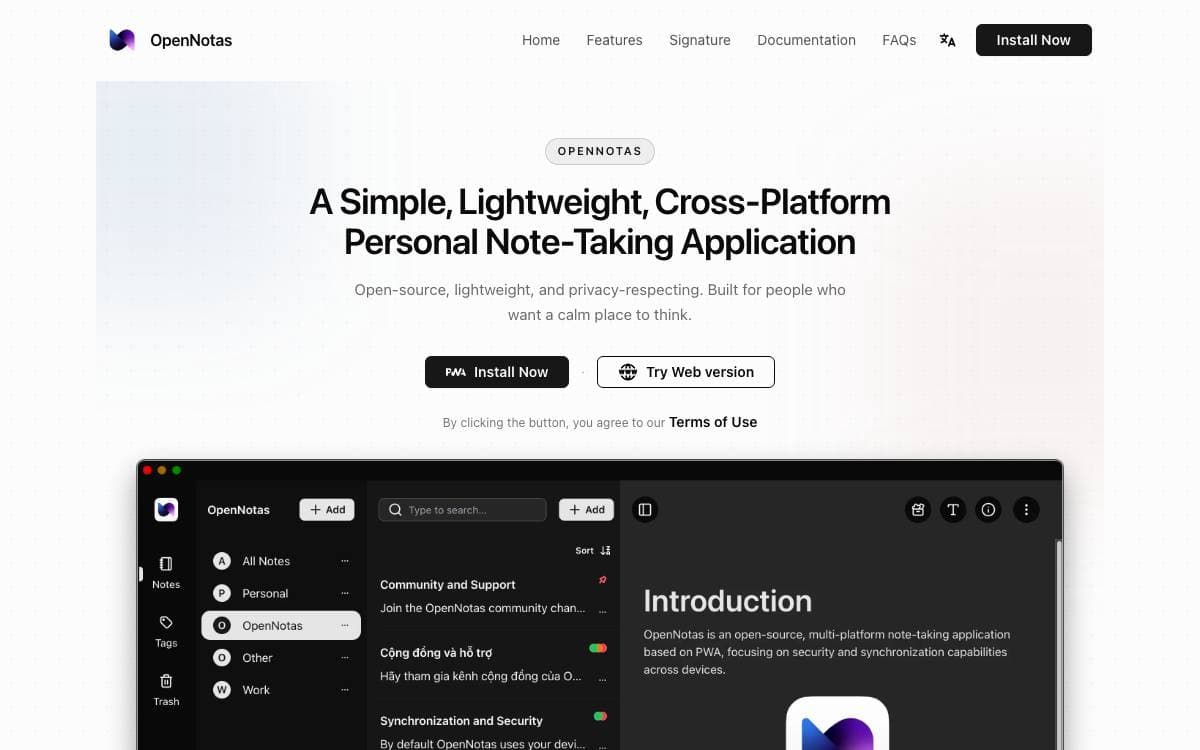
OpenNotas is a note-taking app for people worn down by note apps carrying more features than they will ever open. It is a progressive web app, so the same notes are reachable from Windows, macOS, Linux and mobile without a separate build for each platform.
Notes are written in Markdown through open source editing tools the author chose so the editor can grow later. Syncing between devices is arranged through an adapter you configure, and note data is encrypted with AES on the device before it reaches the sync server, which therefore stores ciphertext rather than your writing.
The project keeps its promises deliberately short.
- Easy to use: a tap opens the app and writing starts immediately, with no setup ritual first.
- Multi-platform: one PWA install covers desktop and mobile across the major operating systems.
- Sync: devices stay in step through a sync adapter configured to your own setup.
- End to end encryption: AES encryption is applied before anything leaves the device.
- Markdown: notes stay plain text with Markdown formatting instead of a proprietary format.
Installation is either a PWA install from the project site or a build from source, both covered in the documentation. The license is AGPL 3.0, and the author, who wrote the app in a little over a month to solve his own problem, asks people to hold off on pull requests for new features and to fork and build instead.

A self-hosted sticky notes app that keeps the Google Keep feel but adds folders, list views, timeline markers and a two-way Markdown mirror.
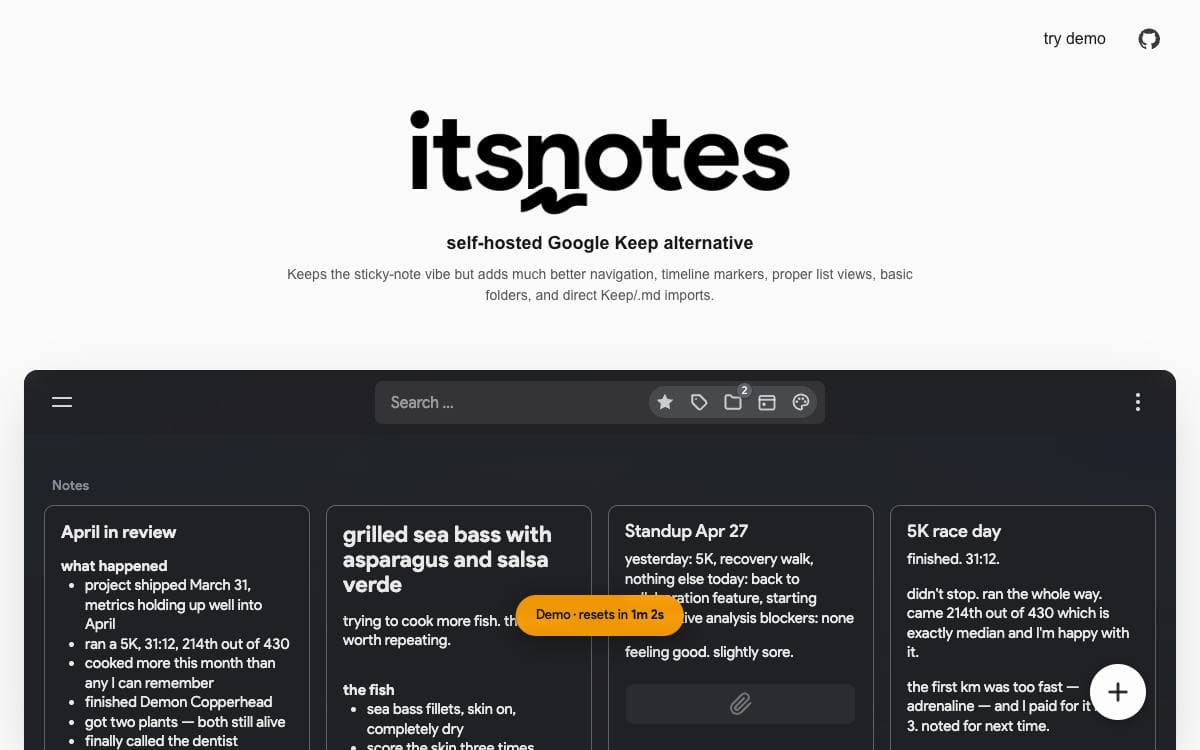
itsnotes keeps the masonry wall of colored notes that makes Google Keep pleasant and fixes what turns painful once a few thousand notes pile up. The feed is broken into month markers, with quick-access panels for colors, tags, saved searches and a calendar, plus basic folders and internal note links.
The most interesting part is the Markdown mirror. Every note is written out continuously to a folder of files with a metadata header for tags, color, reminders and pin, archive or trash state. Edits made in Obsidian or any editor are pulled back in, the database stays the source of truth, conflicts are parked in their own folder, and renames are tracked by note ID.
Around that sit the things a large note pile eventually needs.
- Imports: a Google Takeout archive brings Keep data over, and text and markdown files upload in bulk.
- View modes: masonry grid, stacked and dense list, tuned in a deep settings modal.
- History: note revisions are kept, and book and movie metadata is fetched automatically.
- REST API: the API the frontend uses is open to scripts through a long-lived token.
- Optional AI: auto-tagging, OCR, summarization and reminder parsing run against OpenAI, Anthropic or a local Ollama instance.
- MCP server: off by default and read-only, it lets Claude and other clients search your notes.
It runs as three containers, client, server and PostgreSQL, built with React, Node.js and Socket.io, with example Compose files for Caddy or Traefik and automatic HTTPS. A hosted demo exists for anyone wanting a look first.

A privacy-focused note-taking app with end-to-end encryption on Stacks, for people who want to own both their notes and their account.
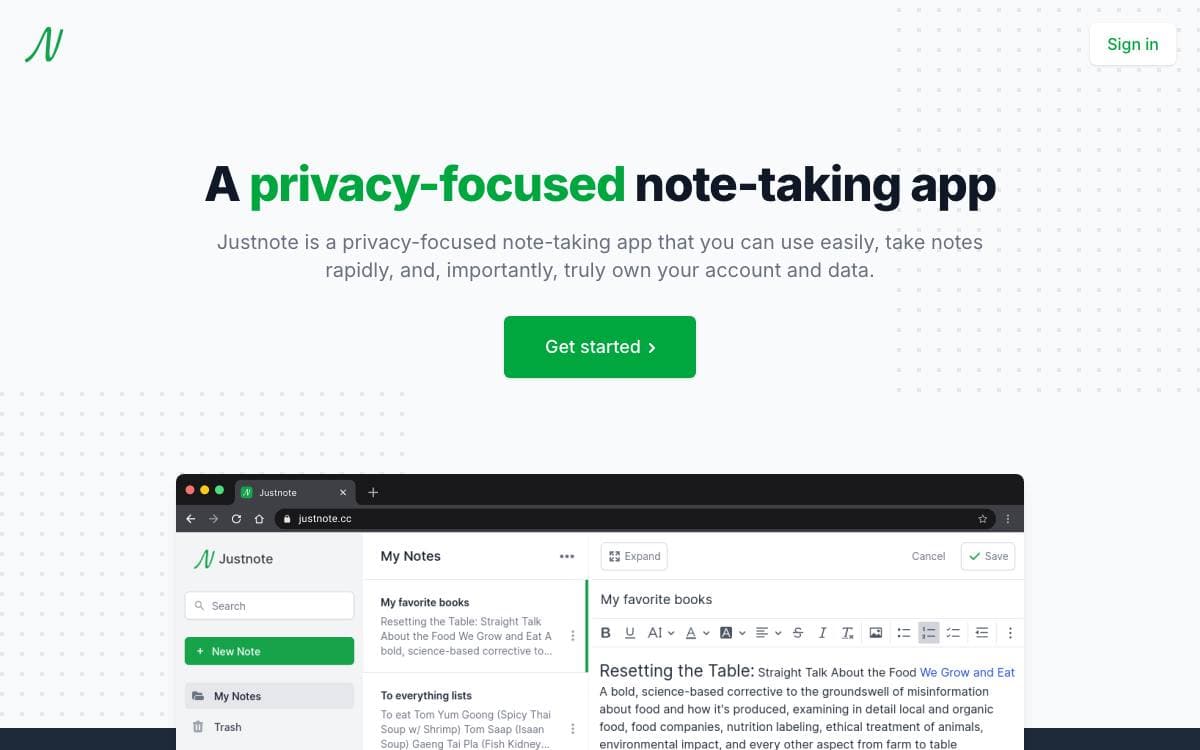
Notes usually live in an account somebody else controls. Justnote inverts that arrangement: notes are encrypted end to end, the decryption key never leaves you, and the account itself belongs to the person using it rather than to the service holding the data.
The web app is React with Redux and Tailwind CSS, using CKEditor for writing and the Stacks JavaScript library for identity and storage, while the mobile apps are React Native. Web and mobile sit in one repository under a packages directory, and each starts with an npm install followed by npm run start.
Capture and organization cover the usual ground.
- Encryption: only your decryption key opens the notes.
- Locking: a whole list or a single note can be locked.
- Nested lists: folders can be organized inside other folders.
- Pinning and tags: notes pin to the top and carry tags across lists.
- Dark mode: a dark theme is included.
- Three clients: web, Android and iOS work from the same account.
Google Keep, Evernote and Joplin are the stated inspirations, and the code is GPL-2.0. It suits someone who wants fast capture on a phone and a desktop without the text sitting readable on a company's servers, and the maintainers ask for bugs and feature ideas through GitHub issues or the support links on the site.


