Open Source Microsoft Edge Alternatives
A curated collection of the 7 best open source alternatives to Microsoft Edge.
The best open source alternative to Microsoft Edge is Ladybird. If that doesn't suit you, we've compiled a ranked list of other open source Microsoft Edge alternatives to help you find a suitable replacement. Other interesting open source alternatives to Microsoft Edge are: Zen Browser, Helium, Brave and Waterfox.
Microsoft Edge alternatives are mainly Browsers & Extensions. Browse these if you want a narrower list of alternatives or looking for a specific functionality of Microsoft Edge.

Independent web browser built on a new engine written from scratch, currently pre-alpha and suitable only for developers.
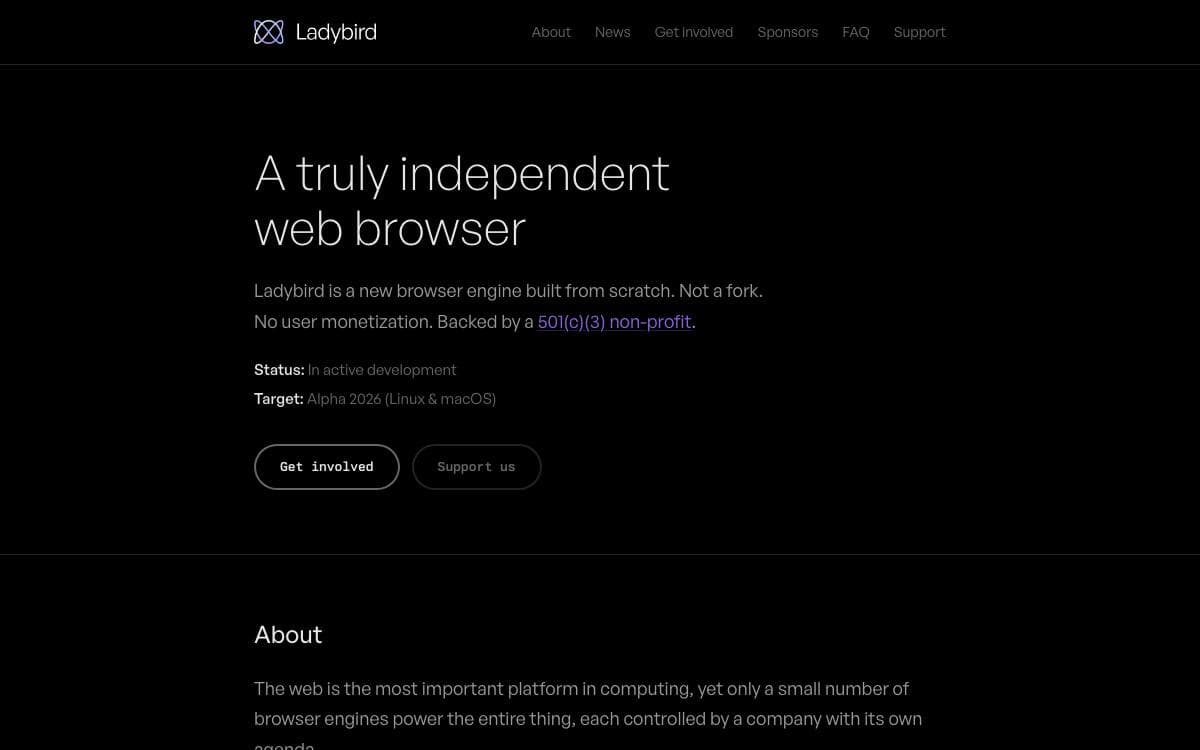
Ladybird's engine was written from scratch against web standards rather than derived from an existing one, which is what makes it a truly independent browser. The aim is a complete, usable browser for the modern web, and the codebase is where that aim is being tested.
The design is multi-process: a main user interface process, several WebContent renderers, an image decoder process and a request server. Image decoding and network connections are deliberately out of process to hold up against malicious content, and every tab gets its own renderer, sandboxed from the rest of the system.
Many of the supporting libraries are inherited from SerenityOS.
- LibWeb and LibJS: the rendering engine and the JavaScript engine.
- LibWasm: the WebAssembly implementation.
- LibCrypto and LibTLS: cryptography primitives and transport layer security.
- LibGfx and LibMedia: 2D graphics, image decoding and rendering, plus audio and video playback.
- LibCore and LibIPC: the event loop, operating system abstraction and inter-process communication.
Ladybird builds on Linux, macOS, Windows through WSL2 and many other Unix-like systems, with build instructions and code documentation kept in the repository. It is explicitly pre-alpha and only suitable for developers, so treat it as something to hack on rather than something to browse with. The license is a two-clause BSD.

A Firefox-based browser built around workspaces, split view and a compact interface, aimed at people who keep too many tabs open.
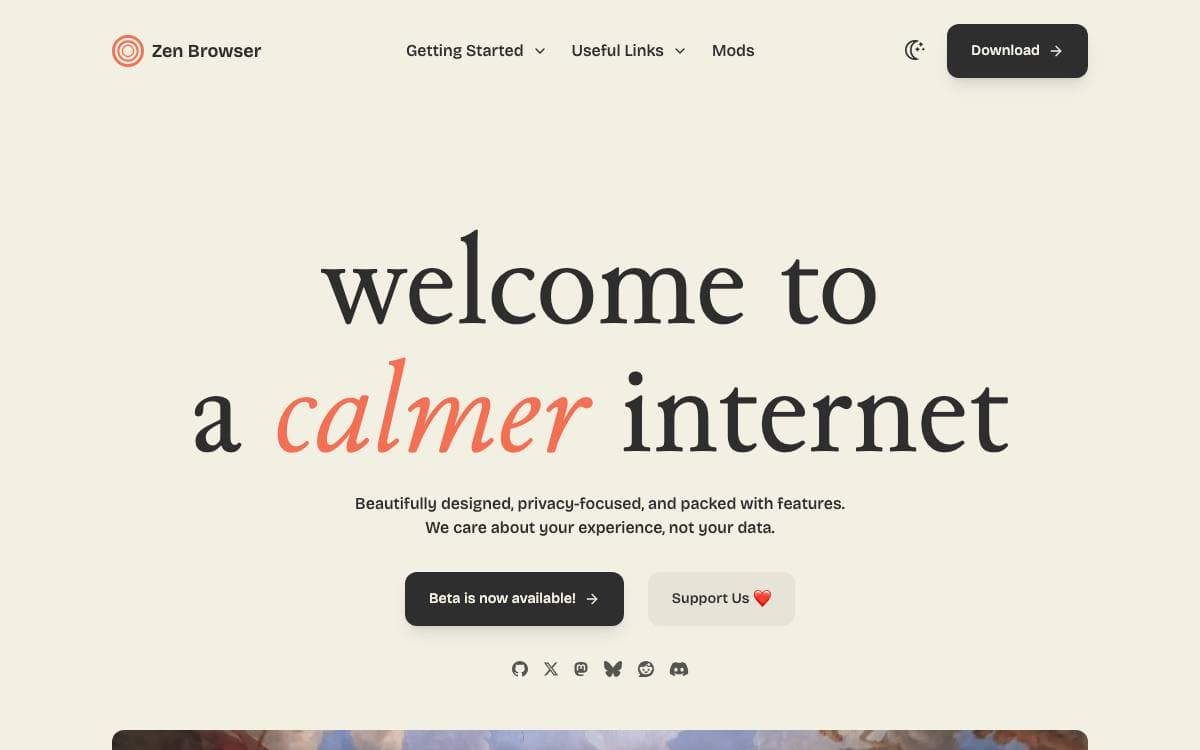
Zen is a firefox-based browser with the aim of pushing your productivity to a new level. Forty tabs in one strip is a filing problem rather than a browsing one, and Zen reorganizes the window around the work instead of around the tab bar.
The base is a current Firefox release, so the rendering engine, the extension ecosystem and the security model come from upstream while Zen's own work sits in the interface above them. Two channels are published, a stable Release and a Twilight channel carrying experimental features, and both name the exact Firefox version they are built from.
The interface changes are the reason to switch.
- Workspaces: tabs organized by project with custom containers.
- Split view: several tabs opened side by side in one window.
- Glance: a site previewed on top of the current tab without leaving it.
- Compact mode: a minimal interface for focused browsing.
- Zen Mods: themes and modifications installed from a registry, with live CSS editing for anything else.
- URL bar: navigation with persistent input memory.
Picture-in-picture, bookmarks and Firefox extensions all work as they do upstream, so nothing familiar is given up for the new layout. The code is under version 2.0 of the Mozilla Public License, translation runs through Crowdin, and bug reports and feature requests are handled on GitHub. Downloads, documentation and release notes are published on the project's own site.

A Chromium browser rebuilt around privacy, with built-in ad blocking and none of the vendor bloat, for everyday users.
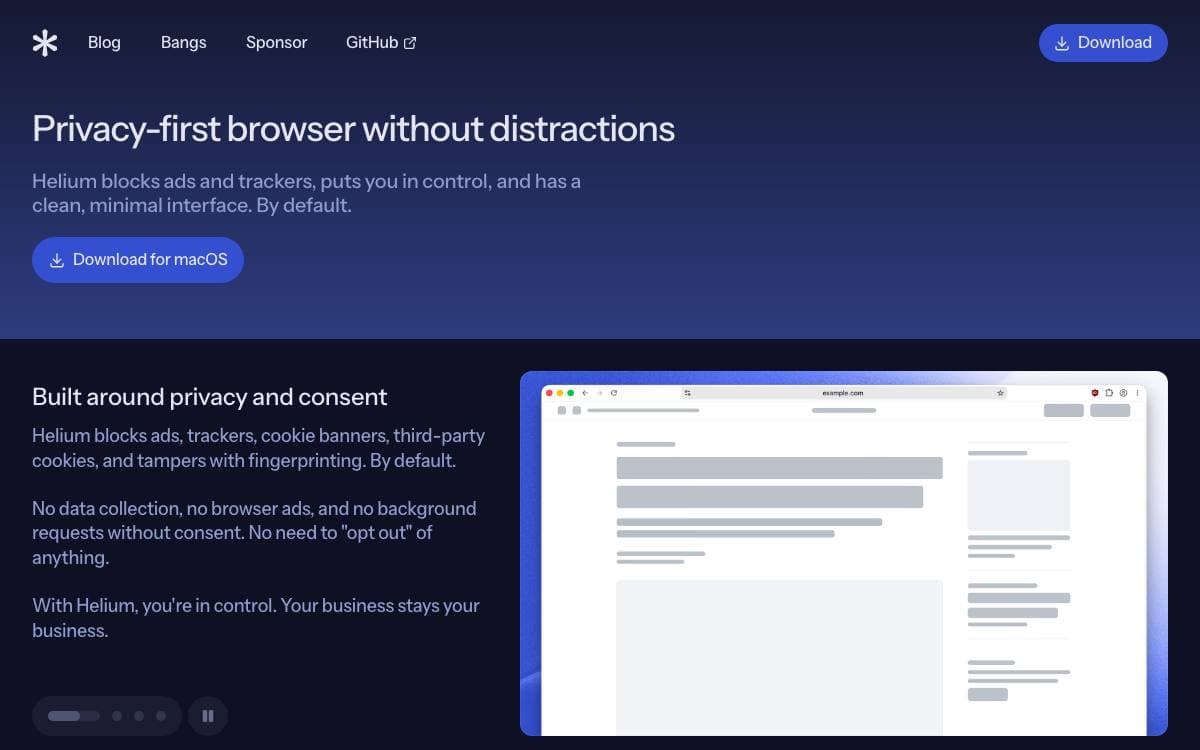
Helium is a Chromium based web browser that strips out the telemetry and vendor extras most builds ship with, and blocks ads without an advertiser paying for an exception.
The project builds on ungoogled-chromium, heavily modified, and pulls selected patches from other open source Chromium browsers including the Inox patchset, Debian, Bromite, Iridium and Brave. Every patch is sorted by vendor inside the repository, so you can read exactly what was changed and by whom.
What Helium ships is spread across a set of open repositories.
- Platform packaging: separate repositories build and package Helium for macOS, Linux and Windows.
- Ad blocking: a Helium fork of uBlock Origin does the filtering, described by the project as unbiased.
- Web services: the services and onboarding components the browser talks to are published alongside it.
- Patch transparency: the patches directory groups every modification by the project it came from.
- Development builds: macOS is the primary development platform, and the Linux packaging repository carries a similar script.
Binaries for each platform come from the release pages, and the site picks a compatible one for you automatically. Code unique to Helium is GPL-3.0, while anything imported keeps the license it arrived with. The browser is still in beta, so expect issues nobody has reported yet.

The Chromium-based browser with a Rust ad blocking engine built in, for people who want blocking without installing an extension.
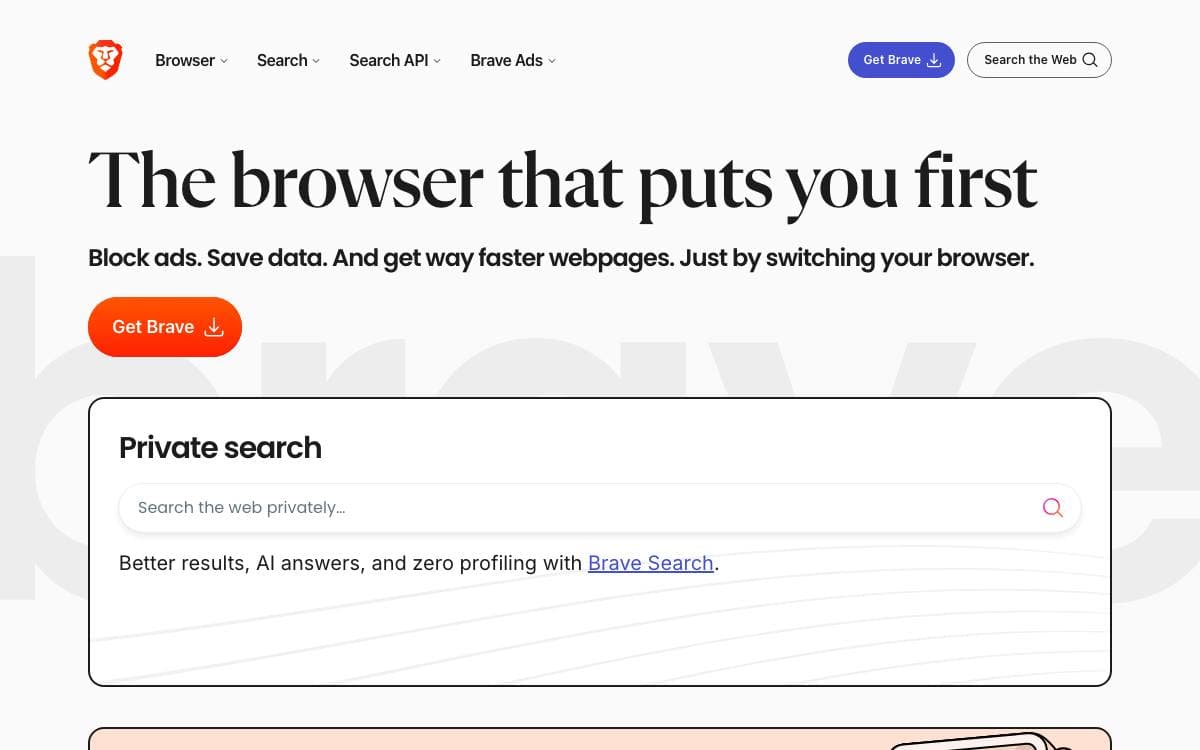
Layered over Chromium as a set of changes, APIs and scripts, Brave inherits the web platform work that Chromium does while replacing the parts its authors did not want to ship.
The work is split across two repositories. This one holds issues, releases and the wiki, while brave-core carries the source and the build tools that fetch and sync Chromium through depot_tools, mount brave-core at src/brave and maintain patches for third party Chromium code.
A few details of that arrangement matter if you are evaluating it.
- Ad blocking engine: adblock-rust implements the blocker and is linked into the browser through a foreign function interface.
- Pinned Chromium: the build sets an explicit Chromium branch rather than tracking head.
- Platform coverage: development environments are documented for Android, Linux, iOS, macOS and Windows.
- Build tooling: two package manager scripts drive init and then component, release, static or debug builds.
- Translations: interface strings are translated by the community on Transifex.
Building from source downloads the Chromium history, tens of gigabytes of it, and takes a long time, so most people should take a stable release from the website instead. Technical documentation and guides sit in brave-core, while a separate community forum handles support questions and feature requests.

A customisable Firefox based browser with data collection disabled, built in ad blocking and private DNS for privacy minded users.
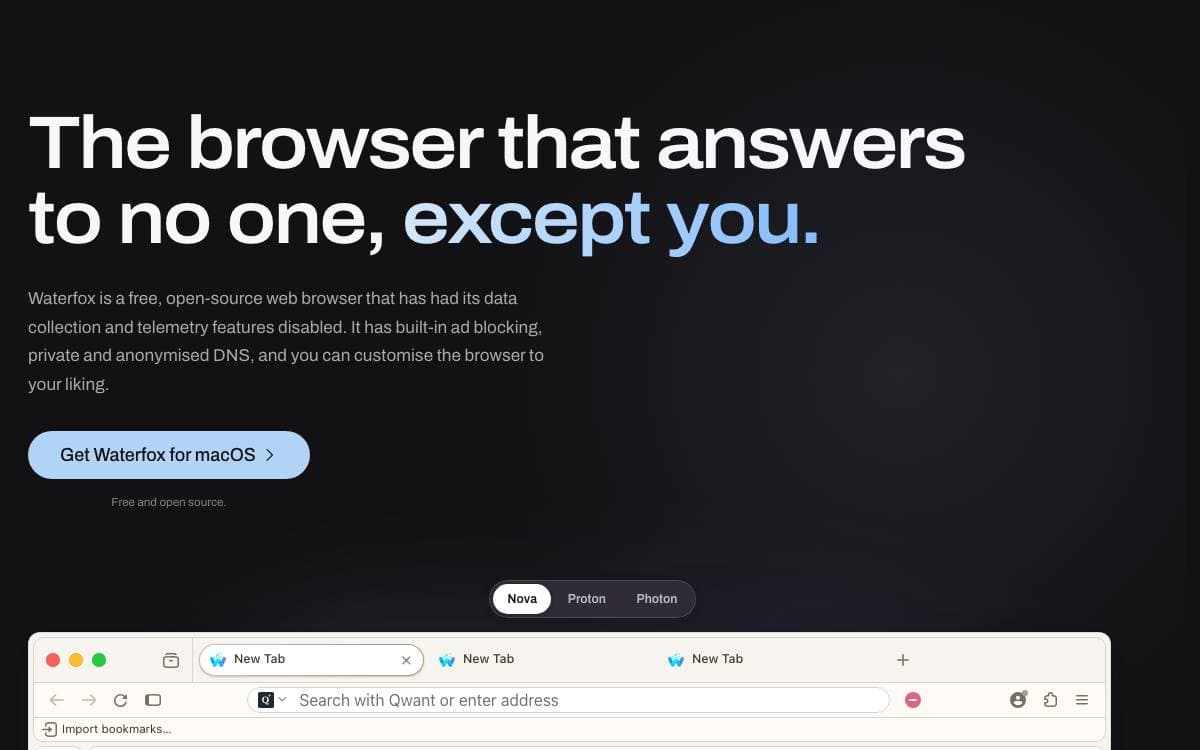
Built on the Mozilla platform, Waterfox is a Firefox derivative shipped with data collection and telemetry disabled. The repository carries Mozilla platform code alongside Waterfox product code, branding, features, packaging and release files, and it builds through the usual mach commands.
Privacy work goes past simply removing telemetry.
- Ad blocking: a built in desktop blocker stops adverts, trackers, pop ups and overlays before they load, with filter lists and site exceptions you manage yourself.
- Oblivious DNS: lookups are encrypted and passed through a relay, so the relay knows who asked but not what, and the resolver knows the query but not who sent it.
- Private tab: one private tab sits beside your normal ones in its own container, and its site data clears when you close the last one.
Customisation is the other half of the pitch. You choose the browser chrome design from Nova, Proton or Photon, pick a colour palette, switch between light and dark, and lay tabs out horizontally or vertically. Tree tabs branch the tab strip the way browsing itself branches.
Downloads cover Windows, macOS, Linux and Android, all free and open source.
Because the tree stays close to upstream, most Firefox development documentation still applies. Contributors can lean on the Firefox source docs for the shared build system, the testing tools and the platform code underneath.

Chrome extensions, profiles, spaces, and a native ad blocker in an Electron browser for people who keep dozens of tabs organized.
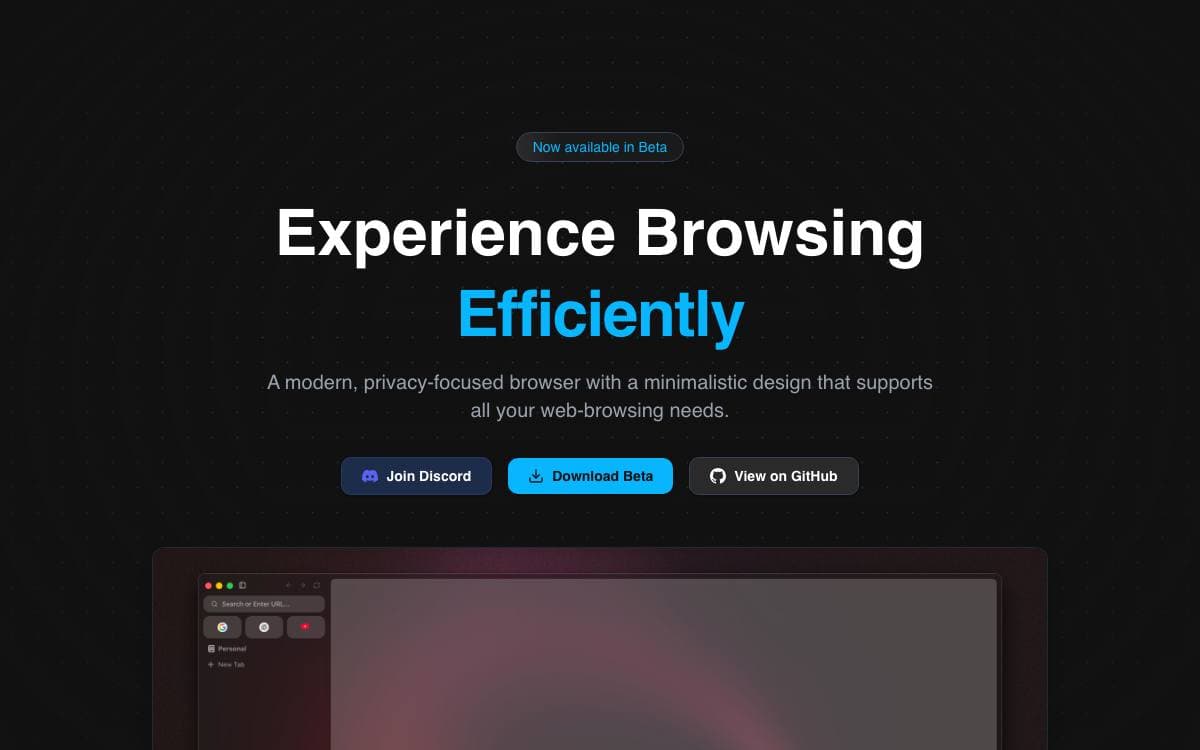
Flow Browser is a tabbed desktop browser that pairs Chromium rendering with an interface built around organizing work. It removes the trade-off between a minimal browser and one that runs the extensions you already depend on, since extensions install straight from the Chrome Web Store.
The app is built on Electron, with parts derived from electron-browser-shell by Sam Maddock, and its design takes cues from Arc and Zen. Prebuilt files for each platform are published on GitHub Releases.
Organization is the point of the interface, and the current build ships these pieces.
- Profiles: separate settings and extensions per profile.
- Spaces: group tabs into distinct spaces instead of one endless strip.
- Sidebar and command palette: reach bookmarks, history, and settings, or search the web and open a tab from a single prompt.
- Native adblocker: ads and trackers are blocked without installing anything.
- Sleep tabs: idle tabs are put to sleep to save resources, and open tabs persist across restarts.
- Widevine support: DRM protected video plays.
Onboarding is short, custom icons and new page modes are configurable, offline games are bundled for idle moments, and the browser asks before it opens an external application. Reordering tabs, downloads, favorites, pinned tabs, custom search engines, and a top bar alternative to the sidebar are all listed as upcoming rather than finished, so treat this as early software. The license is GPL 3.0.

Privacy oriented desktop browser based on the Gecko engine, with workspaces and Firefox extension support, for Linux, macOS and Windows.
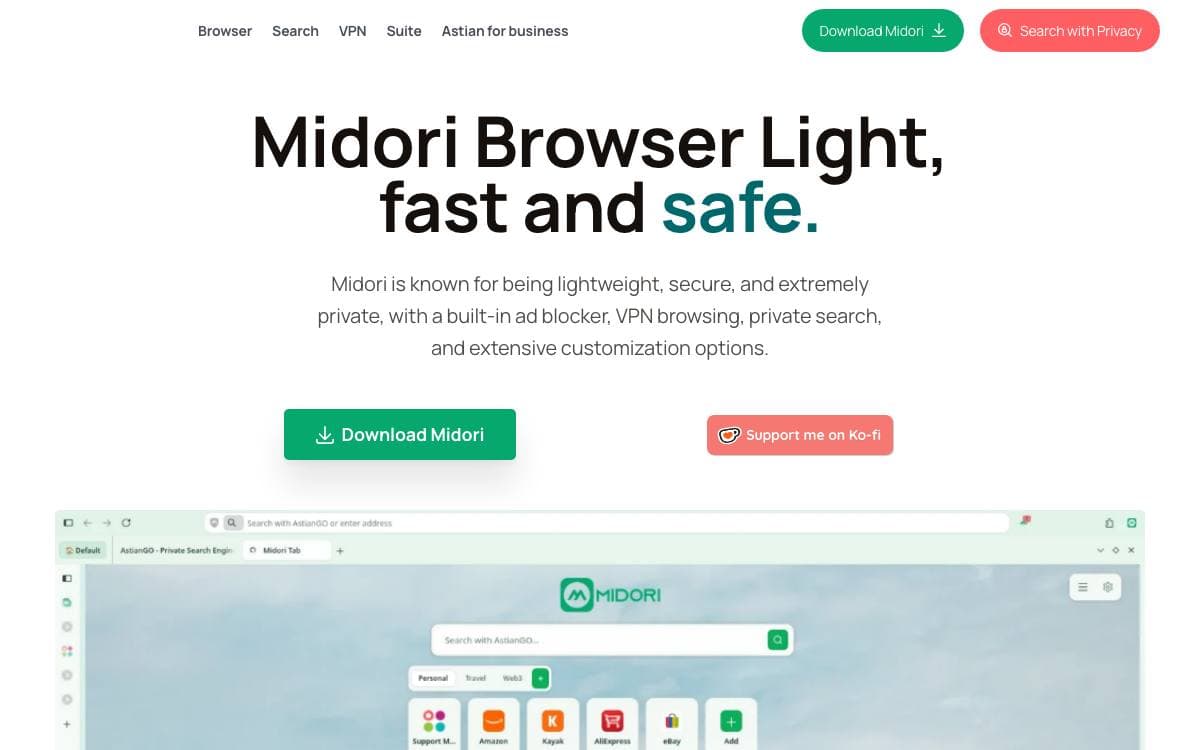
Midori Browser leaves privacy defaults switched on instead of leaving them to the user to find. It has moved off WebKit and now builds on the Gecko engine, so it inherits Firefox rendering while shipping its own branding, defaults and update configuration.
The repository carries the Firefox-derived engine in its own directory and layers Midori's source additions, branding and platform configuration on top. npm scripts drive the engine build system with the required configuration, and packaging a distributable archive is a separate step from producing a runnable binary.
What a user gets is a small set of changes on top of that base.
- Privacy defaults: settings lean toward protection and a protection extension is built in.
- Workspaces: tabs are organized into workspaces, alongside a customized new tab page.
- Extensions: Firefox WebExtensions run unmodified.
- Platform builds: Linux, macOS and Windows are all supported targets.
- Debian packages: an apt repository run by the project serves installs and updates on Debian and Ubuntu.
Building from source is heavy. Reserve at least 50 GB of free disk and 16 GB of memory, with the Node and Python versions pinned in the repository plus Rust, Clang and platform libraries. Windows packages are cross-compiled from Linux because no native Windows development environment is maintained. Midori is licensed under the Mozilla Public License 2.0 and is not affiliated with Mozilla.


