Open Source Microsoft 365 Alternatives
A curated collection of the 5 best open source alternatives to Microsoft 365.
The best open source alternative to Microsoft 365 is CryptPad. If that doesn't suit you, we've compiled a ranked list of other open source Microsoft 365 alternatives to help you find a suitable replacement. Other interesting open source alternatives to Microsoft 365 are: Tuta, LibreOffice, ONLYOFFICE Docs and Collabora Online.
Microsoft 365 alternatives are mainly Office Suites but may also be Data Security & Privacy or Email & Communication. Browse these if you want a narrower list of alternatives or looking for a specific functionality of Microsoft 365.

An end-to-end encrypted collaboration suite with documents, sheets, forms and whiteboards, for teams whose server operator should not read their files.
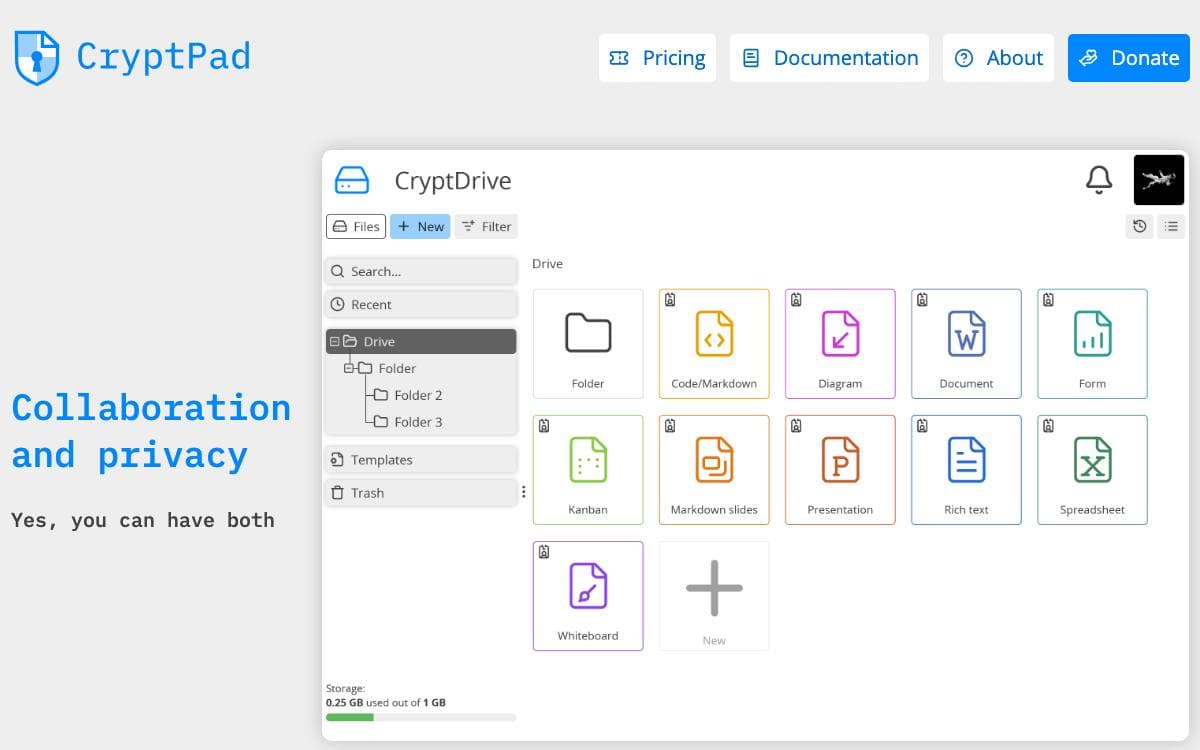
CryptPad is a collaboration suite that encrypts data in the browser before it reaches the server or a collaborator. Changes still synchronize in real time, but stored content stays unreadable, so a breach hands attackers ciphertext rather than documents. Administrators who leave the code unmodified cannot read user content either.
Registration and account access derive cryptographically from your username and password, which means the server never sees either one. The suite spans rich text documents, sheets, presentations, forms, kanban boards, code and whiteboards, all organized in an encrypted drive.
The threat model is stated plainly rather than oversold.
- Active attacks stay possible: encryption code is served by the host, so the administrator still has to be trusted to send honest code.
- Metadata is not hidden: an operator could log addresses and activity, so Tor is suggested for anyone treating that as sensitive.
- Version matters: safeguards against script injection improve on a three-month release cycle, and only recent instances should be used.
- Public directory: instances meeting the project's safety criteria are being listed so users can choose one with confidence.
- Docker images: official AMD64 and ARM64 builds are published for every release.
Installation splits into a developer path without HTTPS and an admin path covering production configuration, customization and maintenance. A team at XWiki SAS develops the project, funded over the years by a French state research grant, NLnet and NGI programs, subscribers and donations, and the software is AGPL licensed for good.

An email service with end-to-end encryption built in, with open source clients for mobile, desktop and the browser for privacy-conscious users.
End-to-end encryption in Tuta Mail is built in rather than bolted on, so the secure email service lets you communicate with anyone across every device you use. This repository holds the client source, which means the code handling your messages can be read and compiled by anyone who wants to check what it does.
Clients cover the places people actually read mail. Android builds are distributed through Google Play and through F-Droid for anyone avoiding proprietary stores, and there is an iOS app, a desktop client and a browser client. Building a client and developing on the codebase are documented as separate tasks, each with its own guide.
The project runs on a few clearly stated conventions.
- Building: a dedicated document covers compiling the clients from this repository.
- Developing: a hacking guide describes the workflow for anyone changing the code.
- Translating: a translation guide explains how to contribute a new language.
- Feature requests: these go through Reddit or support mail rather than the issue tracker.
- No generated contributions: issues and comments produced with help from large language models are closed or deleted without further explanation.
That last rule is unusually explicit, and maintainers say they prefer an incomplete or machine-translated report to an AI-assisted one. A public roadmap shows what the team plans next, and the community forum sits on Reddit. Anyone weighing up the service can read the roadmap and the client code together, since what a mail client really does is visible here.

An integrated office suite backed by The Document Foundation, compatible with most document formats and free to download, use and redistribute.
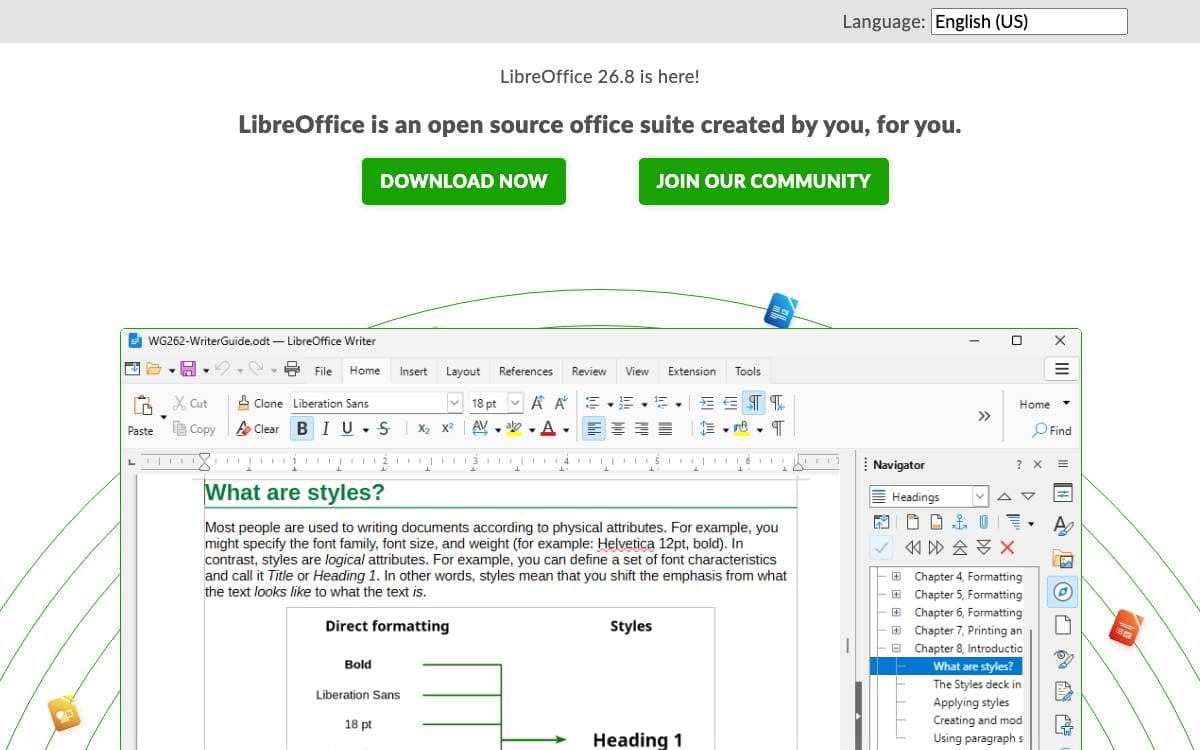
LibreOffice is an integrated office suite built on copyleft licenses and compatible with most document formats and standards. It is backed by The Document Foundation, which represents a large independent community of enterprises, developers and volunteers, and it stays free to download, use and distribute.
This repository holds the core source, so it is aimed at people who intend to change the suite rather than run it. Two routes exist. Extensions can be written against the generic UNO APIs using the SDK, while a genuinely useful feature is easier to add in the code base itself, if you are a reasonably able C++ programmer.
Roughly two hundred modules make up the tree, and a handful carry the code most contributors need.
- Applications: sw, sc and sd hold Writer, Calc and the shared Draw and Impress code.
- VCL: the widget toolkit and one of the rendering abstractions.
- Framework: assembles toolbars, menus and status bars from XML descriptions and VCL widgets.
- SAL and tools: a system abstraction layer plus basic internal types such as rectangles and colors.
- Graphics helpers: basegfx, canvas and drawinglayer break drawable objects down into renderable primitives.
Build baselines are Visual Studio 2022 on Windows 10, Xcode 14.3 or later on macOS 13, and GCC 13 or Clang 18 on Linux, with JDK 17 and Python 3.11 required for many parts. LODE scripts set up an initial environment on Windows and macOS, and every module carries its own README.

A collaborative online office suite with editors for documents, spreadsheets, presentations, forms and PDFs, deployed on your own server.
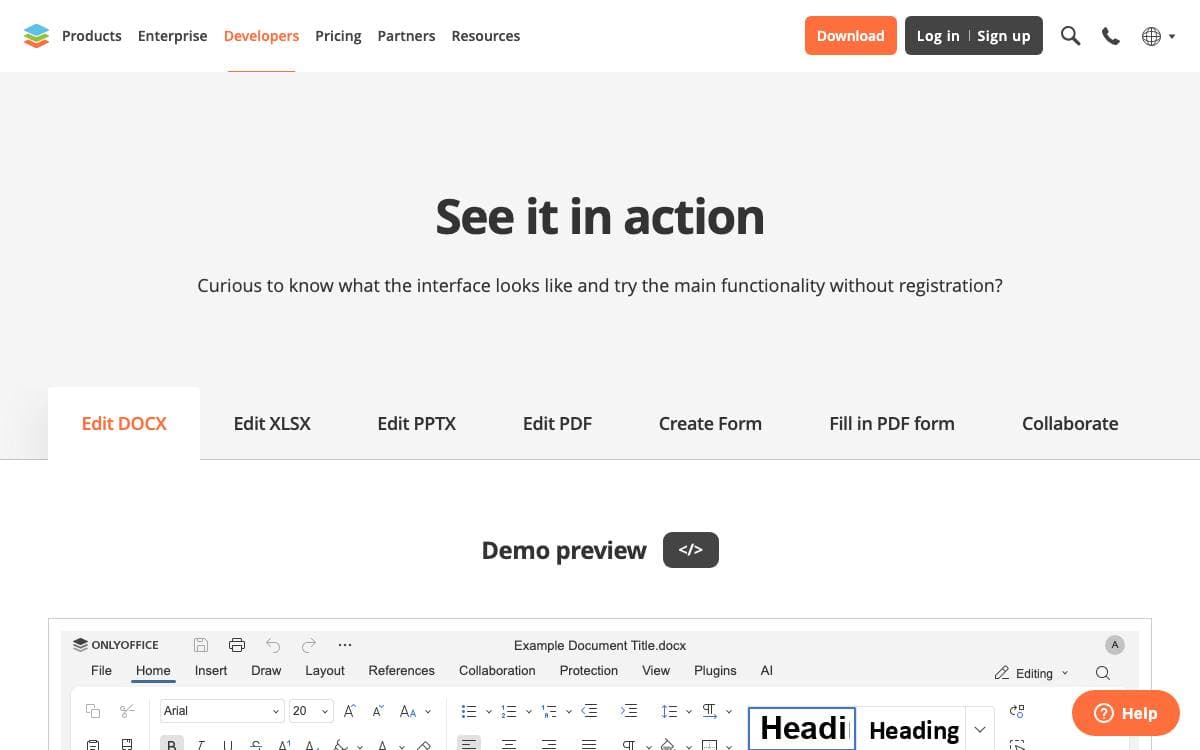
ONLYOFFICE Docs is a free collaborative office suite made of viewers and editors for text documents, spreadsheets, presentations, forms, PDFs and diagrams. It is fully compatible with Office Open XML formats and supports real-time co-editing, which ends the habit of mailing revised files back and forth.
The suite runs as a server component, still packaged as Document Server, and slots into ONLYOFFICE DocSpace and Workspace or into third-party sync and share platforms such as Odoo, Moodle, ownCloud and Seafile, so people edit without leaving the tool they already use.
Six editors sit on a shared backend built from separately maintained components.
- Editing: font and paragraph formatting, object insertion, pivot tables, formulas, transitions, animations and presenter mode.
- Collaboration: two co-editing modes, comments, built-in chat, review with tracked changes and version history.
- Conversion core: server components convert between DOC, ODT, RTF, PDF, EPUB, XLS, ODS, CSV, PPT and more.
- Plugins and macros: an API lets developers add behavior unrelated to the OOXML format, with a marketplace of existing plugins.
- Localization: the interface ships in 46 languages, with right-to-left and hieroglyph support.
Three editions exist. Community is free under the AGPL v3 and suggested for up to twenty users, while Enterprise and Developer are proprietary and add clustering, an admin panel, mobile web editors, white labeling and the Automation API. Small teams and personal deployments are the community build's stated audience.

Browser-based office suite for viewing and editing documents, spreadsheets and presentations collaboratively, integrated into Nextcloud, ownCloud and similar platforms.
Collabora Online puts document editing in the browser with no plugin required, so a team can open a text document, spreadsheet or presentation held on their own file server and work on it together. The stated goal is secure document collaboration that stays controlled by you.
Worth knowing before you clone anything: this GitHub repository is not where the code lives. Active development and code review happen on the project's Gerrit instance, and GitHub is kept for issue tracking and release artifacts, the nightly container image, the Helm chart and the Docker build. A read-only mirror carries the source and build instructions.
The project splits into a handful of components.
- Engine: the document rendering engine that does the layout and formatting work.
- Web Services Daemon: accepts external connections and brokers them to document sessions.
- Kit: the client process that renders documents inside its own chroot.
- PostMessage API: the surface for customizing and interacting with the editor from a host application.
Deployment normally happens through an integration rather than on its own. Installing the richdocuments app on a local Nextcloud or ownCloud instance and pointing its WOPI URL at a running server is enough to test a build, and the project maintains lists of available integrations and of partners who host it ready to go. Most of the code is under MPL v2, with some parts under other open source licenses.


