Open Source Make Alternatives
A curated collection of the 5 best open source alternatives to Make.
The best open source alternative to Make is n8n. If that doesn't suit you, we've compiled a ranked list of other open source Make alternatives to help you find a suitable replacement. Other interesting open source alternatives to Make are: ActivePieces, Automatisch, ByteChef and CodeZero.
Make alternatives are mainly Automation but may also be Frameworks & Platforms or Integration Platforms. Browse these if you want a narrower list of alternatives or looking for a specific functionality of Make.

A fair-code platform for building AI agents and automations on a visual canvas, self-hosted or in the cloud, with more than 1500 integrations.

n8n pairs a visual canvas with real code. You drag nodes to shape a workflow, then drop into JavaScript or Python where the visual metaphor stops paying off, which removes the usual choice between a no-code tool you outgrow and a script nobody else can maintain.
Workflows can run as multi-step agents that use your own data, models and tools. Providers are interchangeable, so moving between OpenAI, Anthropic, Google and open source models does not mean redrawing the architecture around them.
These are the capabilities that carry a workflow from prototype to something people depend on.
- Code inside the canvas: JavaScript, Python and npm packages sit next to the visual nodes.
- Human approvals: a flow pauses for a person before an agent takes a consequential step.
- Observability: runs are traceable across multi-step logic, which is what you want when an agent misbehaves overnight.
- Access control: role-based permissions and audit trails support sensitive data on self-hosted deployments.
- Existing building blocks: more than 1500 integrations and 9000 workflow templates cover the connective work.
An install script starts n8n with Docker, or you can run the container by hand and open the editor on port 5678, and a hosted cloud exists for anyone who prefers not to operate it. The source is always visible under a fair-code sustainable use license, with a separate enterprise license for additional features, and you can write your own nodes.

Extensible automation platform and Zapier replacement where every integration is a typed TypeScript package that doubles as an MCP server.
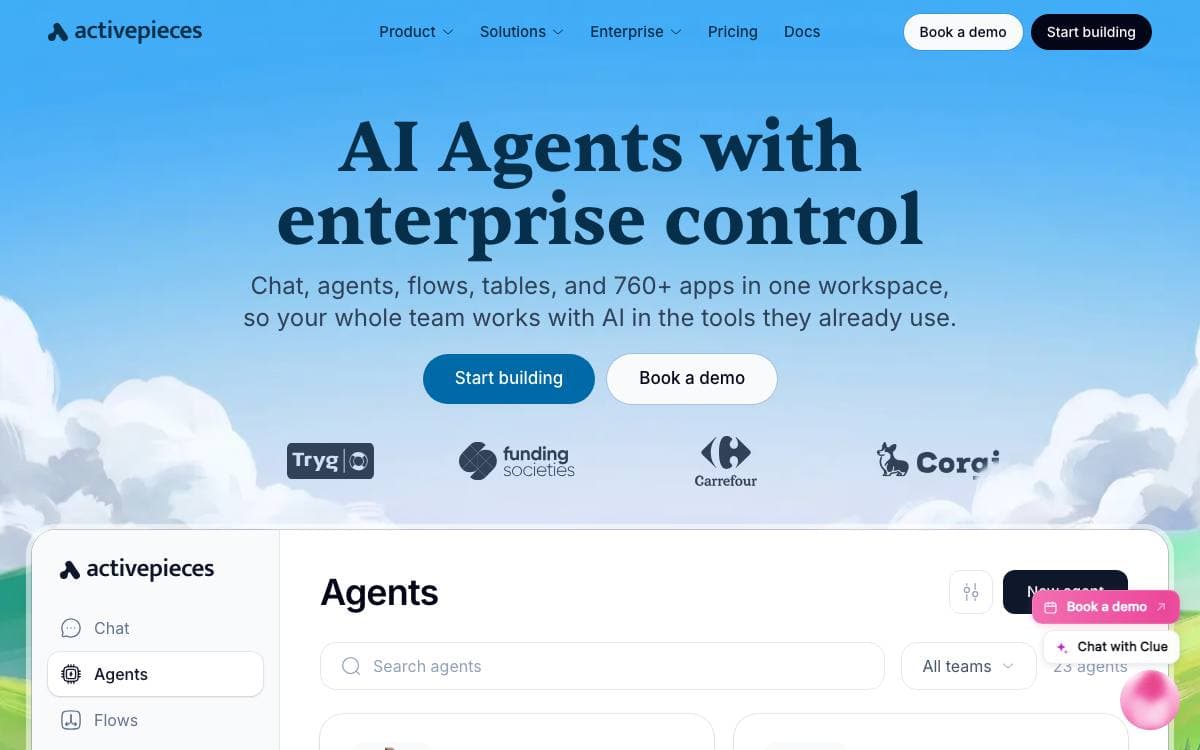
Activepieces is an open source replacement for Zapier, an automation tool whose defining choice is that its integrations, called pieces, are type-safe TypeScript packages published to npm rather than closed connectors. Roughly sixty percent of them come from the community, and all of the integration source code sits in the same repository.
Contributing a piece has a second effect, because every piece is automatically available as an MCP server for use with LLM clients such as Claude Desktop, Cursor and Windsurf. More than 280 pieces exist on that basis, and local piece development supports hot reloading on your own machine.
The flow builder targets developers and the colleagues who use what they build.
- Control flow: Loops, branches and automatic retries inside fully versioned flows.
- Code steps: Run code with npm packages, or ask AI to write a data cleaning step for a non-technical user.
- Human in the loop: Delay execution or require approval, both built as ordinary pieces on the framework.
- Input interfaces: Chat and form triggers collect information from people directly.
- Native AI: AI pieces let you swap providers or assemble agents with the AI SDK inside the builder.
The Community Edition is MIT licensed while enterprise features carry a separate commercial license. Self-hosting is the intended posture, network-gapped where needed, so developers configure the tools and anyone in the organization builds on the no-code canvas.

A workflow automation tool for connecting services like Twitter and Slack, self-hosted so business data never leaves your servers.
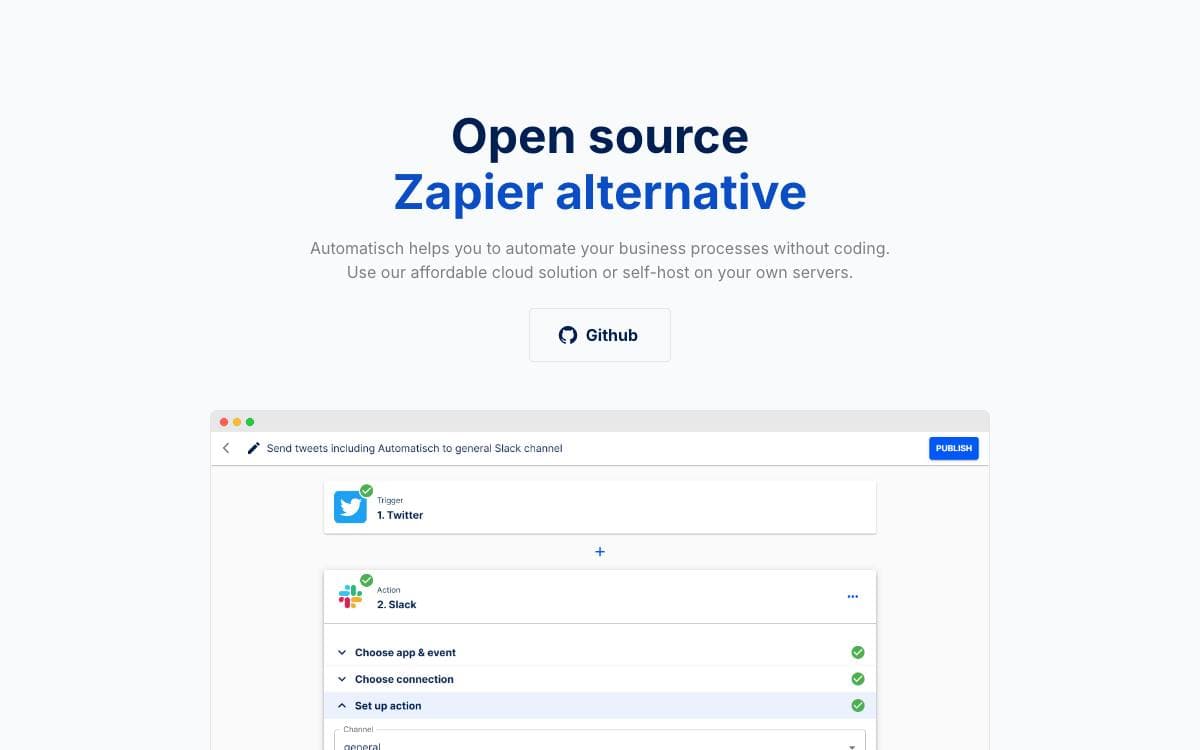
Automating your workflows does not have to be difficult or expensive. Automatisch connects services such as Twitter and Slack so routine business processes run without anyone clicking through them, it needs no programming knowledge, and it is positioned squarely against hosted automation products rather than as a developer library.
The reason to run it yourself is where the data ends up. Automating a workflow through a cloud service means handing that service everything the workflow touches, which is a problem for healthcare, finance and any European company answering to GDPR. Automatisch keeps that data on servers you own.
Three arguments come up in the project's own comparison with hosted alternatives.
- Data residency: everything stays on your own infrastructure, which matters for sensitive and regulated workloads.
- Open development: as open source software, anyone can shape how the tool evolves.
- No vendor lock-in: switching away is easier than moving between cloud providers, because you already hold the data and the flexibility.
Licensing is split across the repository. Files with .ee. in the name fall under the enterprise license, and everything else is AGPL-3.0, kept in one repository to make development easier.
A local install is a git clone followed by docker compose up, which starts with a default account whose email and password you are expected to change immediately from the settings page. Other installation routes are covered in the guide.

A workflow automation platform where AI agents run as ordinary steps and 250 plus connectors double as agent tools and MCP tools.
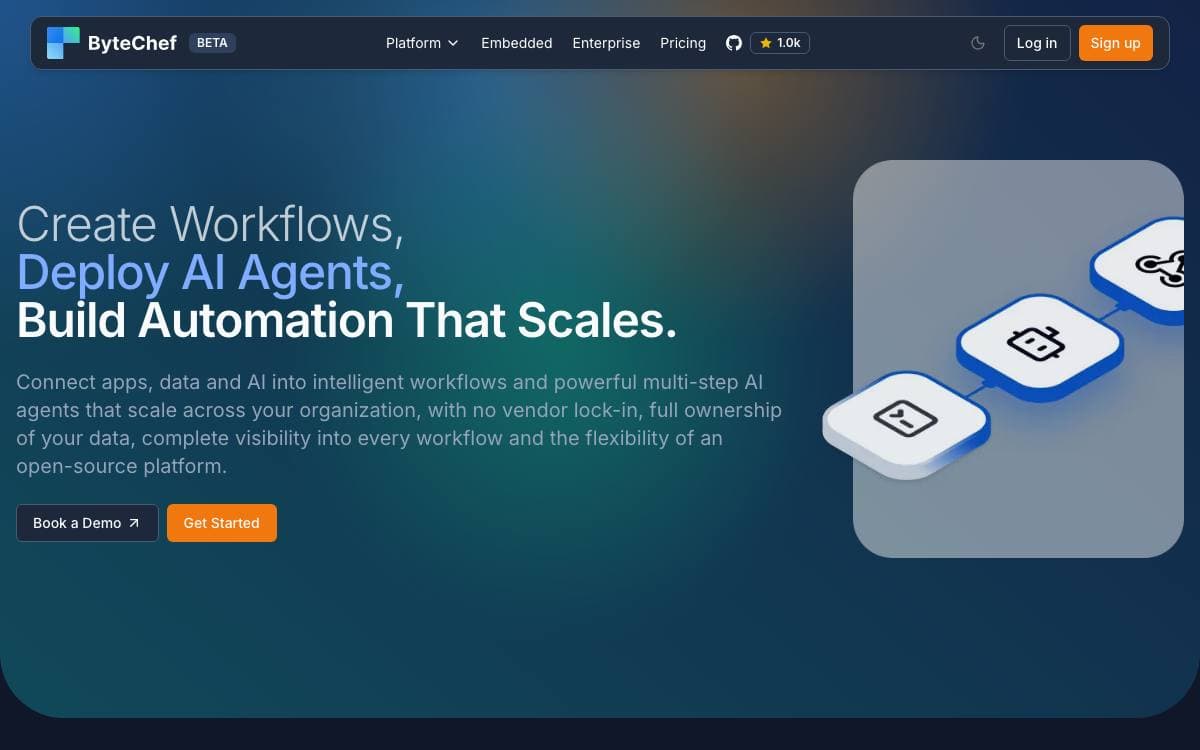
ByteChef puts agent orchestration and workflow automation in the same graph. Most teams run one tool for deterministic automation and another for agents, then spend their time reconciling the two; here the non-deterministic part and the branching, retrying, approving part share a runtime, a permission model and one audit trail.
The AI Agent is a drag-and-drop component that owns the full loop, model to tool selection to execution to observation to the next step, with streaming and structured output. Twelve LLM providers ship directly, with three aggregator components for routing through a gateway. Every connector is already a tool, workflows can be published as MCP tools, and a fromAi expression in any field turns that property into part of the schema the model sees.
The automation half is built for production rather than demos.
- Visual editor with JSON underneath: workflows stay diffable and Git-friendly.
- Flow control: condition, branch, loop, each, map, parallel, fork-join, subflow, on-error, terminate and wait-for-approval steps.
- Triggers: static and dynamic webhooks, polling, hybrid, app-event listeners, schedules and forms.
- Polyglot code: JavaScript, Python and Ruby running on GraalVM.
- Durable execution: a Postgres-backed runtime with queue mode over Redis, RabbitMQ, Kafka, JMS, AMQP or SQS for horizontal scale.
- Human in the loop: pause for approval, route to Slack or email, resume on the response.
Docker Compose brings up ByteChef and PostgreSQL together. The core is Apache 2.0, with an enterprise tier covering workflows-as-APIs, Git-native environments, Copilot and embedded distribution.

A visual automation builder for teams who want flows, APIs and scheduled jobs on their own infrastructure, with AI help on the canvas.
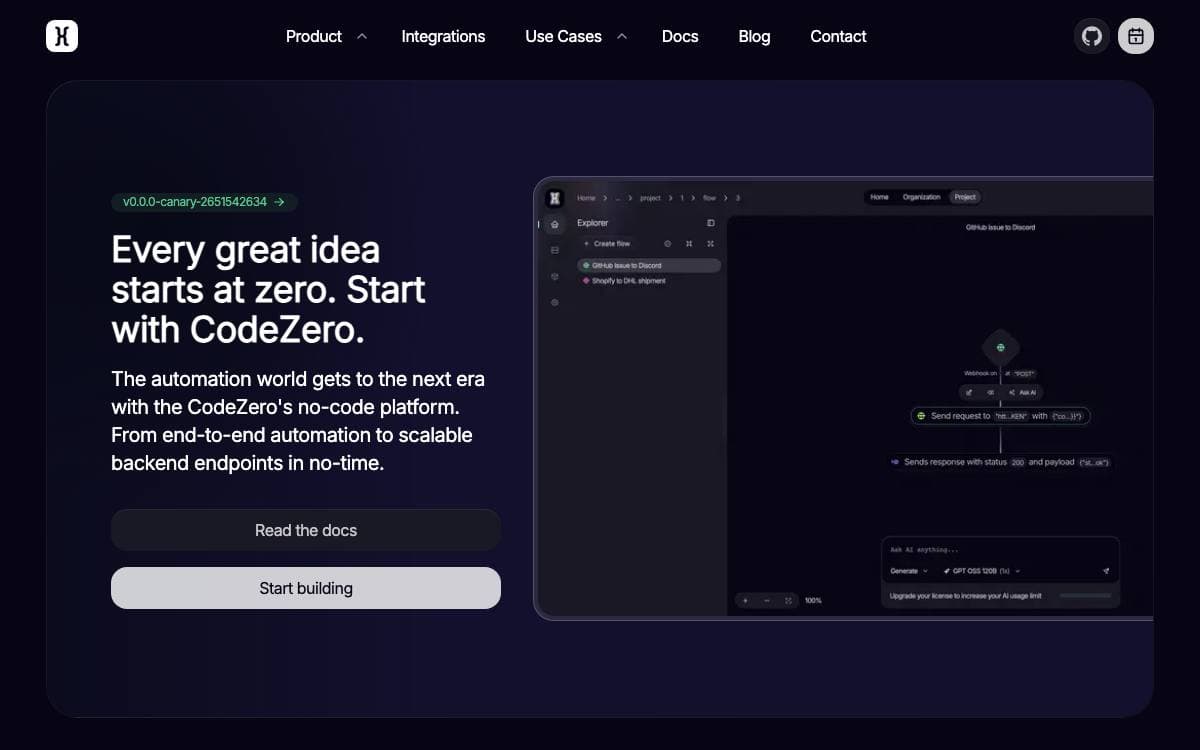
CodeZero replaces the boilerplate around automation with a canvas. A flow is a trigger plus a chain of nodes, and it can be an integration between two services, a whole backend, or a business process with branching and error handling. If you can sketch it, you can ship it.
Nothing has to start from a blank canvas. Describe what you want or pick a template and CodeZero generates the flow, then refines, extends or rewrites any part of it from a prompt on the same canvas. Models are yours to choose, with OpenAI, OpenRouter or any compatible provider powering the workspace.
The platform is aimed at teams rather than solo tinkerers.
- Visual editor: flows stay readable as a graph, which keeps them debuggable and shareable.
- Triggers: HTTP webhooks and cron schedules ship by default, and plugins add more.
- Organizations: projects, roles and fine-grained permissions decide who can change what.
- Runtimes: each runtime component scales on its own, from a single box to a fleet.
- Plugins: new nodes, flow types and triggers extend a runtime without forking it.
Getting started needs only Docker: clone the repository, adjust secrets and settings in the Compose environment file, and bring the stack up. A hybrid deployment keeps the editor in the cloud with runtimes on your own hardware, so data never leaves your network. Licensing varies per component, which is worth checking before you build on it.


