Open Source Lucidchart Alternatives
A curated collection of the 6 best open source alternatives to Lucidchart.
The best open source alternative to Lucidchart is Excalidraw. If that doesn't suit you, we've compiled a ranked list of other open source Lucidchart alternatives to help you find a suitable replacement. Other interesting open source alternatives to Lucidchart are: Mermaid, drawDB, draw.io and Scanopy.
Lucidchart alternatives are mainly Business Intelligence & Reporting but may also be Databases or Collaboration & Communication. Browse these if you want a narrower list of alternatives or looking for a specific functionality of Lucidchart.

An open source virtual whiteboard for hand-drawn style diagrams and wireframes, collaborative, end-to-end encrypted and embeddable as an npm package.
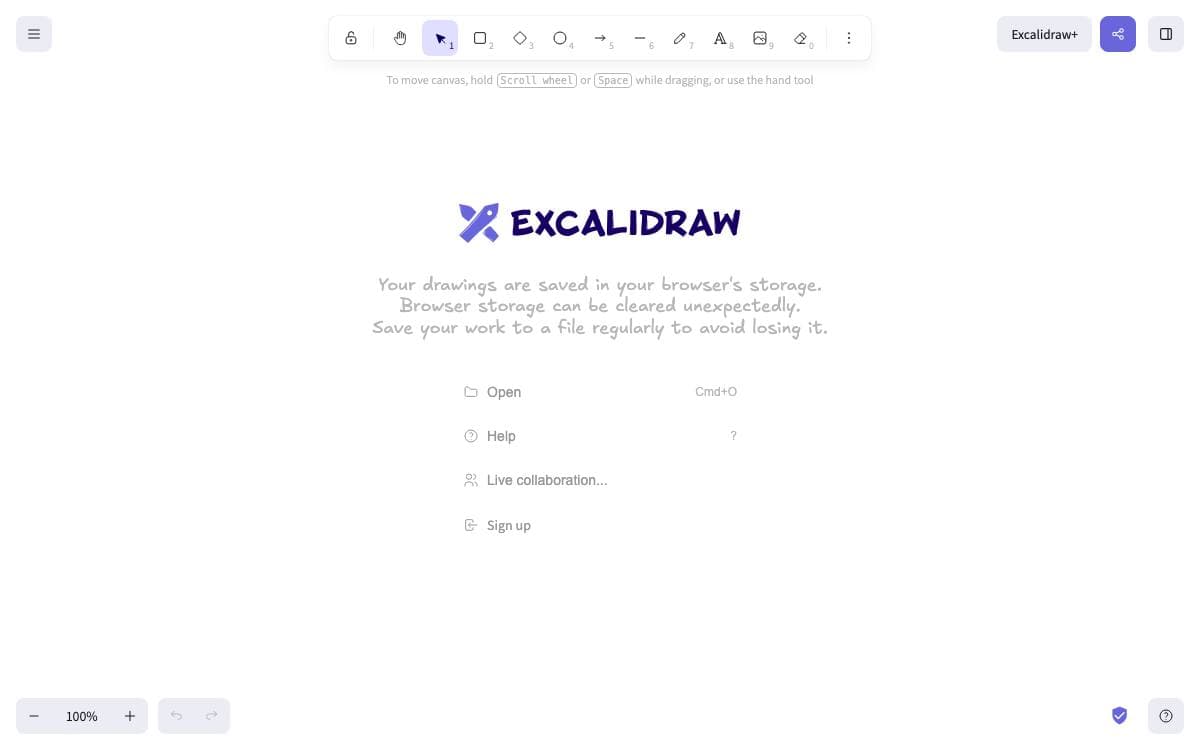
Excalidraw is a virtual whiteboard with a deliberately hand-drawn look. Sketches made in it read as sketches, and that is the point, since a diagram that looks provisional invites the comments a polished one quietly shuts down.
The repository holds two things. One is the editor itself, published as an npm package for embedding in your own React application. The other is the whiteboard the project hosts publicly, a minimal showcase of what the editor can do, whose source lives in the same repository.
The editor covers the drawing work.
- Infinite canvas: rectangles, circles, diamonds, arrows, lines, free drawing and an eraser, with zoom and panning.
- Arrow binding: arrows attach to shapes and carry labels, so a diagram survives being rearranged.
- Export: PNG, SVG and clipboard, plus an open JSON format saved as a single drawing file.
- Libraries and images: shape libraries and image support widen what a board can hold.
- Interface: dark mode, undo and redo, localization and customization throughout.
The hosted app adds real-time collaboration with end-to-end encryption, local-first autosaving to the browser, offline use as a progressive web app and read-only shareable links. Those features are planned as drop-in plugins for the npm package later. Installing the package needs React and React DOM. A VS Code extension exists, and the editor is already embedded in a number of well-known products.

JavaScript diagramming tool that renders flowcharts, sequence diagrams and more from Markdown-like text, so developer documentation stops going stale.
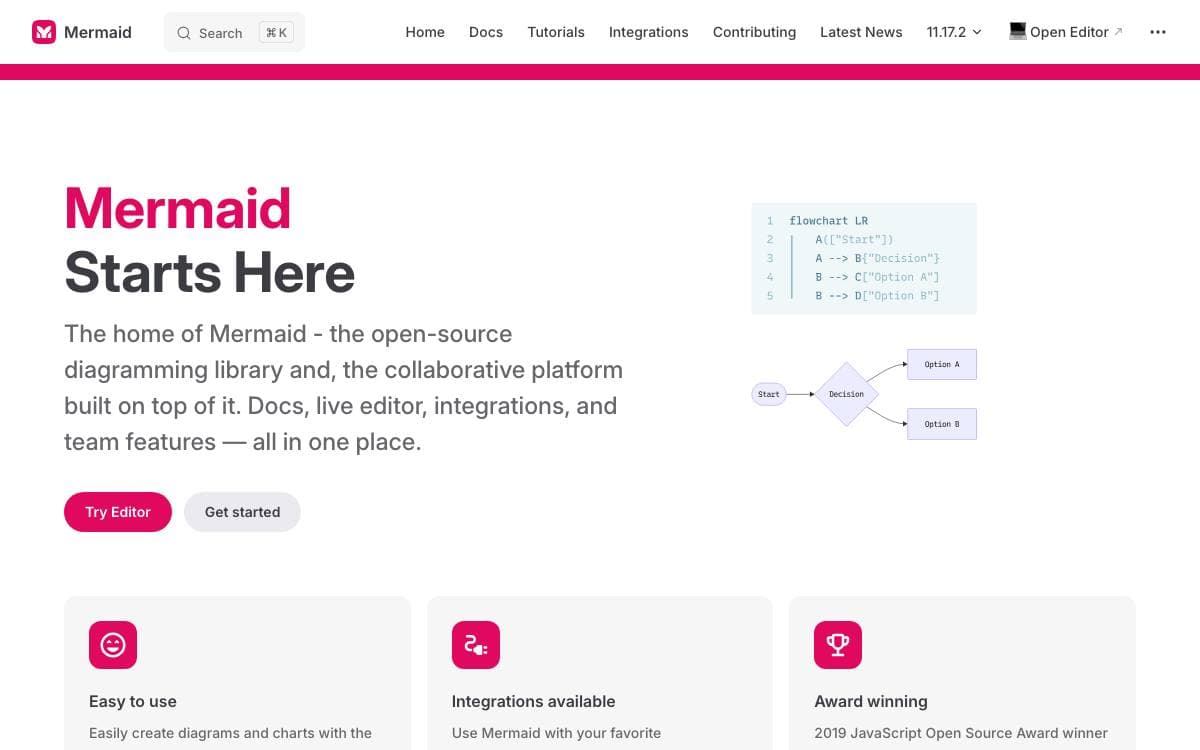
Documentation rot is the problem Mermaid was built against. Diagrams cost developer time and go out of date quickly, but going without them hurts productivity and organizational learning, so Mermaid makes the diagram cheap enough to keep current.
It is a JavaScript diagramming and charting tool that pairs Markdown-inspired text definitions with a renderer. Because a diagram is text, it diffs and reviews like code, can be generated inside production scripts, and renders directly in Markdown on GitHub. The Live Editor gives non-programmers a way to build one without touching a build step.
The feature set stays close to that idea.
- Over twenty diagram types: flowchart, sequence, class, state, entity relationship, Gantt, pie, git graph, mindmap, timeline and Sankey among them.
- Customization: themes, colors, fonts and layout directions.
- Sandboxed rendering: a security level renders inside a sandboxed iframe so scripts in user-submitted text cannot execute, at the cost of some interactivity.
- Small footprint: no heavy dependencies to carry into a page.
- Companion projects: a command line interface, the Live Editor and a rendering server.
Public sites that accept diagram text from users are the case the security work addresses, since standard sanitization breaks diagram syntax. Mermaid is MIT licensed, released frequently, and leans on d3 and dagre-d3 for graphical layout. It won a JS Open Source Award in 2019.

Browser-based database diagram editor that builds entity relationship models, imports and exports SQL and generates migrations without an account.
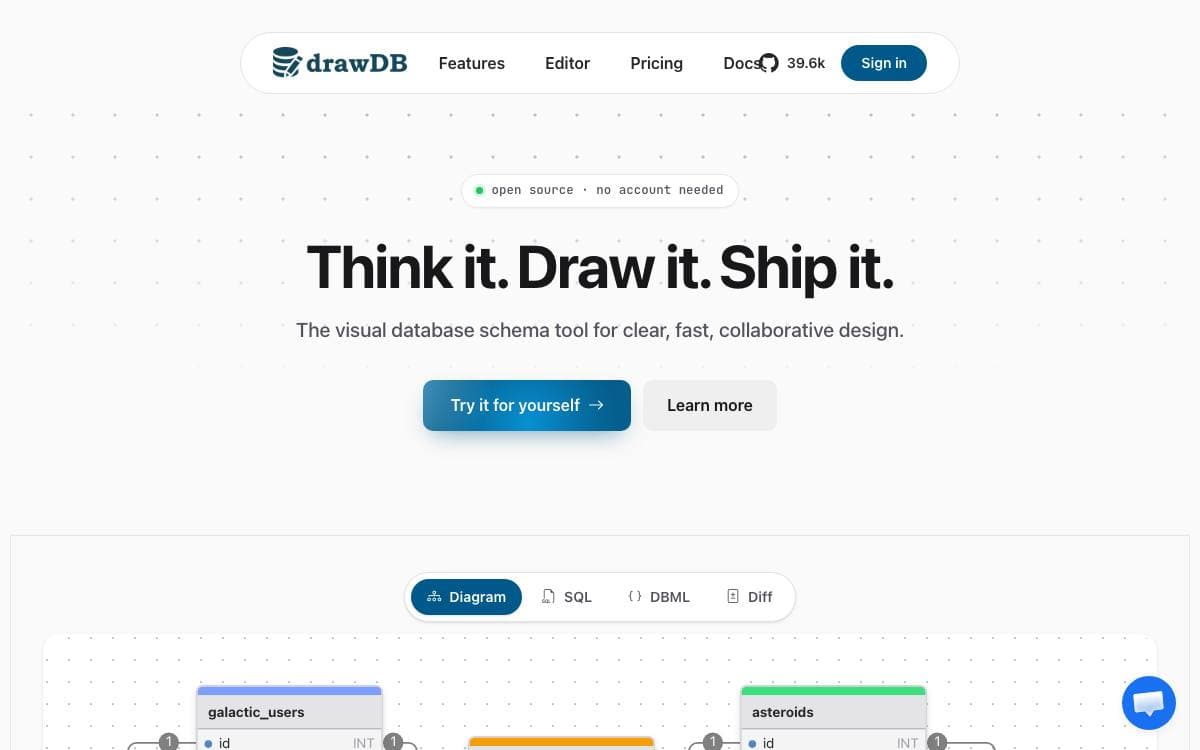
drawDB is a database schema editor and SQL generator that runs entirely in a browser tab. Sketching a data model usually means either a heavy desktop modelling tool or a diagram app that knows nothing about SQL, and this sits between the two.
Diagrams are built in a few clicks, and the result is a real entity relationship diagram editor rather than a drawing surface with table shapes on it. No account is needed to use it, so a schema can be sketched and discarded without leaving anything behind.
The parts that matter are the ones connecting a diagram to real SQL.
- SQL export: turn a finished diagram into a script for your database.
- SQL import: bring an existing schema in and get a diagram back from it.
- Migrations: generate migration scripts as the model changes.
- Editor customization: adjust the workspace to match how you work.
- Sharing: optional, and it needs the separate drawDB server plus environment variables set from the sample file.
Running it yourself takes a clone, an npm install and either a dev server or a production build. A Dockerfile is included, so a container build and a port mapping are enough to serve it on a local network. Everything except sharing works from the static build alone, which makes it cheap to keep an instance around for occasional schema work.

Diagramming and whiteboarding you can run yourself, from a Docker image, a desktop build or your own GitHub Pages fork.
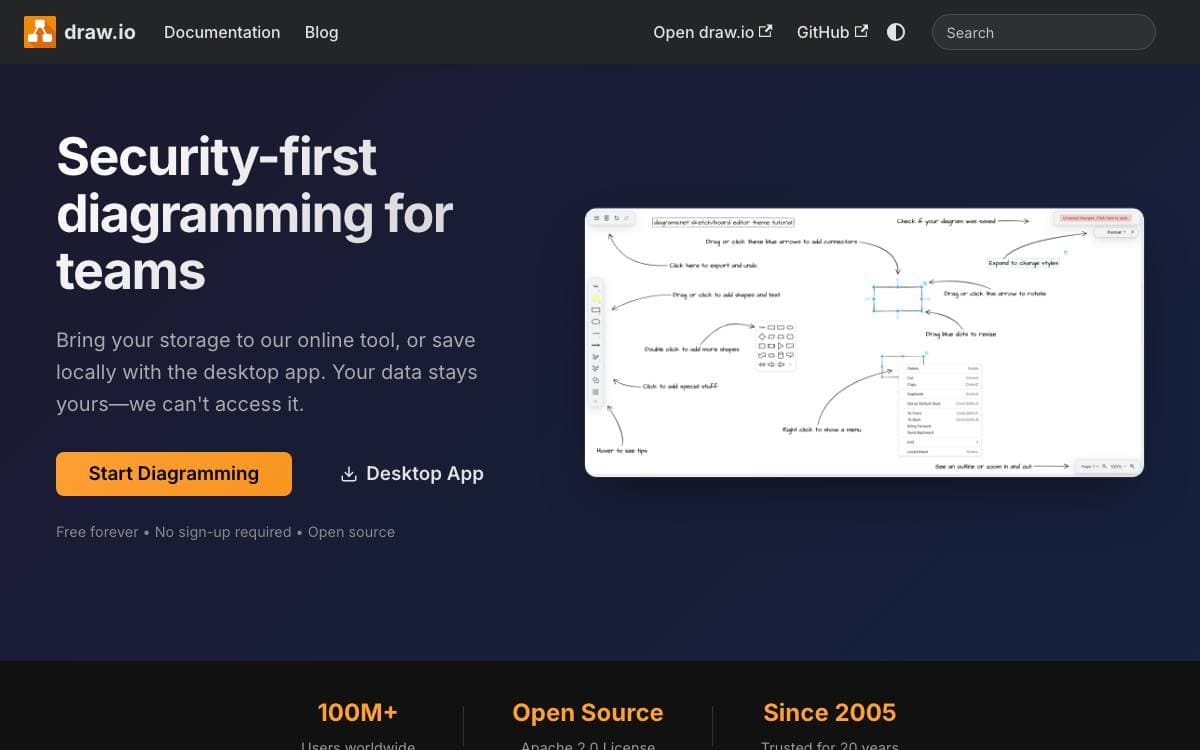
Jointly owned and developed by draw.io Ltd and draw.io AG, draw.io is a configurable diagramming and whiteboarding application whose editor source lives in this repository. The same code backs the production deployment those companies operate, so a team can host the tool rather than depend on somebody else's servers.
Scope is deliberately narrow. It is a diagramming and whiteboarding application, not an SVG editor; SVG export exists for embedding in web pages rather than for editing elsewhere, and this version does not support real-time collaborative editing.
There are several ways to run it.
- GitHub Pages: a fork published there gives a fully functional editor, without the integrations.
- Docker image: an official image is maintained in a separate repository.
- Desktop: draw.io Desktop is available as a downloadable application.
- WAR files: packaged builds are attached to the releases page.
- Browsers: Chrome 123, Firefox 120, Safari 17.5, Opera 109 and Edge 123 upward are supported, plus recent Android WebView and iOS Safari.
The source is Apache 2.0, while the icon sets, stencil libraries and diagram templates carry a restriction against use as software assets in Atlassian products or the Atlassian marketplace, a restriction that does not touch the diagrams you export. No copyright is claimed on what you create. The core team develops the project alone and does not accept pull requests, so the issue tracker and discussions are where problems get raised.

Scans a network on a schedule and models what is actually running, for teams tired of hand-drawn diagrams that go stale.
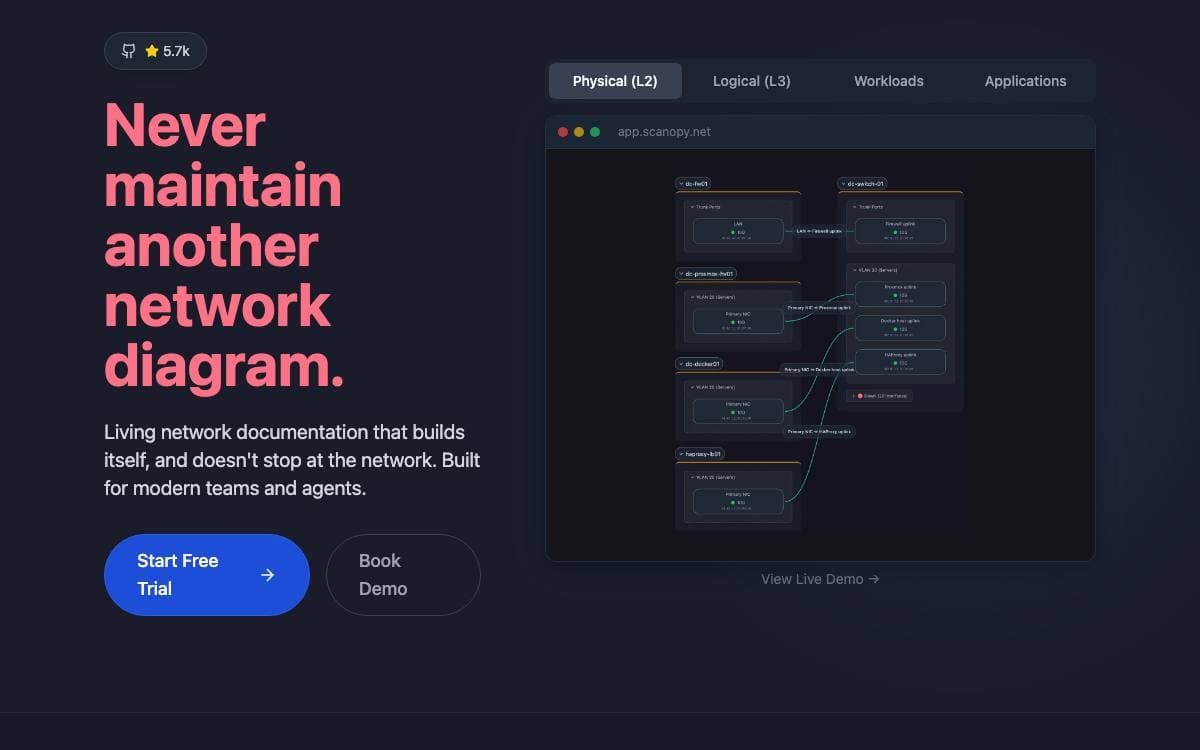
Network diagrams drawn by hand go stale the week they are saved, and infrastructure as code state misses drift and anything provisioned outside the pipeline. Scanopy replaces both with a continuously maintained model of what is actually running, produced by a daemon that scans on a schedule.
Every scan yields four views of the same infrastructure: layer 2 physical topology, layer 3 logical subnets, workloads from bare metal through hypervisors to containers, and applications with their service dependencies. Results export as SVG, Mermaid or Confluence pages, embed as live maps, or feed an existing source of truth.
Discovery runs without an agent on every device.
- Automatic discovery: one scanner maps hosts and services across the network.
- Service definitions: more than 230 signatures detect databases, web servers, containers, network gear and enterprise applications.
- Distributed scanning: daemons deployed per segment cover multi-site and multi-VLAN topologies.
- Docker and SNMP: native discovery for containerized services and network hardware, drawing on LLDP and ARP data too.
- Multi-user access: organization management, role-based access and shareable live views for teammates or outside stakeholders.
Self-hosting starts from a Docker Compose file, with a Proxmox helper script and an Unraid community app as alternatives, and the interface answers on port 60072 once the first discovery finishes. The self-hosted build is AGPL-3.0, a commercial license exists for those who cannot meet its terms, and a hosted subscription covers anyone who would rather not run it. Platform teams, network engineers and home labs are the stated audience.

A database exploration tool for designing, browsing, documenting, and analyzing schemas that have grown too large for a conventional ERD.
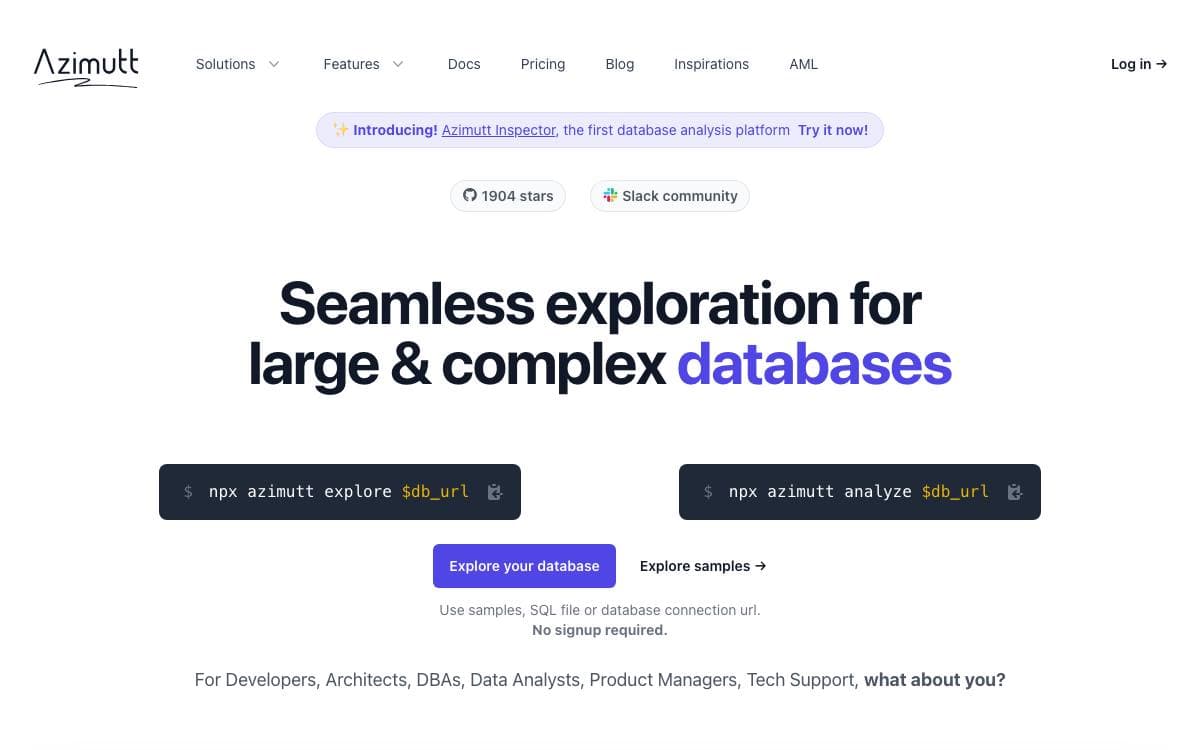
Azimutt is a full stack database exploration tool aimed at the schemas real projects accumulate, big and messy, where a standard entity relationship diagram stops being readable. Its authors found that ERDs break down once a schema grows, that data catalogs focus on governance and lineage while missing relational knowledge, and that database clients offer autocompletion and table lists but no visual help.
The backend and admin interface are written in Elixir and Phoenix, while the editor is Elm. Schemas can be written in AML, the modeling language Azimutt uses for fast diagramming, and any public SQL file can be loaded straight from a link, which is how the project offers a badge that opens a repository's structure file in the app.
The tool splits its work into five jobs.
- Design: sketch a schema in AML instead of dragging boxes into place.
- Explore: search everywhere, display only the useful tables and columns, and follow relations.
- Query: navigate data, follow foreign keys, and drop the entities you land on into the diagram.
- Document: attach notes and tags to tables and columns, then save layouts and memos scoped to a feature or a team.
- Analyze: scan the whole database for inconsistencies and for best practices worth applying.
Self-hosting runs from the project's Docker image with a full install guide, and there are a Heroku template and a Kubernetes chart alongside it. Local development needs pnpm, Elm, elm-spa, Phoenix, Elixir, and PostgreSQL. It suits a team that inherited a database nobody fully understands.


