Open Source LM Studio Alternatives
A curated collection of the 5 best open source alternatives to LM Studio.
The best open source alternative to LM Studio is Ollama. If that doesn't suit you, we've compiled a ranked list of other open source LM Studio alternatives to help you find a suitable replacement. Other interesting open source alternatives to LM Studio are: llama.cpp, GPT4All, Jan and Fullmoon.
LM Studio alternatives are mainly Machine Learning Infrastructure but may also be AI Interaction & Interfaces. Browse these if you want a narrower list of alternatives or looking for a specific functionality of LM Studio.

A local runner for open models, offering a CLI, a REST API and one-command launching of coding agents on your own machine.
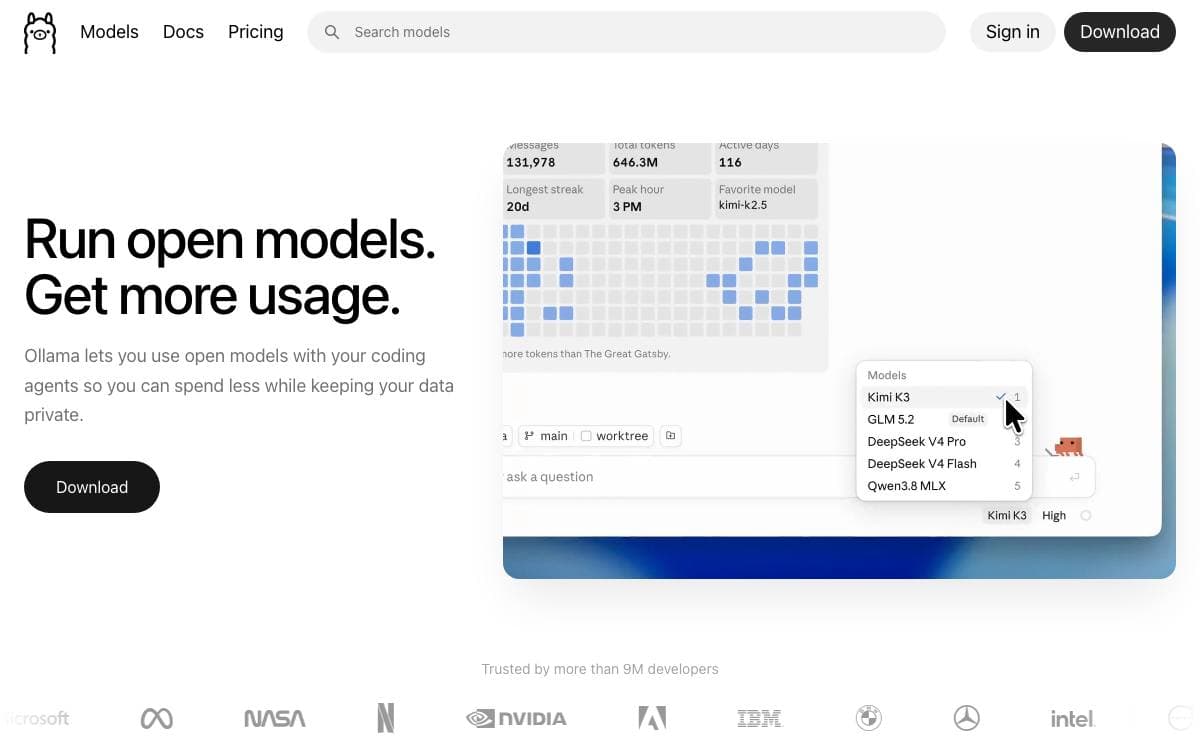
Ollama runs open models on your own hardware and then gets out of the way. One command pulls a model and starts a conversation, and the same daemon exposes an HTTP endpoint the rest of your tooling can point at, so local inference no longer starts with a compiler.
The project builds on llama.cpp for its backend. Installers cover macOS, Windows and Linux, and an official Docker image is published for server deployments.
What arrives with the install is more than a chat prompt.
- Model library: a hosted catalog of open models, pulled and run by name.
- REST API: a chat endpoint on localhost port 11434, with every route documented.
- Python and JavaScript clients: official packages wrap the same API in a few lines.
- Agent launching: one subcommand starts Claude Code, Codex, Copilot CLI, Droid or OpenCode against local models.
- Assistant mode: launching OpenClaw turns Ollama into a personal assistant reachable from WhatsApp, Telegram, Slack and Discord.
Documentation covers the CLI, the API, importing your own models and the Modelfile format, and building from source is supported. A long community list of integrations, from web chat interfaces to desktop clients, means most front ends already speak to it. It suits anyone who wants models to stay on their own machine without giving up the API shape their code already expects.

A dependency-free C and C++ inference engine that runs language and vision models locally across CPUs, GPUs and specialised accelerators.
llama.cpp exists to make model inference work on whatever hardware you already own. It is a plain C and C++ implementation with no dependencies, aimed at running language and vision models locally or in the cloud with minimal setup and strong performance.
The project is built on the ggml tensor library and ships two main tools: a command line interface for talking to a model and a server that exposes an OpenAI-compatible API with a built-in web UI. Either can pull a model straight from Hugging Face by name.
Hardware coverage is the reason most people end up here.
- Apple silicon: a first-class target, optimized through ARM NEON, Accelerate and Metal.
- x86 and RISC-V: AVX, AVX2, AVX512 and AMX on x86, with RVV and related extensions on RISC-V.
- GPU backends: custom CUDA kernels for NVIDIA, HIP for AMD, MUSA for Moore Threads, plus Vulkan, SYCL, OpenCL and WebGPU.
- Quantization: integer formats from 1.5-bit to 8-bit cut memory use and speed inference up.
- Hybrid inference: CPU and GPU share the work, so a model larger than the available VRAM still runs.
Pre-built binaries accompany each release, a Docker image is documented, and building from source covers anything unusual. Guides exist for Android builds, multi-GPU setups and performance troubleshooting, and the tools include a server, a completion utility and grammar-constrained output. It suits anyone who wants inference under their own control on a hardware list that reaches far past the usual two vendors.

Desktop chat application that runs large language models locally on ordinary laptops, with no API calls and no GPU required.
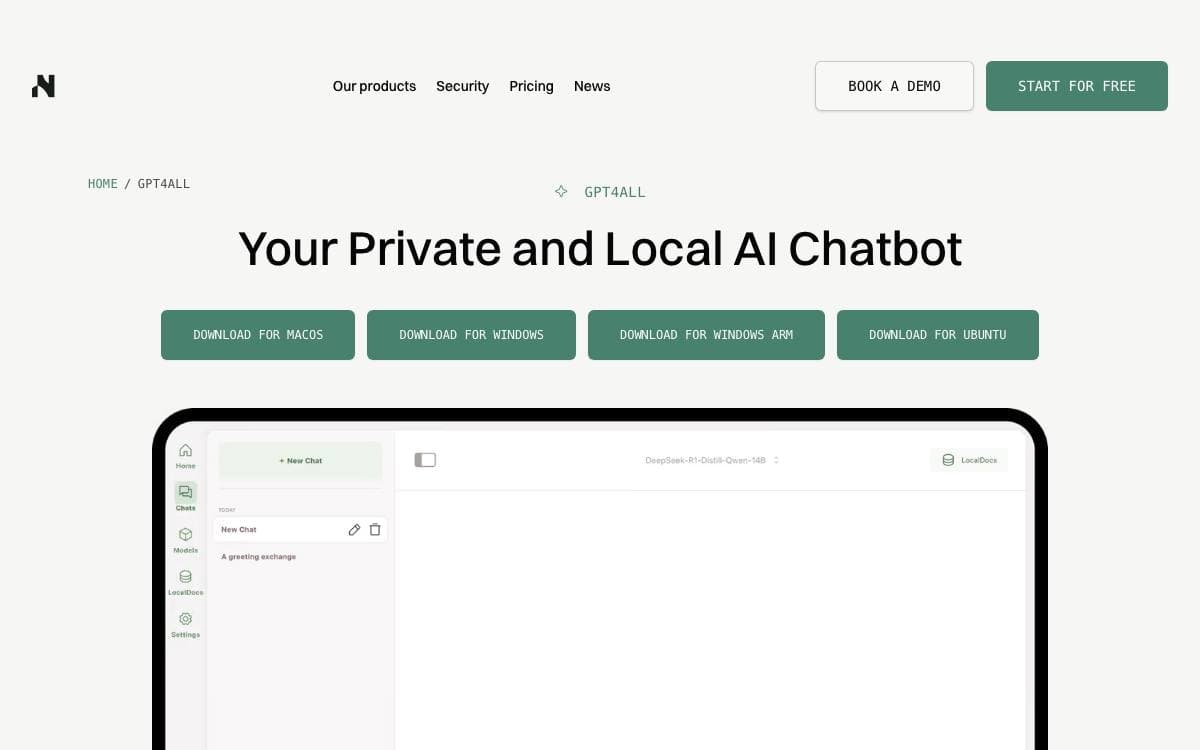
GPT4All runs large language models privately on everyday desktops and laptops. There are no API calls to make and no GPU to rent: you download the application, pick a model and start a conversation on hardware you already own.
The stack builds on llama.cpp, which Nomic contributes to, and adds Nomic Vulkan for local inference on NVIDIA and AMD cards. A Python client wraps the same engine, so a script can load a GGUF model and open a chat session in a handful of lines.
The project covers more than the desktop chat window.
- Chat client: redesigned in version 3.0, with access to a wider range of model architectures.
- LocalDocs: chat with your own documents locally and privately.
- Python package: a pip install away, downloading and loading models on first use.
- GPU inference: quantized inference on NVIDIA and AMD hardware through Vulkan.
- API server: a Docker-based server exposing local models over an OpenAI-compatible endpoint.
- Integrations: LangChain, the Weaviate vector database and OpenLIT monitoring.
Installers exist for Windows, Windows on ARM, macOS and Ubuntu, with a community-maintained Flathub build. Windows and Linux builds want an Intel Core i3 second generation or AMD Bulldozer processor or better, the Linux build is x86-64 only, and macOS needs Monterey 12.6 or newer, with Apple Silicon giving the best results.

Desktop app for downloading and running open source LLMs locally, with optional cloud model access and an OpenAI compatible local server.
Jan packages open source AI into a desktop application for people who would rather not send every prompt to a hosted service. Models download from HuggingFace and run on the machine in front of you, with cloud providers available when you actually want them.
The app is built with Tauri and bundles a llama.cpp engine, with build variants for CPU, Vulkan, Metal, CUDA and ROCm. Installers exist for Windows, macOS and Linux in deb and AppImage form, and it is also distributed through the Microsoft Store and Flathub.
The core capabilities are deliberately narrow.
- Local models: runs Llama, Gemma, Qwen, GPT-oss and other LLMs pulled straight from HuggingFace.
- Cloud connections: reaches OpenAI, Anthropic, Mistral, Groq, MiniMax and others when a hosted model suits the task better.
- Custom assistants: lets you define specialized assistants for recurring work.
- Local API server: exposes an OpenAI compatible endpoint on port 1337 for other applications to call.
- Model Context Protocol: adds agentic behavior through MCP integration.
Hardware expectations are stated plainly. On macOS 13.6 or later that means 8GB of RAM for 3B models, 16GB for 7B and 32GB for 13B. Building from source needs Node 20, Yarn 4.5.3, Make, Rust and, on Apple silicon, the Metal toolchain, after which a single make target installs dependencies, builds the core and launches the app.

Chat app for Apple silicon that runs language models on device, for anyone who wants an assistant working fully offline.
Fullmoon is a chat client for language models that never leave the device. Nothing is uploaded, no account is needed, and it keeps working when the network does not, which is the entire reason to install it rather than talk to a hosted assistant.
It is built on MLX Swift, Apple's array framework for machine learning research on Apple silicon, and draws through Metal 3. Builds run on iOS, iPadOS, macOS and visionOS, and chat history is stored locally on the device.
What you get is a short list of models and a few controls around them.
- Llama 3.2 1B Instruct: a 4-bit build of about 0.7 GB, the smallest option.
- Llama 3.2 3B Instruct: a 4-bit build of about 1.8 GB.
- DeepSeek R1 Distill Qwen 1.5B: available as a 1.0 GB 4-bit build or a 1.9 GB 8-bit build.
- Appearance: theme, fonts and the system prompt are all adjustable.
- Shortcuts: call a local model from the Shortcuts app and pass its output into other actions.
Fullmoon comes from Mainframe and reaches users through the App Store, with a TestFlight build carrying the newest features and models, and the iOS source published on GitHub. Apple silicon is the hard requirement, so older Intel hardware is out. Storage is the other practical limit, since every model is downloaded onto the device and the largest of them runs close to two gigabytes.


