Open Source Linear Alternatives
A curated collection of the 8 best open source alternatives to Linear.
The best open source alternative to Linear is Multica. If that doesn't suit you, we've compiled a ranked list of other open source Linear alternatives to help you find a suitable replacement. Other interesting open source alternatives to Linear are: Plane, Huly, Kaneo and Fizzy.
Linear alternatives are mainly Project & Work Management but may also be Collaboration & Communication or AI Development Platforms. Browse these if you want a narrower list of alternatives or looking for a specific functionality of Linear.

A self-hostable workspace where AI coding agents are assigned issues like teammates, for engineering teams running several agent CLIs at once.
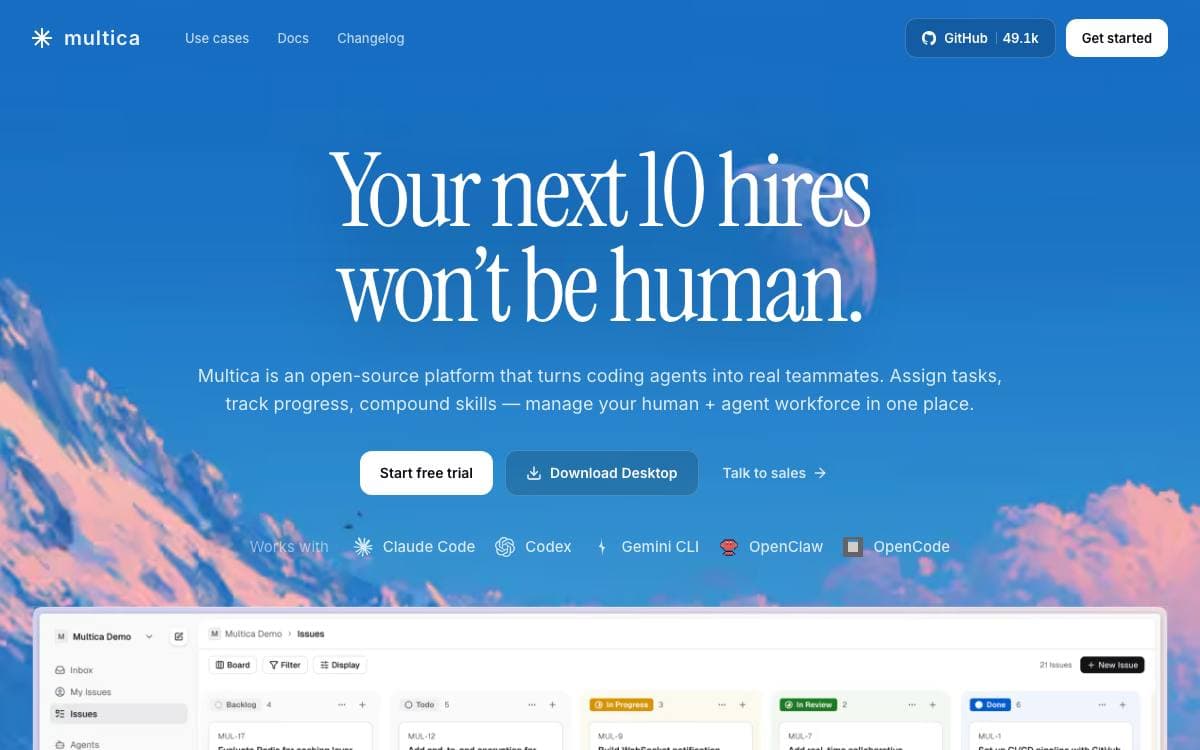
Run several coding agents and each ends up in its own terminal tab, forgetting context between sessions and demanding the same explanation four times a day. Multica puts those agents and the people they work with on one board, where an agent takes an issue, works it, comments as it goes and hands the result back for review.
Multica ships no model of its own. It drives agent CLIs already installed on a machine you control, 26 of them including Claude Code, Codex, Cursor, Copilot, Kimi and OpenCode, and the runtime is a daemon on your laptop or cloud box, so code never leaves it.
The workspace is built around the handoff and everything that follows it.
- Agents as teammates: each gets a name, a provider and a runtime, then appears on the board.
- Squads and skills: people and agents share a team, and solved problems become reusable playbooks.
- Execution log: every tool call, command and error replays with timestamps and token cost.
- Review gates: work lands in review rather than main, so a human decides what ships.
- Autopilots: standups, audits and reports run on a cron with nobody left to remind.
Self-hosting runs through Docker Compose or Helm, Git integration covers GitHub, GitLab, Gitea and Forgejo including self-hosted instances, and access scopes control which agents each member may run.

Open source project management covering work items, cycles, modules and roadmaps, for teams that want to self-host their tracker.
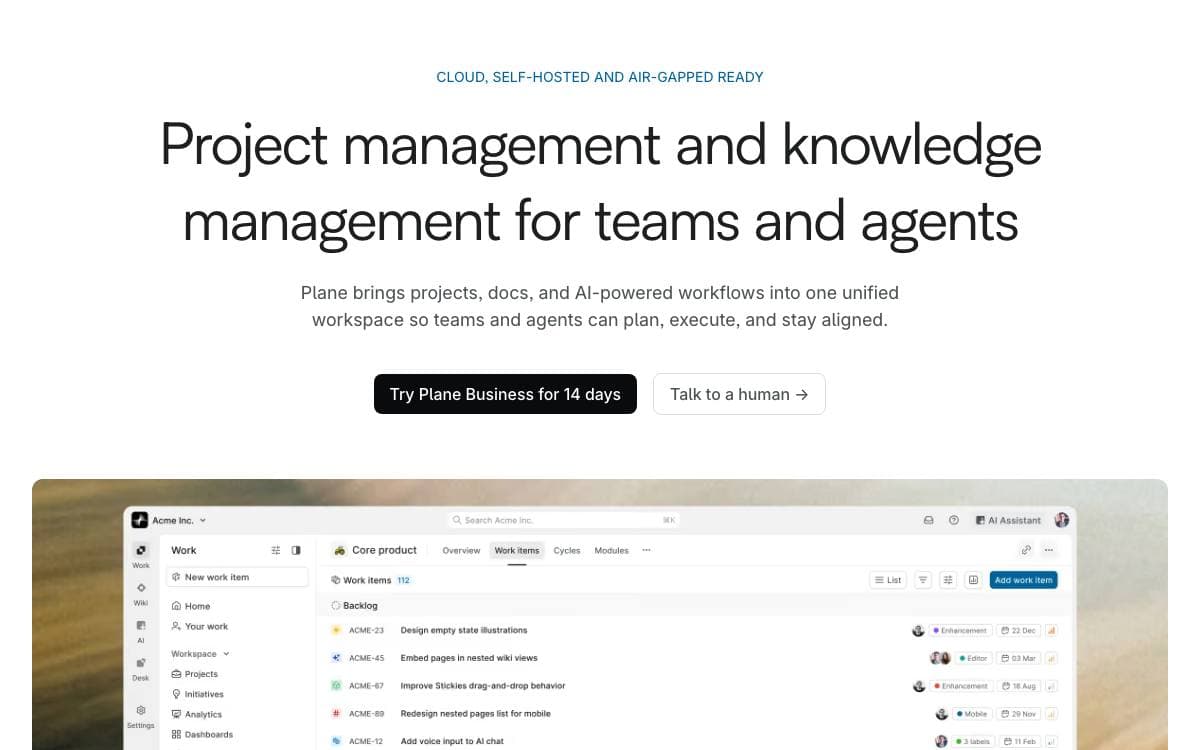
Plane tracks issues, runs cycles and manages product roadmaps without the tool itself turning into the project. It is aimed at teams who want the tracker under their own control rather than behind another hosted subscription.
Self-hosting goes through Docker Compose or Kubernetes, with deployment guides for each, and instance administrators configure the whole installation from an admin mode the project calls God mode. A free cloud account exists for anyone who would rather skip infrastructure entirely.
The product is organized around a small set of concepts.
- Work items: tasks written in a rich text editor with file uploads, sub-properties and references.
- Cycles: time-boxed pushes tracked with burn-down charts so momentum stays visible.
- Modules: large projects split into smaller pieces that can be managed on their own.
- Views: saved and shareable filters showing only the issues relevant to someone.
- Pages: notes with AI assistance and rich text that convert into actionable items.
Analytics sit on top of all of it, giving real-time insight across the data already in the system so blockers surface early. The stack is Django on the backend with Node and React Router on the frontend, and the team collects suggestions through a public forum and GitHub issues.

Framework and application suite covering chat, project management, CRM, HRM and recruitment, self-hostable by teams wanting one workspace.
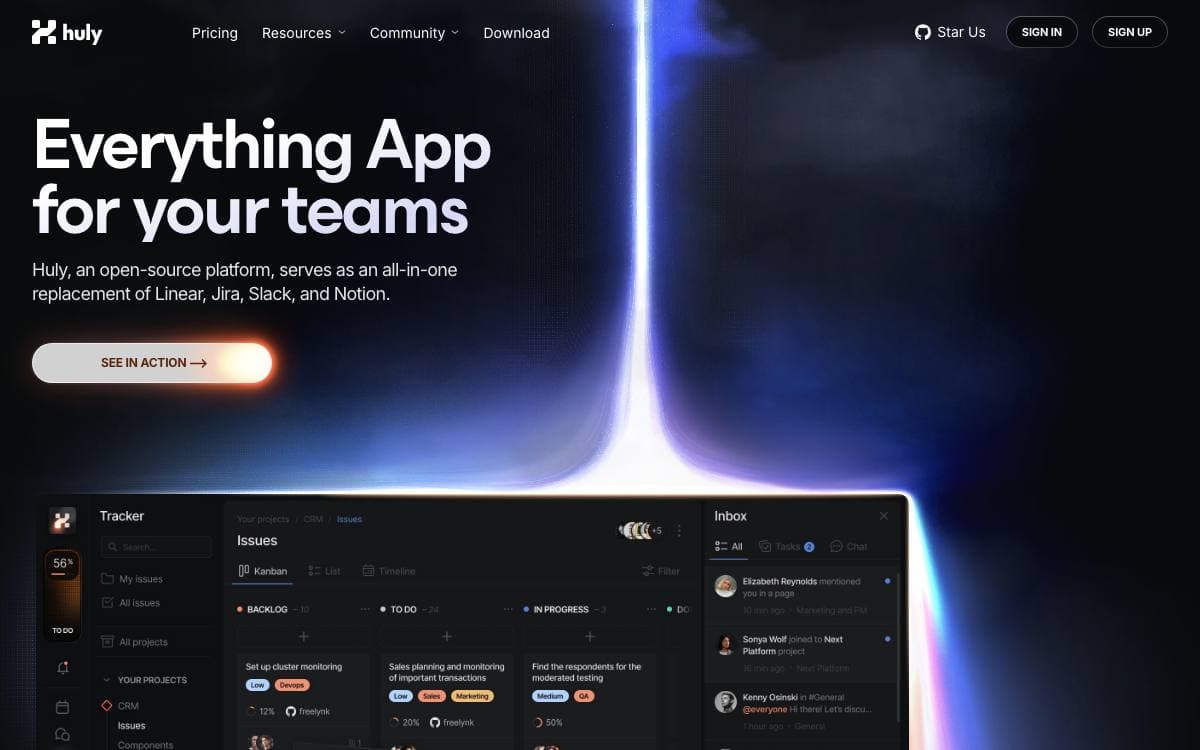
The Huly Platform is a framework for building business applications, and the repository already ships several of them, namely Chat, Project Management, CRM, HRM and an applicant tracking system. Other teams build products on top of the same platform, including Huly itself and TraceX.
One status note matters before adopting it. The hosted Huly service is being discontinued because its hosting is no longer funded, with shutdown expected on July 20, and existing users are asked to export their data and move to a self-hosted setup or another hosted option. Self-hosted deployments are not affected.
Reading the repository is easier with a few of its conventions in mind.
- Self-hosting: A separate huly-selfhost project brings the platform up with Docker for people who only want to run it.
- Version tags: Tags starting with v are production releases, while s tags are pre-release builds unsuited to production.
- Branches: Contributions target develop, staging carries pre-release testing, and main drives production deployments.
- API client: A typed client covers platform operations for integrations, with a separate repository of usage examples.
- Build setup: Development needs Docker, the repository Node version and a GitHub token with read access to packages.
An architecture overview and a changelog sit alongside the code, and a backup and restore guide walks through exporting data and bringing it up elsewhere. The platform suits teams willing to run and update it themselves.

A self-hosted project management tool for development teams that prefer a small, deliberate feature set over a crowded dashboard.
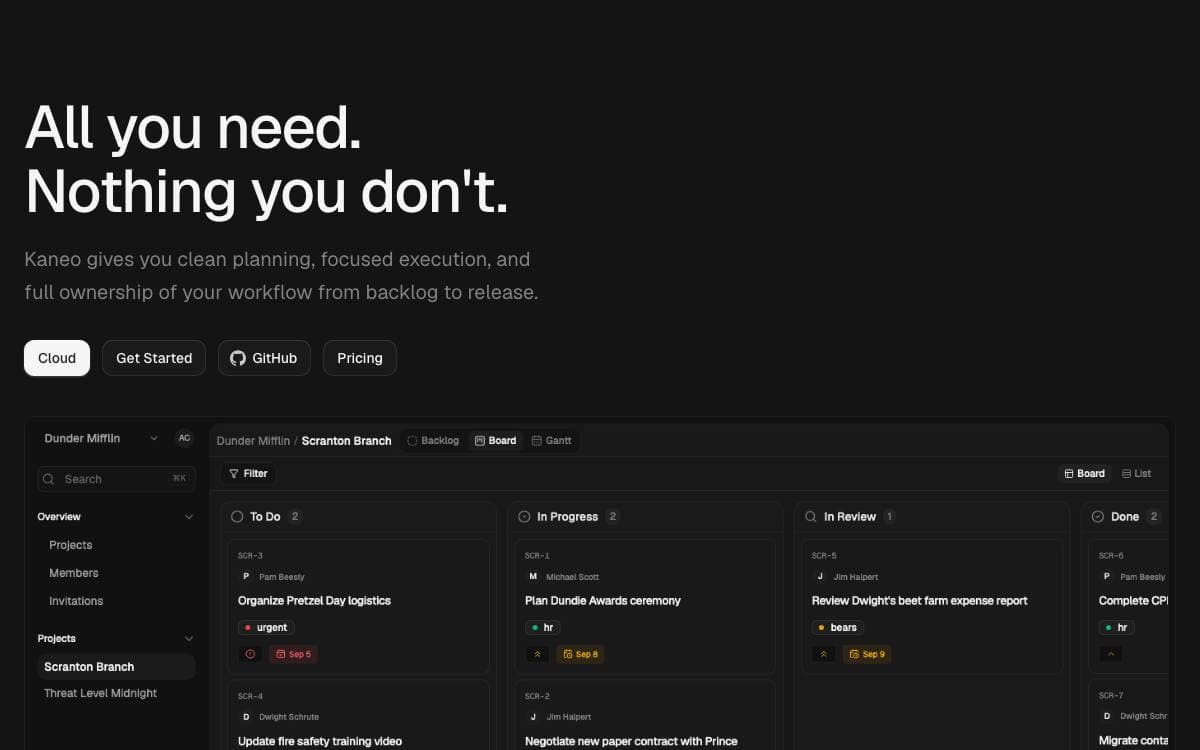
Kaneo was written in reaction to project management platforms that pull attention away from the work. Its argument is that most tools fail by having too many features rather than too few, so every notification and button has to earn its place.
The application runs as a single container beside PostgreSQL, which keeps deployment close to trivial. Images are published to a container registry, and a Compose file with a handful of environment variables is the whole setup.
Several deployment routes are documented for teams with different appetites for configuration.
- One-command install: a CLI called drim sets up HTTPS, the database, and every service in a single step.
- Docker Compose: the bundled container plus PostgreSQL, configured through an env file.
- Coolify: a dedicated compose file, with the auth secret and database password generated for you.
- Kubernetes: a Helm chart covers cluster installs, production configuration, and TLS setup.
- Split images: advanced setups can still run separate API and web images.
Configuration comes down to a client URL, an auth secret, and a database password, and the documentation covers the CORS and hostname mistakes that trip up first installs. Kaneo is MIT licensed and self-hosted, so project data stays on the team's own infrastructure, and a hosted version exists for anyone who would rather not run it.

Kanban tracking tool for issues and ideas from 37signals, released as source you can host and modify yourself.
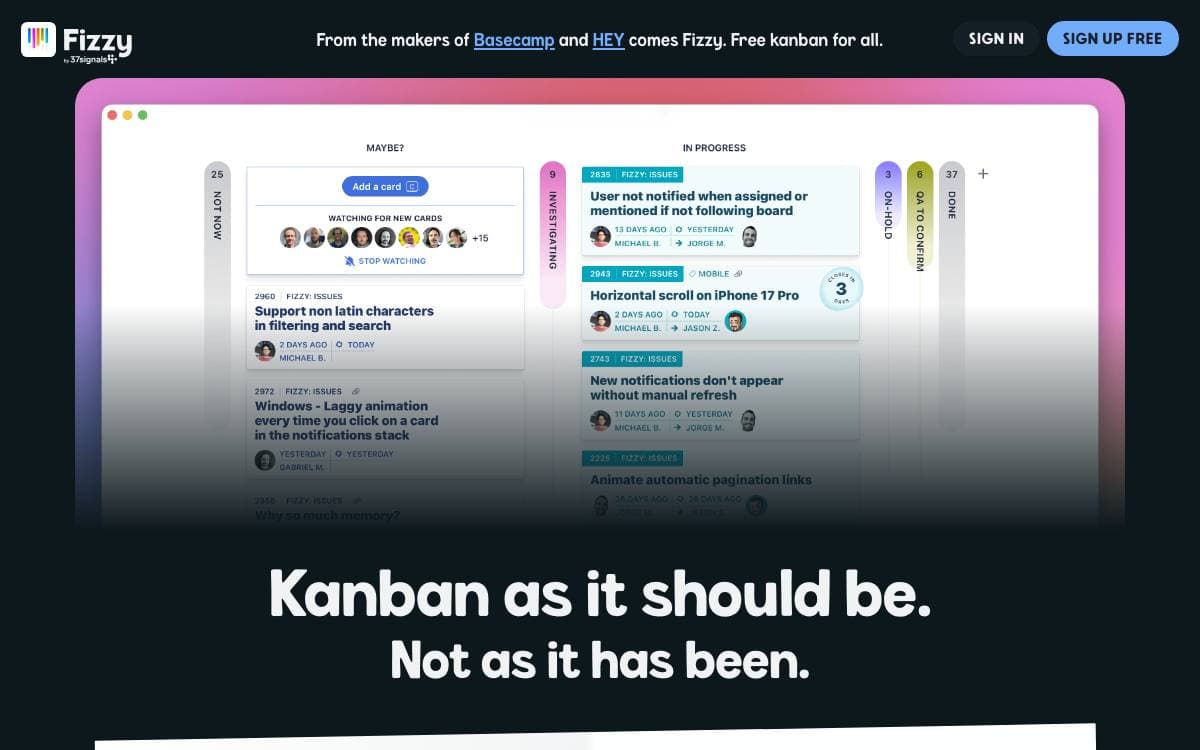
Fizzy is the kanban tracking tool for issues and ideas built by 37signals, and this repository holds its source code. Running it yourself puts the board where your team files bugs and half formed ideas on infrastructure you control.
The project assumes you are willing to operate your own instance. You bring a server, pick one of two deployment routes and set the configuration options that customize the installation. Everything else is documented in the repository rather than sold as a service.
Each route has its own guide, and the choice comes down to whether you plan to touch the code.
- Docker image: pre-built, for a server you already run and code you do not intend to change.
- Kamal deployment: the recommended route when you modify Fizzy and push your own build to a server.
- Configuration options: the settings that customize an installation, covered in both deployment guides.
- Development guide: local setup for anyone who wants to work on the code before deploying it.
- Style guide: the conventions a contribution is expected to follow before it is submitted.
Modifying Fizzy to your liking is encouraged rather than merely tolerated, and contributions come back as pull requests once you have read the style guide. Fizzy is released under the O'Saasy License, so read those terms before building anything commercial on top of it.

Source-available experience operating system that unifies marketing, sales, operations and support in one self-hosted, plugin-based platform for growing businesses.
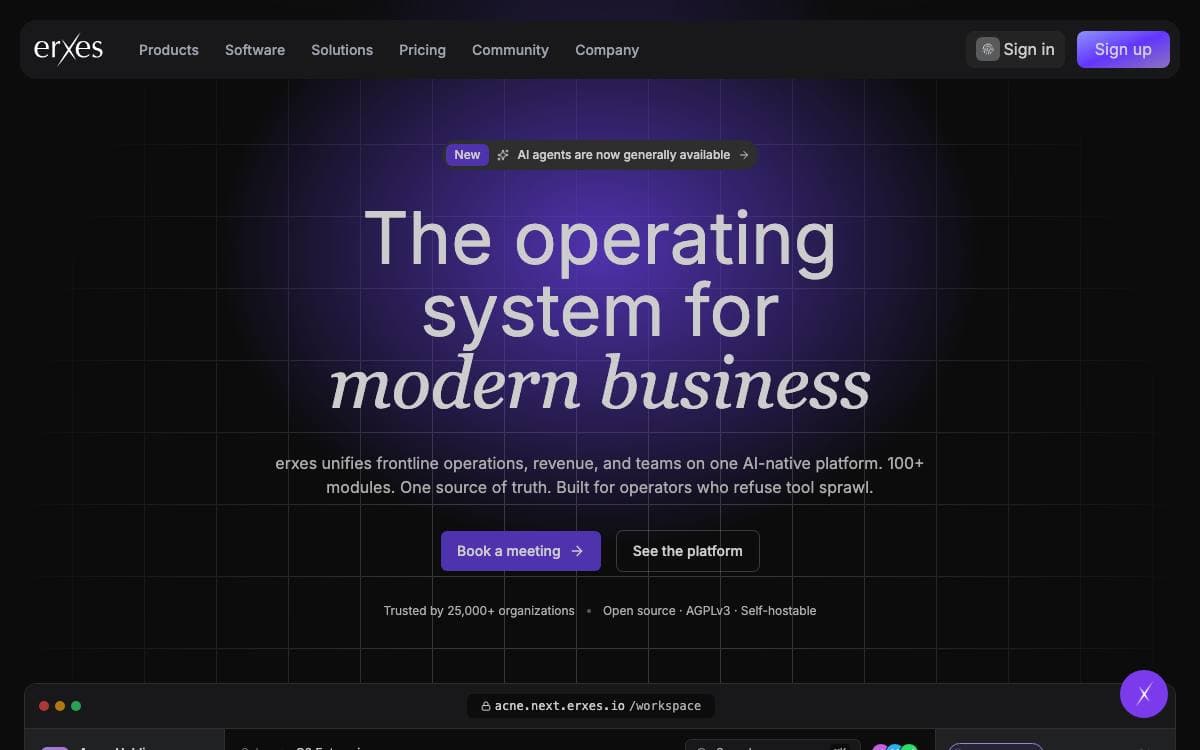
erxes describes itself as an experience operating system, one self-hosted place to run marketing, sales, operations and support instead of paying separate subscriptions for each. The project positions itself against HubSpot, Zendesk, Linear and Wix.
The codebase is an Nx monorepo. Backend services speak GraphQL Federation and tRPC over Node.js, TypeScript, MongoDB, Redis and BullMQ, while the interface is assembled from React micro-frontends built with Rspack and Tailwind CSS through Module Federation.
A core carries inbox, contacts, products, segments, automation and documents, and a marketplace of plugins layers business capability on top.
- Frontline: omnichannel conversations, tickets and tasks for customer-facing teams.
- Operation: projects, team resources and cycle management in a single workspace.
- Sales: landing pages, forms, pop-ups and embeds that capture visitors as qualified leads.
- Content: headless websites, e-commerce, scheduling, knowledge base and help center publishing.
- Vertical plugins: accounting, finance, tourism, property and team modules for specific industries.
Generating a new plugin scaffolds both the backend schema and the Module Federation frontend remote, so extending the platform follows one path rather than several. Running it needs Node.js 18 or newer, pnpm 8 or above, MongoDB and Redis, with an API gateway fronting the core and every plugin API. Docker Compose gets an instance up quickly for anyone evaluating it.

Source-available project management with a built-in public portal, so teams run internal work while users vote on features and follow progress.
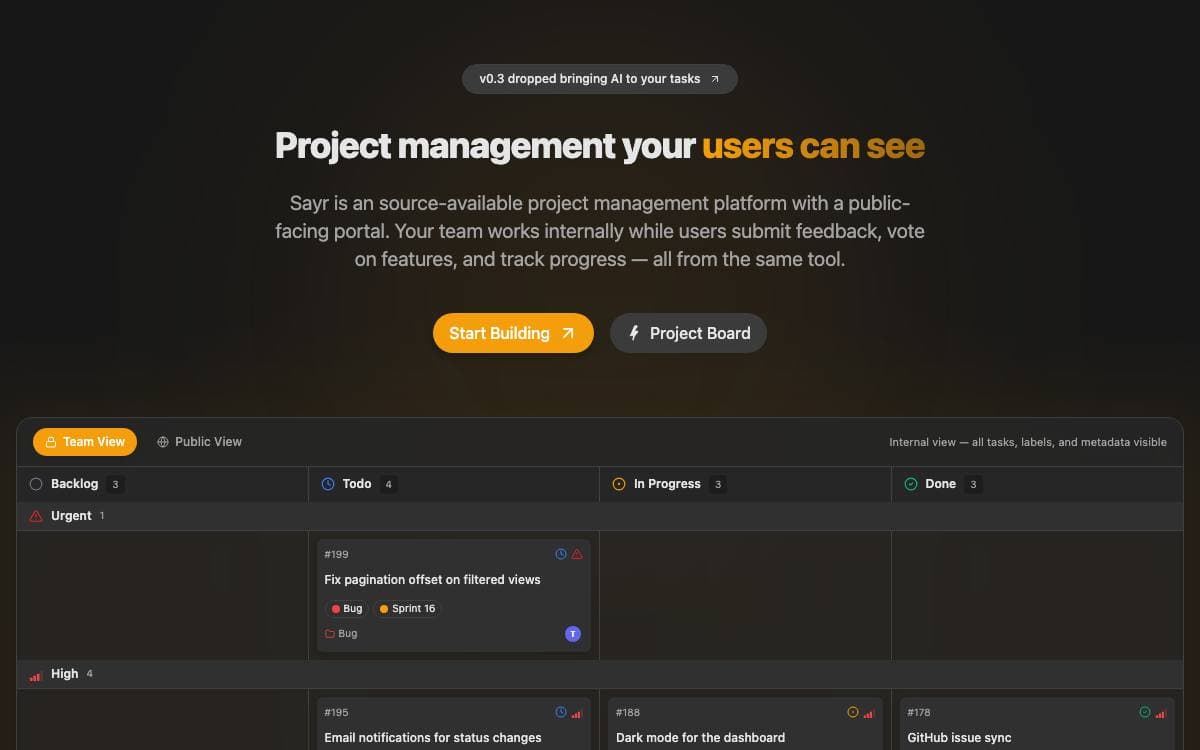
Most teams pay for a project tracker and a customer feedback tool, retype the same updates into both, and still leave users guessing. Sayr collapses that into one board with two views: the team sees every task, and the public sees only what has been marked public.
The stack is TanStack Start with React, TanStack Router and TanStack Query on the front end, a Hono API on Bun serving REST and WebSocket traffic, Drizzle ORM over PostgreSQL, Redis for the job queue, MinIO for uploads, and Nginx routing each organization to its own subdomain.
Visibility is the idea the rest of the product hangs on.
- Per-item toggles: tasks, comments, labels and timeline entries each carry a public or private setting that applies immediately.
- Public portal: visitors vote on tasks, submit new ones from templates and comment, with a member badge marking official replies.
- GitHub sync: issues and tasks stay in step per repository, and commit or pull request keywords such as Fixes and Closes land on the task timeline.
- Account security: two-factor codes, passkeys through WebAuthn and per-session revocation ship with the app.
- REST API: bearer tokens, an OpenAPI spec and rate limits of 100 requests a minute for authenticated callers.
Community Edition self-hosts a single organization with unlimited members and publishes Docker images that are edition locked at build time, alongside a hosted plan and a licensed enterprise edition listed as coming soon. Running it yourself needs Bun 1.2, Node.js 22, pnpm 10.6, PostgreSQL 15 and Redis for the queue.

An early stage, minimalist task manager for tracking personal and team projects without the weight of enterprise issue trackers.
Task management gets stripped back to the essentials here. Mimrai tracks tasks and projects, and its maintainers position it as an early, lightweight alternative to Jira, Asana, Linear and Monday.com. They call the project a first stage of development shaped by feedback, though the repository is now archived.
The codebase is a Turborepo monorepo written in TypeScript and running on Bun. React and Next.js drive the interface, Supabase backs the data layer, and Tailwind CSS with Shadcn UI supplies the styling and components.
Hosting is split across three services.
- Supabase: database, storage and realtime updates.
- Vercel: the marketing website and the dashboard.
- Fly.io: the API.
Around that core sit the pieces that keep it running day to day. Trigger.dev handles background jobs, Resend delivers email, GitHub Actions runs continuous integration, Upstash provides Redis caching, Sentry captures errors, OpenPanel records events and analytics, and OpenAI powers the AI features.
Licensing follows two paths. Non commercial use falls under AGPL-3.0, and by using the software you accept those terms. For commercial use, or a deployment that needs a setup fee arrangement, the founders ask you to contact them directly for a commercial license instead.


