Open Source Lindy Alternatives
A curated collection of the 8 best open source alternatives to Lindy.
The best open source alternative to Lindy is OpenClaw. If that doesn't suit you, we've compiled a ranked list of other open source Lindy alternatives to help you find a suitable replacement. Other interesting open source alternatives to Lindy are: Hermes Agent, Paperclip, NanoClaw and Eigent.
Lindy alternatives are mainly AI Interaction & Interfaces but may also be AI Development Platforms or AI Assisted Coding. Browse these if you want a narrower list of alternatives or looking for a specific functionality of Lindy.

An open source AI assistant that runs on your own hardware and reaches you through Discord, Slack, WhatsApp and other chat channels.
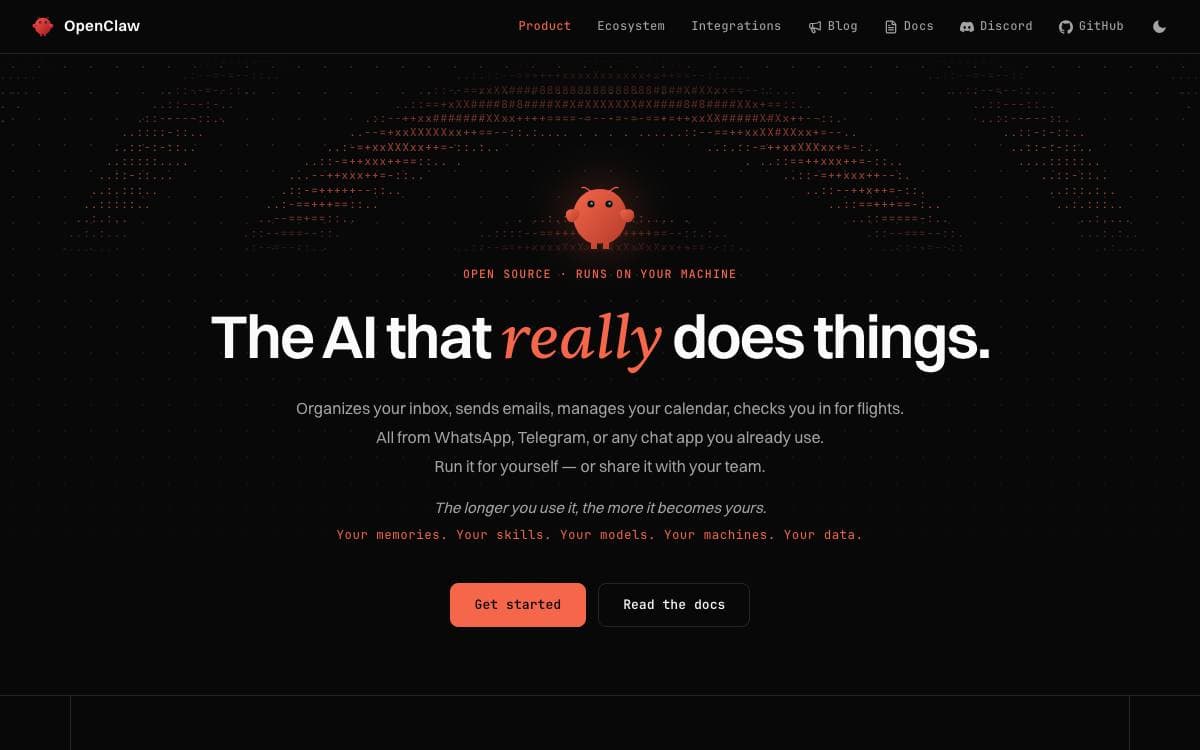
OpenClaw is an open source AI assistant that runs on your own computer and meets you in the channels you already use, from Discord and Slack to iMessage, Telegram and WhatsApp, with native apps for macOS, iOS, Android, Windows and Linux. It removes the need to sit in a vendor's chat window to reach an assistant.
A single Gateway acts as the local control plane for sessions, tools, events and channel connections, and the Control UI, the CLI and the TUI all connect to it. The same process serves one person on a laptop or a whole team, and only the configuration differs.
The pieces that matter for anyone weighing a self-hosted assistant.
- Local state: memory, credentials and session data stay on your hardware, and the project itself checks only for a daily version update.
- Swappable models: hosted and local providers plug in, so Claude, Codex or a local model becomes a configuration choice.
- Channels: WhatsApp, Telegram, Slack, Discord, Google Chat, Signal and iMessage all reach the same assistant.
- Companion apps: platform nodes add voice, canvas, camera, screen and device-local actions.
- Tools, skills and plugins: three extension points widen what the assistant can actually do.
The installer covers macOS, Linux and Windows and provisions a Node.js runtime when one is missing, with an npm package for people who manage Node themselves. Treat inbound messages as untrusted, since tools run on the host unless you configure sandboxing. Stewardship sits with an independent nonprofit foundation, and there is no paid tier or hosted service.

A self-improving agent from Nous Research that learns skills, keeps memory across sessions and reaches you on any chat platform.

Hermes Agent is built around a learning loop. It creates skills from experience, improves them while using them, searches its own past conversations and builds a model of the person it works for across sessions.
It is not bound to a laptop. One gateway process serves Telegram, Discord, Slack, WhatsApp, Signal and the command line at once, with voice memo transcription and conversation continuity between them, so the agent can keep working on a cloud machine while you talk to it from a phone.
The project describes its own capabilities in five areas.
- Terminal interface: a full TUI with multiline editing, slash-command autocomplete, history, interrupt and redirect, and streaming tool output.
- Memory and recall: agent-curated memory with periodic nudges, full-text session search with summarization, and dialectic user modeling.
- Scheduled automations: a built-in cron scheduler runs daily reports, nightly backups or weekly audits unattended and delivers them to any platform.
- Delegation: isolated subagents handle parallel workstreams, and Python scripts call tools over RPC to collapse multi-step pipelines.
- Seven terminal backends: local, Docker, SSH, Singularity, Modal, Daytona and Vercel Sandbox, two of which hibernate when idle and wake on demand.
Any model works, whether through Nous Portal, OpenRouter, OpenAI or your own endpoint, and switching takes one command rather than a code change. Install scripts cover Linux, macOS, WSL2, Termux and native Windows, pulling in Python, Node.js and the other dependencies. It runs on a cheap VPS or a GPU cluster, suiting anyone who wants an agent that stays awake between sessions.

A self-hosted control plane that gives teams of AI agents an org chart, budgets, approvals and audit trails from one dashboard.
Paperclip treats a group of AI agents as an organization rather than a pile of terminals. It is a Node.js server with a React interface where you define a goal, hire agents into roles, and track the work and the spending from a single dashboard that looks like a task manager.
The framing is deliberate. If a coding agent is an employee, this is the company around it. You bring your own agents, from OpenClaw and Claude Code to Codex, Cursor, a bash script or an HTTP endpoint, and anything that can receive a heartbeat can be given a job.
The control plane is built on four pillars plus the money.
- Tasks: approval and review gates, proactive agent coworkers, and verification from diffs, screenshots and tests.
- Org chart: roles, reporting lines, delegation and scoped secrets across a mixed human and agent structure.
- Training: a skill studio, shared skills, evaluations, saved test runs and performance reviews for agents.
- Infrastructure: sandboxing, MCP servers, single sign-on, role-based access and cost controls.
- Budgets: monthly limits per agent, enforced atomically alongside task checkout so there is no double work and no runaway spend.
Agents keep their state between heartbeats instead of restarting cold, tasks carry their full goal ancestry so the reason for a job travels with it, and every conversation and tool call lands in an immutable audit log. One deployment can host several organizations with separate data, and orgs, agents and skills export as templates with secrets scrubbed.

A personal AI assistant that runs each agent in its own container and reaches you through Slack, Telegram, Discord or WhatsApp.
NanoClaw came out of a refusal. Its author would not hand complex software he did not understand full access to his life, so each agent here runs in its own Linux container and sees only what you explicitly mount, rather than sitting behind application-level allowlists in one shared process.
A single Node host acts as the router. A message arrives from a channel, gets written to a per-session SQLite file, and wakes the container; the agent writes back to a second SQLite file that the host polls and delivers. Two files per session with exactly one writer each removes any need for IPC or stdin piping.
The project takes a firm line on how it grows.
- Skills over features: channel adapters and alternative model providers live on separate branches, copied into your fork on demand.
- No configuration files: you change behavior by asking Claude Code to edit the code, which is small enough to review.
- Multi-channel: WhatsApp, Telegram, Discord, Slack, Teams, iMessage, Matrix, Google Chat, Webex, Linear, GitHub and email are all installable.
- Agent templates: a reusable bundle of instructions, tools and skills stamps out a ready-to-run agent carrying no secrets.
- Nothing phones home: only anonymous setup diagnostics leave the machine, and one environment variable turns those off.
One shell script installs Node, pnpm and Docker if missing, registers your credential, builds the agent container and pairs your first channel. It needs macOS or Linux, Windows through WSL2, Node 22 and Docker.

Desktop application that runs a customizable team of AI agents locally, aimed at people automating multi-step workflows on their own machine.
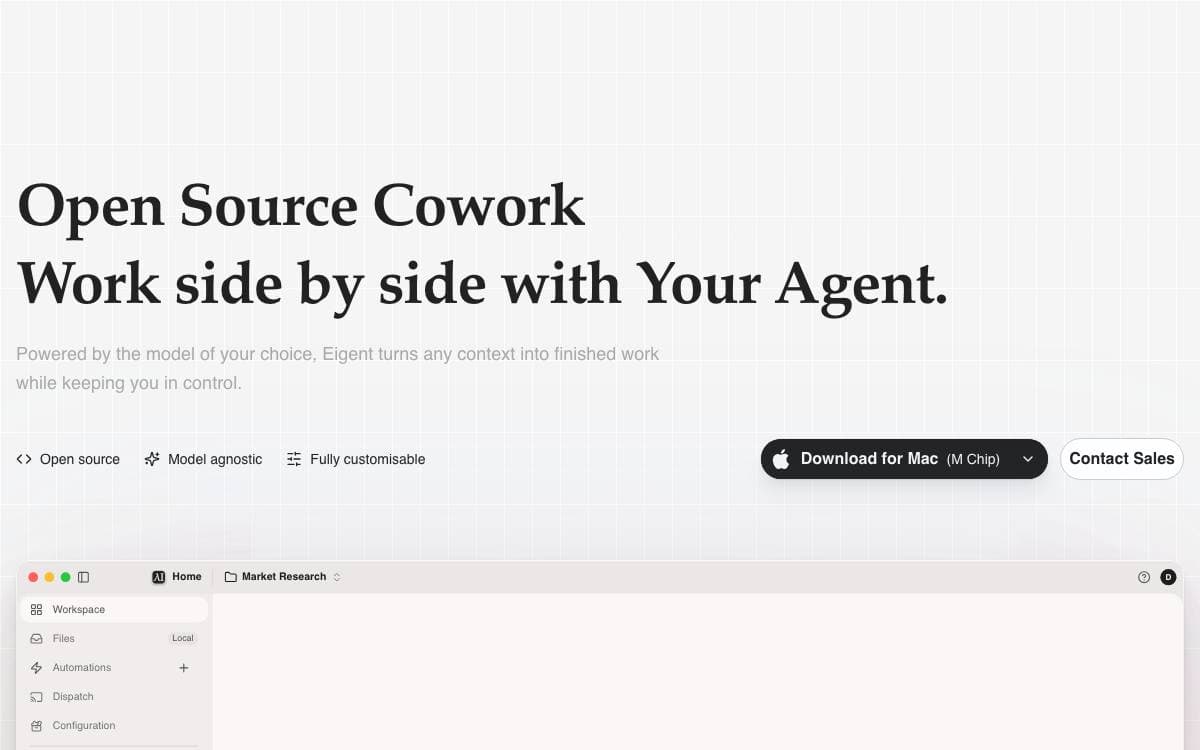
Eigent packages an AI workforce into a desktop application, where agents build, manage and run the multi-step workflows you would otherwise walk through by hand. It removes the gap between talking to a single model and having work actually carried out on your machine.
The app is built on CAMEL-AI's multi-agent framework, with a FastAPI backend and an Electron and React front end. You start with one focused agent for direct tasks, or scale to a workforce of specialised agents that divide the job and execute in parallel.
The feature set suits people who want agents close to their files rather than in someone else's cloud.
- Local deployment: a standalone mode with a local backend and local inference through vLLM, Ollama or LM Studio.
- Model agnostic: connect cloud APIs, enterprise gateways or local models without committing to one vendor.
- MCP integration: agents pick up tools through MCP servers, alongside built-in browser and terminal toolkits.
- Automation: recurring workflows run on a schedule, so tasks continue when you step away.
- Enterprise options: SSO, access control and custom development for organizations that ask for them.
The cloud-connected quick start needs Node.js 18 to 22 and npm, and it registers an account against Eigent's services. A separate guide covers the fully standalone local install, and a managed cloud version exists for teams that prefer to host nothing at all.

Self-hosted platform for persistent AI teammates with their own memory, computers and tools, reachable from web, desktop and mobile clients.
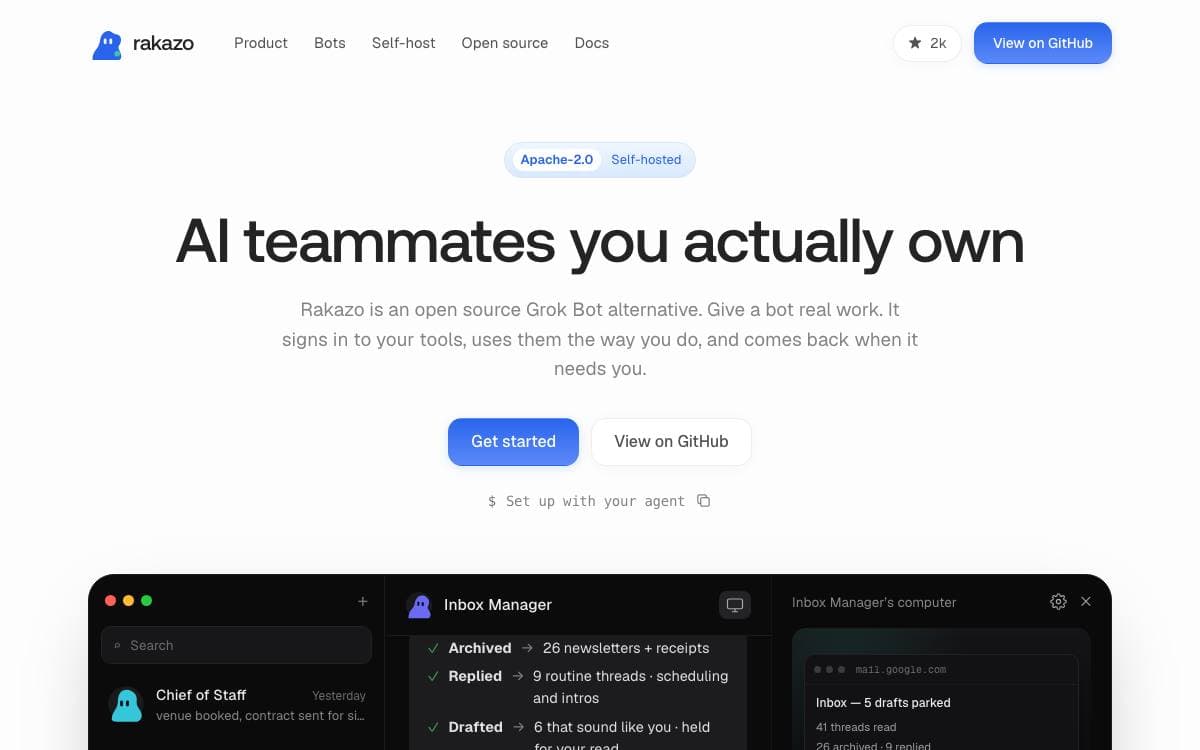
Rakazo runs persistent AI bots that keep their own conversations, memory, routines and history, rather than forgetting everything when a chat window closes. It is available on the web, as an Electron desktop app and through an Expo mobile app, and the complete stack can run locally. The project is in beta.
The codebase is TypeScript throughout, with React 19, Vite and Tailwind on the front end, Hono and oRPC on the API, PostgreSQL with Prisma for storage, Better Auth for accounts and Graphile Worker for background jobs. Model credentials stay yours, brought in through Pi.
Bots are given real machines and real tools to work with.
- Computers: shared team computers and isolated private ones, backed by Docker, E2B, Daytona, Box or a trusted local machine.
- Access: browser, terminal, file and graphical desktop control from inside a session.
- Delegation: bots hand work to peer bots or to short-lived subagents.
- Voice mode: spoken replies, dictation and calling a bot, using your own ElevenLabs, OpenAI, Cartesia or Fish Audio key.
- Integrations: Composio or Pipedream Connect catalogs, plus user-installed remote MCP servers, Treg endpoints and OpenAPI documents.
Installing the published images needs only Docker Engine, the Compose plugin, curl and OpenSSL; a script writes an environment file with random secrets and starts everything. Running the backend on a server keeps bots working while your laptop is shut. Connector credentials are encrypted on the server and never returned by the API.

Open-source workspace where teams build agents by chatting with them, connect them to apps, and run them in the background.
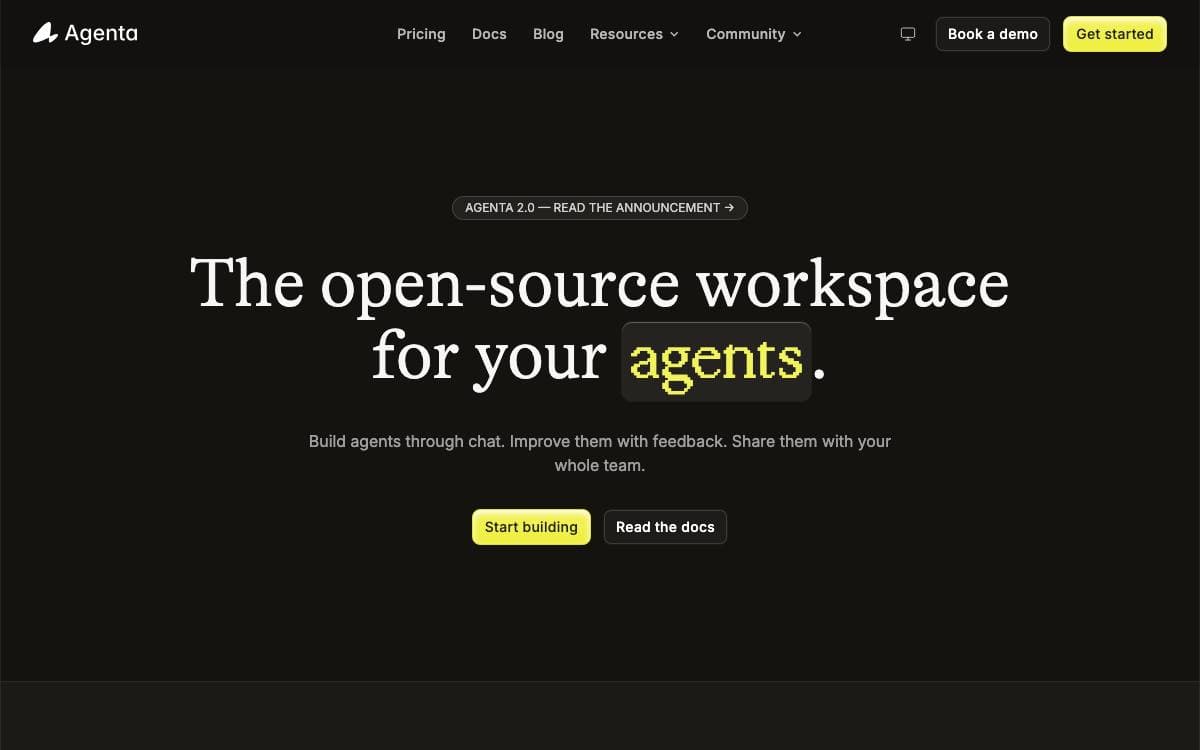
Agenta is an open-source workspace for building specialized agents that automate your work. You describe the job in chat, connect the applications the agent needs, and improve it through feedback rather than redrawing a workflow diagram every time the task shifts.
Agents are defined with open standards, an AGENTS.md file, skills, and MCP servers, so anything built for the wider ecosystem carries across. Claude Code, Pi, and Codex work as harnesses today, models can be self-hosted or reached through an API, and self-hosting lets you run agents against an existing Claude or ChatGPT subscription instead of metered billing.
Several pieces turn a single agent into something a whole team can use.
- Shared workspaces: you and your agent work on the same files, writing documents, organizing research, or maintaining a wiki.
- Human approval: permissions are set per tool, so some actions run automatically, some wait for you, and some are blocked outright.
- Background agents: runs start on a schedule or when an event fires in a connected app.
- Tracing and cost: every model and tool call is inspectable, with token usage and estimated cost tracked per agent.
- Integrations: connect through MCP directly, or reach more than 1,000 apps through Composio, including Gmail, Slack, Notion, and GitHub.
Every run is traced and every agent configuration is versioned, so a failure can be compared against the change that caused it. Team sharing and role-based access come with the open-source edition, an installable setup skill walks you through self-hosting, and a hosted cloud version exists for trying it first.

Visual builder for AI agent workflows that chains several models and plugs into GitHub, for teams automating product delivery work.

Giselle assembles AI agents on a drag-and-drop canvas, so a workflow can be built and changed without hand-writing the orchestration. A single flow can call more than one model provider, which means no single vendor decides what the pipeline is able to do.
Running it locally takes a clone, a pnpm install and one provider key in an environment file, after which the development server serves the builder on port 3000. OpenAI, Anthropic and Google AI are supported, and at least one key is required. A hosted version offers the same features with free agent time each month, and a guide covers building with Giselle through AI coding assistants rather than a traditional editor.
The feature set is organized around delivery work rather than chat.
- GitHub operations: issues, pull requests and deployments handled by agents inside the existing workflow.
- Visual agent builder: agents created and modified through a drag-and-drop interface in minutes.
- Multi-model composition: GPT, Claude and Gemini in one flow, with agents choosing a model per task.
- Knowledge store: code and data searchable from one place, including GitHub vector store integration.
- Team collaboration: shared configurations and contextual awareness, still in development.
- Template hub: community-contributed agent templates for a one-click start, also in development.
Documented uses include a research assistant gathering from web and internal docs, a code reviewer wired into GitHub, a document generator producing specs and release notes, and a workflow automator chaining models across a business process. The project is under active development and licensed Apache 2.0.


