Open Source Instapaper Alternatives
A curated collection of the 7 best open source alternatives to Instapaper.
The best open source alternative to Instapaper is Karakeep. If that doesn't suit you, we've compiled a ranked list of other open source Instapaper alternatives to help you find a suitable replacement. Other interesting open source alternatives to Instapaper are: Linkwarden, Wallabag, Linkding and Bookmark It.
Instapaper alternatives are mainly Bookmark & Content Management but may also be Note Taking & Knowledge Management or Marketing & Customer Engagement. Browse these if you want a narrower list of alternatives or looking for a specific functionality of Instapaper.

A self-hosted bookmarking app for links, notes, images and PDFs, with automatic AI tagging, full page archival and mobile clients.
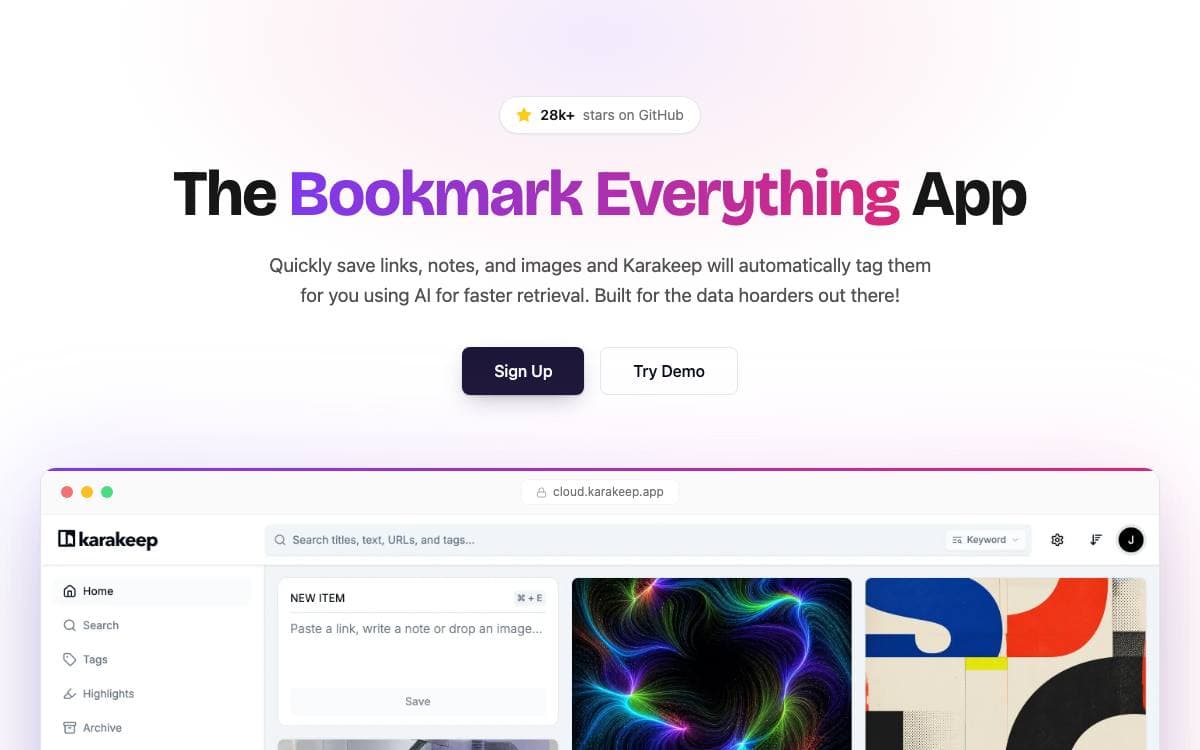
Karakeep, previously called Hoarder, is a bookmark-everything app for people who save far more than they ever revisit. Links, quick notes, images and PDFs all land in the same place, and the pile stays usable because tagging and summarization happen automatically rather than waiting on your discipline.
The web app is built on Next.js with Drizzle for the database, tRPC between client and server, NextAuth for sign-in and Meilisearch for full content search. Puppeteer crawls saved links to pull titles, descriptions and images, and the tagging model can be a hosted provider or a local one served through Ollama.
Saving is only the first half of what it does.
- Full page archival: pages stored with monolith and videos with yt-dlp, so link rot cannot erase what you kept.
- Search: full text and semantic search over everything stored, including text pulled out of images by OCR.
- Capture everywhere: Chrome, Firefox and Safari extensions, iOS and Android apps, RSS hoarding and importers from Pocket, Linkwarden, Omnivore and Chrome.
- Rules engine: rule-based automation that files bookmarks without manual sorting.
- Collaboration: lists can be shared and worked on with other people.
A REST API and a command line client make the collection scriptable, and official agent skills let LLM agents work with it directly. Offline reading, highlights, bulk actions, SSO, dark mode and multi-language support are all present. Self-hosting comes first, under an AGPL-3.0 license, with a managed cloud for anyone who would rather not run it.

Self-hosted bookmark manager that collects, archives and annotates web pages, built for individuals and teams that share collections.
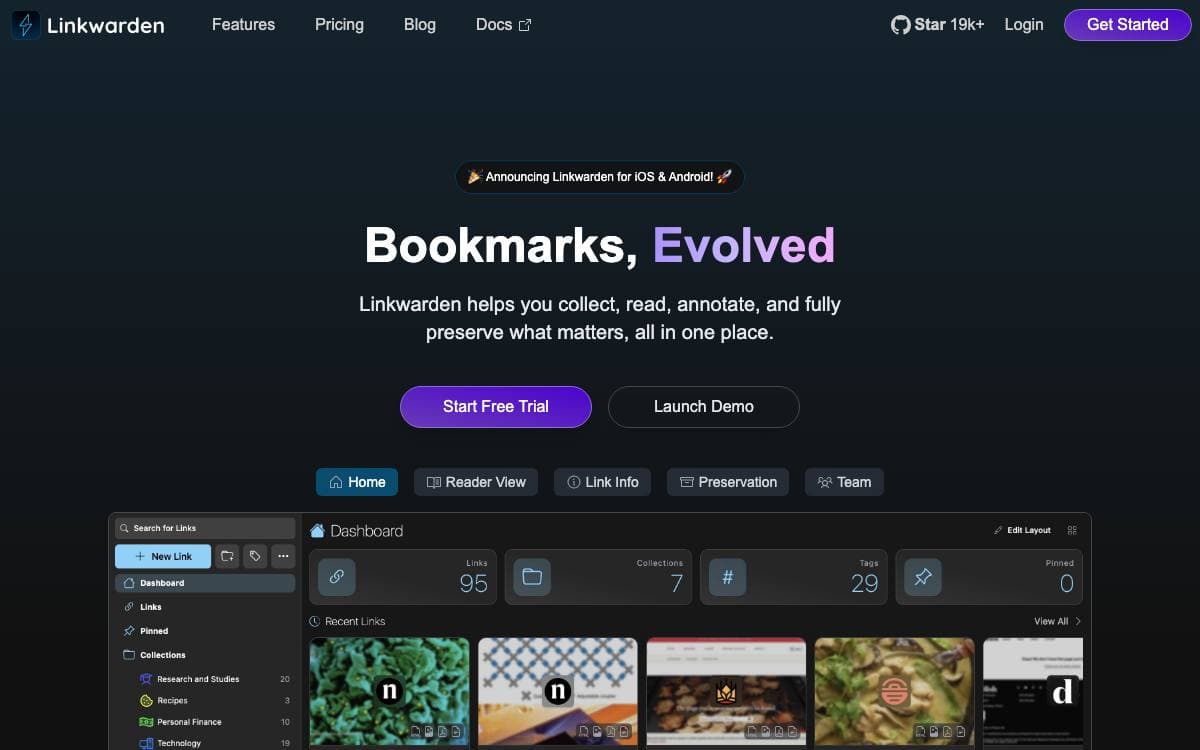
Linkwarden is a self-hosted bookmark manager for collecting, reading, annotating and preserving the pages that matter. Links rot as sites disappear, so every bookmark you save also becomes an archived copy that you keep.
Each link is captured as a screenshot, a PDF and a single HTML file, and can optionally be pushed to the Wayback Machine for a second snapshot. A reader view strips the page down for reading, with highlighting and annotation on top of it.
Organization and sharing run through collections rather than a flat list of saved pages.
- Collections and tags: links sit in collections and sub-collections with names, descriptions and multiple tags.
- Member permissions: several people gather links into one collection, and each member has their own permission set.
- Full text search: search, filter and sort across everything you have saved.
- Local AI tagging: an optional model tags links from their content instead of you doing it by hand.
- Apps and extensions: native iOS and Android apps, a browser extension, API keys and RSS feed subscriptions.
Self-hosting is documented for anyone who wants to run their own instance, and a hosted cloud plan exists for people who would rather not. Interface translations, SSO for self-hosted and enterprise users, bulk actions, user administration and image and PDF uploads fill out the rest.

A self-hosted read-it-later service that saves web pages, strips the clutter and keeps your reading list on your own server.
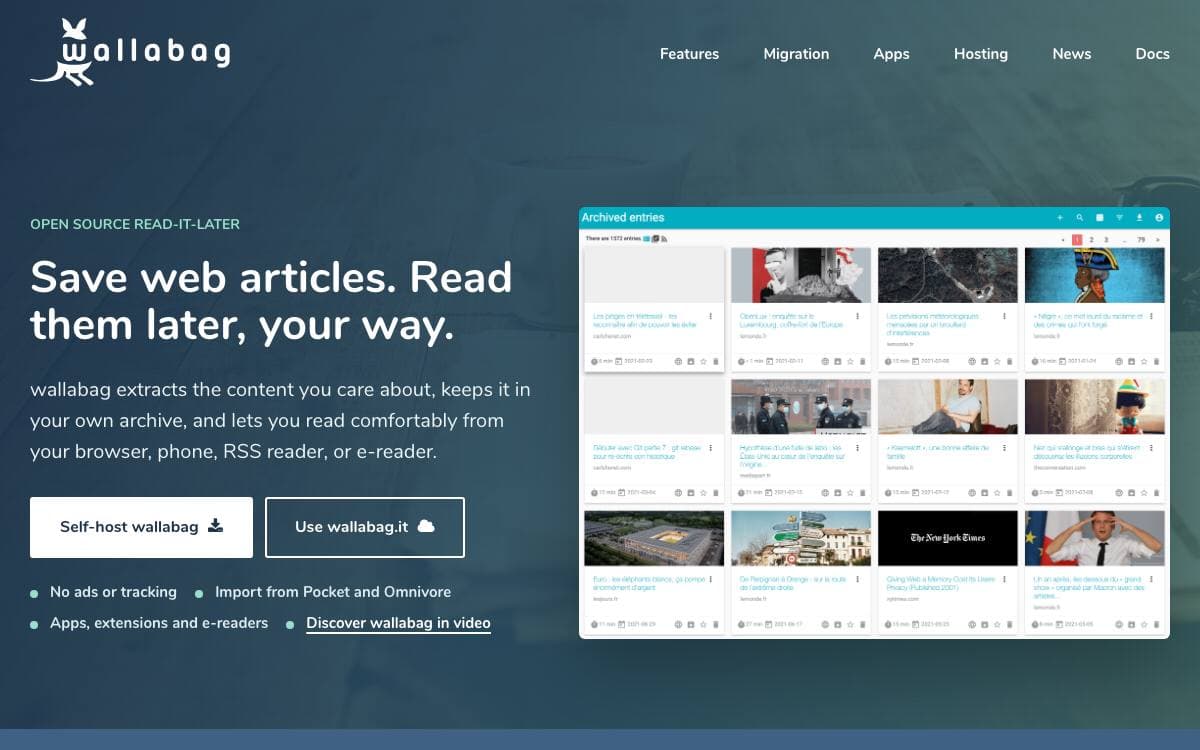
wallabag is a web application for saving web pages to read later. Click, save, and come back when you have time. It extracts the article content so pop-ups and the rest of the page furniture do not follow you into the reading view.
Extraction quality is what decides whether a tool like this is worth keeping, and wallabag leans on three well-known libraries for it, Graby, php-readability and the ftr-site-config rule set. Site-specific configuration is what makes awkward pages come out clean.
Saved articles are reachable from more than the web interface.
- Android app: an official client maintained in its own repository.
- iOS app: likewise official and developed alongside the main project.
- Browser extension: wallabagger, for saving whatever page you are currently reading.
- GNOME app: read-it-later for Linux desktops, maintained outside the project.
Installation is a git clone followed by a make install, then a virtual host pointed at the result, with other methods documented for anyone who would rather not build from source. If running a server is not appealing, the maintainers operate a hosted instance you can sign up for instead.
Maintained since 2013 and distributed under the MIT license, the project takes translations through Weblate and welcomes anyone who wants to add a language. One request from the authors: the name is always lowercase.

A self-hosted bookmark manager for people with a lot of links, built to be minimal, fast, and quick to set up.
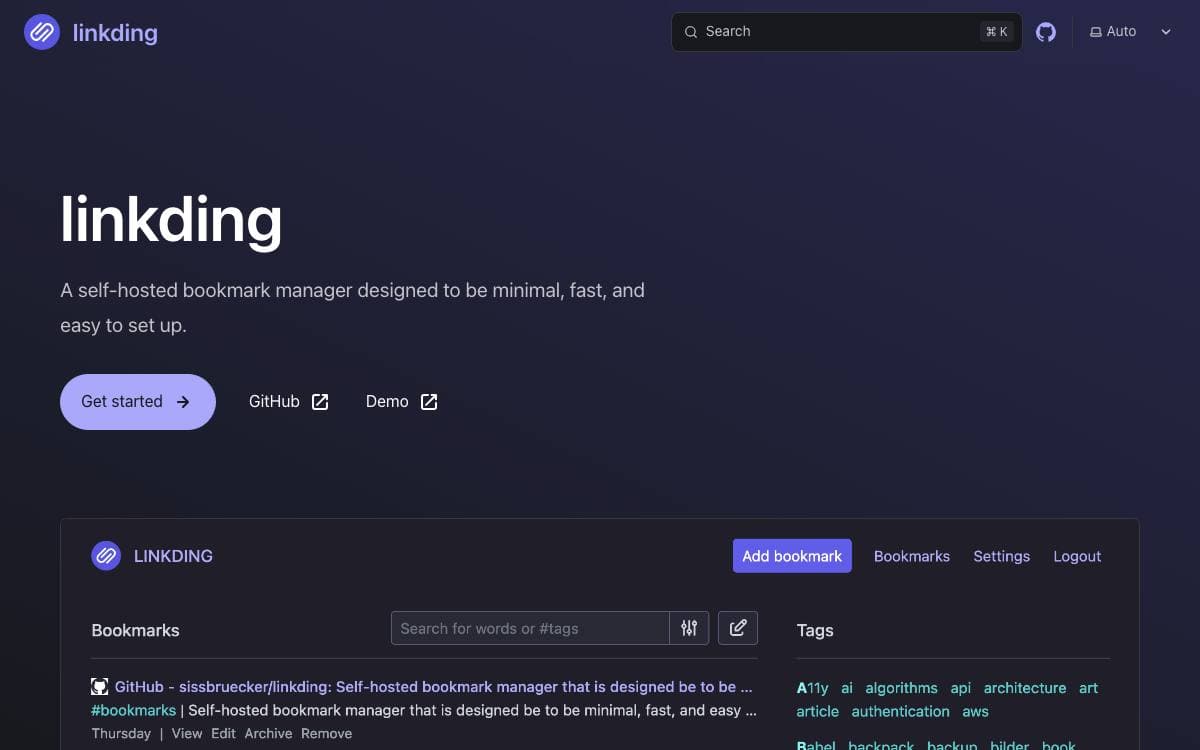
linkding is a bookmark manager you host yourself. The name is half English and half German, link plus Ding, which comes out as something for managing your links, and that modest ambition is the point of the whole project.
It is a Django application, and the intended installation route is Docker. The interface is optimized for readability, tags are the organizing structure, and bulk editing exists for the day a collection has drifted out of shape.
The features beyond storing a URL are mostly about keeping links usable over time.
- Automatic metadata: titles, descriptions, and icons are fetched from the bookmarked page.
- Archiving: pages are saved as local HTML files or sent to the Internet Archive, so a dead link is not a lost one.
- Notes and read it later: Markdown notes attach to bookmarks, and unread items stay separated.
- Sharing: bookmarks can be shared with other users of the instance or with guests.
- Import and export: collections move in and out in Netscape HTML format.
Browser extensions cover Firefox and Chrome alongside a bookmarklet, the app installs as a progressive web app, and a REST API supports third-party clients including mobile apps. Single sign-on works through OIDC or an authentication proxy, and an admin panel handles user self-service and raw data access.

A bookmark manager with a timeline view, tags and browser extensions, for people who want saved links organized and portable.
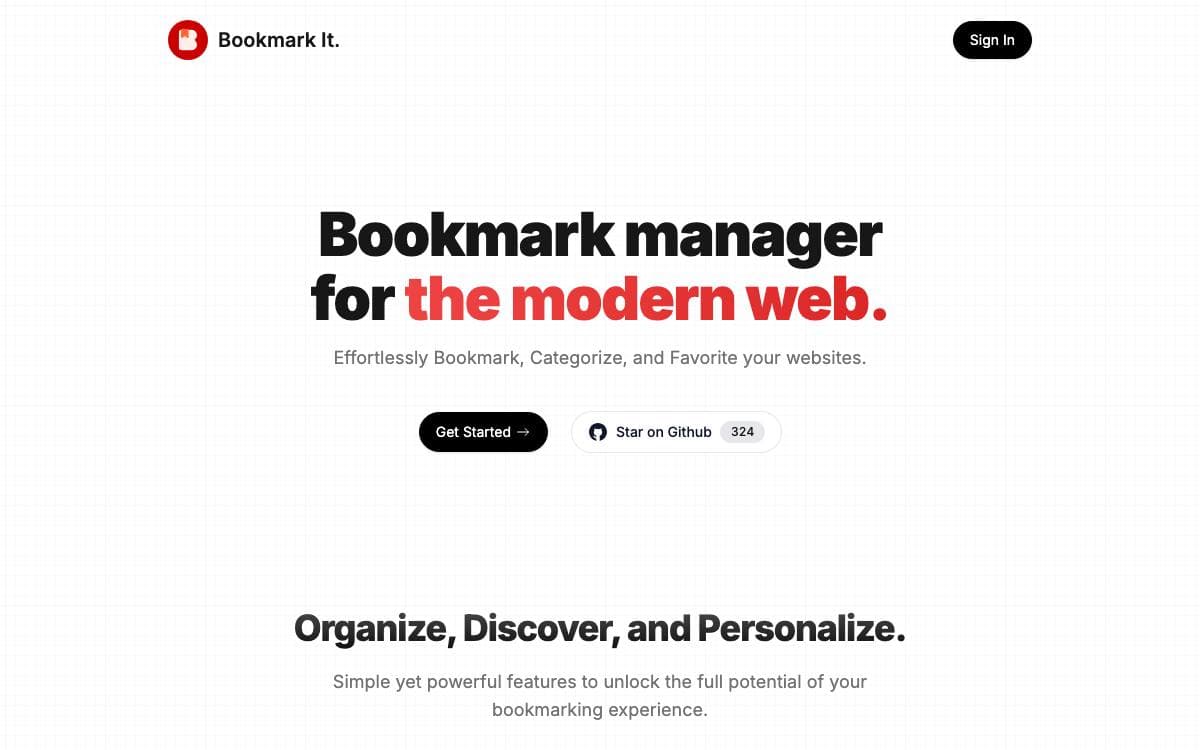
Bookmark It is an open source bookmark manager. Saved links are arranged in a timeline instead of a folder tree, so looking back over what you kept works like scrolling through your own history rather than digging through nested directories.
It was built from scratch on Next.js 14, with shadcn components and Tailwind for the interface. Supabase supplies the Postgres database and Google sign in, hosting is on Vercel, and LemonSqueezy handles payments for the paid tier.
The product page describes what happens to a link once it is saved.
- One click saving: browser extensions add a bookmark and browse the collection without leaving the tab.
- Tags: bookmarks are grouped by tag, with the tag allowance depending on the plan.
- Favorites: links worth returning to are marked and kept in their own list.
- Public sharing: a tag can be published as a shared collection.
- Import and export: browser bookmarks import in bulk, and the paid plan exports to CSV or HTML.
- Theme customization: the appearance of the interface is adjustable.
A free tier covers a monthly bookmark allowance with one unlimited import, and a yearly paid plan raises every limit and adds email support. The code is AGPL 3.0 and the author takes issues and pull requests for bugs, features and quality of life work, so the whole thing can be read, reviewed or extended by anyone who wants to.

A private macOS app that captures pages, text, links, notes and images, then finds them again through full-text search.
Capd keeps what you come across on a Mac and makes it findable later. There is no account, no subscription and no telemetry, and the library stays on the machine inside a local SQLite database and an assets folder.
Captures start from a keyboard shortcut, a drag onto the menu bar or the notch, the macOS share sheet, or the bundled command line tool. Browser captures keep the page and, where available, its readable article text, and re-capturing an item updates the existing entry instead of adding a duplicate.
- Search beyond bookmarks: titles, article text, selections, notes and text recognized inside images are all indexed.
- Filtered queries: narrow results by site, tag and date from the same field you type keywords into.
- Ask Cap: Apple Intelligence assembles an on-device answer whose claims link back to the captures behind them.
- Automatic tagging: captures are grouped into a small vocabulary on device, without their contents leaving the Mac.
- CLI and Raycast: the capd command adds, searches and exports, and a Raycast extension reads the same library.
A read-only MCP server offers search and cited answers to compatible AI assistants, and the CLI prints stable JSON for scripts. Network behavior is limited and written down in the privacy guide, and several of those features can be switched off.
Released under the MIT license, the app needs macOS 26 or later and runs on Apple silicon and Intel machines. Installation comes from a notarized disk image or through Homebrew.

A bookmark manager with end-to-end encryption on Stacks, for people who want their saved links private across web, Android and iOS.
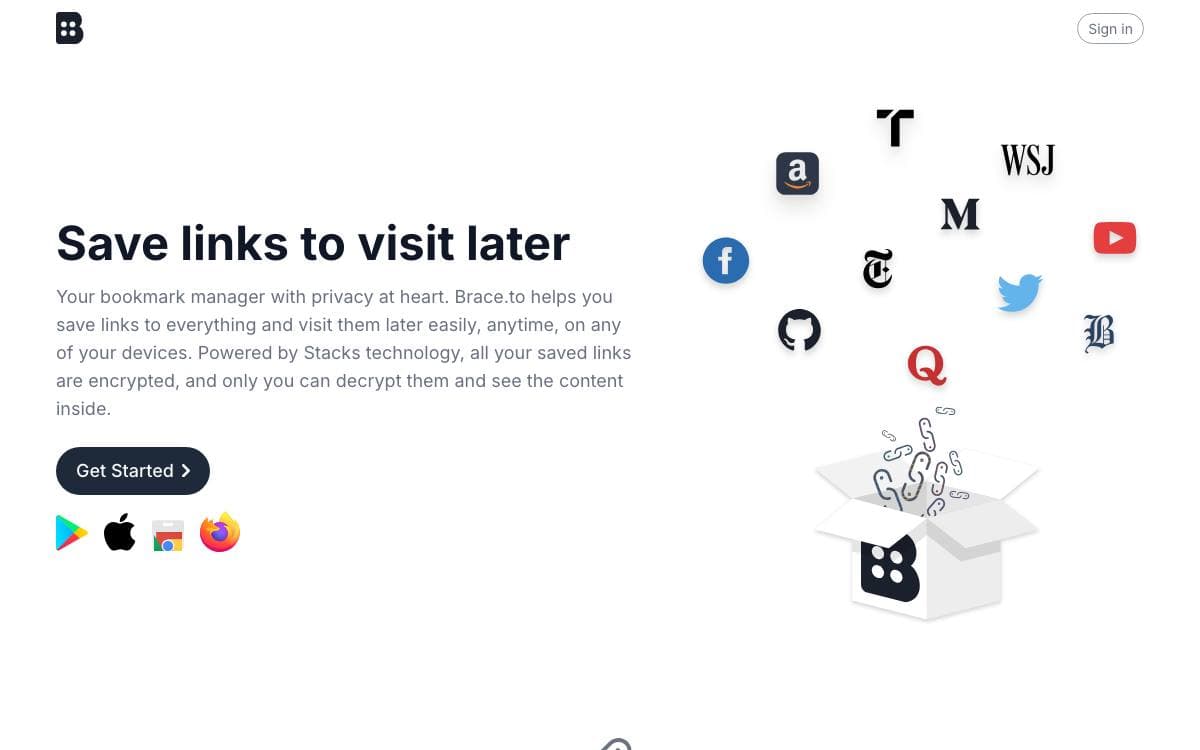
Brace.to saves links and keeps the decryption key with you rather than on a server. Everything you store is encrypted through Stacks technology, so the service holds content it cannot read, and the same collection opens on the web, on Android and on iOS.
The web client is React with Redux and Tailwind CSS, talking to Stacks through the Hiro JavaScript library, and the mobile apps are React Native. Both live in one repository under a packages directory, and either one starts with an npm install followed by npm run start.
The feature set stays close to what a bookmark manager actually needs.
- End-to-end encryption: only the key you hold opens the saved links.
- Nested lists: folders hold folders, and any list can be locked.
- Pinning and tags: links pin to the top, and tags cut across the list structure.
- Dark mode: a dark theme ships with the interface.
- Three clients: web, Android and iOS share one account and one encrypted store.
Pocket, Raindrop and Saved.io are named as the inspirations, and the MIT license makes this a light option for anyone who wants a hosted read-later service whose operator cannot see what was saved. Bug reports and feature requests go through GitHub issues or the support channels linked from the site, and contributions are welcomed.


