Open Source Insomnia Alternatives
A curated collection of the 8 best open source alternatives to Insomnia.
The best open source alternative to Insomnia is Hoppscotch. If that doesn't suit you, we've compiled a ranked list of other open source Insomnia alternatives to help you find a suitable replacement. Other interesting open source alternatives to Insomnia are: Bruno, HTTPie, Yaak and Scalar.
Insomnia alternatives are mainly API Development & Testing but may also be Documentation & Knowledge Base or Browsers & Extensions. Browse these if you want a narrower list of alternatives or looking for a specific functionality of Insomnia.

Browser-based API development platform for building, sending and testing requests across REST, GraphQL, WebSocket and MQTT, solo or with a team.
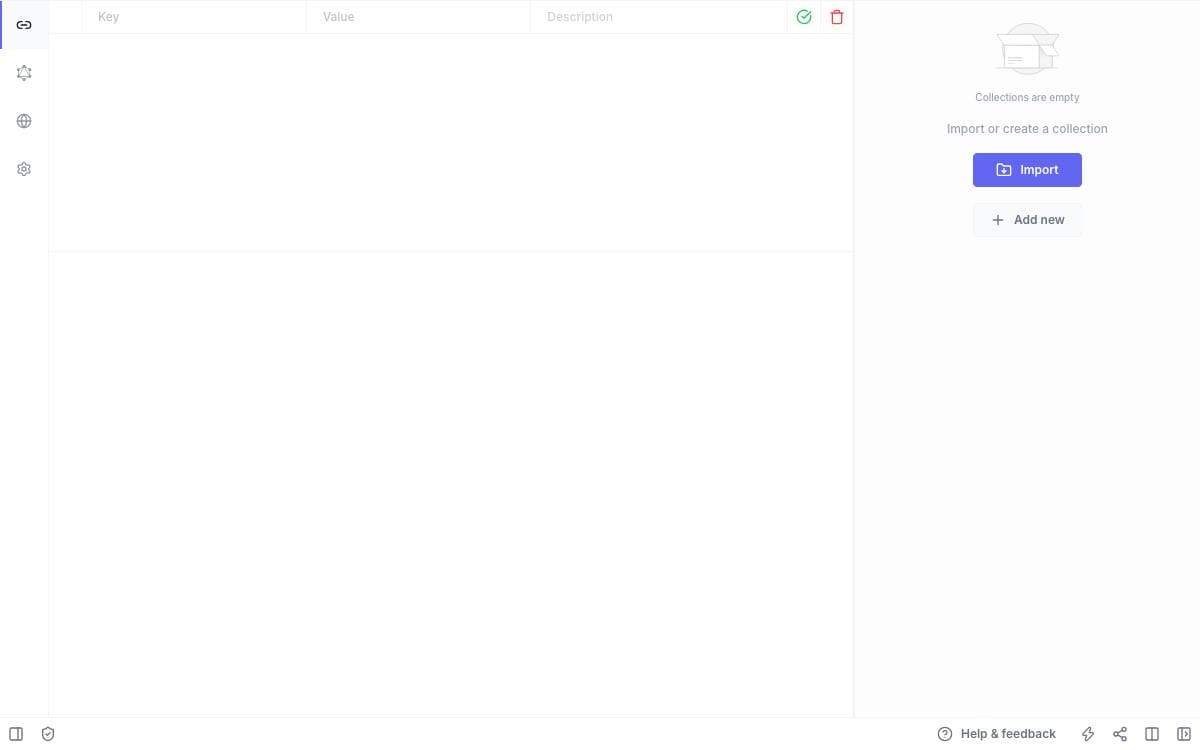
Choose a method, enter an endpoint, send. Hoppscotch keeps API development inside a deliberately minimal interface and shows the response as it arrives. Requests can be shared by link or exported as code snippets for more than ten languages and frameworks.
It installs as a progressive web app, with service workers for instant loading, offline support and low memory and CPU use. A proxy mode reaches APIs that a browser would otherwise block, fixing CORS problems and unencrypted endpoints, and themes and keyboard shortcuts are there for people who live in the tool.
Protocol coverage goes well past ordinary web requests.
- Protocols: every standard request method plus custom ones, WebSocket, Server-Sent Events, Socket.IO, MQTT and GraphQL with schema queries and docs.
- Authorization: basic, bearer token, OAuth 2.0 and OIDC access token with PKCE.
- Collections and environments: unlimited nested folders and reusable variables, exportable as a file or a gist.
- Scripts and tests: JavaScript before a request and after a response, to set variables, parse data and assert status codes.
- Teams and workspaces: shared collections with role-based access control, personal and team workspaces, and an admin dashboard.
Signing in with GitHub, Google, Microsoft or email syncs history, collections, environments and settings across devices, letting you hand a task off between machines. Single sign-on is reserved for the enterprise edition.

An offline API client that stores collections as plain text files in your repository, so Git handles versioning and team sharing.
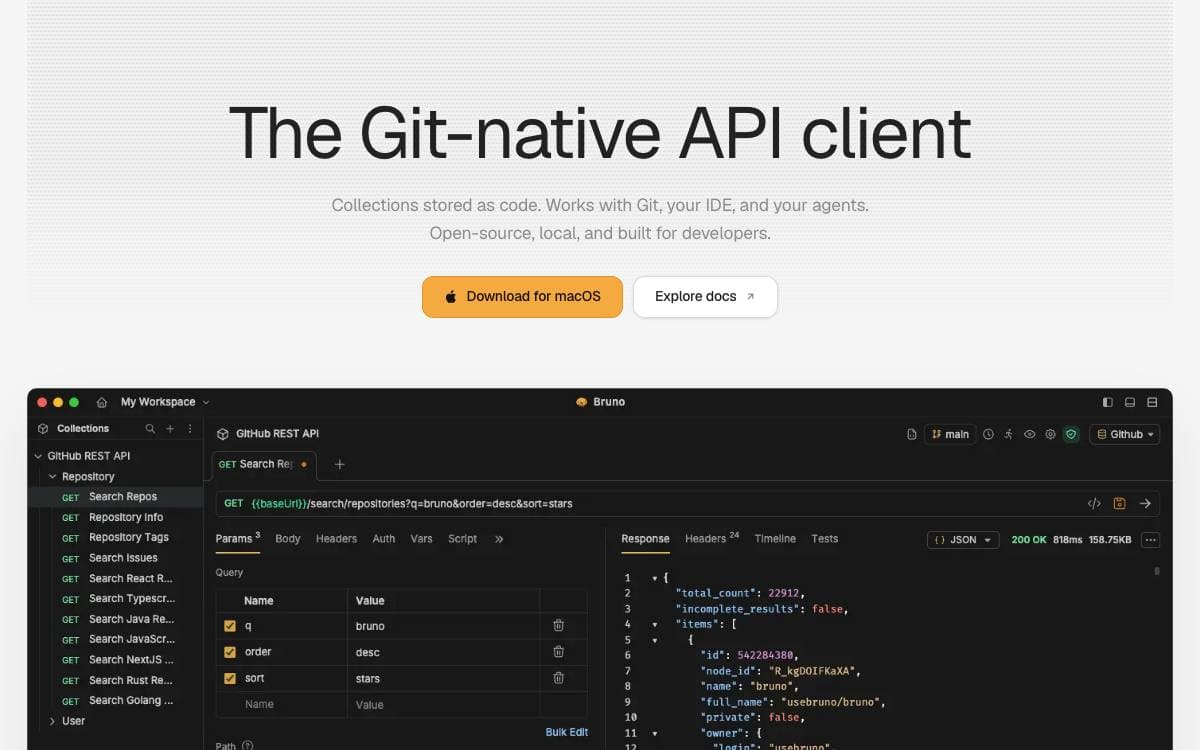
Where an API client keeps your collections turns out to matter, and Bruno's answer is a folder on your filesystem. Requests are saved in a plain text markup language called Bru, which means Git or any other version control system you already use handles collaboration over those collections.
The application is offline only, and the maintainers say there are no plans to add cloud sync, ever, on the grounds that your data should stay on your device. Desktop builds cover Mac, Windows and Linux, installable by direct download or through Homebrew, Chocolatey, Scoop, winget, Snap, Flatpak, the AUR and Apt.
Automation is handled by a separate command line tool.
- Bruno CLI: installed from npm, it runs a whole collection or a single request from a terminal.
- Docker images: official CLI images are published to Docker Hub and the GitHub Container Registry on every release.
- Image variants: alpine and debian builds cover both amd64 and arm64 Linux hosts.
- CI examples: the documentation covers GitHub Actions, GitLab CI and Jenkins pipelines.
Most features are free and open source under MIT, with paid tiers for teams that want more, a balance the maintainers set out in a public long-term vision document. For anyone who wants API collections reviewed in pull requests next to the code they exercise, that filesystem-first design is the entire point of the tool.

A command-line HTTP client with natural syntax and colorized output, made for testing, debugging and poking at APIs by hand.
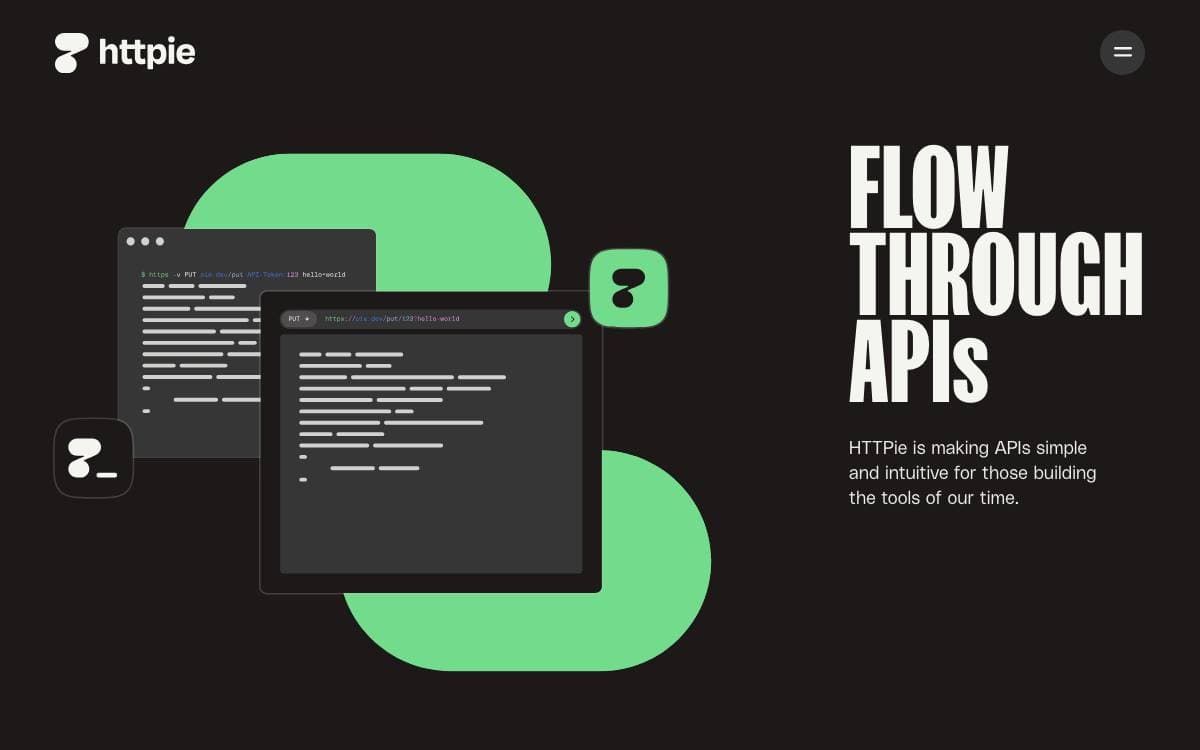
HTTPie exists because curl is a fine tool with a syntax nobody enjoys typing. Its HTTP and HTTPS commands build arbitrary requests out of short, readable arguments and print responses formatted and colorized, which turns API work from a quoting exercise into something closer to conversation.
A request is assembled from plain tokens on the command line. A token like name=John becomes a JSON field, a token like X-API-Token:123 becomes a header, and the method and URL sit where you would expect them. JSON support is built in, so bodies are serialized and responses pretty printed without reaching for a flag.
The everyday capabilities are these.
- Expressive syntax: headers, query parameters and JSON fields expressed as short key value tokens.
- Formatted output: responses colorized and indented in the terminal by default.
- Forms and file uploads: multipart bodies and file attachments without extra tooling.
- Sessions: persistent sessions carry cookies and authentication across invocations.
- Offline mode: build and print a request without sending it, useful for checking what a client would emit.
- Downloads: wget-like saving of response bodies straight to disk.
HTTPS, proxies, custom headers and authentication are all handled directly. One footnote if you judge projects by stars. The repository was briefly made private by accident and GitHub deleted a community built over a decade, some 54,000 stars, which is why the counter looks modest for a client this widely used.

Offline-first desktop API client for REST, GraphQL, gRPC, WebSocket and SSE, for developers who want no telemetry or cloud lock-in.
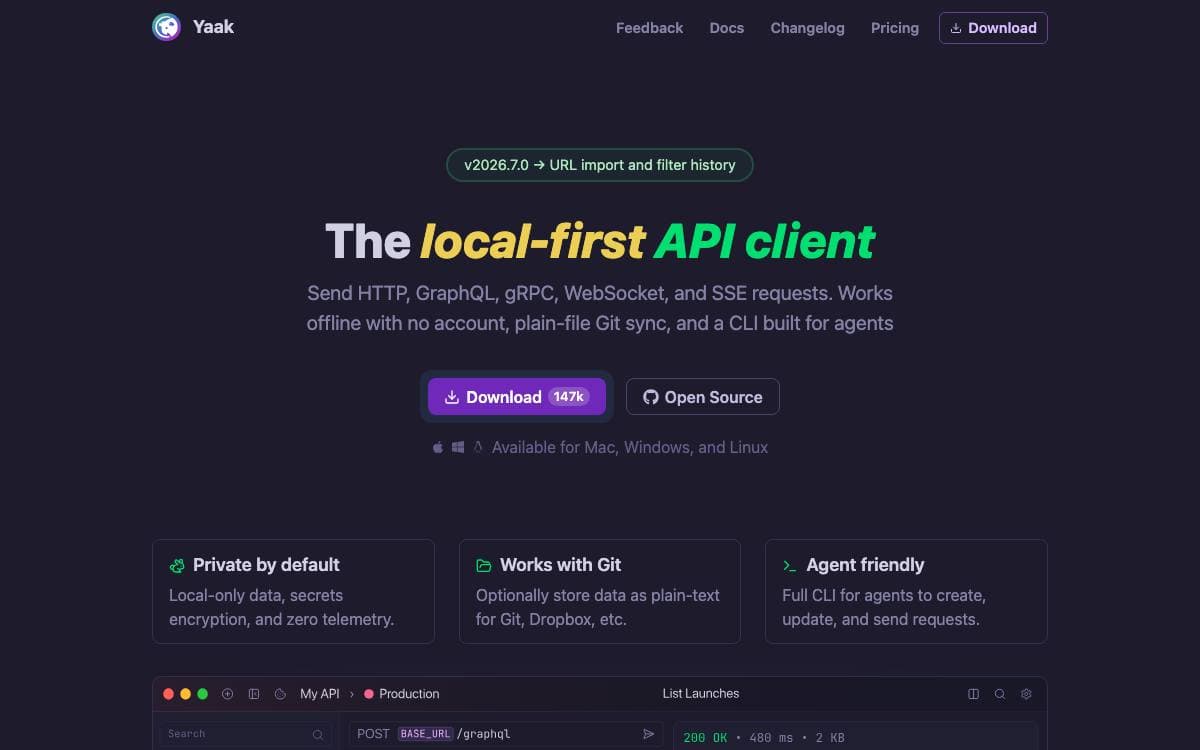
Yaak is a desktop API client designed to stay out of your way. It sends requests over REST, GraphQL, gRPC, WebSocket and Server-Sent Events, and it does that without telemetry, without an account and without a cloud service holding your collections hostage.
It is built with Tauri, Rust and React, which keeps the app small and quick to start. Existing work comes across through importers for Postman, Insomnia, OpenAPI, Swagger and Curl, so moving over does not mean rebuilding a collection request by request.
The rest of the feature set follows from being a local application.
- Response inspection: filter and read what came back using JSONPath or XPath.
- Authentication: OAuth 2.0, JWT and Basic Auth built in, with plugins for anything unusual.
- Secrets: sensitive values are encrypted, and secrets can live in your operating system keychain.
- Git-friendly workspaces: workspaces mirror to the filesystem for versioning in Git or syncing through Dropbox.
- Customization: template tags insert dynamic values like UUIDs and timestamps, themes ship built in or you write your own, and plugins extend auth, tags and the interface.
Requests group into workspaces and nested folders, and environment variables switch between dev, staging and prod. Development is funded by community-purchased licenses rather than investors, which is the reason the app has no cloud tier to upsell. Community pull requests are limited to bug fixes, so read the contribution policy before starting one.

Toolkit that renders OpenAPI documents as an interactive API reference and pairs it with an offline-first API client.
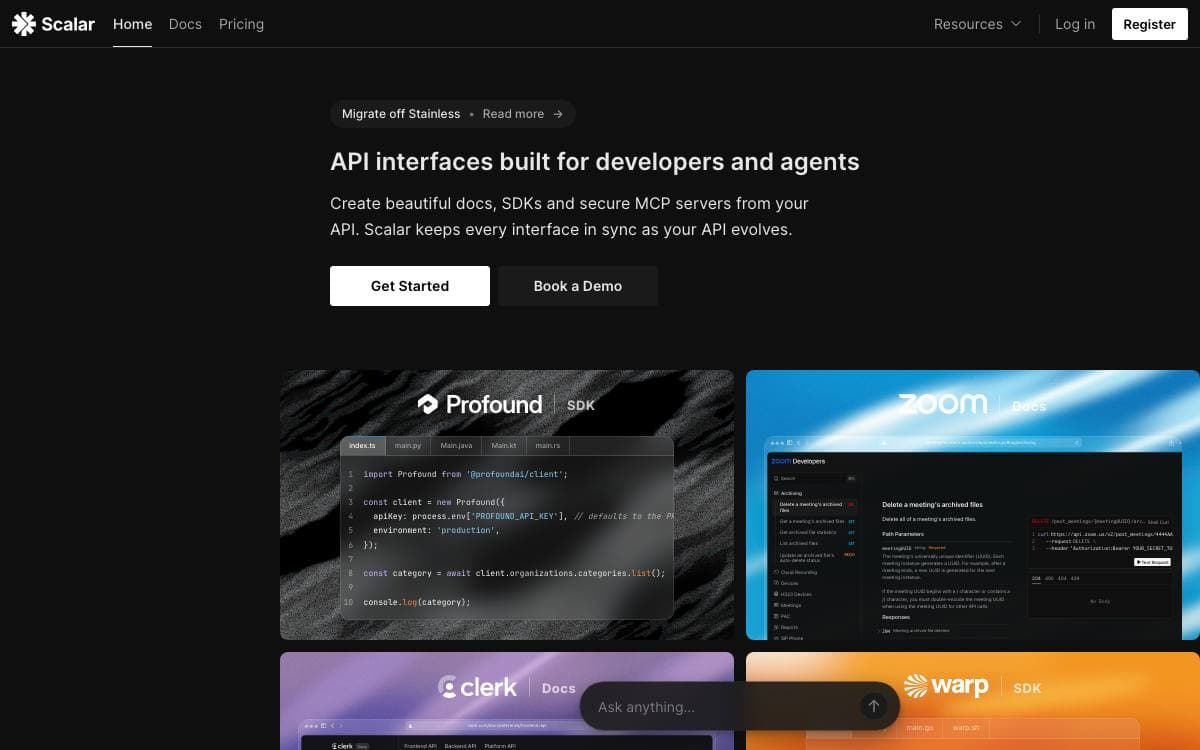
Scalar takes an OpenAPI or Swagger document and renders it as an interactive API reference that does not look like it was designed in 2011. Next to it sits an API client for calling the endpoints, so reading a specification and trying it become the same activity.
Publishing a reference is a single HTML file: load the package from a script tag, point it at your document, and add a proxy address for the CORS problem that always turns up. Code examples are generated for many languages and frameworks from the same document.
The surrounding pieces are worth knowing about.
- API client: offline-first and open source, with environment variables and dynamic parameters, in the browser or downloaded for Windows, macOS and Linux.
- Watch mode: the client keeps itself in sync with your server framework as the specification changes.
- Framework integrations: ASP.NET Core, Django, Express, FastAPI, Fastify, Flask, Go, Spring Boot, SvelteKit, Vue and dozens more.
- Built-in adoption: Effect, ElysiaJS, Litestar, Nitro, oRPC and Platformatic ship Scalar as their default OpenAPI interface.
- Supporting tools: a registry for managing documents, an SDK generator, a CLI, a mock server and an online editor.
Everything here can be self-hosted straight from the repository. A managed service is offered alongside it, with a free tier that publishes references on a project subdomain with SSL, GitHub sync, free-form documentation, team collaboration and support for your own domain.

A Git-native desktop API client for designing, testing and sharing HTTP requests, with local, team-synced or self-hosted storage.
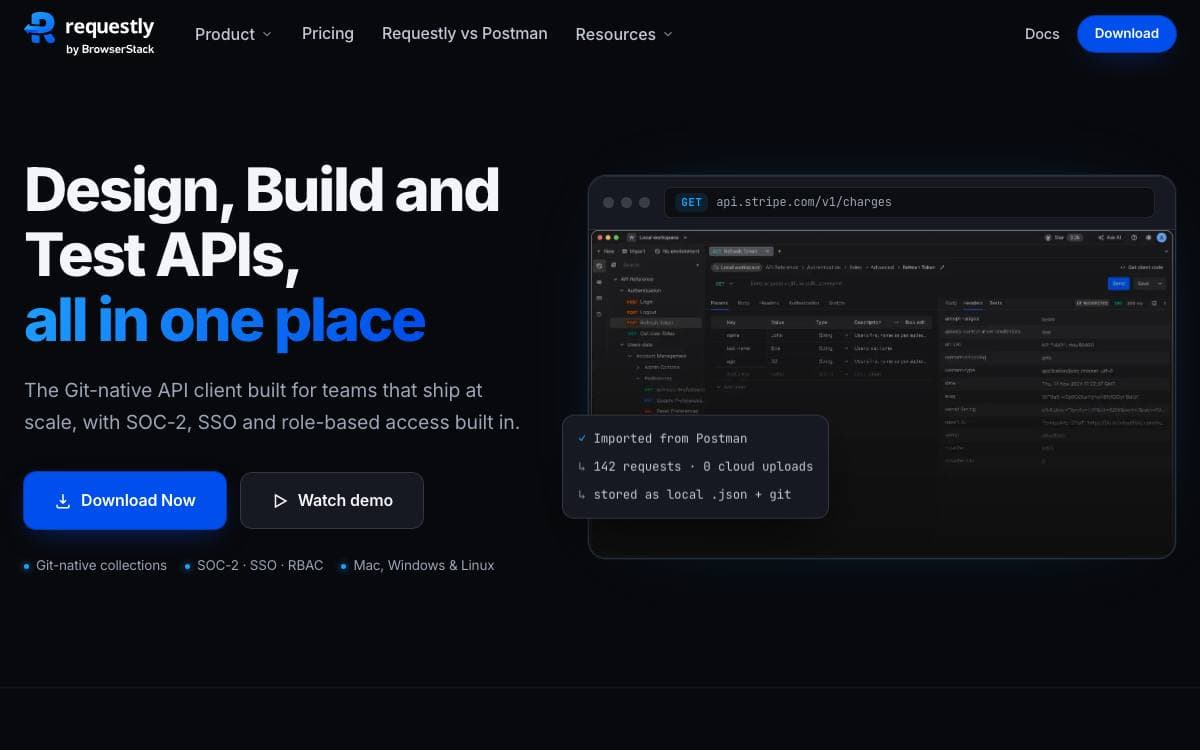
Requestly API Client is a desktop application for designing, building and testing APIs. Collections can stay in a local workspace, sync across a team, or live on a self-hosted deployment, so request data and secrets never have to sit in someone else's cloud by default.
One thing to establish before cloning. This repository is the community hub for the API Client, not its source: the application itself is proprietary, and the open source HTTP Interceptor extension and web app moved to a separate repository in the same organization, where they remain maintained.
The client covers the everyday shape of API work.
- REST playground: keep every request in one place and run them whenever you need to.
- Pre and post scripts: adjust a request before it is sent and process the response once it returns.
- GraphQL support: schema introspection and auto-completion when testing GraphQL endpoints.
- Import and export: pull in API contracts from cURL, Postman or OpenAPI in one step.
- Git sync: keep collections in a Git repository and collaborate through the review process you already use.
Builds exist for macOS on Apple Silicon and Intel, Windows and Linux. Use is free for up to ten collaborators, with team and enterprise tiers adding governance, SSO, SAML, audit logs and on-premise deployment. Bugs, feature requests and the roadmap stay public here even though the client code does not.

A multi-protocol API client for Rest, GraphQL, WebSocket and Socket.IO, built for teams that design, test and share collections.
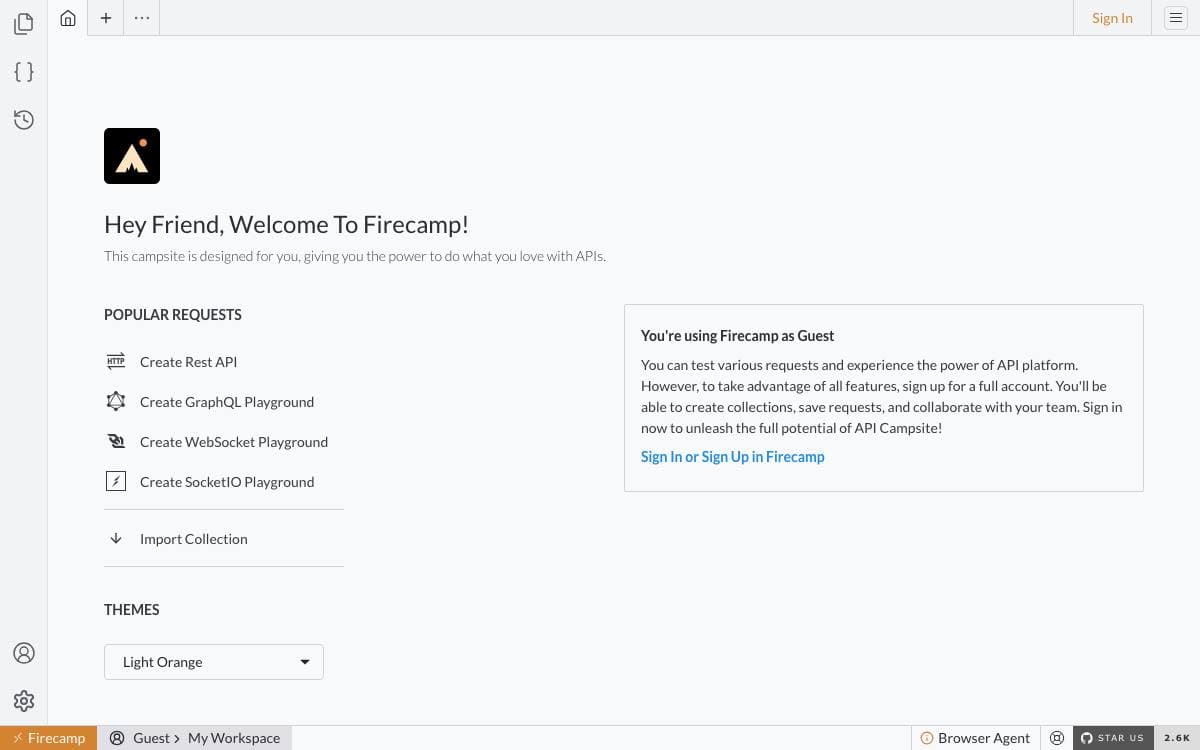
Firecamp is an API development platform aimed at the job Postman occupies, letting developers design, develop, test and document APIs in one place. Its stated ambition is to bring the VS Code approach to that work, keeping the interface minimal and the developer experience first, so people stop hopping between tools mid task.
Protocol coverage is what separates it from a plain REST client. Each protocol gets its own graphical playground instead of a shared request form, so a WebSocket connection is visualized as a stream of messages and a Socket.IO session shows each emitter and listener event, alongside the usual Rest and GraphQL work. Collections and environments are shared across a workspace, which is how backend, frontend and mobile people stay on one source.
The platform is organized around a handful of pieces.
- Collections: group APIs so a whole team can work on them together.
- Playgrounds: a dedicated interface per protocol, covering Rest, GraphQL, WebSocket and Socket.IO.
- Authentication: test and debug auth endpoints across the supported schemes.
- Scripts: attach pre-request and test scripts to a call.
- Dynamic variables: set a value once and reuse it throughout the platform.
Desktop builds are published for macOS on Intel and Apple silicon, Windows, and Linux as an AppImage, and a web version runs after signing in on the project site. Several things people would expect are still on the roadmap rather than shipped, including self-hosting, a CLI for pipelines, a visual collection runner, published API documentation, custom SSL certificates, proxy support and history.

An offline, Git-native API workspace where requests, tests, and documentation live together in plain-text files you version like code.
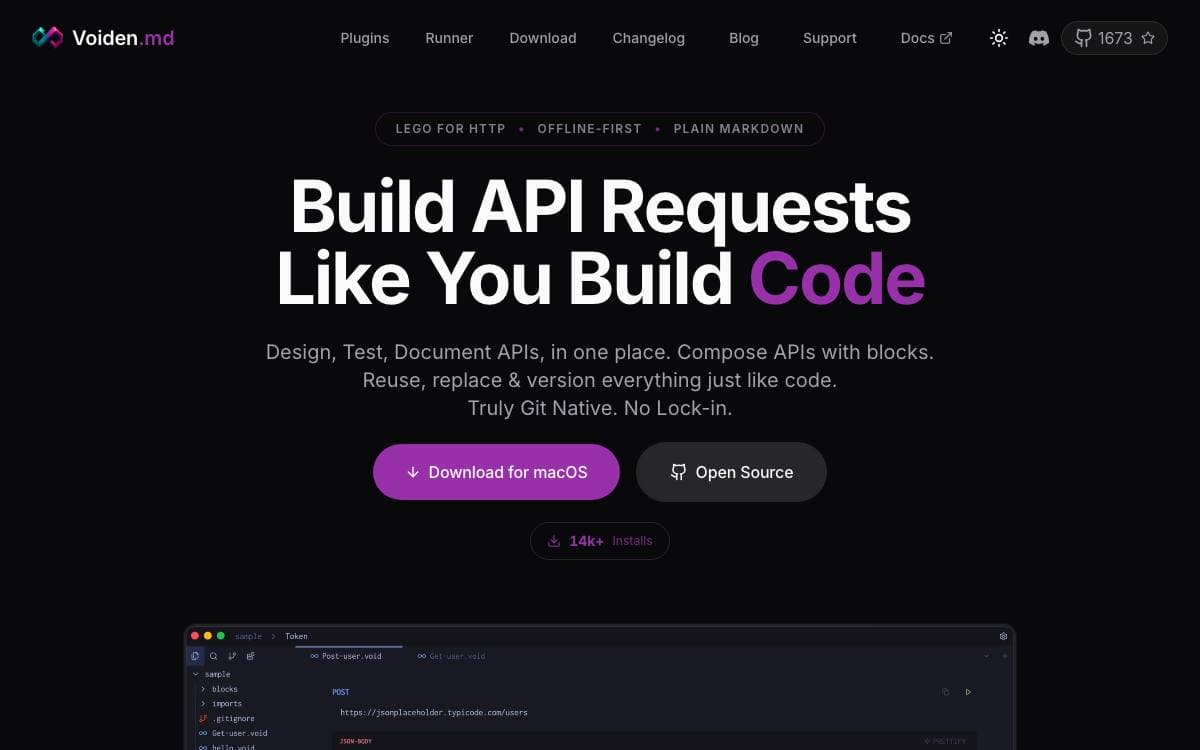
Voiden is an offline API client for developers, QA engineers, and technical writers who would rather keep requests, tests, notes, and docs in one file than across four tools. Nothing is locked in a proprietary workspace: a void file is text, so it diffs, greps, and merges the way the rest of your repository does.
Built with Electron, TypeScript and JavaScript, Voiden requires no account and sends no telemetry. A void file combines YAML frontmatter, a Markdown body, and structured request blocks. Requests decompose into blocks for the endpoint, auth, params, and body, reused across files the way functions are.
Protocol support and workflow features arrive as plugins you install or remove.
- Protocols: REST, GraphQL, gRPC, and WebSockets, each a plugin, with a community catalog alongside.
- Imports: bring in Postman, Insomnia, and OpenAPI collections and generate native void files, one per request.
- Scripting: run JavaScript, Python, or shell scripts before a request and after a response.
- Stitch runner: batch-execute void files with glob patterns, stop on failure, variable isolation, configurable delays, and environment selection.
- Collaboration: review API changes through Git branches and pull requests, not a vendor's team workspace.
- Voiden Runner: a headless CLI on Node.js 18 or later runs the same files in a terminal, CI/CD, or cron.
Installers cover macOS, Windows, and Linux, with Homebrew, apt, snap, and a Nix flake as package manager routes, each with a beta channel. Since version 2.1.1 the Windows installer is signed through Azure Trusted Signing, so SmartScreen may warn while the build accumulates download reputation.


